Customise your password strength
Choose exactly how strong you want your passwords to be. Set the character length and fine-tune complexity by enabling or disabling uppercase letters, lowercase letters, numbers and symbols.
Protect your accounts with Keeper's free password generator. Whether you're setting up a new account or updating an old one, generate strong, unique passwords in seconds — no account required.
Enjoyed using the password generator above? Get more features to strengthen your accounts by starting a free trial of Keeper Password Manager.
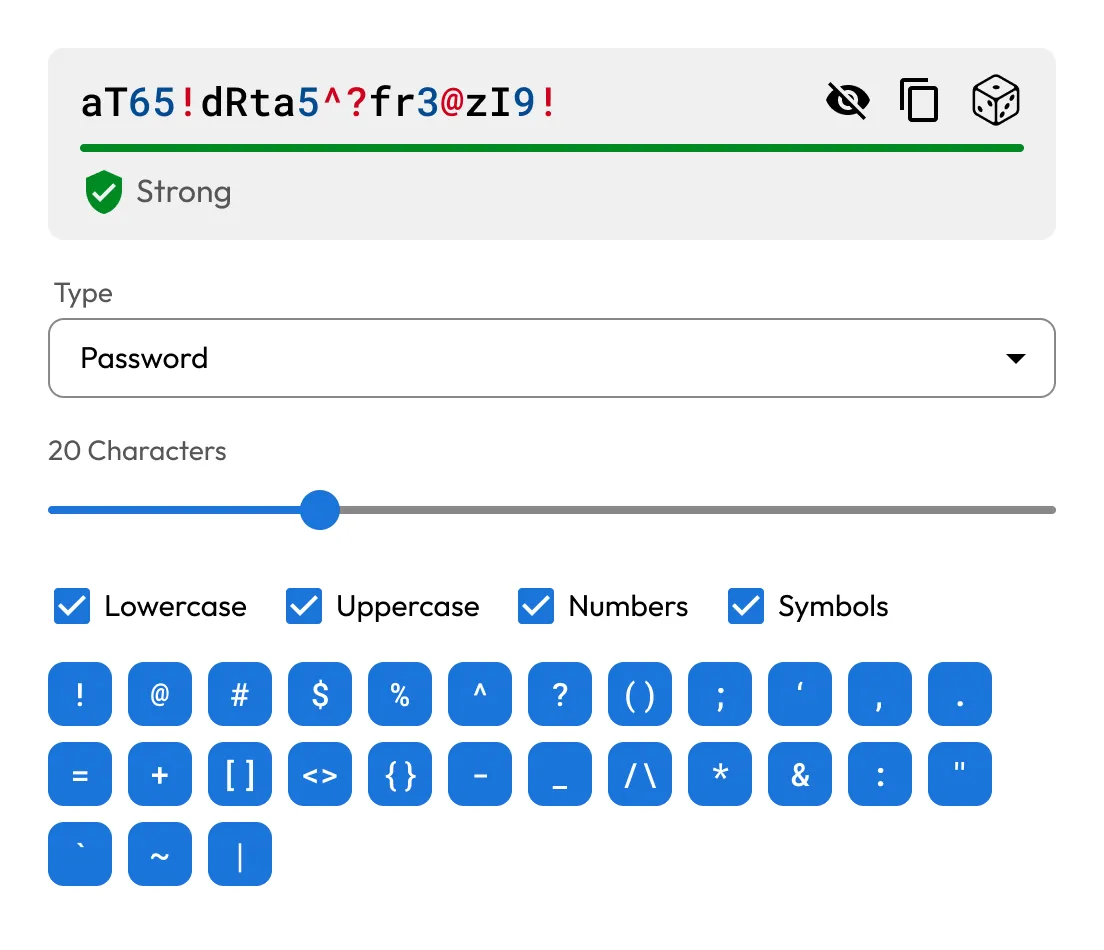
Choose exactly how strong you want your passwords to be. Set the character length and fine-tune complexity by enabling or disabling uppercase letters, lowercase letters, numbers and symbols.
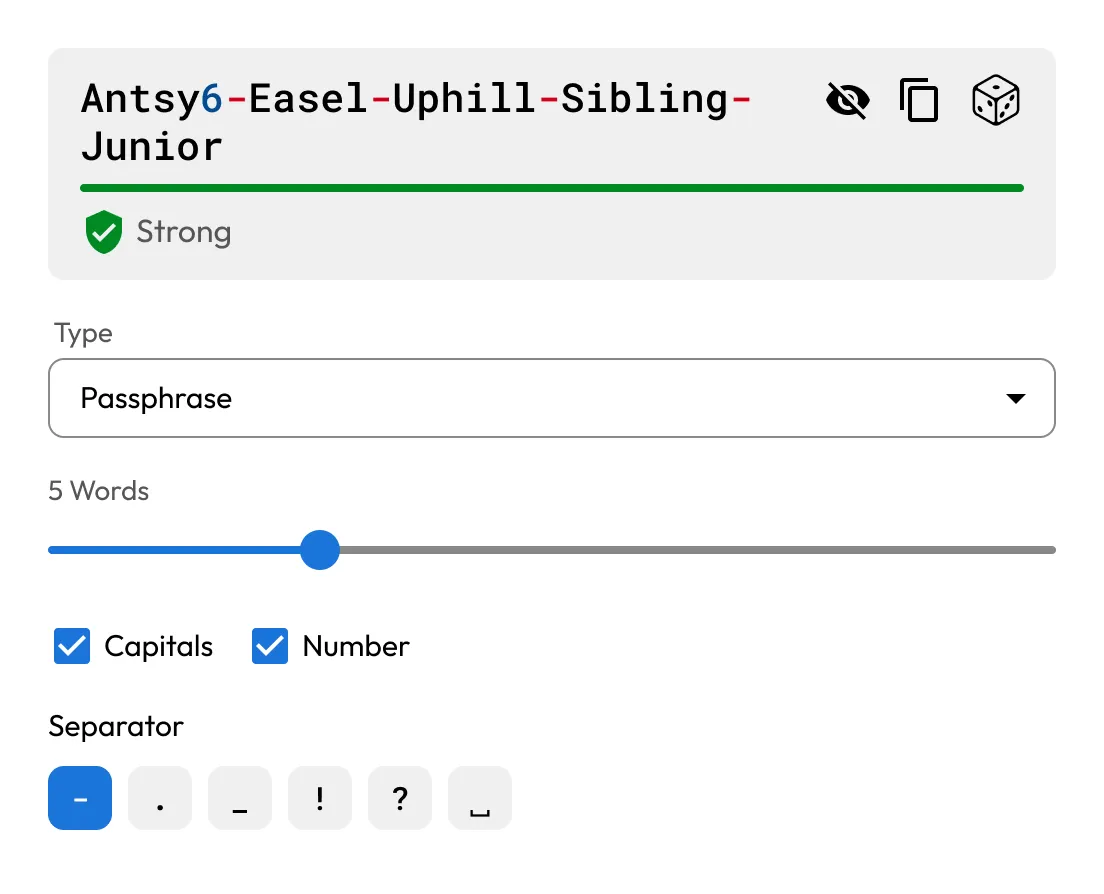
Create strong, multi-word passphrases that are easy to remember and hard to guess. You can adjust the number of words, add capital letters or numbers and choose your own word separator to meet your security standards.
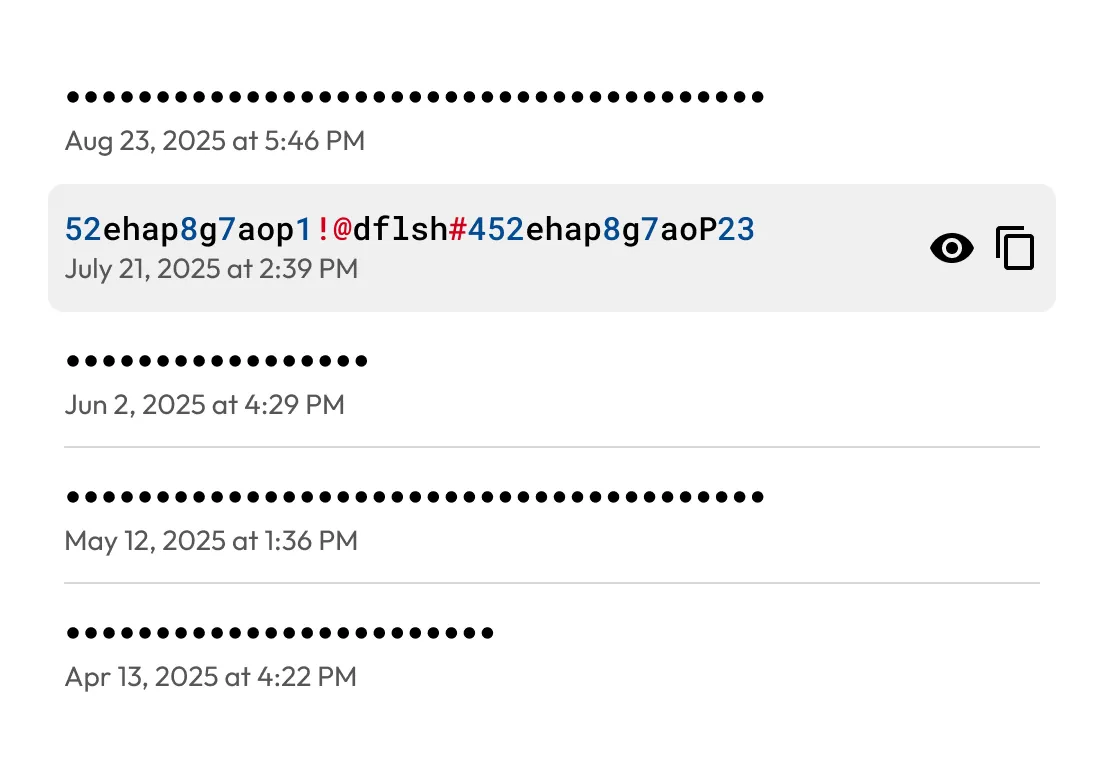
Need to revisit a recently generated password or passphrase? Keeper securely stores your generator history so you can easily access and reuse what you've created.
For business and enterprise users, admins can set rules for password complexity. Enforce minimum lengths, required character types and passphrase rules across teams.
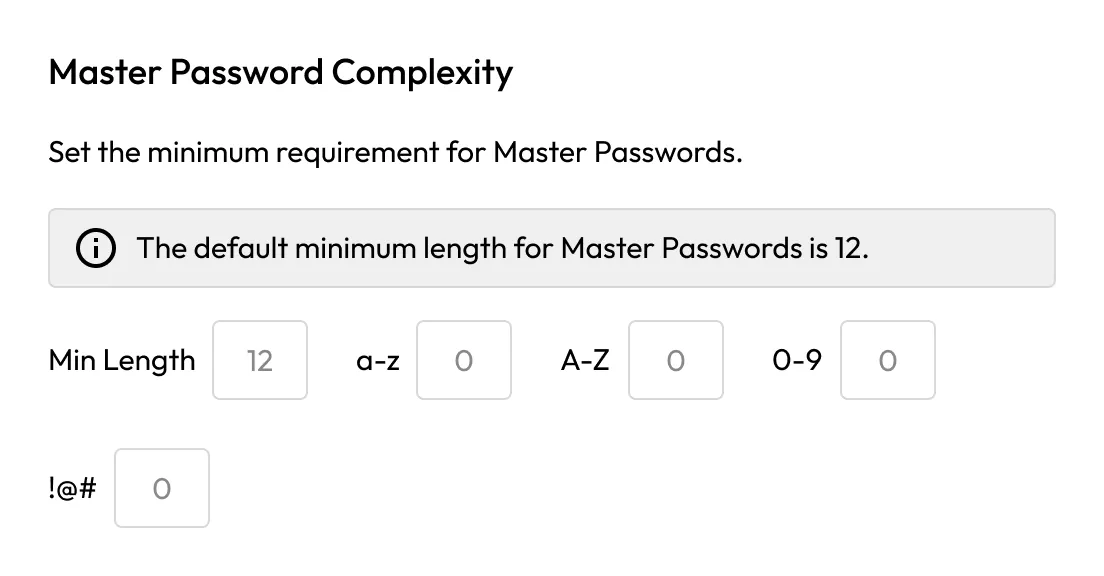
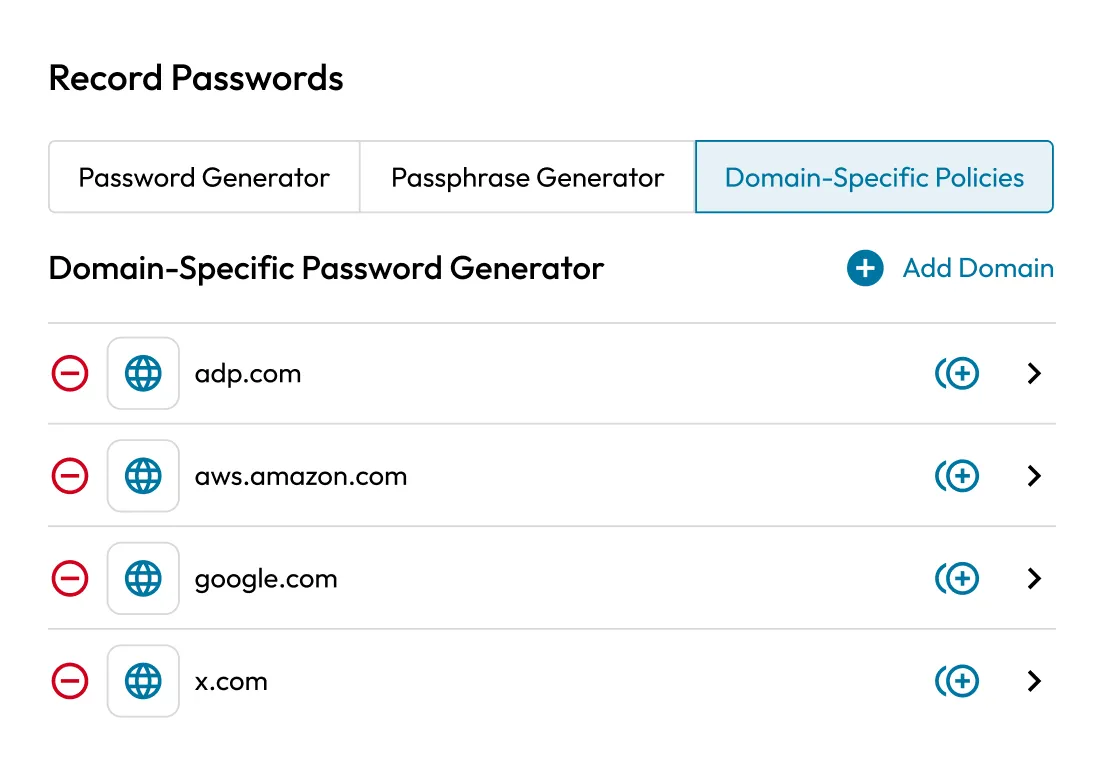
Admins can enforce password and passphrase rules by domain, including length, character types and allowed symbols. This ensures users generate credentials that meet internal security and compliance standards.
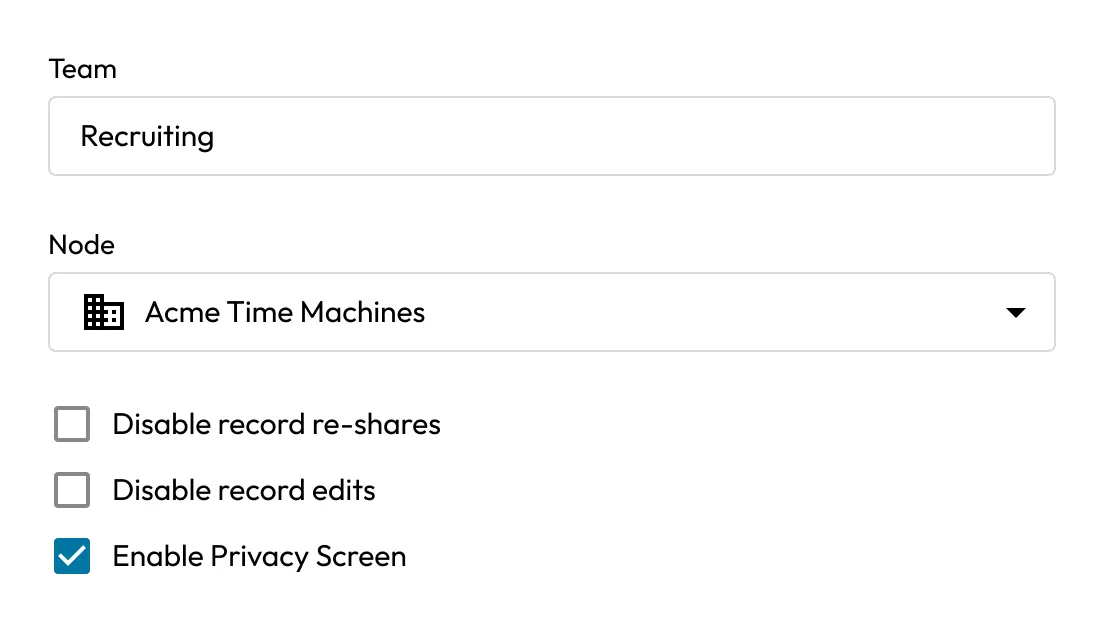
Privacy Screen hides passwords in the Keeper Vault, browser extension and mobile apps. It can be applied by team, role policy or record type. With this policy enabled, passwords are not visible by default.
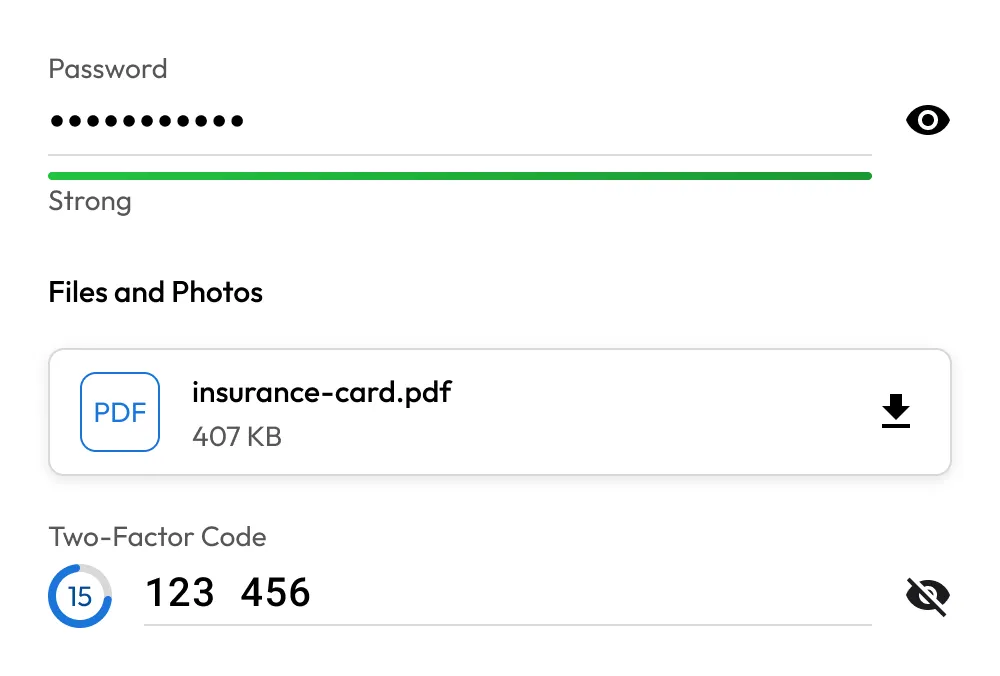
From passwords and passphrases to passkeys, payment info, files and private notes, Keeper secures it all in your encrypted vault, backed by a zero-knowledge architecture.
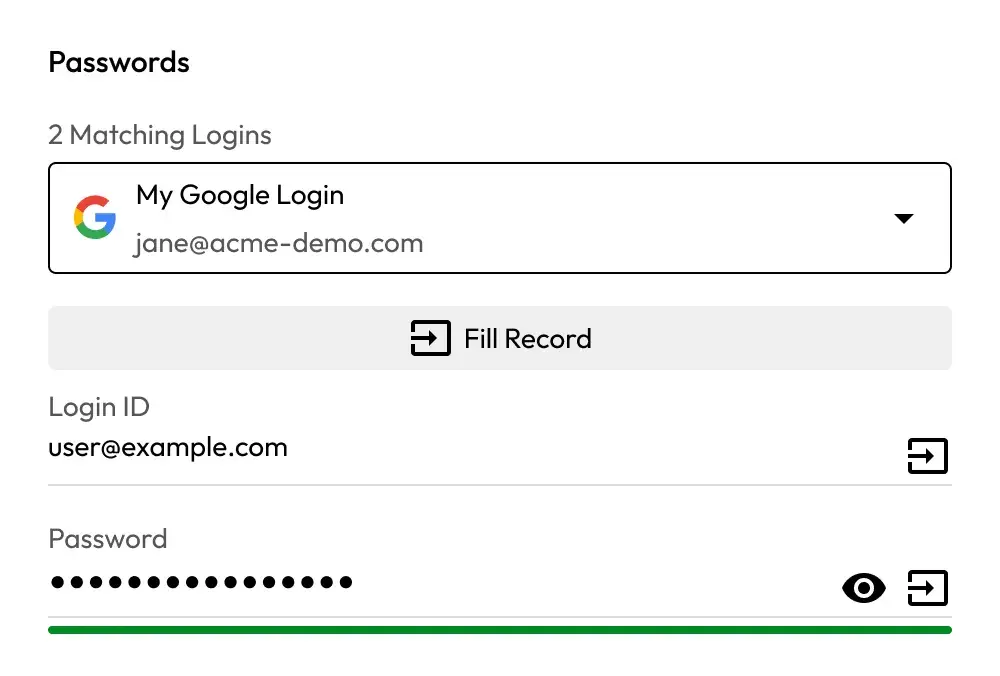
KeeperFill® works across browsers, apps and mobile devices to autofill logins and forms; no more copying, pasting or forgotten credentials.
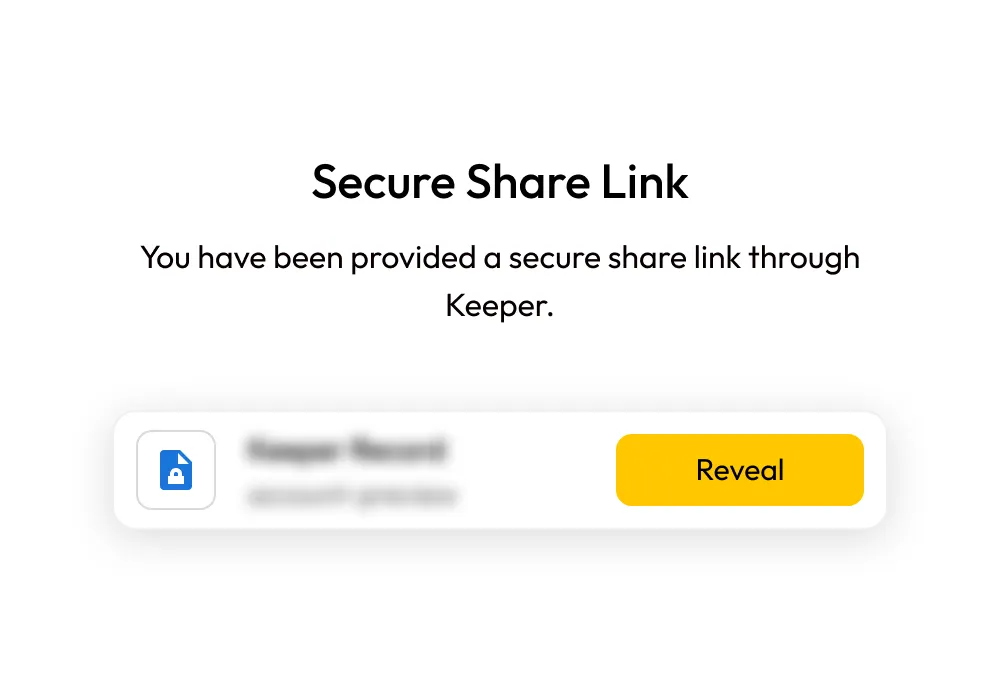
Securely share individual records with anyone using One-Time Share — even if they don't have a Keeper account. You choose who can view it and for how long, with access automatically expiring when time's up.
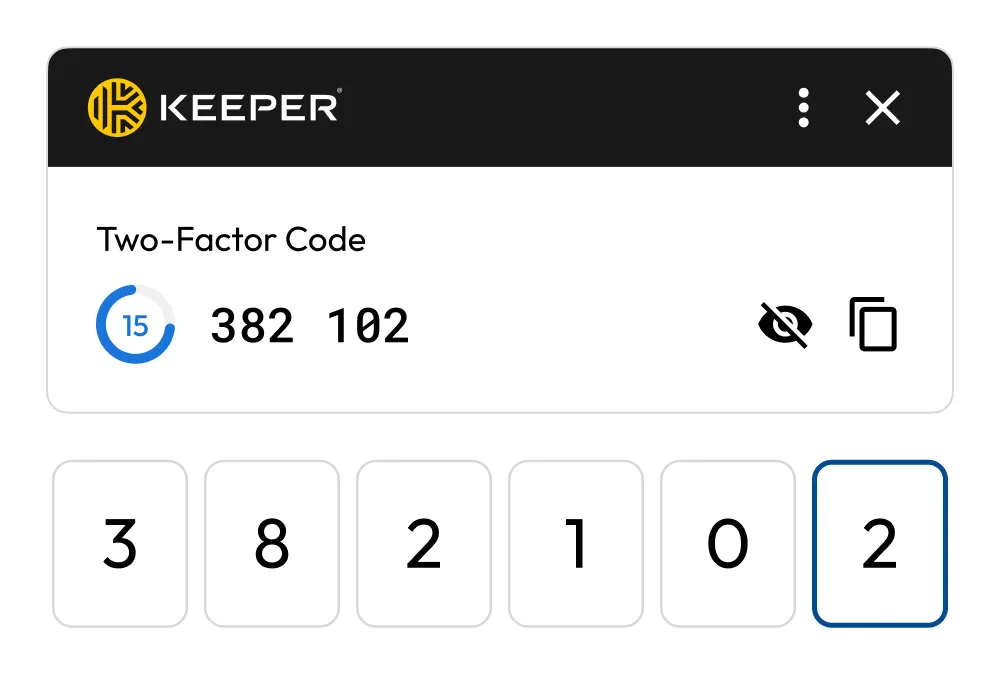
Add an extra layer of security with built-in Time-based One-Time Password (TOTP) support. Keeper stores and autofills your 2FA codes directly from your vault; no separate app needed.
No. Keeper's password generator tool is completely free to use. You don't need to create a Keeper account to use it. However, to save and manage your generated passwords securely, creating a Keeper account is recommended.
No. Passwords generated here are created in your browser and are never stored or transmitted to any server, including Keeper's server.
If you're not using a password manager, you won't be able to retrieve a generated password after leaving this page. We recommend saving your passwords securely with Keeper Password Manager.
A strong password should be challenging for others to guess or crack, and it should never be reused on multiple accounts. To create a strong password, it must meet the following criteria:
A passphrase is a series of words used as a password. Rather than using a password made up of a random combination of characters, you can use a passphrase because it's easier to remember and its length makes it more secure. The longer and more unique your passphrase is, the harder it is for a cybercriminal to crack. Make sure your passphrase combines several unrelated words and includes numbers and/or symbols for utmost strength.
Yes, Keeper offers a free trial of its Unlimited plan. After the trial ends, users can either continue with full premium features by subscribing to the paid plan or switch to Keeper's free version, which includes limited features and functionality. Keeper offers a free trial of their business platform as well.
Keeper offers several plans:

You must accept cookies to use Live Chat.