
Feature: Dark web monitoring
Keeper BreachWatch® for Business
BreachWatch continuously monitors the dark web for exposed credentials across your organization while preserving Keeper's zero-knowledge architecture.
Feature: Dark web monitoring
BreachWatch continuously monitors the dark web for exposed credentials across your organization while preserving Keeper's zero-knowledge architecture.
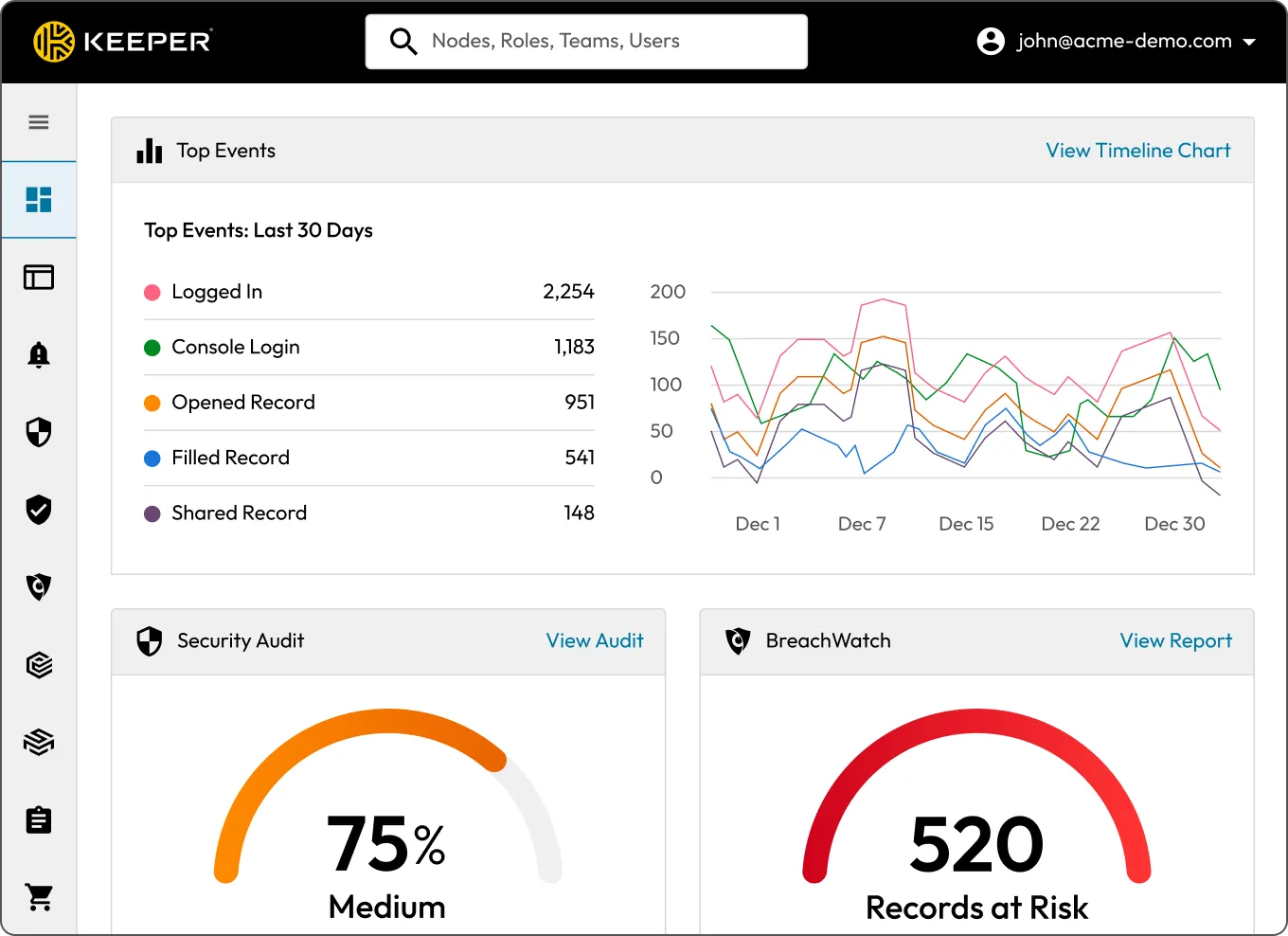
BreachWatch is Keeper's dark web monitoring feature that continuously checks passwords stored in employee vaults against known breach data, then prompts users and admins to update exposed credentials. It operates within Keeper's zero-knowledge architecture, so sensitive data remains private during detection and reporting.



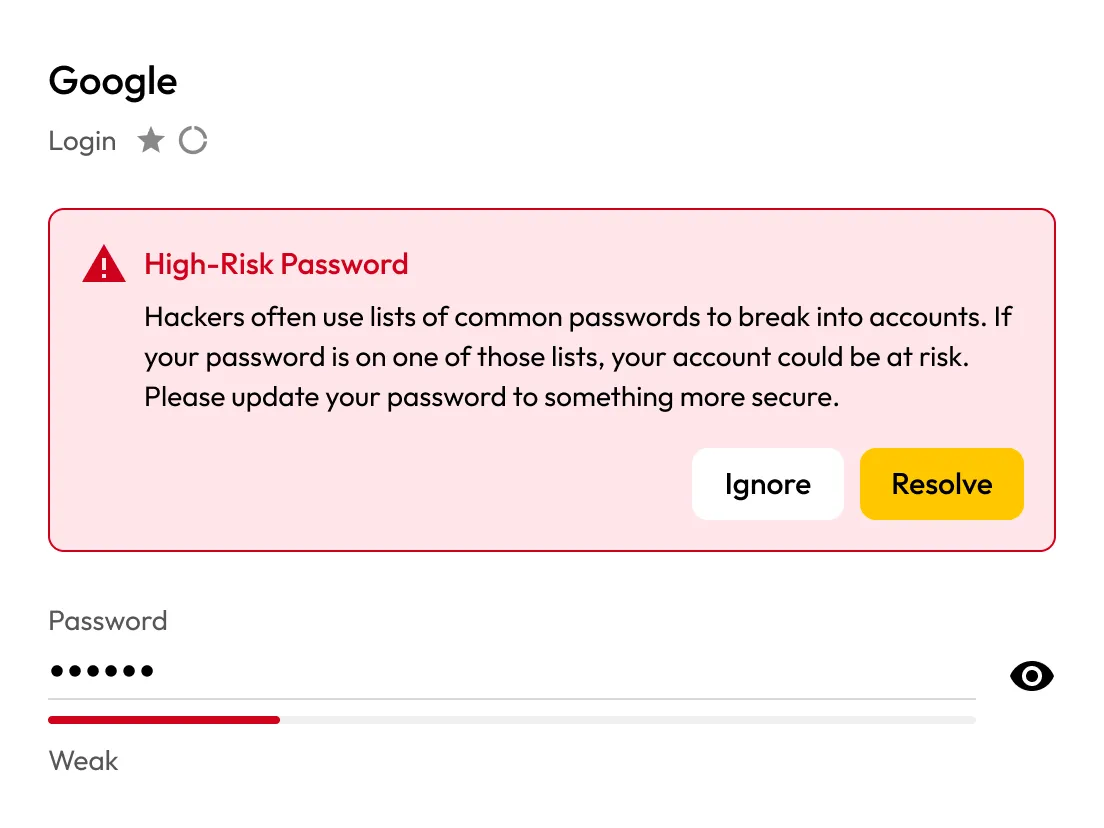
Continuously scan employee passwords saved in their vault against known breach data, then alert users the moment a match is found so they can fix it before attackers strike.
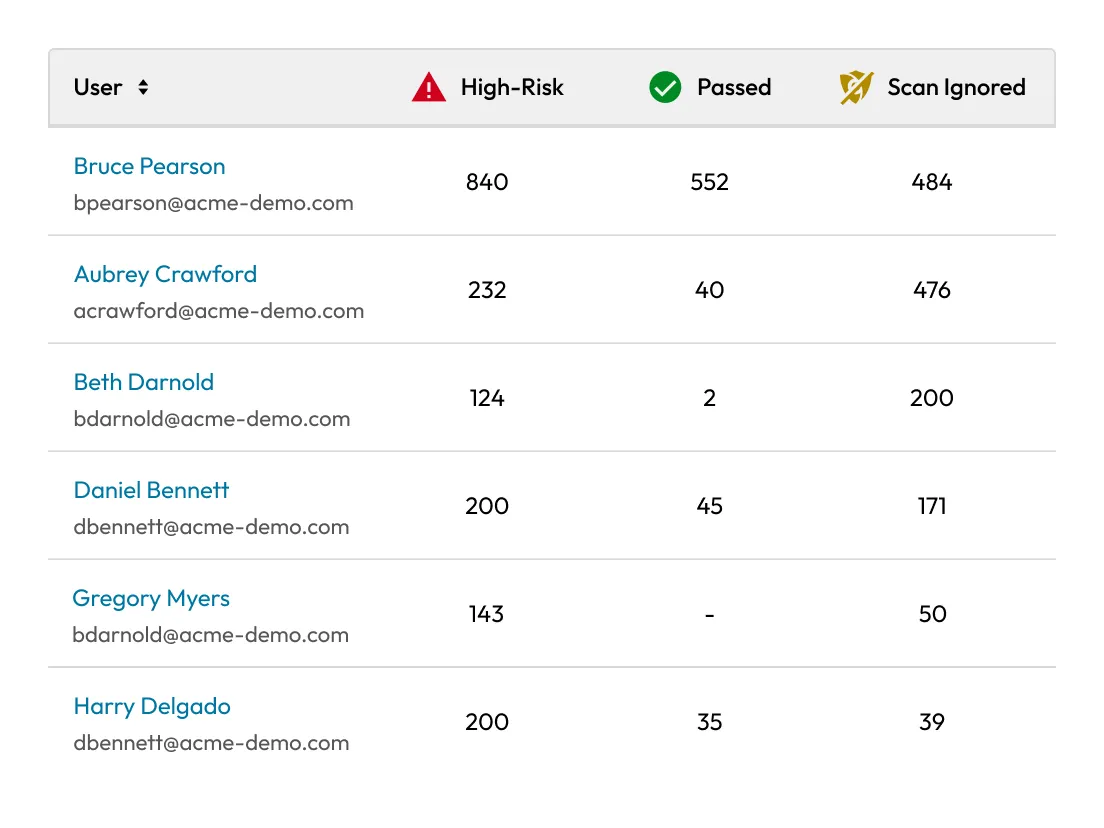
Get a clear view of potential risks across your organization. The Admin Console highlights users with “At risk” or “Ignored” items, making it easy for admins to dig into user details and take action.
Turn on BreachWatch event forwarding in role enforcement, build custom reports in Advanced Reporting and Alerts, then add webhooks for real-time notifications to Slack, Teams or any HTTP endpoint. Events can also feed external SIEM platforms for centralized monitoring and response.
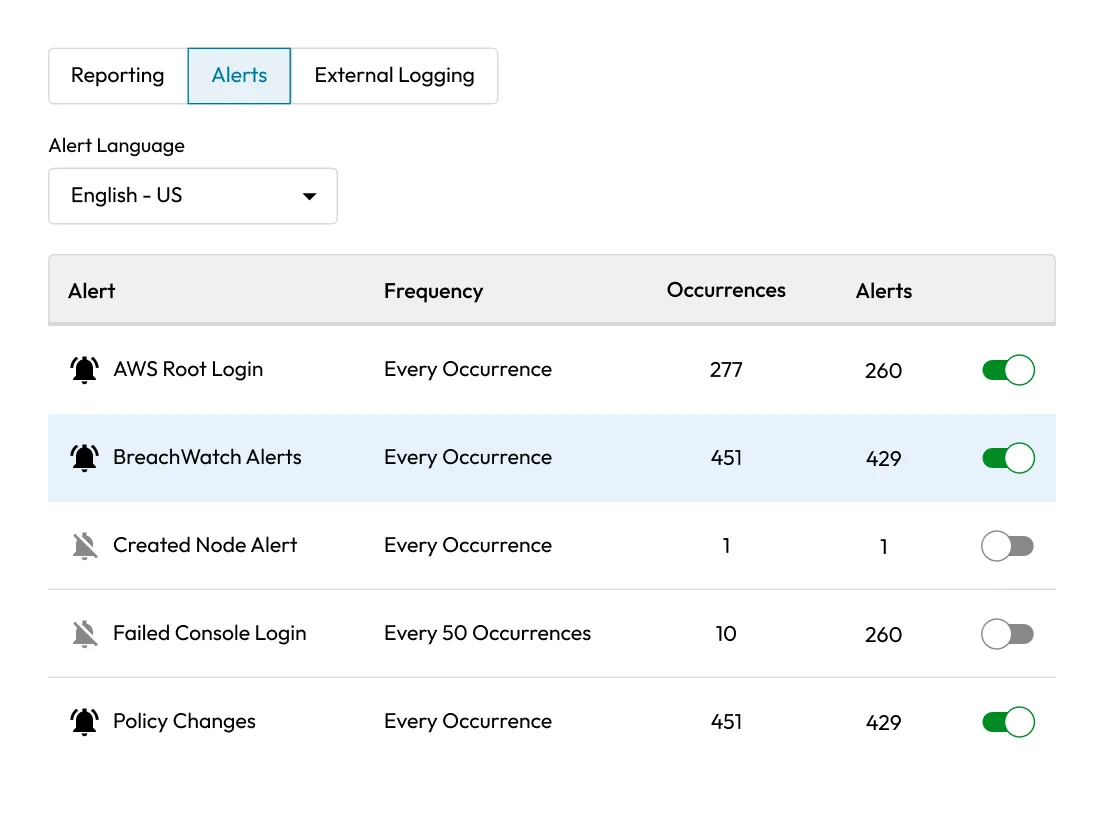
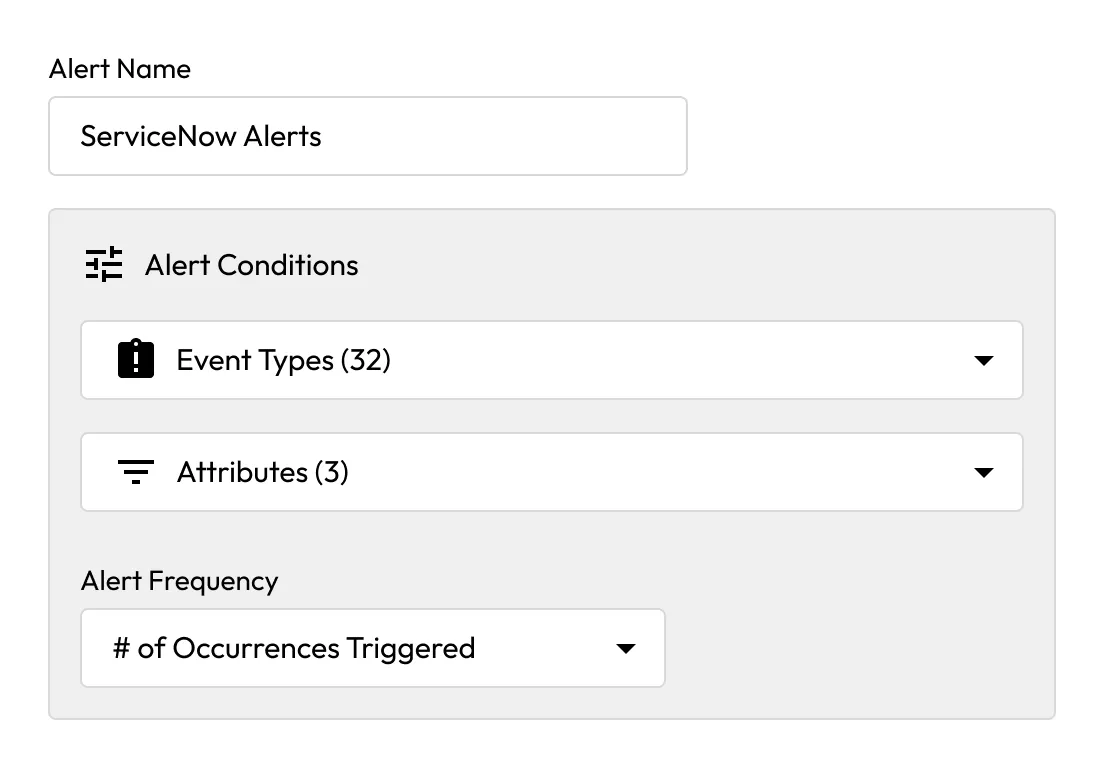
Keeper's ITSM integration converts BreachWatch alerts into tickets in Jira, ServiceNow and other systems, enabling automated incident response for compromised credentials.

BreachWatch is a patented solution that follows Keeper's zero-knowledge model. Data is always encrypted and decrypted on the device, with multi-layer keys and public-key sharing. Keeper's broader encryption model uses per-record AES-256 keys, device-level key pairs and an extra transmission key on top of Transport Layer Security (TLS).

When BreachWatch is activated, the client computes an HMAC_SHA512 hash of each stored password and sends the anonymized hash to Keeper's servers. The server then computes a second HMAC_SHA512 hash using hardware security modules having a non-exportable key and compares the “Hashes-of-Hashes” against breach data.
Users receive an in-app BreachWatch prompt in their Keeper Vault to resolve the high-risk password by changing it or to ignore it if it's already been remediated.
That record is excluded from future scans until the password is changed, and it remains at risk. Admins still see users with "At risk" and "Ignored" items in the Admin Console.
Yes, BreachWatch events can be integrated with SIEM tools through Keeper's Advanced Reporting and Alerts Module (ARAM).
You must accept cookies to use Live Chat.