
1. Infiltrate
Spyware disguises itself as a legitimate file or program to bypass security controls. It typically enters a system through phishing emails, malicious links or bundled software downloads.
Cyber Threat: Spyware
Spyware is a type of malware that secretly monitors device activity and collects data without the user's knowledge or informed consent. It can steal login credentials, capture sensitive data and track user behavior over time. Spyware threatens both individuals and organizations by compromising privacy, data integrity and overall device security.
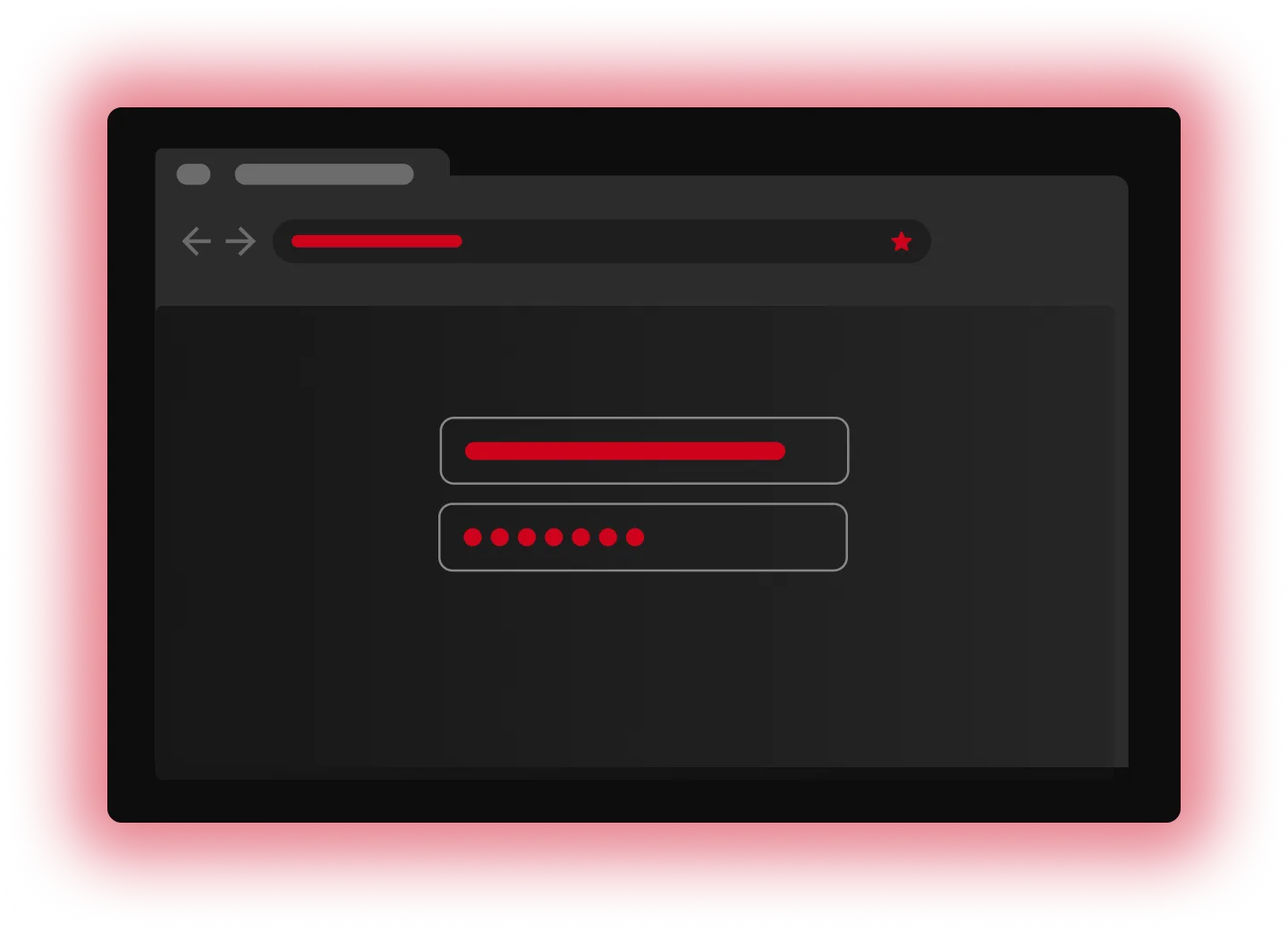
Spyware disguises itself as a legitimate file or program to bypass security controls. It typically enters a system through phishing emails, malicious links or bundled software downloads.

Once installed, spyware runs silently in the background, monitoring user activity and collecting data such as keystrokes, browsing history and login credentials, depending on the permissions it obtains.

After stealing sensitive data, it sends the information to a cybercriminal. The data is usually sold on the dark web, used for identity theft or saved for future cyber attacks.
Keyloggers record every keystroke a user types on a device. Cybercriminals use that information to steal login credentials, credit card details and other personal information.
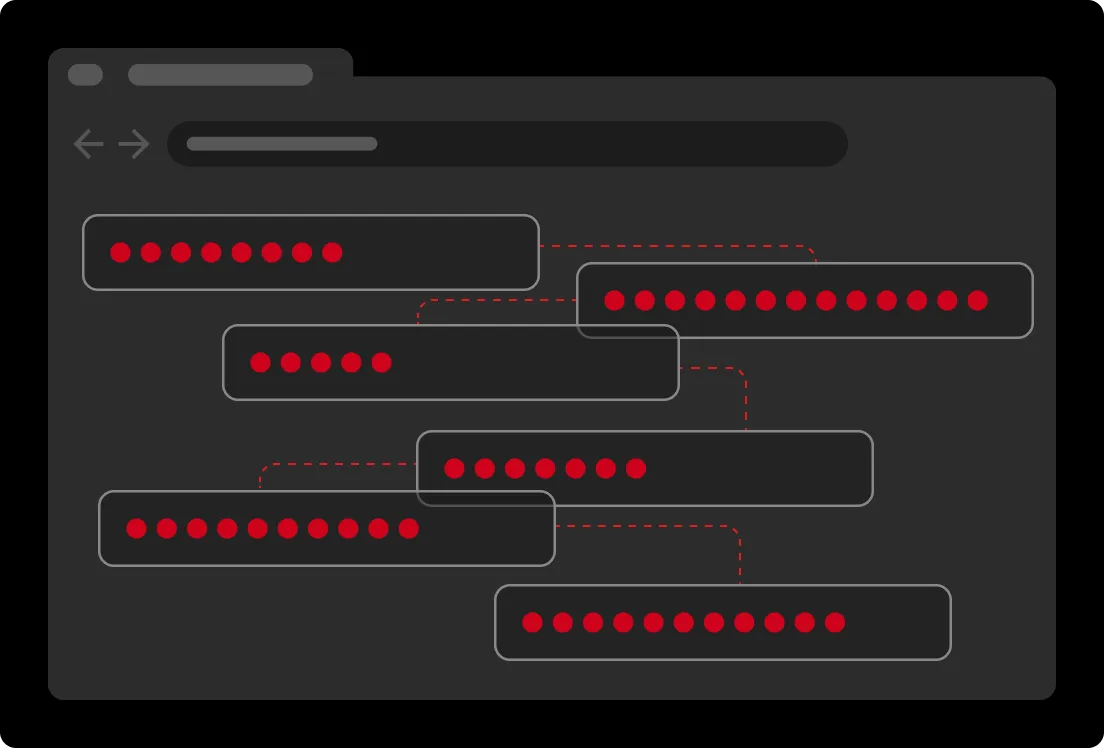
Adware tracks browsing behavior to display targeted ads. While not all adware is malicious, some forms of adware collect data without consent and can significantly degrade device performance.
Stalkerware is typically used for unauthorized surveillance. Since it secretly monitors text messages, location data and app usage, stalkerware poses major privacy and safety risks both online and in person.
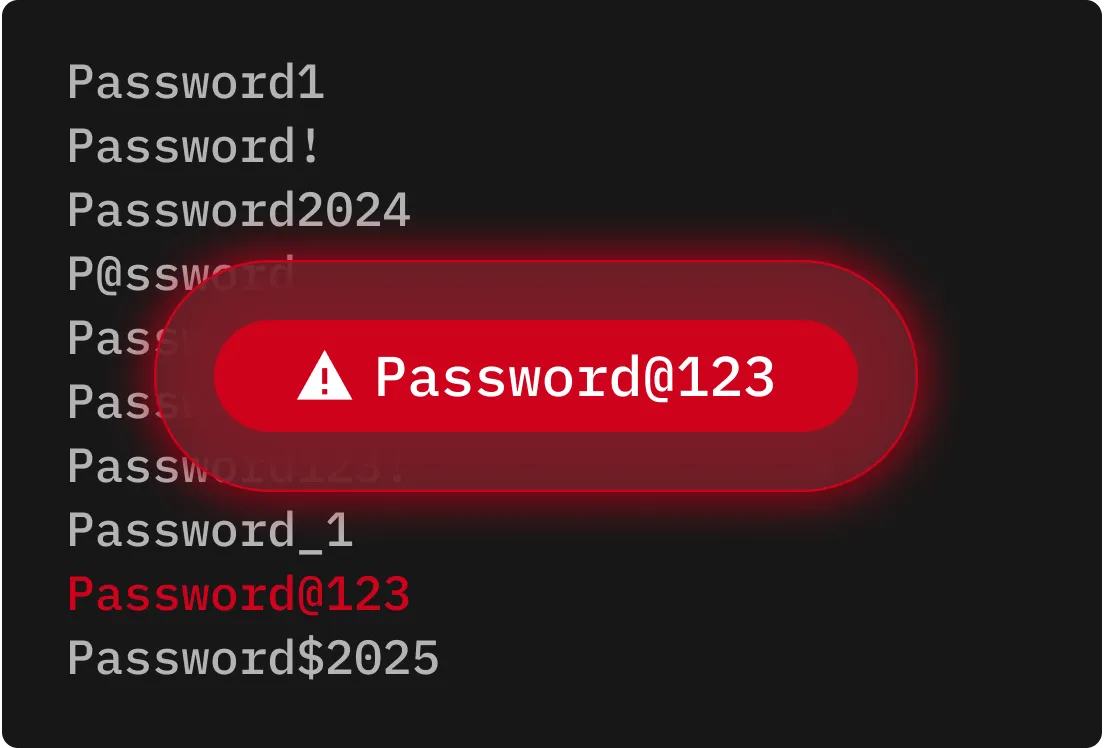
Rootkits embed themselves deep within a system to hide malicious software and grant cybercriminals standing access. Because they're difficult to detect, rootkits are often used to install more malware over time.
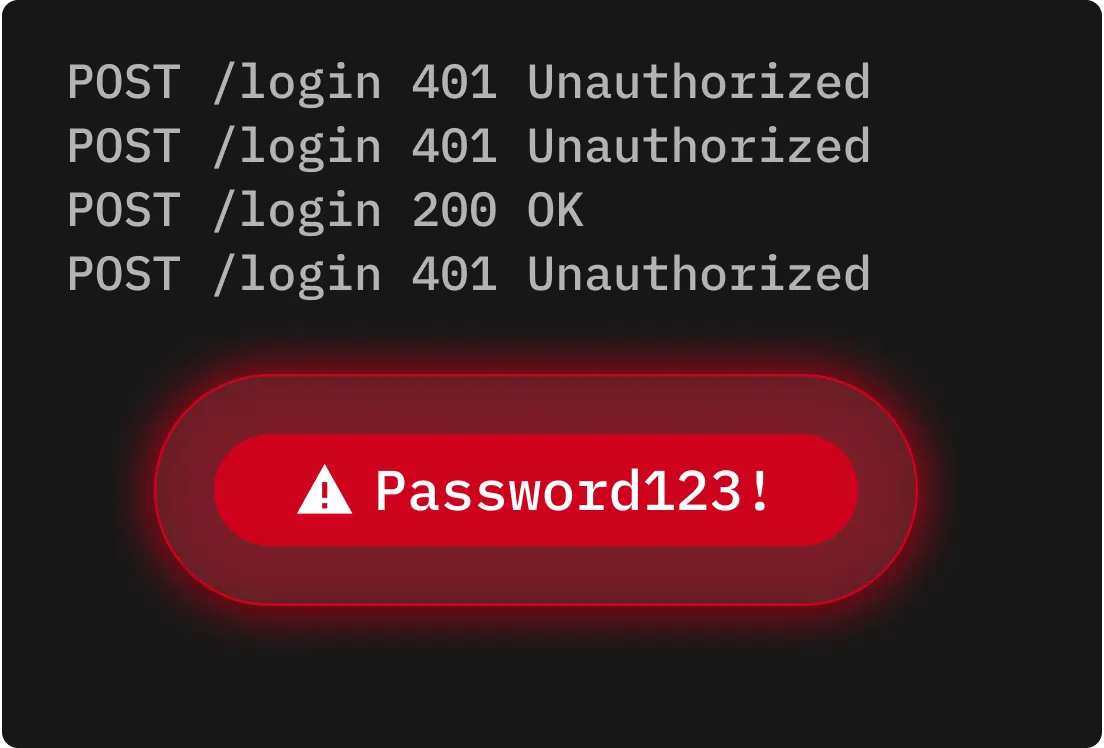
Installing apps, files or software from unofficial websites or third-party app stores can lead to spyware being embedded within a download.
Cybercriminals create fake websites that impersonate trusted brands to trick users into clicking malicious links or downloading infected files.
Some spyware disguises itself as legitimate tools or software updates. Once installed, it works silently in the background to monitor activity and collect sensitive data.
Clicking a malicious link in a text message or downloading a malicious email attachment can trigger the installation of spyware on a device.
If your device starts to freeze, lag or crash frequently, spyware or other malware may be running in the background.

If your camera indicator activates when no apps are open, spyware or a compromised application may be accessing your camera without permission.

If your device is flooded with strange ads or prompts to install fake updates, spyware may be attempting to trick you into installing additional malware.
If new apps appear on your device that you never installed, they might be spyware disguised as legitimate programs.

Use official platforms like Apple's App Store or Google Play when you need to download apps on your phone, and visit official websites when downloading programs. Third-party sources are much more likely to have malicious apps and programs.
Enable automatic Operating System (OS) updates to receive important security patches that fix vulnerabilities that spyware often exploits. Regular updates patch known security vulnerabilities before cybercriminals can take advantage of them.
Review and restrict access to your camera, microphone and location when it's not necessary on all devices. In addition, never click links within pop-ups or messages from unknown senders, as these are likely phishing attempts that may deliver spyware or other malware.
Storing credentials in a secure password manager like Keeper® helps protect you from spyware that targets browser-saved passwords or online login forms by keeping credentials encrypted and isolated from apps and browsers.

You must accept cookies to use Live Chat.