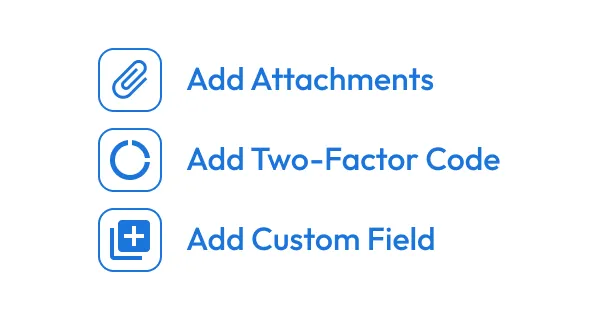
Add two-factor code to the record
Open a record in your Keeper Vault and select Add Two-Factor Code to enable TOTP for that login.
Feature: TOTP Generator
Easily generate and autofill TOTPs to protect your accounts with an extra layer of security, right from your Keeper Vault.
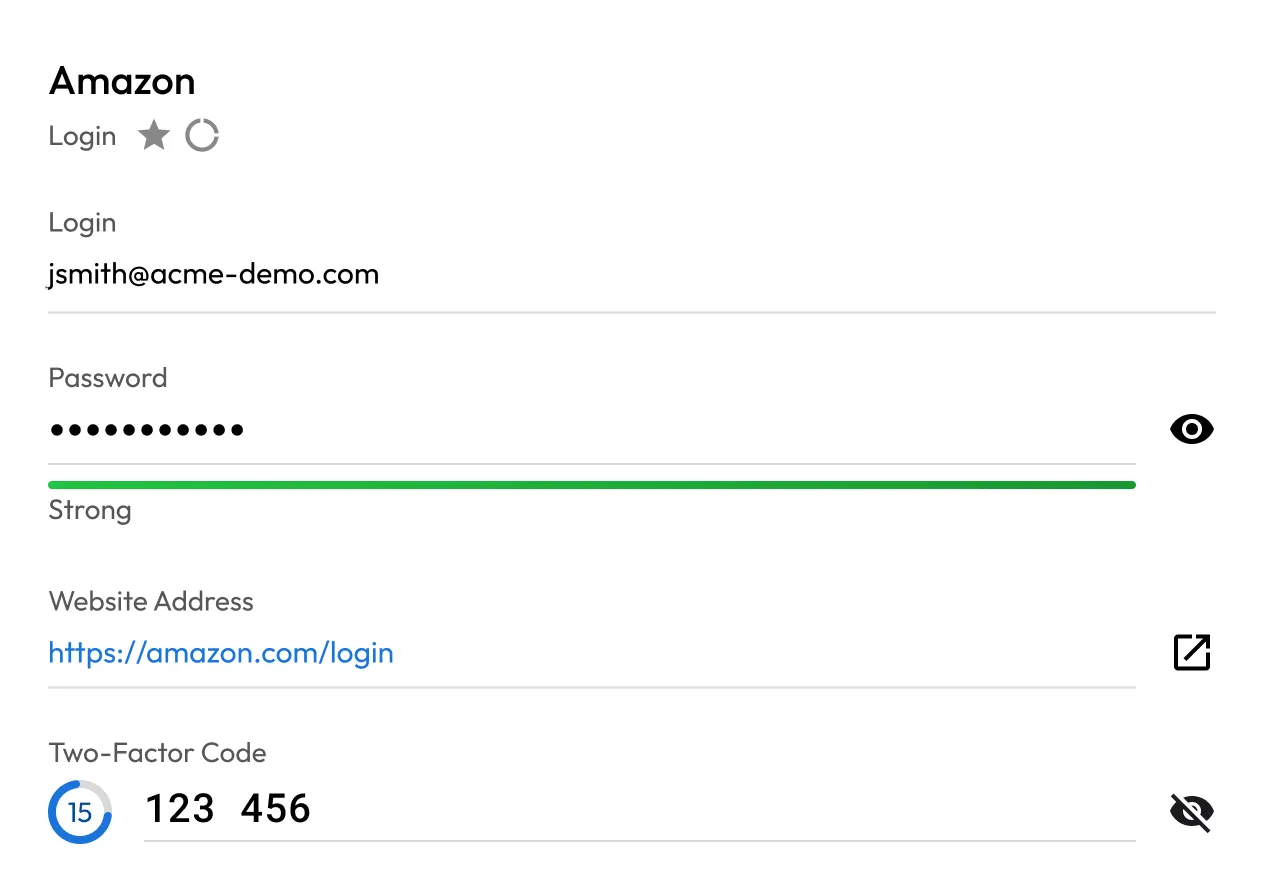
Open a record in your Keeper Vault and select Add Two-Factor Code to enable TOTP for that login.
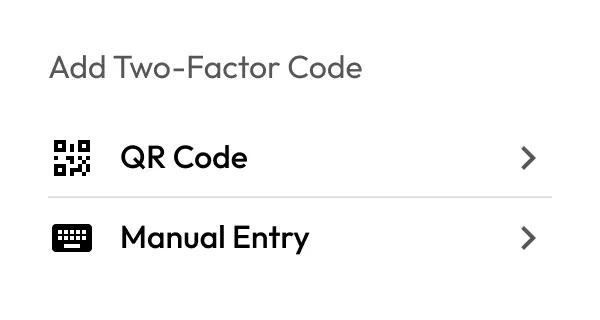
Use the built-in scanner to capture the QR code from the service you're securing, or manually enter the secret key into the field.
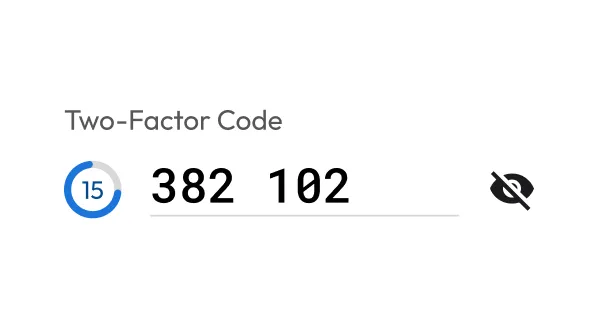
Once set up, Keeper automatically generates a new six-digit TOTP every 30 seconds.
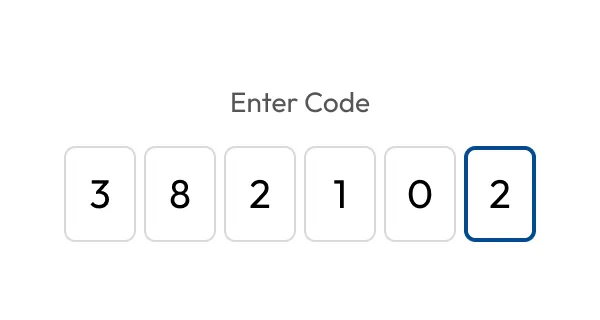
When prompted by the service, copy or autofill the TOTP from the Keeper record to complete the login process.
Securely store passwords, passkeys and TOTP codes in an encrypted vault protected by zero-knowledge encryption; accessible from anywhere and safely backed up, even if you lose a device.
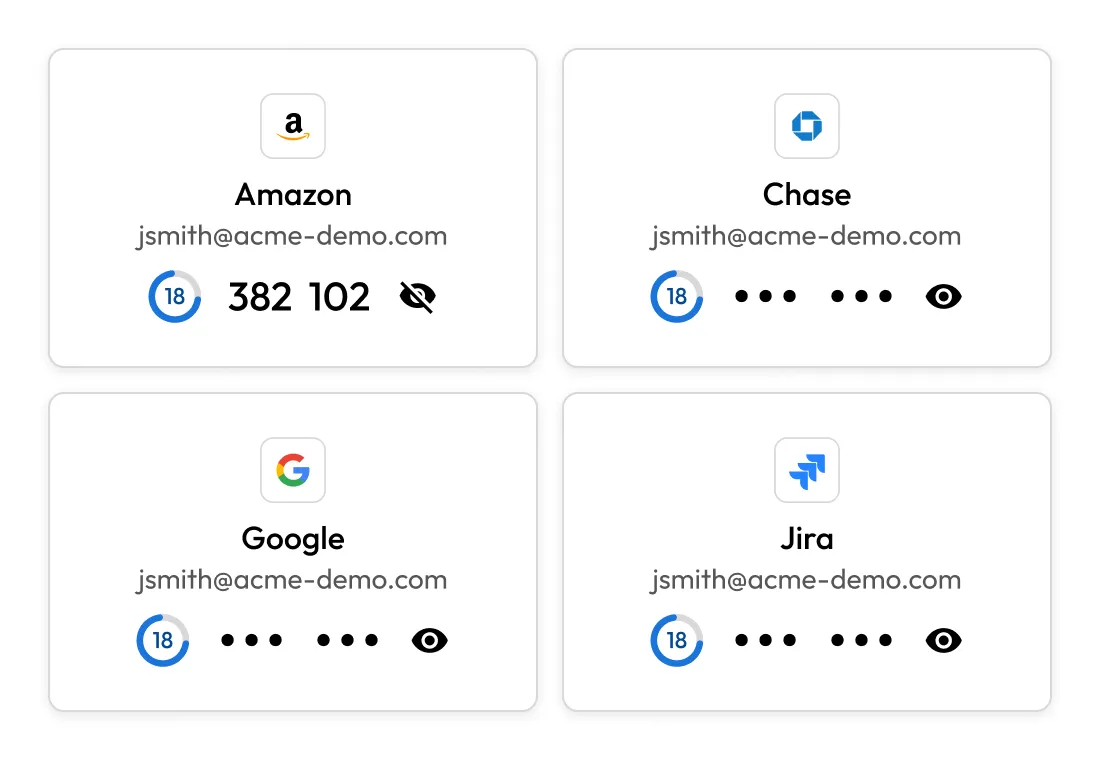
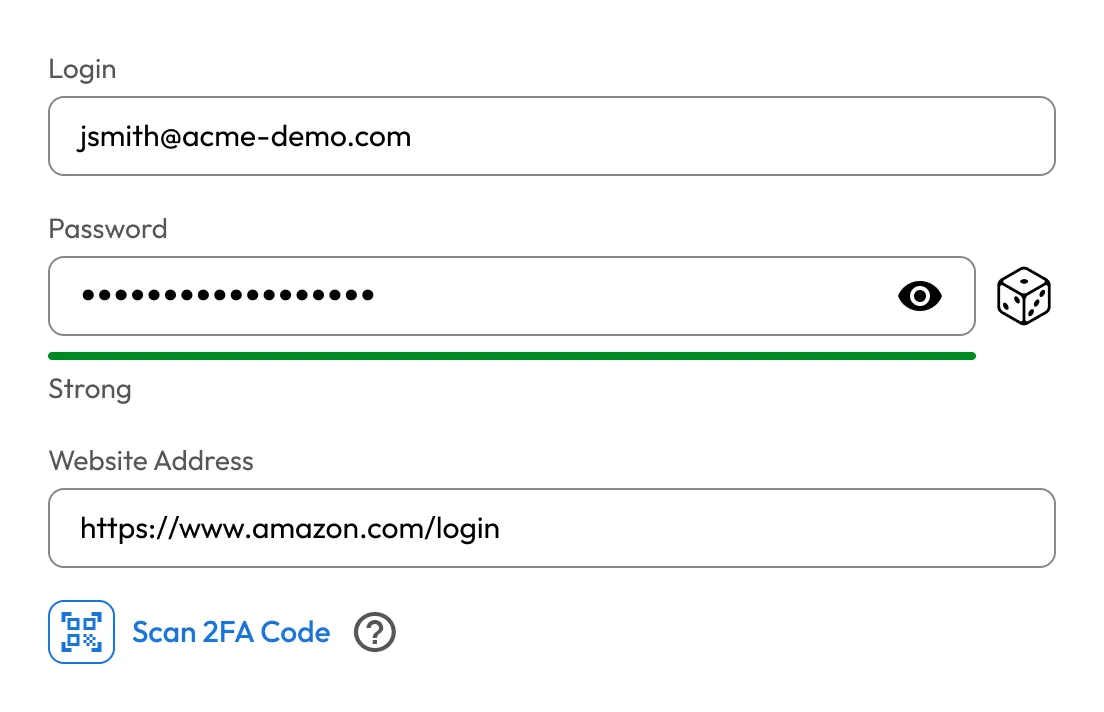
With Keeper's browser extension, you can scan Two-Factor Authentication (2FA) QR codes right from your desktop, no phone or extra steps required.
Keeper can autofill both login credentials and your 2FA codes at once, making secure logins quicker and easier.
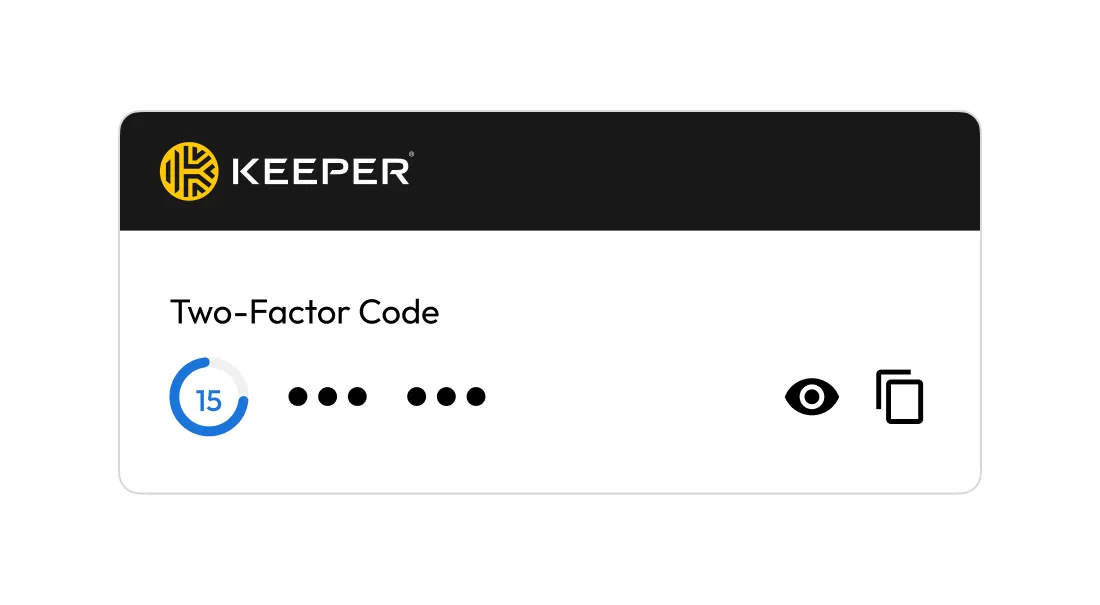
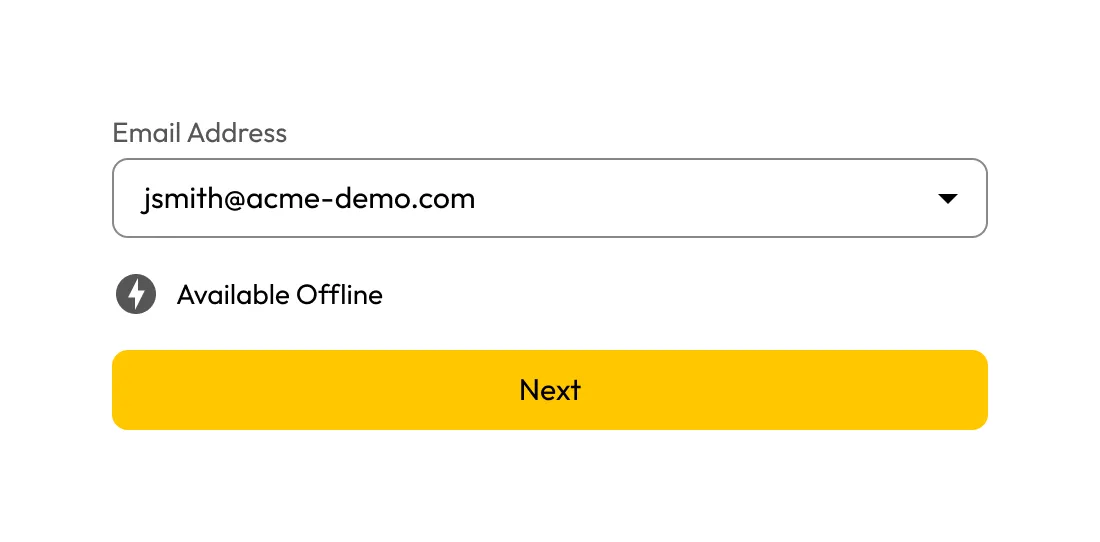
TOTP codes are generated locally and remain accessible even without internet access, so you can always access them when you need to.
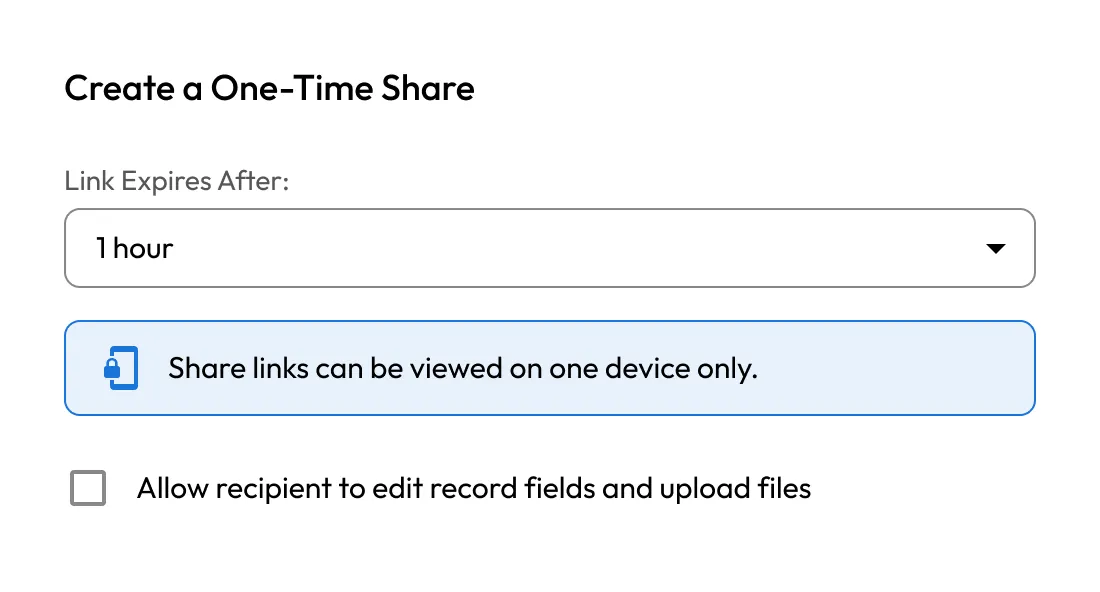
Easily share vault records that include TOTP codes with trusted users, whether you're collaborating with a team, managing shared logins at home or sending a time-limited One-Time Share to someone who doesn't have a Keeper account.
Yes. There's no limit; you can add two-factor codes to as many Keeper records as you need.
If a site doesn't provide a QR code, you can manually enter the secret key into the Keeper record to set up the TOTP code.
Yes. Keeper generates the same TOTP codes as Google Authenticator, but stores them securely in your vault - backed up, synced and encrypted.
Yes. With Keeper's One-Time Share, you can securely share login credentials along with the corresponding TOTP code, even with people who don't use Keeper. The code continues to refresh every 30 seconds while the share link is active.

You must accept cookies to use Live Chat.