Zero-Trust Security
أحم منظمتك مع الأمن القائم على مبدأ انعدام الثقة
Protect every identity, credential and connection with zero-knowledge security, policy-based access controls and continuous verification.

حصلت Keeper Security على الاعتراف في PAM Magic Quadrant™ وتُصنَّف ثاني أسرع شركة أمنية نمواً على مستوى العالم
اعرف المزيدProtect every identity, credential and connection with zero-knowledge security, policy-based access controls and continuous verification.
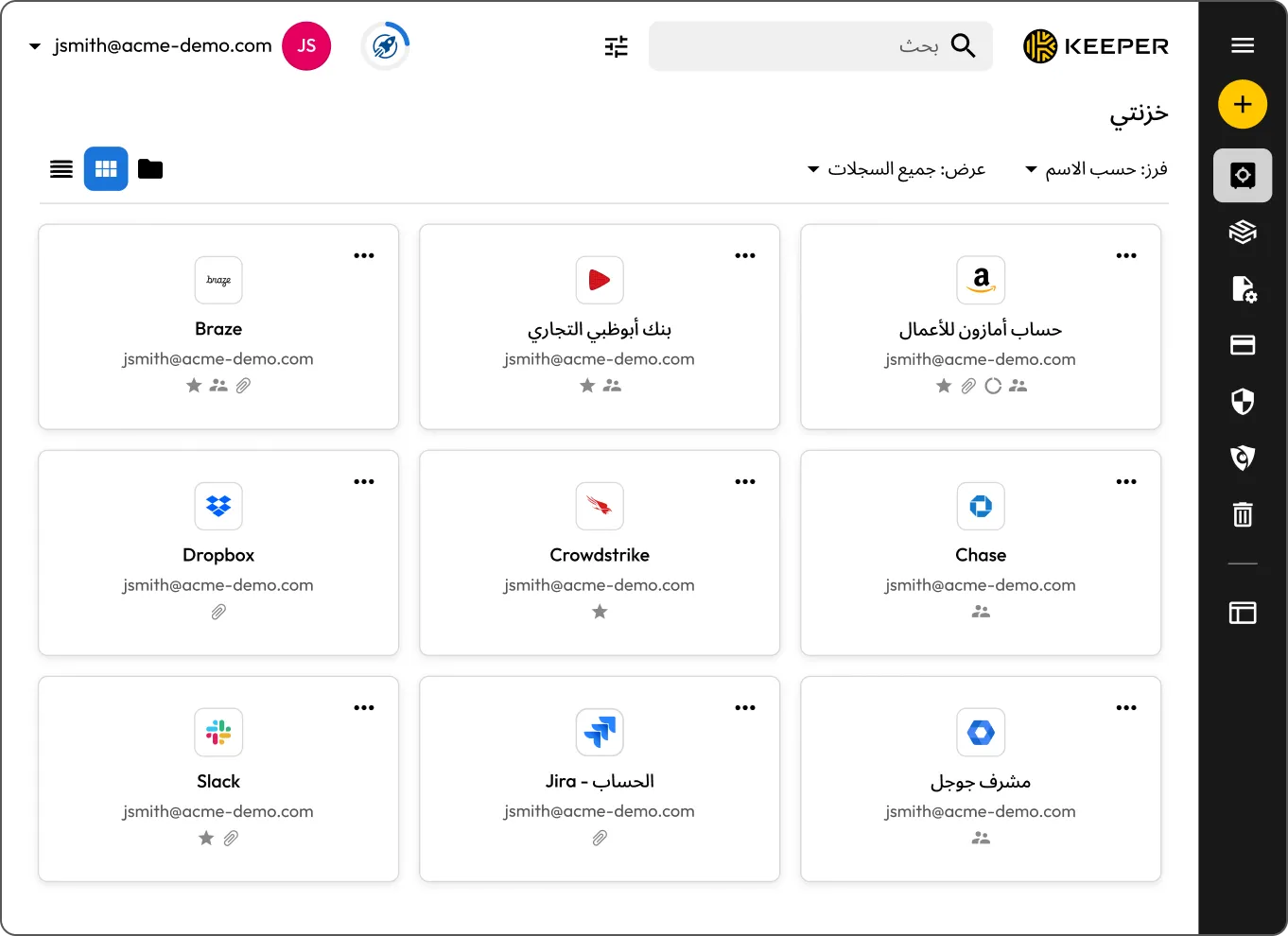
Legacy security assumes trusted users and devices are safe. Zero trust requires verification for every access request.
Always-on access creates more opportunities for misuse and lateral movement. Zero trust reduces exposure with least privilege and time-limited access.
Shared logins make it difficult to track user activity and enforce policy. Zero trust improves accountability with identity-based access controls.
Without clear visibility, it’s harder to monitor access and investigate risk. Zero trust strengthens oversight with centralized logging and session visibility.
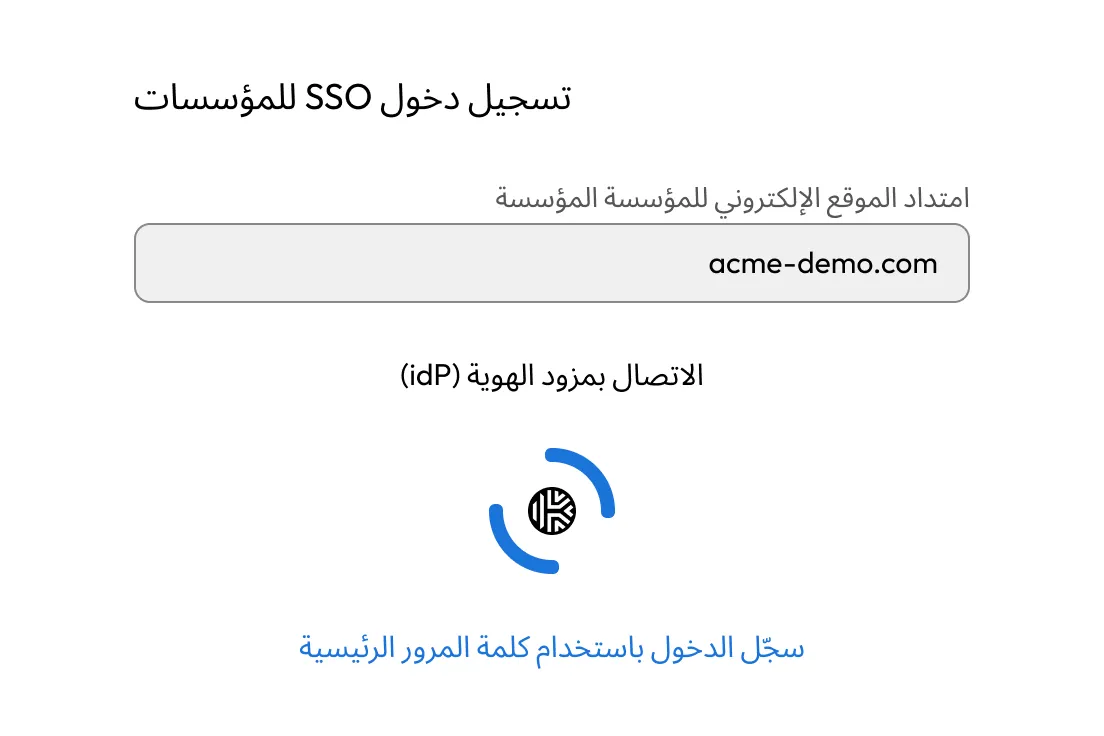
Keeper helps organizations verify access to critical systems with Keeper SSO Connect®, policy enforcement and Multi-Factor Authentication (MFA) in a zero-knowledge platform. Keeper integrates with major identity providers, supports automated SCIM provisioning and can add an MFA layer to systems that don’t natively support it.
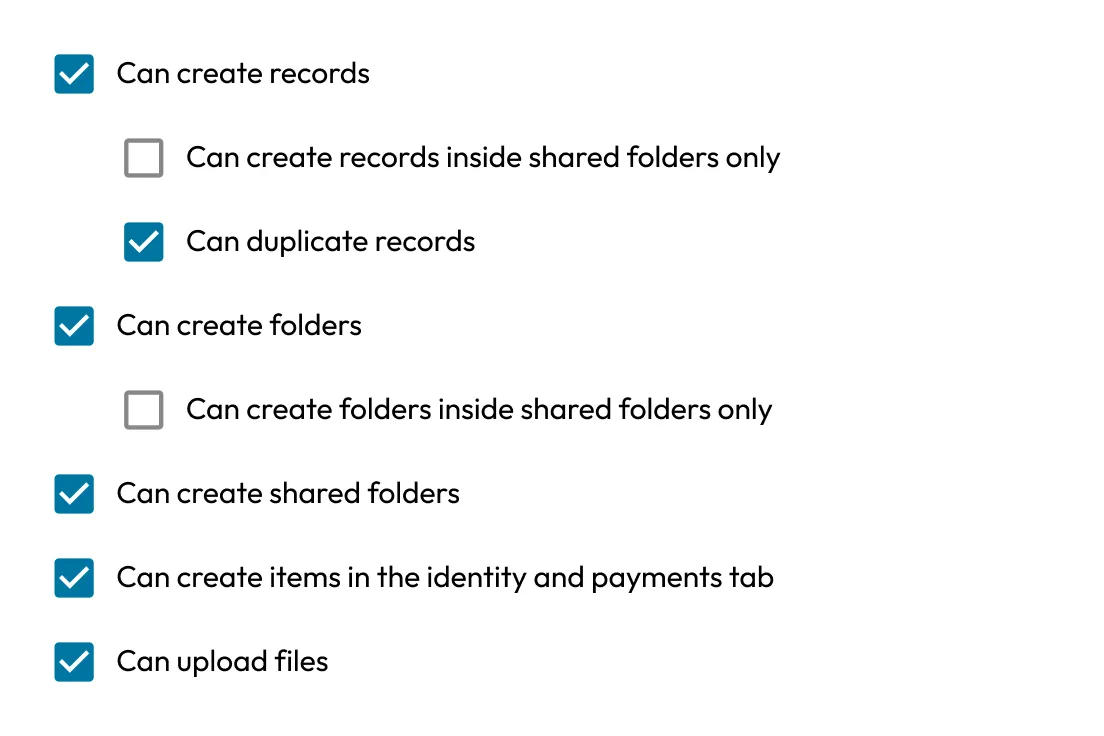
Keeper enforces least privilege with Role-Based Access Controls (RBAC), delegated administration and Just-In-Time (JIT) access. Teams can apply granular policies by role or team and eliminate standing privileges with time-limited access. KeeperPAM® also supports ephemeral account creation and temporary role elevation.
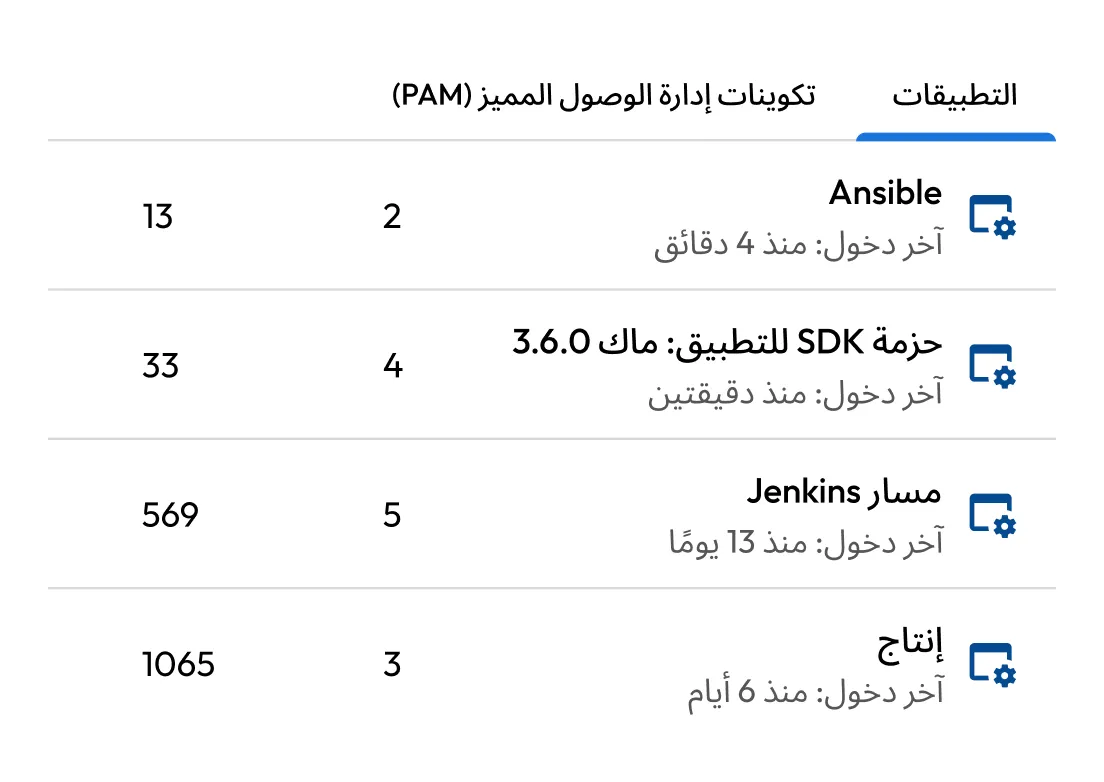
Keeper secures passwords, SSH keys, API keys and infrastructure secrets in a zero-knowledge vault. With enterprise password management and Keeper Secrets Manager, organizations can reduce secrets sprawl, remove hard-coded credentials and keep plaintext credentials off end-user devices. Automated password rotation further protects privileged credentials.
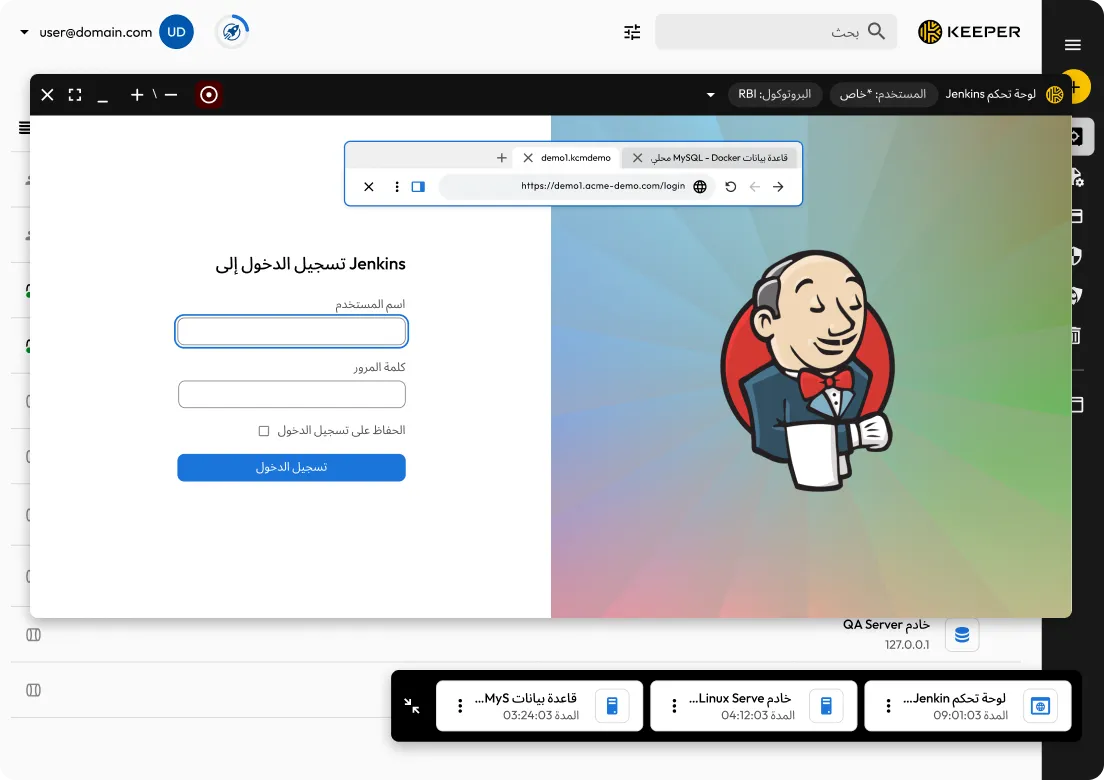
Keeper enables secure privileged access through browser-based connections, tunnels and Remote Browser Isolation (RBI) without exposing passwords or SSH keys to end users. By launching sessions directly from the Keeper Vault, organizations can avoid VPN complexity, inbound firewall changes and insecure credential sharing.
KeeperAI gives security and compliance teams full visibility into privileged activity with session recording, playback, event logging and SIEM integrations. Remote sessions capture screen activity, keystrokes and command logs across SSH, RDP, VNC, databases and remote browser sessions. Recordings are encrypted through the Keeper Gateway, policy-controlled and logged for investigations, compliance and audits.
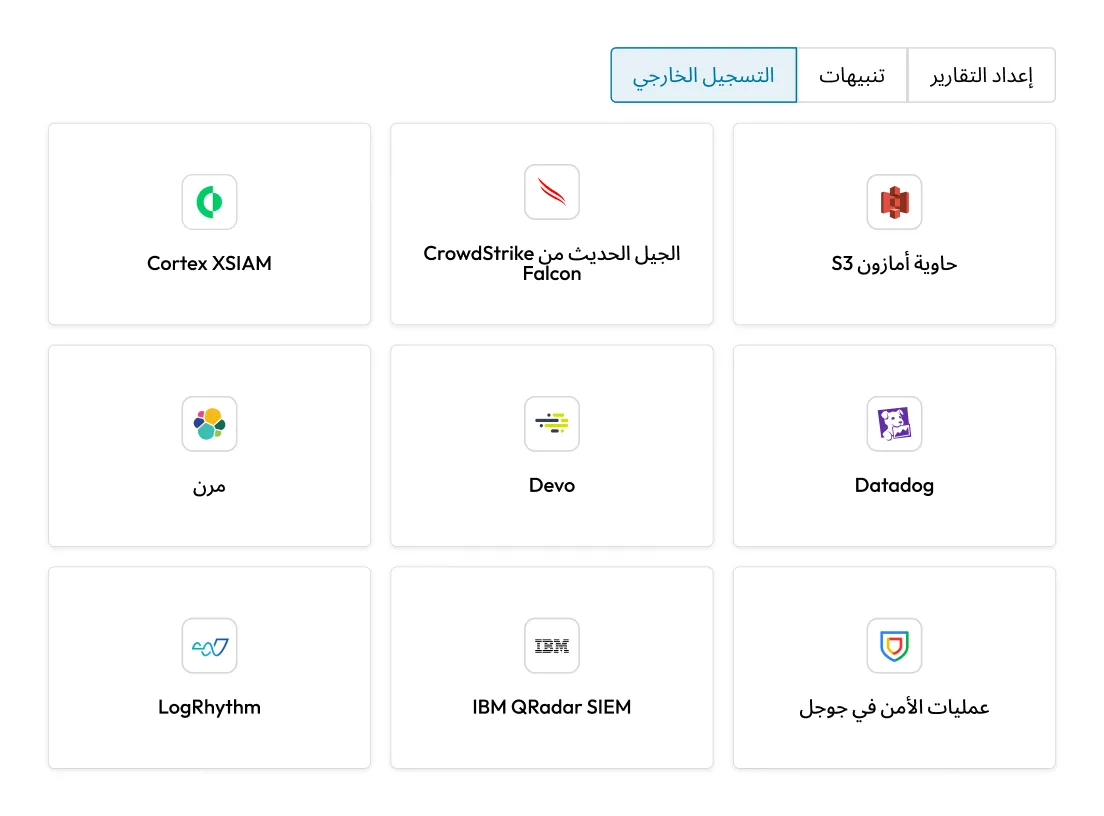
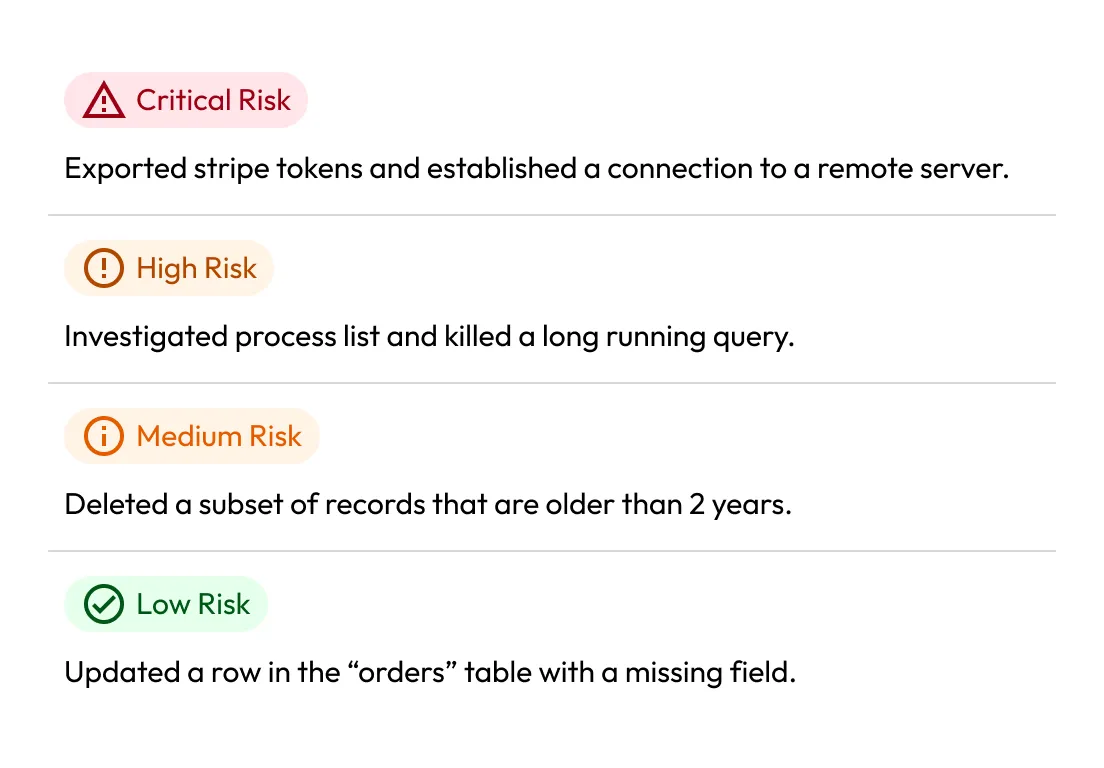
KeeperAI strengthens zero-trust security by continuously monitoring privileged sessions for suspicious behavior, automating analysis and helping security teams stop risky activity faster. Built into KeeperPAM, KeeperAI detects threats in real time, terminates malicious sessions and provides encrypted summaries for investigation and audit review.

Control and monitor access to servers, databases, web apps and infrastructure with policy-based controls and session visibility.

Move away from network-based trust by granting secure access only to the specific resources users need.

Centralize access control across cloud, on-premises and distributed environments from a single platform.

Give contractors and partners controlled, time-limited access without exposing credentials.

Keeper extends zero-trust security to NHIs and AI agents by securing secrets, tokens and machine credentials with granular access controls.

Provide secure access to tools and infrastructure without adding friction or requiring risky workarounds.
Keeper helps organizations enforce zero trust across users, credentials, privileged accounts, secrets and infrastructure, giving security teams the visibility and control to reduce risk across cloud, on-premises and hybrid environments.
إن مبدأ انعدم الثقة فعال للغاية في الحد من مخاطر أمن الإنترنت، والحد من أسطح الهجوم، وتحسين التحكم في التدقيق والامتثال.
يتفق خبراء الأمن على نطاق الواسع أن نموذج انعدام الثقة ناجح للغاية في منع عمليات اختراق البيانات، وبرامج الفدية الضارة، والهجمات الإلكترونية الأخرى.
Examples of zero-trust security include requiring MFA before accessing applications, granting JIT access to servers and retrieving secrets dynamically rather than hardcoding them. In all cases of zero trust, access is continuously authenticated rather than automatically granted based on network location.

عليك تمكين ملفات تعريف الارتباط لاستخدام الدردشة المباشرة.