The best password and privileged access manager for Linux
Whether you're securing a single server or managing complex infrastructure, Keeper delivers the most trusted password and privileged access management solution for Linux environments.
Whether you're securing a single server or managing complex infrastructure, Keeper delivers the most trusted password and privileged access management solution for Linux environments.
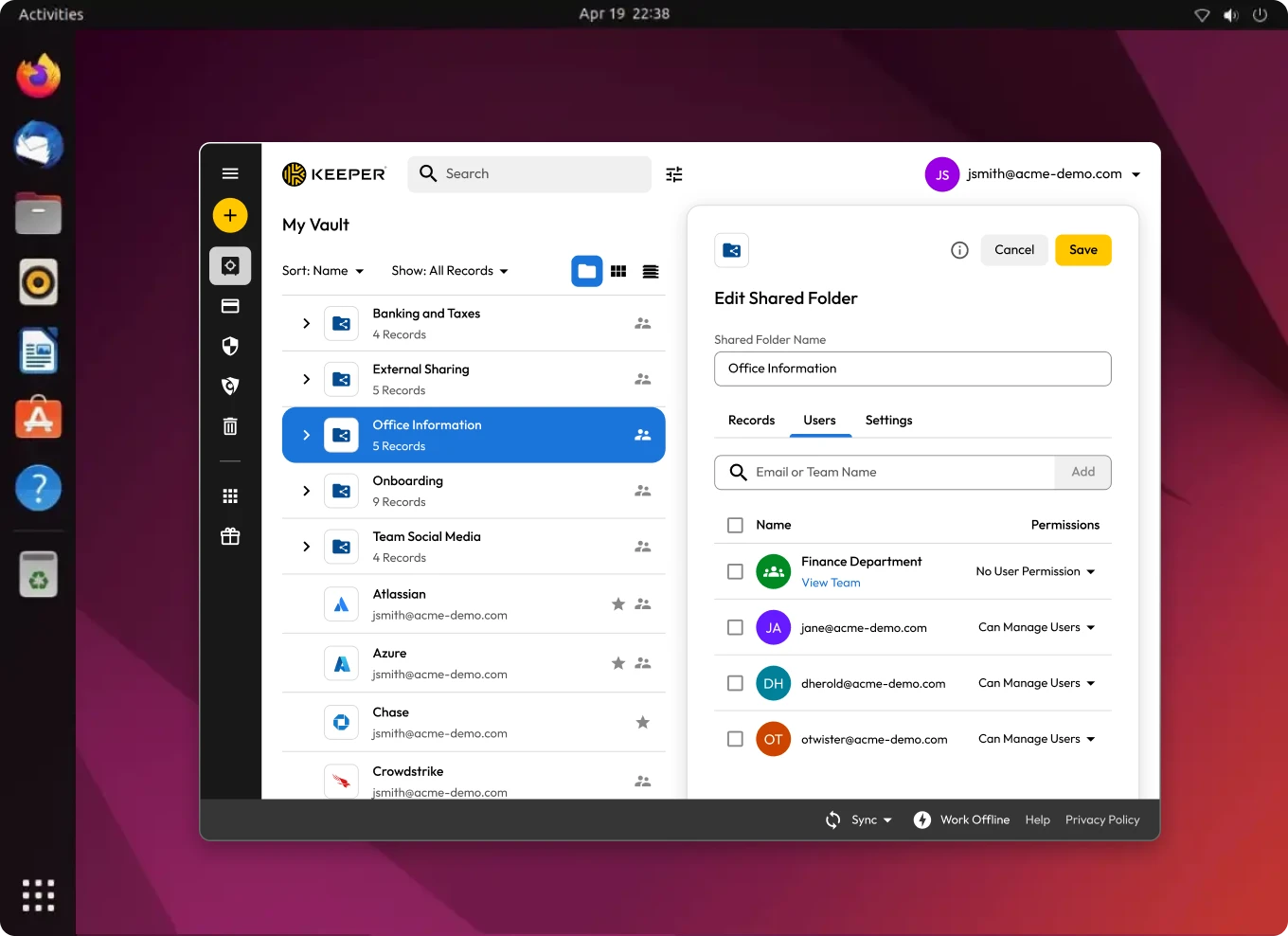

Keeper offers a fully supported desktop app for Linux, not a stripped-down web experience or workaround. Linux users get all the same features as people using Windows or Mac. This includes advanced password management, privileged session management and secrets management, right from the user’s desktop. It’s built for speed, usability and security on the Linux platform.

Keeper operates under a zero-trust, zero-knowledge architecture. Every stored secret and connection is end-to-end encrypted, and Keeper itself cannot access or decrypt your data. Even administrators only see what their role allows, ensuring that your credentials and infrastructure are safe from insider and outsider threats.

Keeper is ideal for Linux-based development environments. It supports tunneling to databases and remote systems, a built-in SSH agent and CLI integrations, allowing developers to continue using tools like psql, mysql and scp without changing their workflows. Keeper Secrets Manager also integrates directly into CI/CD pipelines and infrastructure-as-code workflows, helping teams secure secrets without slowing down development.

Keeper supports both agentless and agent-based PAM, providing organizations with the flexibility to deploy solutions based on their unique infrastructure and use cases. The agentless Keeper Gateway simplifies deployment by enabling secure, outbound-only access without requiring agents to be installed. For deeper endpoint control, Keeper Endpoint Privilege Manager offers agent-based enforcement of least privilege policies.

For organizations that need to meet regulatory requirements, Keeper offers built-in session recording, audit trails and SIEM integration. Every SSH session, vault action and connection can be logged and reviewed. These features support compliance with FedRAMP, ISO 27001, HIPAA, PCI DSS and others, without extra complexity.

Keeper isn’t just a password manager; it’s a complete Privileged Access Management (PAM) platform. Linux users can leverage secrets management, secure file storage, privileged session management and remote browser isolation in a single application. This reduces tool sprawl and centralizes control, providing both admins and end users a clean, powerful interface to protect credentials, connections and infrastructure.
Get comprehensive privileged access management for Linux users to ensure secure, controlled and auditable access to critical systems and resources.
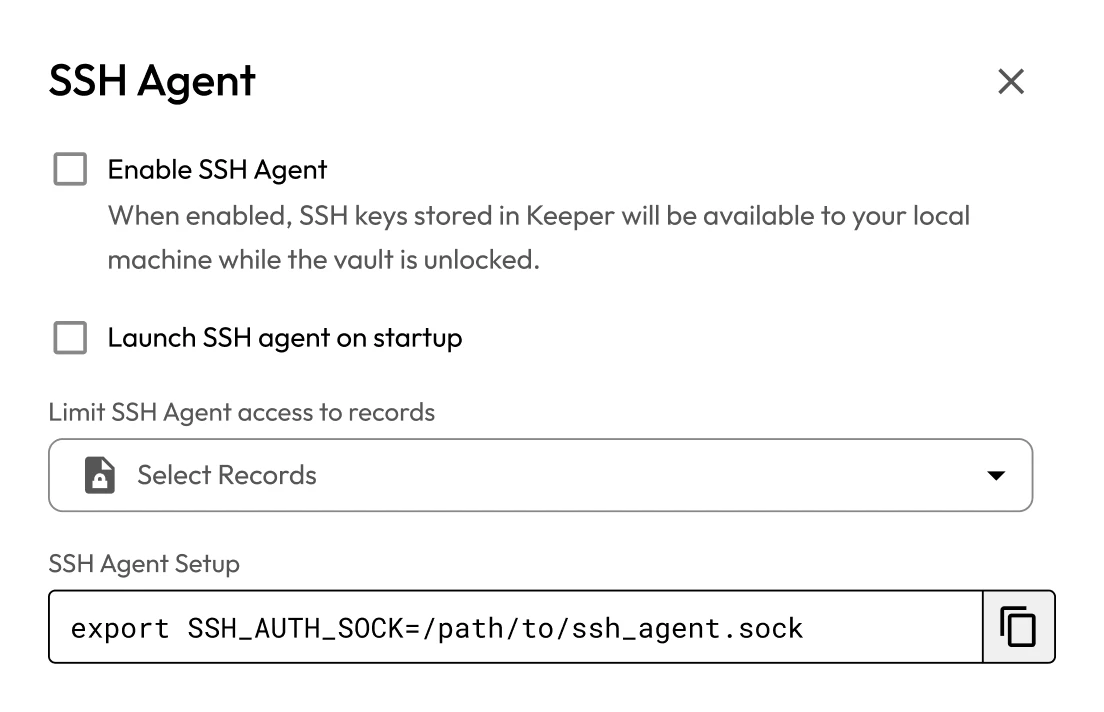
Leverage integrated SSH agent forwarding and credential injection to enable secure, seamless SSH access without ever exposing credentials.
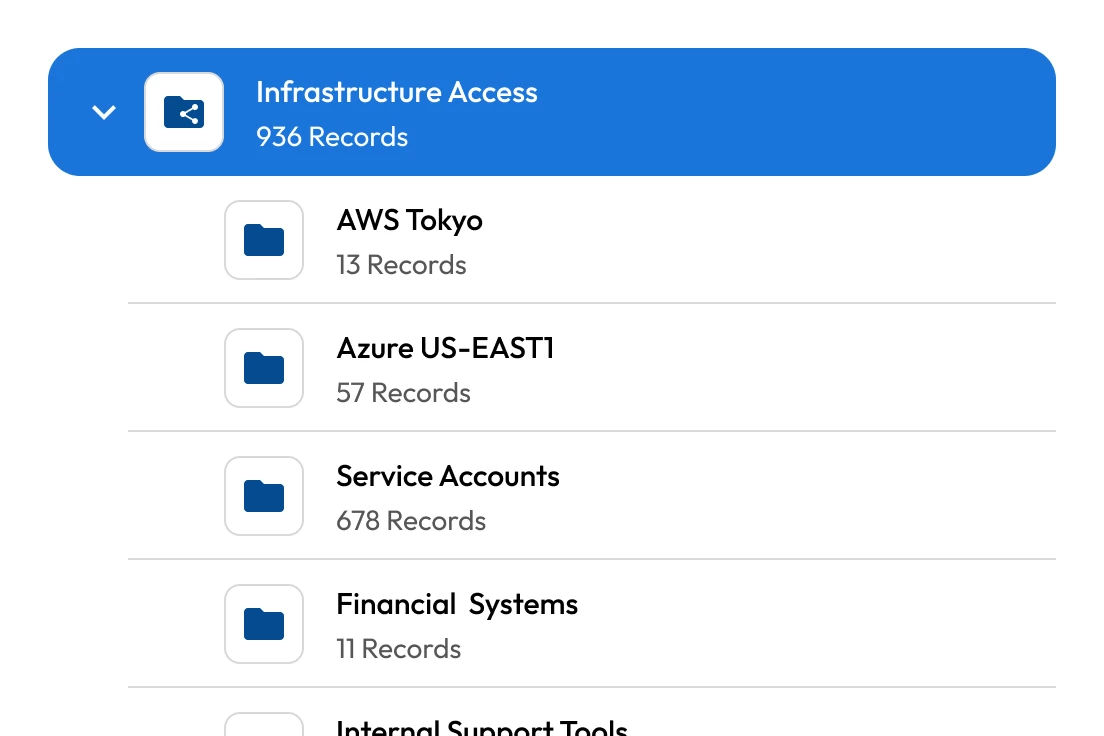
Provide encrypted tunneling to servers, databases and other resources without requiring a VPN, directly from the Keeper Vault.
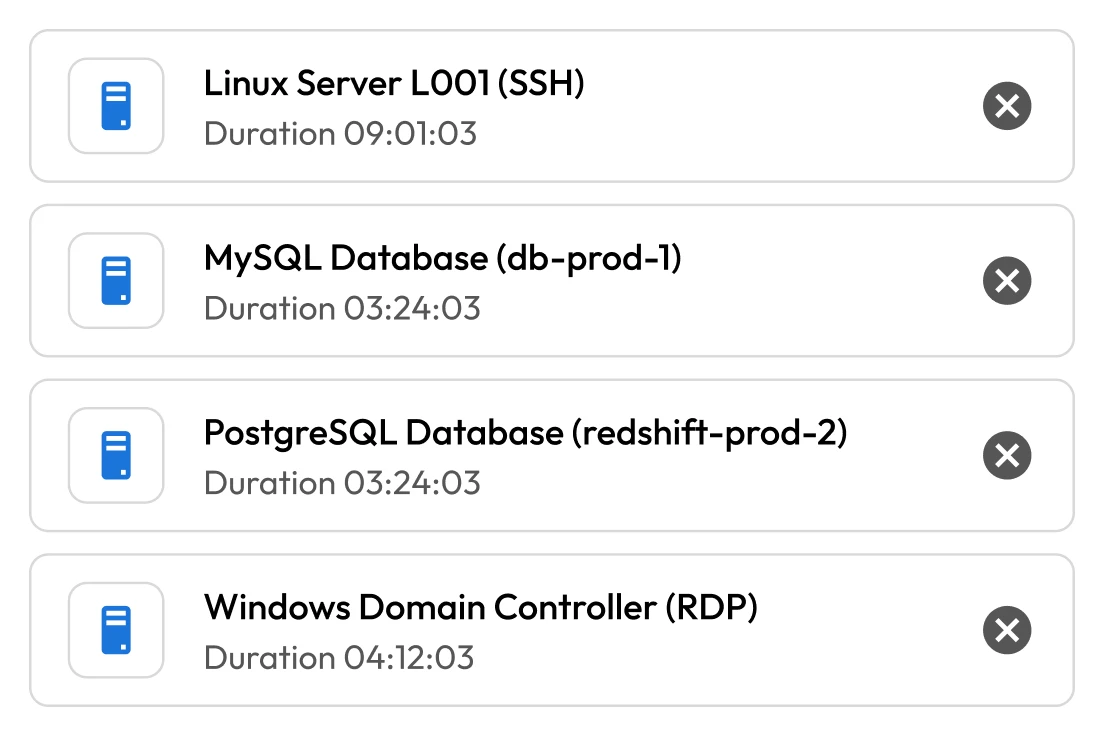
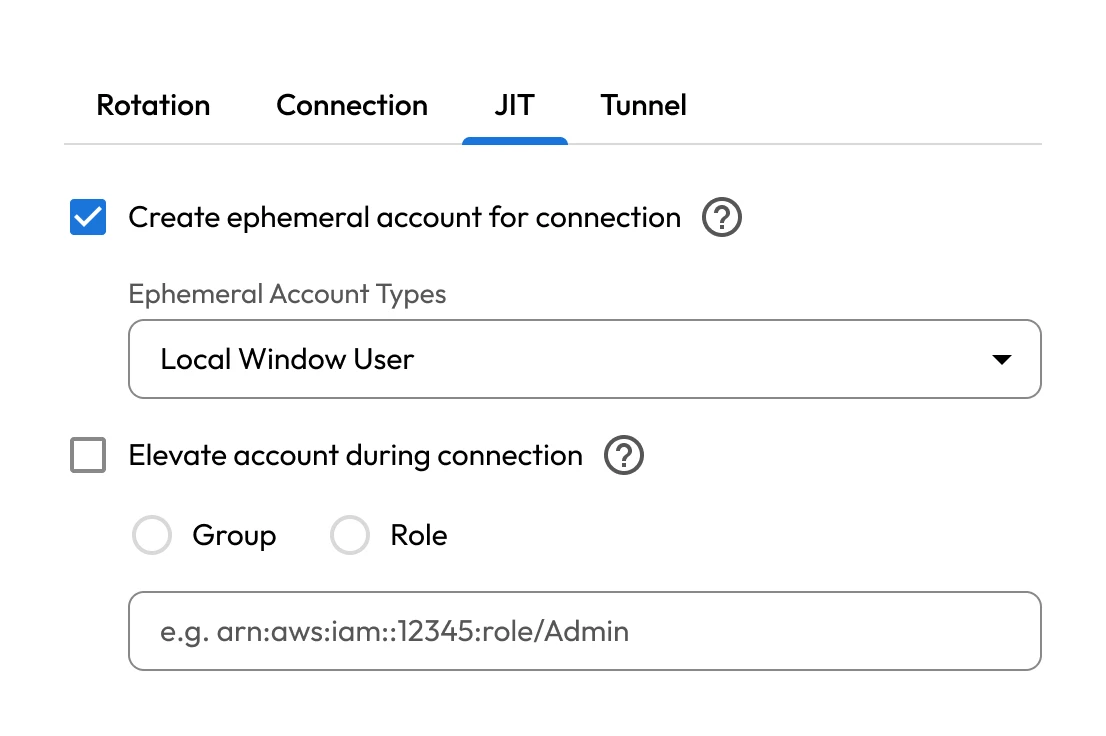
Enhance security and minimize risk when accessing privileged resources with just-in-time access.
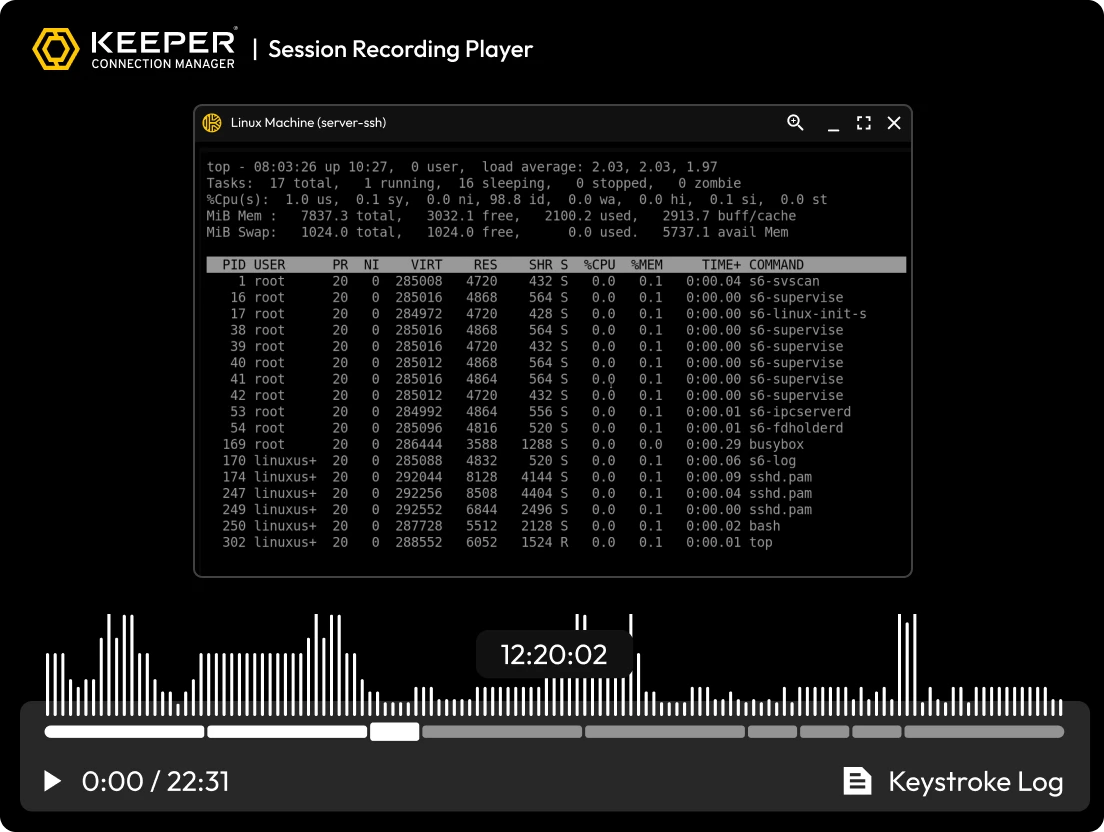
Deliver full session recording and audit logging for Linux users to ensure all privileged access and activity are tracked for security and compliance.
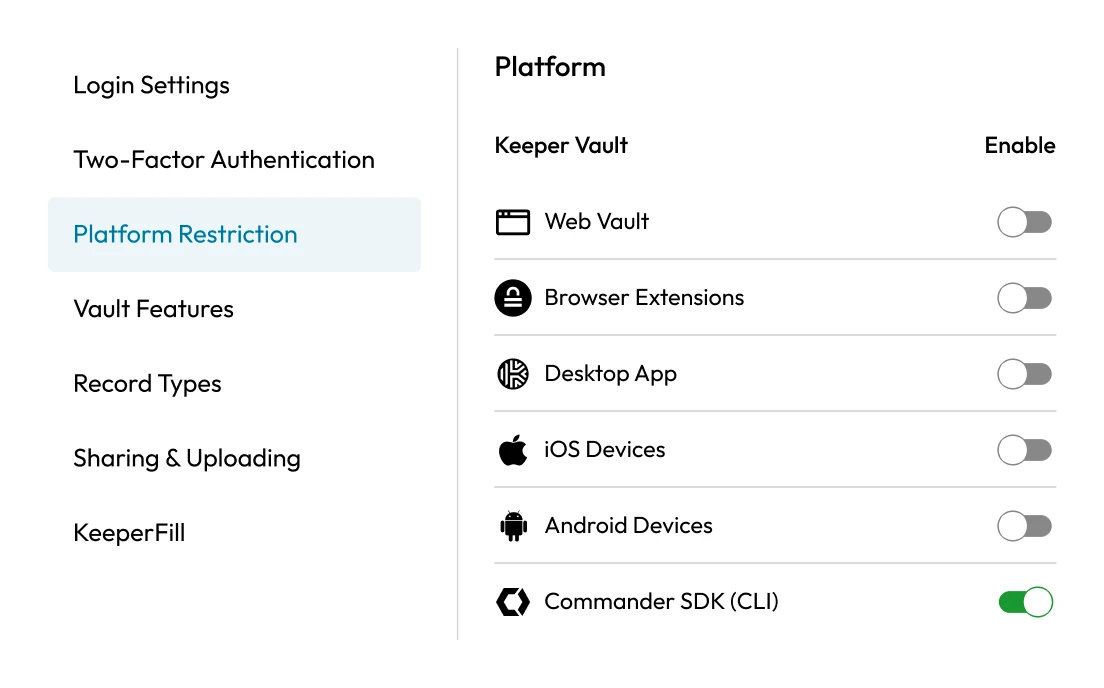
Enable Linux users to interact with their Keeper Vault, automate administrative tasks and manage privileged access all from a single terminal.
Manage secrets securely on Linux with Keeper Secrets Manager, a cloud-based solution designed for DevOps teams and automated workflows.
“I've worked in IT for over 20 years and tested just about every password manager on the market and for me Keeper is the flagship model for ease-of-use, support, and security. Whether you are using a Windows, Mac, Linux, Android, or iOS device, Keeper has a solution to keep your passwords in sync. Use multiple browsers such as Chrome, Firefox, Safari, Edge, Opera, Brave, or Vivaldi? Keeper has you covered there as well.”
Keeper supports a wide range of popular Linux distributions, though not all are officially supported. The Keeper Desktop Application is officially supported on:
The Keeper Web Vault, being browser-based, works on any Linux distribution as long as you use a supported browser, such as Chrome, Firefox or Edge.
Yes, you can use Keeper with SSH. KeeperPAM enables secure, zero-trust SSH access directly from the Keeper Vault. With KeeperPAM, you can:
KeeperPAM eliminates the need for complex network configurations like reverse SSH tunnels by providing encrypted, cloud-based access. You can initiate SSH sessions directly from the Keeper Web Vault or Desktop App, and all credentials remain protected within the vault.
Yes, Keeper offers a web-based application called the Keeper Web Vault, which is accessible from any modern browser on Linux (as well as Windows and Mac). You do not need to install any software to use the Keeper Web Vault – simply log in through your preferred browser.
Supported browsers on Linux include:

You must accept cookies to use Live Chat.