Feature: Dark Web Alerts

Protect compromised credentials in real time

BreachWatch® continuously scans the dark web for credentials stored in your Keeper Vault. If a match is found, you'll receive real-time alerts, allowing you to secure your accounts immediately.

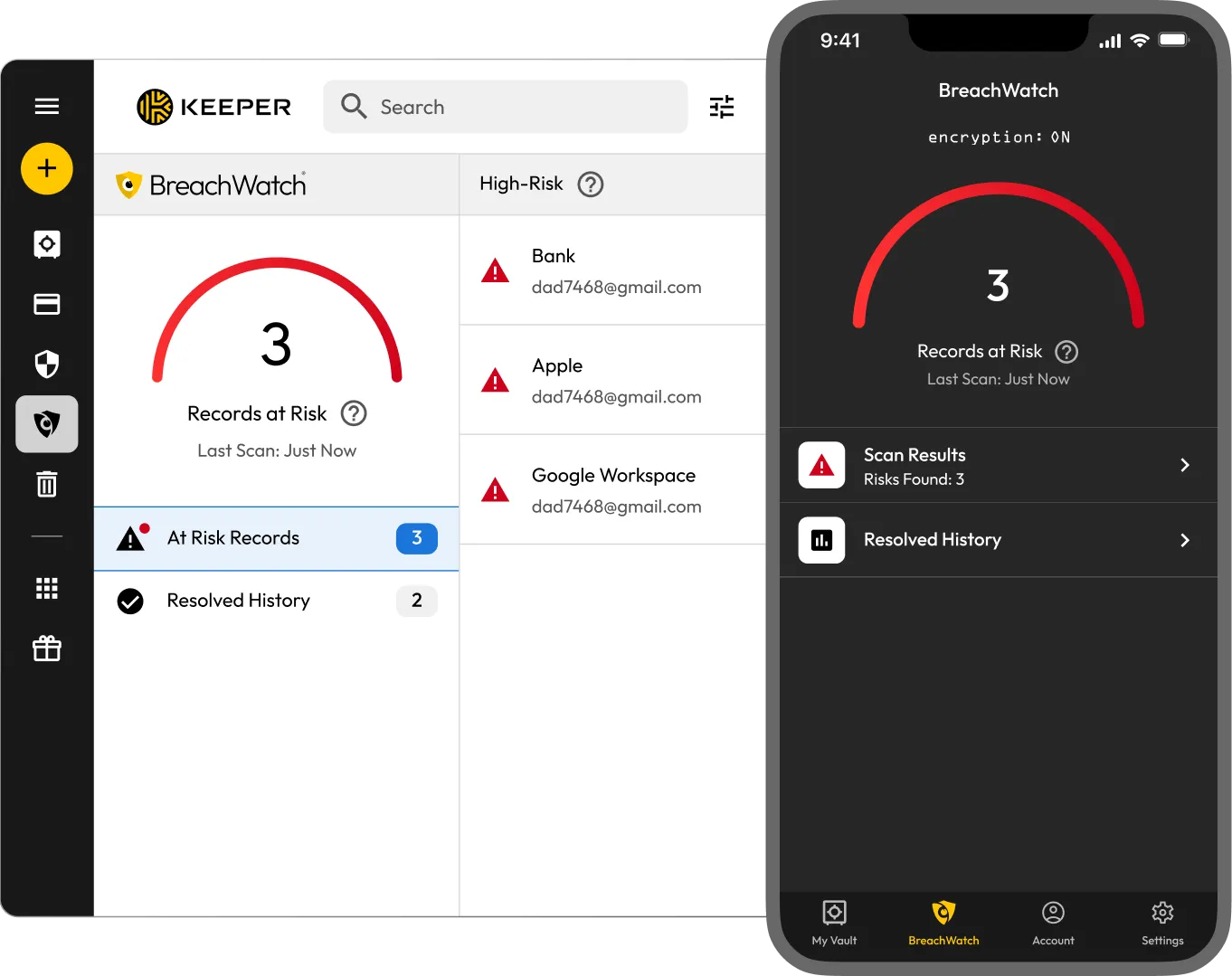
UI of Keeper's BreachWatch feature on desktop and mobile, displaying a dark web alert summary with three records at risk, flagged credentials, and access to scan results and resolved history.

How dark web alerts work through BreachWatch
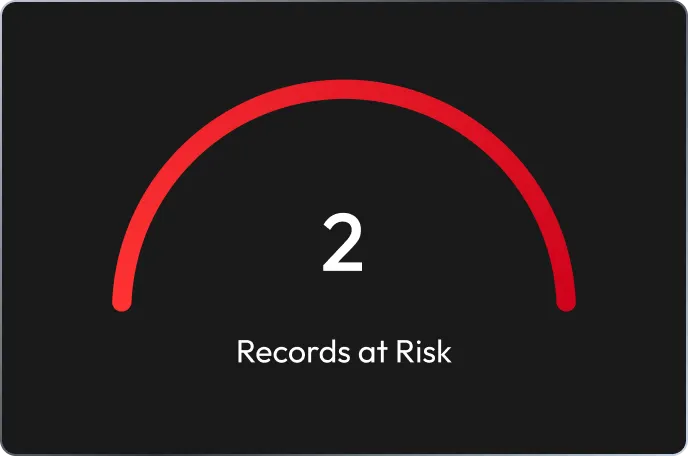
Visual indicator from Keeper's BreachWatch showing 2 records at risk, alerting the user to compromised credentials detected in dark web monitoring.

1. Automatically monitors the dark web for exposed credentials

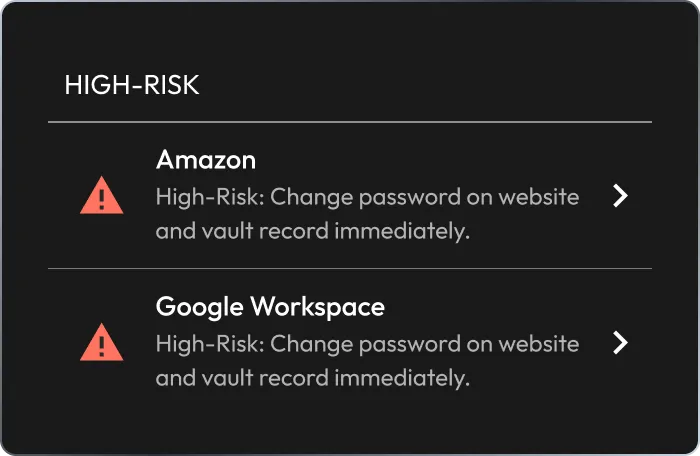
Keeper's BreachWatch high-risk alert panel showing compromised credentials for Amazon and Google Workspace, with guidance to change passwords and update vault records immediately.

2. Detects exposed credentials immediately
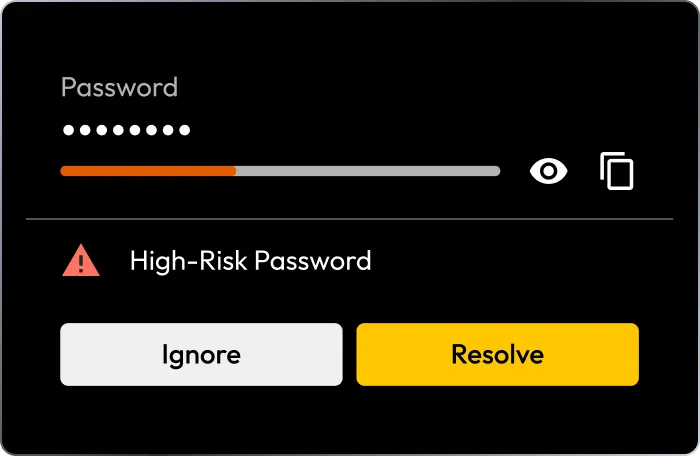
Keeper's BreachWatch interface flagging a high-risk password, with options to ignore or resolve the alert and improve account security.

3. Alerts you in real time so you can take action

Stay one step ahead with real-time dark web alerts
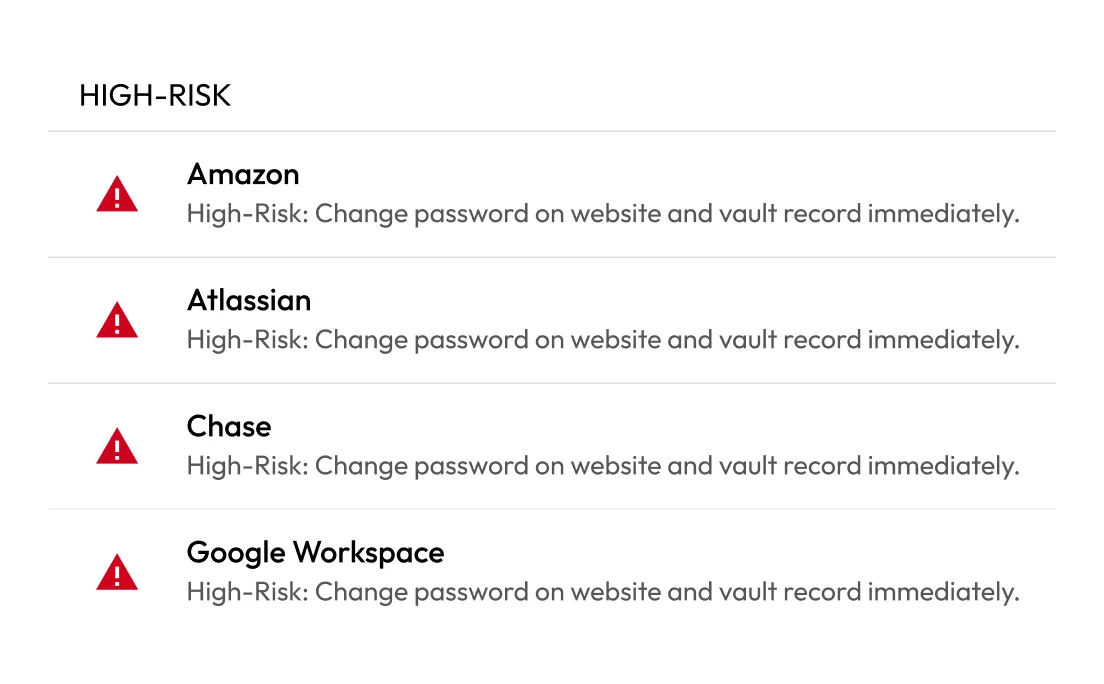
Keeper's BreachWatch high-risk alert list identifying exposed credentials for Amazon, Atlassian, Chase and Google Workspace, with prompts to change passwords and update vault records immediately.

Receive 24/7, real-time protection

BreachWatch compares encrypted versions of your stored credentials against a database of billions of breached records. Alerts are sent as soon as a match is found.

Secure both personal and business accounts

BreachWatch scales across individual, family and enterprise use cases to help prevent credential-based attacks both at home and in the workplace.
@@Secure both personal and business accounts
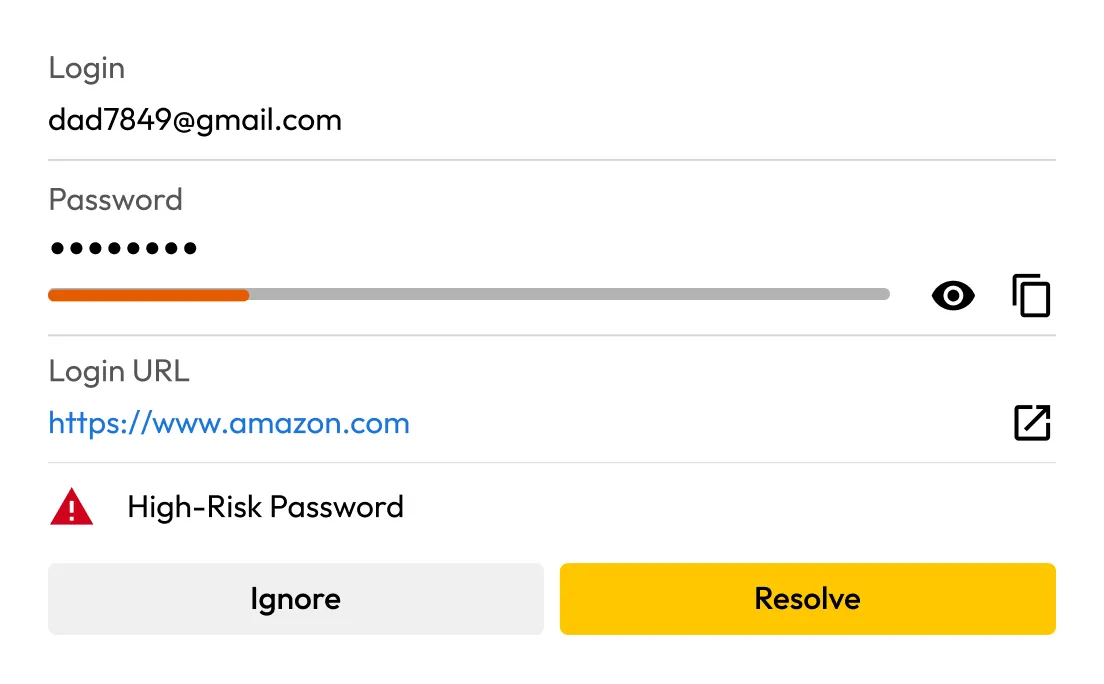
Keeper BreachWatch UI showing a compromised Amazon login with a weak password warning, login URL, and options to ignore or resolve the high-risk password alert.

Close security gaps instantly

BreachWatch alerts you the moment your saved credentials are exposed, helping reduce the risk of credential misuse, identity theft and account takeover.

Maintain zero-knowledge security

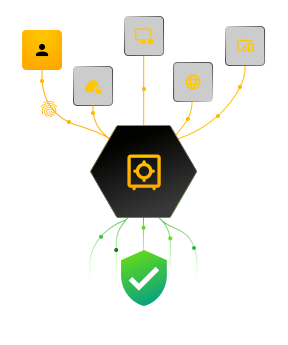
BreachWatch is built on a zero-knowledge architecture, ensuring that your passwords are never exposed during scanning.

Maintain zero-knowledge security

Why BreachWatch dark web alerts matter

Personal

For individuals

Your login credentials are valuable to cybercriminals on the dark web. BreachWatch protects your identity by detecting leaked passwords and alerting you in real time so you can act fast.

Business

For businesses

One compromised credential can trigger a costly breach. BreachWatch helps IT and security teams detect threats early, reduce risk and support compliance.

Frequently asked questions

How does Keeper detect if my credentials are on the dark web?

BreachWatch compares hashed versions of your saved credentials against a database of known breached credentials collected from the dark web. Your credentials are hashed on your device using HMAC_SHA512, then hashed again on Keeper's BreachWatch servers using a Hardware Security Module (HSM) and a non-exportable key. By double-hashing, Keeper ensures your data is never exposed, preserving privacy through a zero-knowledge architecture.

What should I do if I get a dark web alert?

If you get a dark web alert from BreachWatch, one of your saved credentials was exposed in a data breach. Immediately update the compromised password with a strong, unique one. Save it in your Keeper Vault and enable Two-Factor Authentication (2FA) on the account, if possible, for additional protection.

Is BreachWatch scanning my data?

No, BreachWatch never scans or exposes your plaintext credentials. It uses hashed, encrypted representations of your data with a double HMAC_SHA512 process to check against known breaches while keeping your information private.

Do I need to install anything extra to use BreachWatch?

No, BreachWatch is fully integrated into Keeper as an add-on feature and is available for individual, family, business and enterprise users. It operates directly from your vault on web browsers, desktops and mobile devices without any additional software needed.

Buy Now