الميزة: Session Recording and Playback

Session recording and playback for privileged access

Automatically capture, store and review high-risk sessions to improve security, accelerate audits and simplify investigations, all without slowing users down.

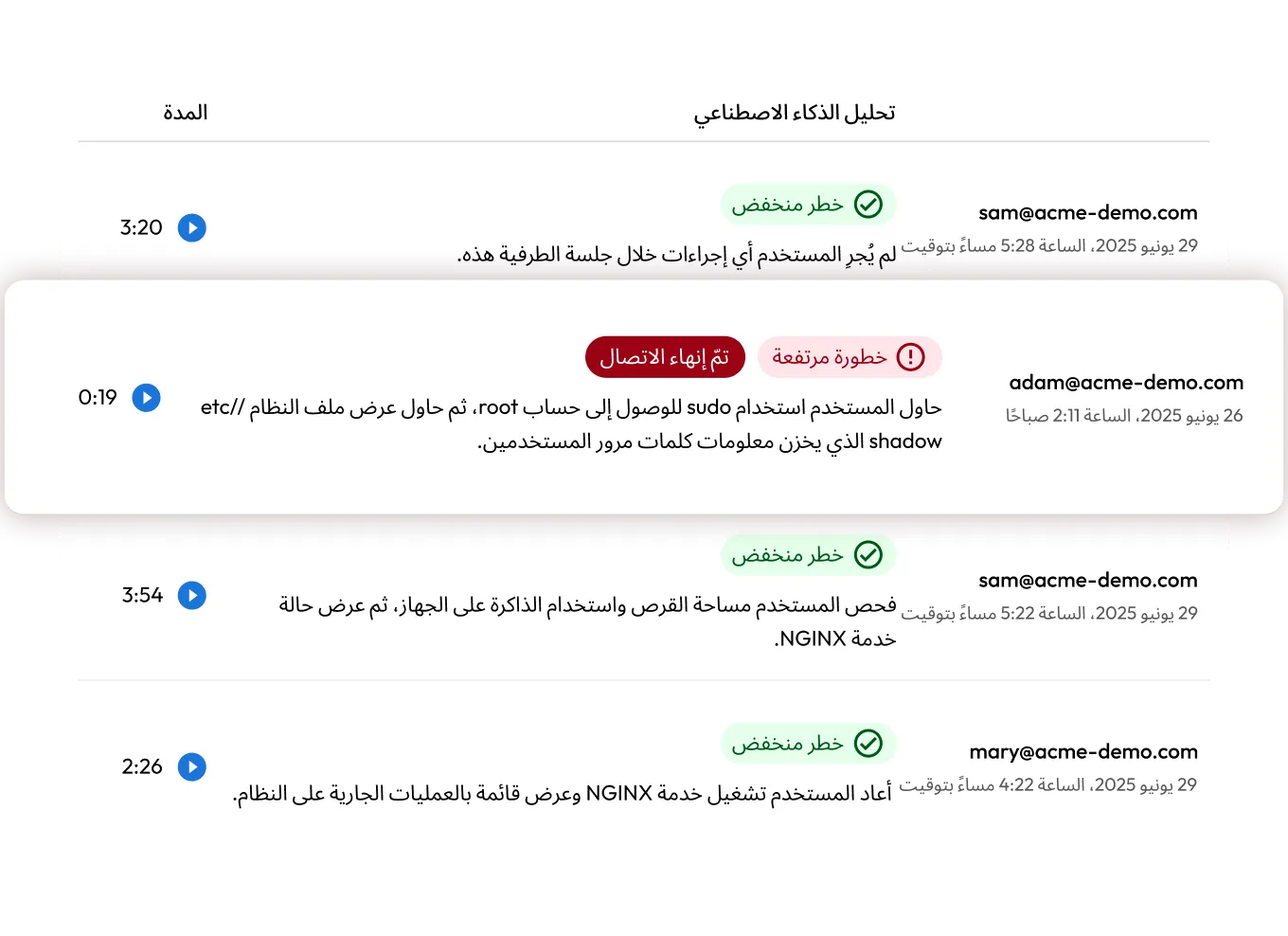
Keeper Security dashboard showing terminal session activity with AI risk labels and durations; one session is marked “High Risk” and “Connection Terminated.”
Graphic with linked hexagon icons showing session playback and web access.

What is session recording and playback?

Keeper's session recording and playback feature enables organizations to capture, store and review user activity across privileged sessions. Powered by KeeperAI, recorded sessions automatically generate AI-driven activity summaries and analysis to help security teams quickly understand what occurred during each session. Whether users connect via SSH, RDP, VNC, Kubernetes, database protocols or Remote Browser Isolation (RBI), each session can be logged as either visual output, terminal output or both.

How session recording and playback works

Session initiation

Session initiation

Users connect to infrastructure through KeeperPAM® via SSH, RDP, VNC, databases or RBI. No credentials are exposed, and connections are end-to-end encrypted.

Recording method

Recording method

Keeper records sessions as either visual screen activity or text-based command logs, depending on the protocol.

التخزين الآمن

التخزين الآمن

Recordings are encrypted client-side by the Keeper Gateway, with record-specific keys accessible only to authorized users.

Playback and analysis

Playback and analysis

Privileged users with proper policy permissions can replay sessions in the Keeper Vault or download terminal sessions for offline review.

Keeper AI

Automate session analysis with KeeperAI

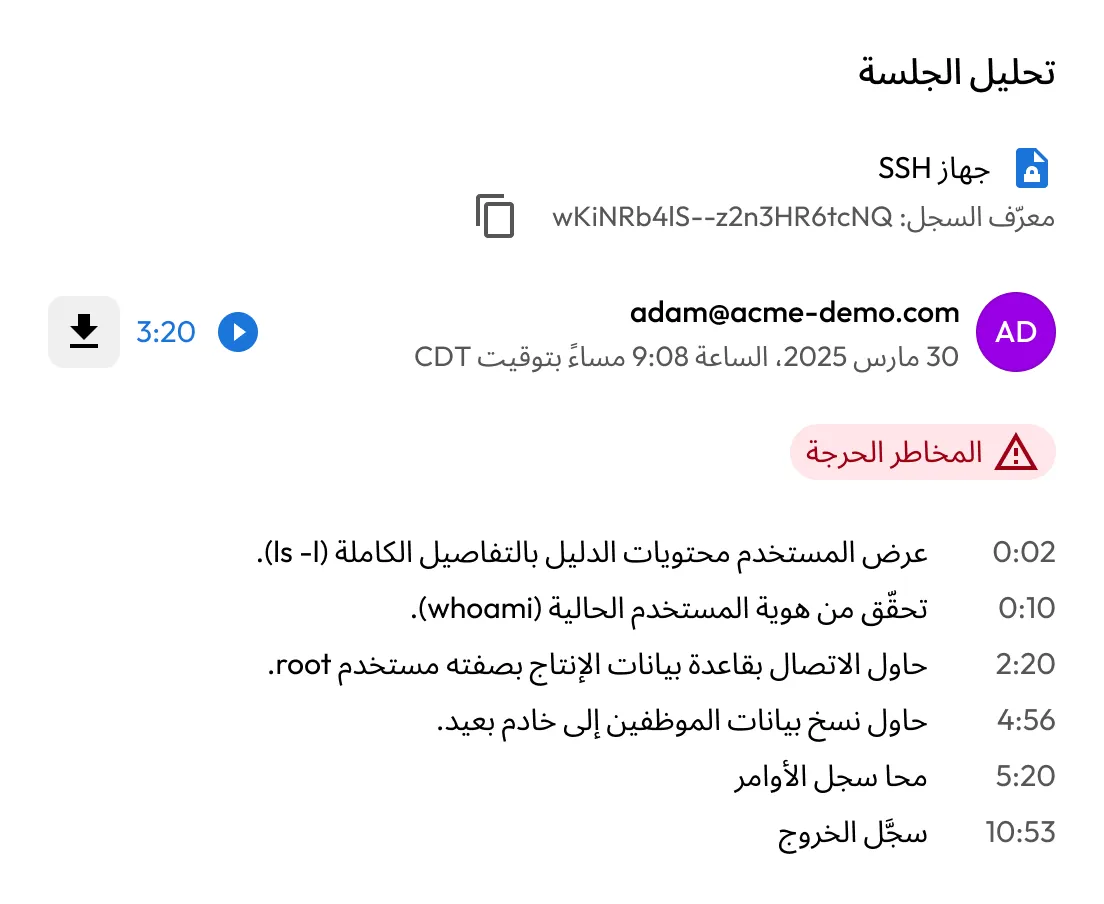
KeeperAI enables real-time threat analysis and automated session termination when high-risk behavior is detected. For every recorded session, encrypted activity summaries are generated, eliminating the need to manually review hundreds of recordings per day.

Complete visibility into privileged activity

Zero-knowledge encryption and access control

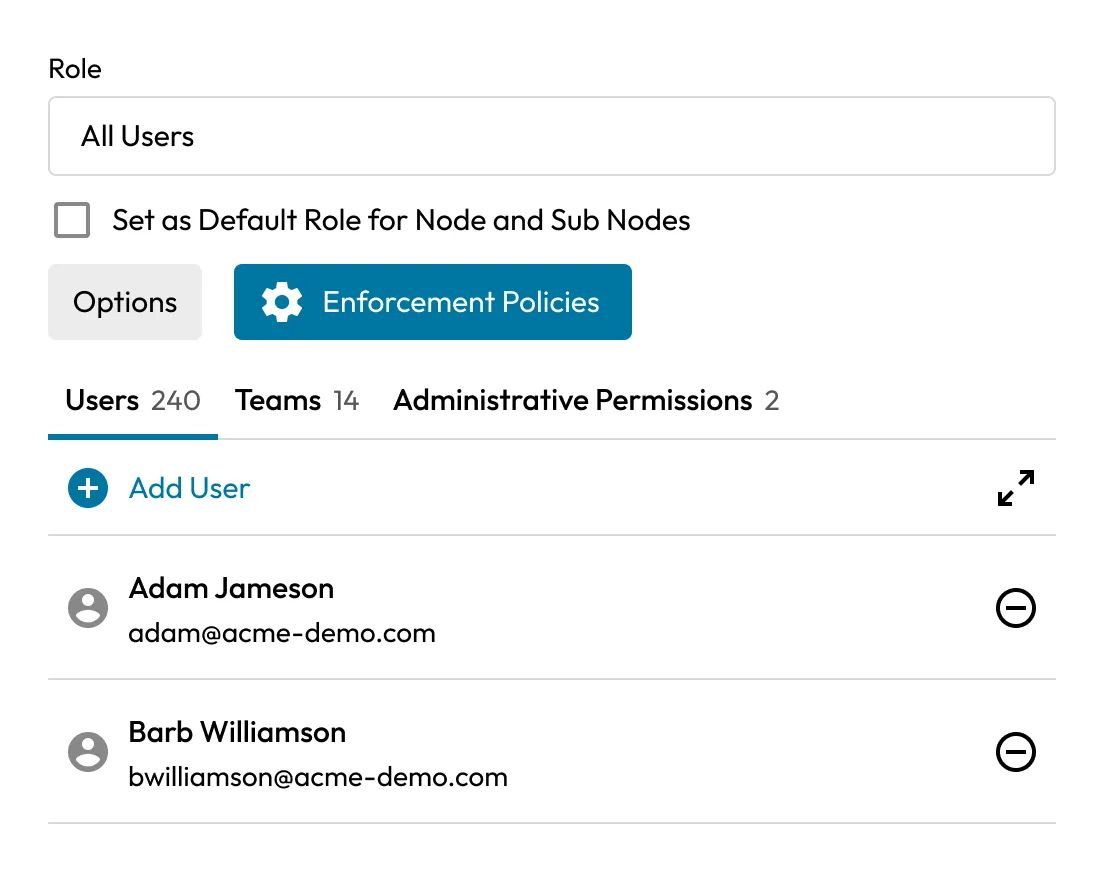
All recordings are encrypted by the Keeper Gateway using customer-controlled keys. Keeper cannot access, view or decrypt session data. Only authorized users with proper role-based policies can view or download recordings from the Keeper Vault.

Keeper Security role management screen for “All Users,” showing enforcement policy options, user and team counts, and a list of users.
Graphic showing six security and compliance certification badges, including SOC, ISO, and NIST.

Built-in compliance support

Keeper helps organizations meet regulatory requirements, including HIPAA, SOC 2, FedRAMP, CMMC and NIST 800-53. Session recordings serve as auditable evidence of privileged access events, helping streamline internal and external audits.

Tamper-proof forensic data

Graphical and text-based recordings offer an immutable record of session activity. This ensures that sensitive commands, database queries and administrative changes can be reviewed in full context.

Keeper Security session analysis screen showing an SSH session for flagged as Critical Risk, with a timeline of suspicious commands and actions.
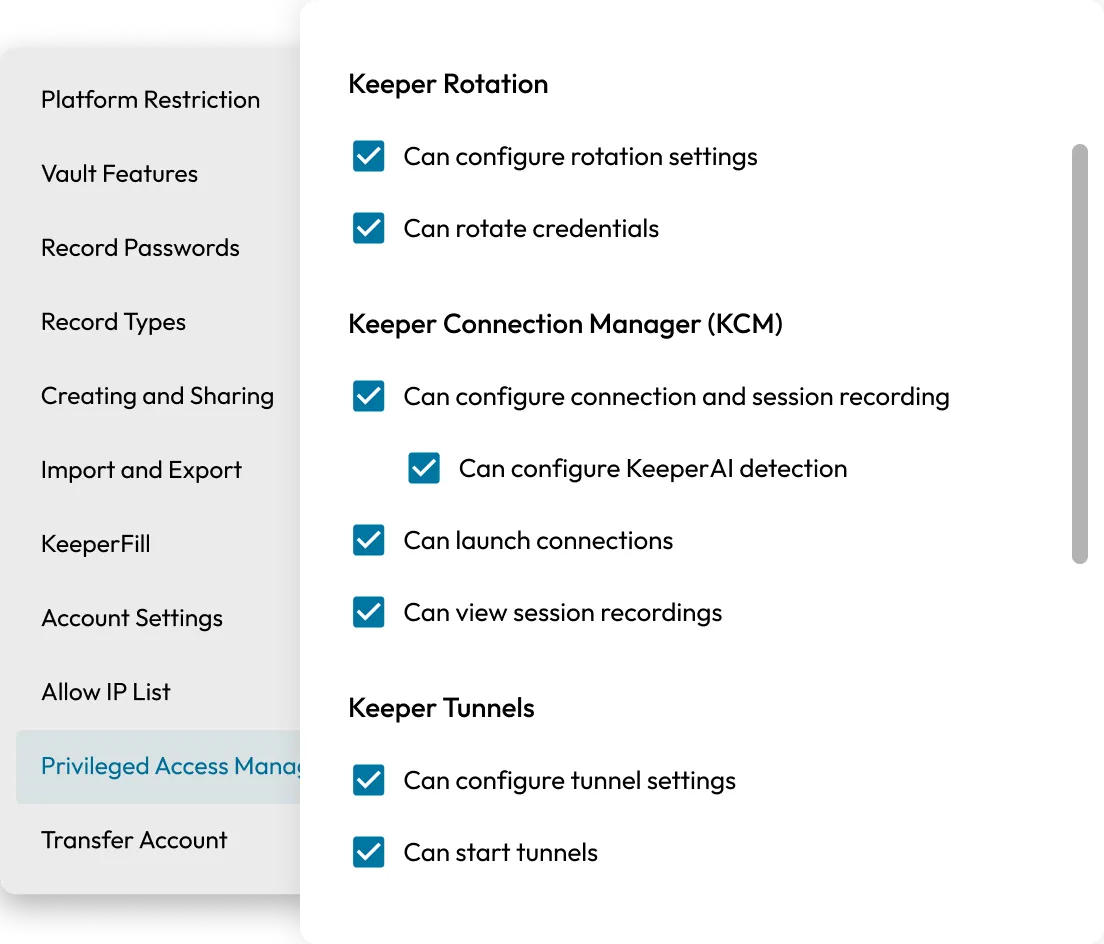
Keeper Security administrative permissions screen showing Privileged Access Management settings for rotation, session recording, KeeperAI detection, and tunnels.

Granular policy-based access

Admins can control who can view, configure or download session recordings using KeeperPAM enforcement policies. Access is restricted to users with the appropriate vault-level permissions, supporting least-privilege principles.

Broad protocol support

KeeperPAM supports recording across all major access protocols, including SSH, RDP, VNC, MySQL, PostgreSQL, SQL Server, Oracle, Kubernetes and Remote Browser Isolation.

Graphic showing six hexagon icons for terminal, web, Kubernetes, PostgreSQL, and MySQL connections.
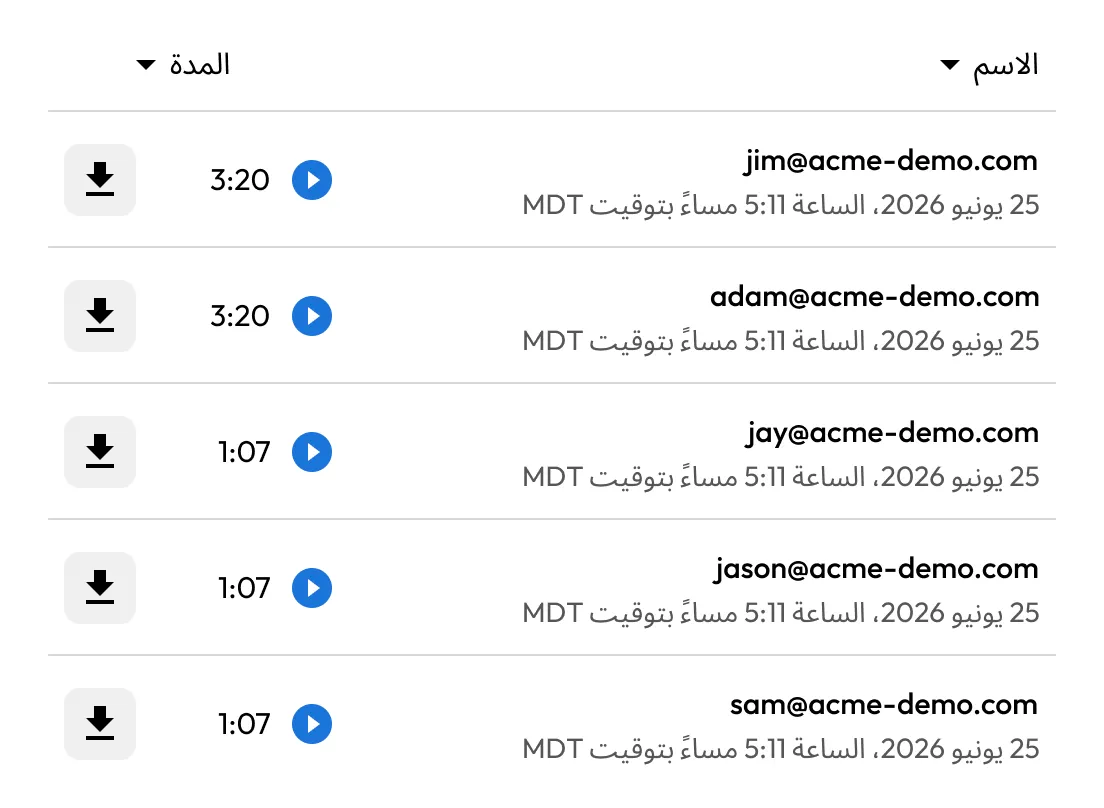
Keeper Security session list showing recorded sessions by user email with timestamps, playback buttons, download icons, and durations.

Unlimited retention and scale

There are no limits on the number of sessions recorded, recording length or file size. Organizations control how long recordings are stored and can align retention with internal policies or regulatory guidelines.

Integration with your SIEM

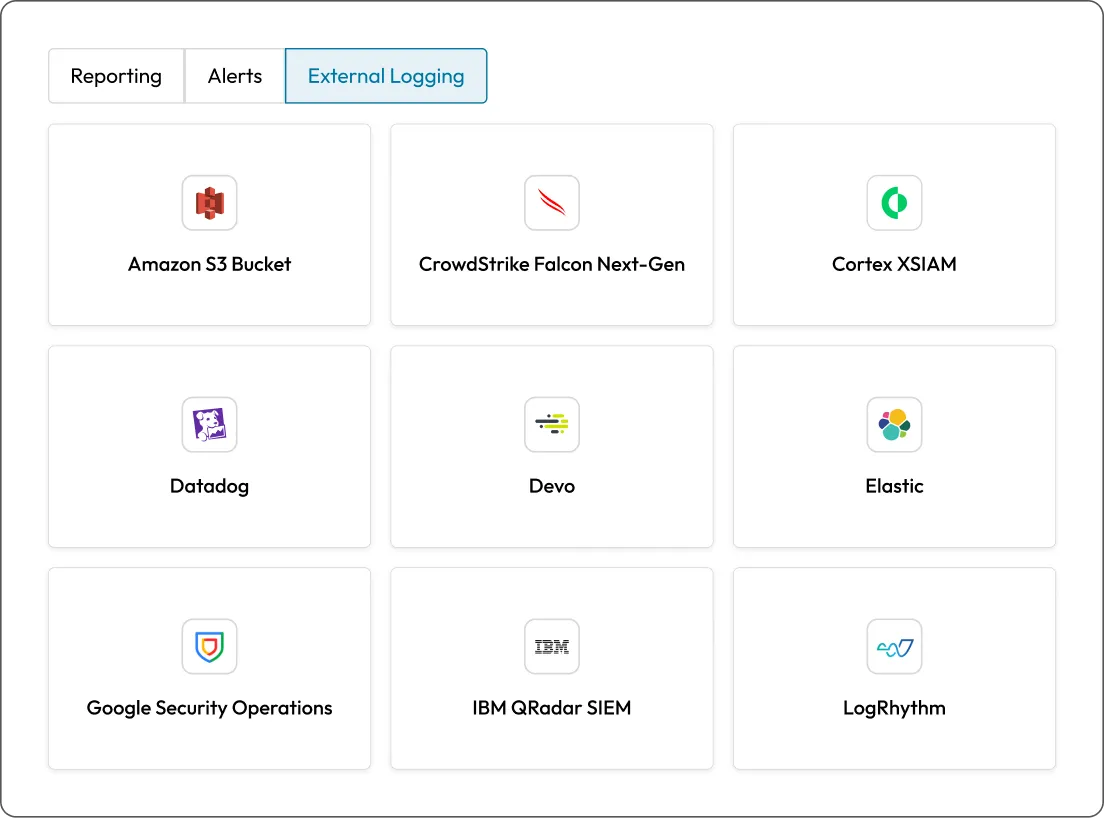
Keeper integrates with SIEM tools through the Advanced Reporting and Alerts Module (ARAM). Session metadata and access events can be streamed in real time for correlation, monitoring and automated threat detection.

Keeper Security external logging settings page showing integrations.

الأسئلة الشائعة

What is recorded during a session?

Keeper records either a visual playback of user activity, a full text log of terminal input and output or both, depending on the protocol. Graphical recordings capture screen interactions, while text-based recordings log command-line activity with precise timing.

Where are session recordings stored?

Recordings are stored in the Keeper Cloud but remain fully encrypted at rest and in transit. Decryption occurs only locally in the user's vault, never on Keeper's servers.

How are users granted access to recordings?

Access is governed by role-based enforcement policies within KeeperPAM. Only users with specific permissions, such as “Can view session recordings,” can access or play back recordings.

Can recordings be exported or downloaded?

Text-based recordings can be downloaded in TypeScript format (.tys and .tm files) for playback on macOS or Linux systems. Graphical recordings are played securely within the Keeper Vault and cannot be exported.

شراء الآن