对每个文件按记录级别进行加密
Keeper 中的所有文件均采用 AES-256 按记录级加密。密钥在设备本地生成,并受 Keeper 零知识架构保护仅有记录所有者或被授权共享的用户才能解密附属文件。
Keeper 中的所有文件均采用 AES-256 按记录级加密。密钥在设备本地生成,并受 Keeper 零知识架构保护仅有记录所有者或被授权共享的用户才能解密附属文件。
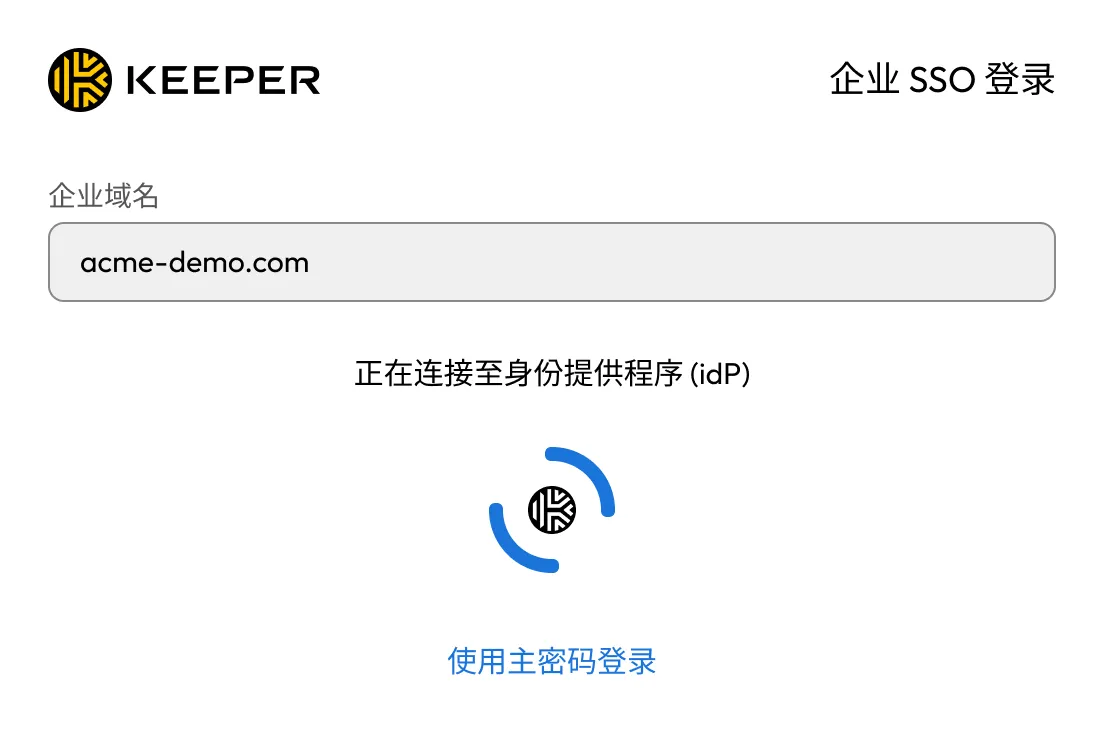
Keeper 使用 PBKDF2 从用户主密码中经过 1,000,000 轮生成认证密钥,并在本地生成加密密钥。管理员可通过 Keeper SSO Connect® 强制实施多因素认证 (MFA) 并连接现有身份提供商 (IdP)
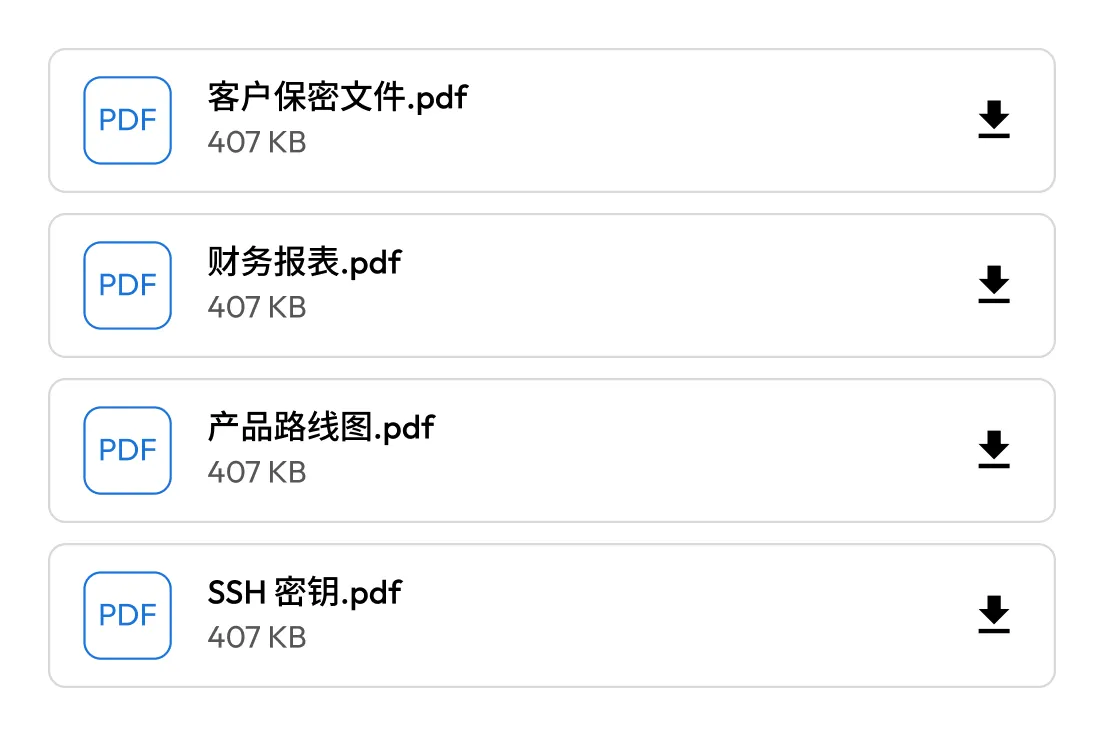
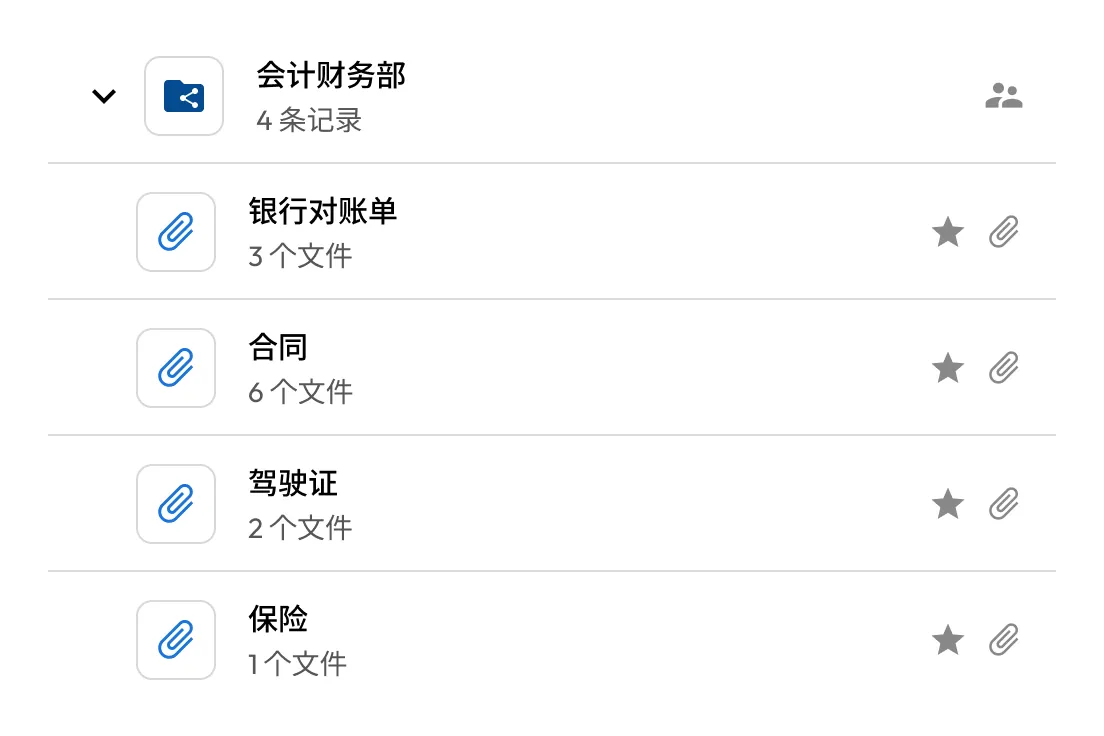
将员工记录、合同、财务文件、创意资产等集中管理于同一位置。文件默认私密,仅授权用户可访问,并可在网页、桌面及移动端使用。
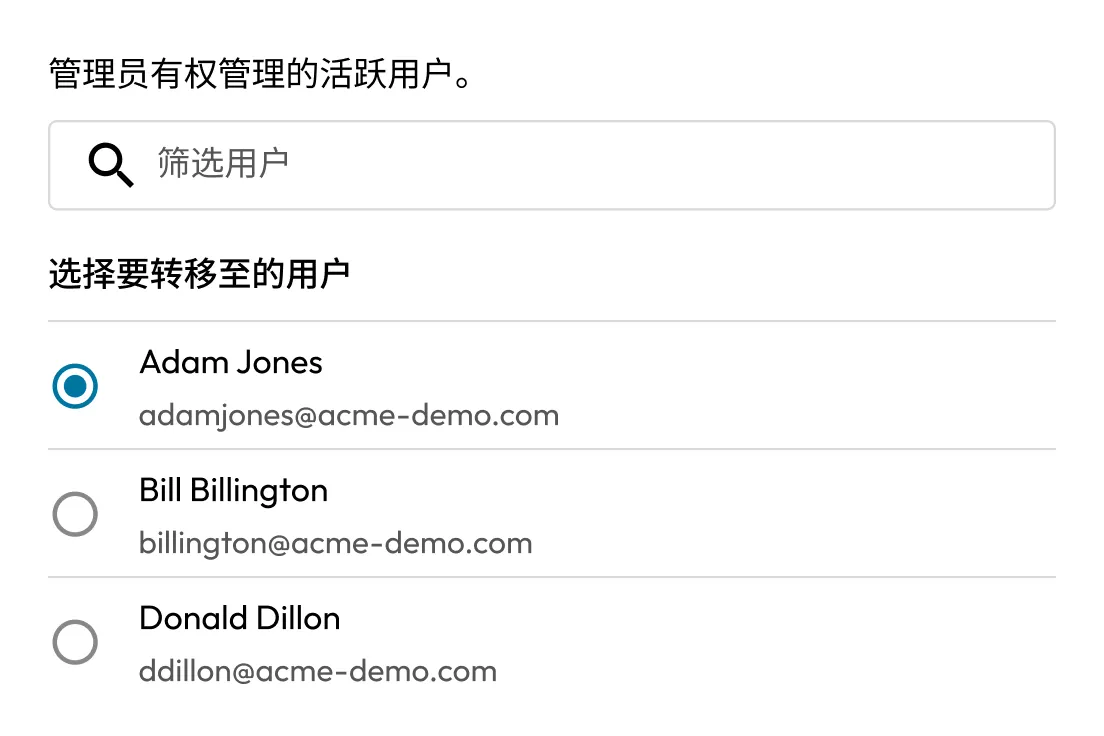
Keeper 允许管理员安全地将密码、通行密钥、凭证和文件转移给指定负责人,以保留前员工的重要访问权限。只需锁定已离职员工的保险库,将内容转移至接收者账户,然后删除旧账户。
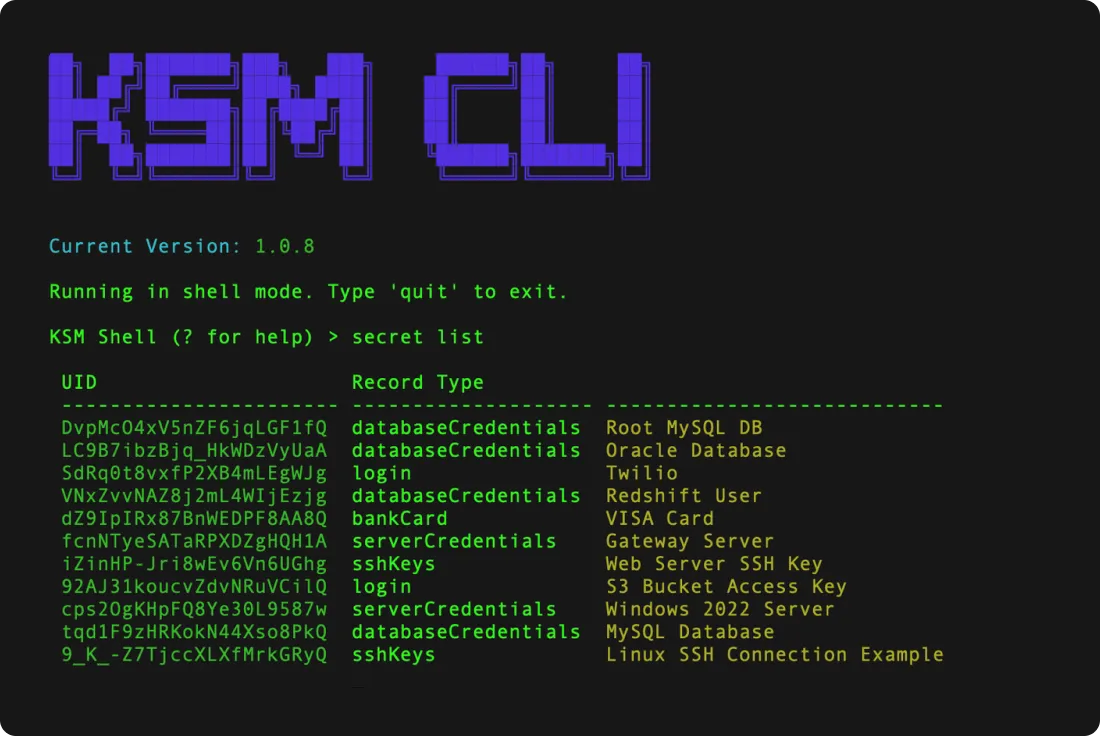
Keeper Secrets Manager 为 DevOps 用户提供的 SDK。工程师可通过安全文件存储上传数字证书和 SSH 密钥作为附件,并在自动化工作流程中借助 Keeper 的 CI/CD 与 IAC 工具轻松安全地检索这些文件。
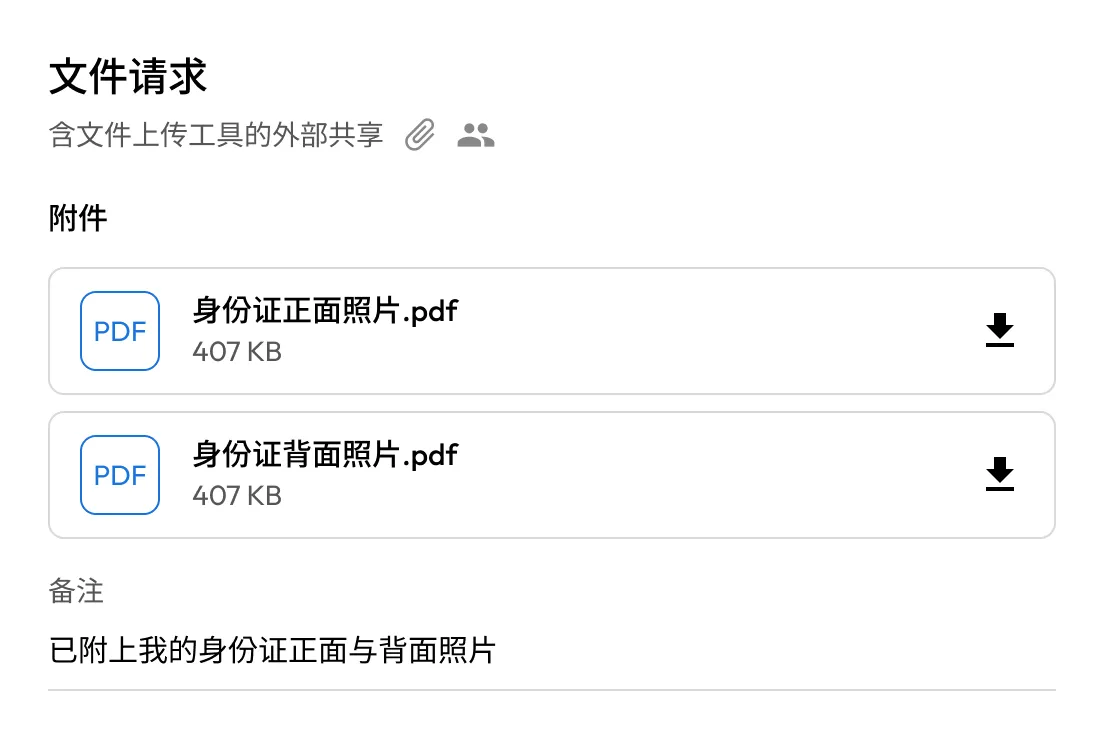
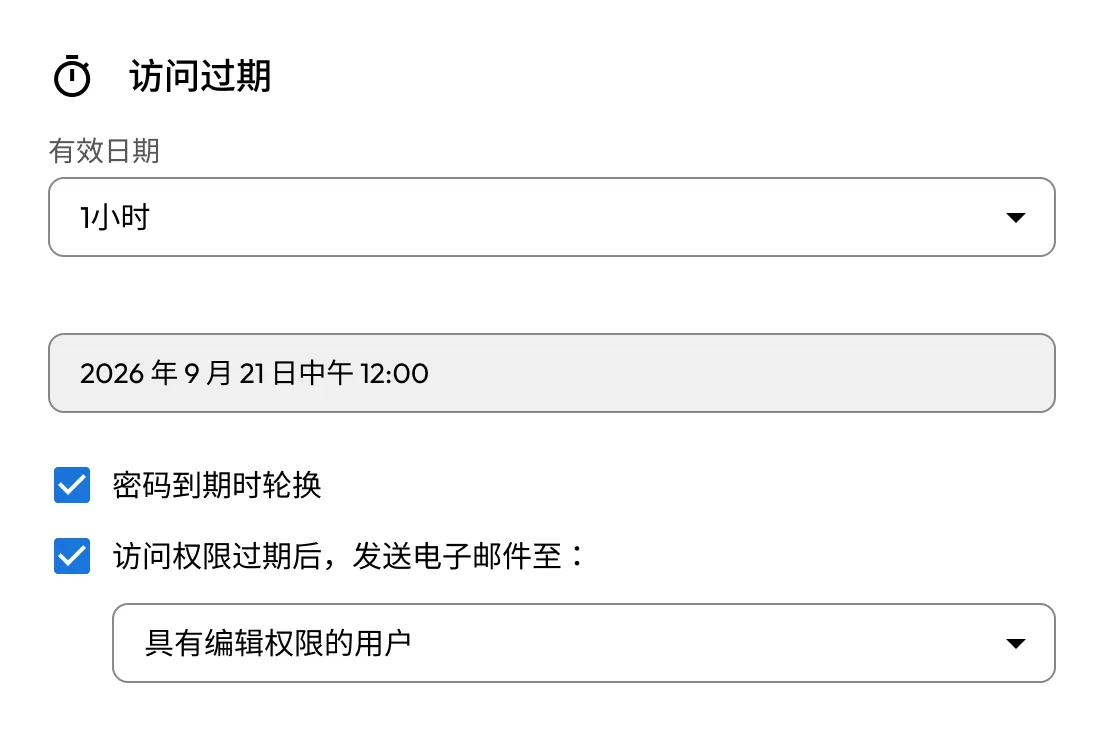
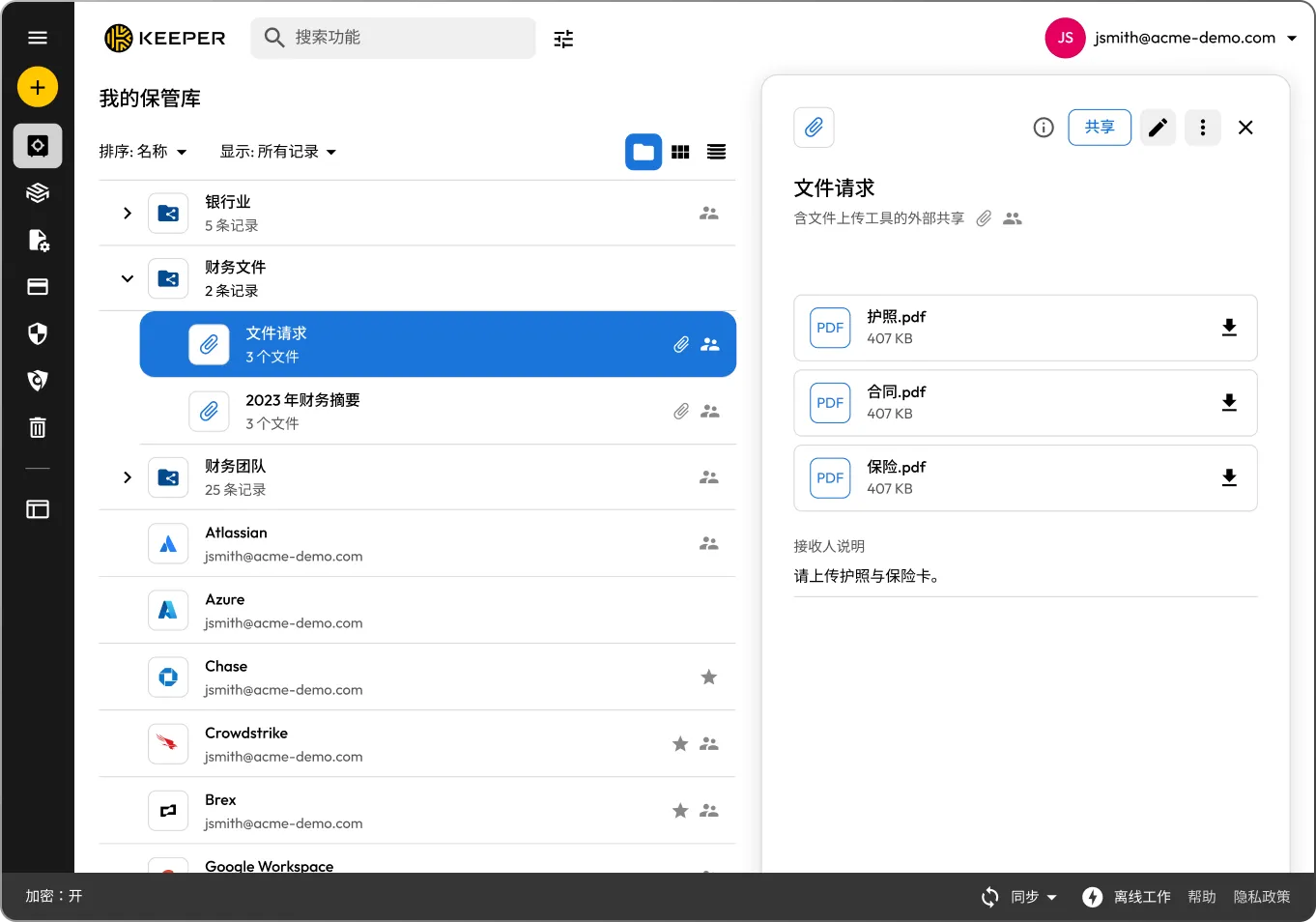
Keeper 的双向共享功能允许用户向任意收件人(包括非 Keeper 用户)发送加密链接,用于上传附件和填写其他所需信息。所有更改将直接保存至 Keeper 保险库。

Keeper 采用零信任访问模型及零知识加密架构。所有访问请求均经过完整认证与授权,且仅终端用户可解密数据。Keeper 无法访问保险库内容,确保数据主权完整并符合监管要求。

将 CI/CD 管道、DevOps 工具、定制软件和多云环境集成到一个完全托管的零知识平台,以保护基础设施机密并减少机密扩散。

员工可通过统一、直观的保险库界面访问凭证、通行密钥、密钥及加密文件。这有助于简化工作流程、降低培训成本,并提升全组织的使用率Keeper 可与所有主流 IdP 集成,优化配置与访问控制流程。
Secure File Storage in Keeper allows you to upload and store sensitive files, photos, videos and documents directly in your Keeper Vault. All files are encrypted using zero-knowledge encryption; only the user has access to the decryption keys. This ensures that Keeper cannot access your files, maintaining complete privacy and security.
Files are encrypted locally on the user's device before they are uploaded to the Keeper Cloud and remain encrypted in transit and at rest.
Keeper can securely store virtually any type of file, including:
You can upload files as attachments to any vault record or store them in a dedicated "File Attachment" record type.
Individual file attachments can be up to 100MB each. The total amount of storage depends on your Keeper subscription plan.
There's no limit to the number of files you can store, as long as you stay within your storage quota.
Yes, Keeper supports secure sharing of files with people who don't use Keeper through the One-Time Share feature. This allows you to create a time-limited, single-use link to a specific vault record (including its file attachments) without requiring the recipient to sign up for Keeper.

您必须启用 Cookie 才能使用在线聊天。