Cyber Threat: Trojan Horse

What is a Trojan Horse?

A Trojan horse is a type of malware that disguises itself as a legitimate file or software to trick users into installing it. Named after the ancient Greek legend of the giant wooden horse used to infiltrate Troy, a Trojan horse hides malicious code inside something that appears trustworthy. Once inside a system, cybercriminals use Trojans to steal data, gain unauthorized remote access or take full control of a device.
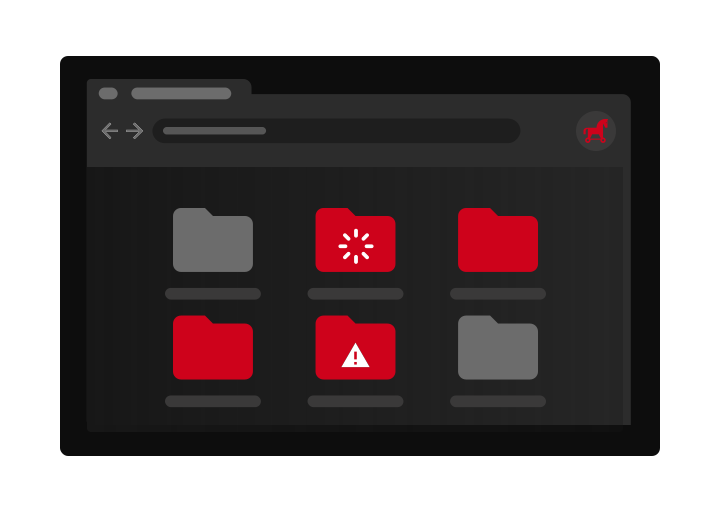
Keeper security graphic showing file folders highlighted in red with loading and warning icons. Keeper security graphic showing file folders highlighted in red with loading and warning icons.

How does Trojan horse malware work?

Contrary to popular belief, a Trojan horse is not a virus; it's a type of malware that requires user interaction to be activated. Trojan horse malware works by disguising itself as something safe so users want to download it. Once a user interacts with a Trojan horse, the malicious code activates in the background and silently alters system settings or grants cybercriminals remote access to the user's device. Many Trojans hide their malicious activity to avoid detection, enabling cybercriminals to steal data, spy on user activity or deploy additional malware.

How Trojan horse malware is delivered

Downloading malicious email attachments

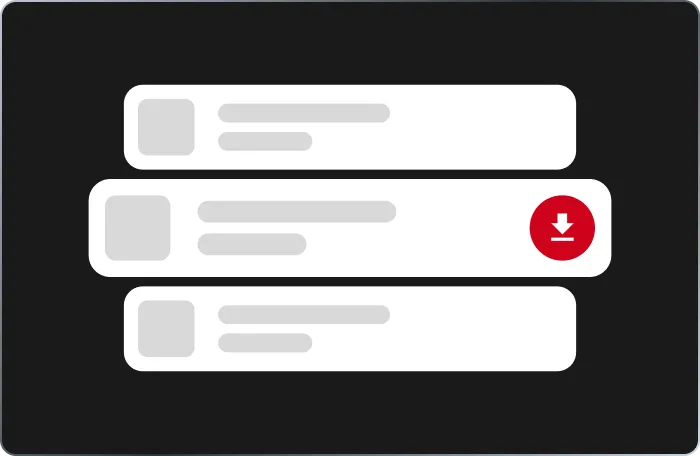
Interacting with fake software

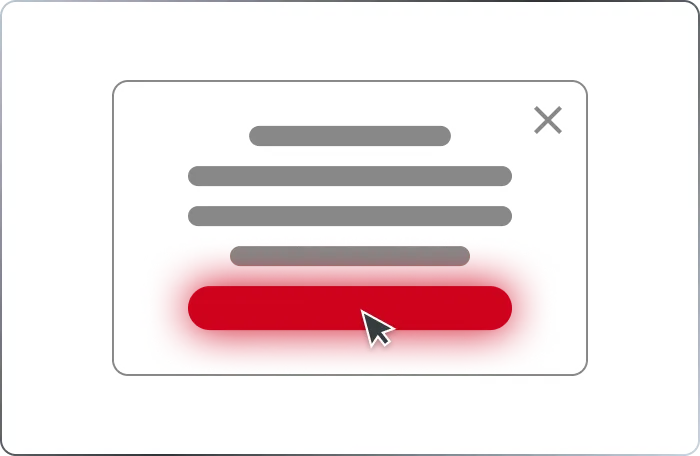
Clicking on malicious links

Common types of Trojan horses

Backdoor Trojan

Creates a hidden entry point to your system. Steals data or installs more malware after being delivered, often through malicious email attachments.

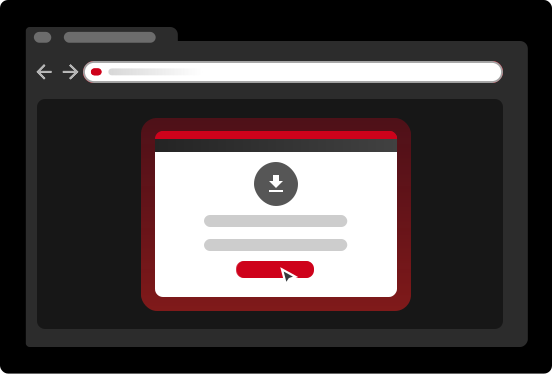
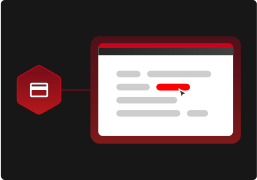
Keeper security graphic showing a suspicious file download pop-up highlighted in red in a web browser. Keeper security graphic showing a suspicious file download pop-up highlighted in red in a web browser.

DDoS Trojan

Turns infected devices into "zombie" bots that overwhelm servers with traffic. Spreads through infected software and waits for a large enough botnet to attack.

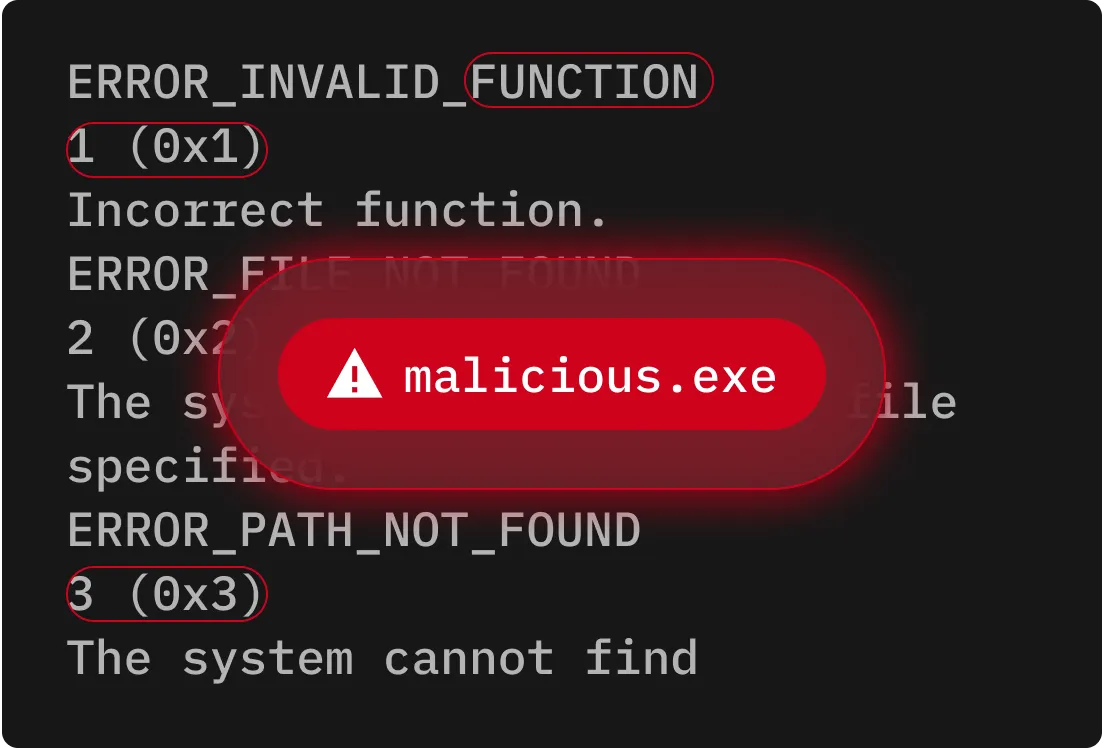
Keeper security graphic showing a malicious executable file highlighted in red over system error messages.

Rootkit Trojan

Hides within system files to gain long-term, undetected access. Exploits unpatched vulnerabilities and conceals other malware from antivirus software.

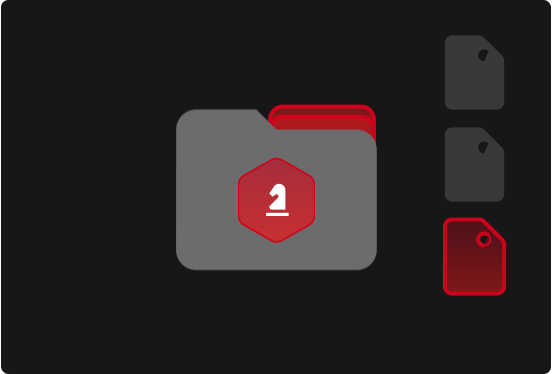
Keeper security graphic showing a folder and files highlighted in red with a warning icon. Keeper security graphic showing a folder and files highlighted in red with a warning icon.

Ransomware Trojan

Locks or encrypts files, then demands a ransom payment to regain access. Triggered by malicious links or attachments.

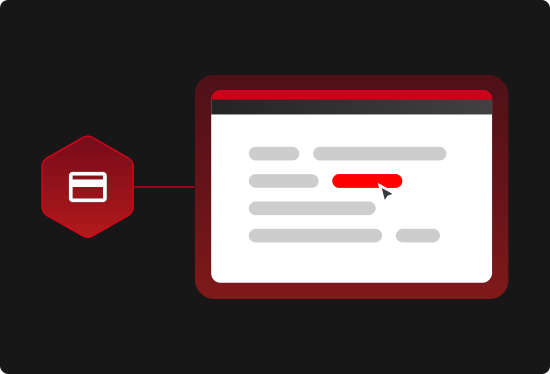
Keeper security graphic showing a suspicious payment form with a highlighted button and credit card icon. Keeper security graphic showing a suspicious payment form with a highlighted button and credit card icon.

How to identify a Trojan horse

Signs of a Trojan horse infection

  • Sudden system crashes
  • Unfamiliar programs running in the background
  • Random pop-ups
  • Newly installed apps
  • Unusual network activity
  • Security settings changes made without your knowledge
  • Missing or altered files
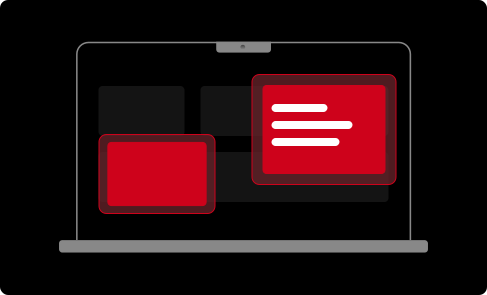
Keeper security graphic showing suspicious pop-up windows highlighted in red on a laptop. Keeper security graphic showing suspicious pop-up windows highlighted in red on a laptop.

How to protect yourself from Trojan horses

Never click on suspicious attachments or links

Trojan horses only work if you open a malicious file or click a malicious link within a phishing email or spoofed website. Even if a message appears to come from someone you know and trust, be cautious and verify the source before clicking on any attachments or links.

Keep your software up to date

Regularly updating your software and operating systems ensures that security vulnerabilities are patched right away. Software updates fix weaknesses that Trojans and other types of malware exploit to gain control of your device.

Use antivirus software

Antivirus software detects, quarantines and removes Trojans and other malware before they can harm your device. By running regular antivirus scans, you can stay protected against Trojans and broader cyber threats.

How Keeper® protects you from Trojan horses

Keeper stores passwords, sensitive information and payment details in an encrypted digital vault. With zero-knowledge, client-side encryption, vault data remains encrypted in transit and at rest. However, some Trojans and infostealers target data in device memory while applications are in use. On Windows, Keeper Forcefield helps protect against this threat by blocking unauthorized processes from reading the memory of Keeper applications and supported browsers. Using unique passwords for your accounts and storing them in Keeper Password Manager can help limit password reuse. Forcefield adds a layer of protection against memory-based theft.

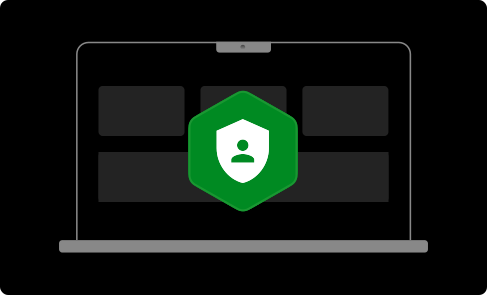
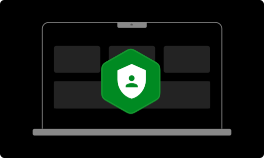
Keeper security graphic showing a laptop protected by a green shield with a user icon. Keeper security graphic showing a laptop protected by a green shield with a user icon.

Protect your information from Trojan horses with Keeper

Withdraw Cookie ConsentWe value your privacy

We use cookies on our site to give you the best browsing experience, serve personalized ads about our products and content, and analyze website traffic. To learn more, please refer to our Privacy Policy.

Sign up for a Free Trial

Buy Now