Feature: CLI Vault Access

Command-line vault access for automation, control and power users

Access and manage your Keeper Vault programmatically using Keeper Commander, the CLI and SDK interface built for technical users, administrators and developers.

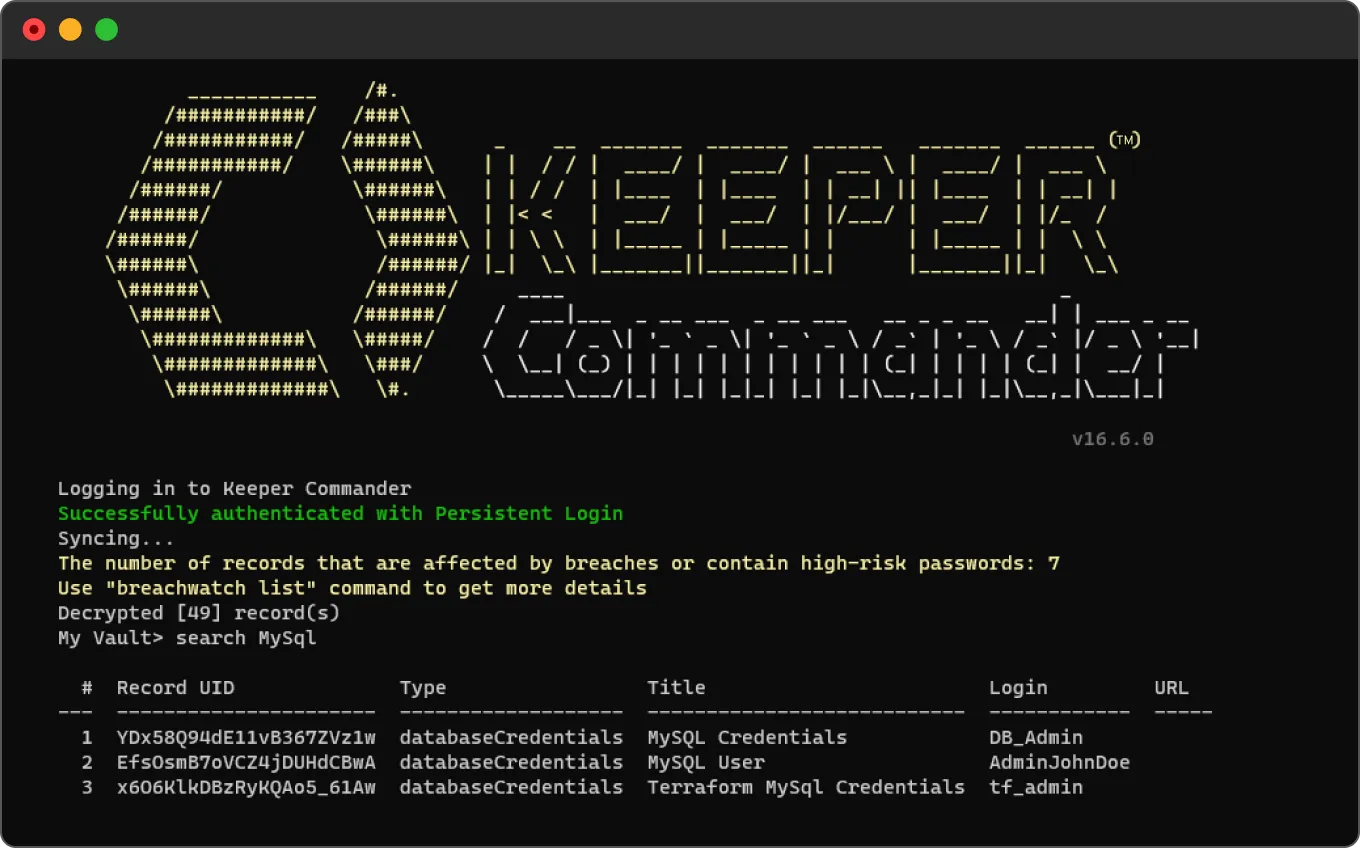
Keeper Commander terminal showing a successful login and MySQL credential search results.
Yellow Keeper Commander icon.

What is Keeper Commander?

Keeper Commander is a Command-Line Interface (CLI) and SDK interface designed for secure, automated interaction with the Keeper Vault and Admin Console. Commander provides administrators and developers full access to vault functionality and privileged operations via scripts, terminal sessions or programmatic integrations.

Command-line access to vault and admin features

Vault operations from the command line

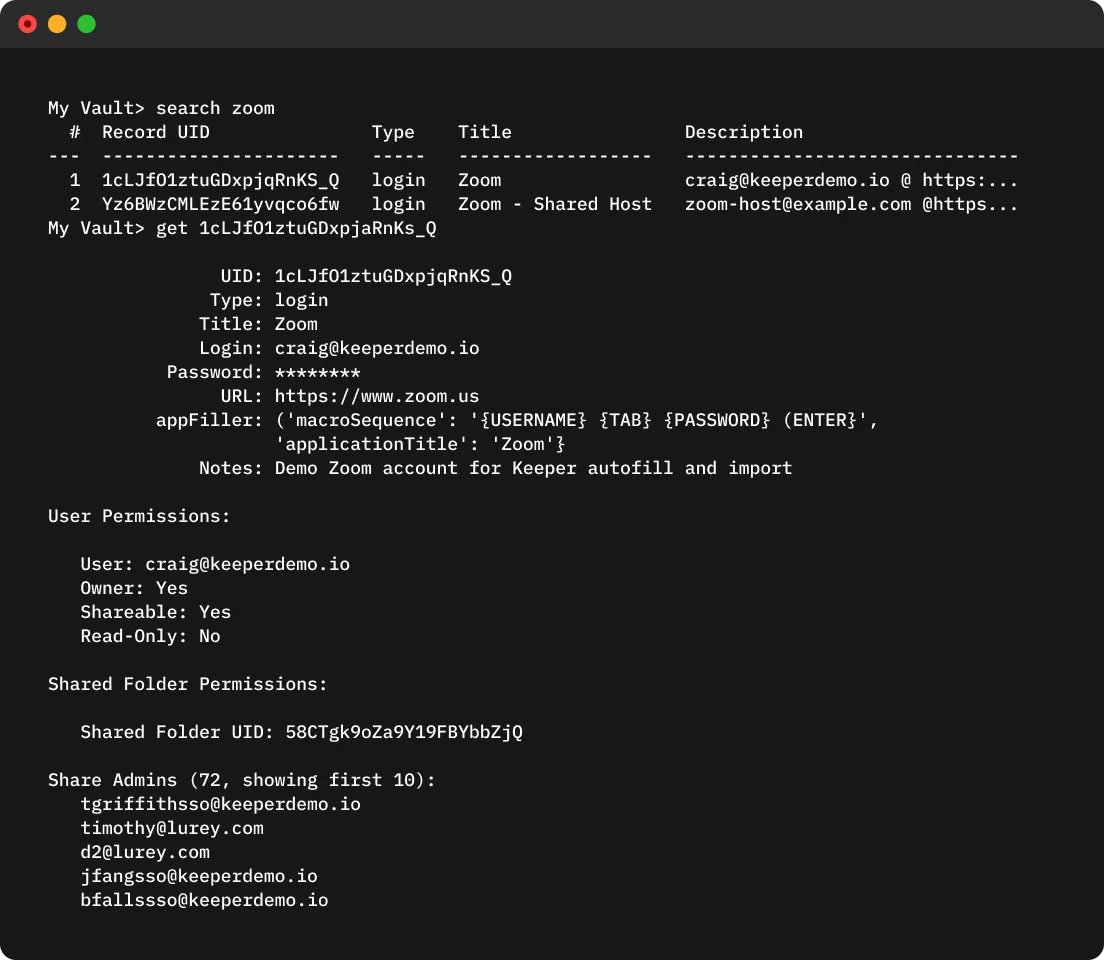
Keeper Commander offers comprehensive access to Keeper Vault functionality via the CLI. You can view, create, edit, delete and share records directly from the terminal, along with performing administrative tasks like provisioning, rotation and launching remote sessions.

Keeper Commander terminal showing Zoom record search results, record details and sharing permissions.
CI/CD integration icons for Ansible, Bitbucket, Docker, GitHub Actions, GitLab, Heroku, and Jenkins.

Automation and custom integrations

Commander is ideal for automating enterprise workflows and integrating Keeper into backend systems. Use Commander to script privileged access tasks, manage vault operations, schedule audits and connect with third-party platforms.

Enterprise provisioning and user management

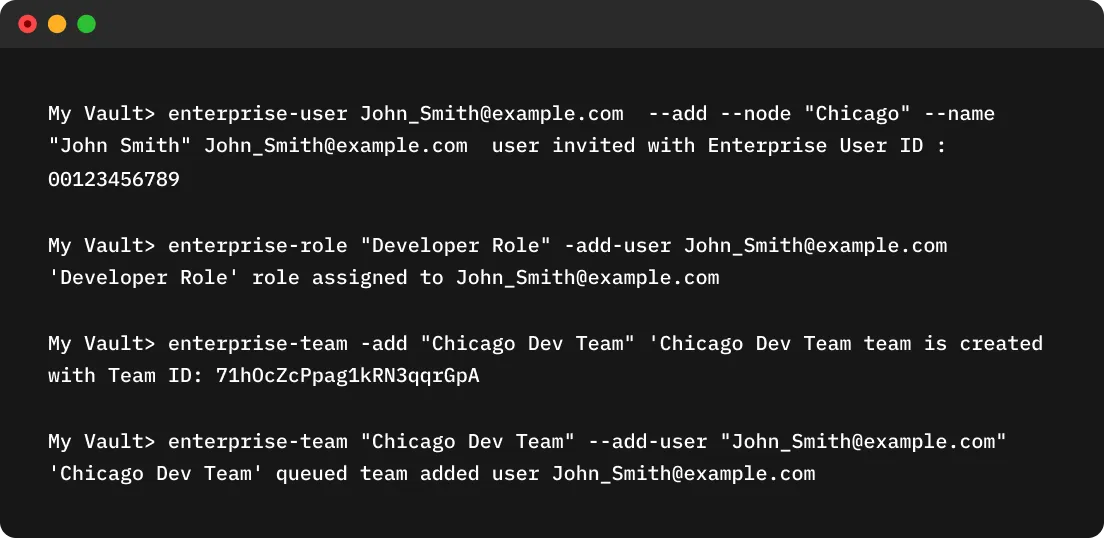
IT administrators can use Keeper Commander to provision users, assign roles, manage teams and automate aspects of user onboarding across the organization.

Keeper Commander terminal showing commands to add a user, assign a role and create a team.
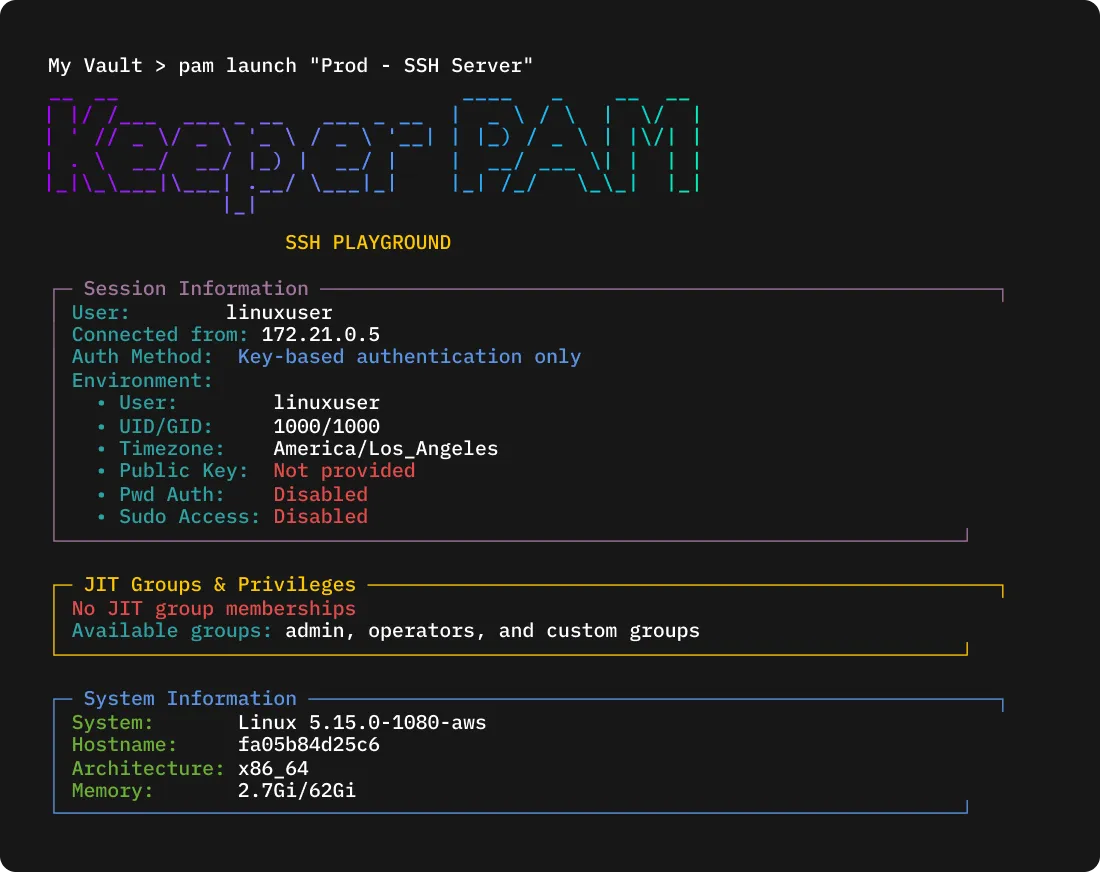
KeeperPAM terminal showing SSH session details, JIT privileges and system information.

PAM functionality and privileged access

Commander extends KeeperPAM capabilities by providing CLI-based access to privileged credentials, automated password rotation and session-based workflows. Through Commander, you can launch RDP and SSH sessions, and rotate service account credentials across on-prem and cloud environments.

Native CLI support for Mac, Linux and Windows

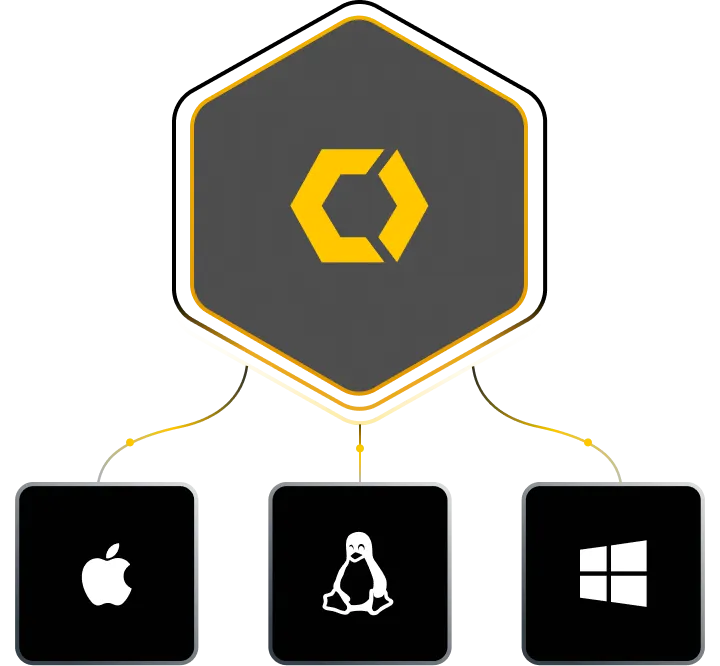
Keeper Commander runs natively on macOS, Linux and Windows, allowing you to script and automate securely in any environment.

Keeper Commander graphic showing support for macOS, Linux and Windows.

Commander SDKs

The Keeper Commander SDKs provide programmatic access to core Keeper functionality, including the Keeper Vault, Enterprise Admin Console and Secrets Manager. SDKs and packages are available via NuGet (.NET), PyPI (Python) and GitHub, along with PowerCommander for PowerShell-based automation.

Terminal window showing a blank Keeper Commander session with a command prompt.

Navigate the vault with SuperShell

SuperShell is a built-in Terminal User Interface (TUI) in Commander designed for power users. It offers a split-pane layout with vim-style keyboard navigation, real-time search, clipboard actions and JSON record views. SuperShell gives developers, admins and security teams a fast and efficient way to explore and act on vault records, all without leaving the command line.

Frequently asked questions

Is Keeper Commander open source?

Yes, Keeper Commander is an open-source project developed and maintained by Keeper's engineering team, with contributions from partners and the broader community.

Is all Keeper Vault functionality available via CLI?

Not all Keeper functionality is available through the CLI. While Keeper Commander and the Secrets Manager CLI provide broad access to vault operations, provisioning, rotation, session management and automation, some enterprise features are accessible only through the Admin Console UI or via Keeper's REST API.

What is the benefit of using SuperShell?

SuperShell provides a graphical vault browser within your terminal. It supports faster navigation, enhanced visibility and keyboard-only workflows for managing vault records.

Does Commander support privileged session management?

Yes, Commander supports privileged session management as part of KeeperPAM. You can use it to launch and automate SSH and RDP sessions, inject credentials securely and enforce just-in-time access. Sessions initiated through Commander can also be monitored and recorded, with full support for auditing and compliance through Keeper's session recording features.

Withdraw Cookie ConsentWe value your privacy

We use cookies on our site to give you the best browsing experience, serve personalized ads about our products and content, and analyze website traffic. To learn more, please refer to our Privacy Policy.

Sign up for a Free Trial

Buy Now