

1. Getting in the middle
The attacker positions themselves between you and the service you're using, often by spoofing a WiFi network or tampering with how your device finds websites. Your traffic now flows through equipment they control.
Cyber Threat: Man-in-the-Middle Attack
A Man-in-the-Middle (MITM) attack is when an attacker secretly inserts themselves between two parties who are communicating directly. The attacker can read, steal or alter the data passing between them, usually without either side noticing. The goal is to capture sensitive information like login credentials, payment details, session tokens and private messages.
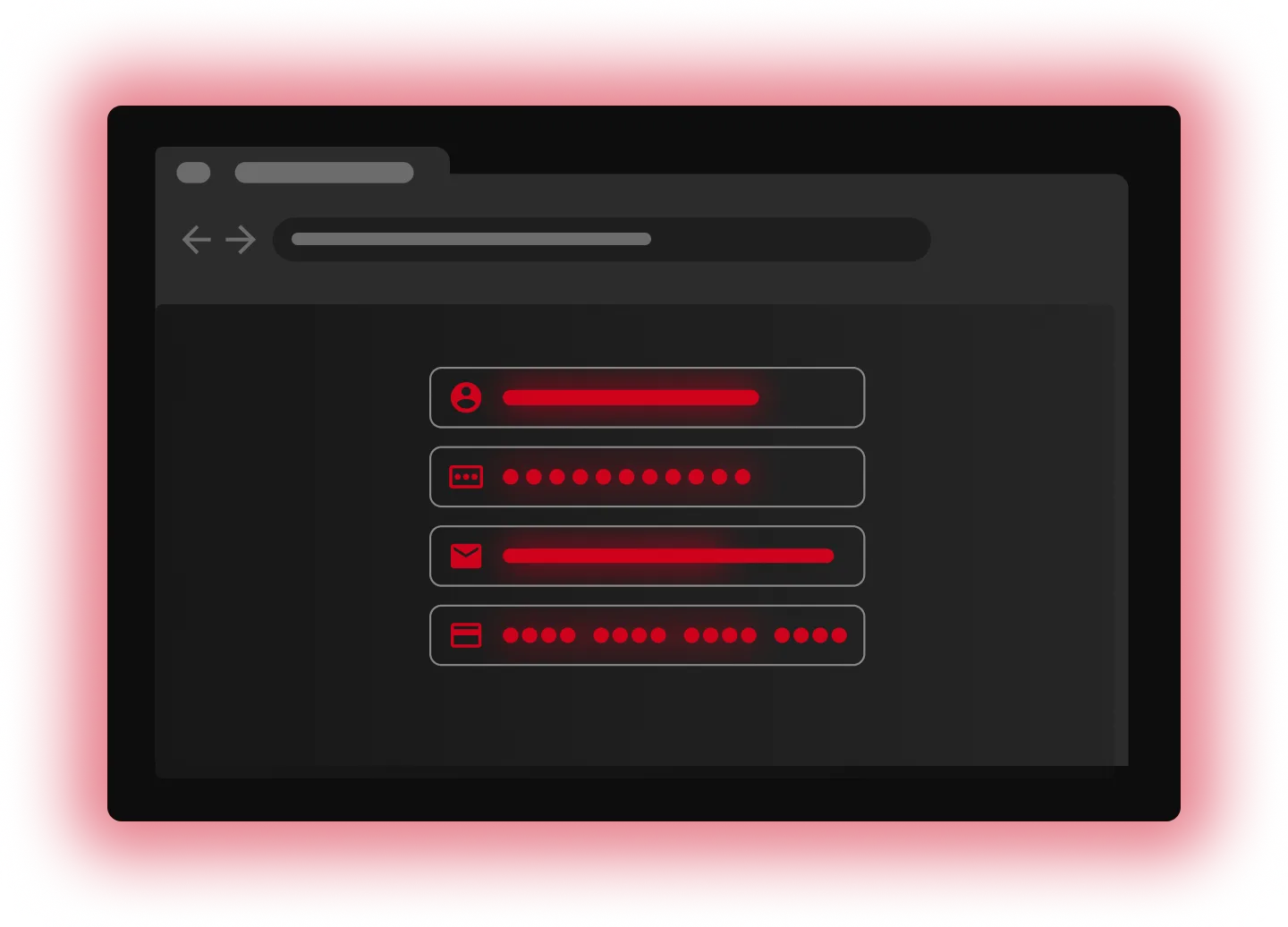
The attacker positions themselves between you and the service you're using, often by spoofing a WiFi network or tampering with how your device finds websites. Your traffic now flows through equipment they control.
From there, they can see what passes in both directions. Nothing looks off to you. Sites load, apps work, everything seems normal.
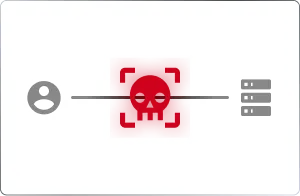
Most traffic is encrypted, so the attacker has to work around it. They might strip the connection down to unencrypted HTTP, trick you into trusting a fake certificate or steal a session token to impersonate you.
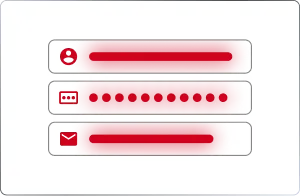
Now they can harvest credentials, payment details and session tokens or alter data in transit. The connection never breaks, so the attack usually goes unnoticed.
An attacker sets up a network designed to look legitimate, often copying the name of a coffee shop, hotel or airport WiFi. Anyone who connects to that network exposes themselves to the risks of public WiFi, as all their traffic is routed through the attacker's equipment. A rogue access point does the same thing from the inside, using unauthorized hardware planted on a trusted network.
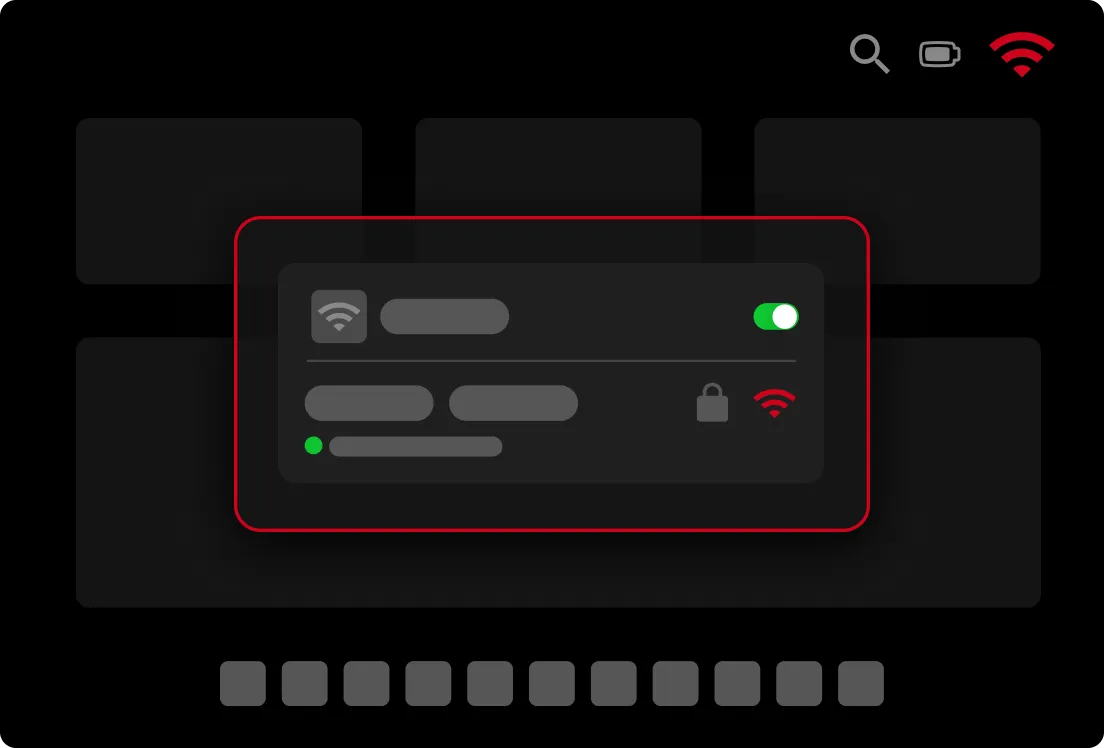
On a local network, devices use ARP to match an IP address to a specific piece of hardware. An attacker sends fake ARP messages that trick devices into sending traffic through the attacker's system instead of to the intended destination. For example, the attacker tells every device on the network that the router can be reached through their machine, so all outgoing traffic passes through them first.
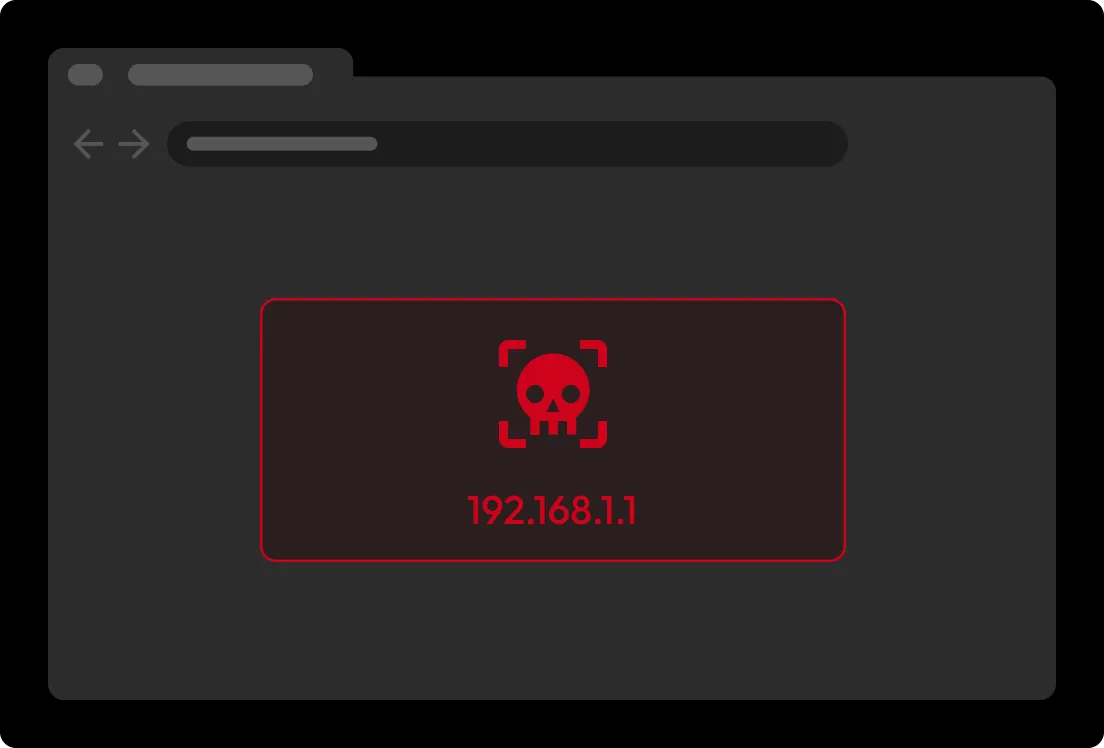
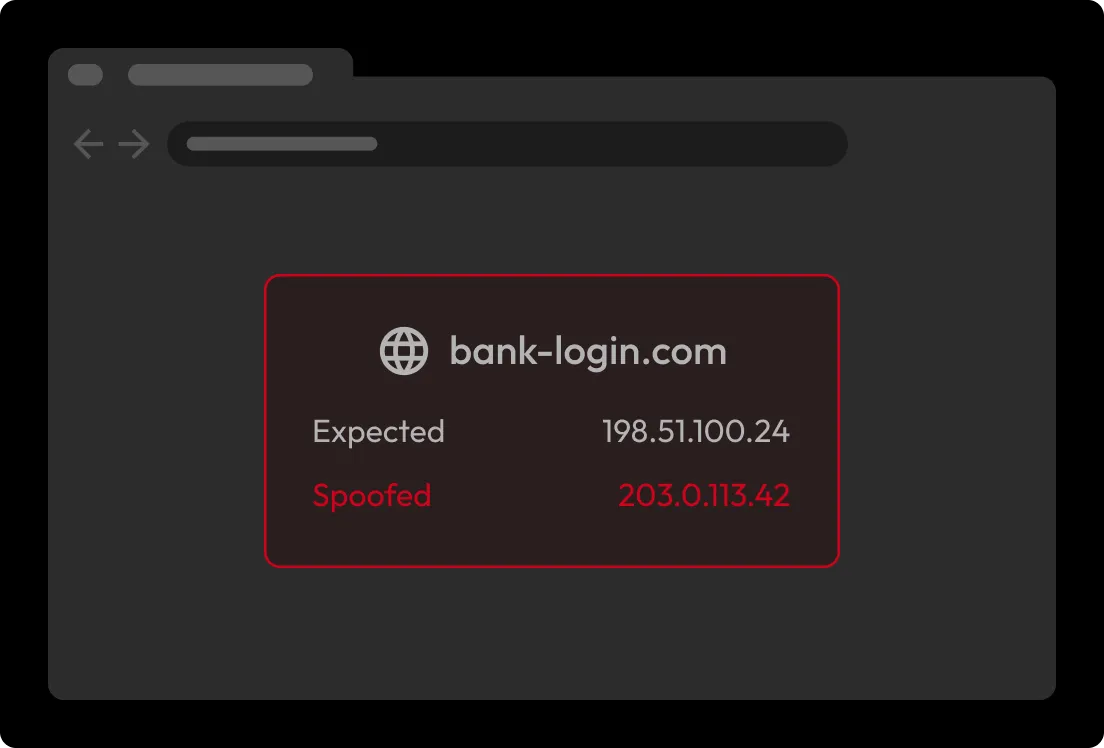
DNS turns a web address like a bank's login page into the numeric address a device actually connects to. An attacker corrupts that lookup so a familiar address quietly leads to a malicious site built to look like the real one, so anything entered there can be captured.
These attacks target the padlock in the address bar. With SSL stripping, the attacker quietly downgrades the connection from encrypted HTTPS to plain HTTP, keeping a secure link to the real site while serving the user an unencrypted one. This is much harder now that browsers default to HTTPS, but it still works against sites that don't enforce HSTS, especially on open WiFi where an attacker can route a victim to a lookalike domain. With HTTPS spoofing, the attacker attempts to present a fraudulent certificate or exploit a compromised certificate authority to impersonate a legitimate website. If the browser accepts the certificate, the attacker can intercept encrypted communications.
After a user logs in, a site hands their browser a session token that keeps them signed in. An attacker can steal that token and take over the account without ever knowing the password. Modern Adversary-in-the-Middle (AiTM) phishing attacks place a malicious proxy between users and legitimate websites, capturing tokens immediately after authentication. This allows attackers to hijack active sessions and bypass many forms of Multi-Factor Authentication (MFA).
The browser flags a site's certificate as invalid, expired or mismatched. These warnings shouldn't be dismissed because a certificate error may mean someone is trying to intercept the connection or impersonate a trusted site.
The URL deserves a careful look. Attackers often register lookalike domains that swap or add characters subtly enough to miss at a glance. In some MITM attacks, the domain looks completely correct, so watch the connection instead: an "http://" address where you'd expect "https://", or a "Not secure" warning from the browser, is just as important a sign. Don't rely on a padlock icon because most browsers have dropped it.

A WiFi network's name may be close to a trusted one, or a device is prompted to join a new network out of nowhere. On a managed network, unknown devices or duplicate IP addresses can signal an attempt to intercept traffic.
A site may suddenly ask for another sign-in, identity verification or re-entered credentials with nothing to prompt it. Attackers use fake login pages to capture credentials and session tokens.
Some MITM attacks interrupt and reroute traffic, which can cause odd connection problems, repeated logouts or failures while signing in. These issues aren't proof of an attack on their own, but they're worth investigating alongside other warning signs.
A password manager like Keeper® stores your logins in an encrypted vault and fills them in for you. When you save a login in your Keeper Encrypted Vault, it's tied to that site's exact web address, so Keeper fills in your credentials only on the real site, not on a spoofed or lookalike version. Keeper is also zero knowledge, meaning your data is encrypted and decrypted only on your device. MFA adds an extra layer of protection if your password is compromised. Passkeys go even further because they're tied to a website's domain and can't be reused on fake sites, making them resistant to most phishing and MITM attacks.
Always verify that websites use HTTPS before entering sensitive information. If your browser displays a certificate warning or security alert, leave the site immediately and investigate before proceeding.
Avoid entering sensitive information on unsecured networks when possible. Before joining public WiFi, confirm the exact network name with staff rather than guessing, since attackers set up lookalike networks to lure people in. If you must access accounts on public WiFi, use a reputable Virtual Private Network (VPN) to encrypt your traffic. Many VPNs also route DNS requests through encrypted channels, preventing DNS manipulation and redirection attacks. Additionally, turn off automatic WiFi connections so your device doesn't automatically join a rogue hotspot.
Cybercriminals often exploit known vulnerabilities to intercept communications or bypass security protections. Regular updates patch known weaknesses and help reduce your exposure to MITM attacks.
Keeper's main defense against MITM attacks is domain-matched autofill; your credentials are tied to a site's exact web address, so they won't be entered on a spoofed or lookalike version even if an attacker has redirected you. And because Keeper is zero knowledge, your vault data is encrypted and decrypted only on your device, so if the sync is ever intercepted, it stays unreadable.
You must accept cookies to use Live Chat.