Характеристика: Зашифрованное файловое хранилище

Безопасное файловое хранилище для бизнеса

End-to-end encrypted file storage and sharing with zero-knowledge security built for business.

UI of Keeper's Secure File Storage displaying a digital vault with organized folders, encrypted file attachments, and user-friendly sharing and permission controls.

Encrypt, share and control business files

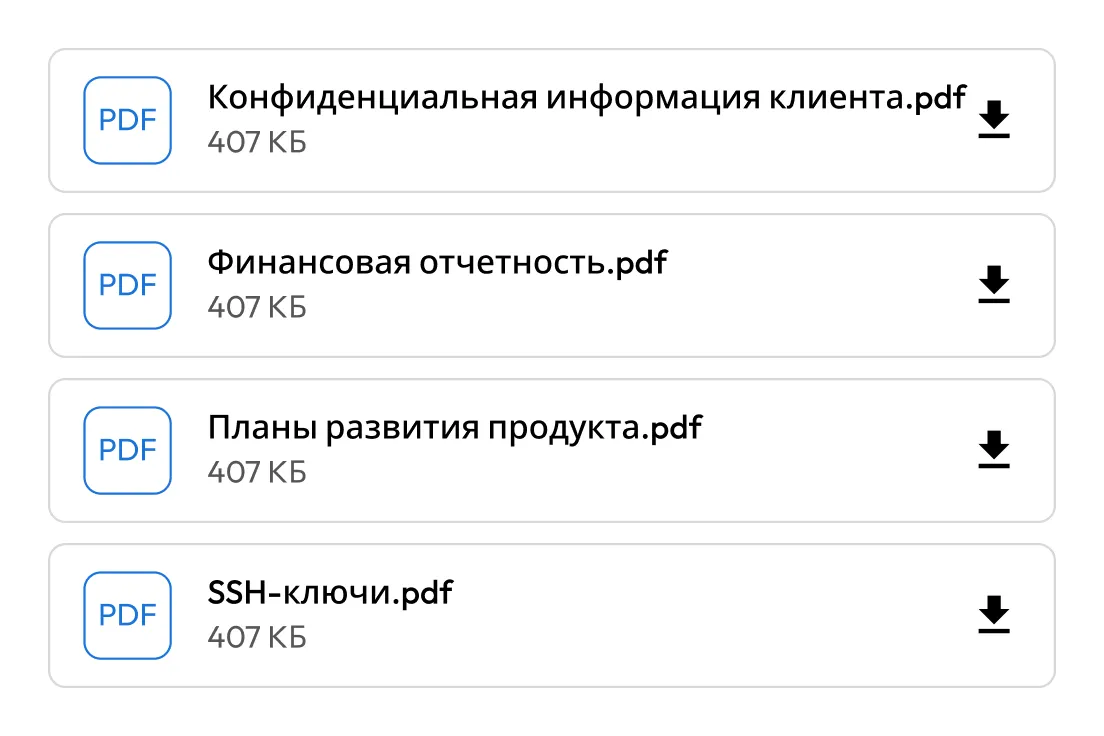
UI of Keeper's Secure File Storage showing a list of PDF attachments with download options and user sharing indicators.

Encrypt every file at the record level

All files stored in Keeper are encrypted with AES-256 at the record level. Keys are generated locally on the device and protected by Keeper's zero-knowledge architecture. Only the user who owns the record, or the individuals the record is shared with, can decrypt the attached files.

Authenticate securely with SSO, MFA, biometrics or master password

Keeper derives authentication keys with PBKDF2 using 1,000,000 rounds from the user's master password, generating encryption keys locally. Admins can enforce Multi-Factor Authentication (MFA) and connect existing Identity Providers (IdPs) using Keeper SSO Connect®.

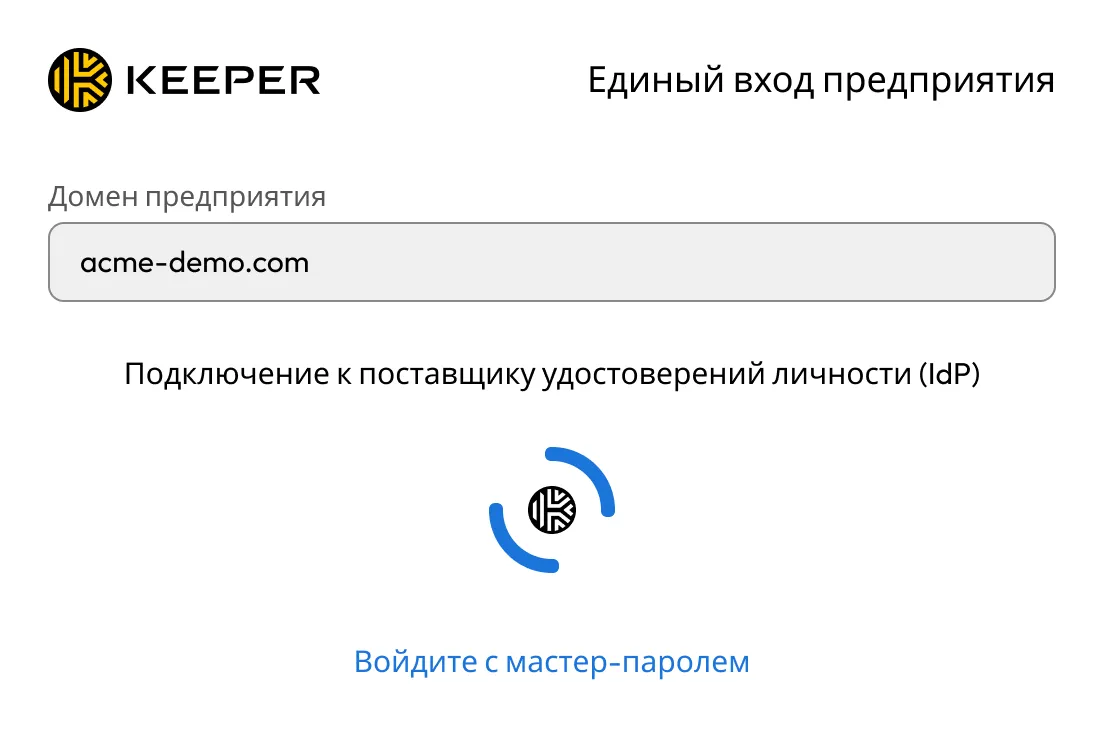
UI of Keeper SSO Connect's Enterprise SSO Login showing an identity provider connection screen with a custom enterprise domain and optional fallback to master password authentication.
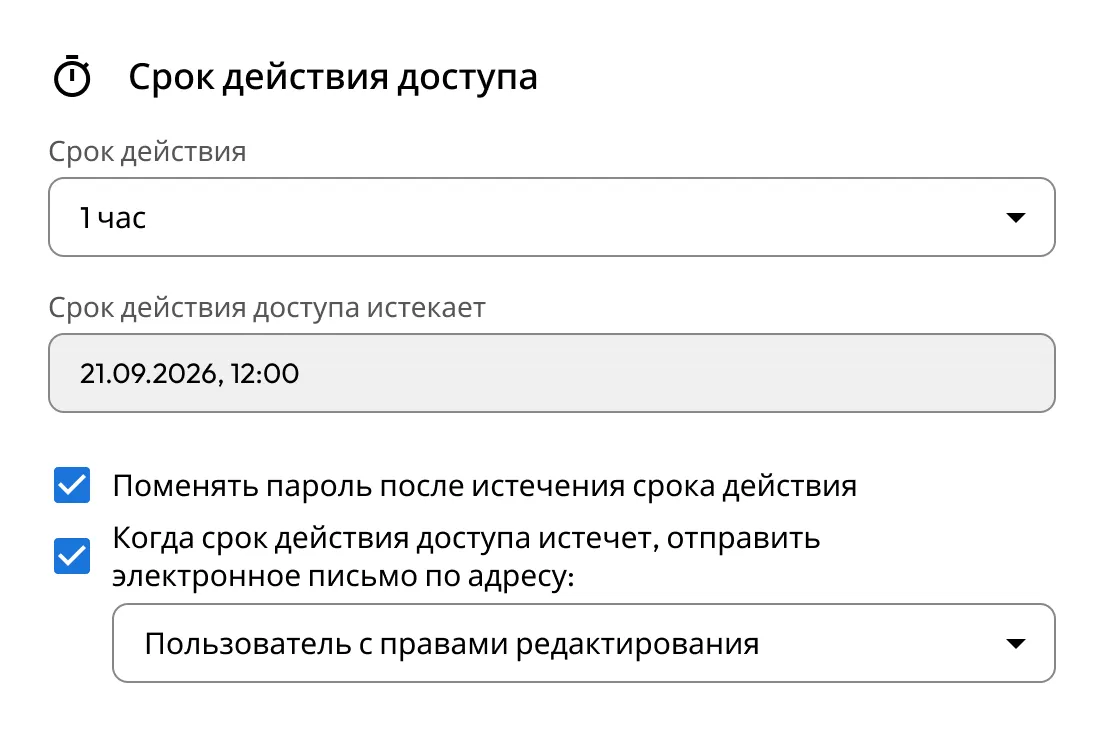
UI of Keeper's Access Expiration settings showing time-limited access controls, with options to rotate passwords automatically and send email notifications when access expires.

Share files securely with teams and 3rd parties

Easily share vault items across teams with fine-grained permissions and role-based access. For external users, like vendors or contractors, use One-Time Share to grant secure, time-limited access without requiring a Keeper account.

Keep critical files safe and accessible from anywhere

Keep employee records, contracts, financial documents, creative assets and more organized in a single location. Files are private by default, accessible only to authorized users and available across web, desktop and mobile.

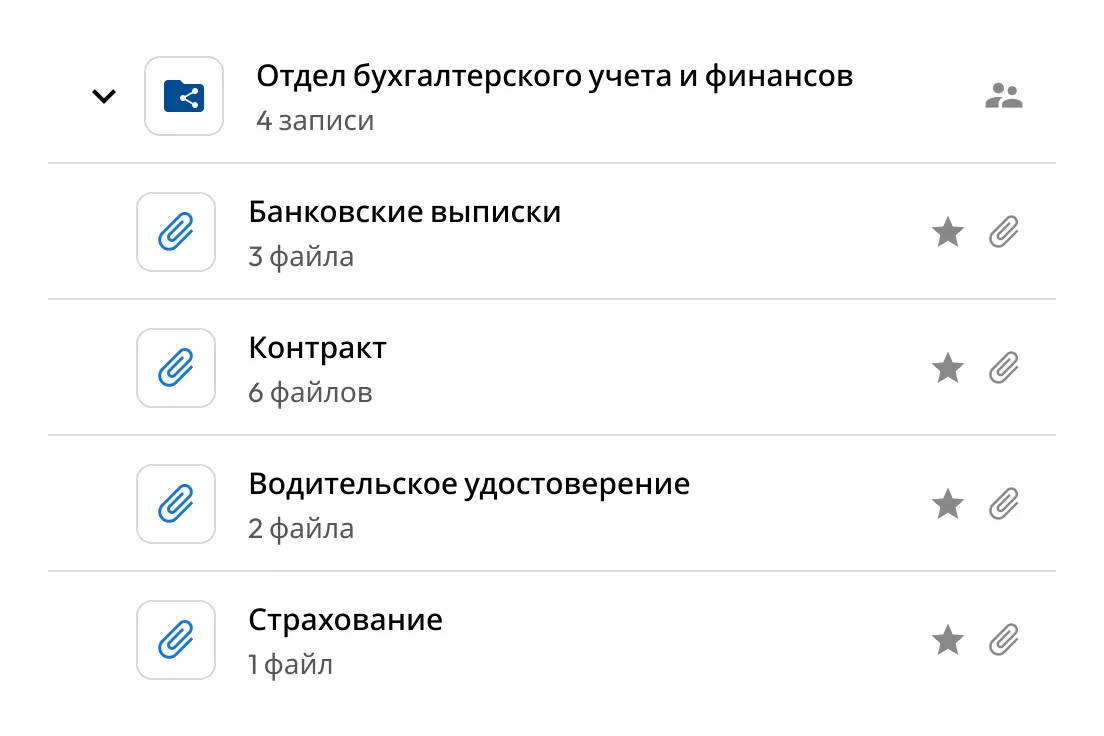
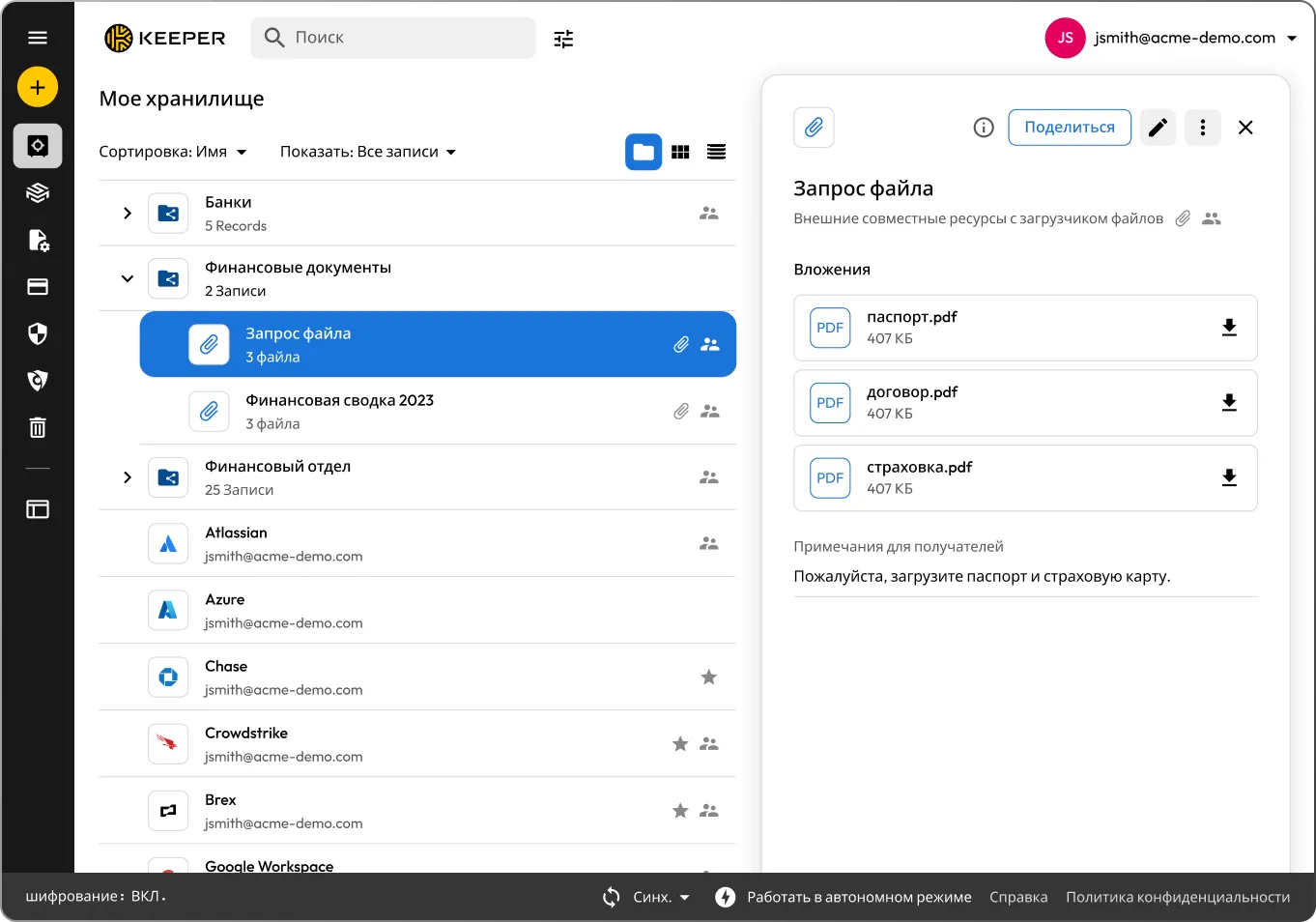
UI of Keeper's shared folder view for an Accounting & Finance Department, displaying categorized records with attached encrypted files and user access indicators for secure team collaboration.
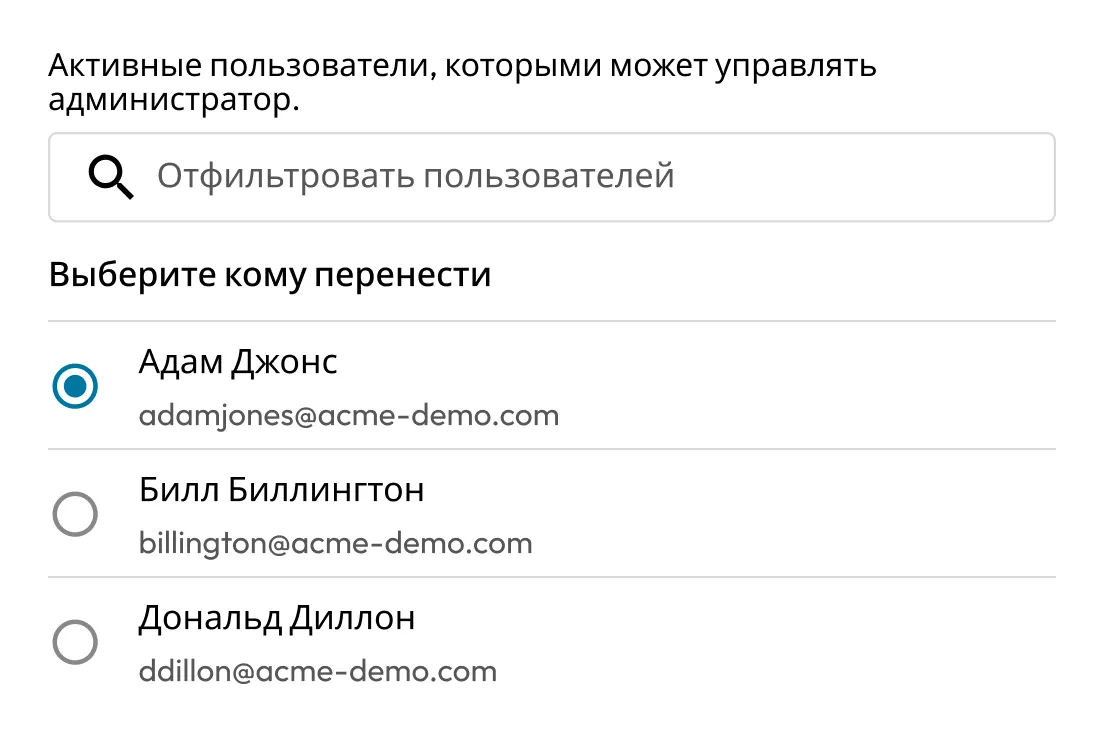
UI of Keeper's vault transfer screen showing a list of managed users, allowing an admin to securely transfer vault ownership to a selected active user.

Seamlessly transfer files upon decommissioning

Keeper enables admins to securely transfer passwords, passkeys, credentials and files to designated managers, to ensure that critical access is retained from former employees. Simply lock the vault of the decommissioned employee, transfer the contents to the recipient and delete the old account.

Automate DevOps workflows with Keeper Secrets Manager

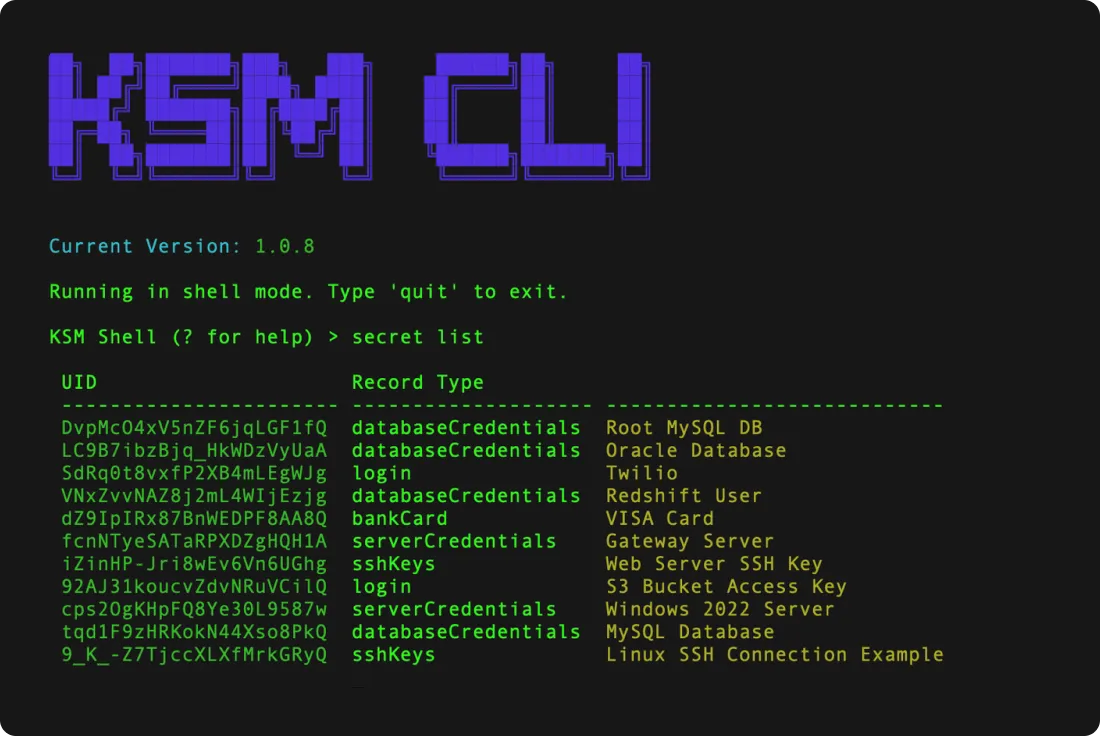
Keeper Secrets Manager is an SDK for DevOps users. Using Secure File Storage, engineers can upload digital certificates and SSH keys as file attachments, and then use Keeper's CI/CD and IAC tools to easily and securely retrieve files during automation workflows.

Terminal interface of Keeper Secrets Manager CLI showing version info and a list of secrets, including database credentials, SSH keys, and server access details, organized by record type and UID.
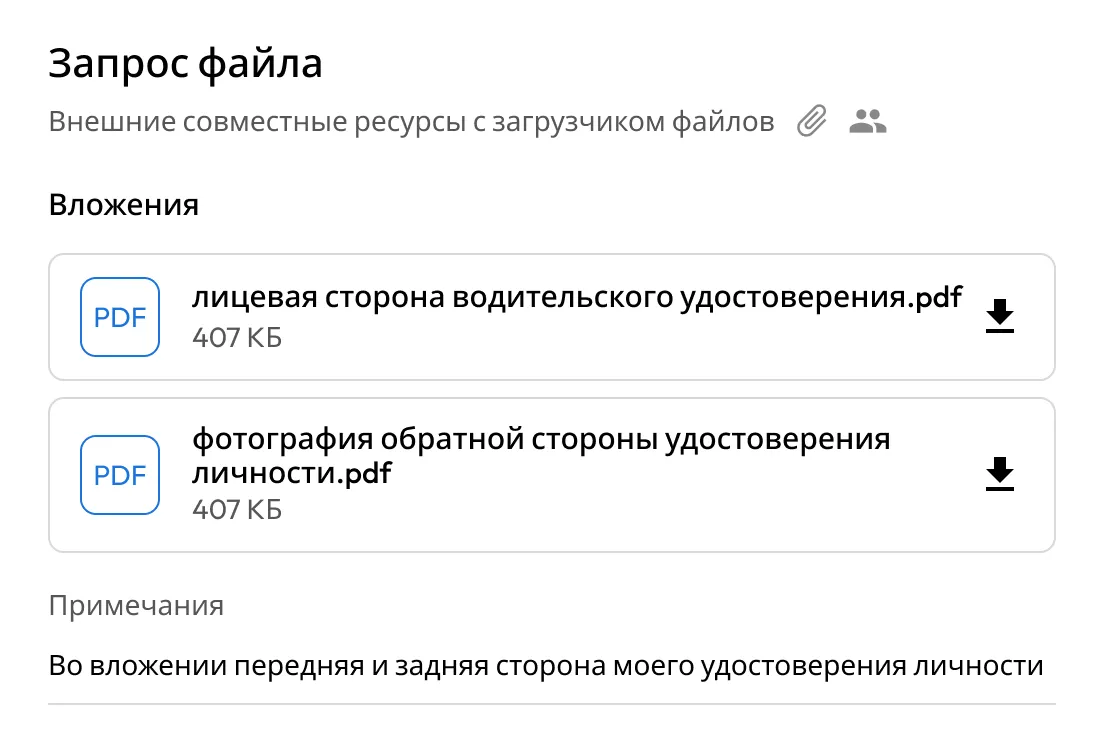
UI of Keeper's File Request showing uploaded front and back images of a driver's license as PDF attachments, with notes and secure download options for external file collection.

Enable encrypted file intake

Keeper's bidirectional sharing enables users to send an encrypted link to any recipient, including non-Keeper users, to upload file attachments and enter any other requested information. The changes are saved directly in the Keeper Vault.

Why organizations choose Keeper for secure file storage

Нулевое доверие и нулевое разглашение

Нулевое доверие и нулевое разглашение

Keeper applies a zero-trust access model and zero-knowledge encryption architecture. Every access request is fully authenticated and authorized, and only end users can decrypt data. Keeper cannot access vault contents, supporting full data sovereignty and regulatory compliance.

Cloud-native architecture

Cloud-native architecture

Интегрируйте конвейеры CI/CD, инструменты DevOps, специализированное программное обеспечение и мультиоблачные среды в полностью управляемую платформу с нулевым разглашением с целью защиты секретов инфраструктуры и сокращения расползания секретов.

Centralized vault experience

Centralized vault experience

Employees access credentials, passkeys, secrets and encrypted files from a unified and intuitive vault interface. This simplifies workflows, reduces training costs and strengthens adoption across the organization. Keeper integrates with all major IdPs to streamline provisioning and access control.

Защитите свои бизнес-файлы с помощью Keeper

Вопросы и ответы

What is Secure File Storage in Keeper?

Secure File Storage in Keeper allows you to upload and store sensitive files, photos, videos and documents directly in your Keeper Vault. All files are encrypted using zero-knowledge encryption; only the user has access to the decryption keys. This ensures that Keeper cannot access your files, maintaining complete privacy and security.

Files are encrypted locally on the user's device before they are uploaded to the Keeper Cloud and remain encrypted in transit and at rest.

What types of files can Keeper store?

Keeper can securely store virtually any type of file, including:

  • PDFs
  • Images (e.g., JPG, PNG)
  • Videos
  • Documents (e.g., Word, Excel)
  • JSON, CSV or text files
  • Certificates and keys
  • Executable files or software licenses

You can upload files as attachments to any vault record or store them in a dedicated "File Attachment" record type.

How large can file uploads be?

Individual file attachments can be up to 100MB each. The total amount of storage depends on your Keeper subscription plan.

There's no limit to the number of files you can store, as long as you stay within your storage quota.

Can we share files with people who don't use Keeper?

Yes, Keeper supports secure sharing of files with people who don't use Keeper through the One-Time Share feature. This allows you to create a time-limited, single-use link to a specific vault record (including its file attachments) without requiring the recipient to sign up for Keeper.

Купить сейчас