
1. Provision teams and users
Group users by job, department, or role. Automatically provision them through your identity provider or IGA such as Entra ID, Okta, Google Workspace, SailPoint, or directly to Active Directory using Keeper AD Bridge.
Feature: Team Management
Keeper gives IT teams a centralized platform to control access, assign permissions and streamline onboarding without adding friction to daily workflows.
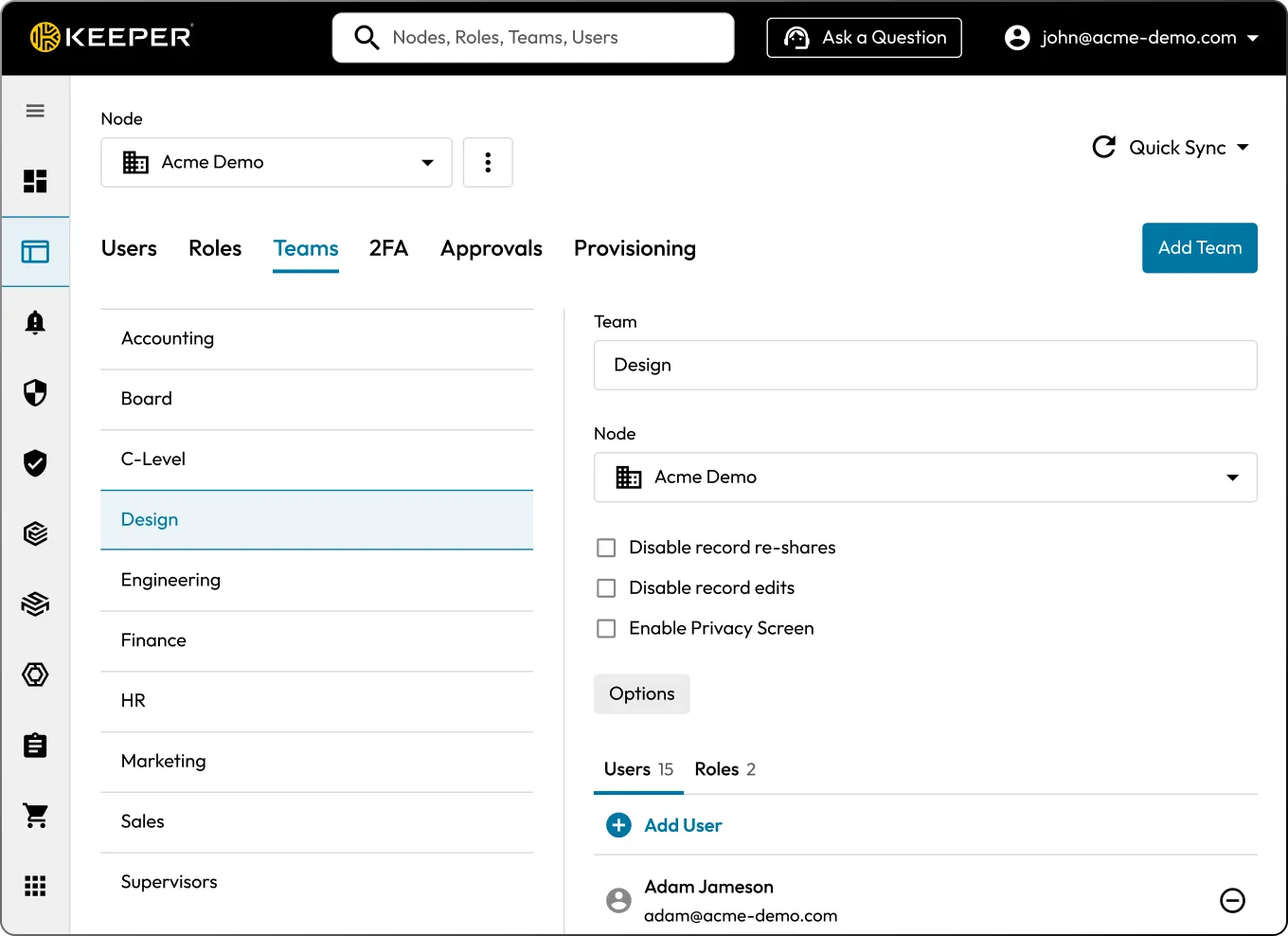
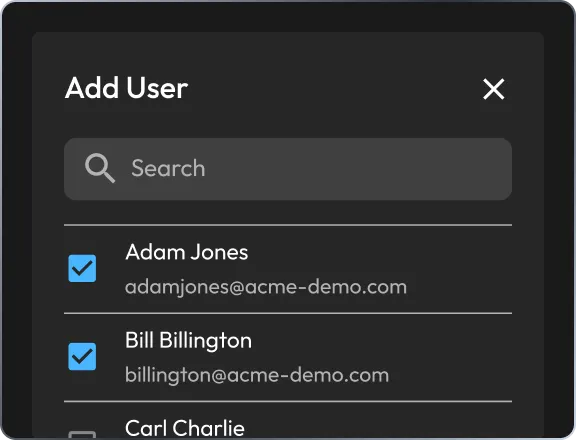
Group users by job, department, or role. Automatically provision them through your identity provider or IGA such as Entra ID, Okta, Google Workspace, SailPoint, or directly to Active Directory using Keeper AD Bridge.
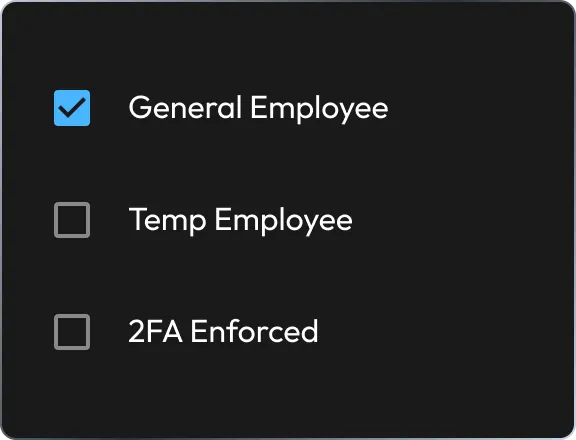
Assign role-based enforcement policies to teams and grant them access to Keeper shared folders for access to credentials and privileged resources. Apply role-based policies like 2FA to control and secure access.
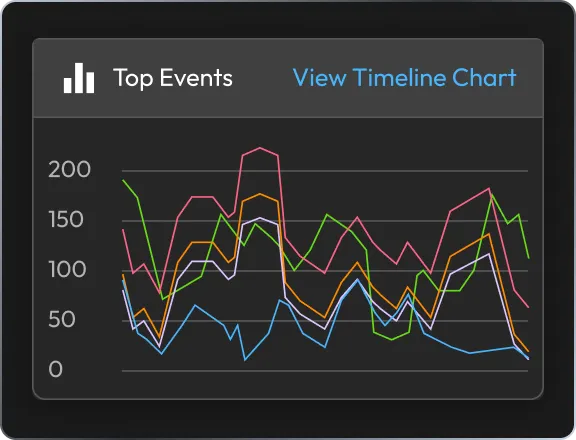
Monitor activity with detailed audit logs in the Admin Console, and enable real-time alerts and compliance reporting with the Advanced Reporting & Alerts Module.
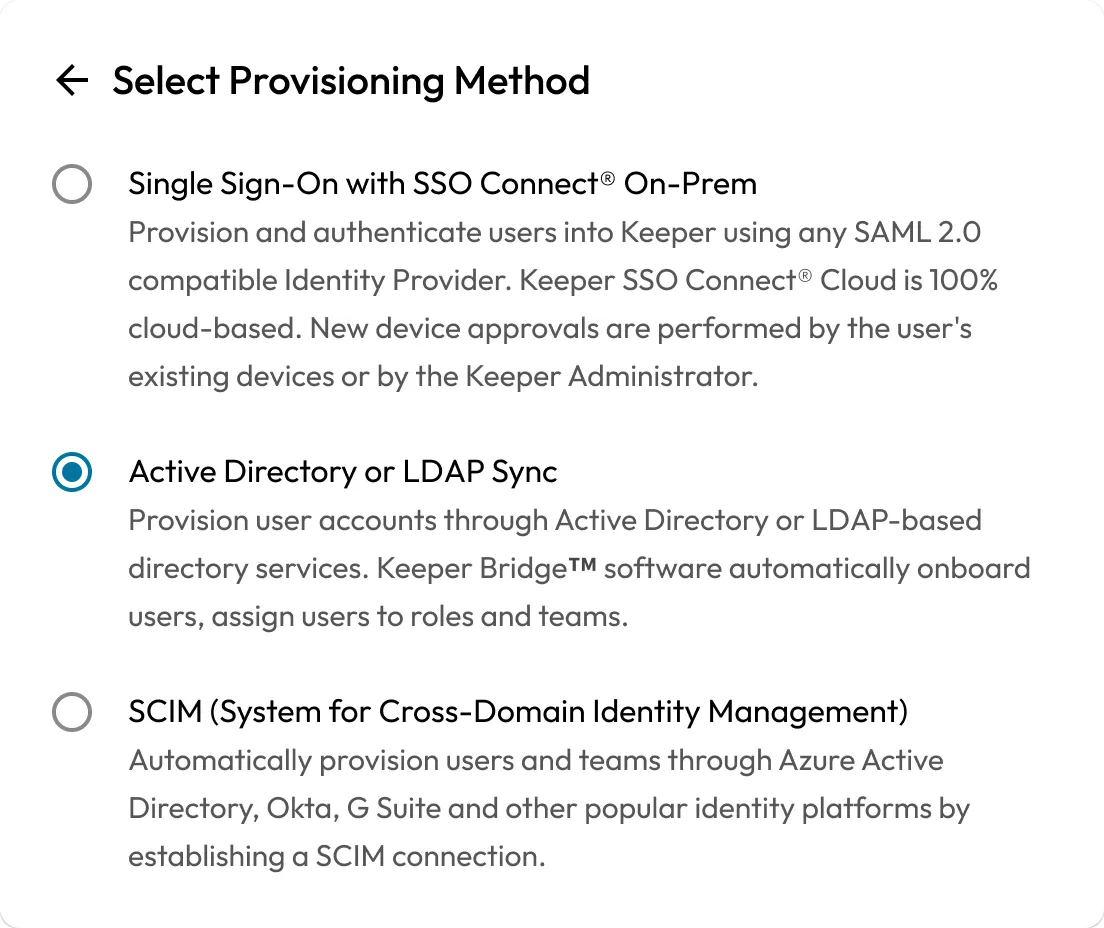
Automate account provisioning with Keeper's SCIM and SSO integrations. When users are added to your identity provider (IdP), Keeper automatically provisions their accounts, assigns them to the appropriate roles and teams, and enforces the correct security policies.
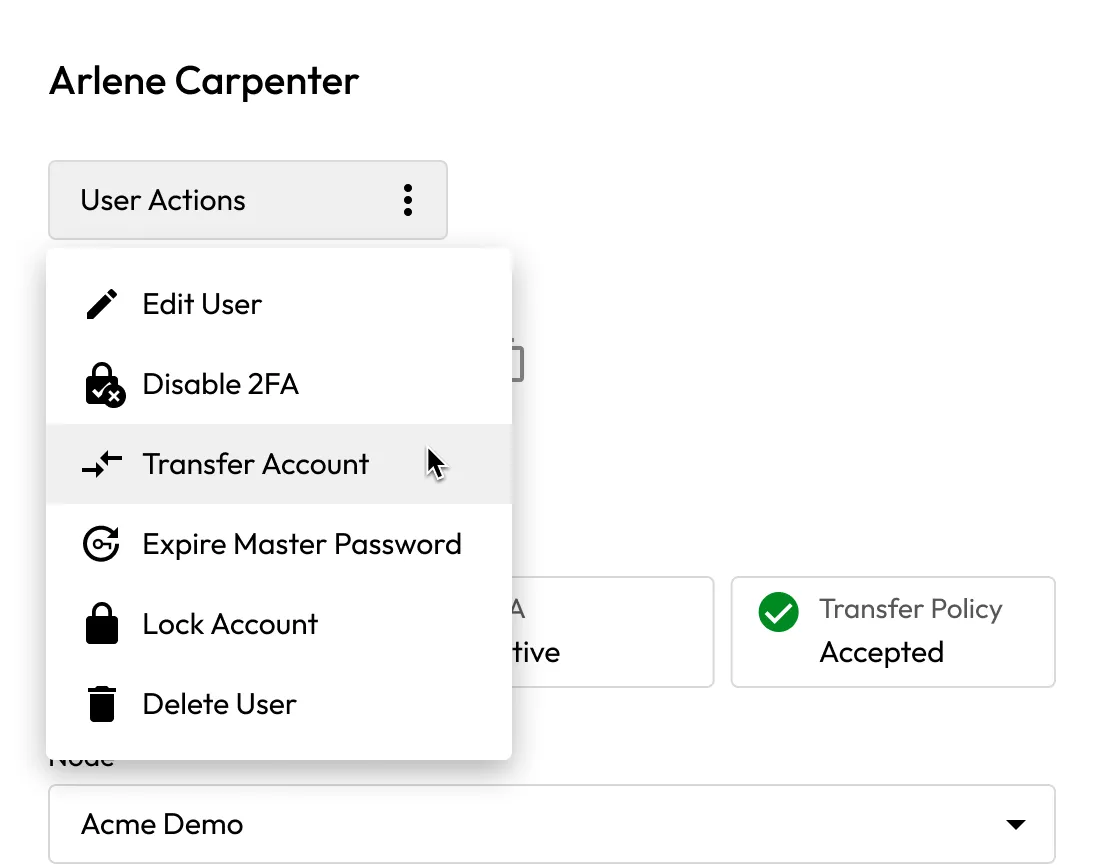
With the Account Transfer policy enabled, admins can lock the account and securely reassign vault contents to a designated user, ensuring uninterrupted access to critical credentials.
Assign shared folders to teams to streamline access to credentials, secrets and resources. As users join or leave a team, their access updates automatically.
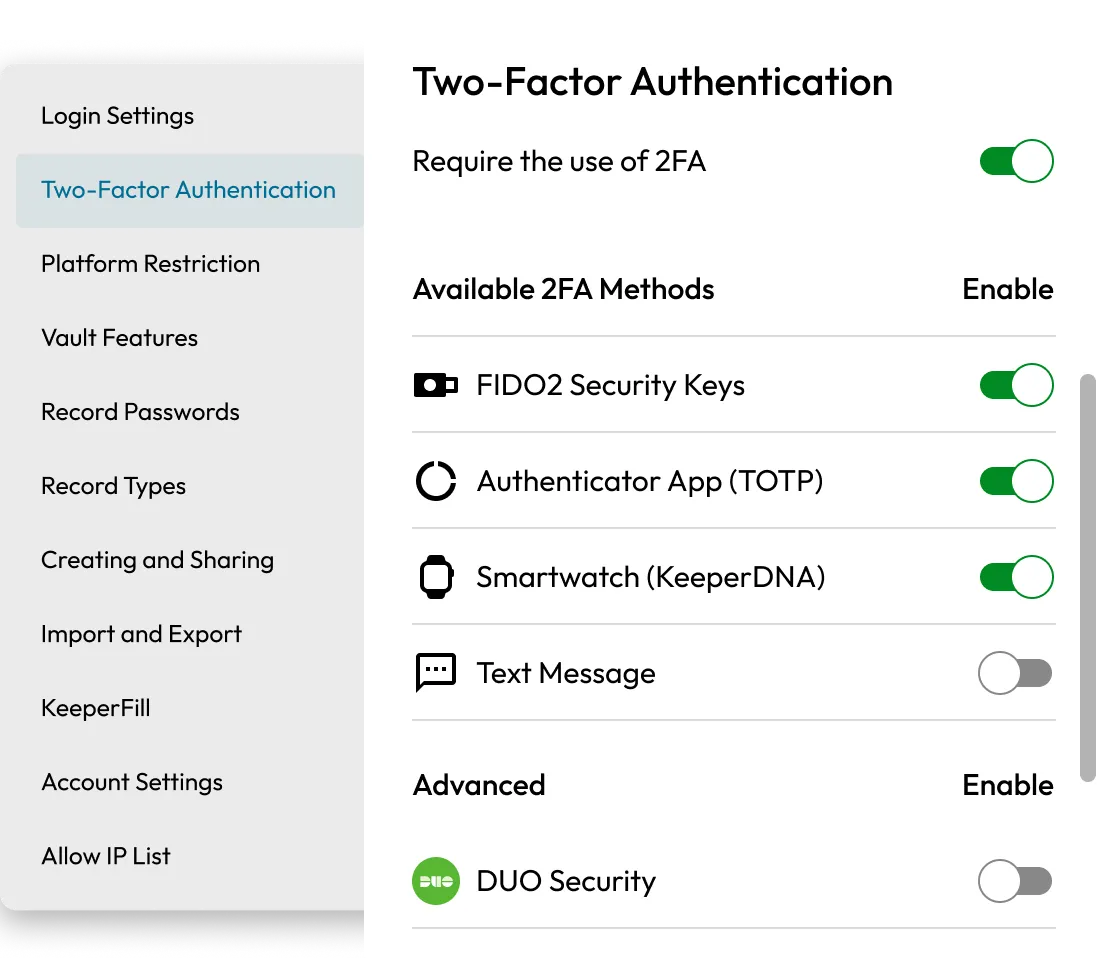
Apply role-based enforcement policies, such as restricting vault exports, requiring Multi-Factor Authentication (MFA) or enforcing domain-based password complexity policies. Policies are assigned by role and can be scoped by organizational node.
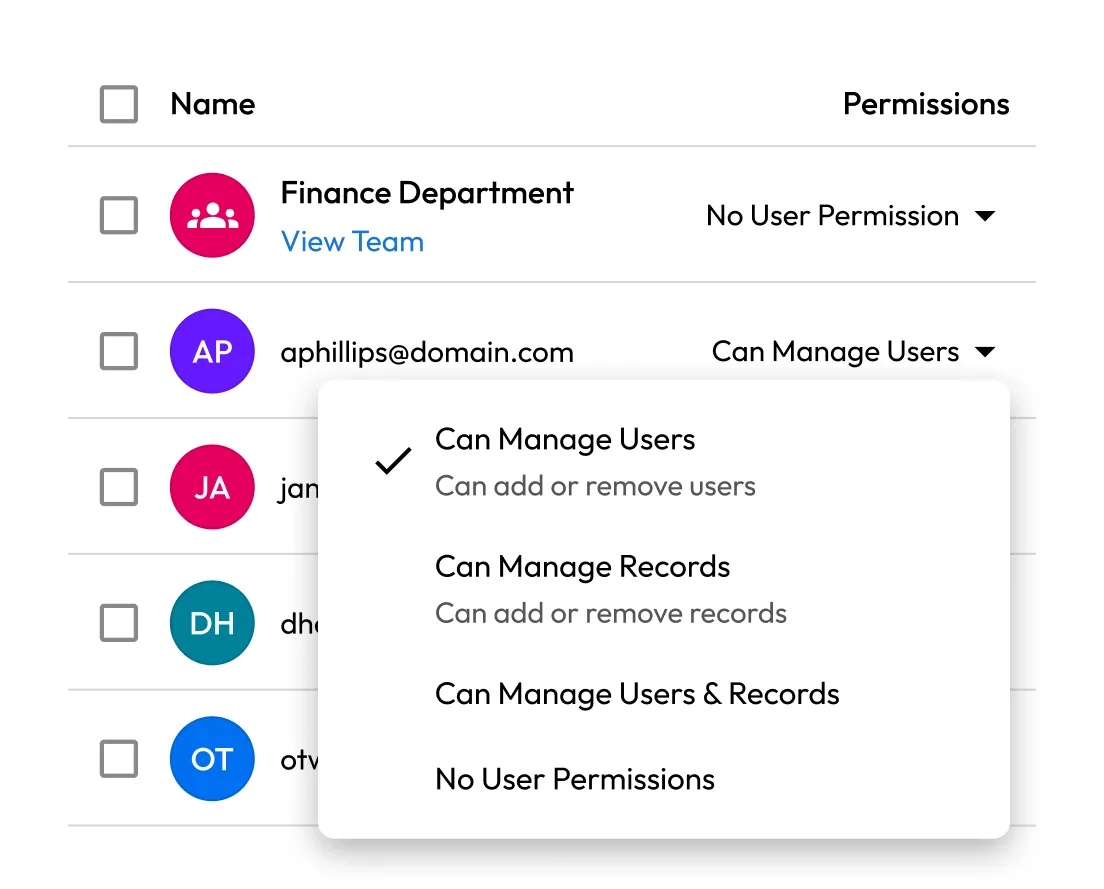
Empower designated team leaders or regional IT staff to manage users, policies or teams within their scope without granting full administrative access.
Mirror your organizational structure with Keeper's nodes and roles. Whether you're managing regional teams, subsidiaries or departments, Keeper makes it easy to apply standardized policies that scale with your business.
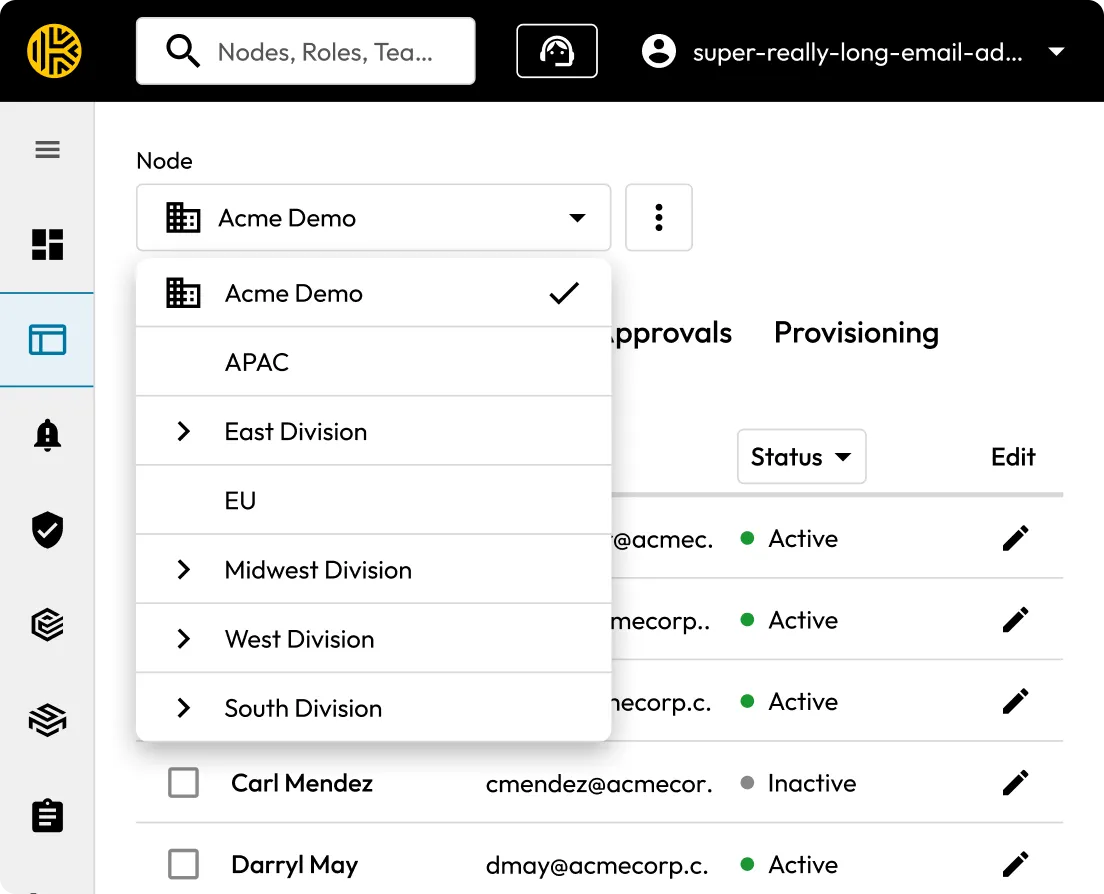
Yes, with Role-Based Access Controls (RBAC), you can define granular policies for individuals or departments by assigning users to roles, ensuring each person has the right level of access.
When an employee leaves the company, admins can instantly revoke vault access and, for supported systems, trigger automatic password rotation. This prevents former employees from accessing company systems or data.
Yes, admins can enforce MFA (such as FIDO2 security keys, Duo or TOTP) at the organization or role level for an added layer of protection. Roles can be scoped to departments, regions or individual users.
Yes, teams can securely share files and credentials without ever exposing plaintext passwords. Admins maintain visibility into sharing activity and access through audit logs and reporting.
Yes, Keeper logs all user activity, including logins, record access and sharing actions. Admins can view event logs in the Admin Console or with the Advanced Reporting & Alerts Module add-on, generate real-time alerts, create custom reports and stream event data to Security Information and Event Management (SIEM) platforms for auditing and compliance.
You must accept cookies to use Live Chat.