Feature: Encrypted Vault
Secure more than passwords with Keeper’s encrypted vault
Store credentials, manage secrets and launch privileged connections all from a zero-knowledge encrypted vault.
Store credentials, manage secrets and launch privileged connections all from a zero-knowledge encrypted vault.
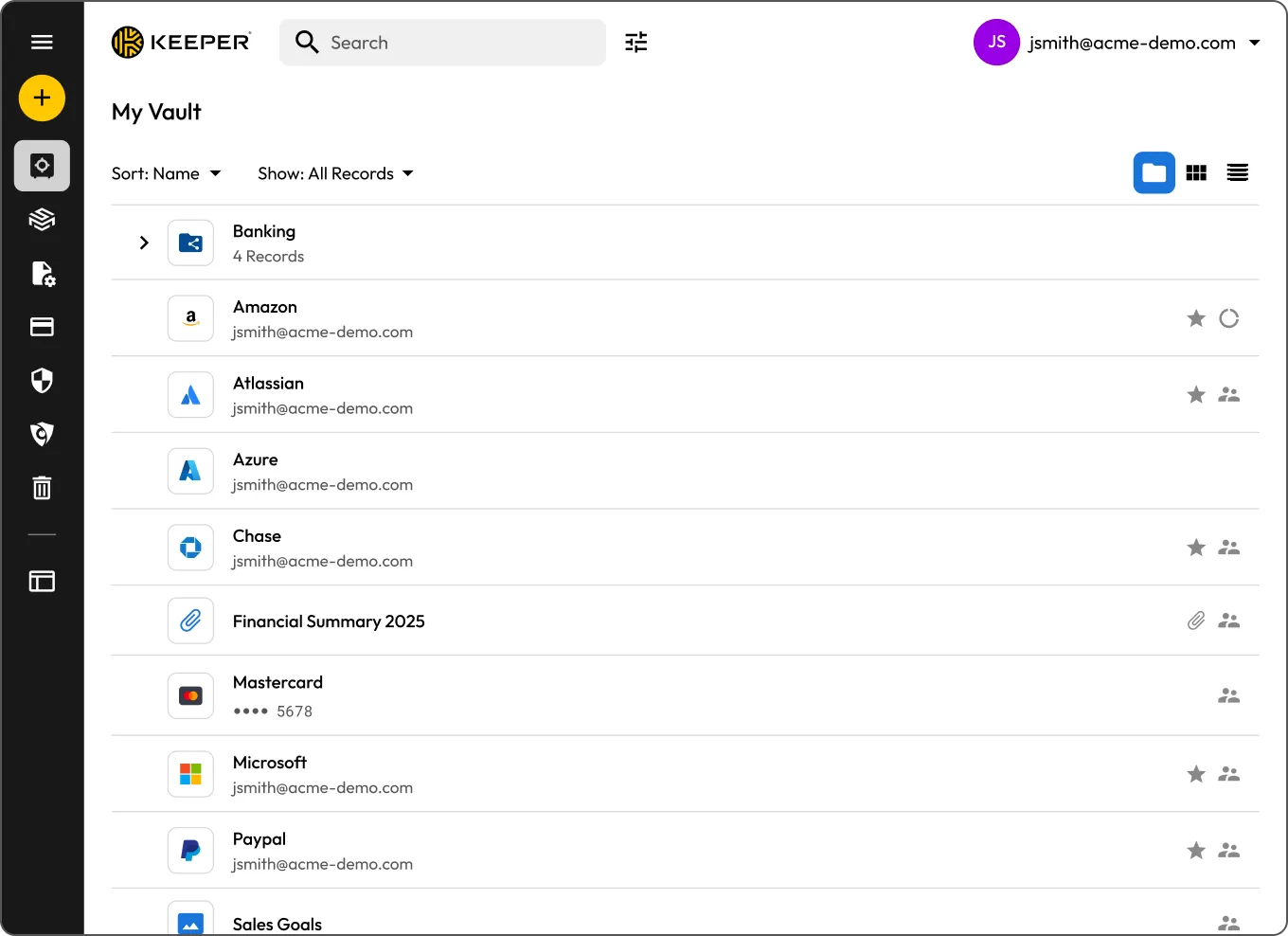
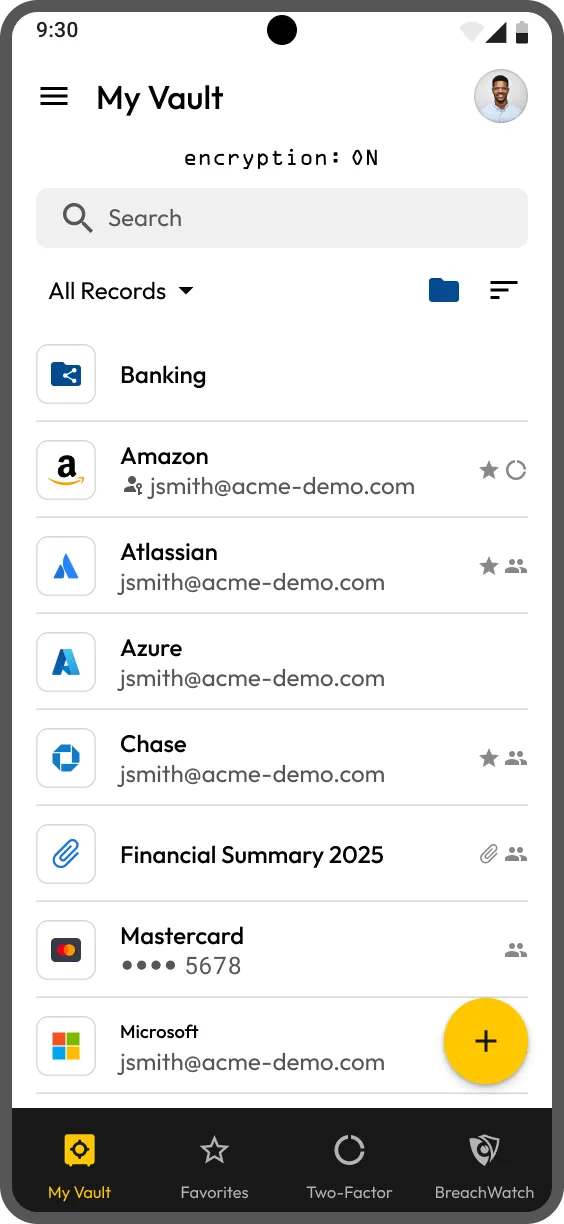
What you can store in your Keeper Vault can vary by plan and add-ons. From logins to secrets, Keeper keeps it all safe. You can store:
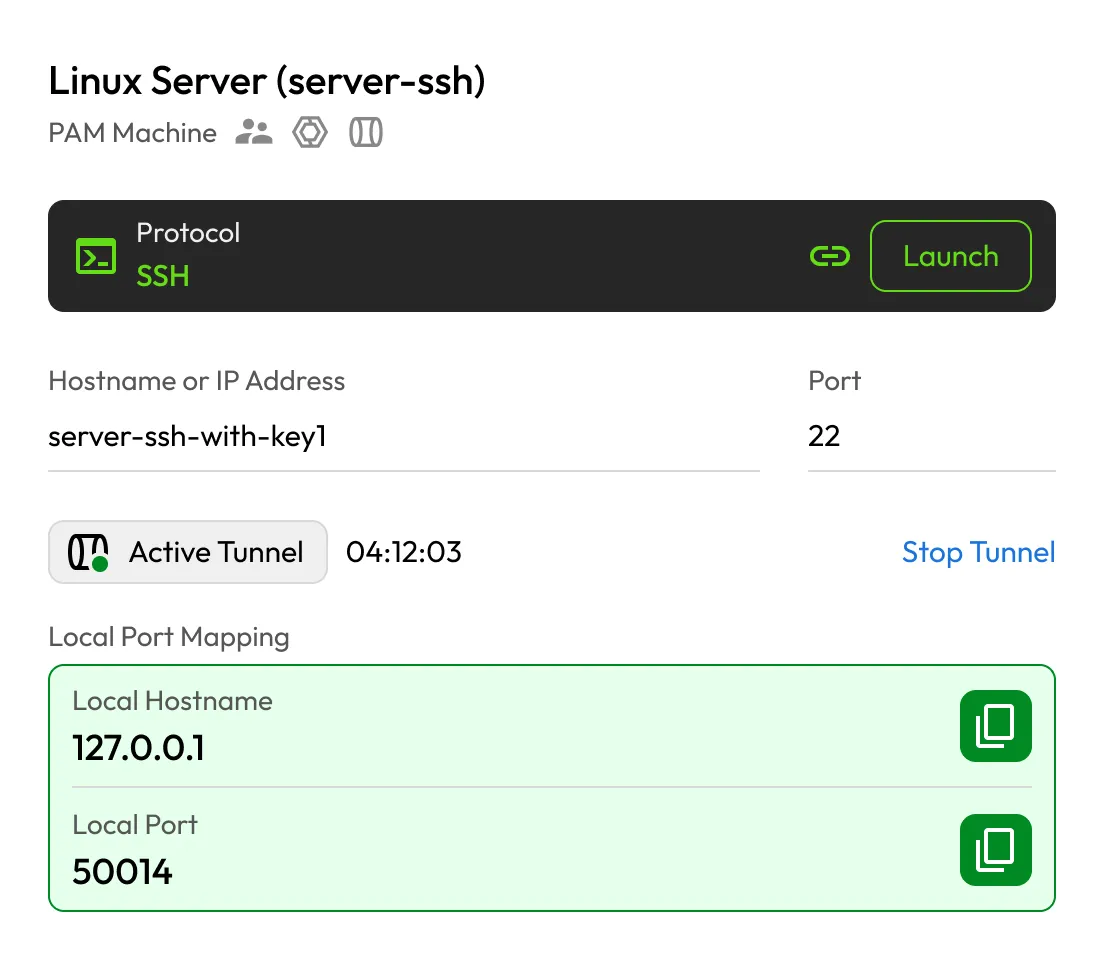
Launch secure, encrypted sessions directly from your Keeper Vault to servers, databases and applications without exposing credentials. Connections are seamless and support native tools, with built-in access controls, time-limited access and full session recording for compliance and auditing.
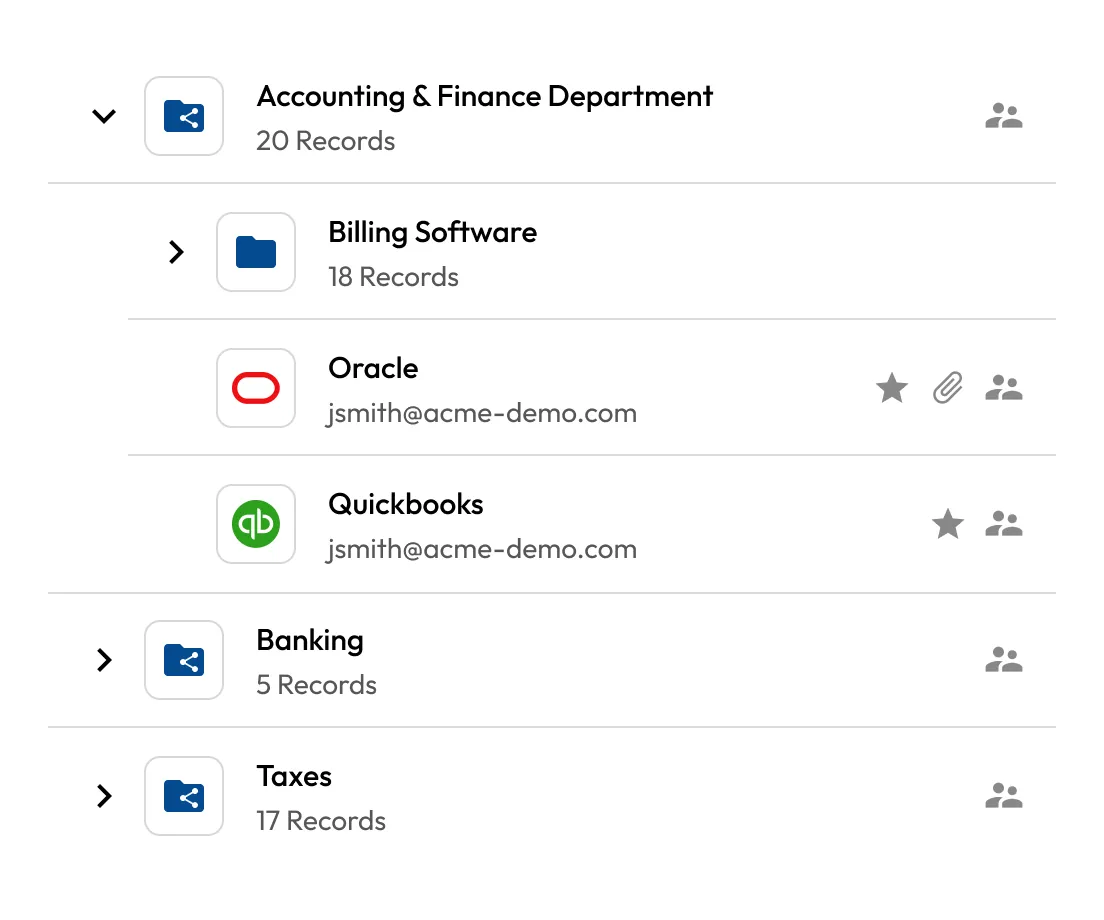
Keep everything secure and organized in one vault. Sort records into folders, mark favorites and find what you need in seconds.
Each vault record can be tailored with fields for logins, 2FA codes, URLs and notes. You can also securely attach sensitive documents such as passports, licenses and ID photos.
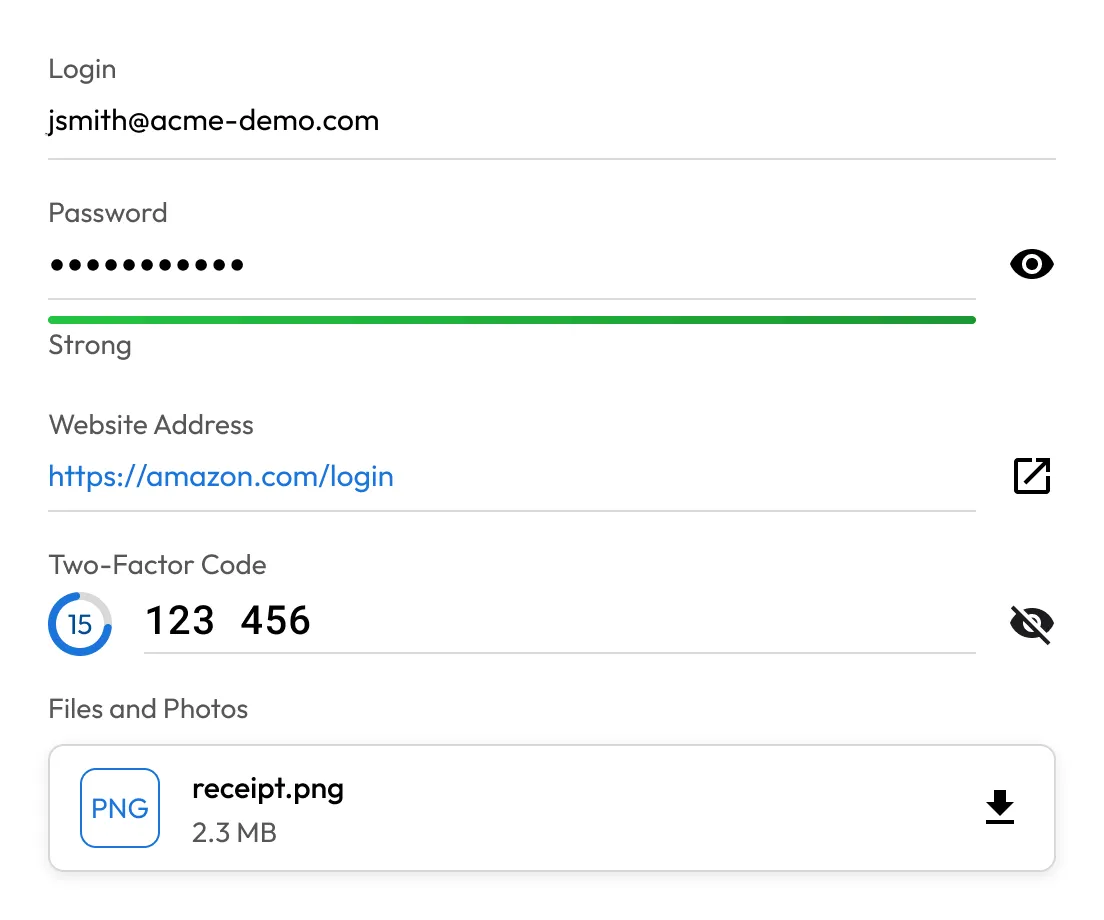

Any change you make on mobile, desktop or browser is instantly synced across all connected devices, ensuring your vault is always up to date.
Securely access your vault on the Keeper desktop app, mobile app or web vault without an internet connection. Just enable Offline Mode in advance on your trusted devices, and your encrypted data stays available when you need it most.
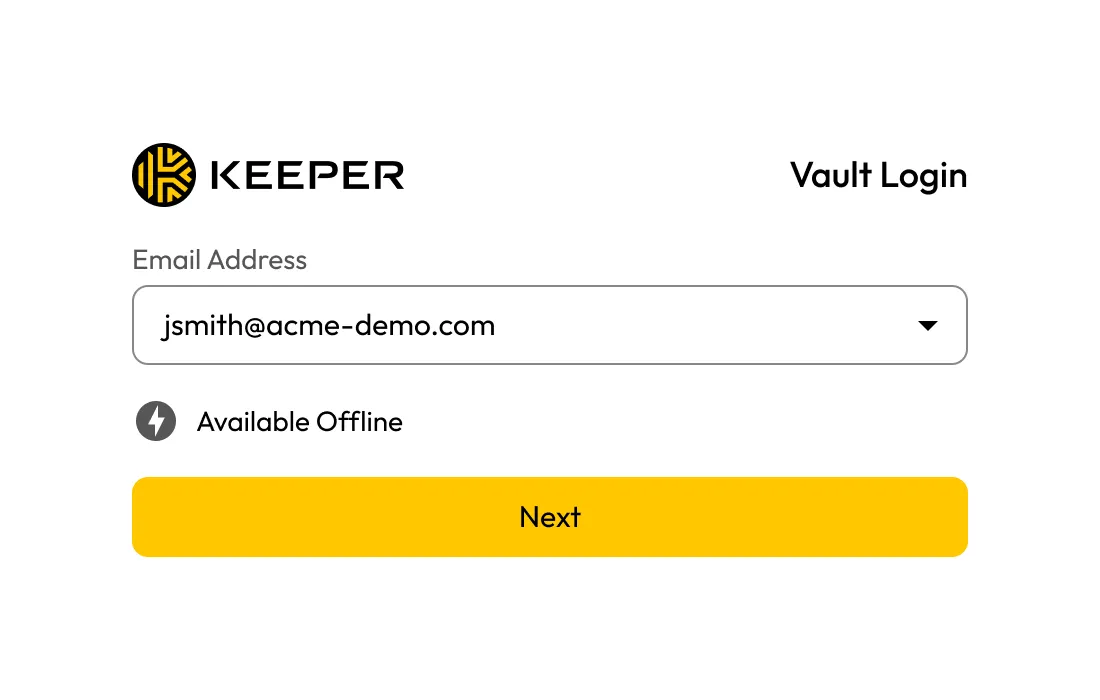
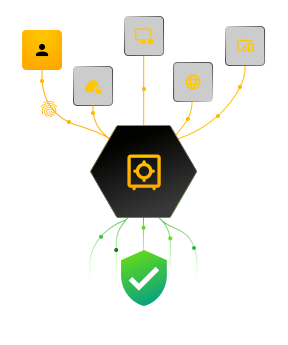
All data stored and transmitted through Keeper is protected by zero-knowledge, client-side encryption using AES-256 and PBKDF2. Your data is only ever accessible to you — not even Keeper can view it.
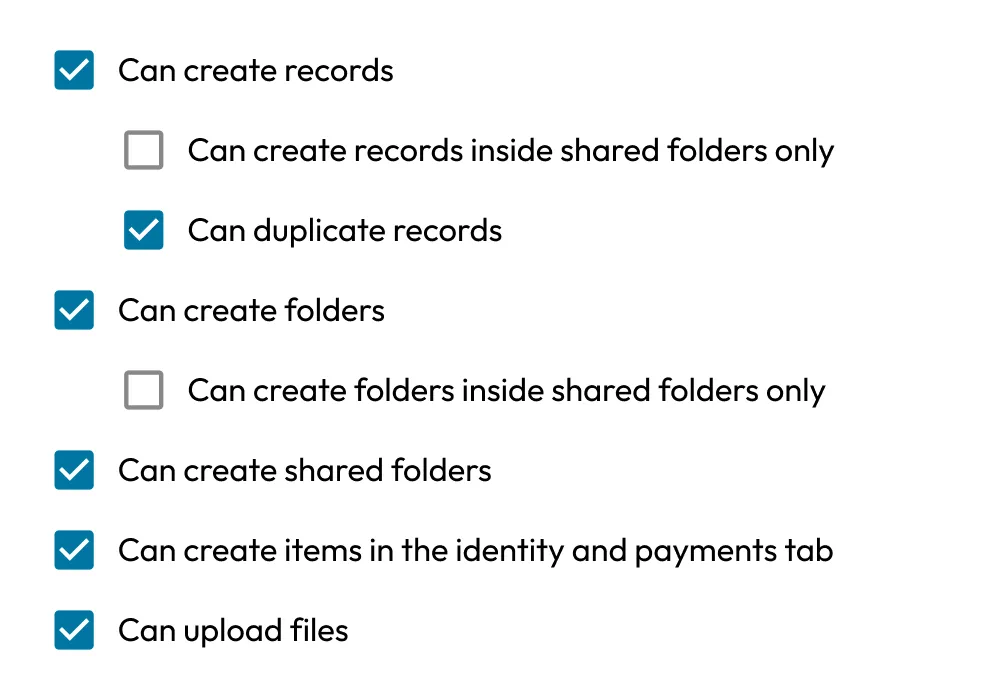
Assign granular permissions to users, teams and departments, ensuring everyone sees only the records they need. Keeper’s vault enforces least-privilege access with centralized control over credential sharing and usage.
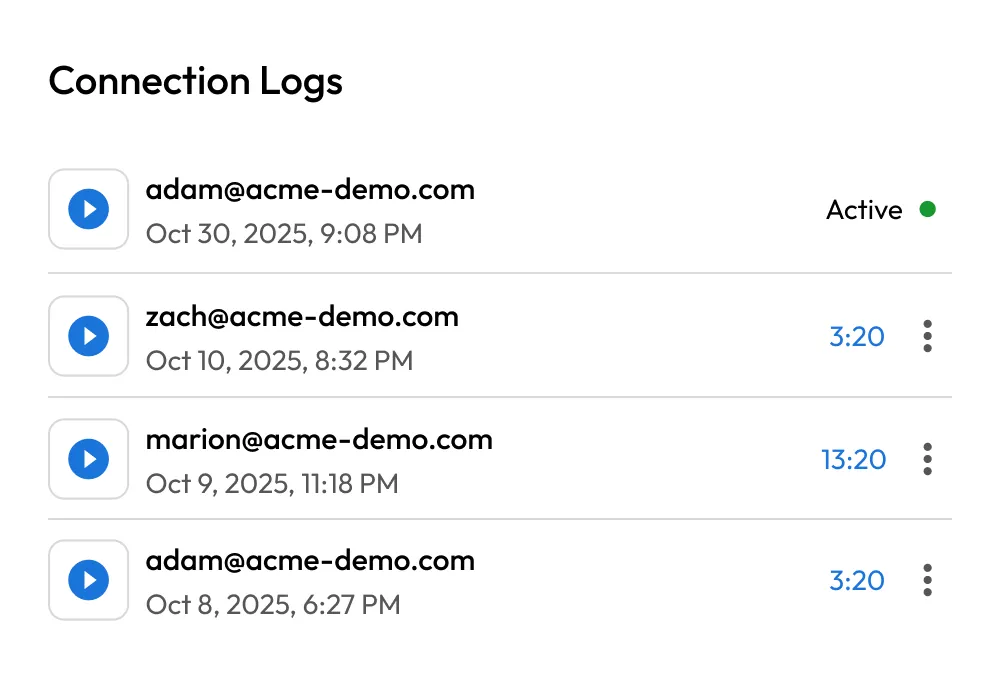
Track every action inside the vault, from logins to record updates, with detailed audit logs. Keeper integrates with leading SIEM tools like Splunk, Microsoft Sentinel, CrowdStrike and Datadog, making compliance and security monitoring effortless.
You can regain access to your Keeper Vault using a 24-word recovery phrase. Keeper's backend systems never see or store this phrase, and no Keeper employee can access it. As a zero-knowledge platform, Keeper cannot assist in the recovery process; only you have the ability to decrypt your vault. For step-by-step instructions on how to recover your master password, visit our Docs Portal.
Keeper supports offline access through the desktop app, mobile app and web vault. Just make sure it’s enabled in advance on your device.
Browser-based password managers often lack zero-knowledge encryption and don’t offer advanced features like secure file storage, auditing or role-based access. Keeper’s vault is purpose-built for security.
Keeper’s vault securely stores passwords, credentials and secrets with zero-knowledge encryption, just like a traditional password manager. However, for organizations needing advanced Privileged Access Management (PAM), Keeper offers KeeperPAM®. KeeperPAM enables you to securely launch and manage privileged sessions directly from the vault, providing enhanced control and security beyond traditional password management.
Yes. Keeper supports Touch ID, Face ID, Windows Hello and other biometric authentication methods for fast, secure vault access.

You must accept cookies to use Live Chat.


