Create and log in to accounts seamlessly
Generate strong, unique passwords and autofill them instantly. The Keeper Browser Extension captures new logins and updates your vault in real time.
Keeper’s browser extension delivers secure password management and seamless autofill directly in your browser.
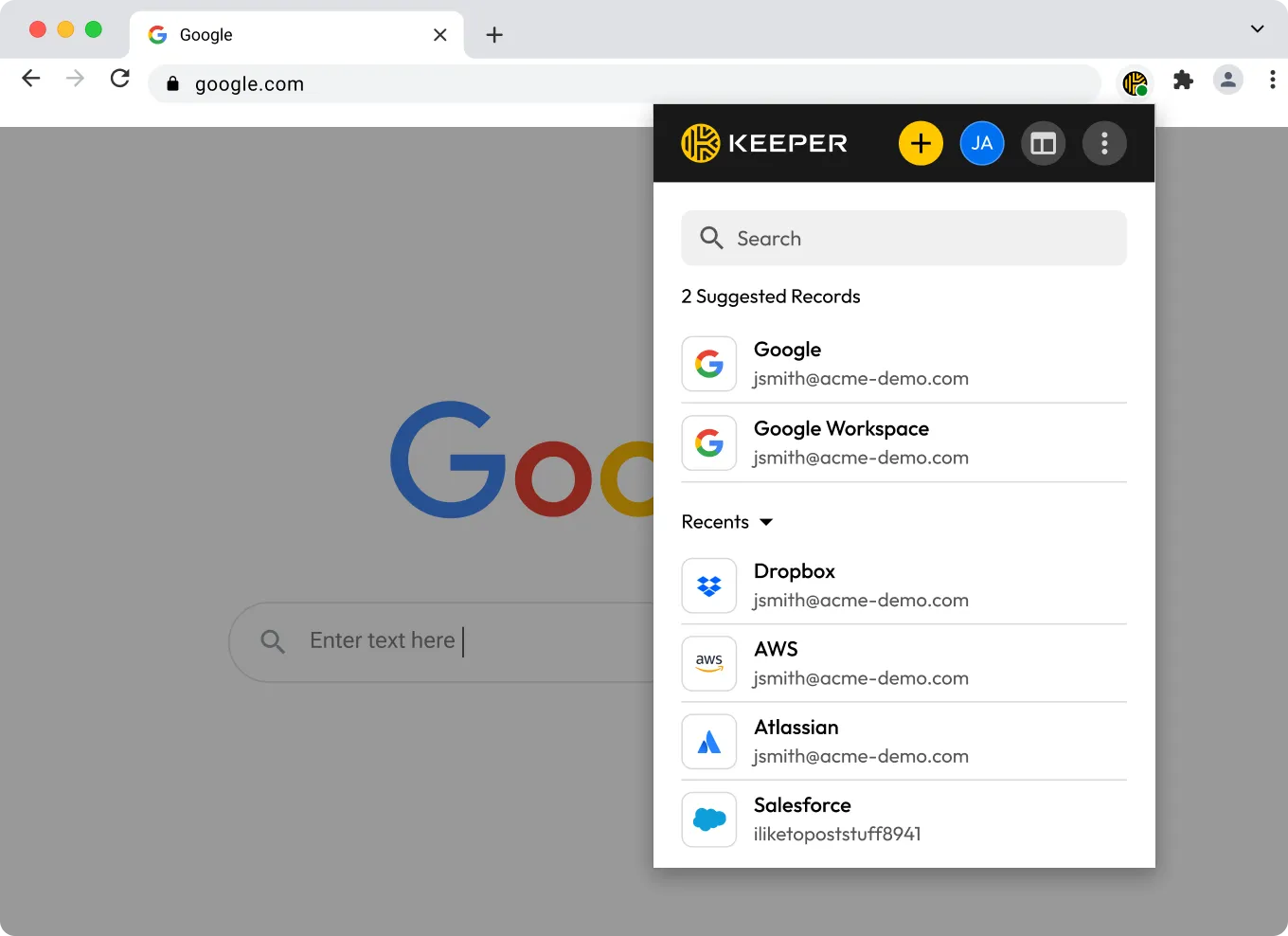

Keeper’s browser extension is built on a zero-knowledge security architecture. Your data is encrypted and decrypted on your device, so only you can access it.

Instantly fill usernames, passwords and passkeys on any site — without storing sensitive data in the browser or relying on insecure built-in browser password managers.

Whether you're using Chrome, Firefox, Edge, Safari, Brave or Opera, Keeper delivers a consistent, fast and secure experience.

Log in to your vault instantly using your device’s built-in biometric authentication, like fingerprint or facial recognition. No additional companion apps necessary.
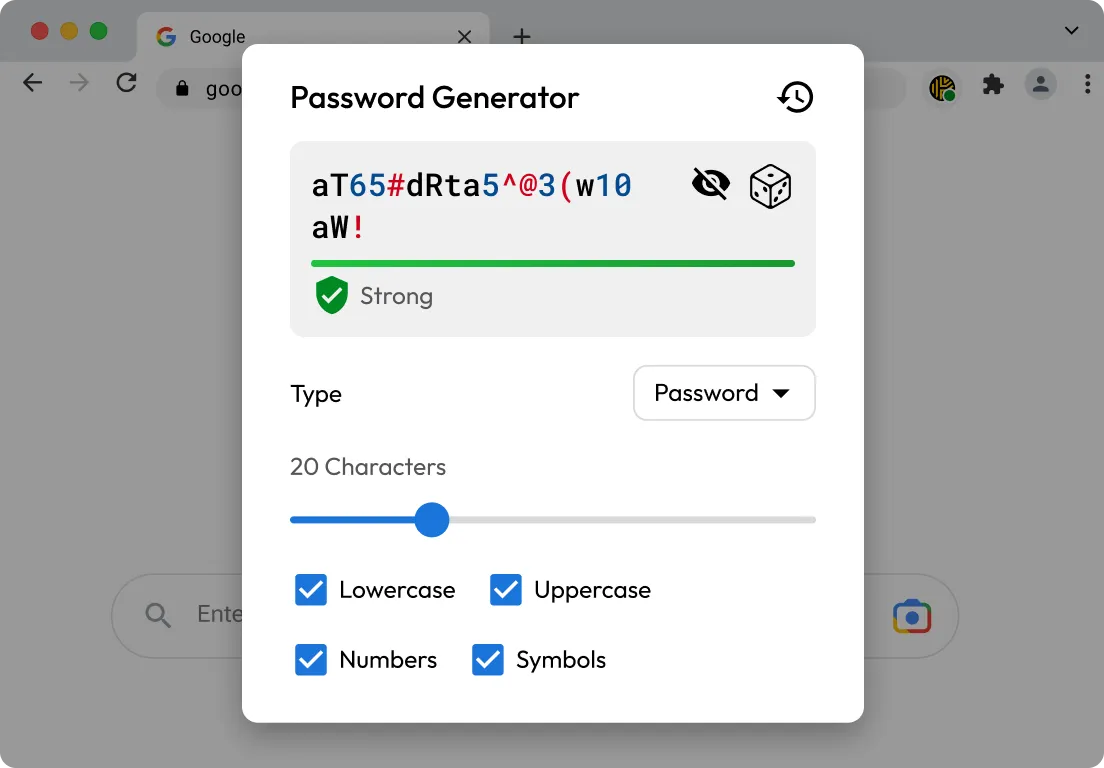
Generate strong, unique passwords and autofill them instantly. The Keeper Browser Extension captures new logins and updates your vault in real time.
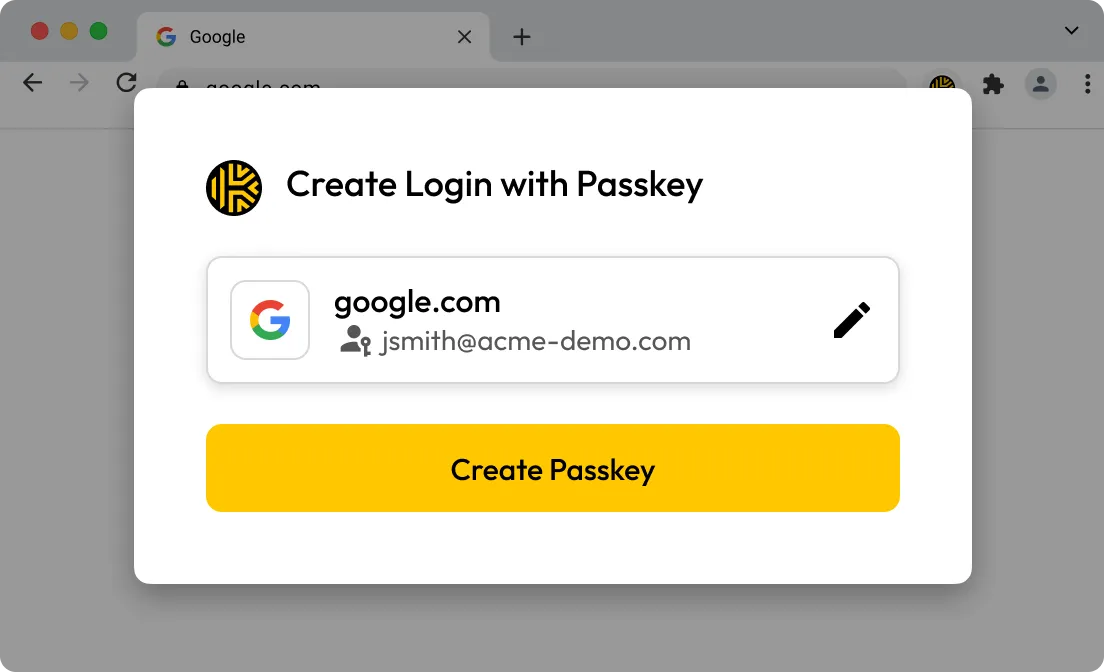
Securely store passkeys in your vault and autofill them on supported websites. Passkeys saved with the browser extension are synced across devices and can be accessed from any browser where Keeper is installed.
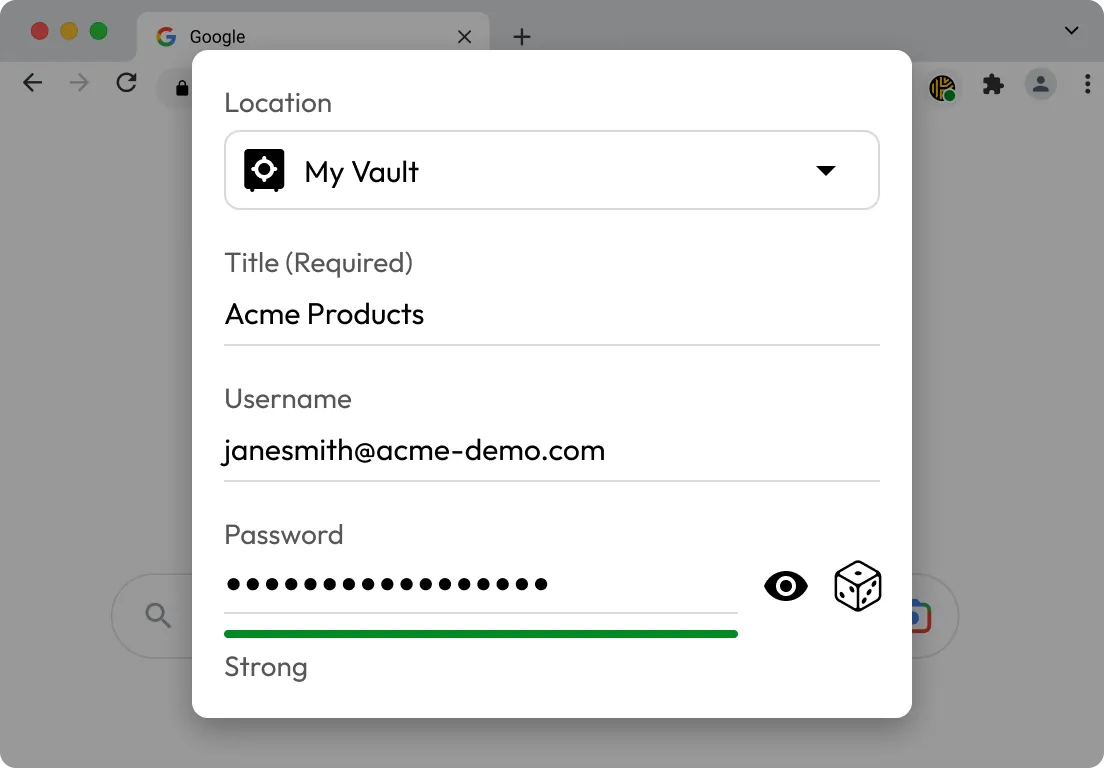
View, update and organize your vault, including logins, payment cards, identities and notes, directly in the browser.
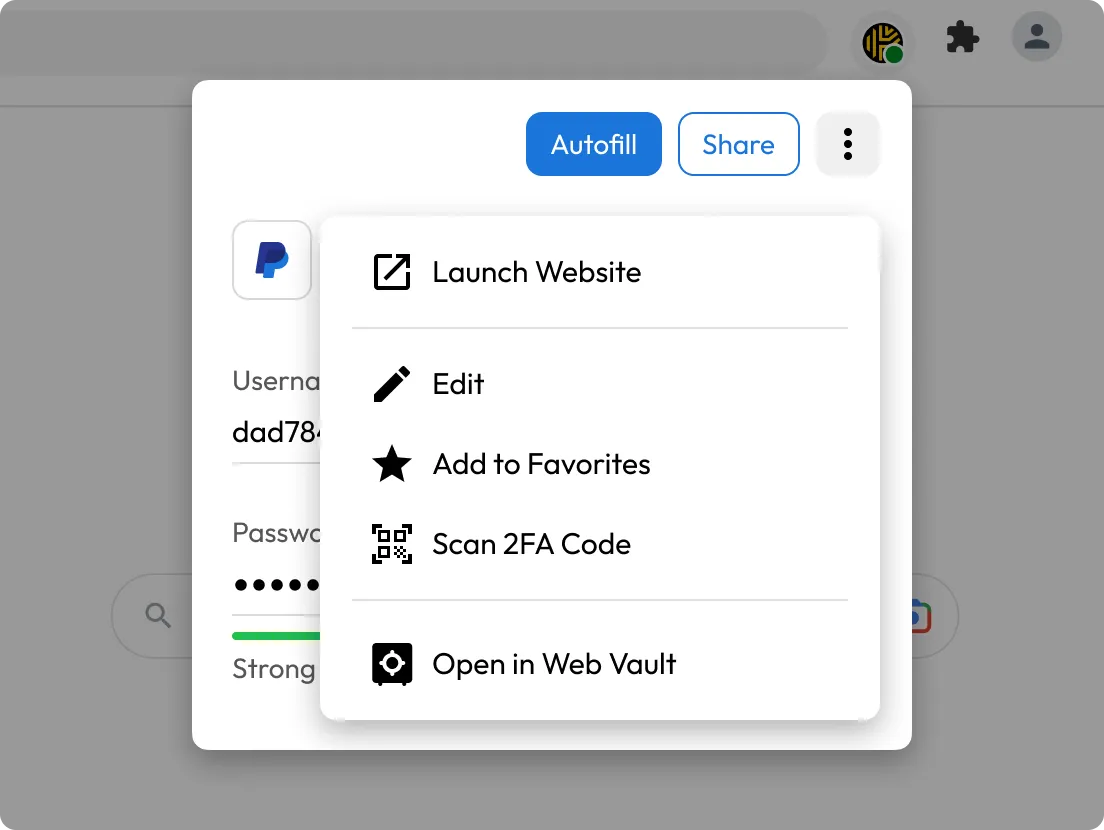
Keeper lets you securely store Time-based One-Time Password (TOTP) codes directly in your vault. Just scan the QR code and it’s saved to the record automatically. When logging in, Keeper automatically fills in your credentials and 2FA code.
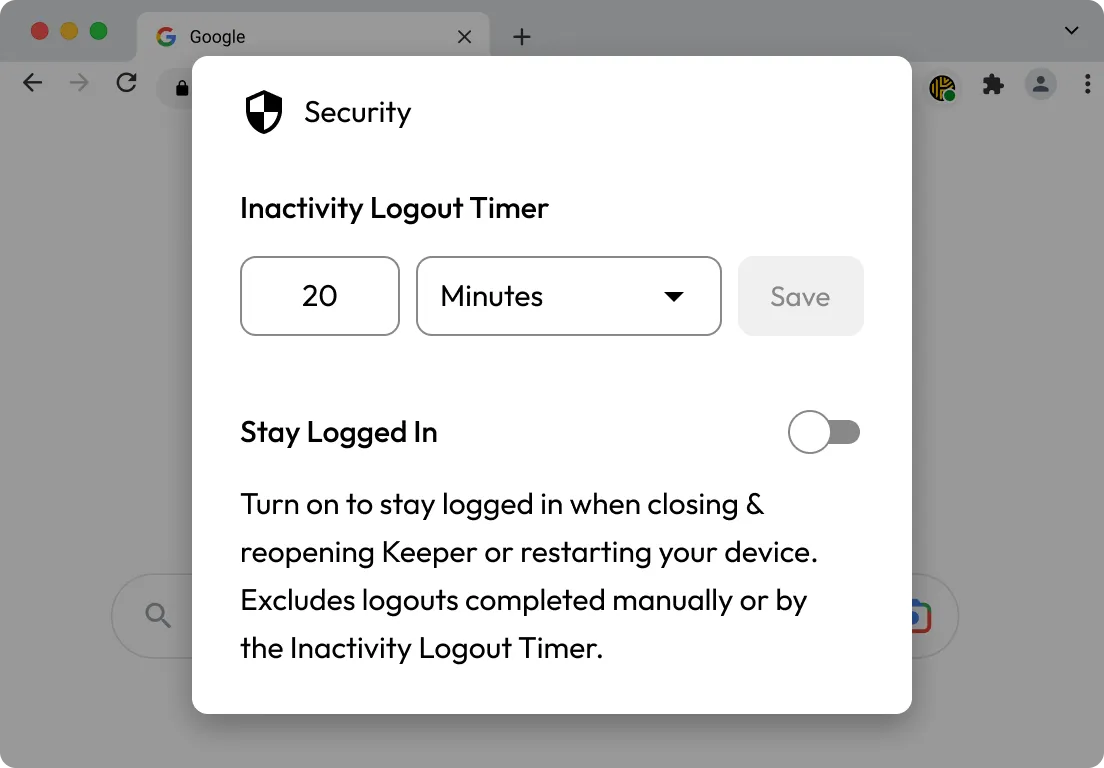
Customize how long your vault stays unlocked in the browser extension. After the set time of inactivity, the extension automatically locks your vault to keep your information secure.


Keeper works with Chrome, Firefox, Edge, Safari, Brave and Opera.
Yes, Keeper uses zero-knowledge encryption and never stores your master password or vault data in plaintext.
Yes, the Keeper Browser Extension is only available with a paid plan or during a free trial. To compare features and learn more about what’s included, visit our Keeper Unlimited Trial vs Keeper Free page.

You must accept cookies to use Live Chat.


