Feature: Share Admin

Securely manage shared access across your organisation

Keeper's Share Admin capability empowers designated administrators to have enhanced control over shared records and folders.

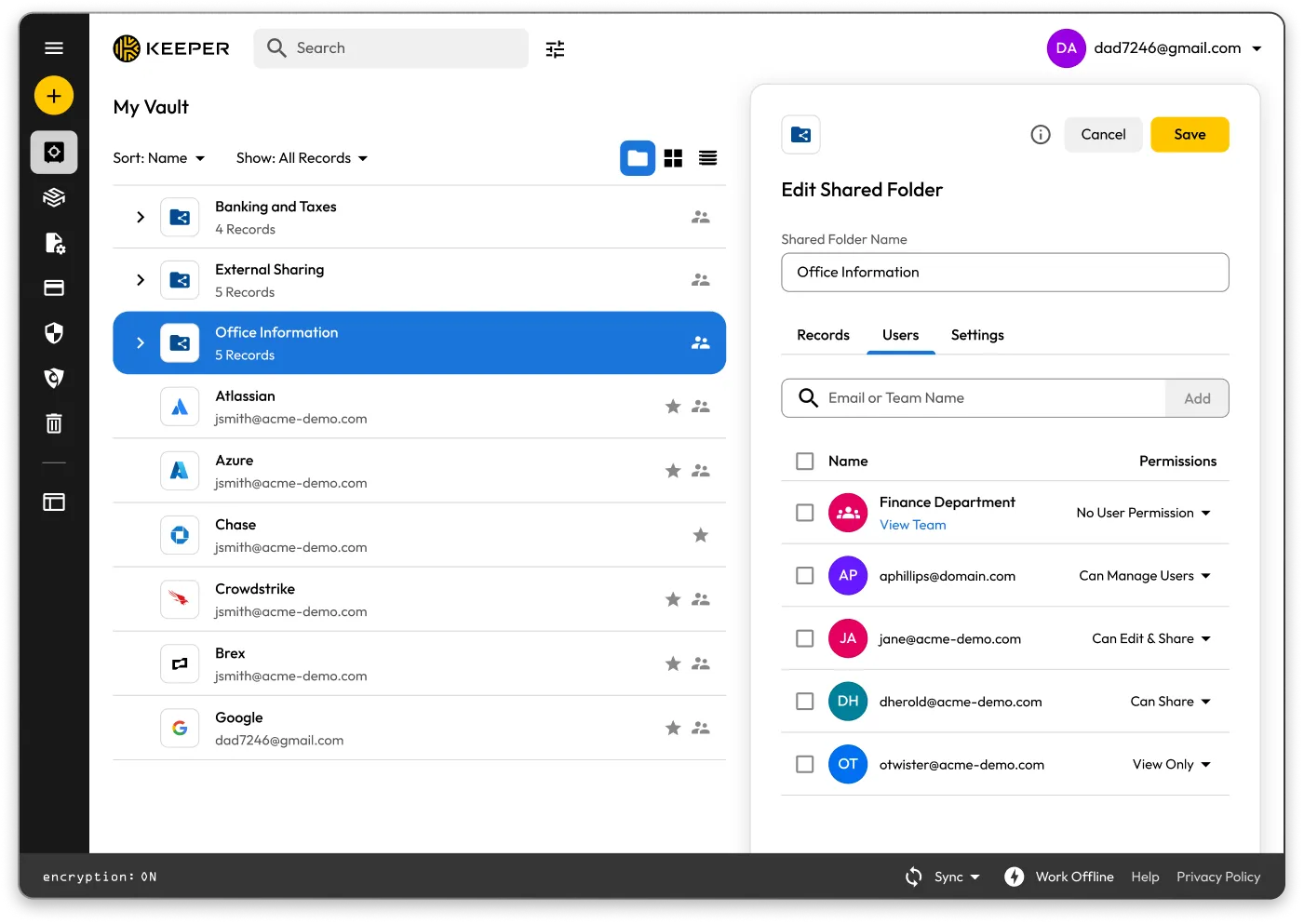
Keeper Vault interface showing an “Office Information” shared folder with user permissions open.

What is Share Admin?

Share Admin is a role-based permission in Keeper that allows designated administrators to manage shared folders and record permissions across the organisation, without granting unrestricted admin rights or access to the contents of users' vaults.
Manage and secure sharing at scale

View shared records and folders enterprise-wide

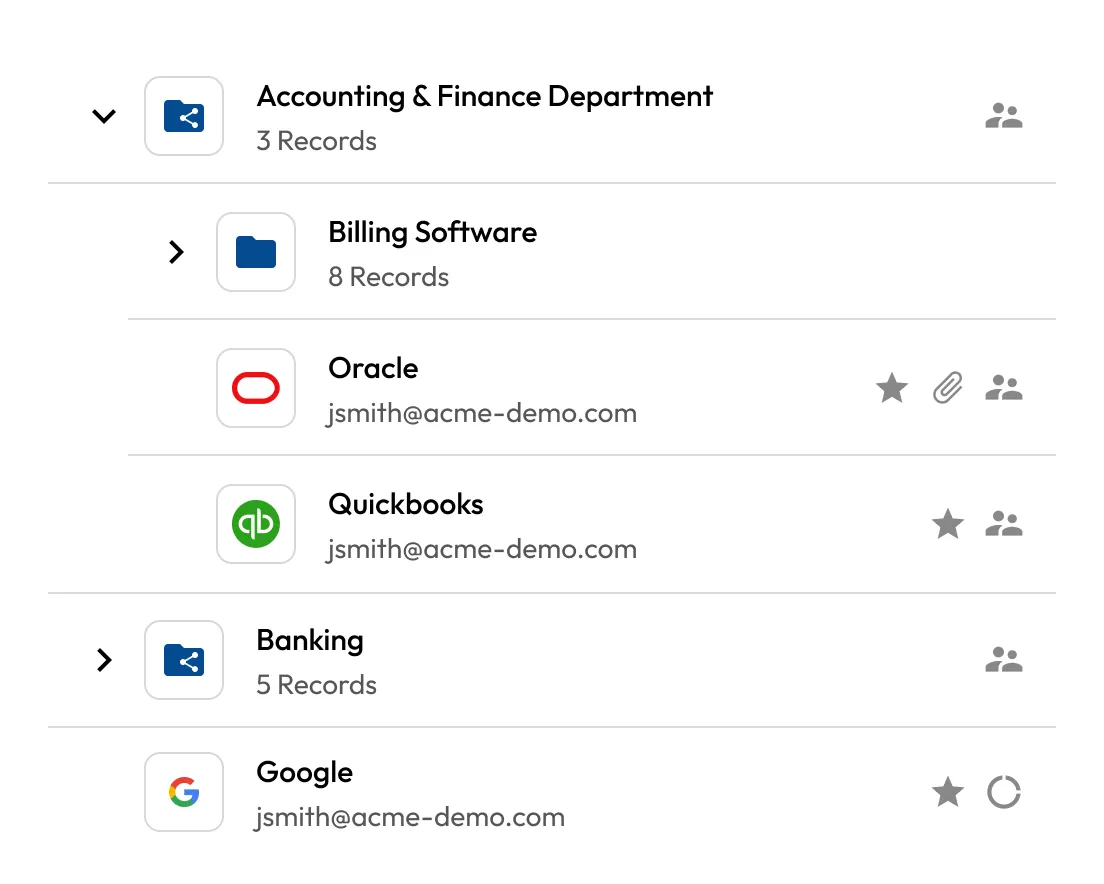
Share Admins can access all shared folders and records, regardless of ownership. From the Vault, they can search and review shared content, understand access relationships and identify any misalignment with policy.

Shared folder list showing Accounting & Finance with billing, banking folders, and Oracle, QuickBooks, and Google records.
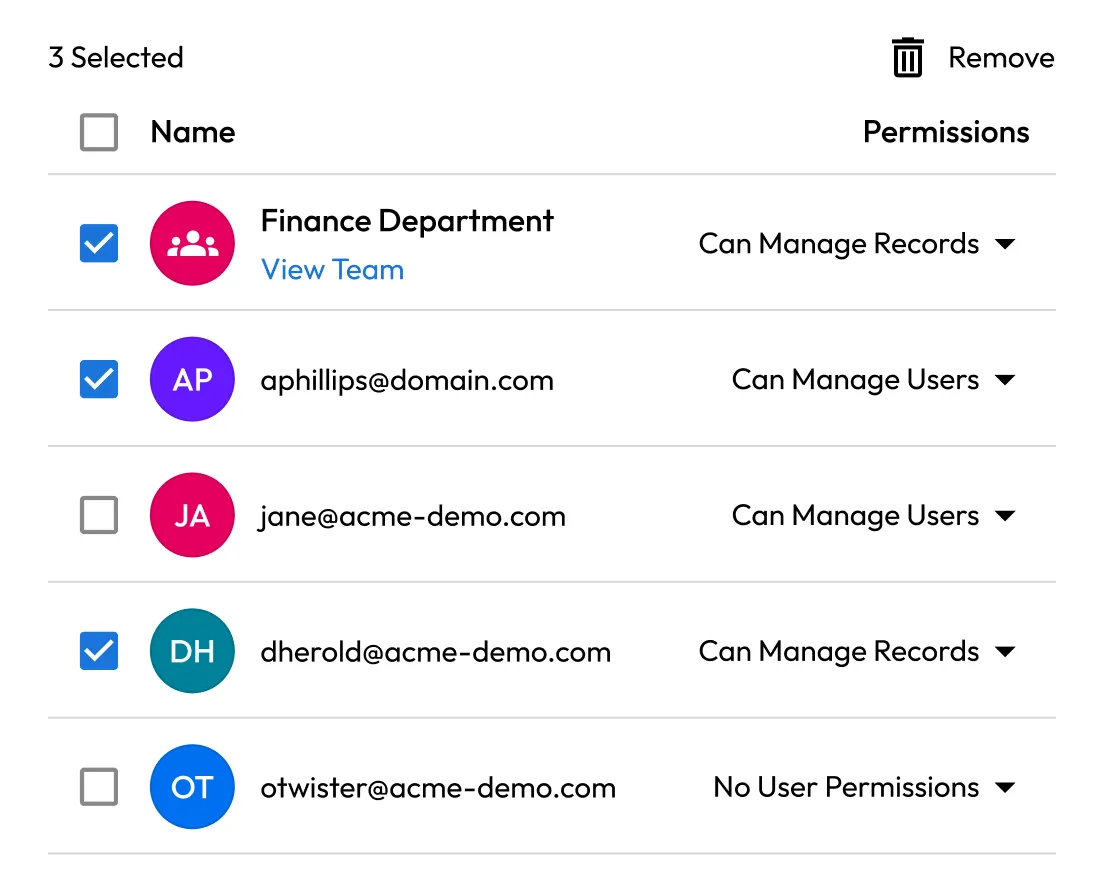
User list with selected finance members and their assigned permission levels.

Modify access without owner intervention

Admins can add or remove users and records from any shared folder, clean up access as teams change and remove unnecessary shares without needing help from record owners.

Enforce consistent permissions

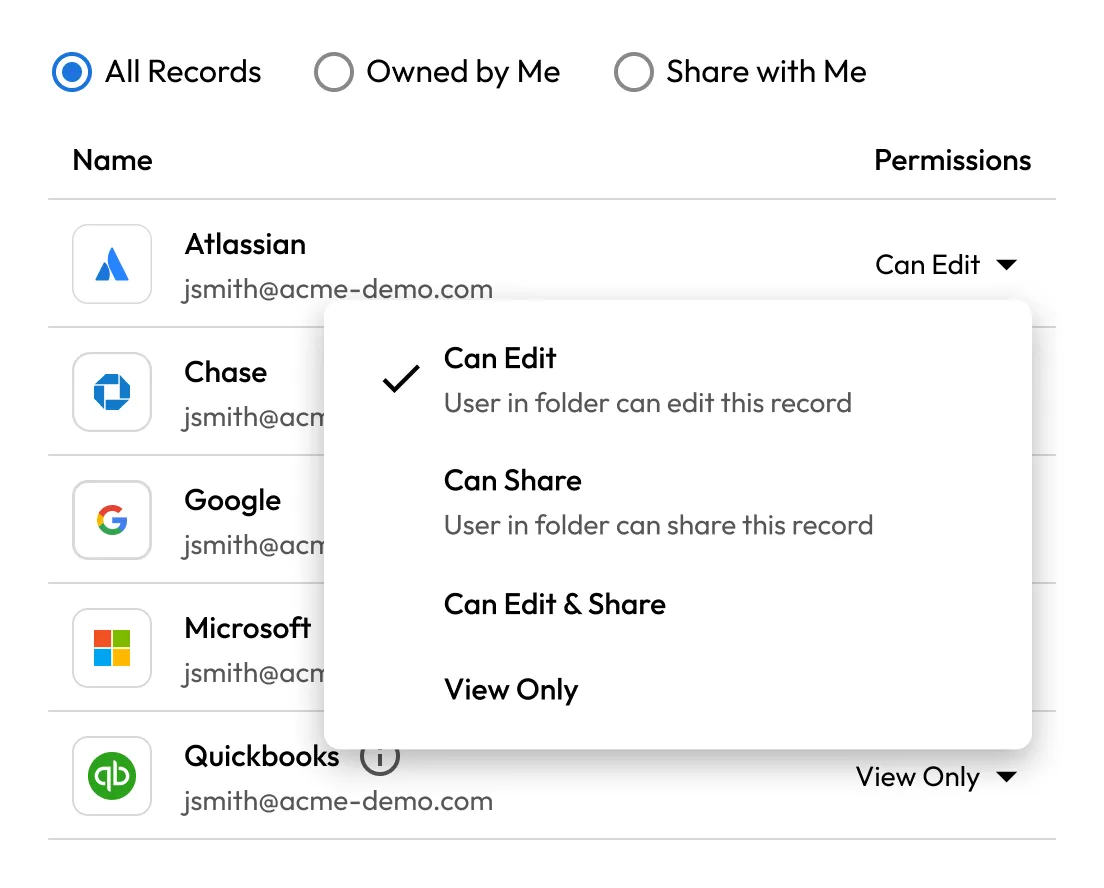
Record-level permissions, such as view, edit and share, can be updated directly by Share Admins. They can also adjust default settings on shared folders to prevent misconfigurations or restrictive policies that disrupt collaboration.

Record list with permission dropdown open, showing options to edit, share, or view only.
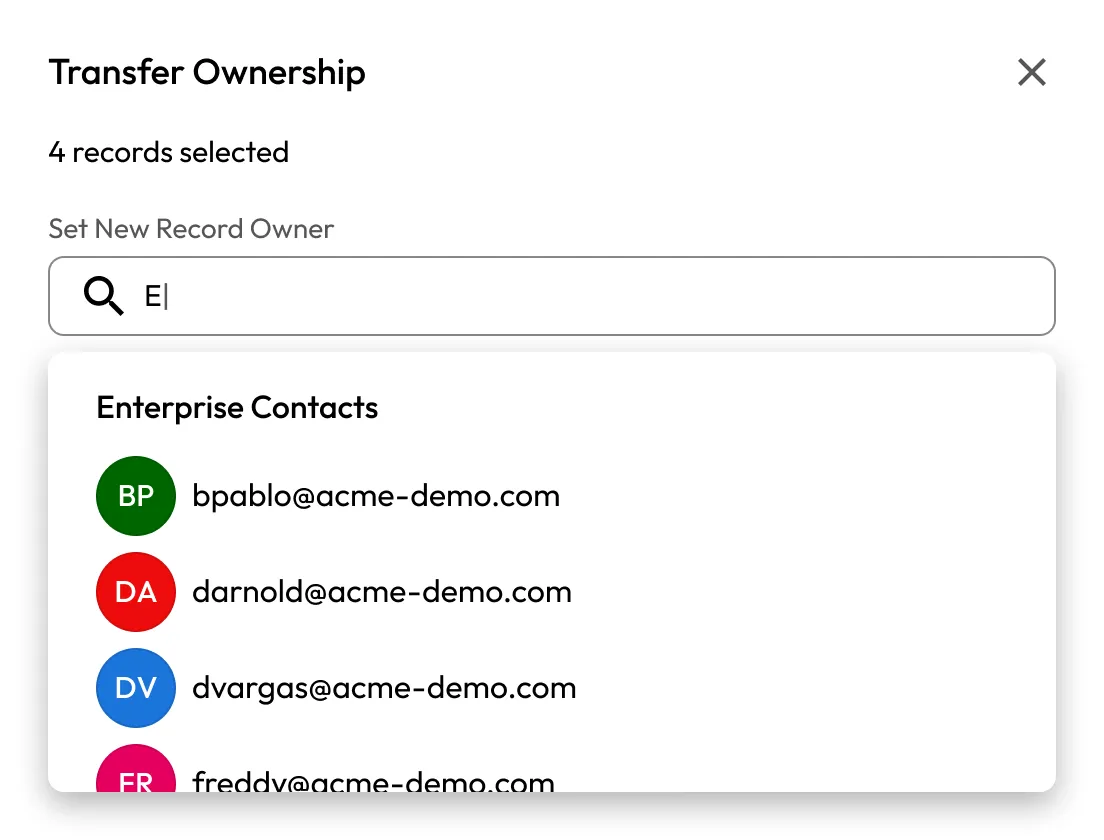
Transfer Ownership dialog showing four selected records and a search to choose a new owner.

Transfer ownership without disruption

Share Admins have full edit rights and can transfer ownership of individual or multiple records at once. This enables clean handoffs without moving entire vaults or escalating through account recovery.

Delegate control with ease

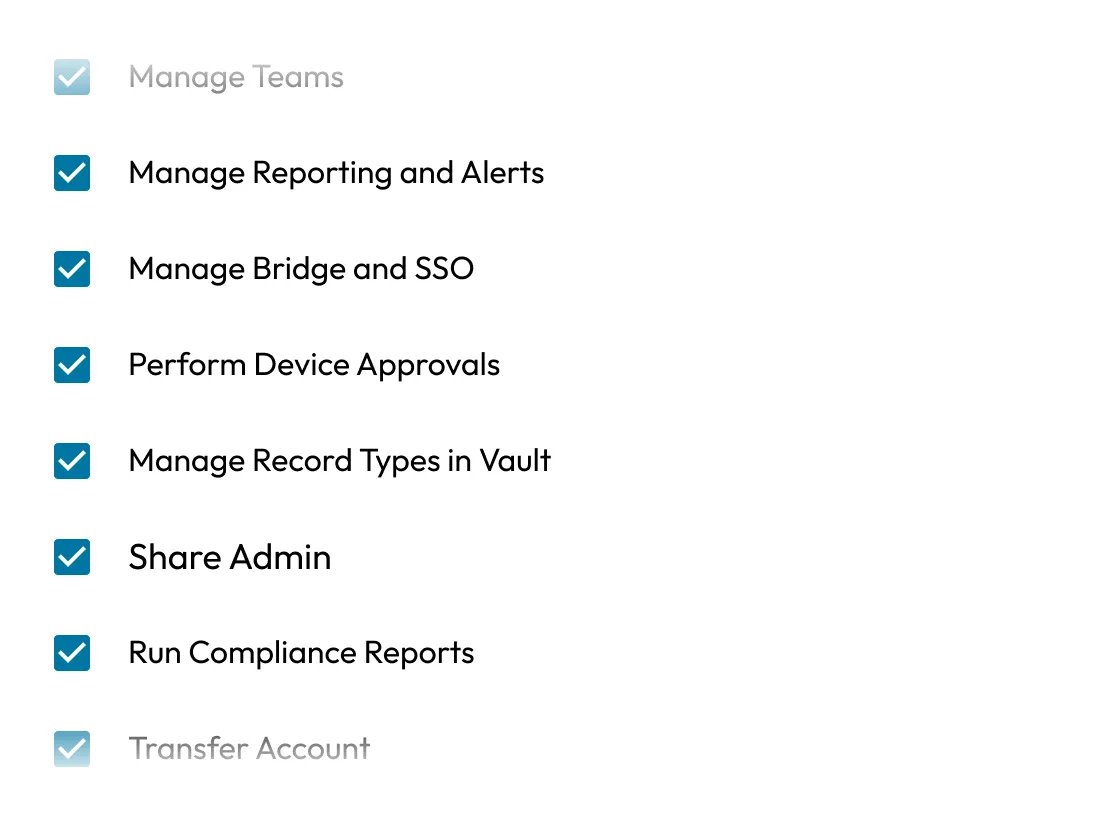
Roles with Share Admin permissions are configured in the Admin Console. Once applied, users immediately gain full management rights over the records or folders they're added to.

Admin permissions checklist showing enabled options for reporting, SSO, device approvals, sharing, and compliance.

Frequently asked questions

Does the Share Admin policy allow access to any record contents?

No. The Share Admin policy only provides elevated privileges for records that have already been explicitly shared with the admin. It does not grant access to any records by default.

Can Share Admins override user permissions?

Yes, within the bounds of the permission set, Share Admins can modify sharing settings, including removing users or adjusting edit/share rights and record ownership.

Is Share Admin compliant with Keeper's zero-knowledge architecture?

Yes, Share Admin does not provide decryption capabilities. All content remains encrypted unless explicitly shared with the administrator.

How do I enable Share Admin?

From the Keeper Admin Console, navigate to the desired role and enable Share Admin under Administrative Permissions. The permission can be scoped to a specific node and optionally cascaded to sub-nodes.

Who should be given Share Admin rights?

We recommend assigning Share Admin to security, IT or operations personnel responsible for enforcing sharing policies and managing the access lifecycle.

Buy Now