Instantly measure password strength
Keeper's strength meter instantly evaluates each password as it's created or updated. The visual indicator makes it easy to see whether your password meets strength standards before saving it in your vault.
Feature: Password Strength Meter
Keeper's password strength meter helps you understand how secure your passwords really are. Instantly test any password or passphrase.
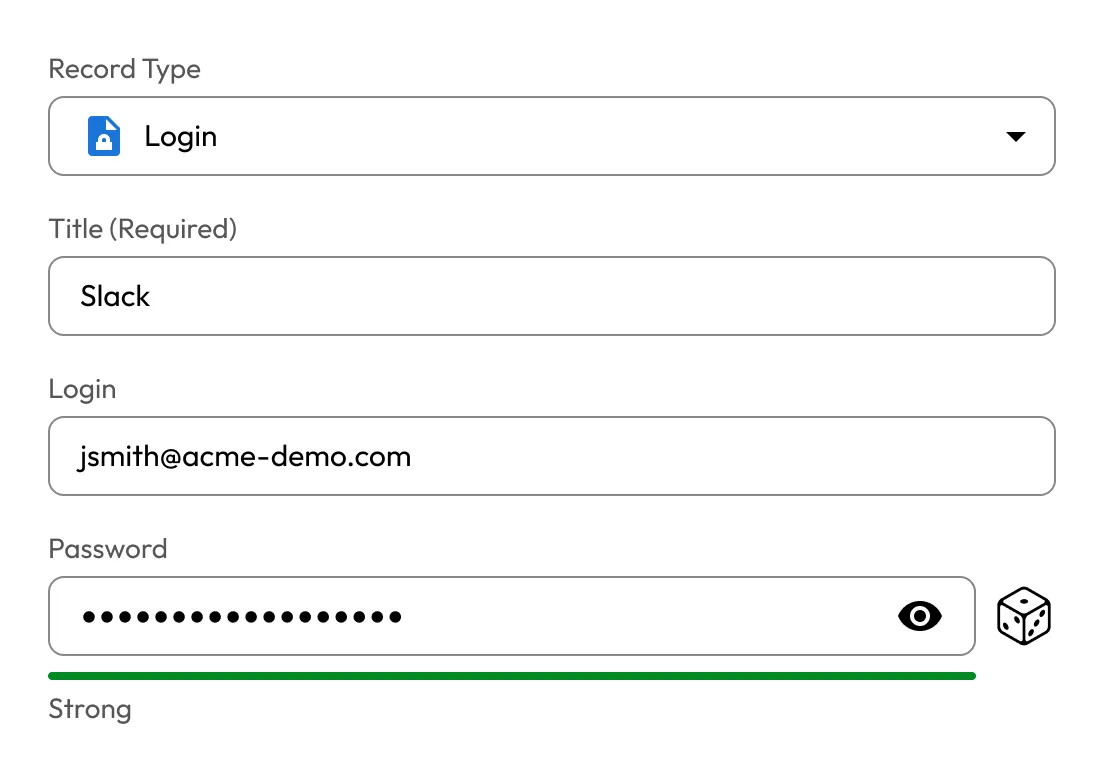
Passwords entered in this strength tester are processed only on your device and are never stored or sent to Keeper.
Keeper's strength meter instantly evaluates each password as it's created or updated. The visual indicator makes it easy to see whether your password meets strength standards before saving it in your vault.

Keeper's password strength meter uses entropy calculations to assess password complexity and predict its resistance to brute-force or credential-stuffing attacks.
If your password is weak, Keeper helps you strengthen it instantly. You can generate a random, complex password that meets organisational or personal policy requirements directly within the same interface.
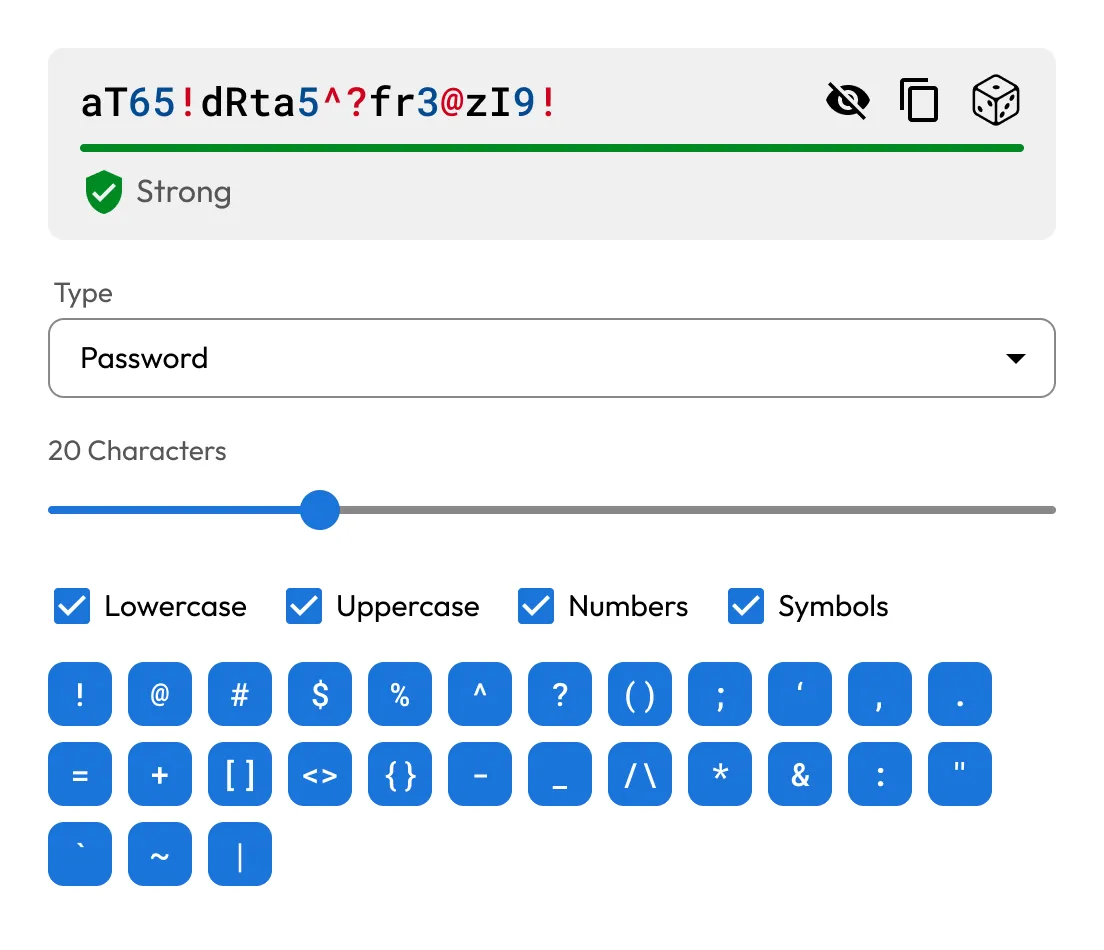

The password strength meter is built into the Keeper Web Vault, browser extension, desktop app and mobile app. Whether you're updating a credential on your phone or laptop, you'll receive the same consistent password evaluation.
All password evaluations are performed locally on the user's device, never on Keeper's servers. Keeper's zero-knowledge architecture ensures your passwords remain private and fully encrypted at all times.
Yes, the password strength meter is available in all Keeper plans, including personal, family, business and enterprise.
Yes, you can test as many passwords as you want. Each time you type or change a password, the meter updates instantly to reflect its current strength.
High entropy from length and randomness. Use at least 16 characters and avoid dictionary words, sequences or personal info.
If your password isn't strong enough, use Keeper's free Password Generator to create long, random passwords instantly.

You must accept cookies to use Live Chat.