Feature: Slack Workflow
Bring Keeper access requests and approvals directly into Slack
Request and approve access without leaving Slack. Fully encrypted, self-hosted and built on Keeper’s zero-knowledge security model.
Request and approve access without leaving Slack. Fully encrypted, self-hosted and built on Keeper’s zero-knowledge security model.
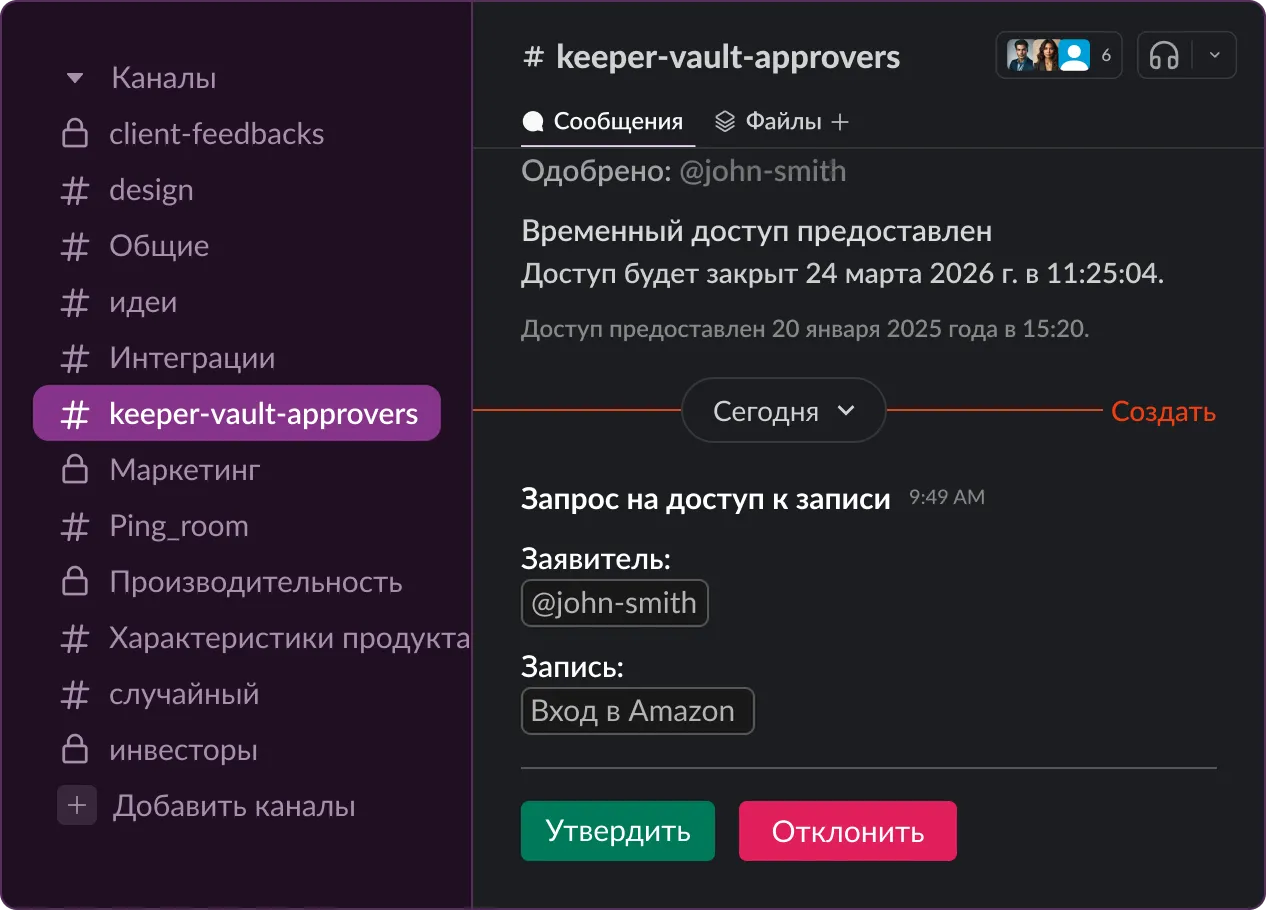
Keeper’s Slack app is self-hosted by each customer to uphold zero-knowledge security. Secrets stay fully encrypted; Keeper never sees your data. The app runs in a Docker container in the customer’s environment.
This standalone approval system supports record-level access and operates independently from KeeperPAM®’s workflows. Because it’s privately hosted, it won’t appear in the Slack App Directory.
Configure the Keeper Slack app using Keeper Commander and start the containers. Ensure the Commander service account has access to the records and folders being managed, and the necessary approval permissions.
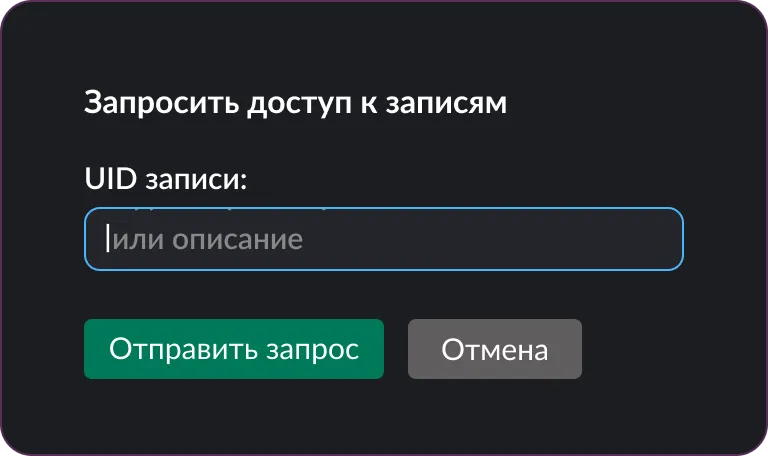
Users type /keeper in any channel or DM to request access to a record, folder or one-time share to a resource, without leaving Slack.
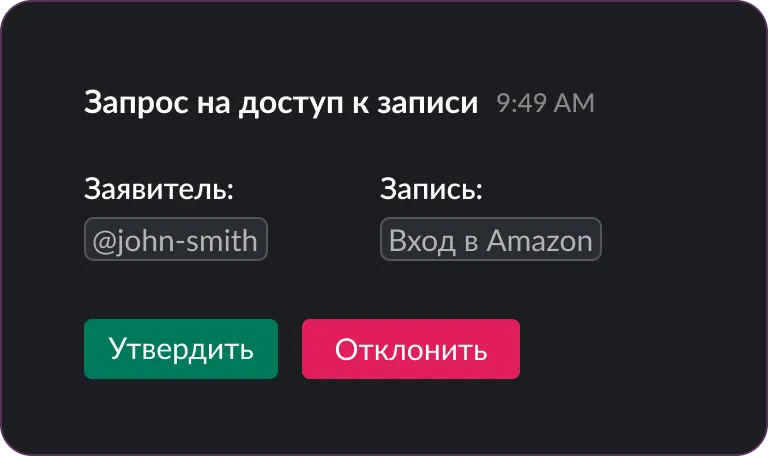
Requests appear in a dedicated Slack channel. Admins can find the record, set permissions and approve access, all within Slack.

Stay informed with real-time Slack alerts for important Keeper events, including access requests, record shares and permission changes.
When access is requested, admins can take action directly in Slack. Review, approve or deny in seconds, with all permissions managed through Keeper.
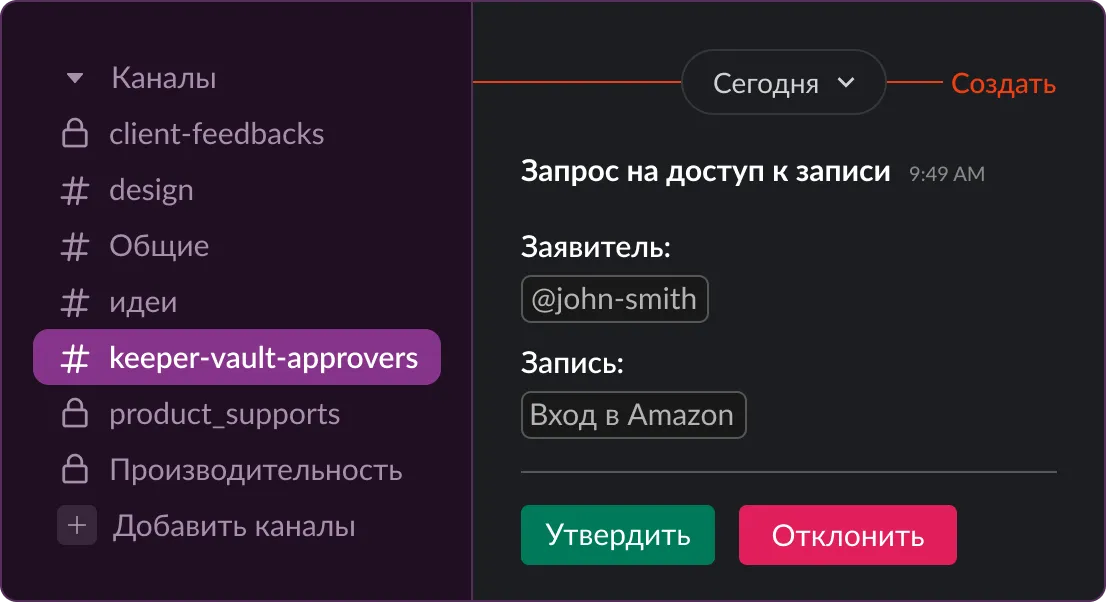
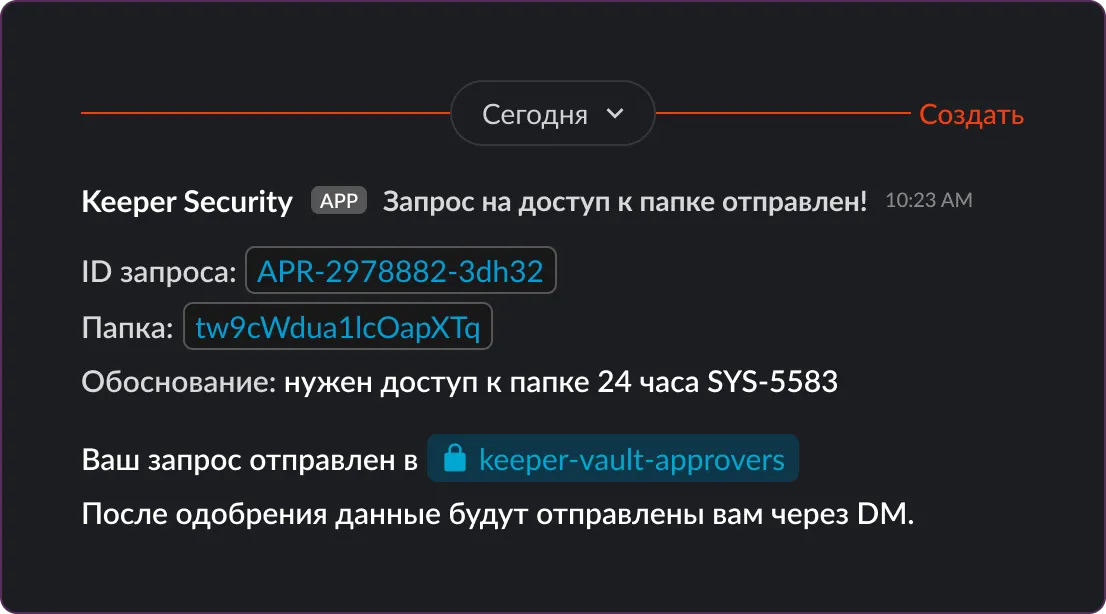
Start secure sharing workflows without leaving Slack. Keeper handles the encryption and access controls.
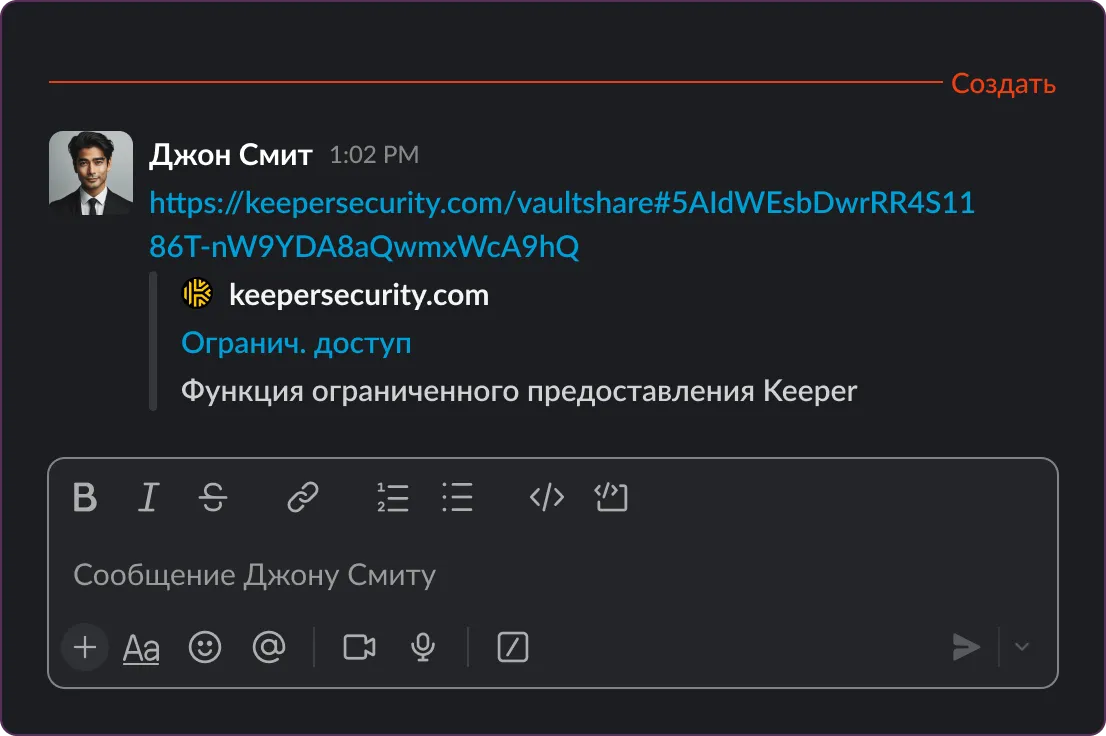
Initiate One-Time Share requests directly from Slack. Admins can approve secure, self-destructing links with optional editing rights for bi-directional sharing.
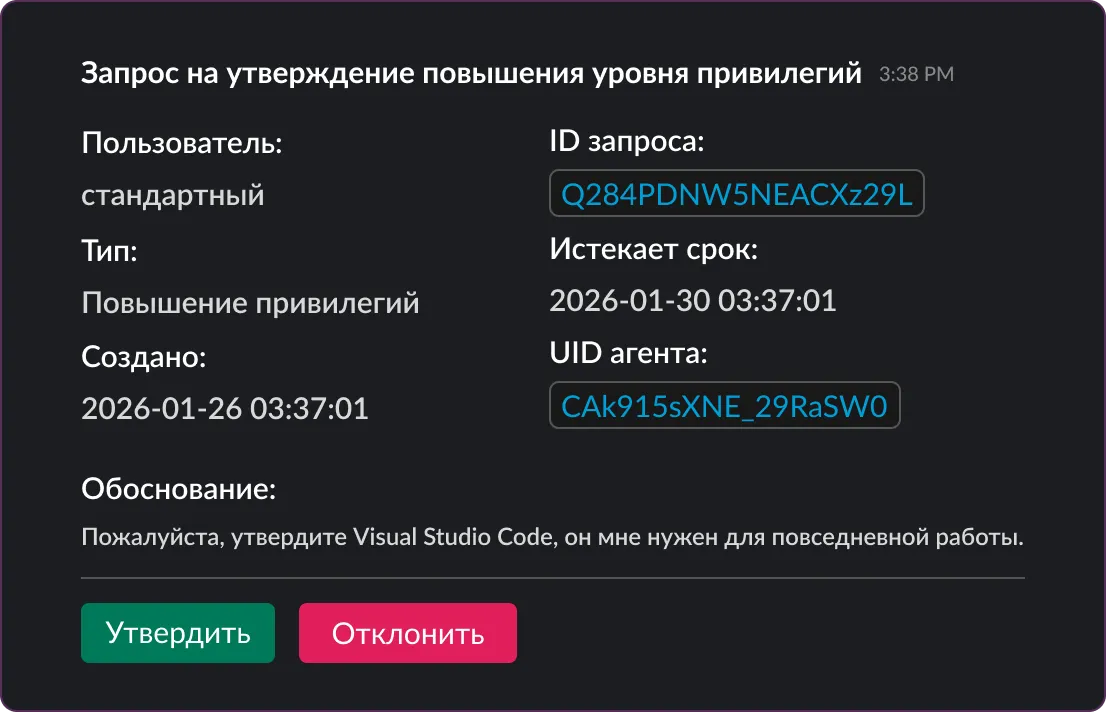
Perform real-time approvals for SSO Cloud device registrations and Just-In-Time (JIT) privilege elevation requests from Keeper’s Endpoint Privilege Manager directly within Slack, with no context switching required.
Every Slack notification includes a secure deep link to the relevant record or folder in Keeper.
Access requests and approvals happen directly in Slack. This speeds up response times and reduces security gaps.
Users stay in Slack to complete secure actions, reducing context switching and making secure workflows part of everyday habits.
Replaces risky behaviors, like sharing passwords in chats, with auditable, policy-enforced access managed through Keeper.
Bringing Keeper into Slack boosts usage, reinforces secure behavior and keeps Keeper’s controls front and center in daily work.
Yes, the Slack integration requires either a Keeper Secrets Manager or KeeperPAM license. These licenses enable the secure backend services needed to support access requests, approvals and secret management within Slack.
Requests are routed to a designated Keeper approval channel, where admins or designated approvers can take action directly.
Yes, requesters can specify a duration, and approvers can set time-based limits on access directly within Slack.
Yes, the integration works with standard Keeper Vault records and shared folders, in addition to KeeperPAM resources.
Users can request access to records, shared folders and One-Time Shares. Admins can also approve SSO Cloud devices and Endpoint Privilege Manager elevation requests directly in Slack.

Чтобы использовать онлайн-чат, необходимо разрешить использование cookie-файлов.