
Recurso: Jira Workflow

Integrate Keeper with Jira for secure access workflows

Handle Keeper access requests and vault actions directly inside Jira issues. Users can request access, admins can approve, and changes are completed and recorded in the ticket without switching tools.

Jira and Keeper logos connected by glowing lines on a dark background.

Access requests and approvals without leaving Jira

The Keeper integration for Jira Cloud lets teams run secure vault workflows from Jira. It's built as a native Atlassian Forge app and connects to a customer-hosted Keeper Commander Service Mode API, keeping encryption and controls aligned with Keeper's zero-knowledge architecture.

Use it to streamline common workflows like requesting record access, adjusting permissions, rotating credentials and tracking everything in an auditable Jira issue history. Keeper Endpoint Privilege Manager approval workflows require KeeperPAM® with Keeper EPM enabled.

Como funciona

Animated Keeper Commander logo card.

1. Deploy Commander in Service Mode

Install and run Keeper Commander in Service Mode in your environment and enable the REST API. To allow Jira Cloud to reach it securely, use a tunnel such as Cloudflare Tunnel or Ngrok.

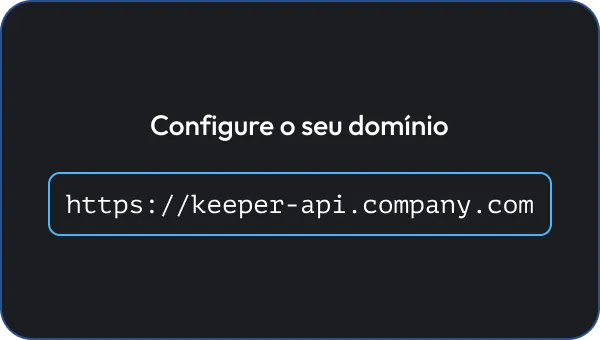
Animated domain configuration field.

2. Configure the Forge app in Jira

Build and install the Keeper Forge app in your Jira Cloud instance. Connect it to your Commander Service Mode API and choose which Jira projects can use Keeper actions.

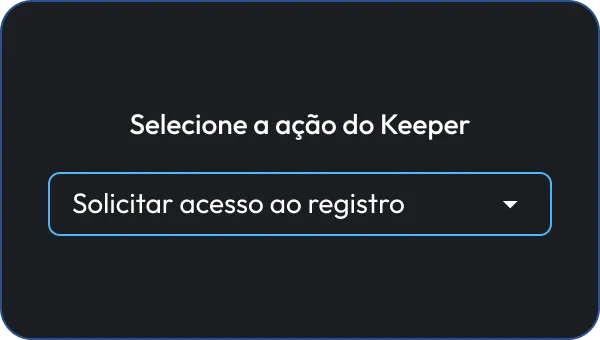
Animated action dropdown.

3. Request access in Jira

Users can open an issue and submit a request, such as access to a record, shared folder or permission change. They can add justification and an optional expiration time.

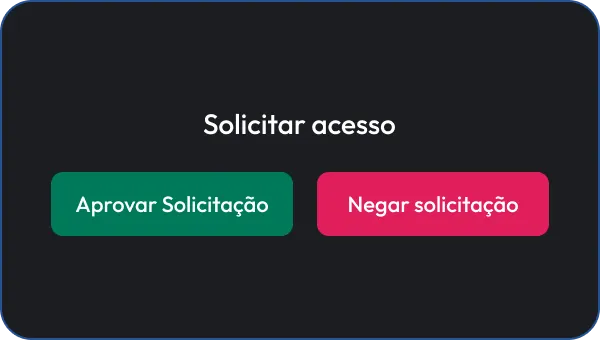
Animated approval and deny request buttons.

4. Approve and execute

Admins review requests in the Keeper panel within the issue. Once approved, the integration performs the action via the connected Commander API. Results are posted back to the issue as comments with timestamps for auditability.

What you can do with Keeper in Jira

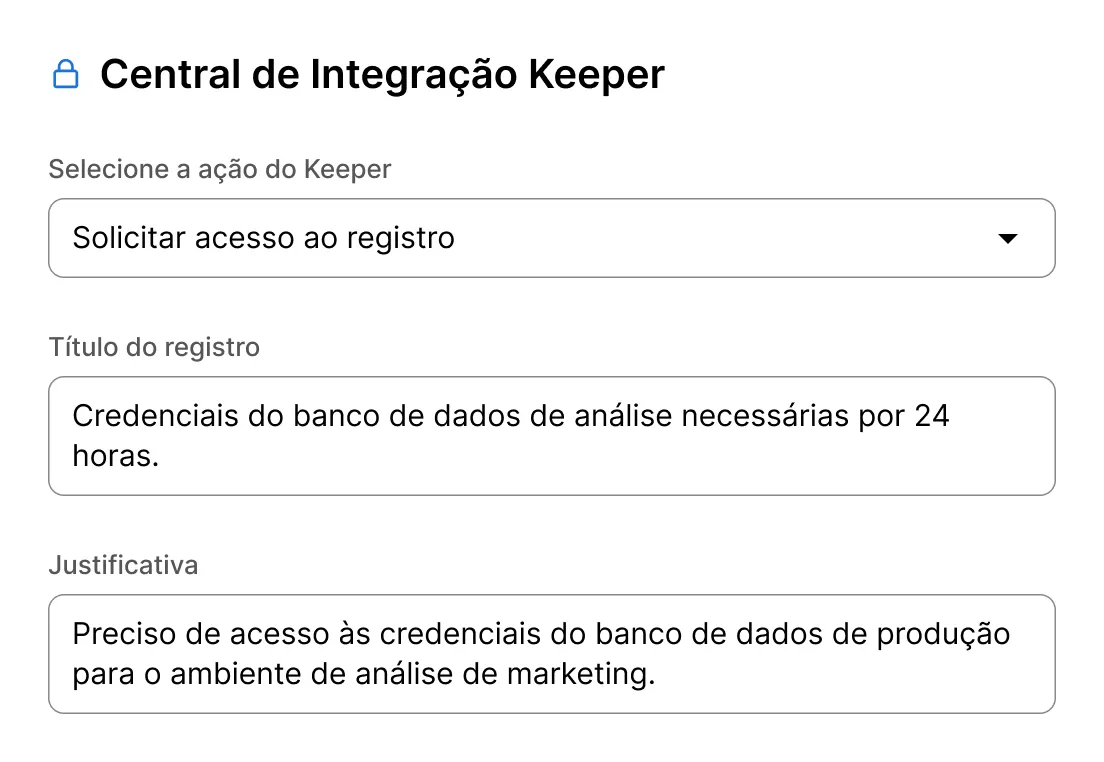
Keeper Integration Hub form with fields for action, record title, and justification.

Request access to records and shared folders

Users request access with justification and an optional expiration. Admins approve directly in the issue.

Request permission changes

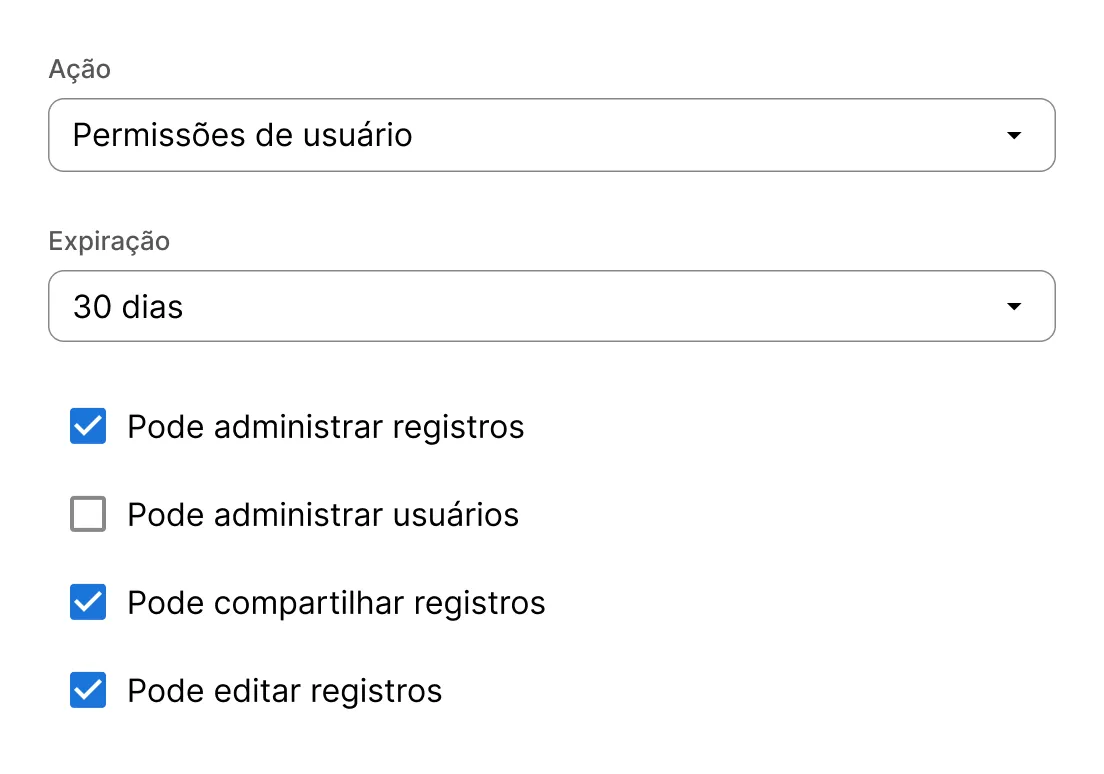
Users can request a permission upgrade (for example, view-only → edit). Admins can approve, adjust or deny based on policy.

Form showing user permissions settings with a 30-day expiration and selected record management permissions.
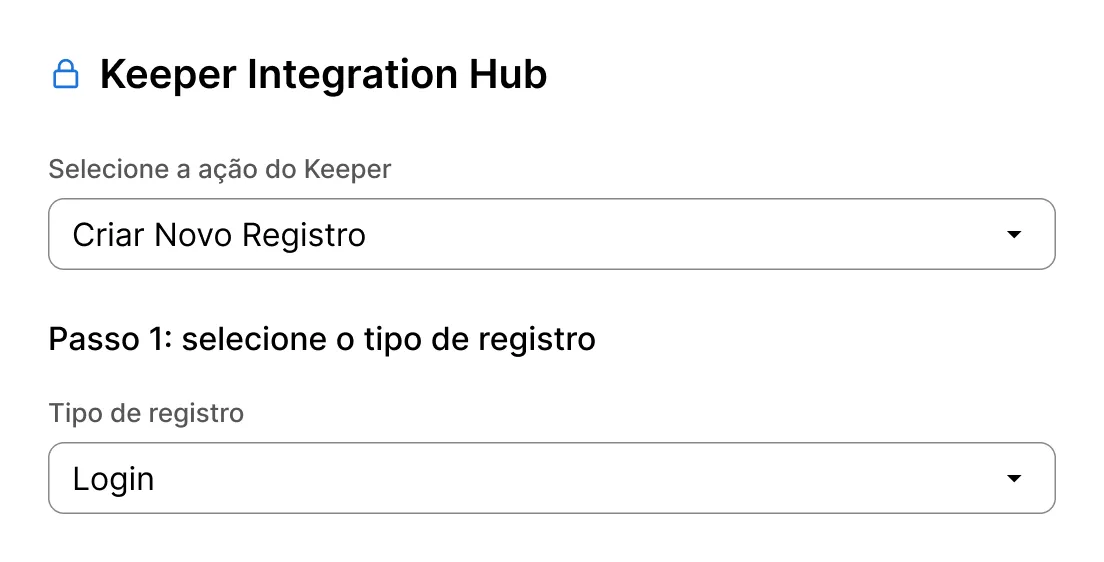
Keeper Integration Hub form for creating a new login record.

Create, rotate and update credentials

Admins can create new records, rotate passwords or update shared-service credentials from Jira.

Track everything in the ticket

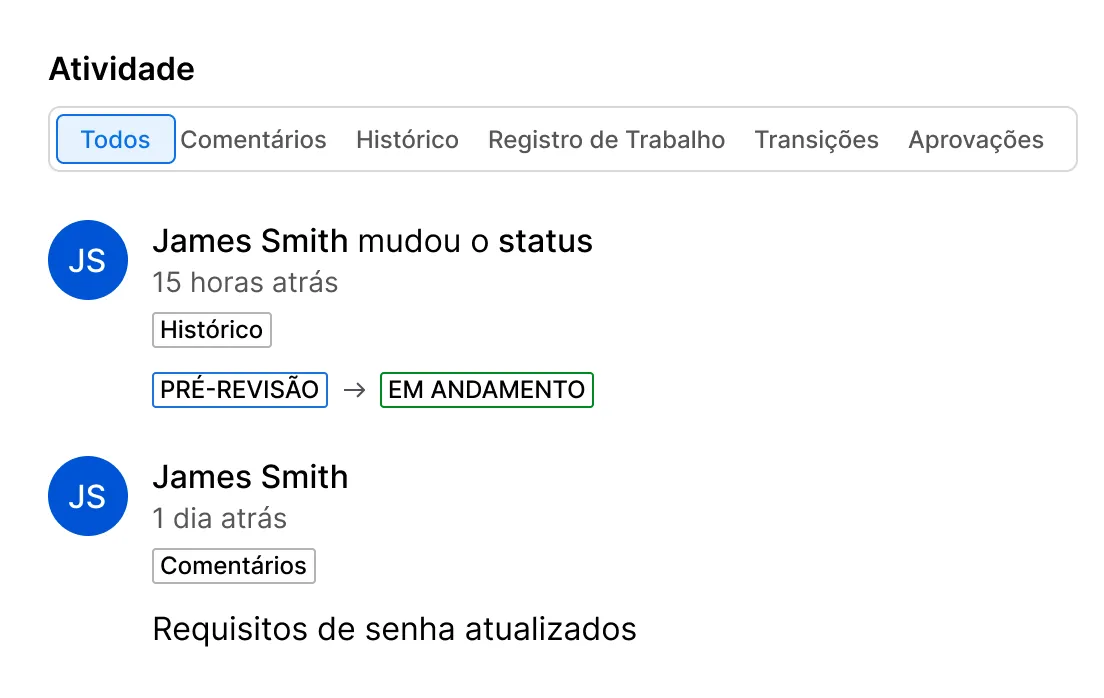
Requests, approvals and outcomes are recorded in Jira comments so teams have a clear audit trail in one place.

Activity panel showing status and comment updates from James Smith.
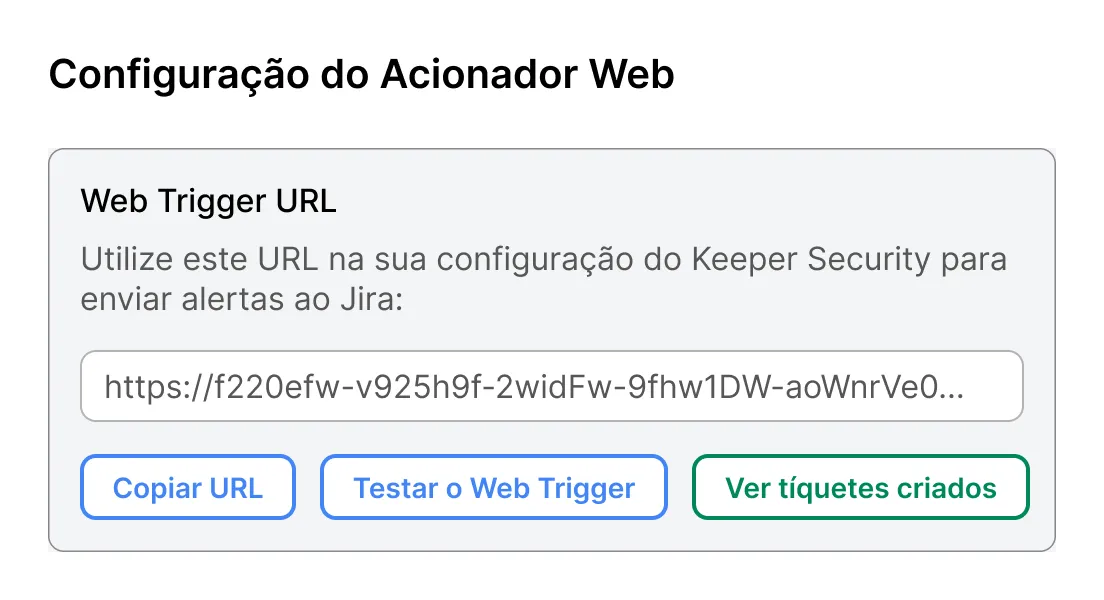
Web trigger configuration screen showing a Jira webhook URL and buttons to copy, test, or view created tickets.

Create Jira tickets from endpoint privilege events

When configured, Keeper EPM alerts can generate Jira tickets with relevant context and approval options.

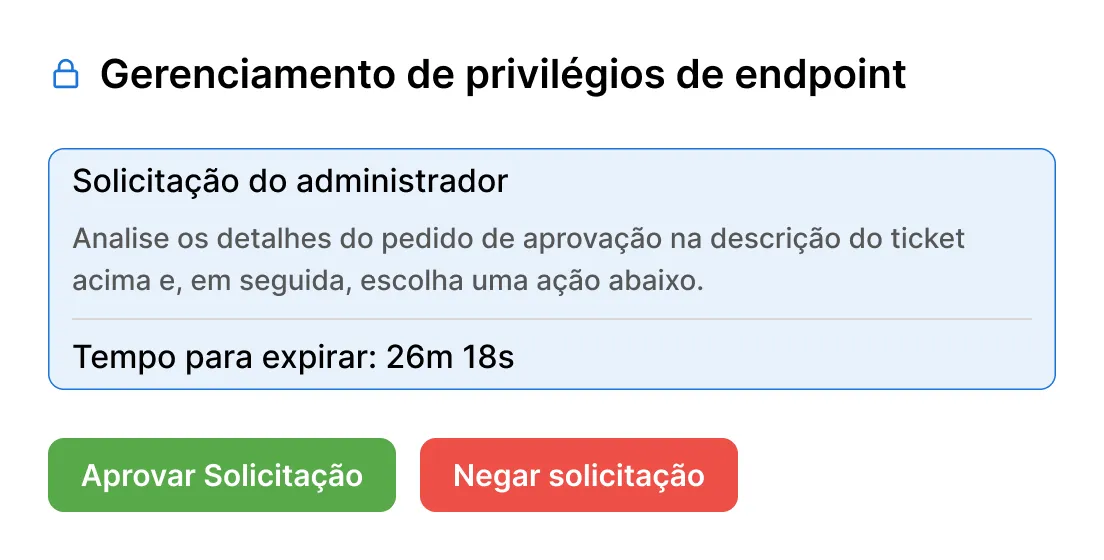
Approve or deny elevation requests through Jira

With Keeper EPM, Jira tickets can be used to approve or deny elevation requests through your Jira workflow for audit and tracking.

Endpoint Privilege Management screen showing an admin request with approve and deny buttons.

Why integrate Keeper with Jira?

Reduce turnaround time

Approvals and updates happen where the request already lives.

Segurança mais robusta

Replace ad hoc credential sharing with encrypted, policy-driven workflows.

Keep teams aligned

Users and admins work from the same Jira issue and history.

Strengthen auditability

Actions and outcomes are recorded in the ticket for review.

Perguntas frequentes

What actions can users perform in Jira with the Keeper integration?

Users can request access to records or shared folders and request permission changes. Admins can also perform approved vault actions, such as creating records, assigning time-limited access and approving EPM privilege elevation requests.

Do I need KeeperPAM to use the Jira integration?

No, vault operations work with standard Keeper records and shared folders. For Keeper EPM approvals, a KeeperPAM license is required.

Can I enforce approval before vault changes are made?

Yes, the integration supports role-based workflows where non-admin users submit requests, and only admins can modify and execute the changes.

Is this integration cloud-hosted or self-hosted?

The Commander Service Mode REST API is installed and hosted by the customer to preserve zero-knowledge security. To apply the necessary custom IP allow access policies from Jira to the customer's self-hosted REST API, the public source Keeper Forge app is built and installed by the customer directly into their Jira Cloud environment. Cloudflare or Ngrok tunnels are used to route encrypted traffic from Jira to Commander Service Mode.

Compre agora