
Establish encrypted tunnels instantly
Initiate secure, end-to-end encrypted TCP tunnels with a single click, no manual configuration, scripting or network adjustments required. Access to infrastructure is immediate, controlled and seamless.
Feature: TCP Tunneling
Connect to internal infrastructure, including databases, servers and other TCP-based applications, without exposing credentials or making changes to the network.
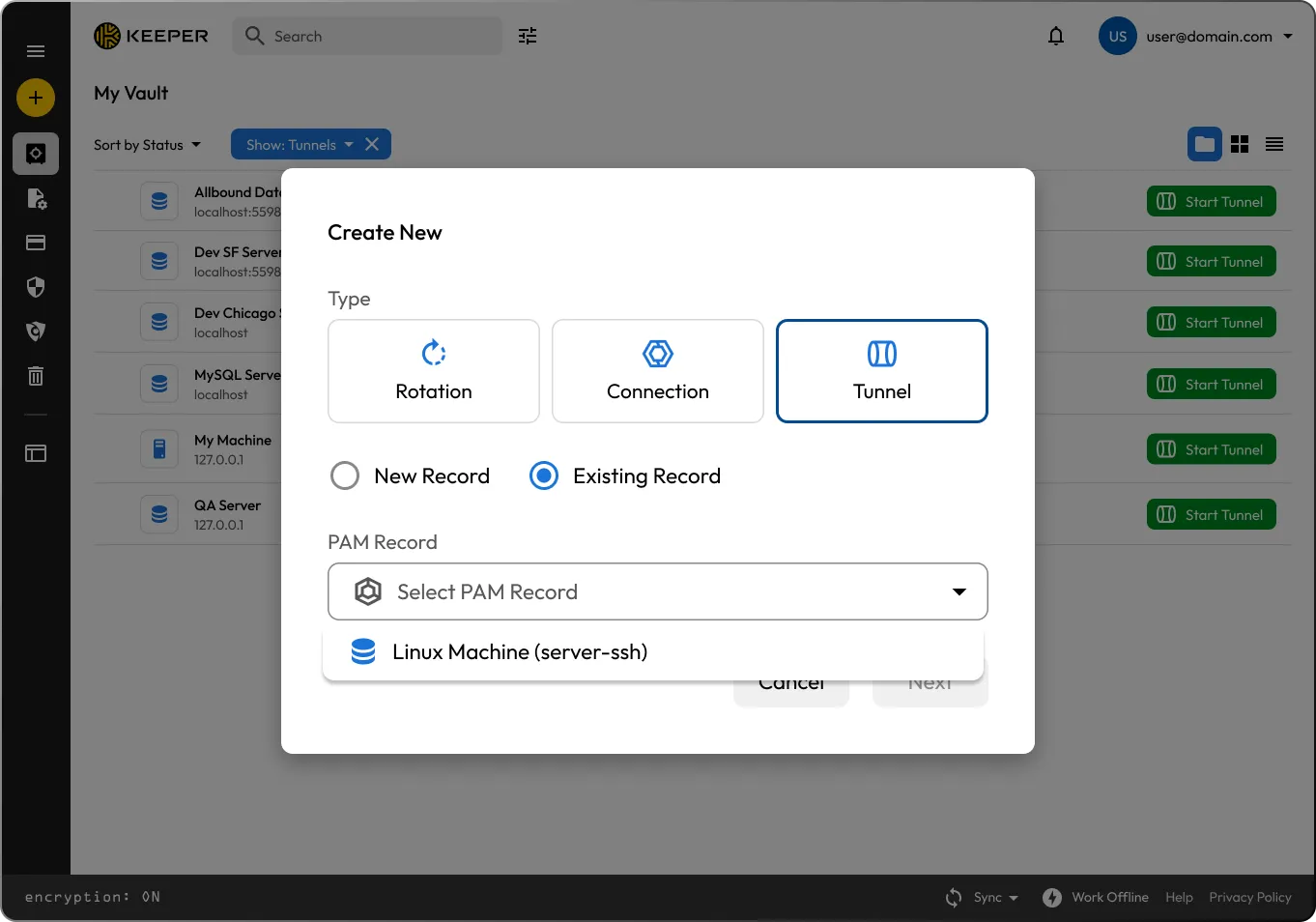

Initiate the tunnel from a PAM record in the Keeper Desktop App

The Keeper Desktop client opens a local port on your machine

All traffic sent to the port is securely transmitted through an encrypted tunnel to the Keeper Gateway

The Keeper Gateway forwards traffic to the target IP:port defined in the PAM record

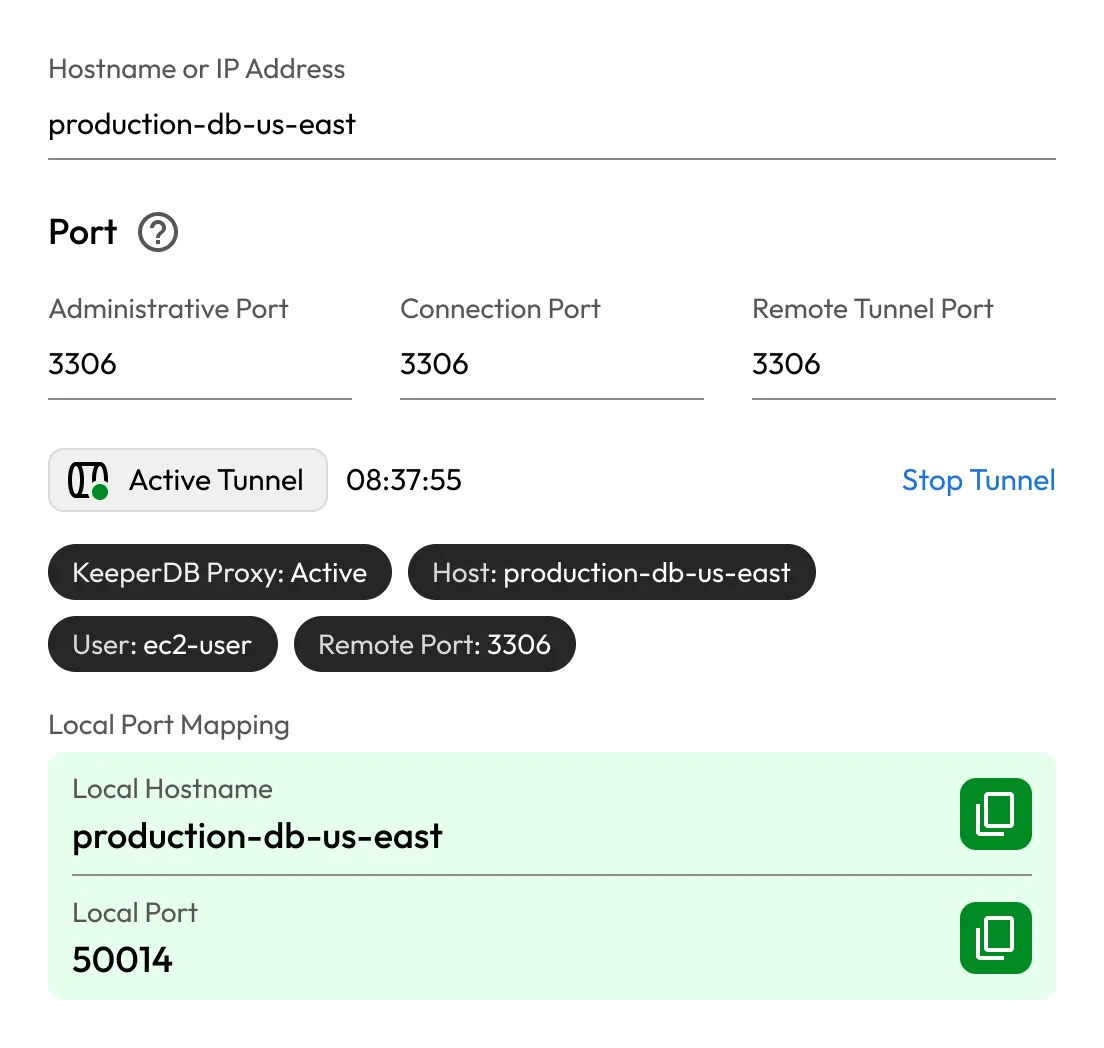
You connect to the system using any native application through your local host and port
Initiate secure, end-to-end encrypted TCP tunnels with a single click, no manual configuration, scripting or network adjustments required. Access to infrastructure is immediate, controlled and seamless.
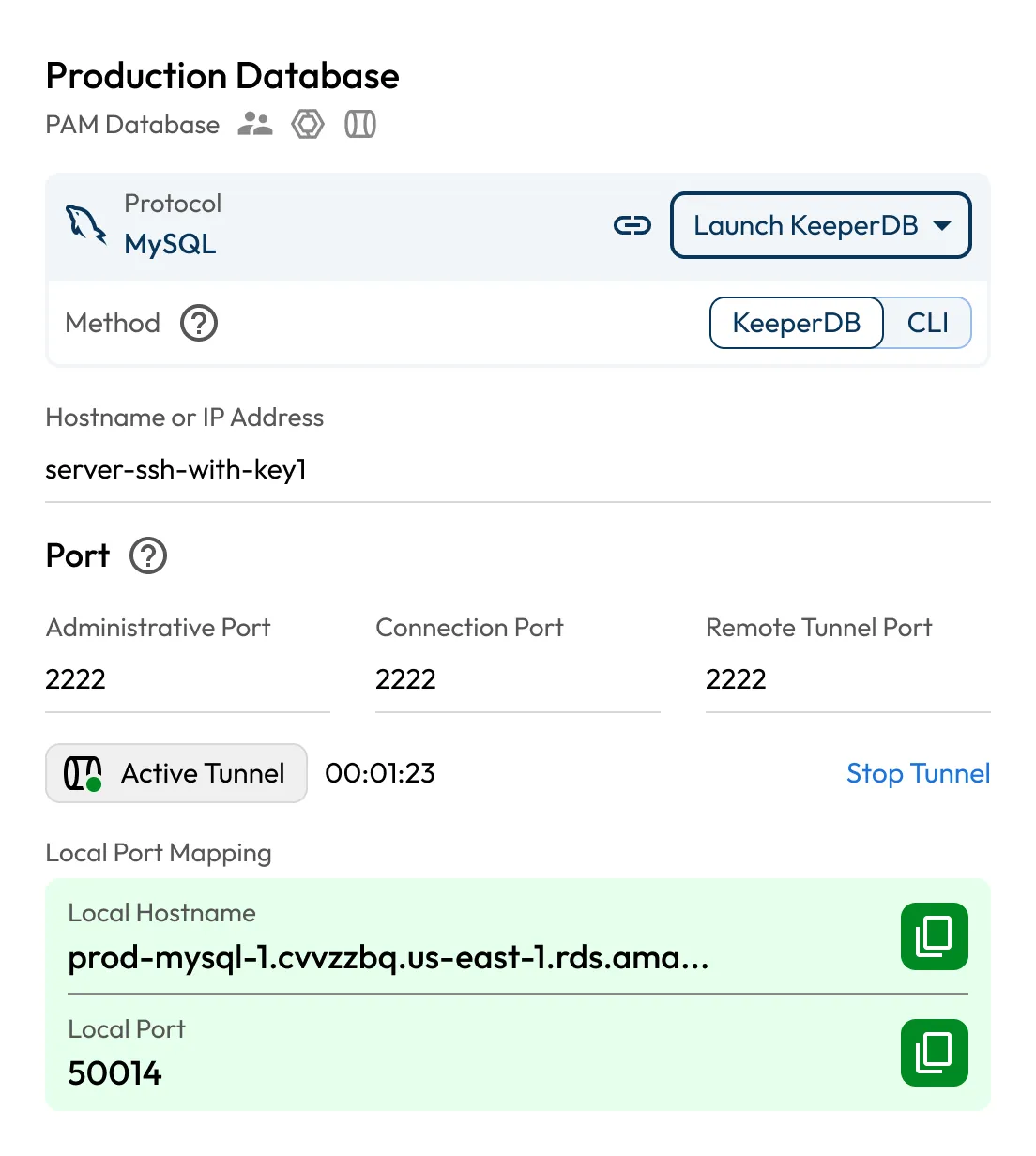
Connect using trusted applications like MySQL Workbench, pgAdmin, DBeaver, SQL Server Management Studio, PuTTY and others, without altering existing workflows or compromising security standards.
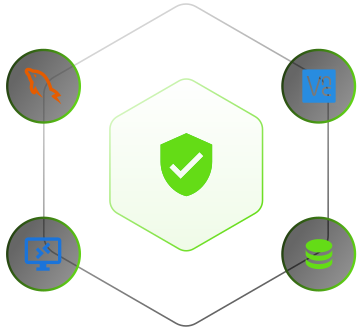
Every session is secured by Keeper's zero-trust, zero-knowledge architecture. Credentials are never exposed to the end user, and access is continuously verified.
Provision Just-in-Time (JIT) access to critical systems with precise time and policy controls. Sessions expire automatically, eliminating standing privilege and reducing the attack surface.
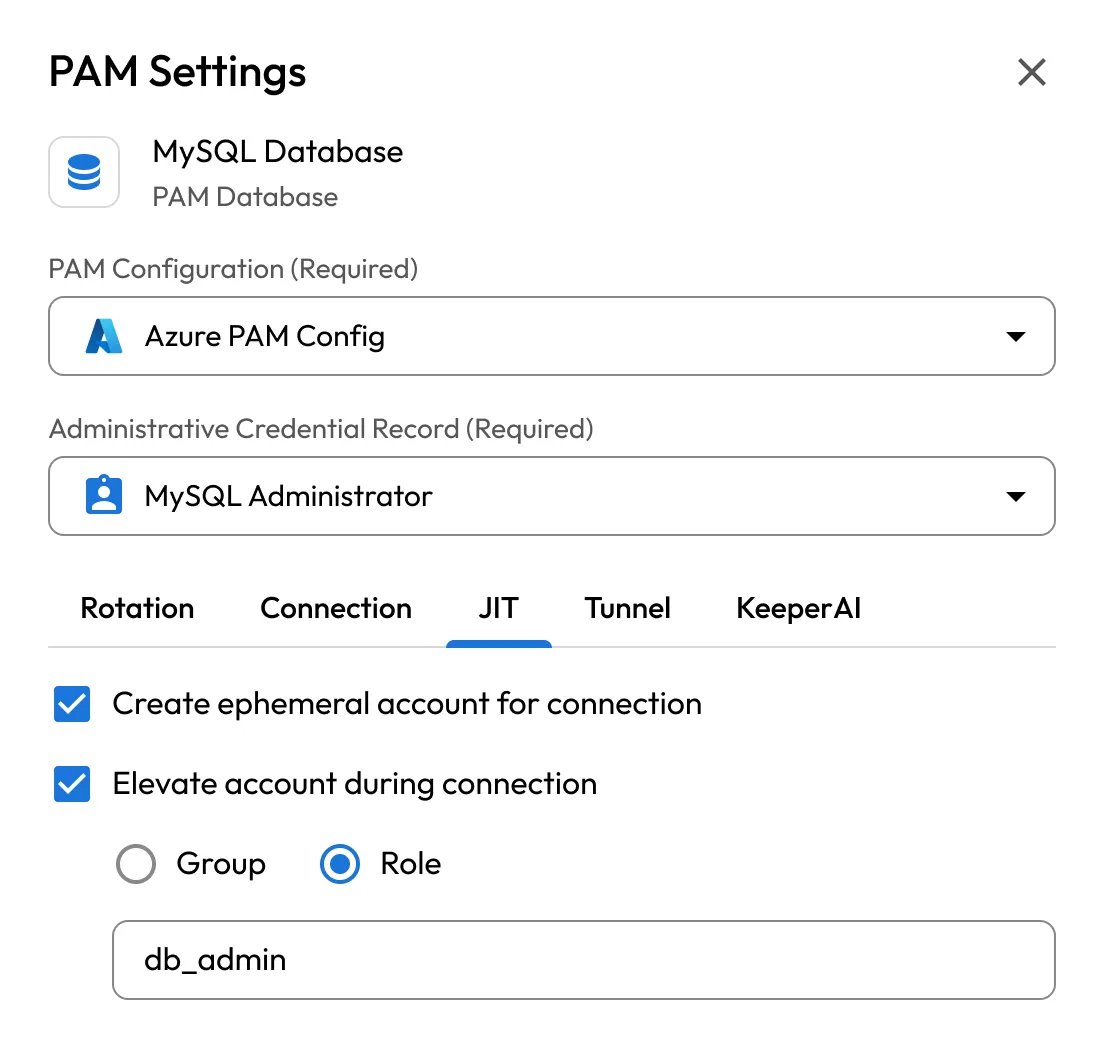
KeeperDB Proxy automatically injects ephemeral or static secrets into database tunnels through the Keeper Gateway, giving users seamless access with session recording and query logging built in.
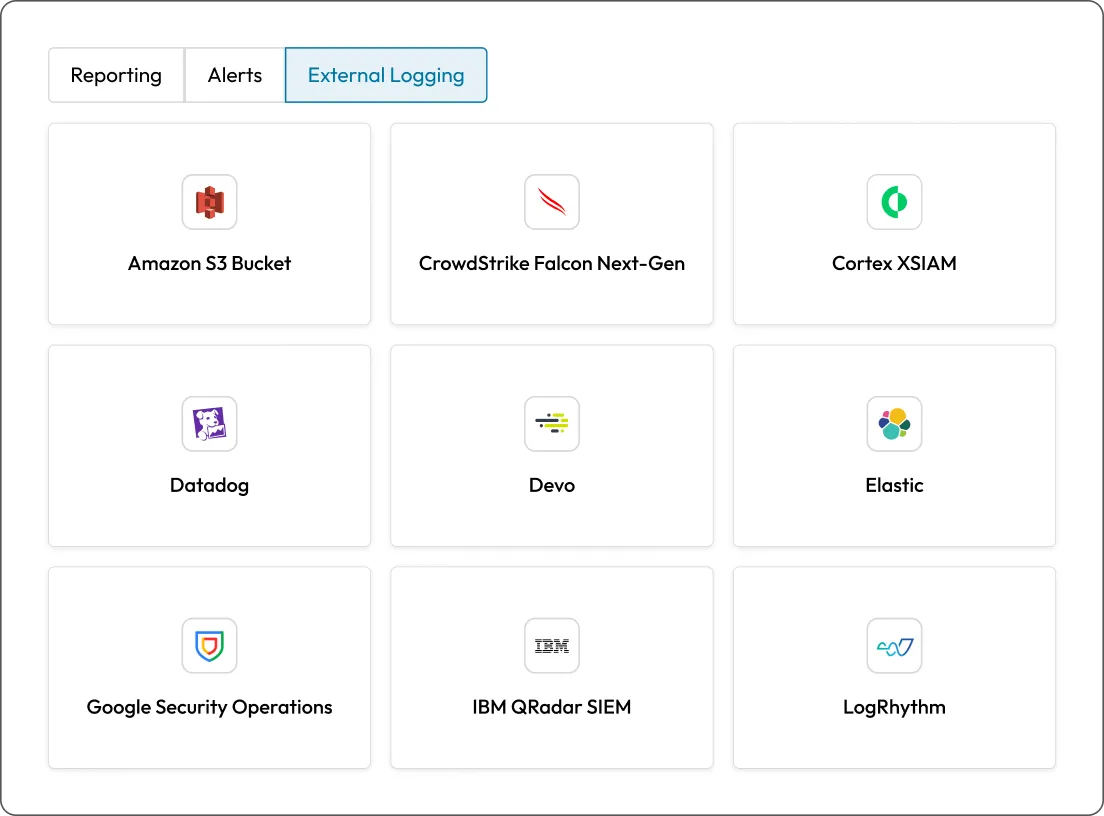
Capture detailed telemetry and audit trails for every privileged session. Keeper integrates with SIEM platforms to ensure compliance, forensic readiness and real-time visibility.

No need for VPNs, bastion hosts or exposed ports. Tunnels connect over outbound HTTPS and WebRTC, reducing infrastructure maintenance and risk.

All credentials remain encrypted and isolated within the Keeper Vault. Privileged access is ephemeral, auditable and policy-driven.

Tunnels work across AWS, Azure, GCP, on-prem environments and hybrid networks. KeeperPAM standardizes access across your entire infrastructure.
Any local application that connects over TCP is supported. Popular examples include database clients, SSH clients and application debuggers.
Yes, Keeper Gateway must be installed in the network where the target systems reside. No client installation is needed beyond the Keeper Desktop app.
All tunnels are encrypted end-to-end using Keeper's zero-knowledge architecture. Credentials are never exposed, and connections are restricted through policy.
Yes, users never receive direct access to credentials when using Keeper tunneling. Access is provisioned securely through Keeper's infrastructure without exposing credentials on the endpoint.
Yes, all tunnel activity is logged. KeeperPAM supports detailed session telemetry and integrates with SIEM platforms.
You must accept cookies to use Live Chat.