Feature: Self-destructing records

Send with confidence using self-destructing records

Securely share sensitive records and files that automatically delete after they are viewed or expire.

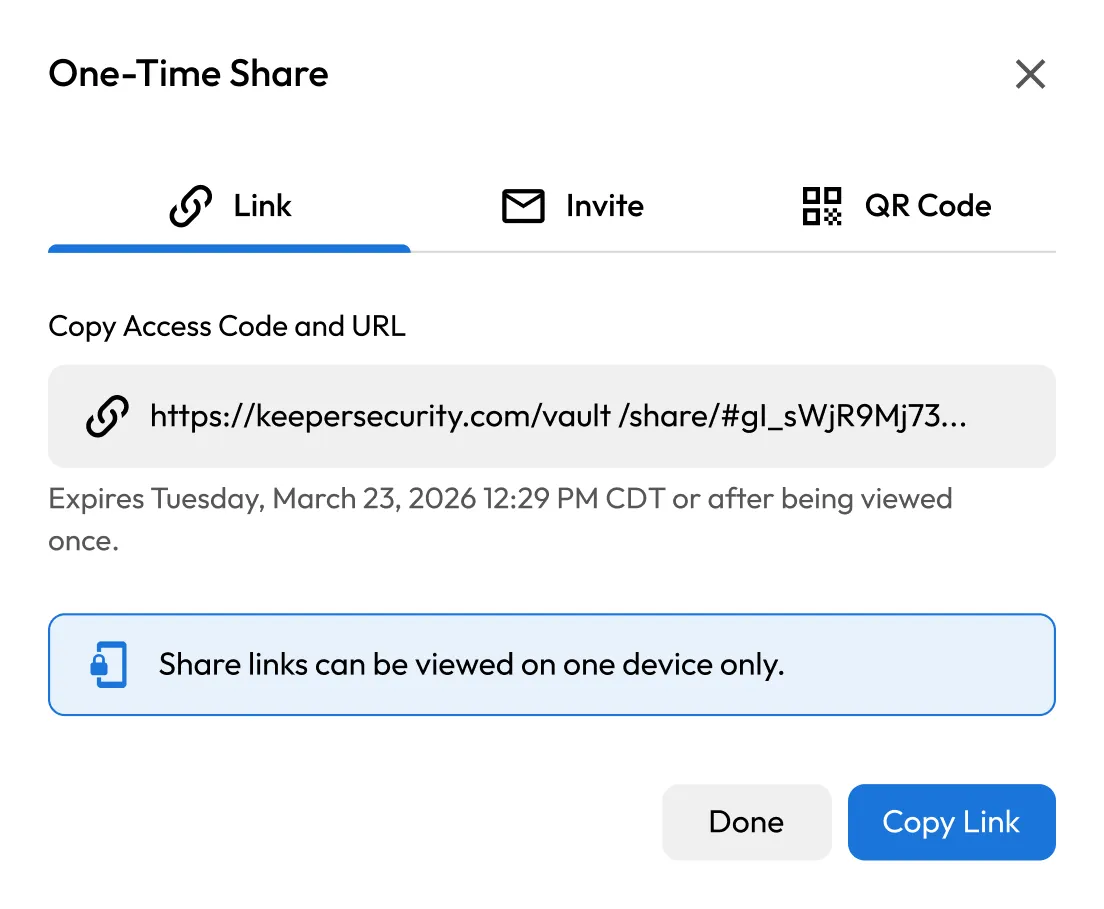
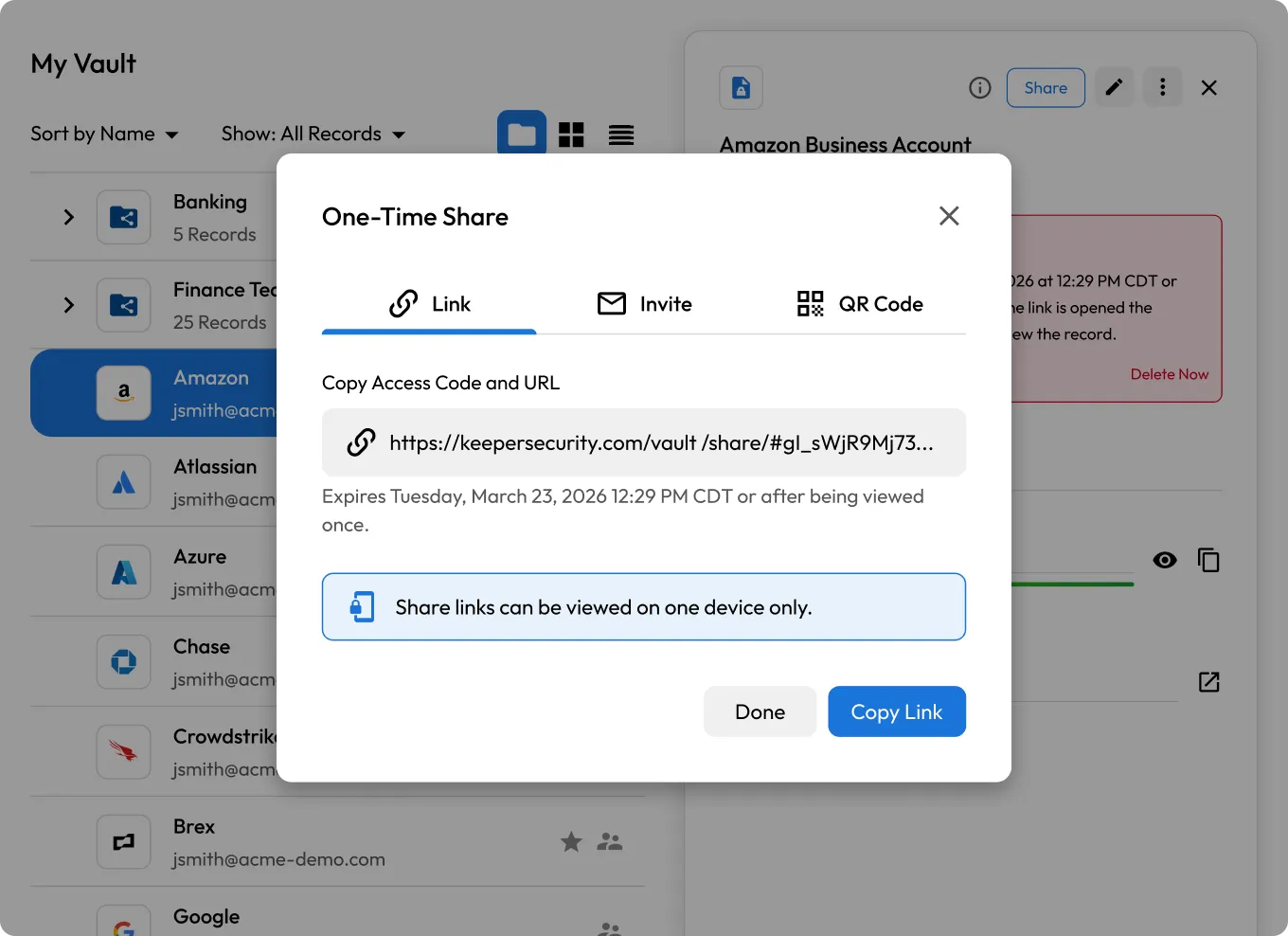
Keeper Vault showing the One-Time Share dialog with link, invite, and QR code options.
Document icon connected to a stopwatch icon, suggesting timed file sharing.

What are self-destructing records in Keeper?

Self-destructing records expand on Keeper's One-Time Share by enabling automatic deletion of a record after the share link expires or the recipient views the content. Once the record is viewed, or after a preset expiration time, it disappears from both the recipient's device and your Keeper Vault.
How self-destructing records work

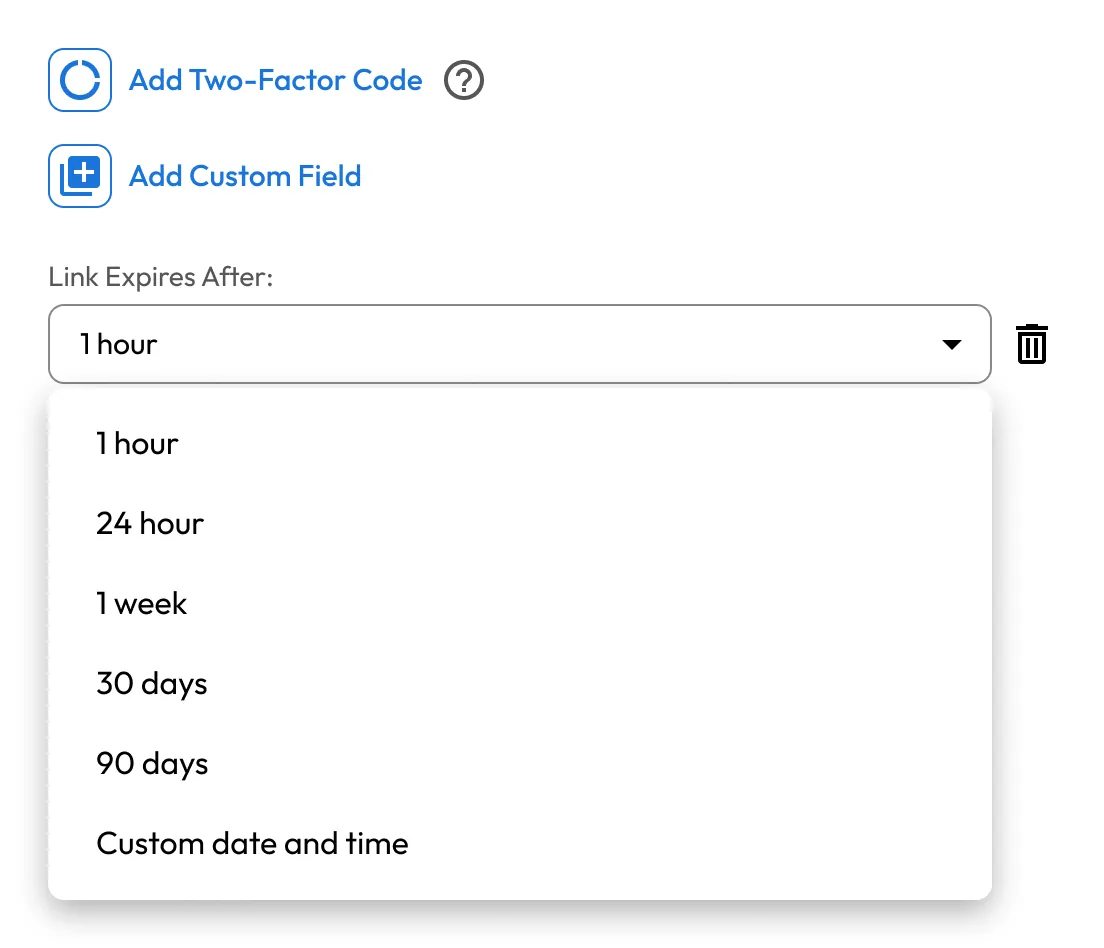
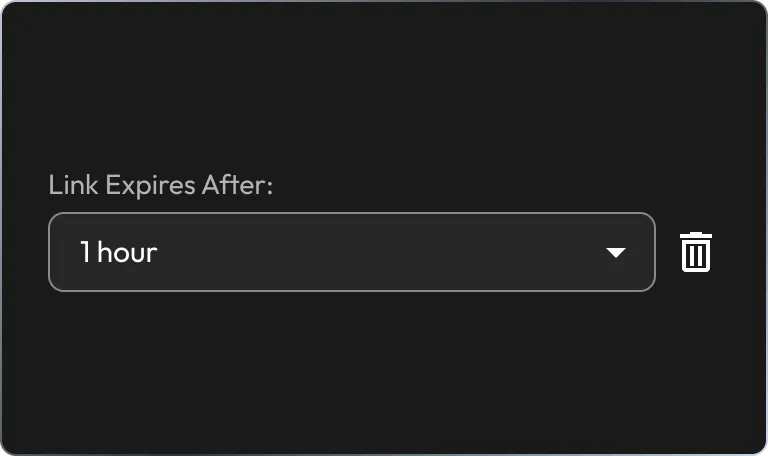
Link expiration setting showing a dropdown set to “1 hour” with a delete icon.

1. Set up the record

Start by creating a new record in your Keeper Vault. Add any credentials, notes or file attachments, then select Add Self-Destruct to set your expiration preferences.

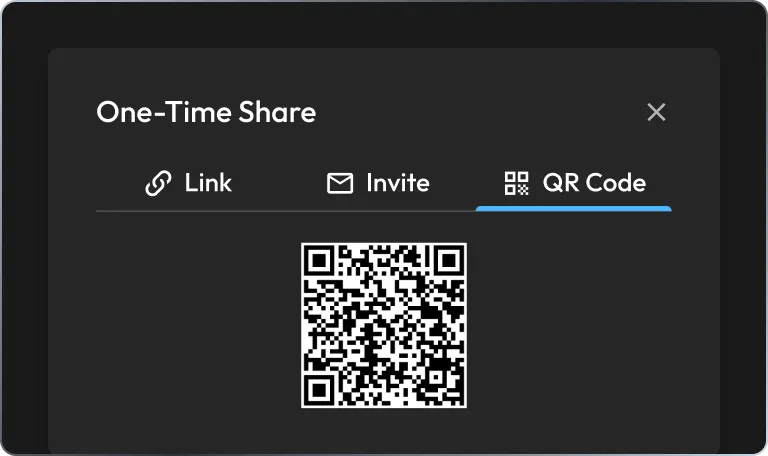
One-Time Share dialog with the QR Code tab selected, displaying a scannable QR code.

2. Share securely

Click Save & Share to generate a One-Time Share link. Send it directly, copy it to your clipboard or deliver it via QR code – no Keeper account required for the recipient.

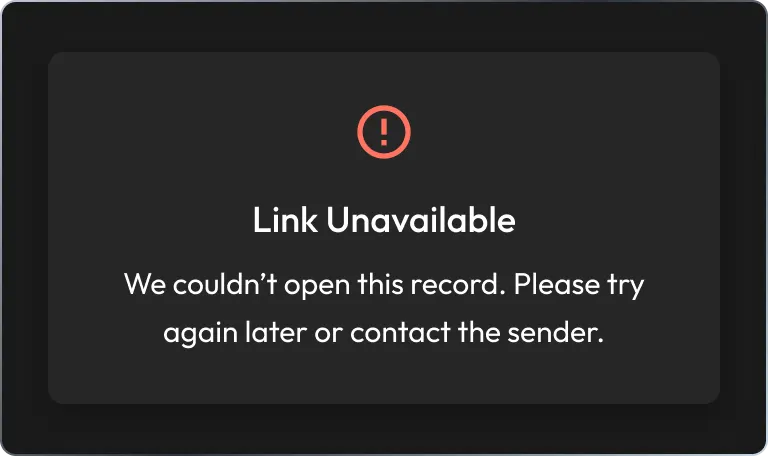
Self-destructed share link showing a “Link Unavailable” error message.

3. Record self-destructs

Once the record is viewed or the link expires, it's automatically deleted from your vault and the recipient's access is revoked.

Built for secure, temporary access

Define access with expiration controls

Set exact expiration conditions by time, date or single view, so sensitive data is never accessible longer than necessary.

Link expiration dropdown showing options from 1 hour to custom date and time.
One-Time Share dialog with a copyable access link that expires after one view or at a set time.

Share instantly with anyone

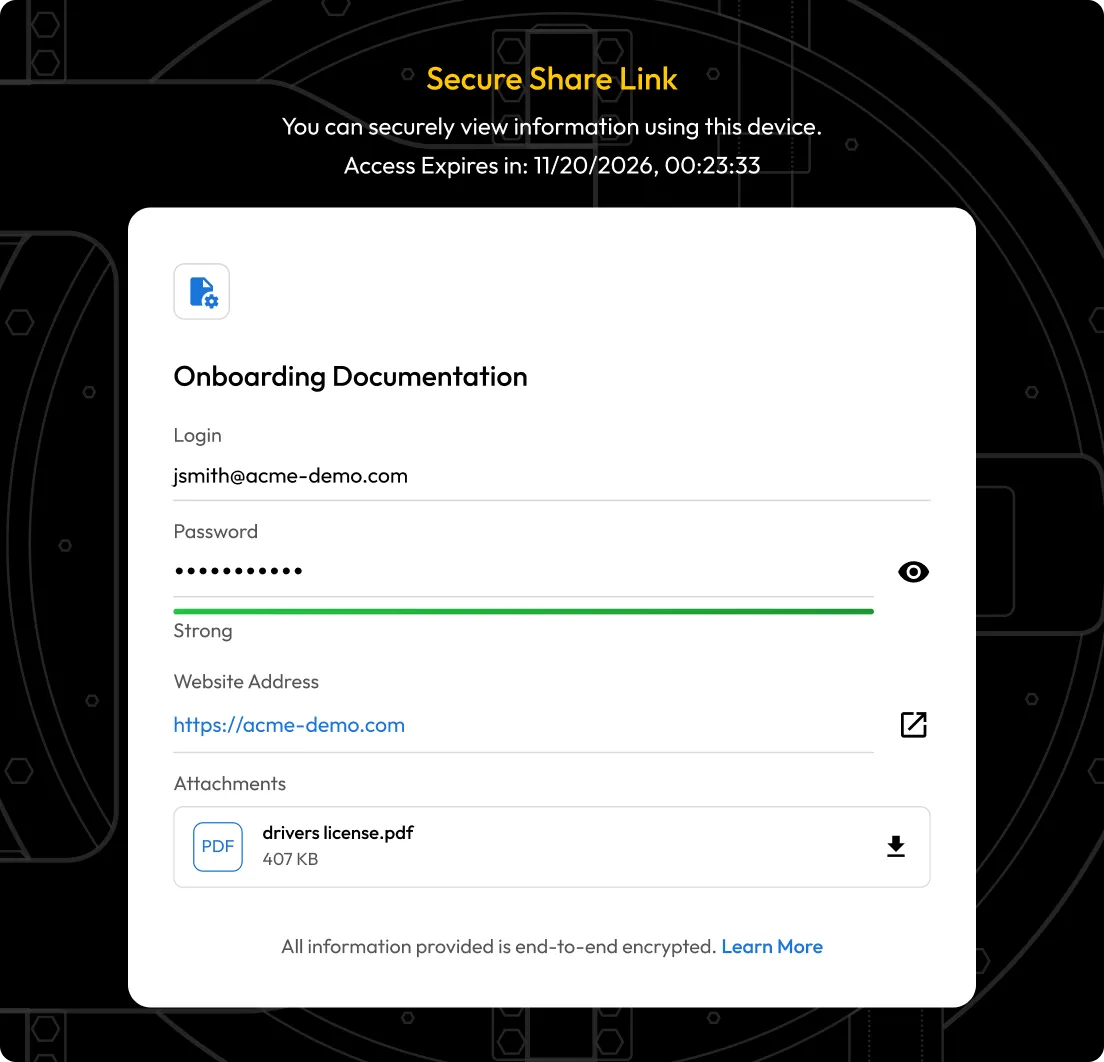
Send sensitive data to anyone, even if they don't use Keeper. The recipient opens a secure, One-Time Share link in their browser, with access restricted to a single device and automatically revoked after use.

Send files that self-destruct

Include encrypted file attachments in any record. Files are protected in transit and deleted along with the record upon expiration.

Secure Share Link page showing an encrypted shared record with login, password, website, and attachment details.
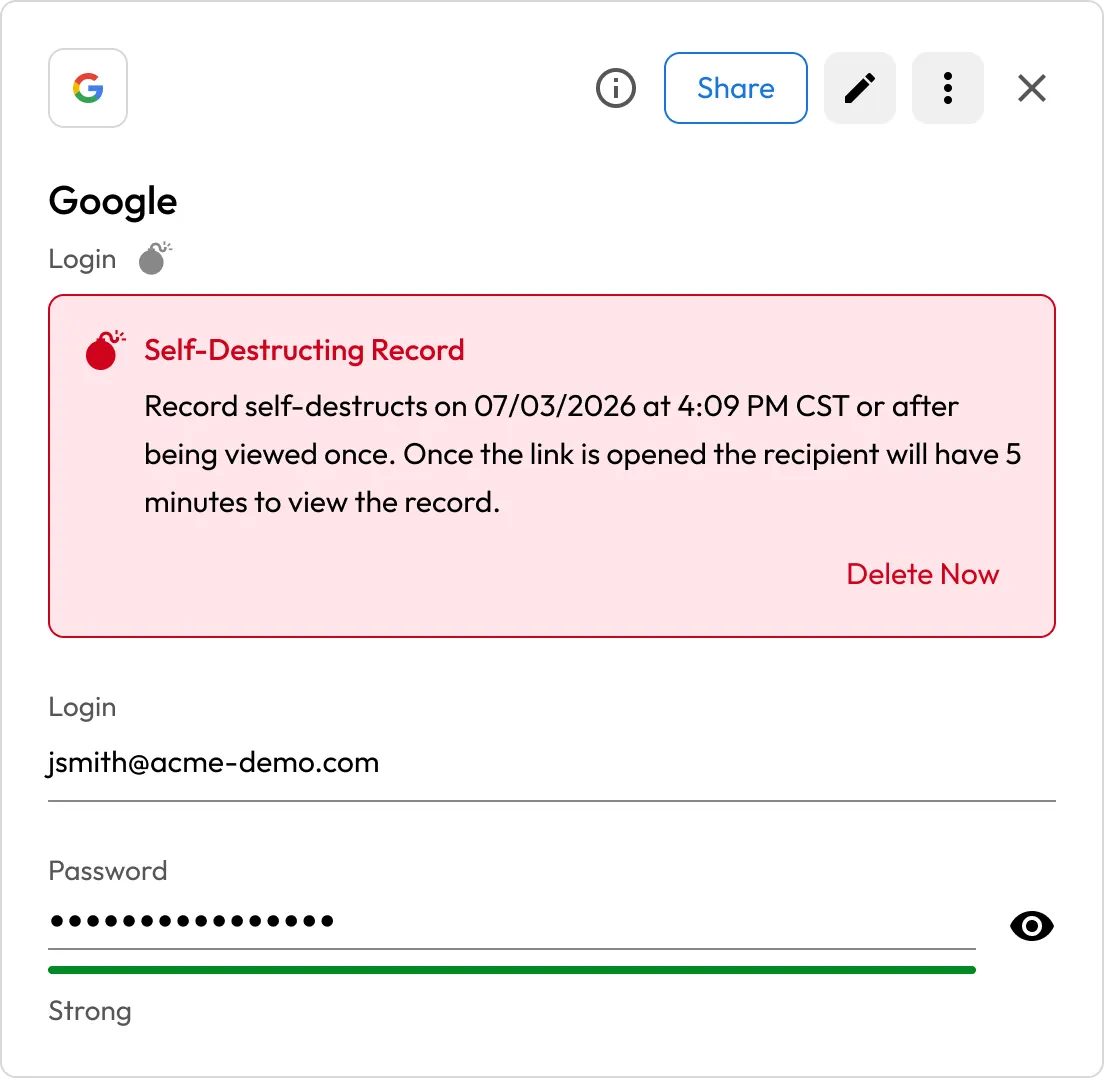
Google vault record showing a self-destruct warning and hidden password details.

Manually delete at any time

Self-destructing records can be deleted from your vault at any time, instantly revoking access and disabling the share link, even before it expires.

Access and manage from any device

Create and share self-destructing records from Keeper's web, desktop and mobile apps, ensuring flexibility and control wherever you work.

Three connected security icons representing protected access across desktop, web, and mobile devices.
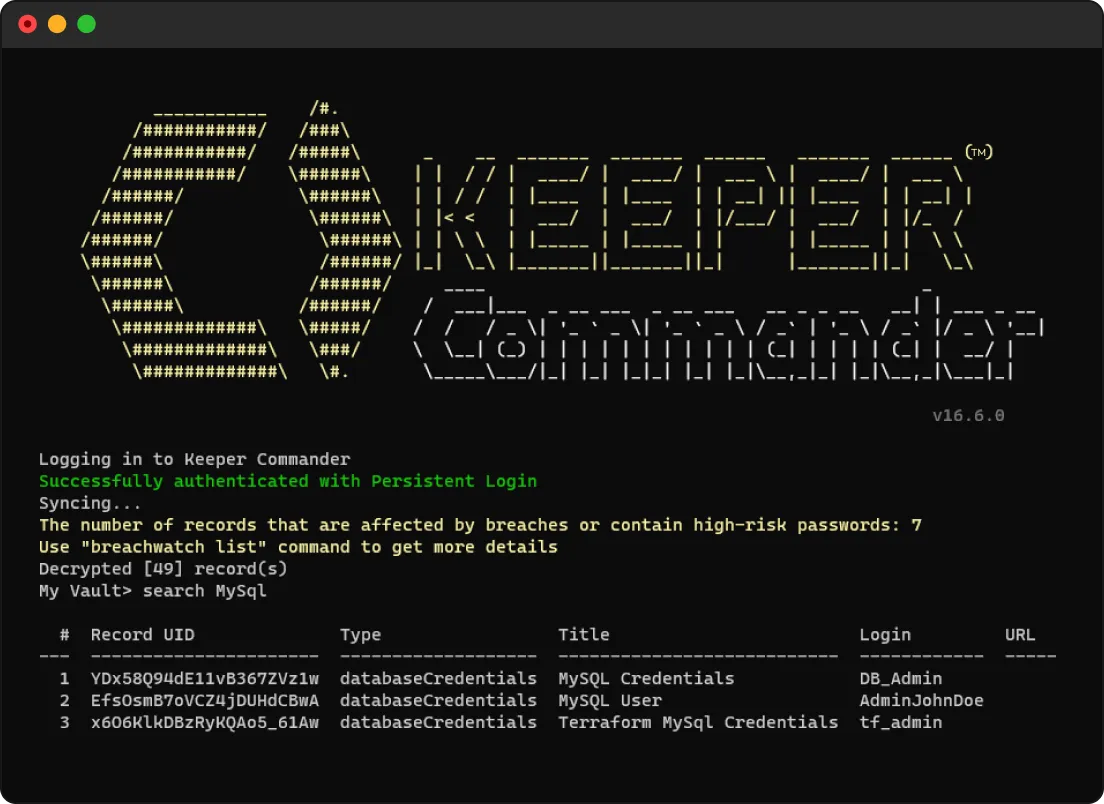
Keeper Commander terminal showing successful login and a MySQL vault search with matching records.

Integrate with automation workflows

Use Keeper Commander CLI and SDK to programmatically generate self-destructing records for automated, time-limited access in DevOps and IT environments.

Frequently asked questions

How is a self-destructing record different from a One-Time Share?

Self-destructing records are built on One-Time Share but go a step further by deleting the record from your own vault after access expires. With One-Time Share alone, the record remains in your vault and must be removed manually.

Do I need to have a Keeper subscription to view a self-destructing record?

No, recipients do not need a Keeper account. The share link opens securely in any browser, and the content is bound to a single device session.

Can the recipient download a self-destructing record or its files?

The recipient can download file attachments if present, but the shared record itself cannot be saved, forwarded or reopened after the session ends.

Can I restore a deleted self-destructing record?

Yes, if you manually delete the record, it will appear in your vault's Deleted Items section, where you can choose to restore it.

Can administrators manage or monitor self-destructing records for their organization?

Yes, for Business and Enterprise users, admins can enable or disable self-destructing records in the Creating and Sharing section of role settings in the Admin Console. If your organization uses Keeper's Advanced Reporting and Alerts Module (ARAM), you'll receive ARAM events when a timer is added to a record and when the record or share expires.

Withdraw Cookie ConsentWe value your privacy

We use cookies on our site to give you the best browsing experience, serve personalized ads about our products and content, and analyze website traffic. To learn more, please refer to our Privacy Policy.

Sign up for a Free Trial

Buy Now