Feature: Instant Account Switching

Instantly switch between Keeper accounts

Easily and securely switch between your personal and business vaults without logging out or re-authenticating.

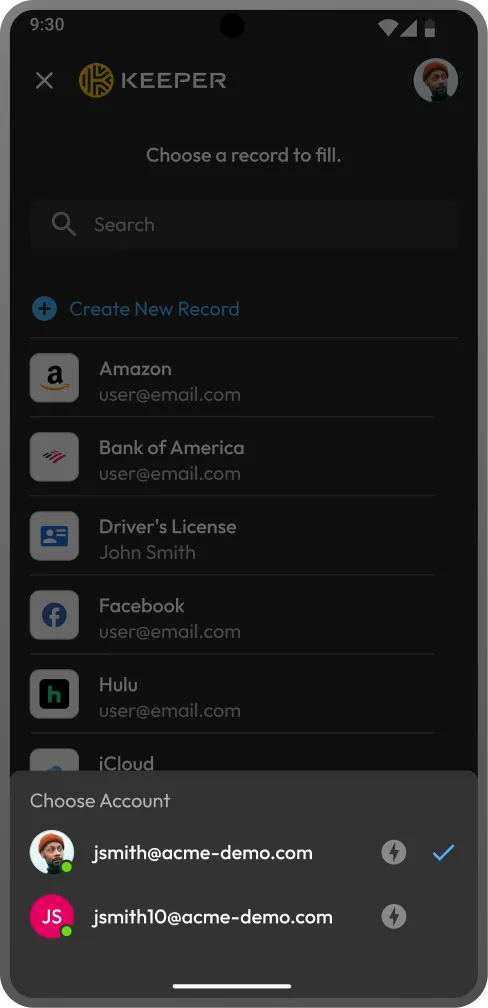
Keeper autofill screen with account switching between two signed-in accounts.
Two user icons connected between two hexagons, representing account switching.

What is Keeper's instant account switching?

Instant account switching allows you to sign in to multiple Keeper accounts on the same device and switch between them instantly without compromising security. It's designed for users who manage multiple Keeper Vaults, such as IT admins, managed service providers or anyone with separate personal and work credentials.
How instant account switching works in Keeper

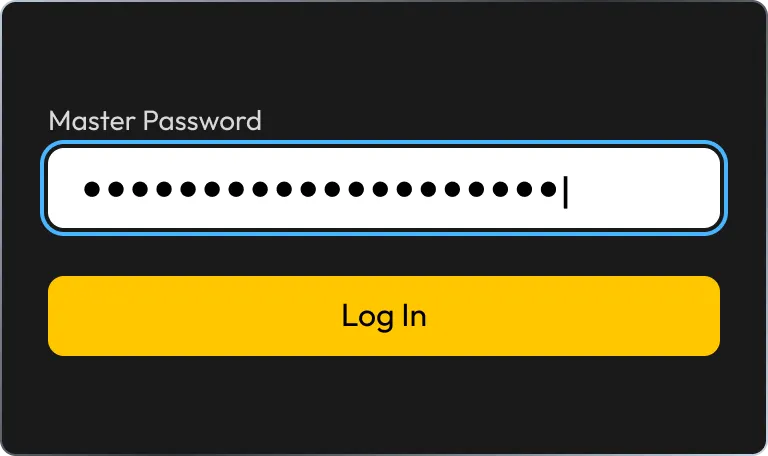
Master password login screen.

1. Add your accounts

Sign in to each Keeper account using your master password, biometrics or SSO. Once authenticated, the account remains active based on its session settings.

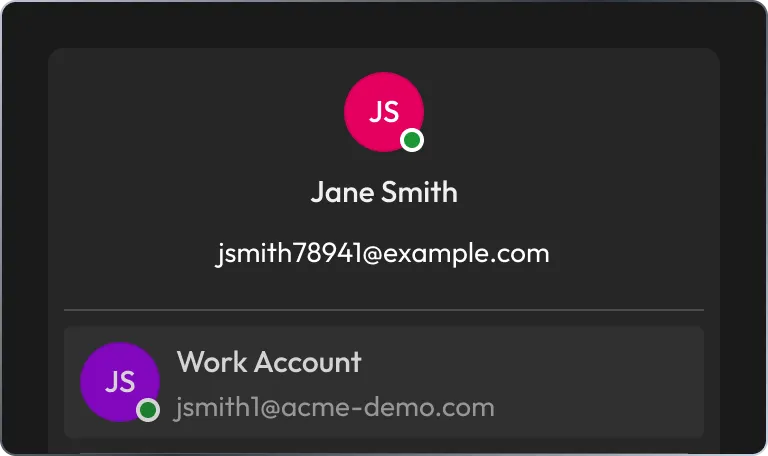
Account profile with linked work account.

2. Switch instantly

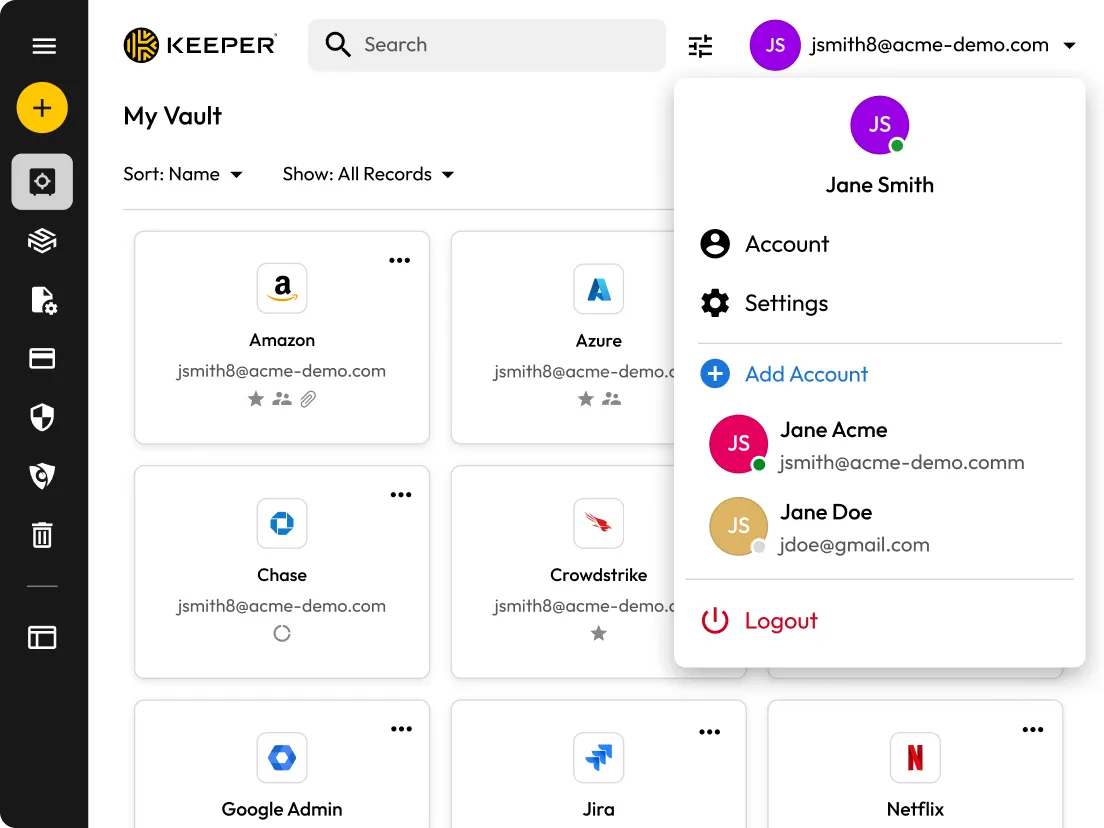
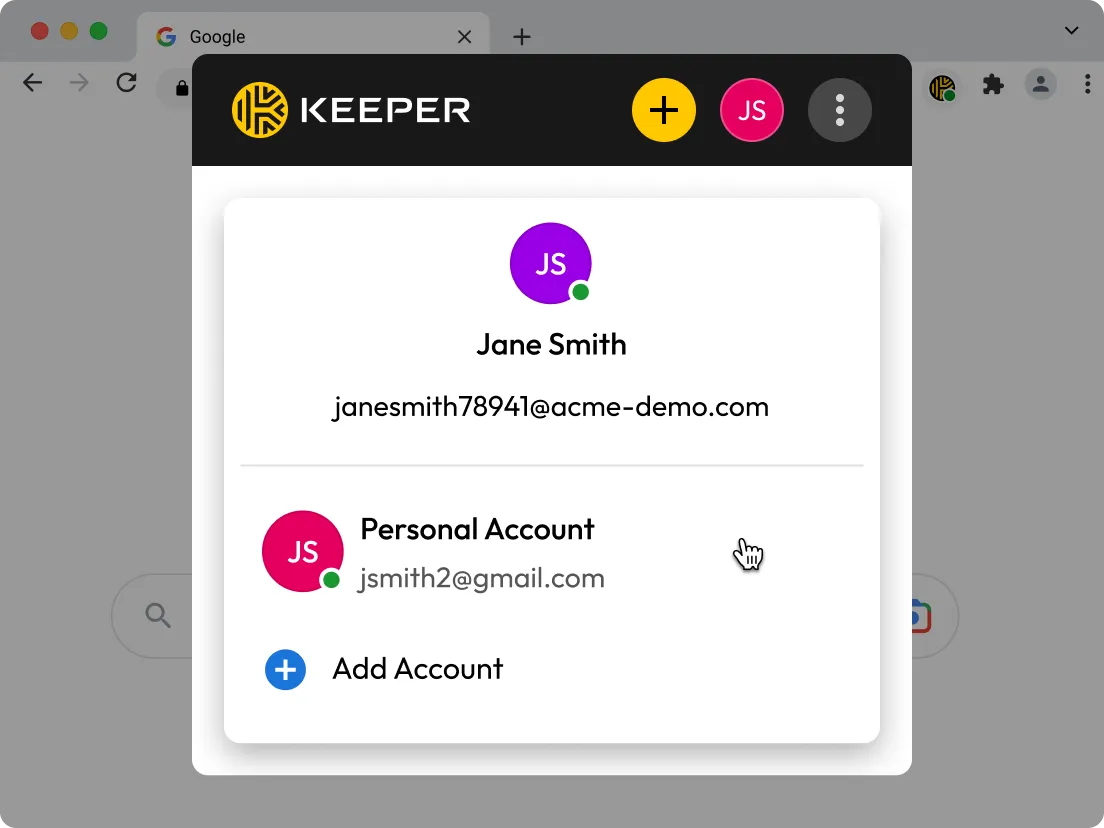
All active accounts appear in the account menu with a green indicator. Tap any account to switch without logging out or reauthenticating.

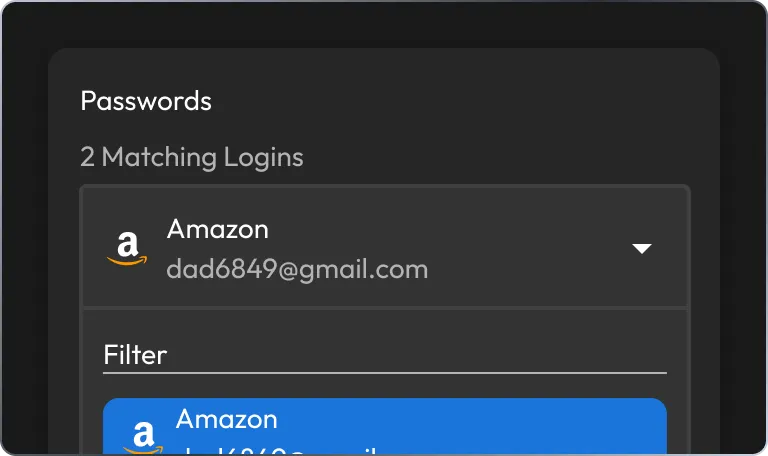
Password autofill with matching logins.

3. Autofill across accounts

When using KeeperFill®, you can toggle between accounts directly in the autofill interface. Vault data syncs automatically, so you can access the latest updates without reopening the app.

Maximize efficiency with Keeper's instant account switching

Switch between active accounts instantly

Toggle between multiple Keeper accounts without logging out or restarting the login flow. Active accounts are marked with a green indicator, making it easy to switch between them in seconds.

Web vault account menu with account switching.
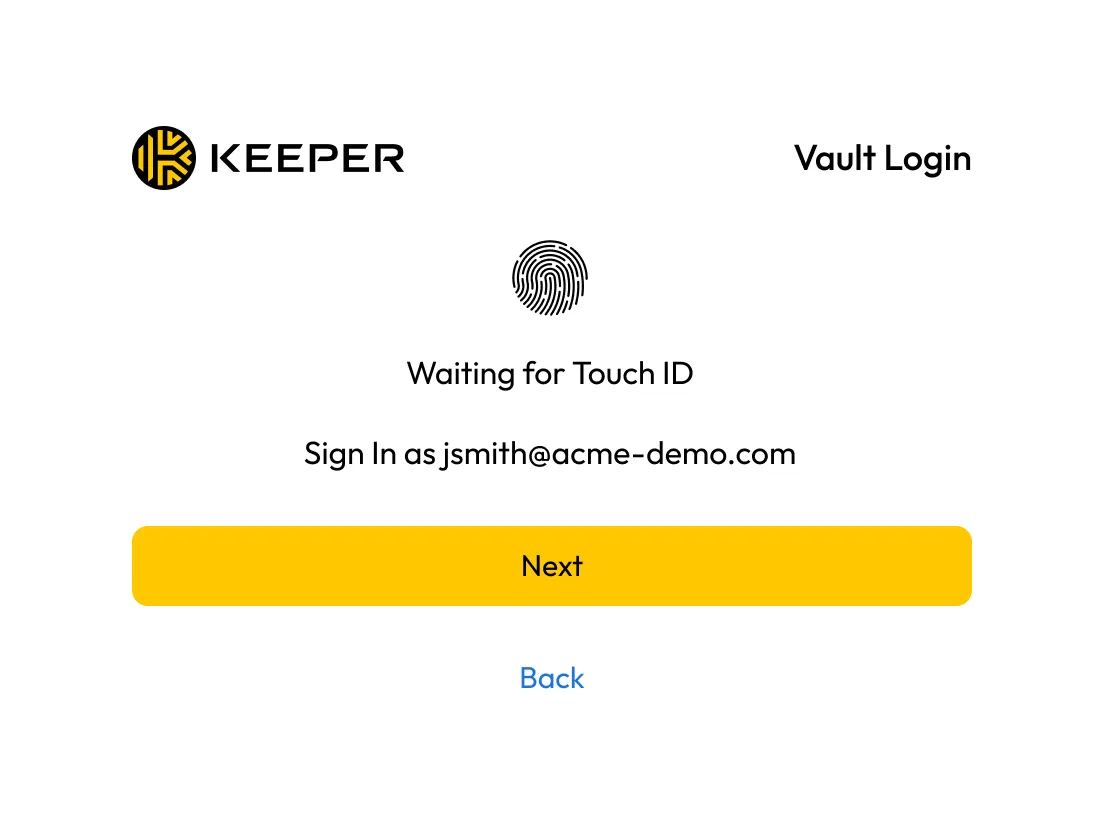
Vault login screen with Touch ID prompt.

Use biometrics for fast authentication

Log in to each account once using Face ID or Touch ID. After authentication, you can switch accounts seamlessly without repeating MFA, unless required by policy.

Toggle accounts directly in the Keeper browser extension

Switch between active accounts inside the Keeper browser extension; there's no need to return to the main Keeper app.

Browser extension account menu with linked personal account.
Two connected hexagons showing record sync.

Keep vaults automatically synchronized

Access the latest records across accounts without manually forcing a sync. Changes made on desktop or another device are available immediately in mobile autofill.

Respect session timers per account

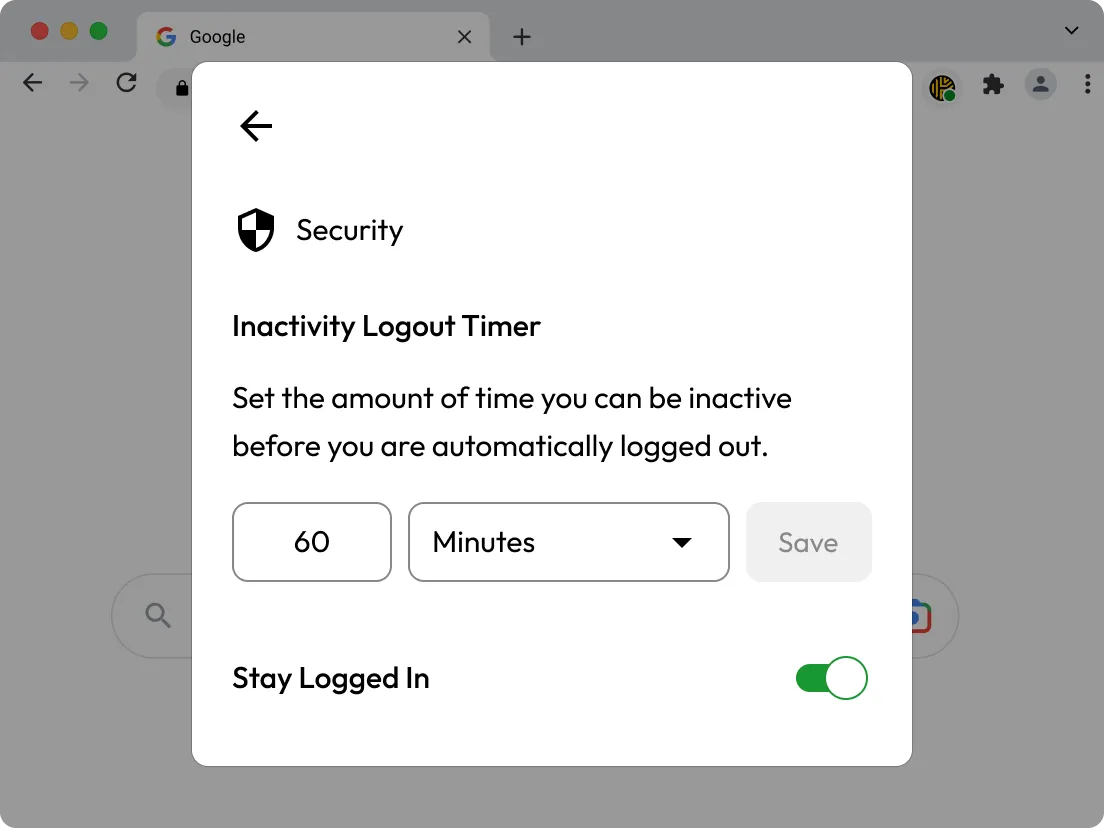
Set "Stay Logged In" and auto-logout timers independently for each account. Accounts log out separately based on their own settings, whether that's minutes, hours or days.

Security settings for inactivity logout timer.
Connected desktop, browser, and mobile devices.

Works across mobile, browser platforms and the web vault

Use account switching on iOS, Android, Keeper's browser extension and the Keeper Web Vault.

Frequently asked questions

Does instant account switching require me to log in every time?

No, once you log in and authenticate, Keeper keeps each account active per your session policy. If a vault times out or is logged out manually, you'll need to sign in again.

How do I know which accounts are active?

Active accounts display a green indicator next to their name in the account dropdown. You can switch to any active session instantly.

Can I autofill from any account?

Yes, KeeperFill includes account switching directly inside the autofill interface. Choose the account, then autofill any saved credentials or passkeys.

Can admins disable this feature?

Yes, admins can restrict account switching using Keeper's role-based enforcement policies. Each account still maintains independent session and security controls.

Buy Now