
Eliminate standing privilege
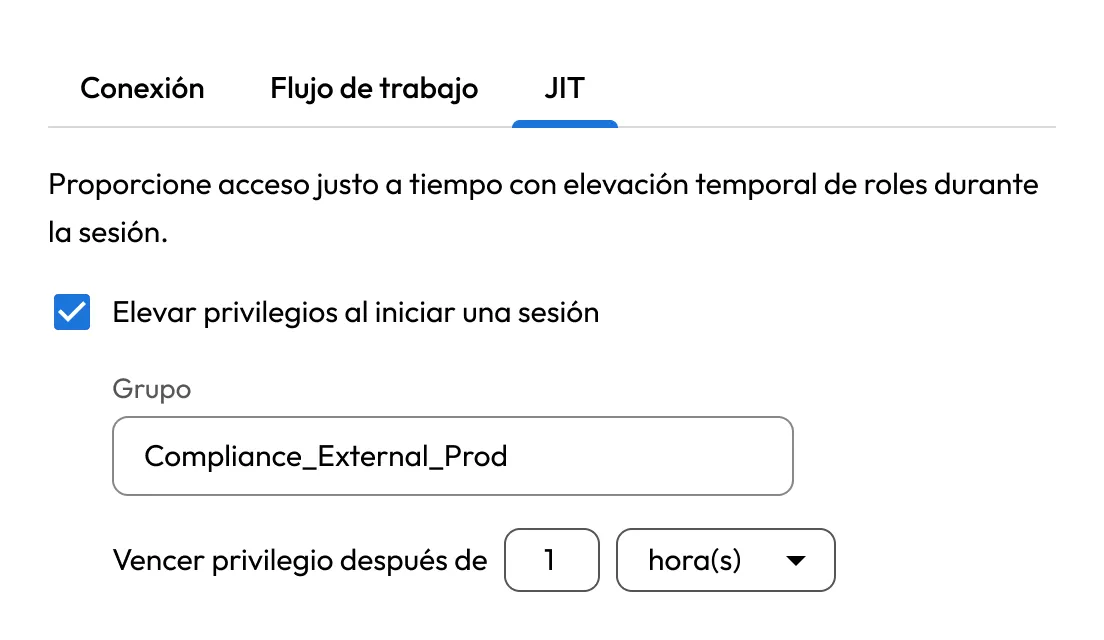
Replace standing access with time-limited privilege elevation. Users get privileged access only when approved and only for as long as the task requires.
Función: Keeper Privileged Cloud
Enforce Zero Standing Privilege (ZSP) across AWS, Microsoft Entra ID, Google Cloud, Okta and Active Directory. Keeper Privileged Cloud grants elevated access only when needed, for an approved duration and under defined workflow controls.
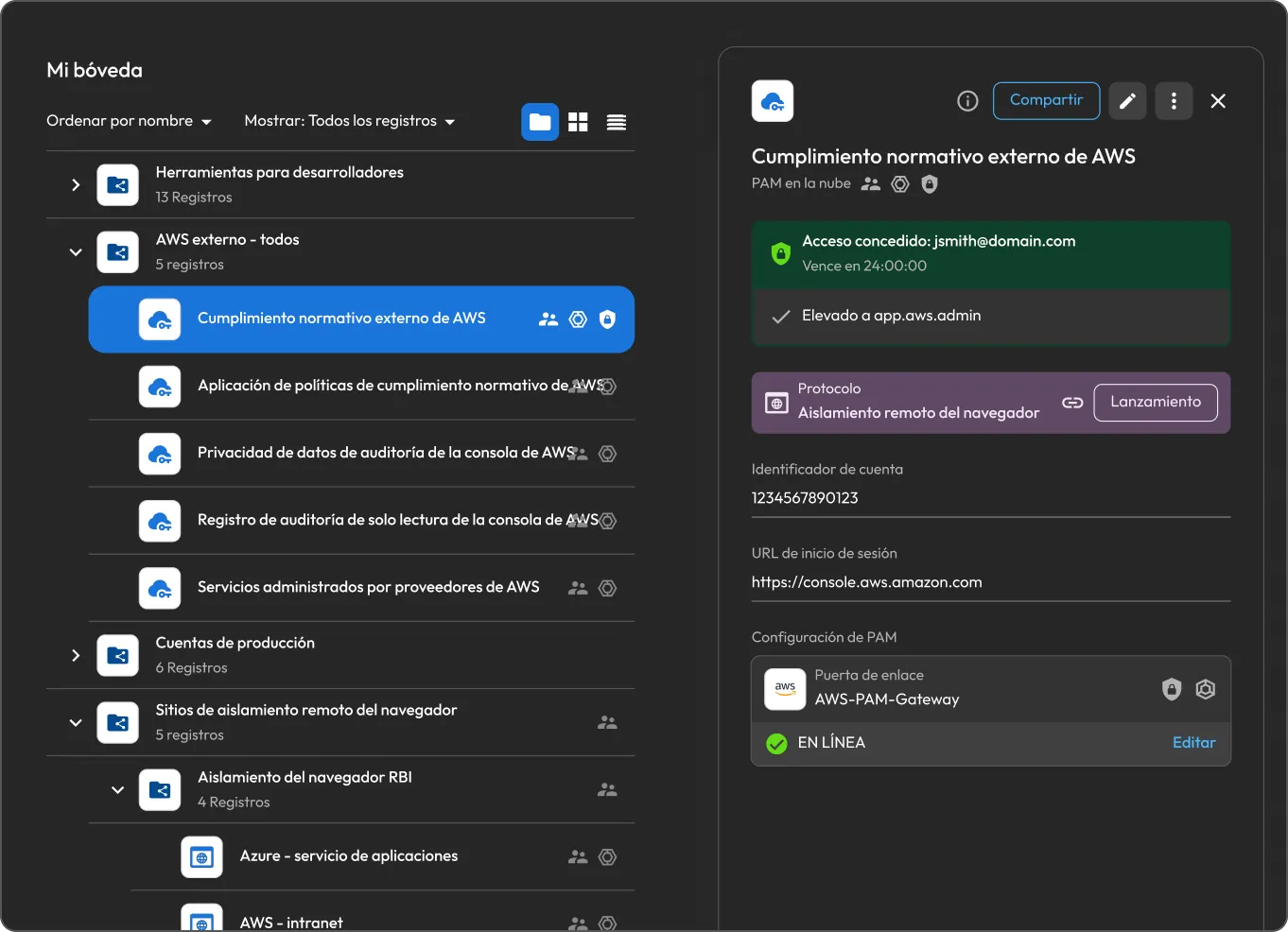
Keeper Privileged Cloud extends KeeperPAM®'s JIT access framework to deliver time-limited privilege elevation across Identity Providers (IdPs) and federated applications.
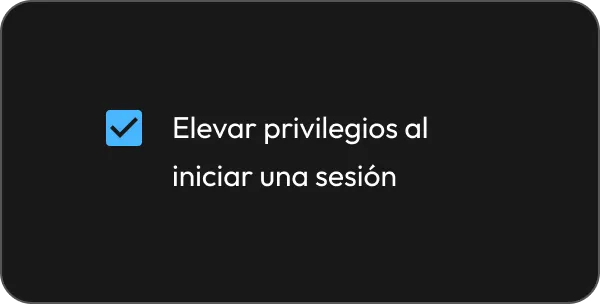
Set approval requirements, access duration and elevation targets on a PAM Cloud record using JIT and Workflow settings. This controls how privileged access requests are approved and managed.
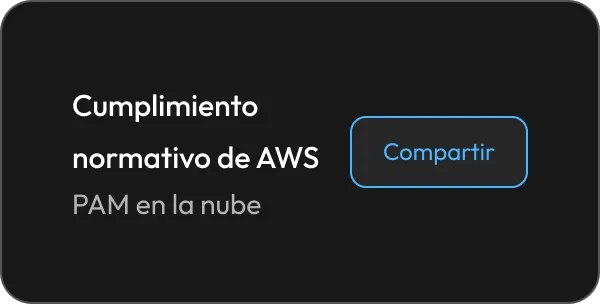
Once an authorized user has an account in both the IdP and your Keeper tenant, share the PAM Cloud record so they can request elevated access as needed.
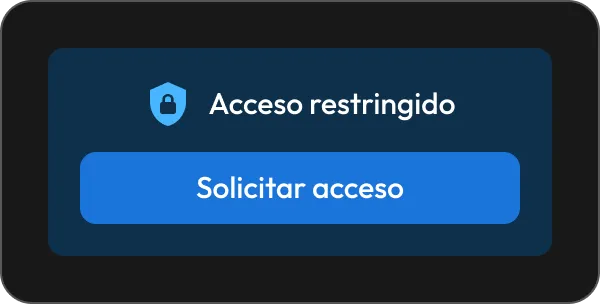
Un usuario puede enviar solicitudes desde la bóveda de Keeper o Commander. Los aprobadores designados reciben notificaciones en tiempo real y pueden aprobar o denegar el acceso desde cualquier cliente de Keeper, incluida la aplicación móvil.
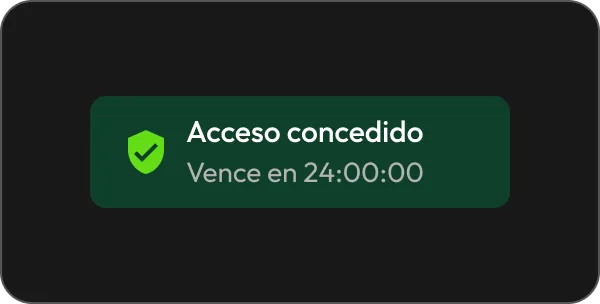
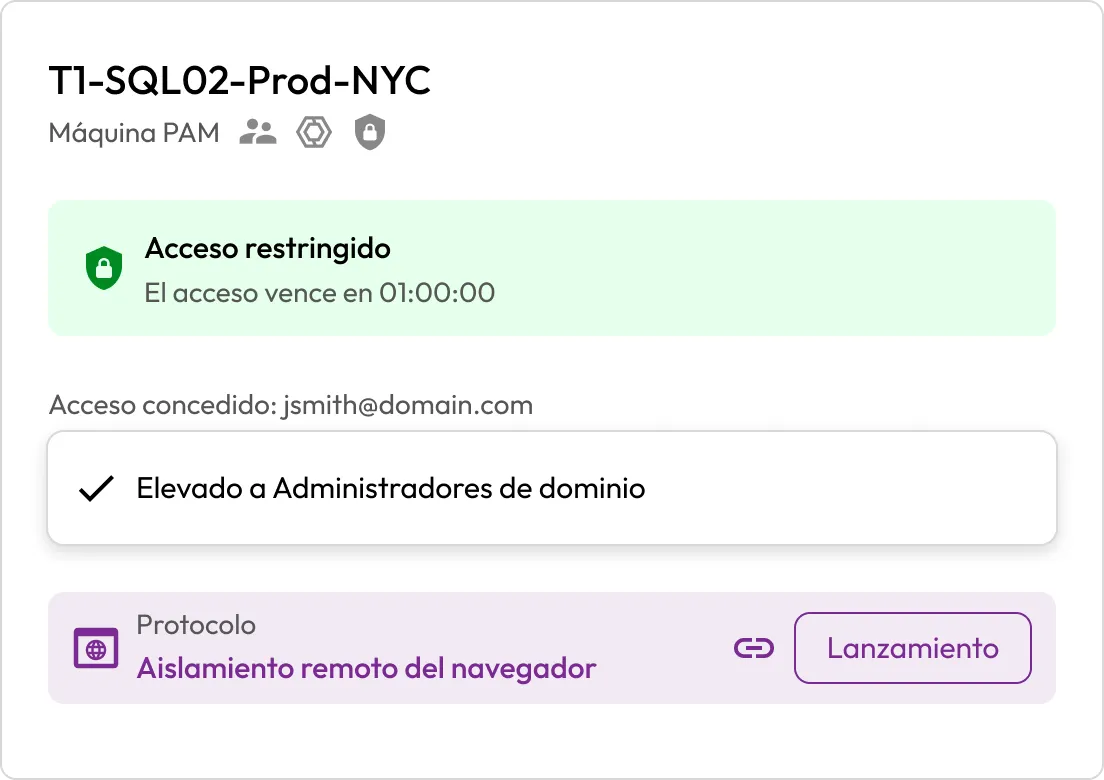
After approval, the Keeper Gateway performs the privilege elevation on the IdP or resource, adds the user to the configured group and automatically revokes access when the approved window expires.
Replace standing access with time-limited privilege elevation. Users get privileged access only when approved and only for as long as the task requires.
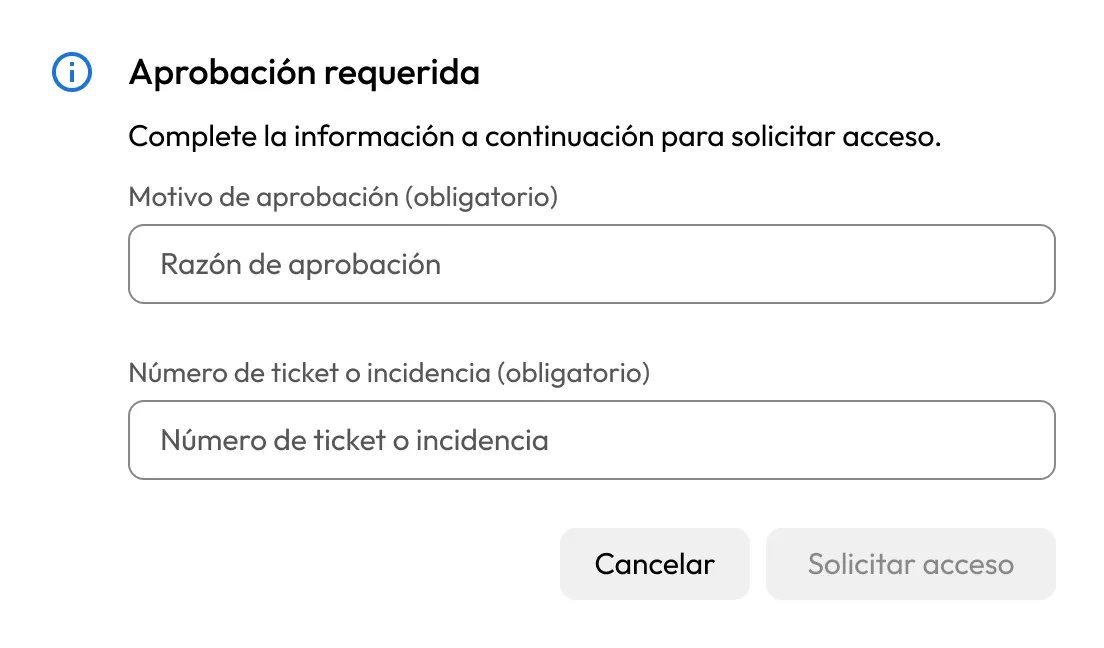
Require approvals, justifications and ticket numbers before access is granted. Every request is documented and auditable.
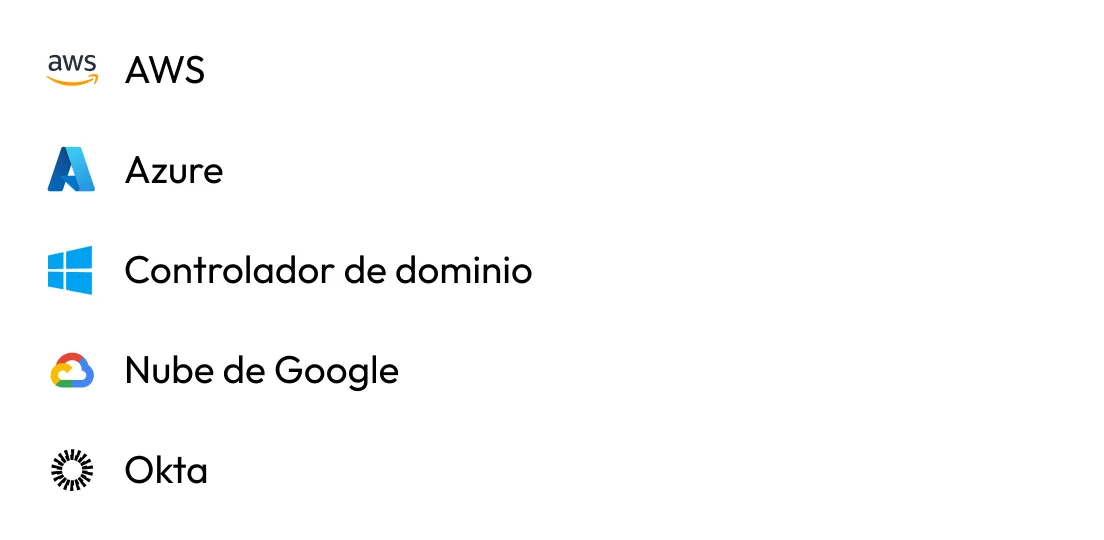
Extend JIT access across AWS IAM, Microsoft Entra ID, GCP through Google Identity, Okta and Active Directory. Grant and revoke access through your existing infrastructure without disrupting authentication.
Apply the same privilege elevation framework to cloud resources, databases and machines via PAM Cloud, PAM Database and PAM Machine records.
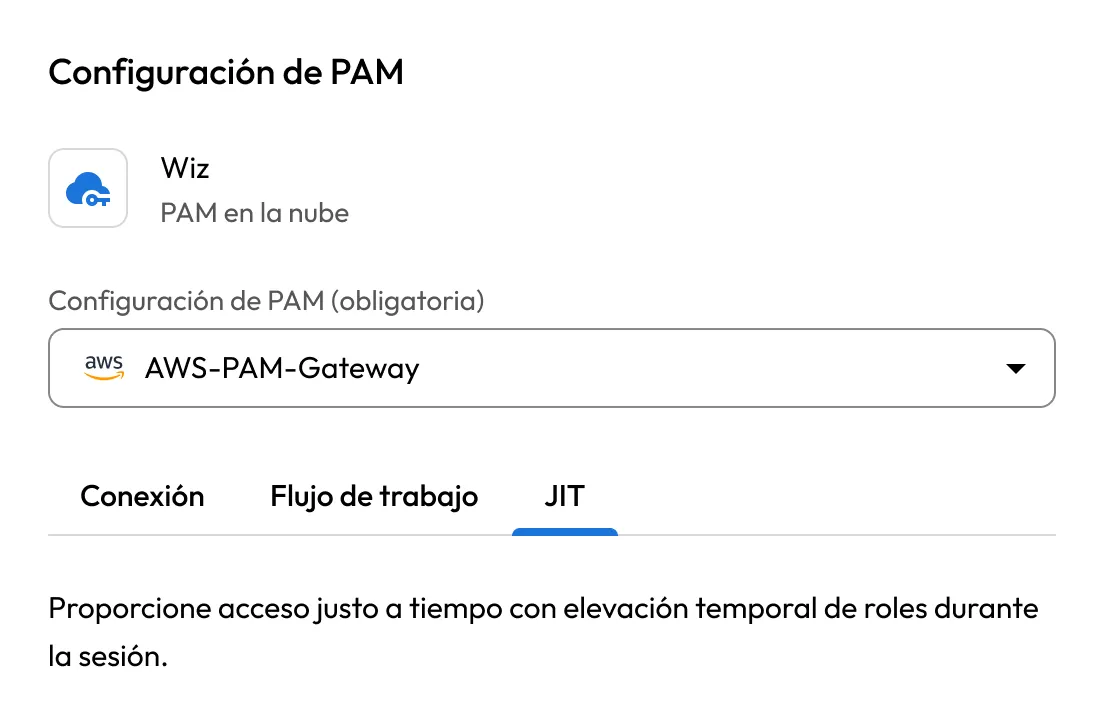
Reach cloud consoles and web applications through Keeper's Remote Browser Isolation (RBI), reducing credential exposure.
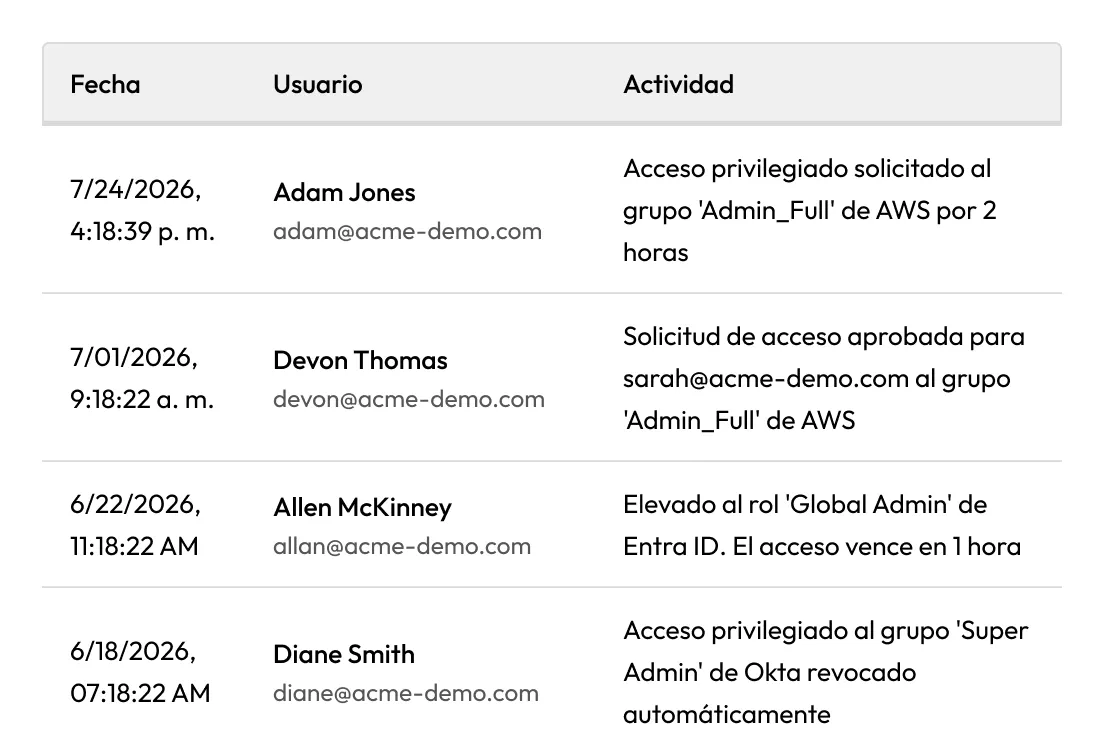
Track who requested access, who approved it, why it was granted and when it expired. Detailed audit trails support both governance and compliance.
Remove permanent admin access and grant privileges only when they're requested, approved and necessary.
Create a documented approval process with required justification, ticket tracking and complete auditability.
Provide time-limited access to cloud consoles, infrastructure, databases and federated applications.
Enable self-service access requests, mobile approvals and automatic revocation to reduce operational overhead.
Zero Standing Privilege (ZSP) is a security model in which users do not have permanent privileged access. Keeper Privileged Cloud achieves ZSP by granting access only when approved and automatically revoking it when the approved session ends.
Keeper Privileged Cloud supports AWS IAM, Microsoft Entra ID, GCP through Google Identity, Okta and Active Directory. Applications that federate access and authorization through these platforms can also leverage Privileged Cloud for access control.
Once approved, users can launch resources directly through Keeper's RBI or authenticate through their existing workflows, such as the AWS access portal, AWS CLI or Terraform.
KeeperPAM automatically revokes privileged access when the approved access window ends, returning users to zero standing privilege without manual intervention.
Debe habilitar las cookies para usar el chat en directo.