Choose the credential to rotate
Create a PAM User record in the Keeper Vault. This record stores the credential that will be automatically rotated.
Automated Password Rotation
Eliminate manual password updates and enforce zero trust with real-time, policy-driven rotation.
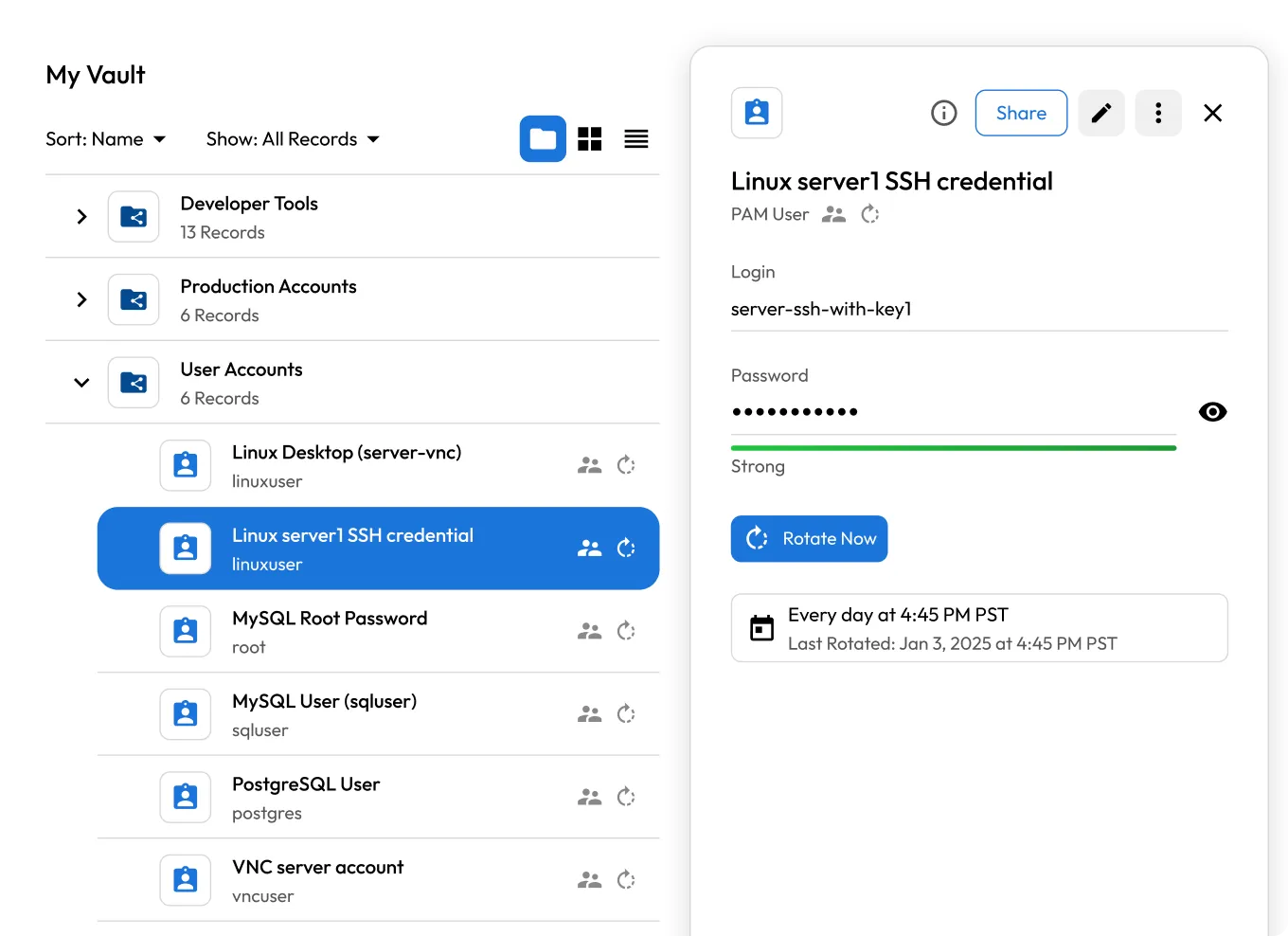

Automate password rotation for user accounts, service accounts, machines and infrastructure across hybrid and multi-cloud environments.

Run rotations on fixed intervals, cron expressions or trigger them on demand or based on policy events like access revocation.

Automatically update Windows services, scheduled tasks and other systems that rely on rotated credentials, with no manual reconfiguration required.

Execute custom scripts or predefined actions immediately after rotation, enabling integration with downstream systems or cleanup workflows.

Enforce Just-in-Time (JIT) access by rotating credentials as soon as access expires or is revoked, eliminating standing privileges.

All rotation events are logged and can be streamed to SIEM tools using Keeper's Advanced Reporting and Alerts Module (ARAM) for full visibility.
Create a PAM User record in the Keeper Vault. This record stores the credential that will be automatically rotated.
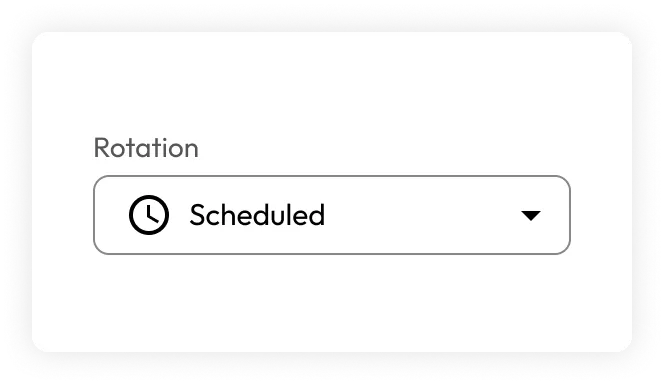
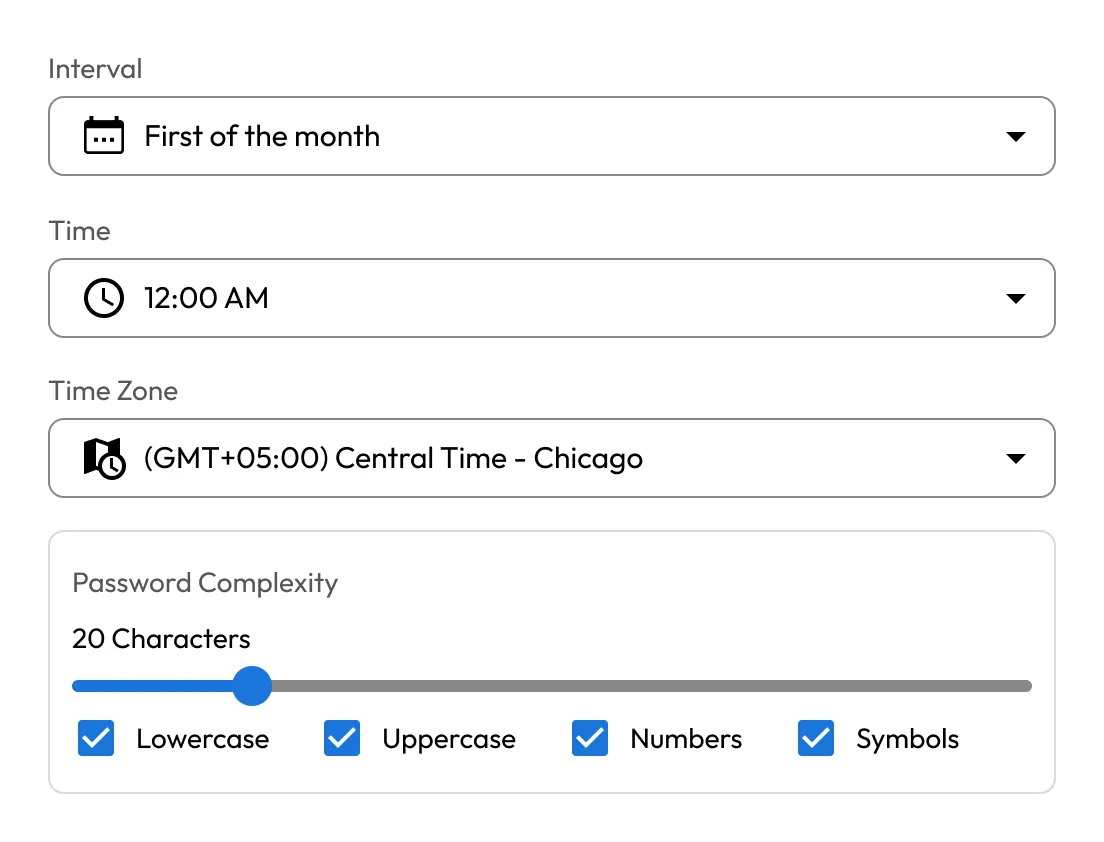
Link the PAM User to a PAM Resource. Then, configure how often rotation should occur using a time-based interval or cron expression.
At the scheduled time, the Keeper Gateway uses the assigned admin credential to authenticate and rotate the password using native protocols or cloud APIs.
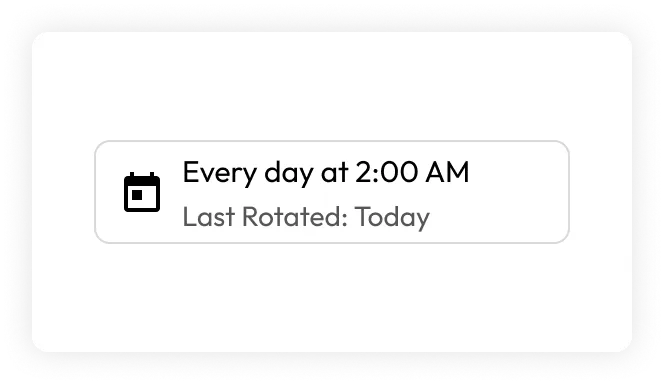
The new credential is securely saved in the encrypted Keeper Vault. The full event is logged for auditing, compliance and SIEM integration.
Static credentials pose a major security risk. KeeperPAM removes this threat by rotating passwords on a schedule or immediately after access ends.

Every rotation event is logged and auditable. KeeperPAM supports requirements across NIST, CMMC, ISO 27001, HIPAA, SOC 2 and more.
Manual password updates for service accounts, machines and applications are time-consuming and error-prone. KeeperPAM automates the entire process, freeing up your teams to focus on strategic initiatives.
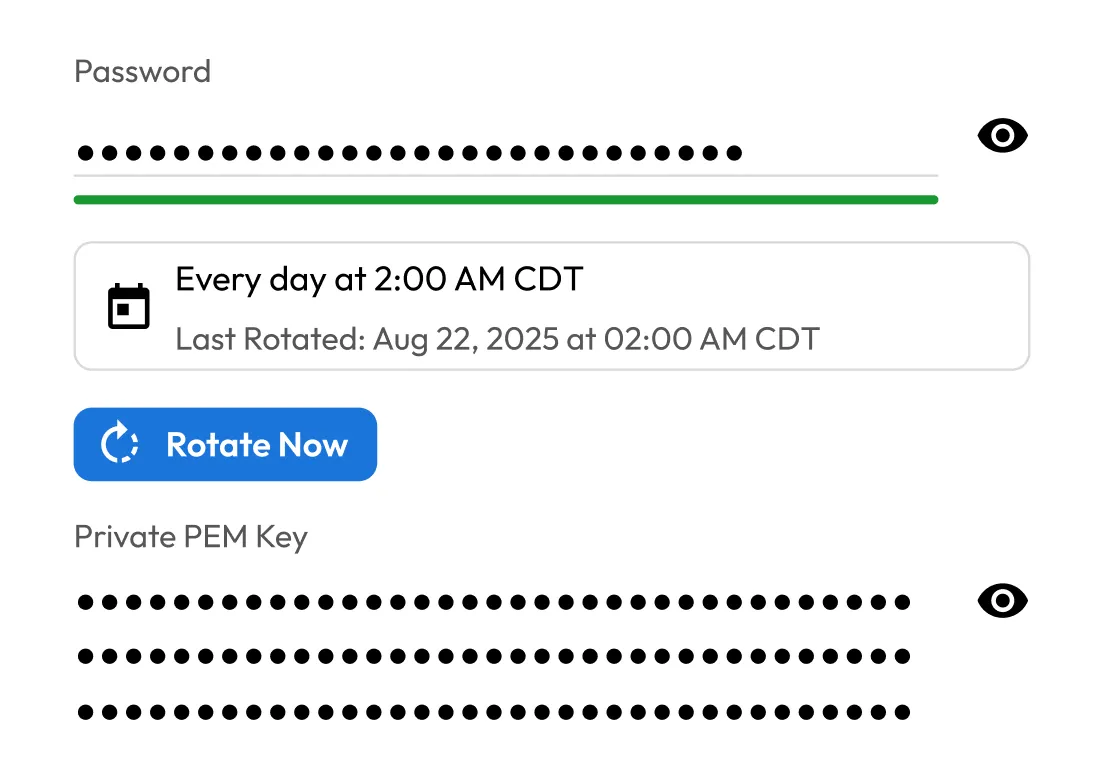

Whether credentials live in Active Directory, databases, Linux servers, SaaS apps or cloud IAM, KeeperPAM automates rotation across your entire infrastructure — on-prem, hybrid or cloud-native.
With full audit trails, Role-Based Access Controls (RBAC) and real-time alerts, KeeperPAM gives security teams the oversight they need without slowing down operations.
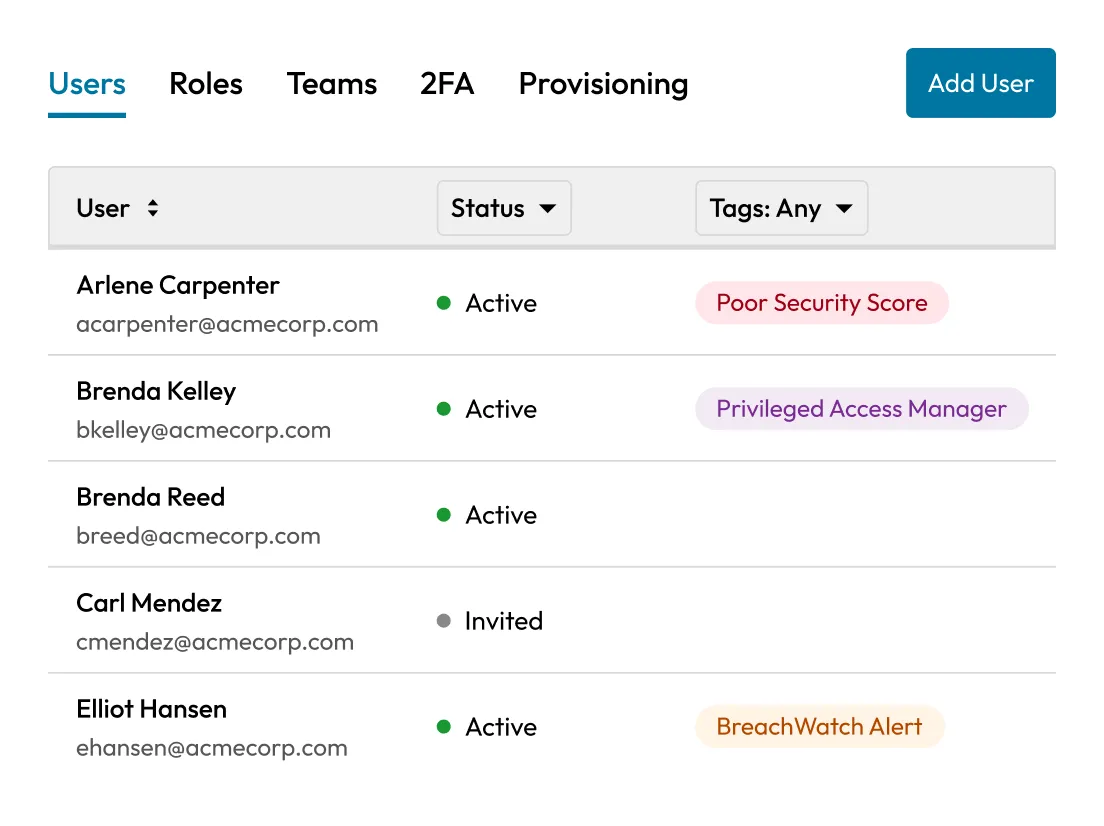
Password rotation is the process of automatically or manually changing passwords for privileged accounts at regular intervals or after specific events. This helps ensure credentials are not used for long periods and reduces the risk of unauthorized access.
Password rotation is important because it minimizes credential exposure in the event of a leak or compromise. It also supports compliance with security standards (e.g., NIST, PCI-DSS, ISO 27001), helps prevent insider threats and unauthorized long-term access and maintains operational security for high-risk systems.
KeeperPAM supports password rotation for a wide range of systems, including:
Not always. KeeperPAM includes built-in rotation connectors for many common systems.
However, if you're rotating credentials for a custom system or something not natively supported, you can:
Yes, KeeperPAM provides test rotation functionality to simulate the rotation process. This ensures scripts and connections are working properly before applying changes in production.
If a rotation fails, KeeperPAM:
Admins should investigate logs and fix misconfigurations or permission issues.

You must accept cookies to use Live Chat.