

Your files are truly private
Keeper's zero-knowledge architecture means only you can access what's in your vault. Your encryption key is generated on your device and never shared with anyone, so not even Keeper can see your files.
Your most sensitive files deserve the highest level of protection. Keeper Secure File Storage keeps them encrypted, organised and accessible only to you on every device you own.
Keeper Secure File Storage is an add-on that lets users securely upload, store, share and access confidential files, photos and videos inside their Keeper Vault. Unlike standard cloud storage, files are encrypted before they leave your device, and only you hold the key to decrypt them.
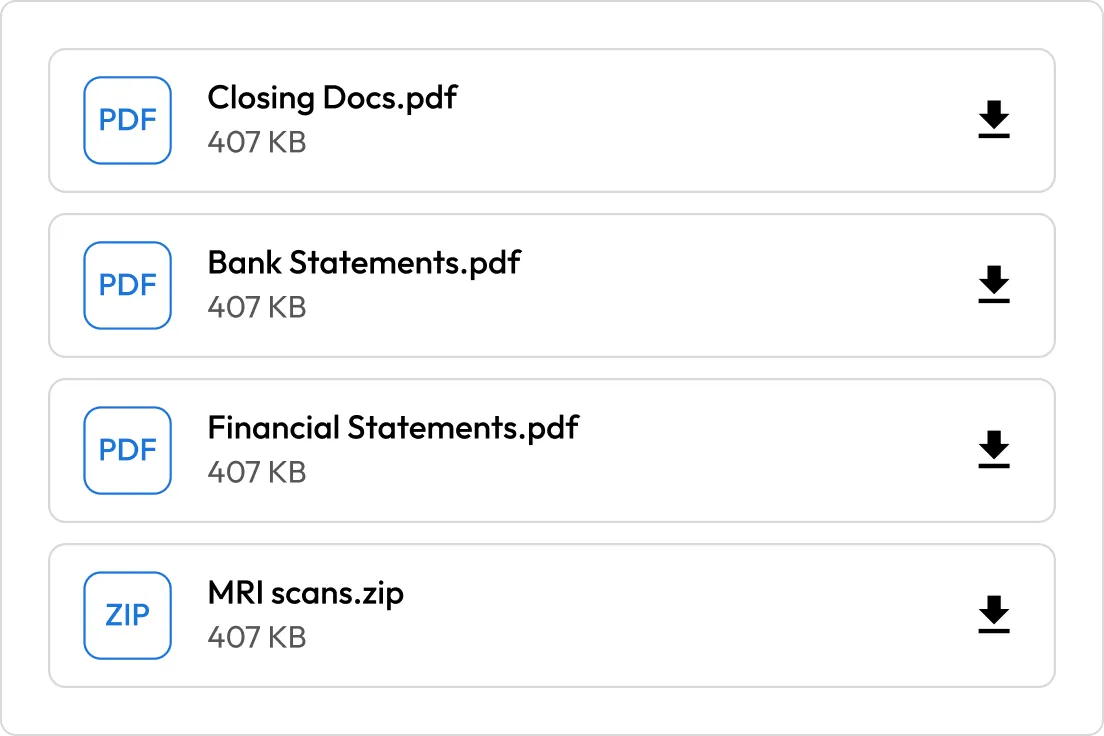
Every file is protected with 256-bit AES encryption at the record level — the same technology that secures your passwords. Files are encrypted during upload, and only you can access them.
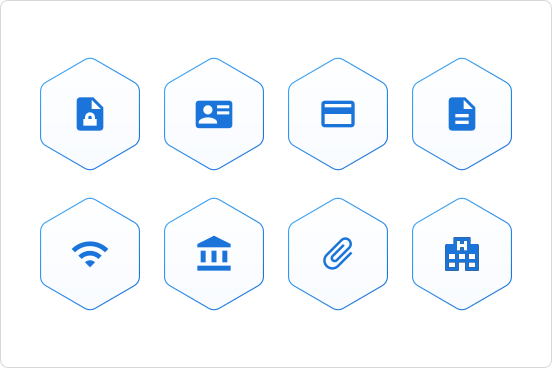
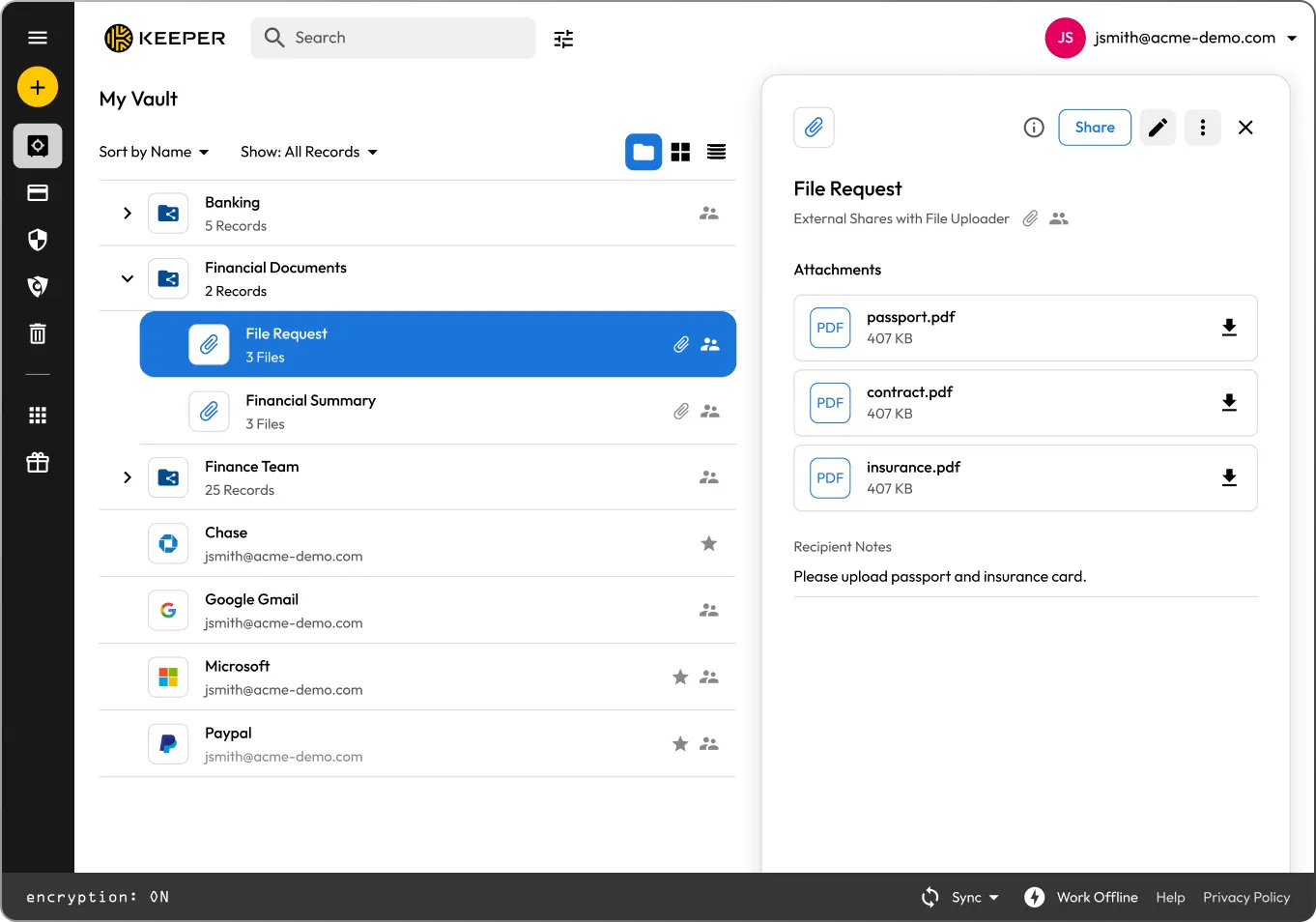
Securely upload passports, ID cards, driver's licenses, insurance documents, tax records, loan paperwork, photos, videos and more.

Access your secure files wherever you are. Keeper's file storage is available on iOS, Android, the Keeper Web Vault and the desktop app, all seamlessly synced.
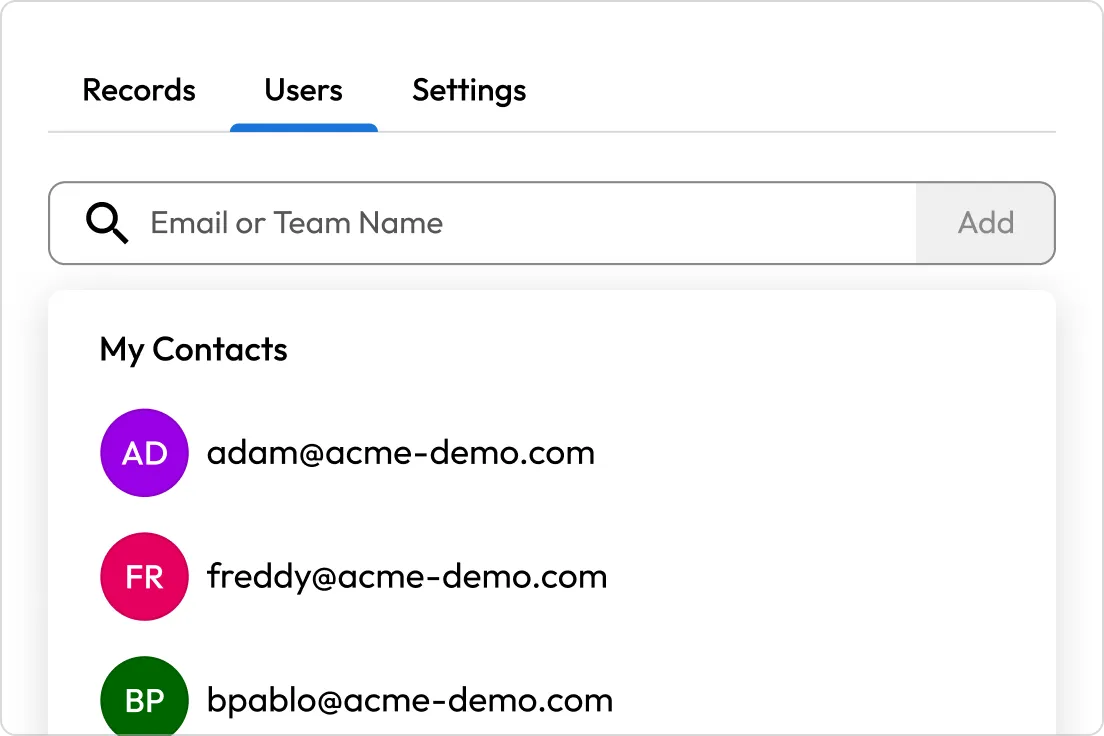
Need to share a sensitive document? Send files directly to another Keeper user's vault without sending risky email attachments or text messages.
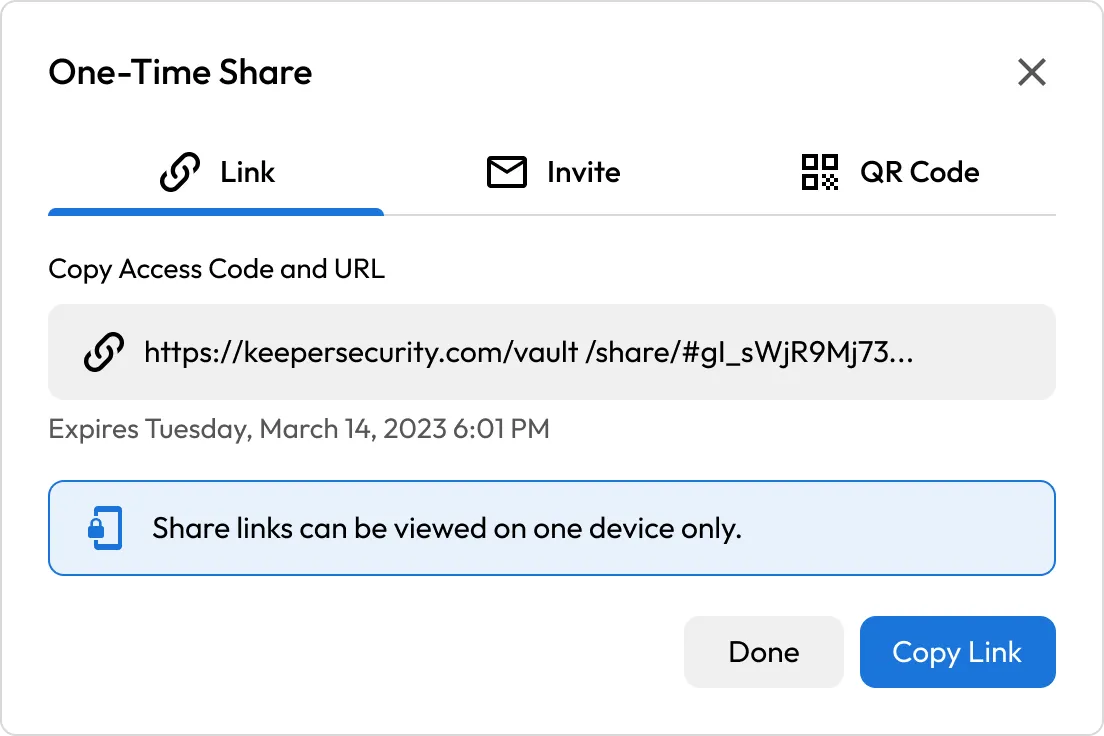
Share files with anyone, even if they don't have a Keeper account, with One-Time Share. Links are time-limited and device-locked, meaning each link can be opened only on the specific device used to first access it and expires automatically. With two-way sharing enabled, a setting you configure when creating the share link, recipients can securely upload files back to you.
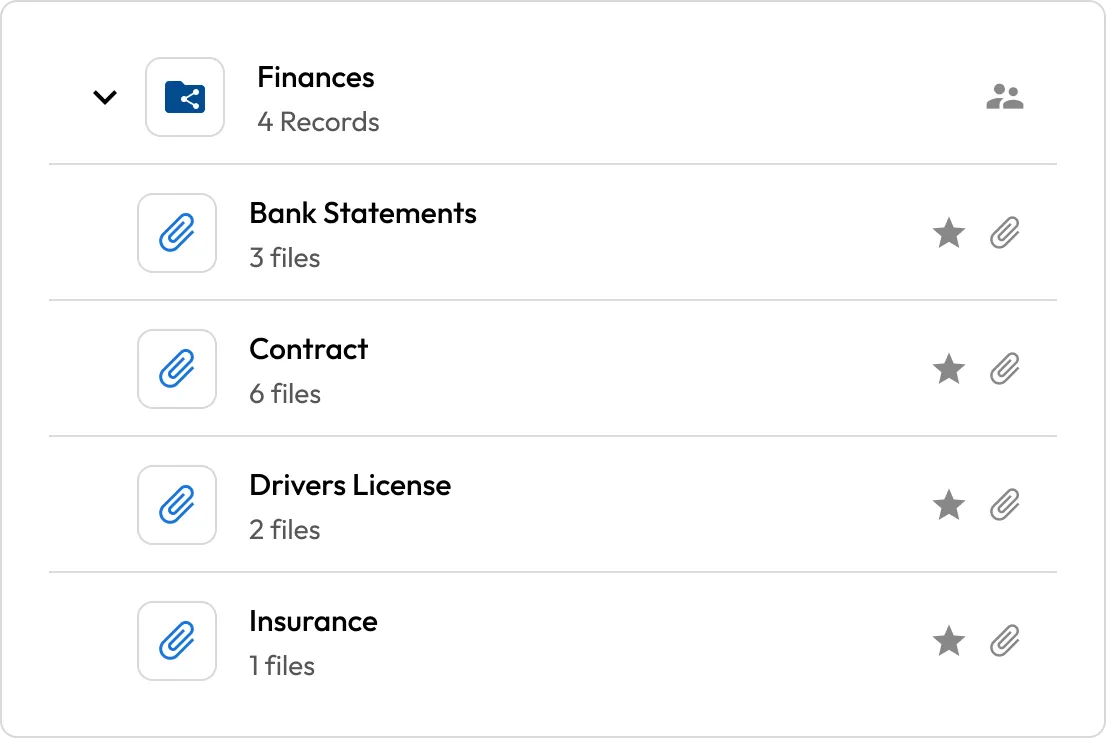
Upload files up to 100 MB on the Keeper Web Vault and up to 5 GB on the Keeper desktop app, iOS and Android, so even large videos and high-resolution documents are covered.
Keeper's zero-knowledge architecture means only you can access what's in your vault. Your encryption key is generated on your device and never shared with anyone, so not even Keeper can see your files.

Email and text weren't built for sensitive files. Standard email attachments have no encryption in transit, no access expiry and no way to revoke access once sent. Keeper gives you a secure place to store and share them, with full control over who has access and for how long.

Keeper isn't just for files; it's where your passwords, passkeys, payment info and private documents all live together. One secure vault for everything that matters.
You can store any file type in your Keeper Vault — photos, videos, PDFs, documents and more. Common uses include passport photos, driver's licenses, insurance cards, tax documents and loan files.
If you forget your master password, you may lose access to your vault and the files stored in it, including sensitive documents like passports, tax records and loan files. That's why it's important to set up recovery options in advance. To learn how to reset your master password and review your recovery options, visit Keeper's guide.
File size limits depend on the platform. The Keeper Web Vault supports files up to 100 MB, while the Keeper desktop app, iOS and Android all support files up to 5 GB.
Keeper uses 256-bit AES encryption at the record level. Files are encrypted before they leave your device, and Keeper's zero-knowledge architecture means only you hold the encryption key; not even Keeper can access your files.
It depends on your plan. Secure File Storage is included with the Keeper Family plan (10 GB). If you're on the Keeper Personal plan, it's available as a paid add-on. Either way, you can add it when signing up for a Keeper account or from your account settings if you're already a Keeper user.
You must accept cookies to use Live Chat.