
機能: 個人向けダークウェブモニタリング
Keeper BreachWatch® for personal use
BreachWatchは、Keeperのゼロ知識アーキテクチャを維持しながら、Keeperボルト内の認証情報がダークウェブ上に漏洩していないか継続的に監視します。
機能: 個人向けダークウェブモニタリング
BreachWatchは、Keeperのゼロ知識アーキテクチャを維持しながら、Keeperボルト内の認証情報がダークウェブ上に漏洩していないか継続的に監視します。
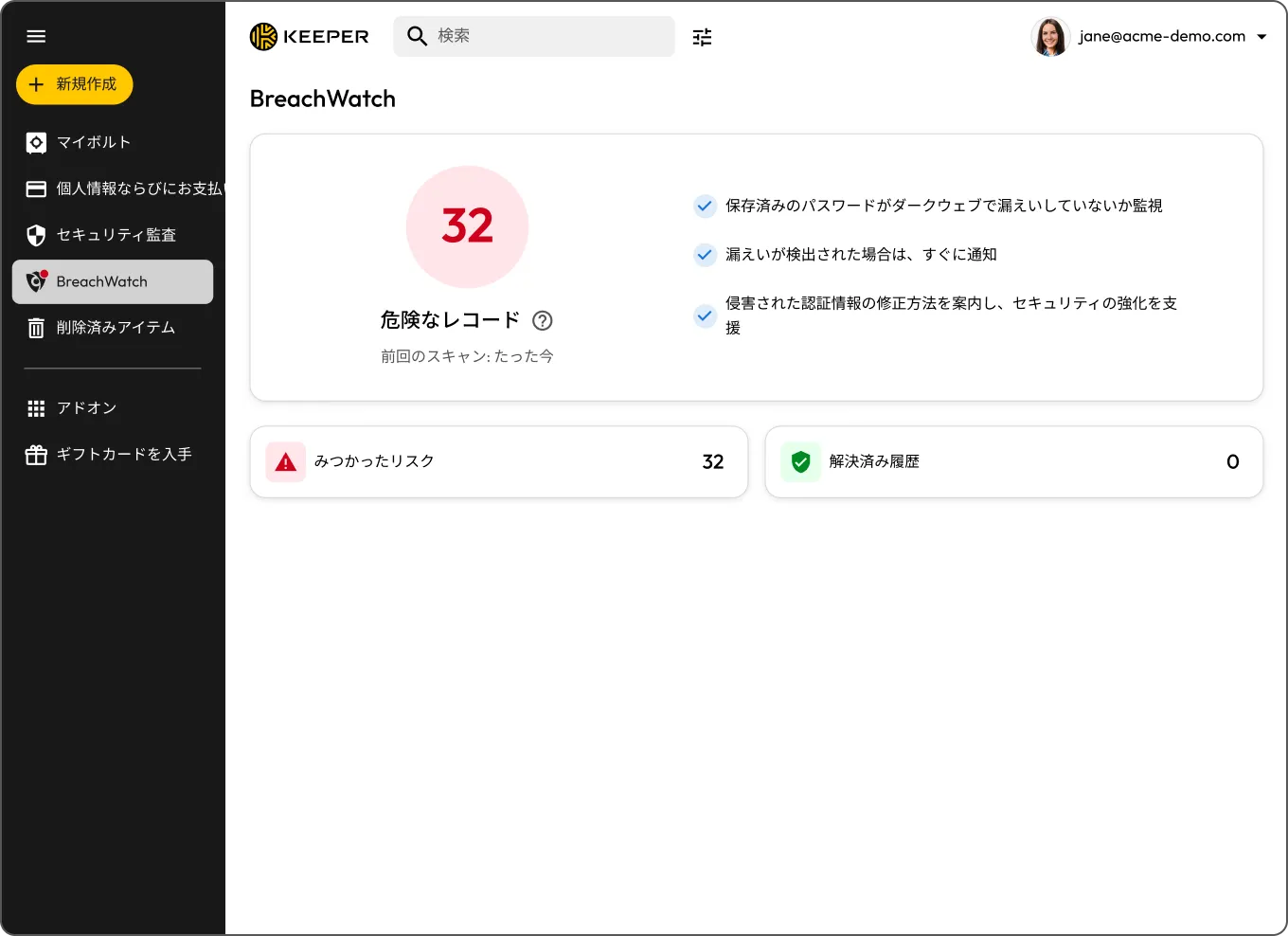
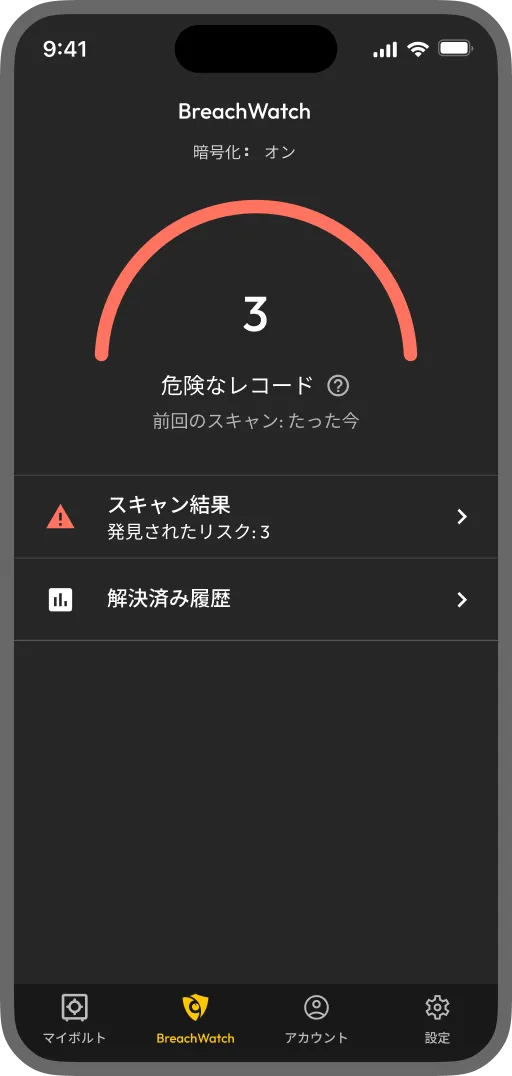
BreachWatchは、Keeperボルトに保存されたパスワードを既知の漏洩データと照合し、認証情報の漏洩が検出されると通知するアドオンです。バックグラウンドで継続的に監視するため、ご自身で定期的に確認する必要はありません。

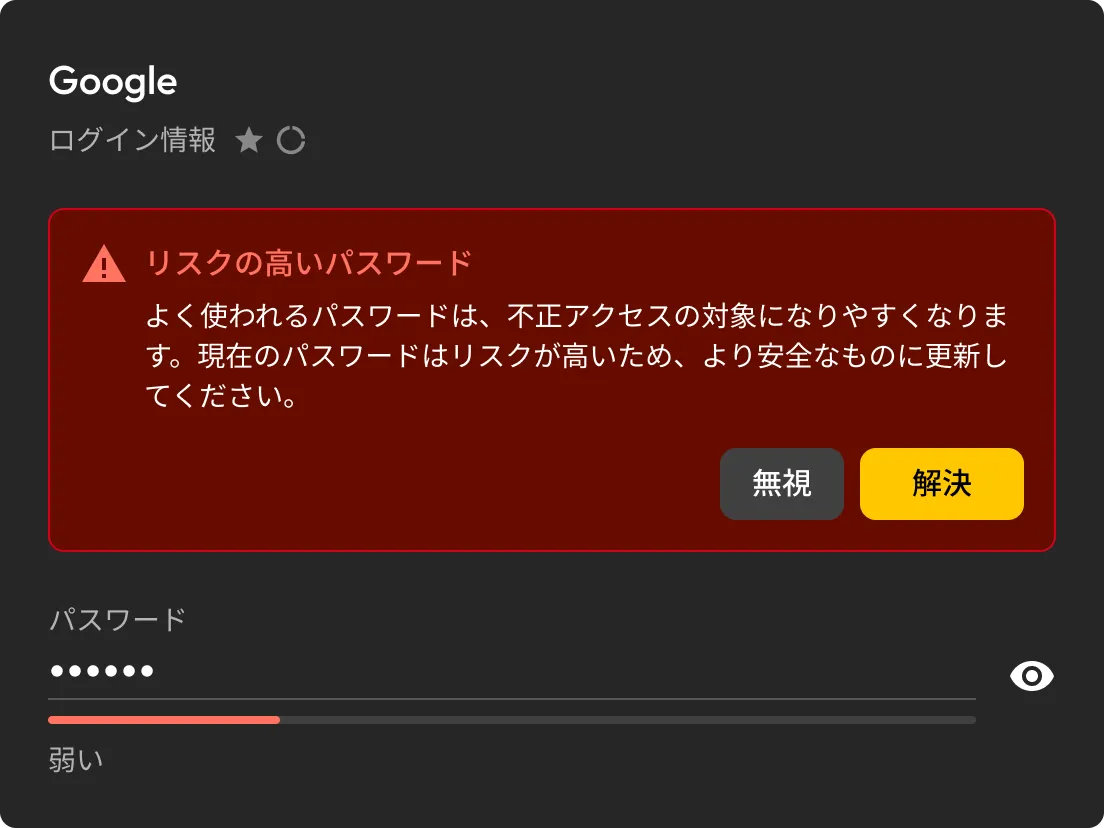
BreachWatchは、Keeperボルトに保存されたパスワードを既知の漏洩データと継続的に照合。一致する情報が見つかるとすぐに通知します。
BreachWatchが漏洩したパスワードを検出すると、影響を受けたレコードを特定し、更新が必要な内容を確認できます。
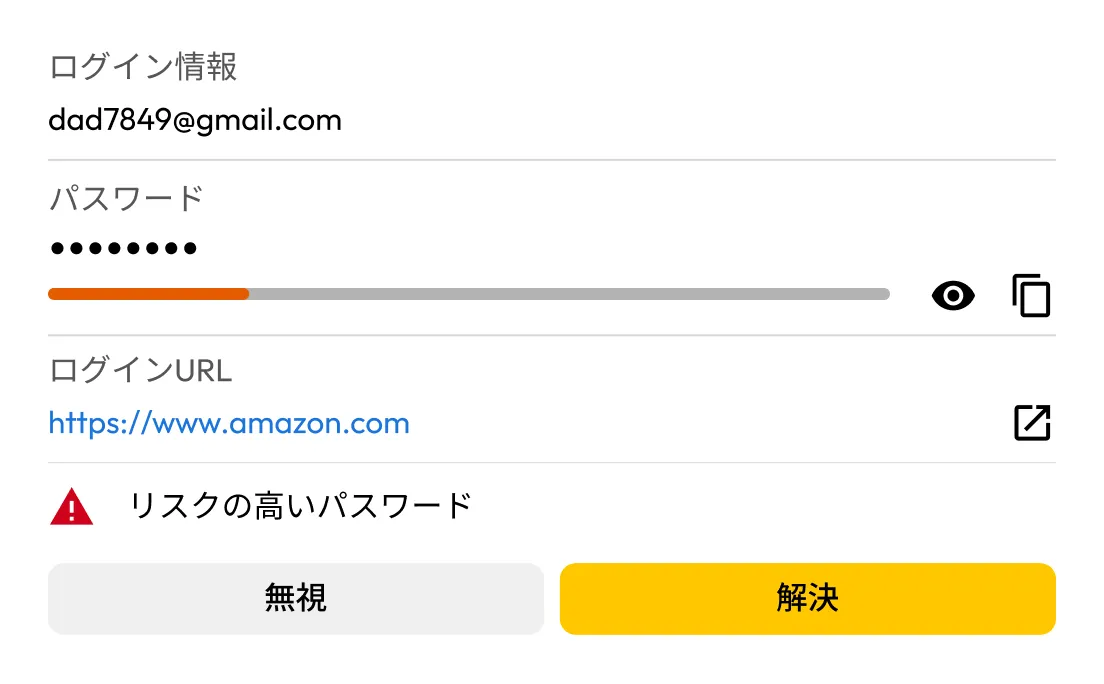
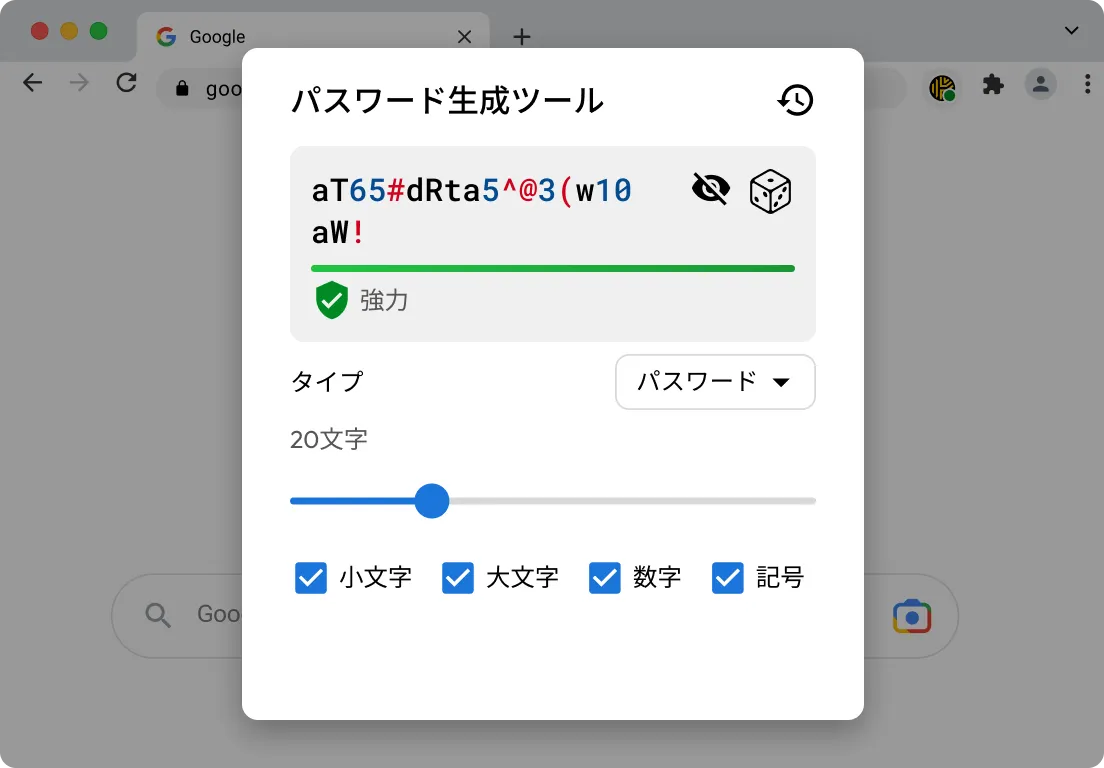
KeeperFill®を使用すると、影響を受けたアカウントにサインインし、パスワードの更新時により強力なパスワードを生成して、新しい認証情報をKeeperボルトに保存できます。
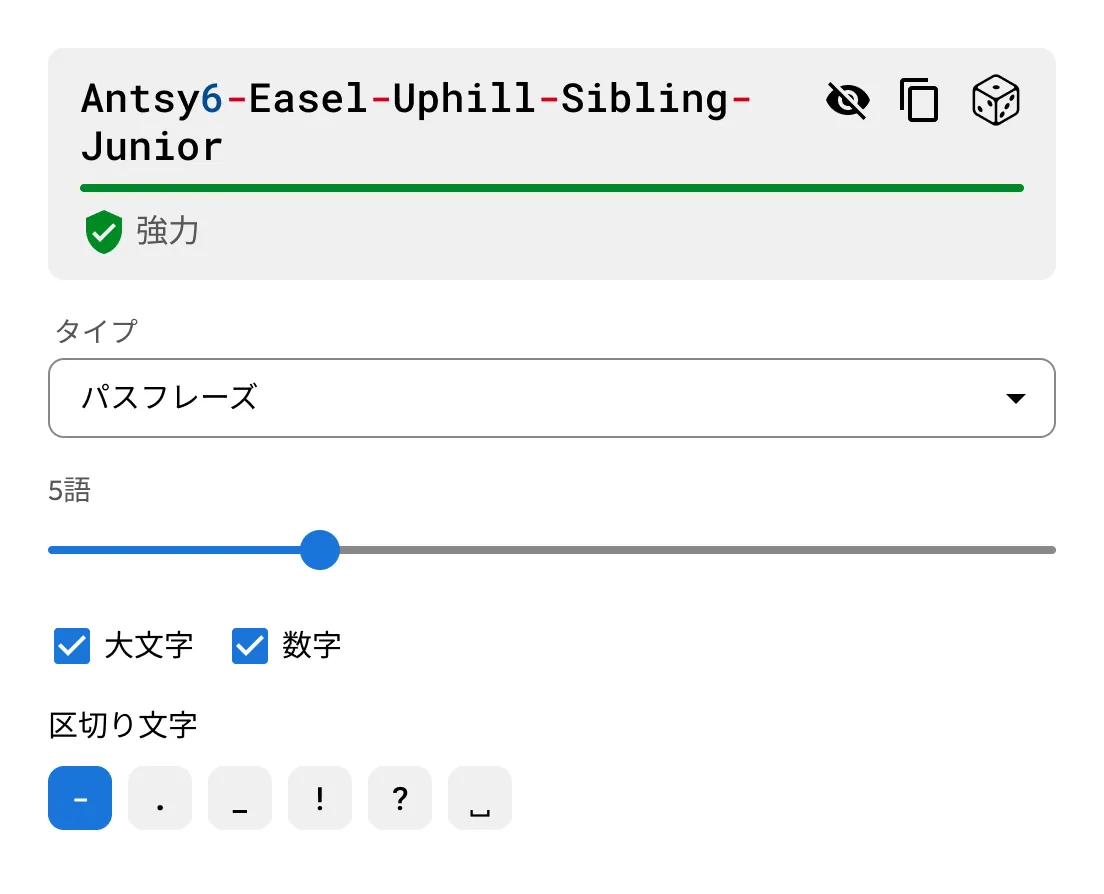
Keeperに搭載されたパスワード・パスフレーズ生成ツールを使用して、強力で一意のパスワードやパスフレーズを作成できます。

BreachWatchは、一度スキャンを実行して終わりではありません。Keeperボルトに保存されたパスワードを既知の漏洩データと継続的に照合し、すべてのデバイスで自動的にチェックを行うため、一致する情報が見つかるとすぐに通知します。

パスワードの漏洩が検出されると、BreachWatchが影響を受けたレコードを特定します。その後は、KeeperFillを使用してパスワードを更新し、新しい認証情報を安全にボルトへ保存できます。
For many people, yes. Credentials from past data breaches are actively bought and sold online, often long after the original breach occurs. If one of your saved passwords appears in a known breach, dark web monitoring helps you find out sooner so you can update it before your accounts are put at greater risk. BreachWatch continuously monitors for compromised credentials and alerts you when action is needed.
No, BreachWatch alerts you to passwords that may be at risk, but you still need to change the password on the affected website or app.
KeeperFill can help guide you through the password change process by autofilling your current password, generating a stronger replacement and helping you save the updated credential to your Keeper Vault.
After changing the password on the affected site, you should save the new password in your Keeper Vault to keep your record up to date.
BreachWatch monitors passwords stored in your Keeper Vault records. If a record does not contain a password, it won't be included in the scan.
Most dark web monitoring services work by sending your email address or a hashed version of your password to a third-party service for matching. This means your data leaves the service's security boundary and is processed externally.
BreachWatch works differently. Keeper uses a patented zero-knowledge matching method that performs breach analysis without exposing which websites you use or what your passwords are. Matching happens in a way that ensures neither Keeper nor any external party can see your credentials during the process. Your information stays protected throughout.
チャットサポートを利用する場合、Cookie を有効にしてください。