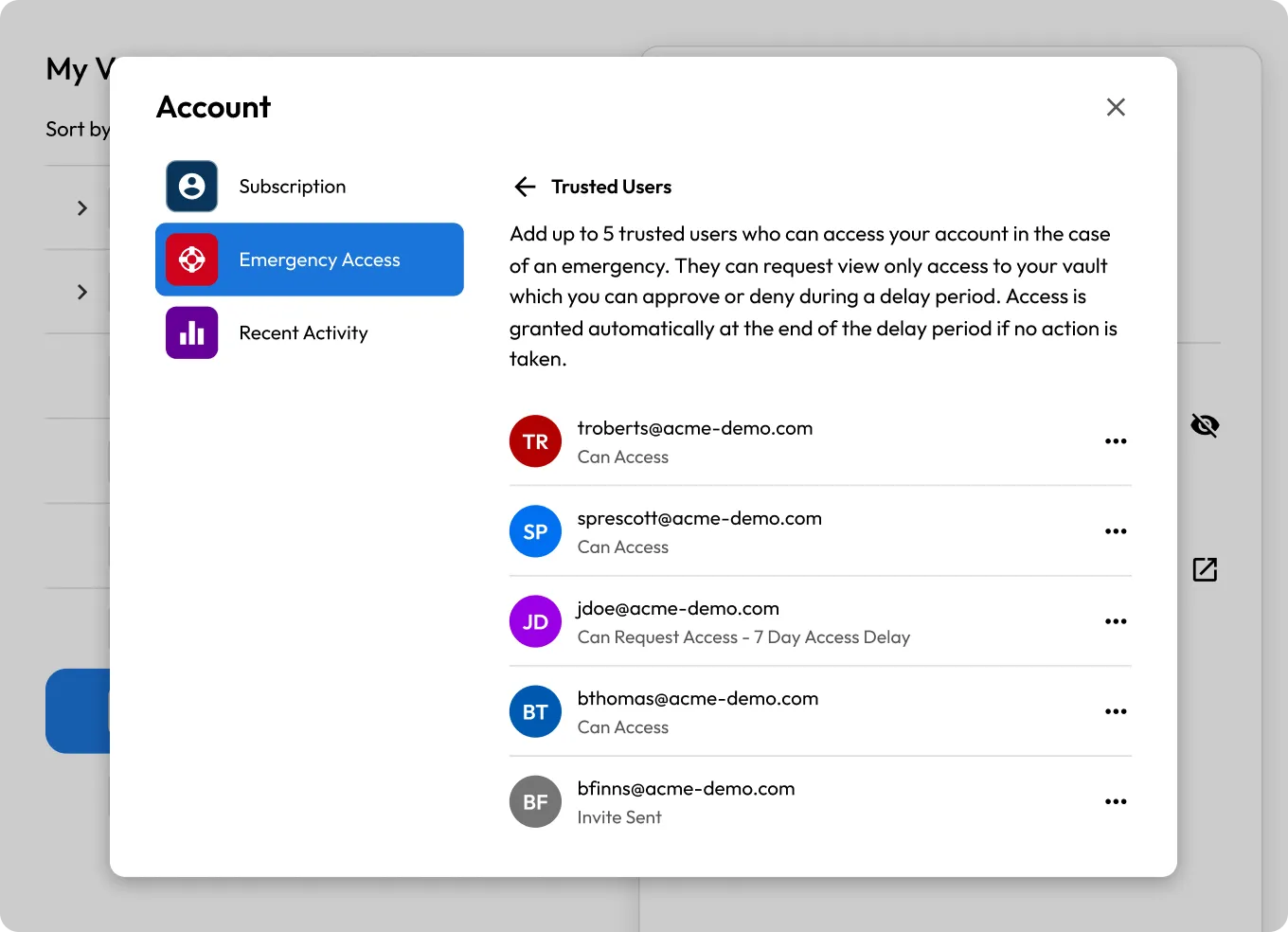

Add your trusted contacts
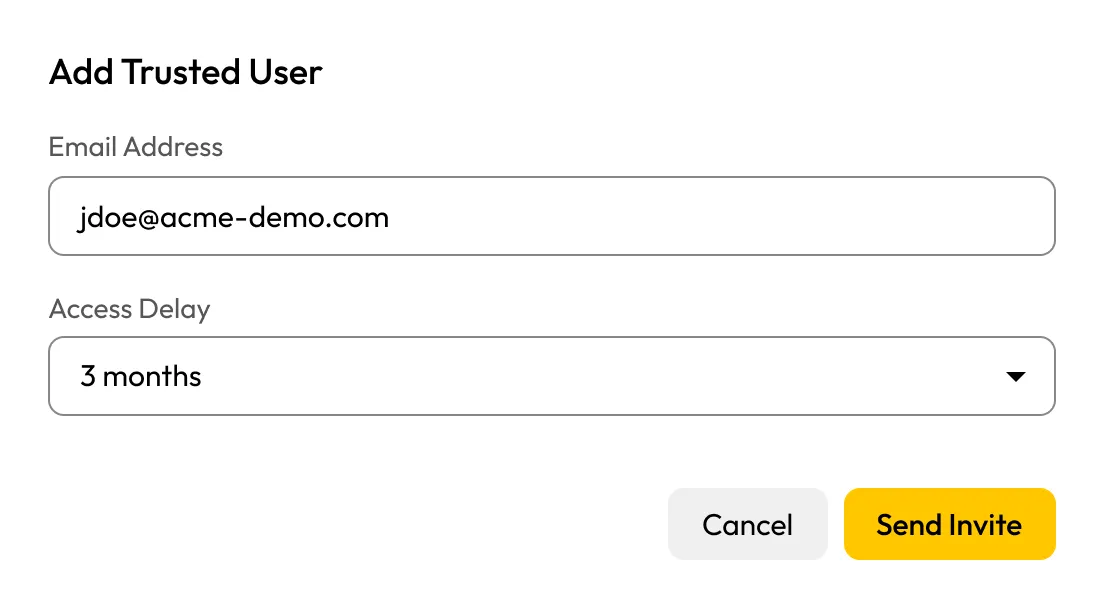
In Account > Emergency Access > Trusted Users, add up to five contacts. Each must have a Keeper account and a sharing relationship with you — non-users will receive an invite. Set this up now, not when you need it.
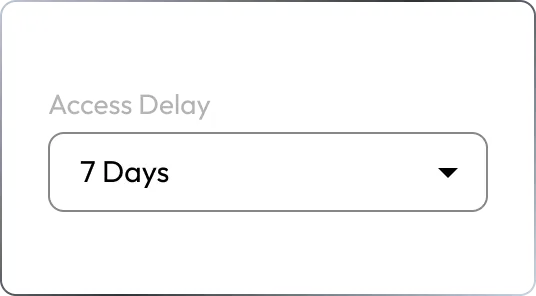
Set an access delay
Choose a waiting period for each contact, from immediately up to three months. The owner account and dashboard are notified when your trusted contact attempts to log in to your vault.

Contacts accept the invite
Your contacts accept the Emergency Access invitation and are added as trusted contacts. No further action is required unless access is needed.
Gain access when needed
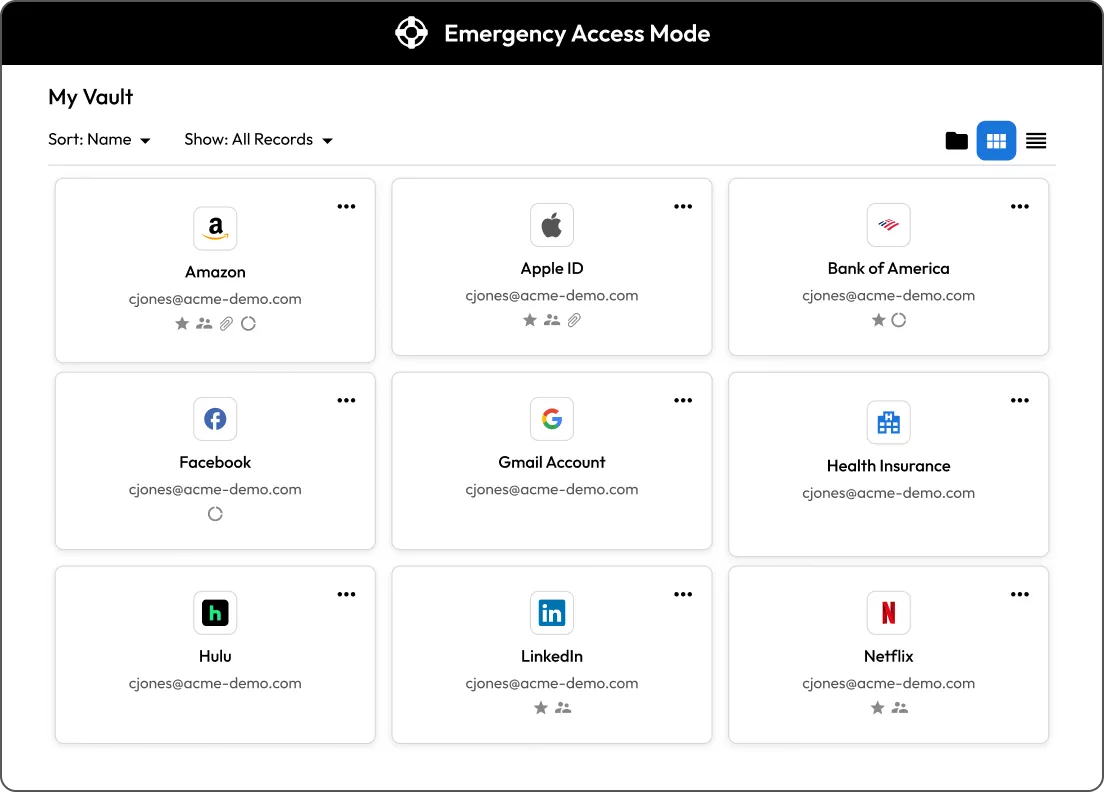
In an emergency, a trusted contact goes to My Access in their vault and requests access. After the delay period expires and you haven't revoked it, they're granted entry to your vault.