1. Keeper generates an alert
A security event occurs, such as a BreachWatch detection or policy violation. Keeper detects the event and triggers an alert through the Advanced Reporting & Alerts Module (ARAM).
Función: Jira ITSM
Automatically turn security alerts into actionable Jira tickets with real-time response, flexible field mapping and full audit trails.
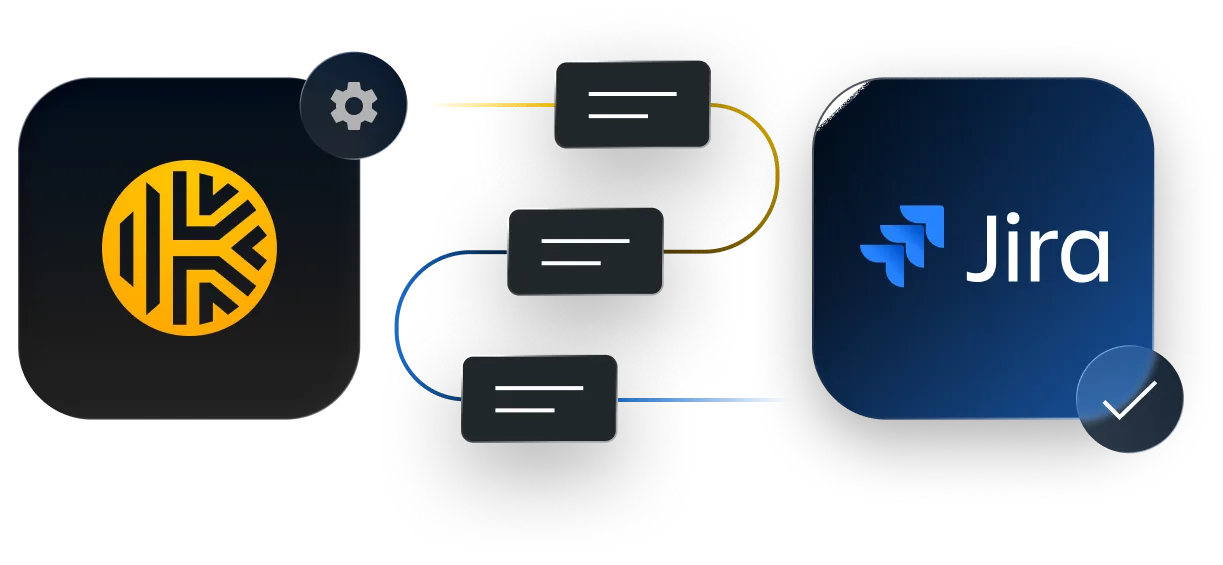

A security event occurs, such as a BreachWatch detection or policy violation. Keeper detects the event and triggers an alert through the Advanced Reporting & Alerts Module (ARAM).
The alert is sent via webhook to the Keeper Security Jira ITSM app, which validates the payload and applies your configured mappings for fields, priorities and issue types.

The app creates a new Jira issue in the designated project, pre-populated with alert details and full context. Teams are notified automatically and can respond immediately.
![Keeper ITSM Jira alert ticket for “bw_record_high_risk,” showing user [jsmith@acme.com] and an alert timestamp.](/assets/images/pages/features/jira-itsm/es_ES/jira-ticket-desktop@2x.webp)
When a security event is triggered in Keeper, a Jira issue is created instantly. Each ticket includes full context, such as event type, user, timestamp and raw JSON, for complete visibility and audit readiness.
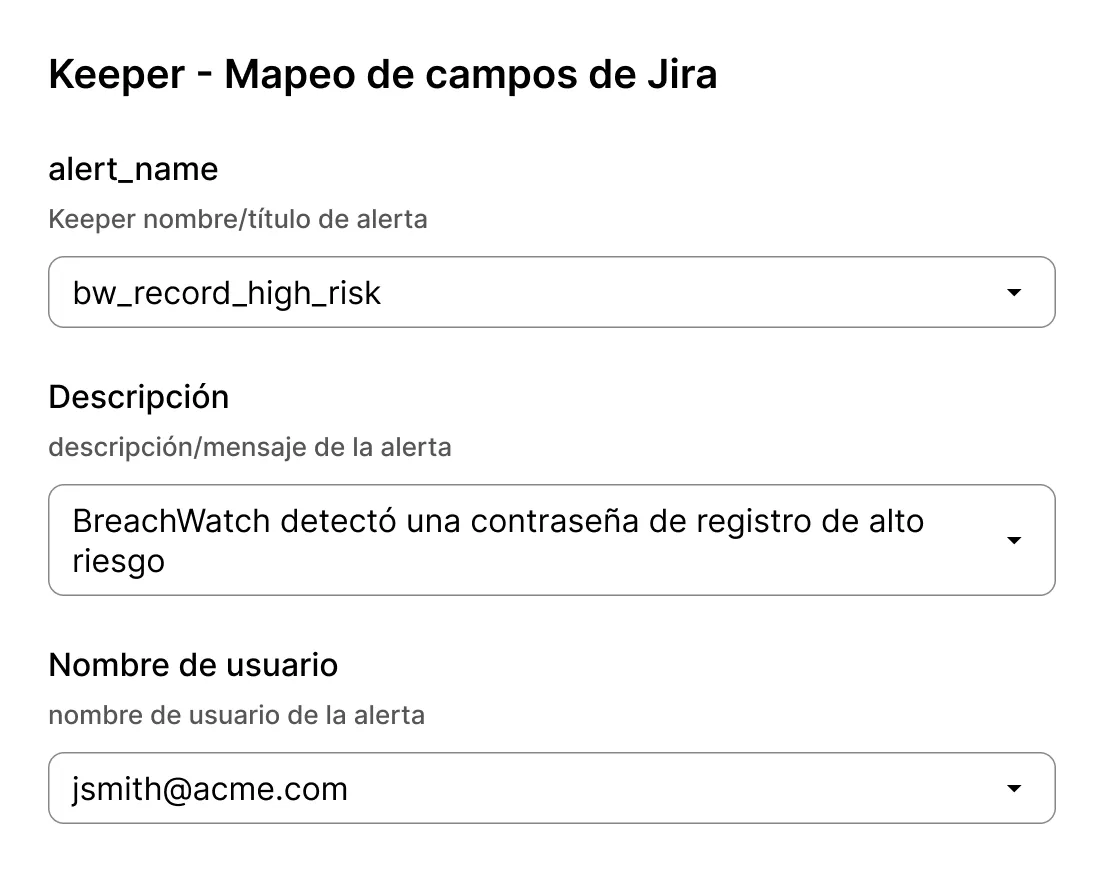
Define how Keeper fields, such as alert_name, username and timestamp, map to Jira fields. Support both standard and custom fields to fit your team's workflows and reporting needs.
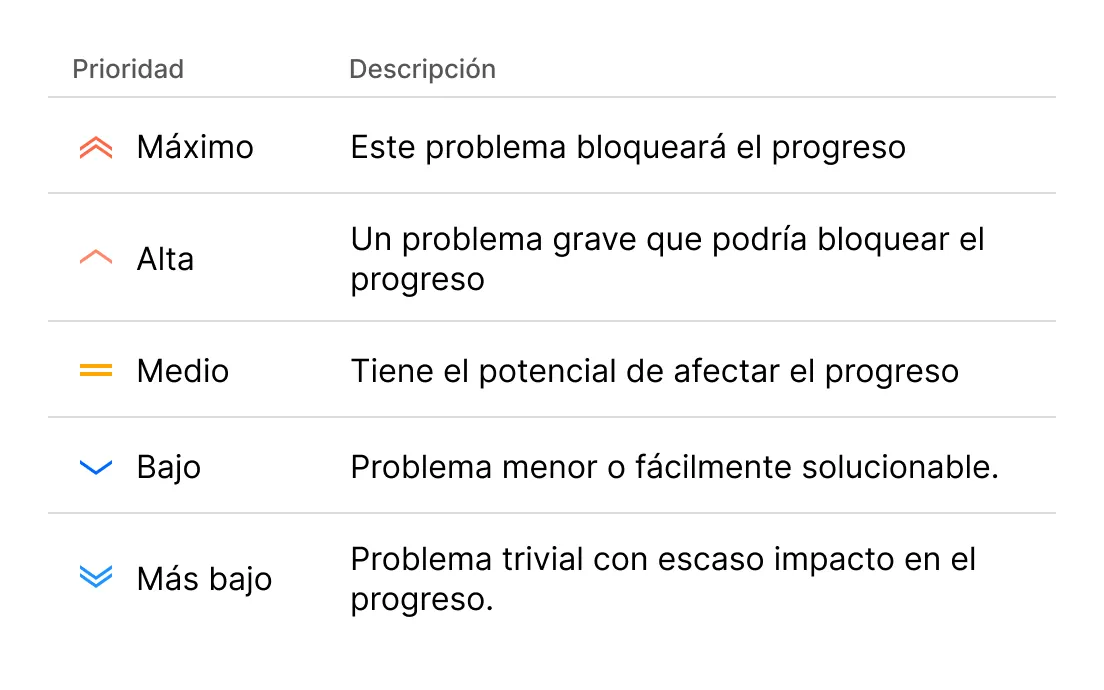
Automatically prioritize incidents based on alert type. Critical events like breach detections can be flagged as "Highest," while low-risk activity is set accordingly, with no manual sorting required.
Send each alert to the right place. Map alert categories to Jira issue types such as Incidents, Tasks or Sub-tasks to keep queues organized and teams focused.
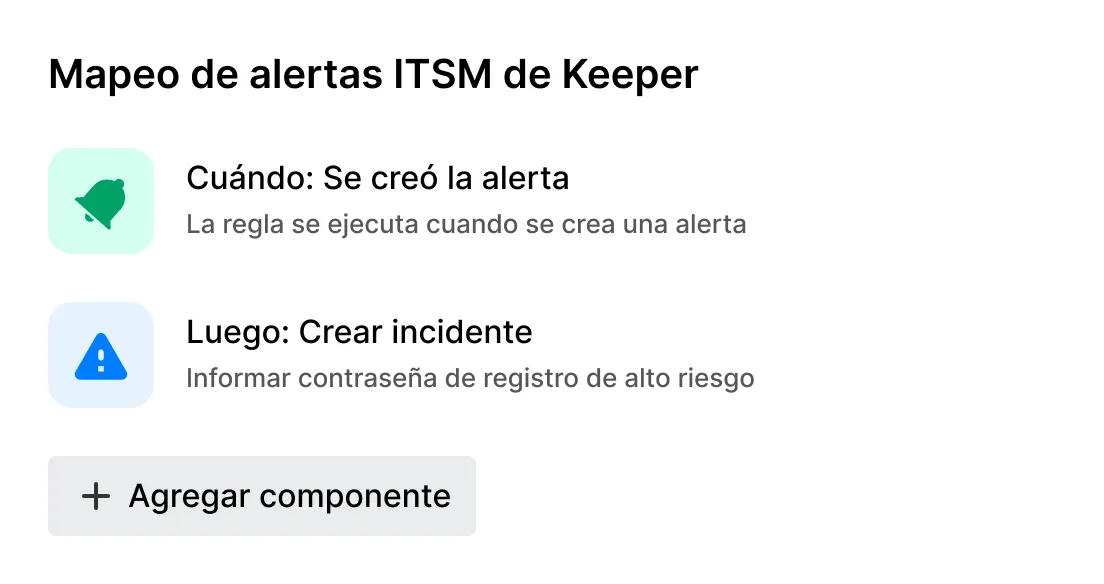
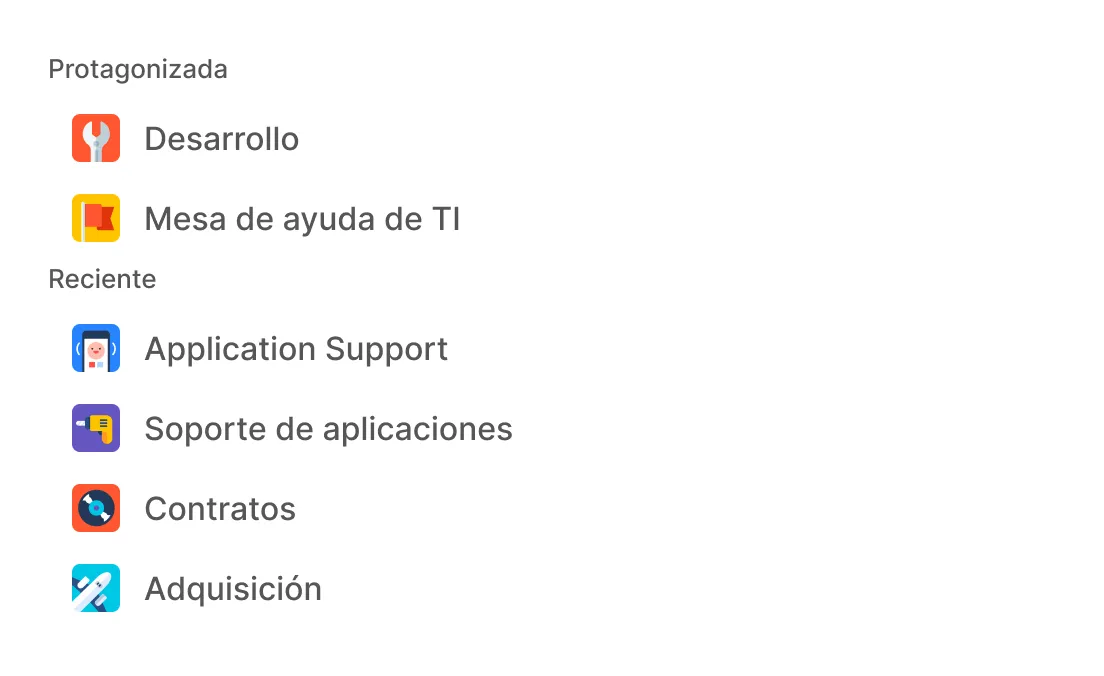
Support both company-managed and team-managed projects without extra configuration. The integration adapts to your Jira setup and scales with your teams.
The Keeper Jira ITSM integration supports over 300 Keeper event types, including BreachWatch®, failed logins, policy violations, audit resumption, privilege escalation and more.
Yes, the integration supports both team-managed and company-managed projects and works across all Jira Cloud plan tiers.
No, this integration is built using Atlassian Forge and is available exclusively to Jira Cloud customers.
Keeper webhooks use HTTPS and deliver only sanitized event data to preserve zero-knowledge encryption. The integration runs on Atlassian's secure Forge platform.
You can easily disable or adjust alert recipients from the Keeper Admin Console. There's no need to remove the webhook.
Setup takes just a few minutes. You'll install the app from the Atlassian Marketplace, connect your Jira project, configure your field mappings, then add a webhook in Keeper. For step-by-step instructions, refer to Keeper's documentation.

Debe habilitar las cookies para usar el chat en directo.