Ataques de força bruta simples
Ataques simples de força bruta envolvem tentar adivinhar todas as combinações possíveis de senha até que uma funcione. Eles podem levar muito tempo, mas são altamente eficazes contra senhas curtas ou fracas.
Ameaça cibernética: Ataque de força bruta
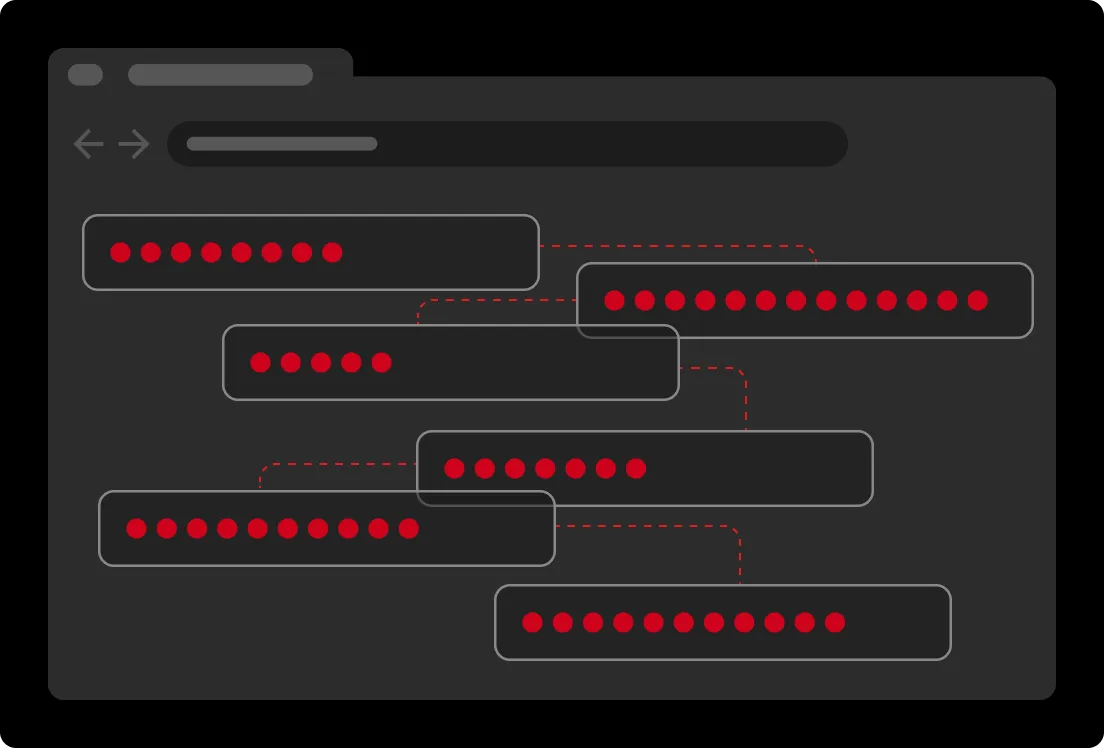
Um ataque de força bruta é um ataque cibernético em que um criminoso cibernético tenta sistematicamente um grande volume de combinações de nome de usuário e senha até encontrar uma correspondência. Diferentemente de ataques que exploram vulnerabilidades de software, os ataques de força bruta têm como alvo senhas fracas ou reutilizadas. Melhorar a segurança de senhas e os métodos de autenticação tornou-se essencial para todos os usuários e organizações protegerem seus dados e sistemas.
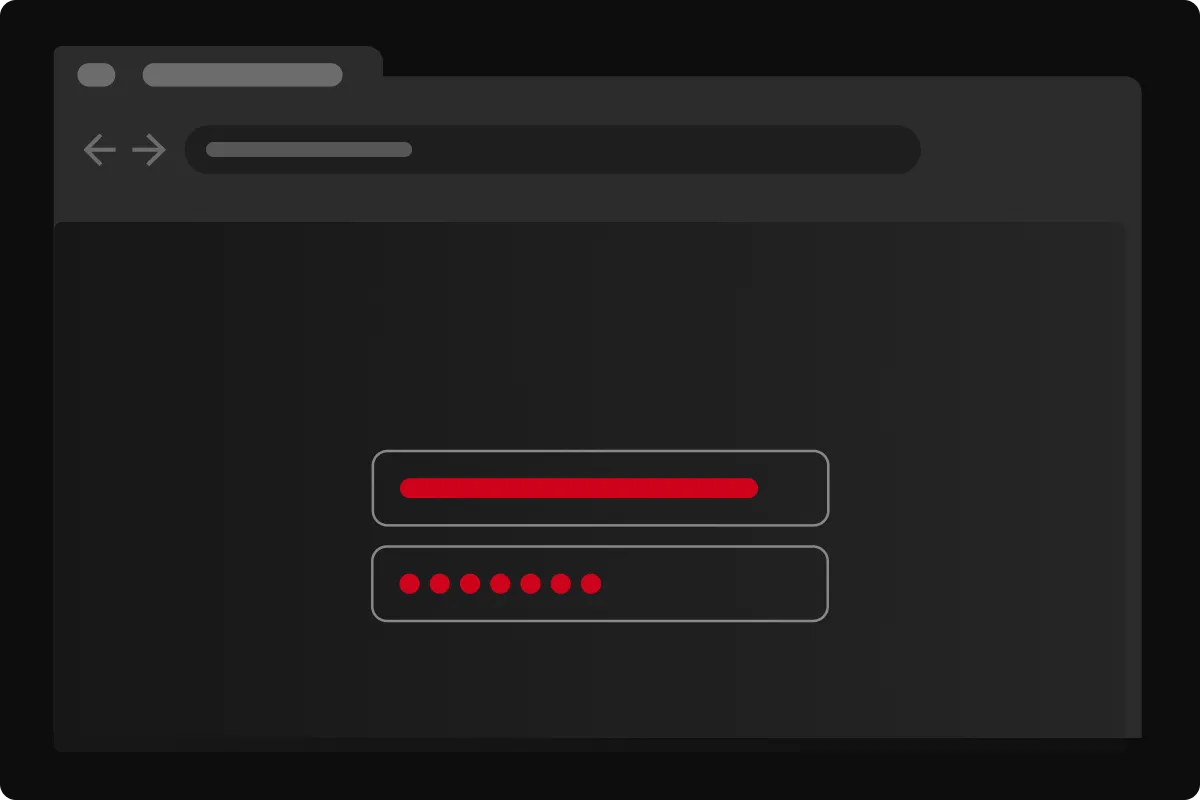
Os ataques de força bruta se baseiam em ferramentas automatizadas para gerar e testar milhões de combinações de nome de usuário e senha em rápida sucessão até encontrar uma correspondência. Criminosos cibernéticos usam bancos de dados de credenciais roubadas, listas de senhas comumente utilizadas e variações algorítmicas para imitar a forma como as pessoas normalmente criam senhas. Quando uma correspondência é encontrada, os criminosos cibernéticos obtêm acesso à conta da vítima, possibilitando roubo de dados, escalonamento de privilégios ou fraude. Como esses ataques podem ser distribuídos por grandes botnets, a atividade pode se misturar ao tráfego normal.
Ataques simples de força bruta envolvem tentar adivinhar todas as combinações possíveis de senha até que uma funcione. Eles podem levar muito tempo, mas são altamente eficazes contra senhas curtas ou fracas.
Ataques de dicionário automatizam tentativas de login usando listas de senhas ou frases comumente utilizadas. Em vez de testar cadeias aleatórias de caracteres, criminosos cibernéticos priorizam opções prováveis, reduzindo o tempo necessário para encontrar uma correspondência correta.
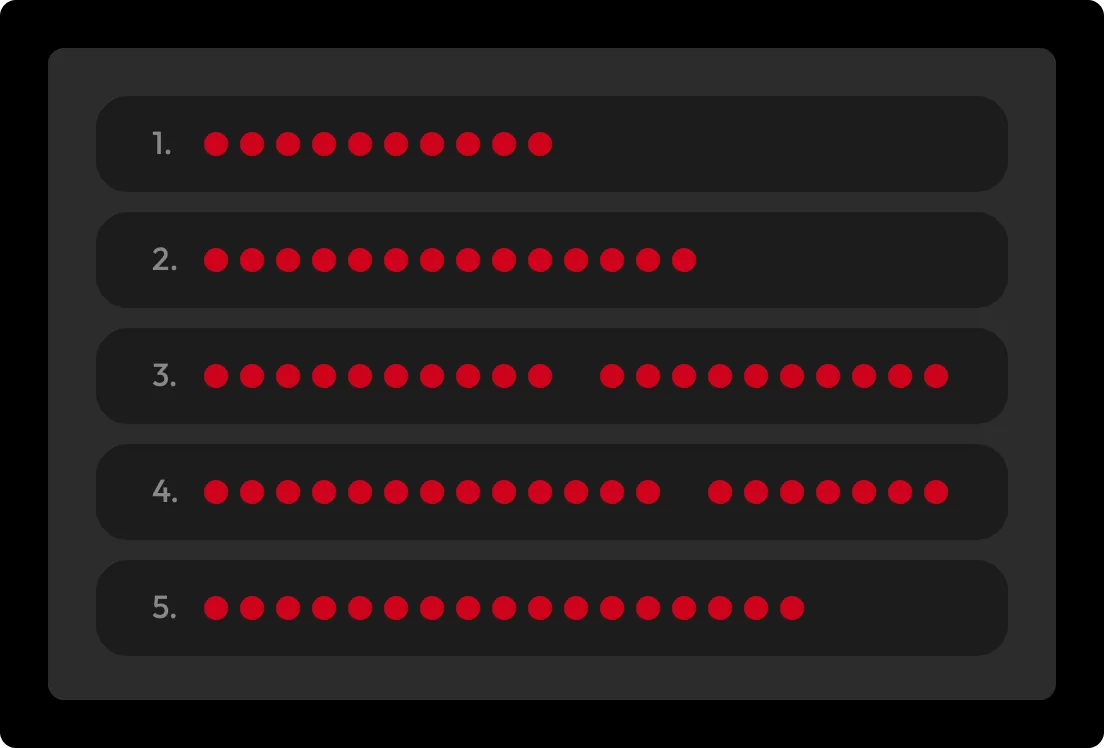
Ataques híbridos de força bruta combinam a abrangência dos ataques simples de força bruta com a velocidade dos ataques de dicionário. Eles começam com senhas comuns ou vazadas e, em seguida, substituem caracteres por números ou símbolos para imitar variações típicas.
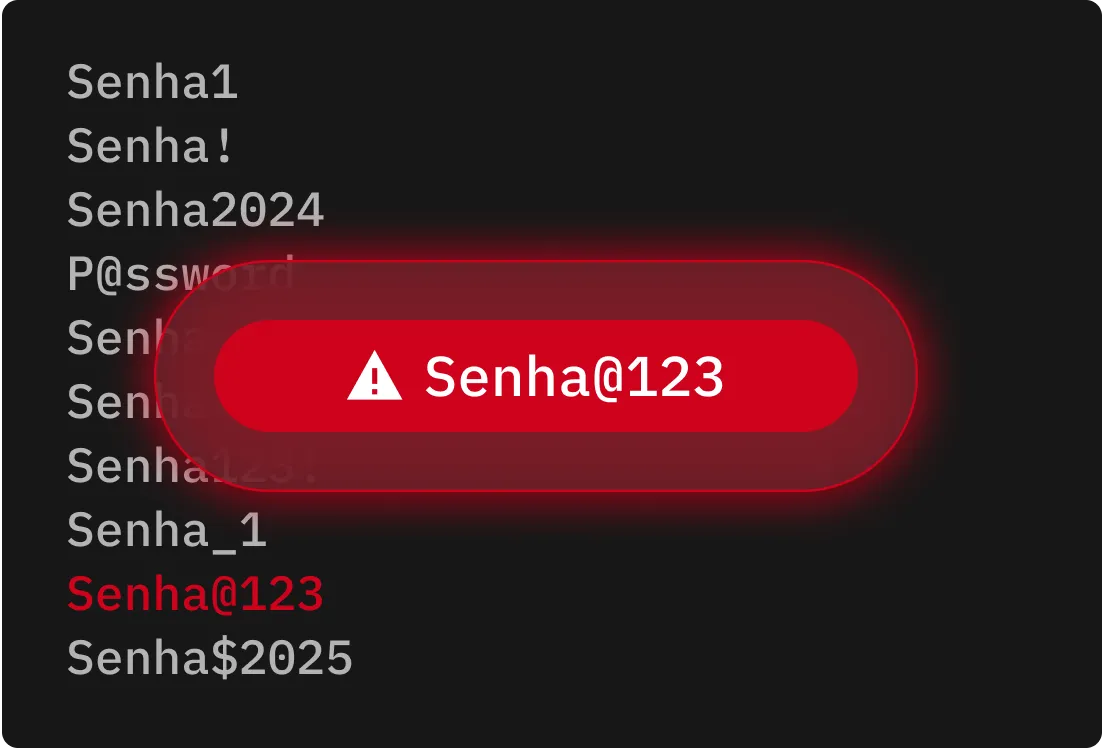
A sobrecarga de credenciais usa credenciais previamente comprometidas para tentar fazer login em várias plataformas. Quando usuários reutilizam senhas, criminosos cibernéticos podem obter acesso rapidamente a mais contas e ampliar o impacto de um ataque.
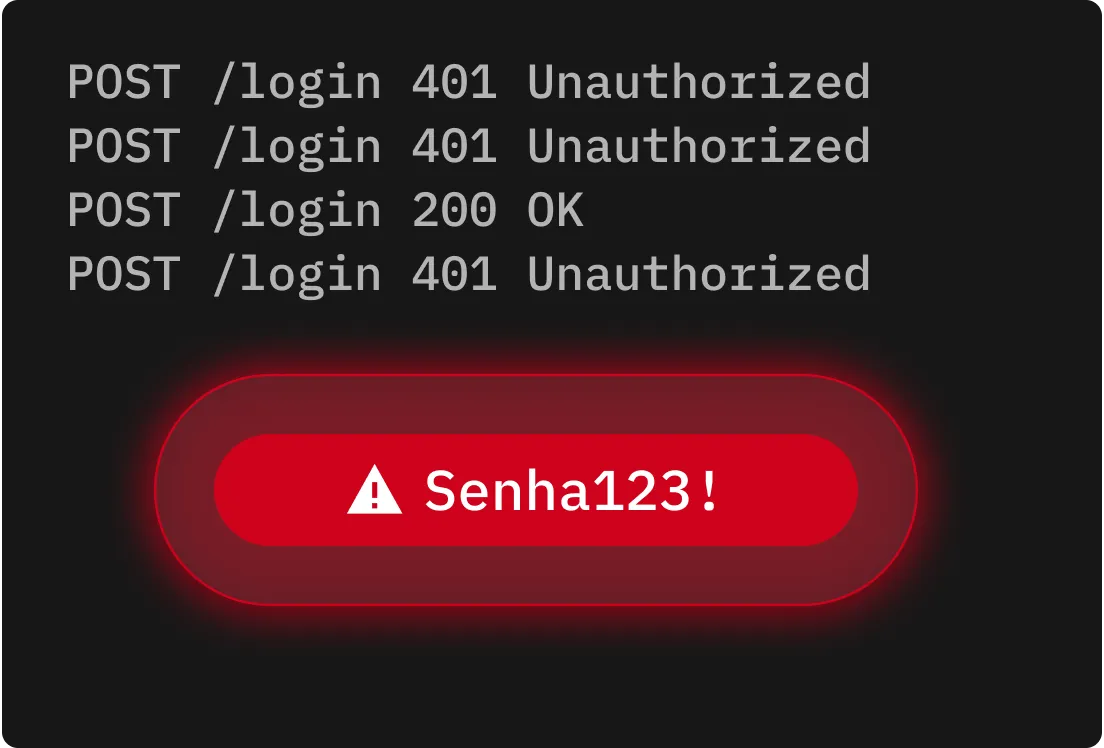
Ataques de força bruta reversos começam com uma única senha comum, como “123456”, e tentam combiná-la com milhares de nomes de usuário. Isso explora a prevalência de senhas fracas ou comuns para aumentar a chance de um login bem-sucedido.
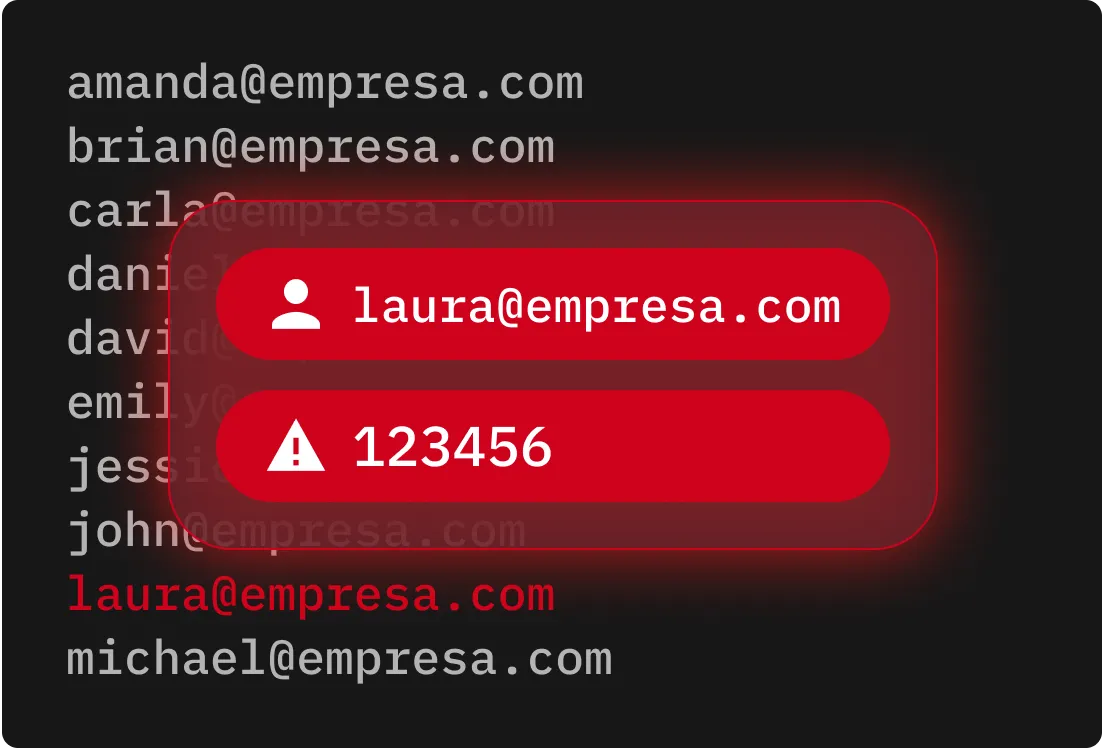
A pulverização de senhas tem como alvo muitas contas usando um pequeno conjunto de senhas comumente utilizadas. Ao limitar o número de tentativas de login por conta, criminosos cibernéticos conseguem evitar o acionamento de políticas de bloqueio e alertas de segurança.
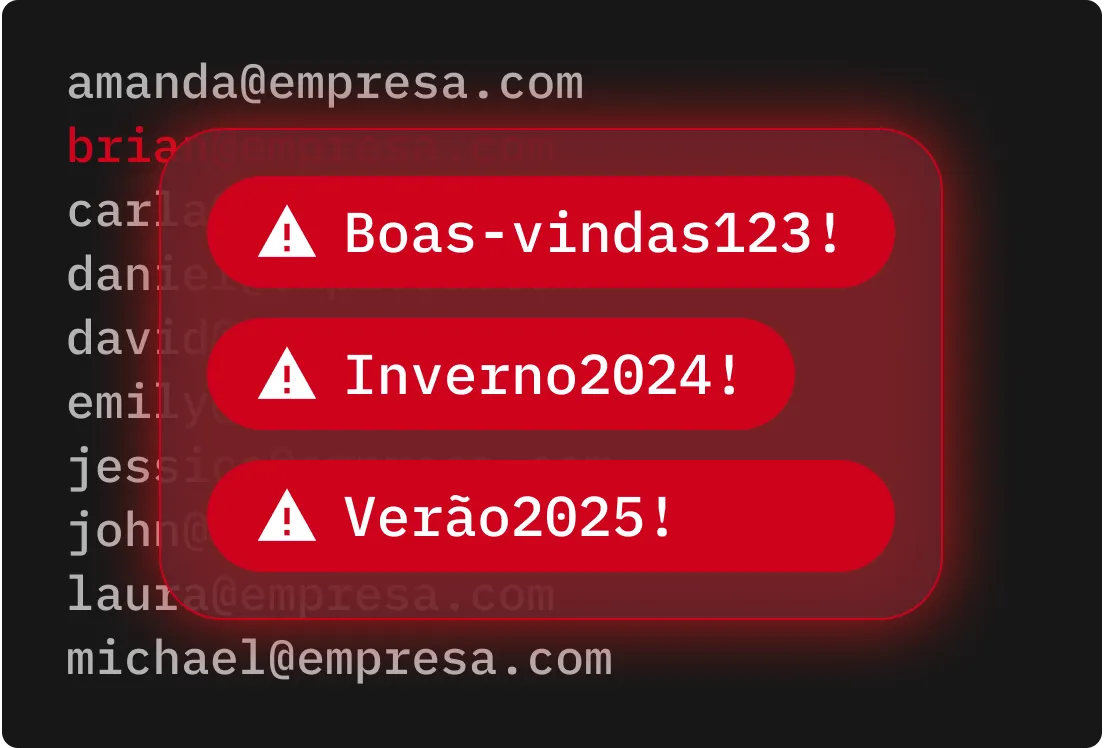
Ataques de força bruta exploram senhas fracas e reutilizadas, por isso proteger suas contas com senhas longas, complexas e frases secretas é essencial.
A MFA adiciona outra camada de proteção, pois, mesmo que uma senha seja comprometida, um criminoso cibernético não conseguirá acessar a conta sem o segundo fator.
Soluções de segurança podem detectar anomalias comportamentais e acionar alertas em tempo real quando ocorre atividade suspeita de login, interrompendo ataques de força bruta antes que as contas sejam comprometidas.
Contas órfãs ou esquecidas são valiosas para criminosos cibernéticos, o que torna fundamental auditar todas as contas e remover as inativas. Aplique o acesso de menor privilégio para reduzir o risco de exploração de contas com privilégios excessivos.
Armazene senhas e dados de autenticação em formatos criptografados, tanto em trânsito quanto em repouso, para impedir que criminosos cibernéticos explorem credenciais expostas. Mesmo que criminosos cibernéticos obtenham acesso a dados armazenados, a criptografia os torna inutilizáveis e protegidos.
A implementação de bloqueios de conta reduz tentativas repetidas de login malsucedidas, tornando ataques de força bruta mais difíceis de executar e mais fáceis de detectar.
O Keeper impede ataques de força bruta ao substituir senhas fracas e reutilizadas por senhas fortes e exclusivas para cada conta. Com suporte a MFA e monitoramento avançado, o Keeper evita acessos não autorizados e alerta administradores de TI sobre atividades suspeitas em tempo real. Ao combinar criptografia de conhecimento zero com políticas de execução, o Keeper ajuda pessoas e organizações a prevenir ataques de força bruta antes que eles se transformem em violações de dados de grande escala.

É preciso ativar cookies para usar o Bate-papo em tempo real.