What is KeeperDB?
KeeperDB is a built-in database management interface that lets privileged users securely access, query and manage databases directly from the Keeper Vault.
機能: KeeperDB
KeeperDB replaces legacy unmanaged database tools with secure, audited access directly from the Keeper Vault.
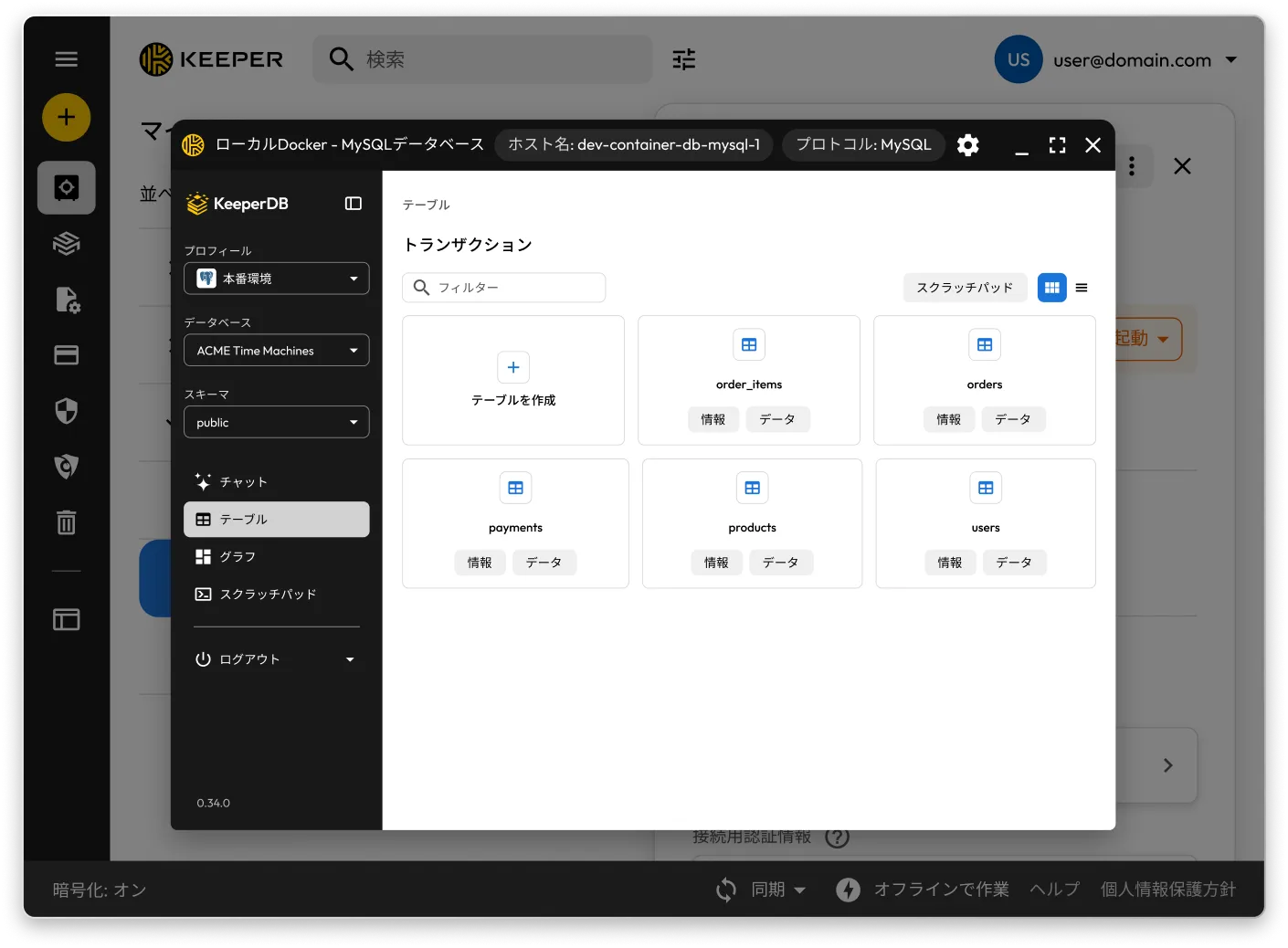
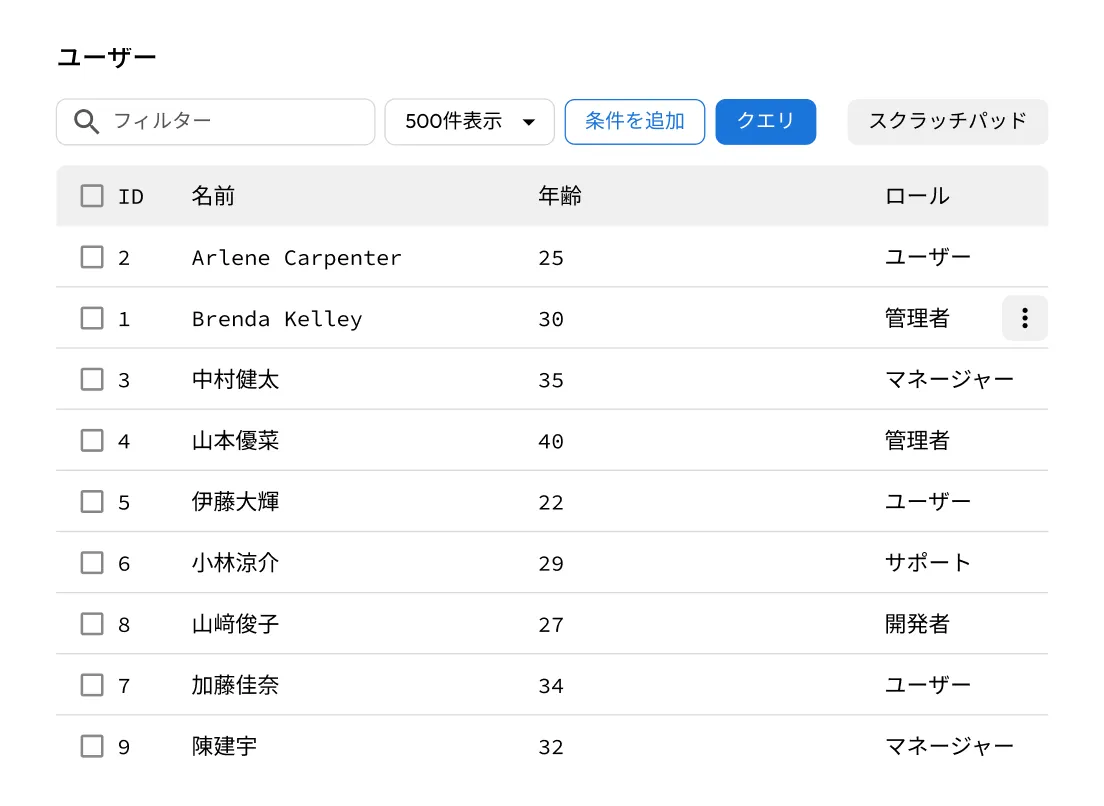
KeeperDB is a built-in database management interface that lets privileged users securely access, query and manage databases directly from the Keeper Vault.
Users can launch KeeperDB's visual interface directly from a Keeper Vault PAM Database resource record.
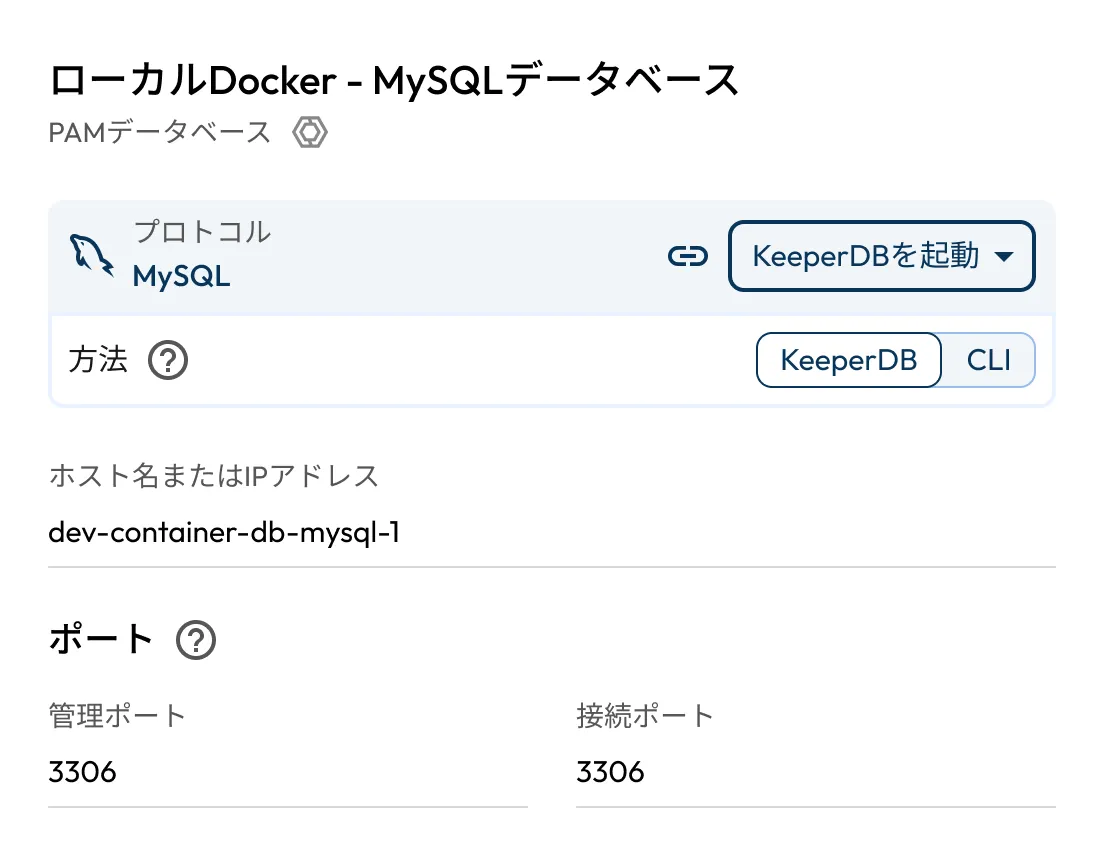
KeeperDB is fully contained within Keeper Remote Browser Isolation. No credentials are stored or exposed on user devices, and all activity is recorded.
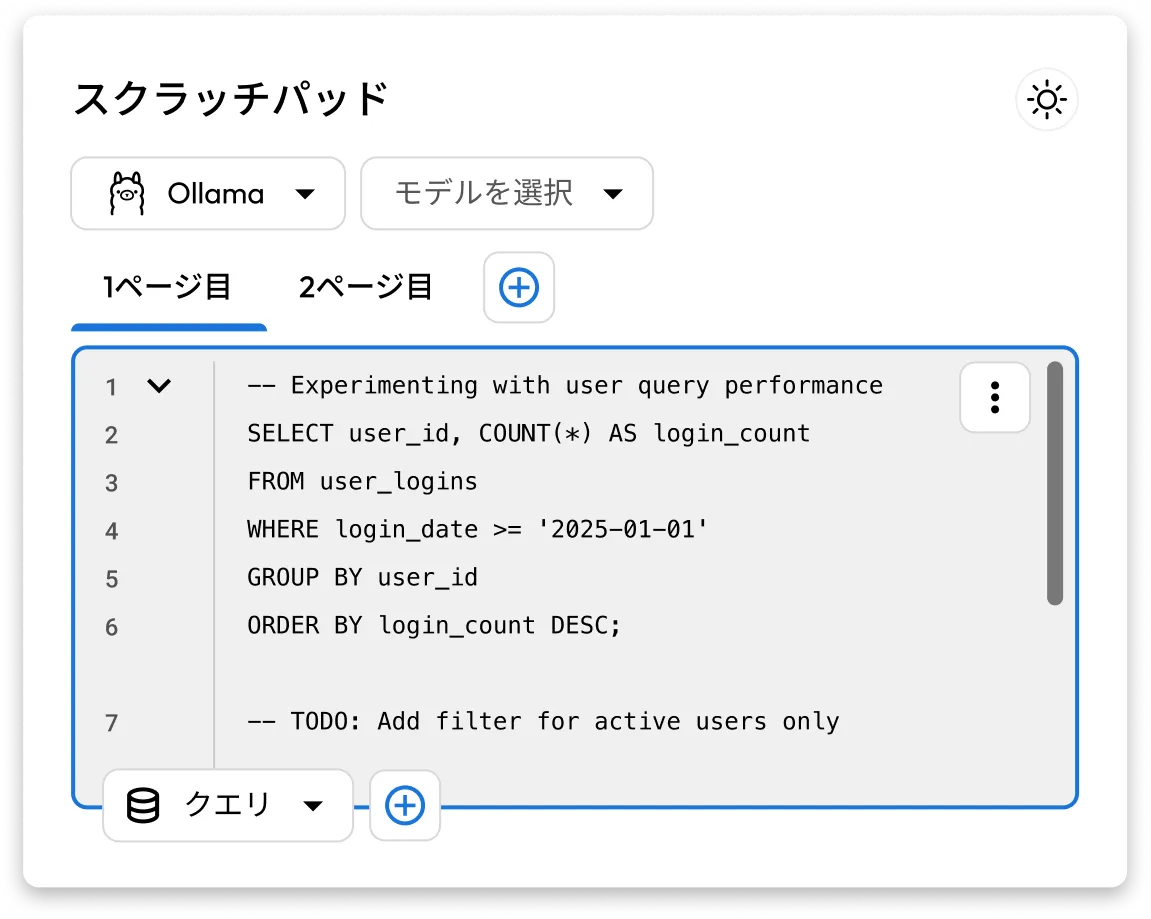
Interact with the most popular database protocols through a unified interface for querying data, drafting and refining SQL in a scratchpad, and leveraging autocomplete and KeeperAI chat to work faster and more efficiently.
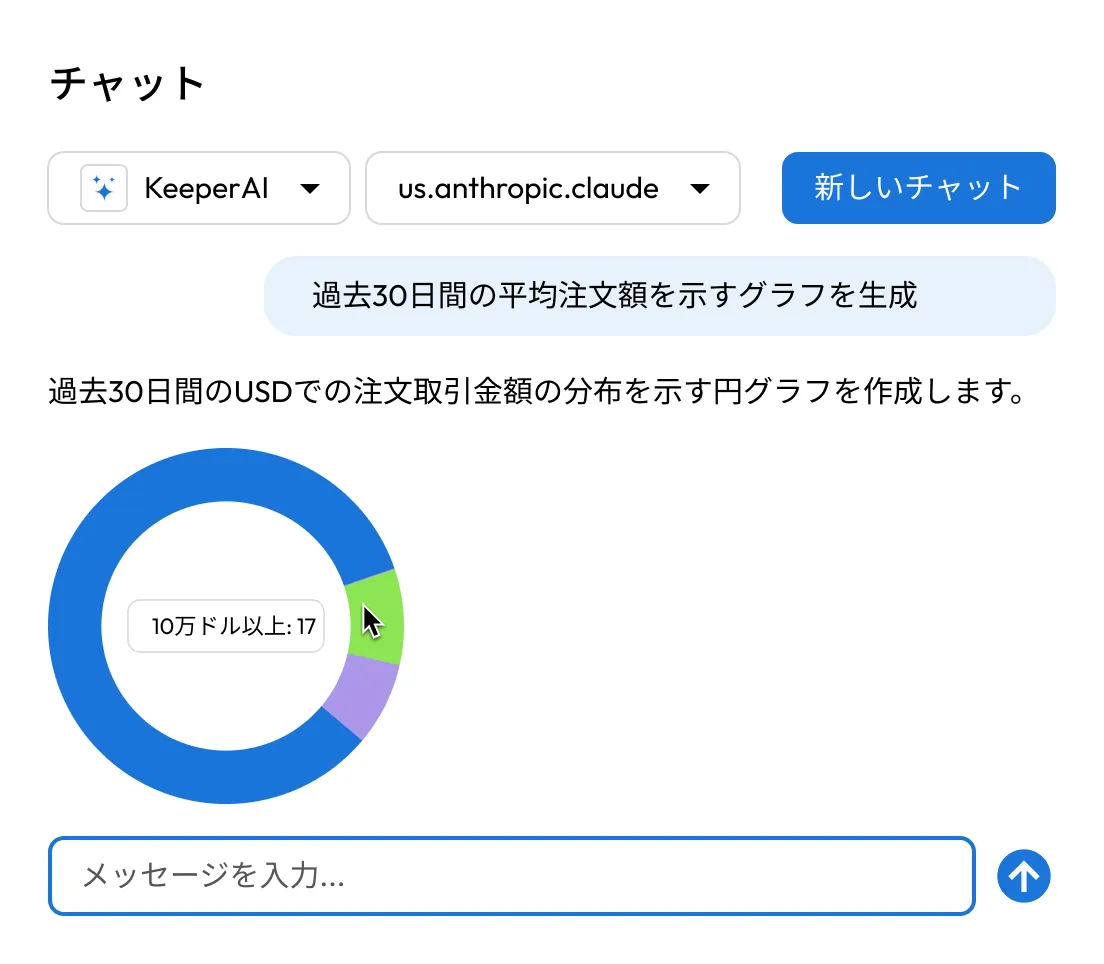
KeeperAI provides an isolated and safe way to work with data. Users can ask questions in natural language, generate and refine SQL and turn results into charts or summaries directly from the vault.
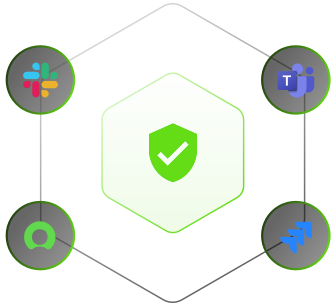
Request and approve access with ephemeral accounts that have time-limited access from popular platforms such as Slack, Jira, ServiceNow and Teams.
KeeperDB provides an alternative to CLI and legacy tools with a modern, visual database interface. Users can explore tables, run queries and interact with data sources with ease.
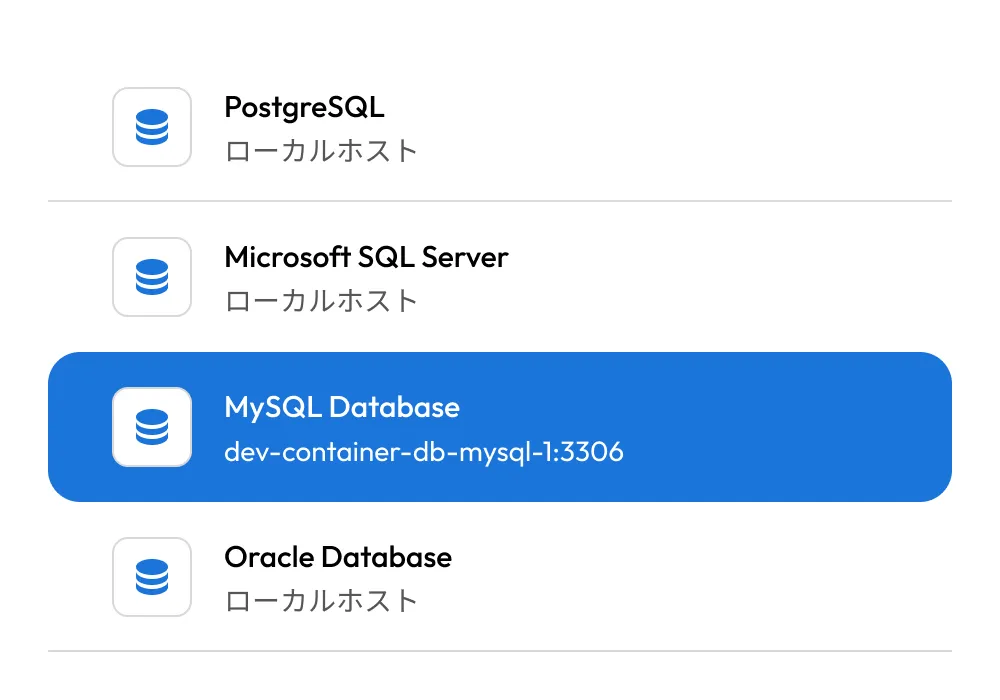
Database credentials are never shared or stored on user devices. All activity is passwordless, zero-trust and fully recorded, with policies to protect against data exfiltration.
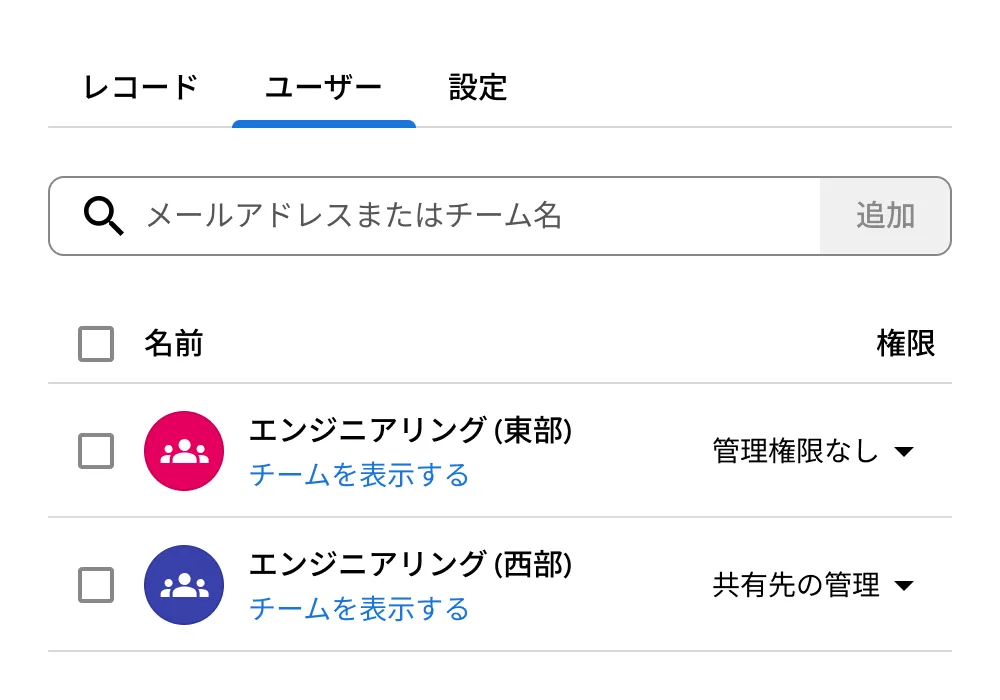
Users access databases directly from the Keeper Vault in any web browser. No VPNs, desktop tools or local setup required.
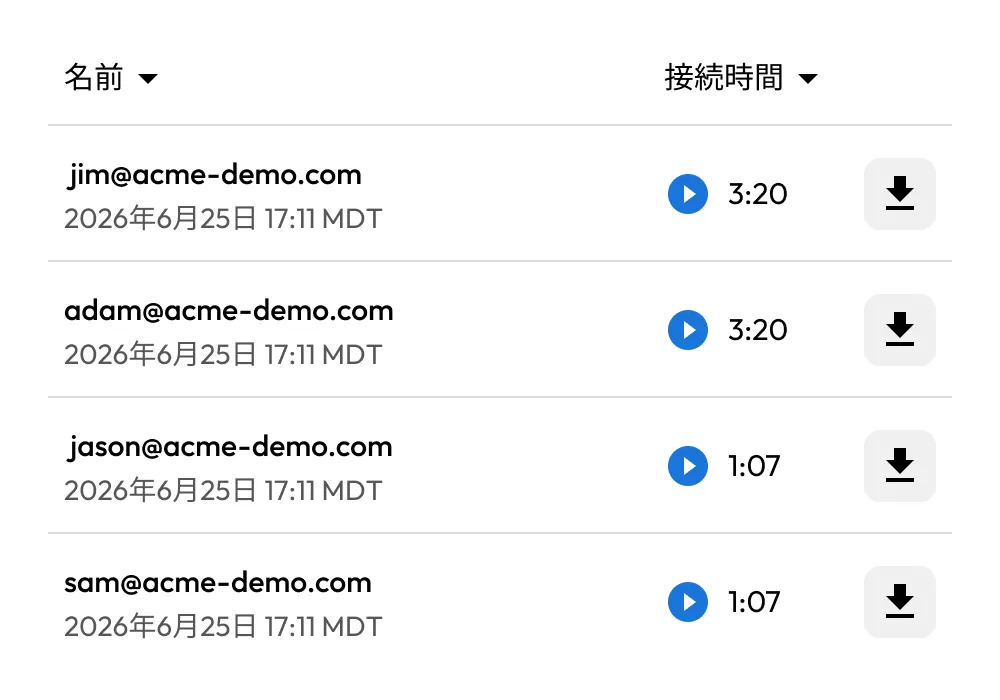
KeeperDB turns database access into a fully auditable process, with session recording, detailed logs and consistent oversight.

Manage production and staging databases with zero-trust, passwordless access. All activity is fully screen recorded and governed by centralized policies, with no local credentials or unmanaged tools.

Grant short-lived, tightly scoped access to internal or customer databases for troubleshooting. Read-only permissions, full session recording and exfiltration controls protect sensitive data.

Enforce strict database access controls across regulated industries such as finance and healthcare. All access is logged, recorded and centrally governed without scattering tools or credentials across endpoints.
KeeperDB can replace many common database tools used for day-to-day access, querying and troubleshooting, such as MySQL Workbench, DBeaver and SQL Server Management Studio, especially when security, auditing and access control are required.
While some teams may still use specialized tools for advanced workflows, KeeperDB consolidates secure database access into the Keeper Vault, eliminating the need for unmanaged desktop tools, shared credentials and blind spots.
Traditional database tools expose credentials locally and offer little visibility into user activity. KeeperDB provides passwordless access, enforces centralized policies and records every session.
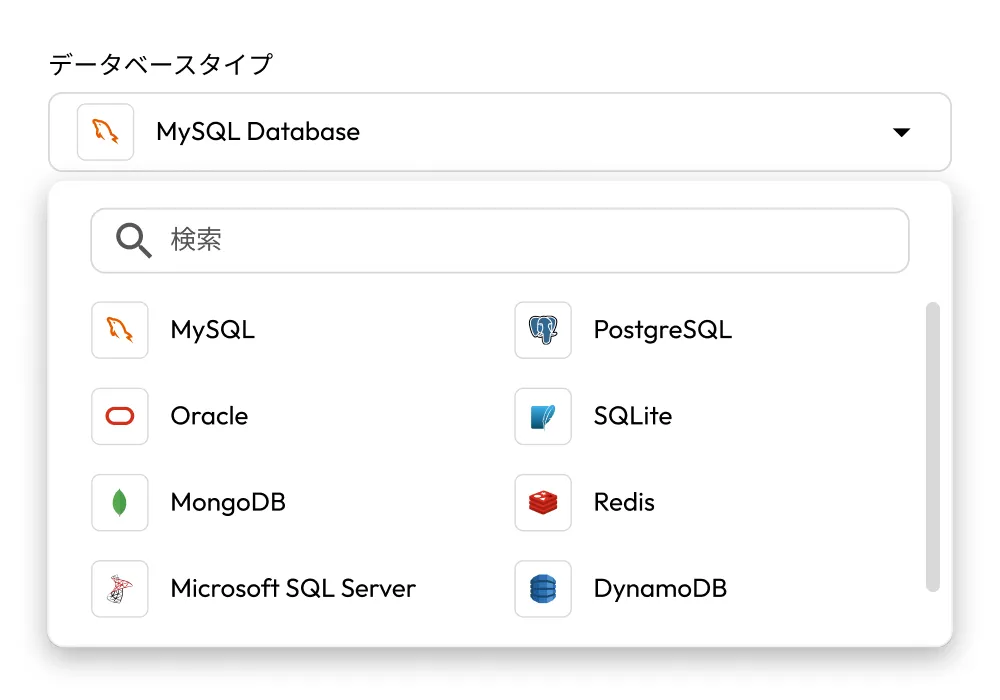
Yes, KeeperDB supports major database platforms, including MySQL, PostgreSQL and Microsoft SQL Server, with a consistent interface and policy model across all connections.
KeeperDB has full functional parity with CLI database access. Everything possible in the CLI is also supported in KeeperDB, with enhanced UI capabilities.
Yes, KeeperPAM supports a "Tunnel" feature which allows users to use a locally installed database application such as MySQL Workbench. Queries are securely proxied and session recorded through the Keeper platform without having to share credentials.
Yes, administrators can grant short-lived access, enforce read-only sessions and control data movement such as exports or imports.

チャットサポートを利用する場合、Cookie を有効にしてください。