Cyber Threat: Ransomware Attack

Defend against ransomware attacks

3D red padlock with a dollar symbol, representing financial data security, set against a dark digital background.
63%

Organizations refused to pay a ransom in 2025

IBM

1.3 million

Ransomware attacks targeted American organizations in 2024

Statista

$12.4 million

In estimated losses due to ransomware attacks in 2024

FBI IC3

Was ist ein Ransomware-Angriff?

Was ist ein Ransomware-Angriff?

Ransomware is a type of malware that encrypts data and holds systems hostage until a ransom is paid. Cybercriminals generally demand payment in cryptocurrency in exchange for a decryption key. However, paying the ransom does not guarantee that cybercriminals will fulfill their promise to return your data. The FBI advises against paying since it doesn't guarantee data recovery and can lead to future cyber attacks or legal violations.

Even if access is restored, sensitive data may still be sold on the dark web. In many instances, ransomware victims may receive defective decryption keys, face additional demands or become targets of future cyber attacks.

No matter how big or small an organization is, ransomware attacks have severe consequences, including financial losses, operational disruptions, reputational damage and data breaches.

Wie funktionieren ransomware-angriffe?

Infection

Schritt 1: Infection

Cybercriminals infect systems through phishing emails, malicious attachments or by exploiting security vulnerabilities like stolen credentials. They often move laterally through the network before launching the attack to maximize damage.

Verschlüsselung

Schritt 2: Verschlüsselung

Once inside, cybercriminals locate valuable data and encrypt files using military-grade algorithms. They may disable security tools, delete backups and compromise additional systems.

Ransom demand

Schritt 3: Ransom demand

Files are locked and a ransom demand is delivered with a short deadline requiring a substantial payment in cryptocurrency - coupled with a threat to sell, leak or delete your sensitive data.

Five most common types of ransomware attacks

Crypto-ransomware

Crypto ransomware encrypts files using strong encryption algorithms and demands cryptocurrency in exchange for a decryption key. It blocks access to sensitive data and disrupts operations, with no guarantee of full data recovery even if the ransom is paid.

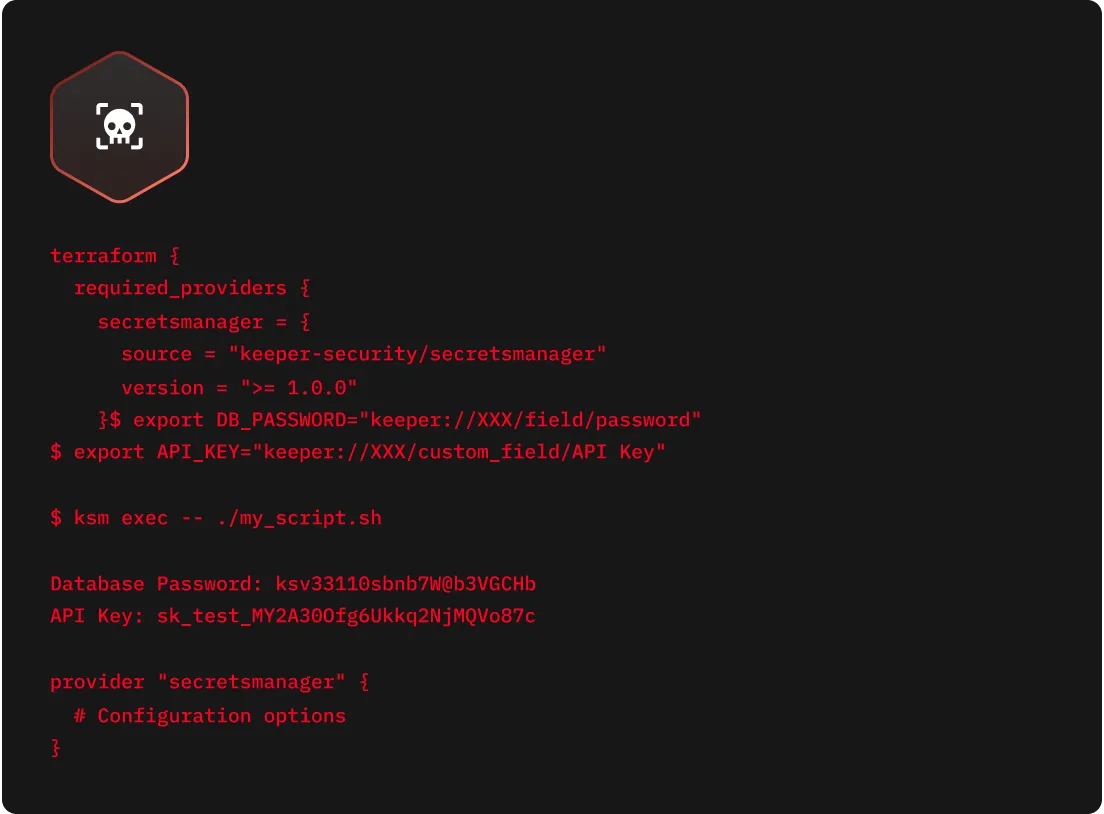
Image showing computer code with a red overlay and skull icon, representing a cryptoransomware attack.

Locker-ransomware

Unlike crypto ransomware, which encrypts individual files, locker ransomware locks users out of their entire device or system. It often displays a fake law enforcement message to scare victims into paying the ransom. This type of ransomware stops productivity completely until the system is restored.

Image of a computer screen with red folders and a central red overlay showing a locked file and malware icon, representing a locker ransomware attack.

Double extortion ransomware

In a double extortion ransomware attack, the cybercriminal extracts sensitive data and then encrypts it, demanding payment not only for decryption but also to stop the data from being leaked. Even if the ransom is paid, the data may still be exposed or sold on the dark web.

Image showing computer code with a red overlay featuring a credit card icon and skull symbol, representing a double extortion ransomware attack that steals and encrypts data.

Triple extortion ransomware

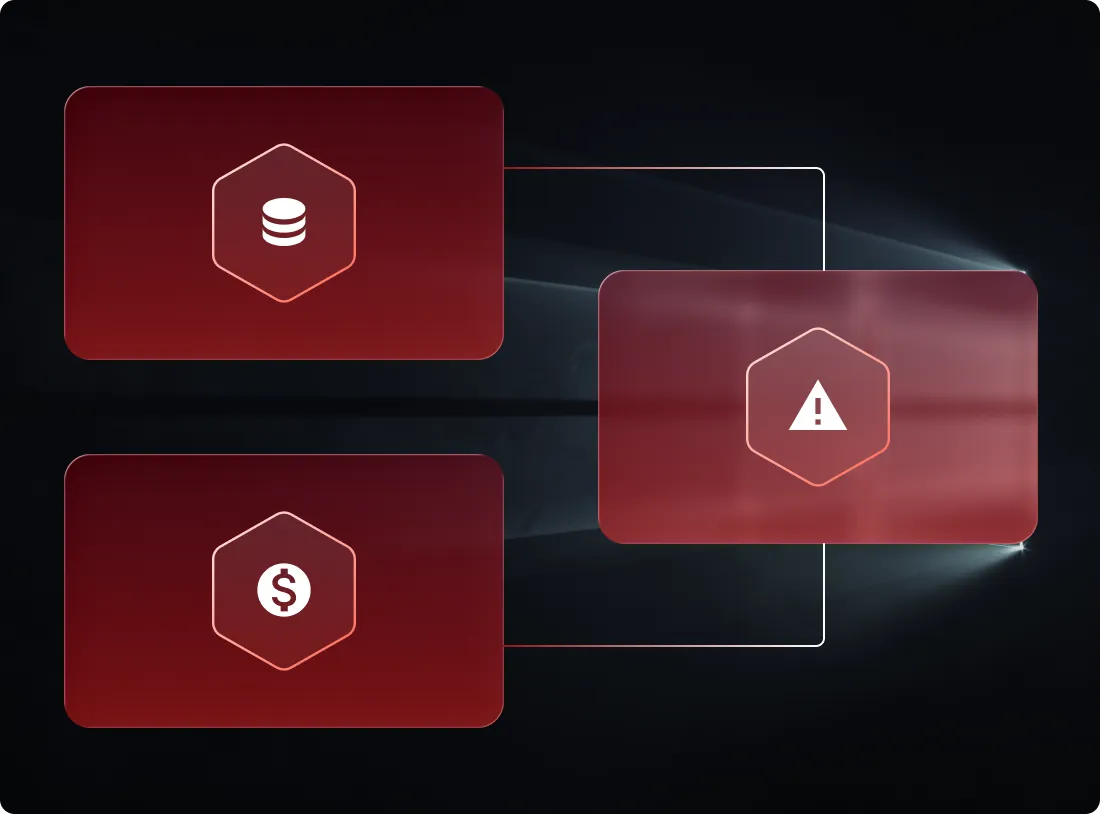
Triple extortion ransomware builds on double extortion ransomware by adding another layer of pressure. The cybercriminal steals sensitive data, encrypts it and launches additional cyber attacks, such as Distributed Denial-of-Service (DDoS) attacks or threats made to clients — amplifying business disruption and reputational damage.

Diagram with red panels showing data, money, and warning icons, representing a triple extortion ransomware attack involving data theft, financial demand, and additional threats.

Ransomware-as-a-Service (RaaS)

RaaS makes ransomware accessible to less-skilled cybercriminals by offering it as a paid service. Affiliate cybercriminals launch the actual attacks, while the developers who create the ransomware take a portion of the paid ransom.

Image showing code with red text and a skull icon, representing ransomware-as-a-service (RaaS) where malicious actors use scripts and automation to deploy ransomware attacks.

Guide to removing ransomware

To remove ransomware, organizations must be careful and methodical to minimize the impact of any reputational damage and to restore operations safely.

Report the attack

Report the attack

Notify your organization's security teams and law enforcement if necessary. By reporting the ransomware attack early, authorities can help with coordinating remediation and handling legal compliance issues.

Isolate infected devices

Isolate infected devices

Disconnect affected computers or servers from the internet and network to prevent ransomware from spreading to other devices.

Reboot in safe mode

Reboot in safe mode

Although some types of ransomware can still function, most ransomware can be stopped by rebooting infected devices into safe mode. Doing this also gives you time to install trustworthy antivirus software.

Run antivirus software and restore systems

Run antivirus software and restore systems

Secure internal web-based applications, cloud apps and BYOD devices from malware, prevent data exfiltration and control browsing sessions with full auditing, session recording and password autofill.

Assess your backups

Assess your backups

Achieve zero standing standing privileges and enable Just-in-Time (JIT) access across all Windows, Linux and macOS endpoints, with optional approval workflows and MFA enforcement.

Attempt data recovery

Attempt data recovery

If possible, use legitimate decryption tools, such as those listed on No More Ransom, to unlock encrypted files. Avoid suspicious third-party tools that could make the situation worse by stealing or altering your data.

Wie können ransomware-angriffe verhindert werden?

Führen Sie regelmäßig Sicherungen Ihrer Daten durch

Frequent, automated backups are the most effective defense against ransomware. Make sure all backups are stored offline and tested regularly to ensure you can recover data without paying a ransom.

Train employees to spot phishing

Phishing emails are a common attack vector for cybercriminals to initiate ransomware attacks. Best practices include using simulated phishing tests, regular security training and strong cyber hygiene to help employees identify and report suspicious emails.

Keep software updated

Cybercriminals often exploit unpatched software vulnerabilities in operating systems, software or devices to gain access. Regularly apply security updates across all systems to stay protected and compliant with regulatory standards.

Darknet überwachen

Cybercriminals often sell employee credentials on the dark web. Tools like BreachWatch® alert IT teams in real time if company credentials have been exposed, so they can respond quickly and secure compromised accounts. Run a free dark web scan today to see if your company's credentials have been exposed.

Use a business password manager and Privileged Access Management (PAM) solution

Cybercriminals often take advantage of compromised, weak or reused passwords to gain unauthorized access. A business password manager like Keeper® helps enforce strong and unique passwords, supports Multi-Factor Authentication (MFA) and reduces the risk of password-based cyber attacks. For privileged accounts and critical systems, use a PAM solution like KeeperPAM® for full visibility over who has access to sensitive data and what they can do with that access.

Protect your business from ransomware with Keeper

Jetzt kaufen