The best password manager made just for you
Easily create and store your passwords and passkeys in a secure personal password manager that you can access from anywhere, on any device.
Easily create and store your passwords and passkeys in a secure personal password manager that you can access from anywhere, on any device.
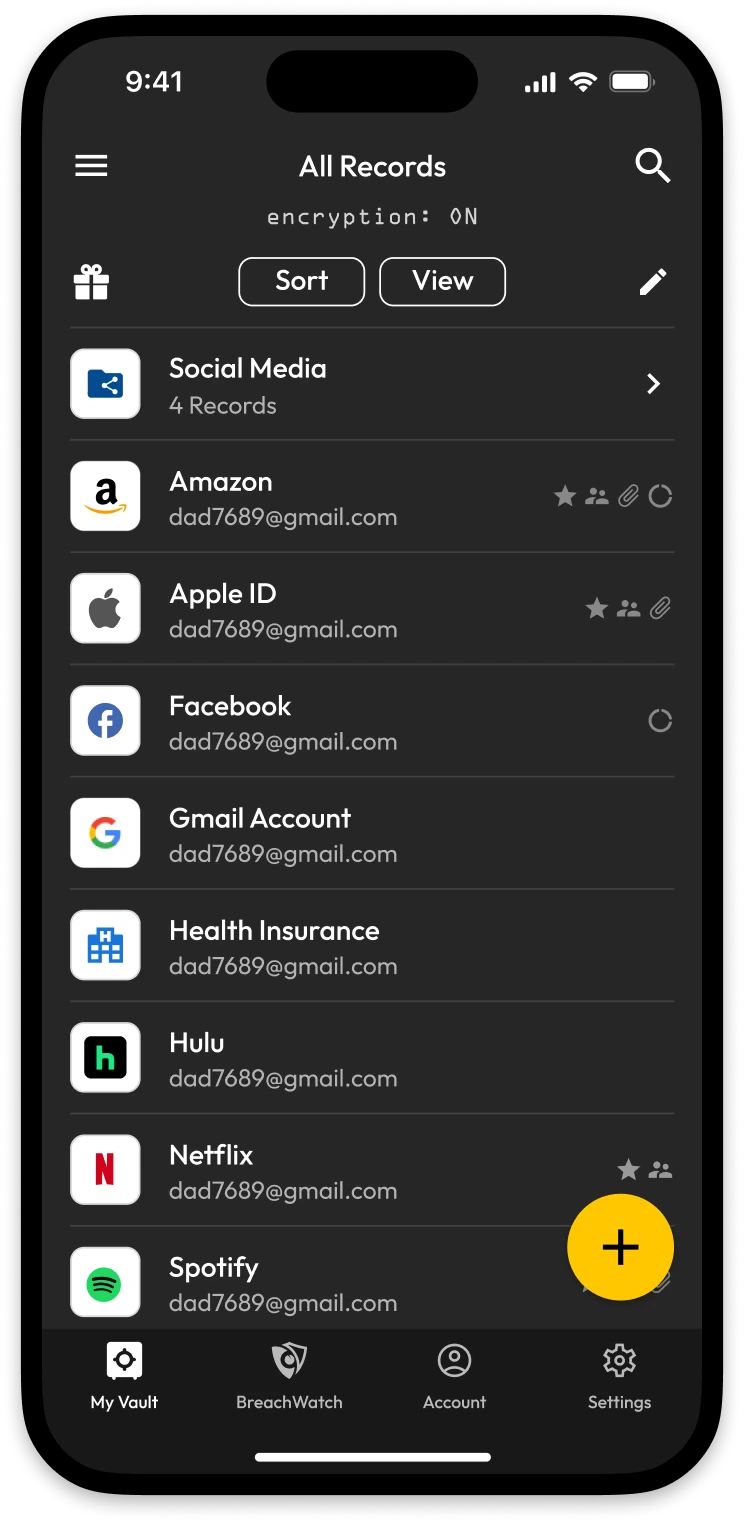

Tap once, and you're in. KeeperFill® automatically fills your username, password and 2FA code – on any app, any browser, any device. No typing, no copy-pasting, no frustration.
Never think of a password again. One click creates a strong, unique password and saves it instantly – so every account is protected without you having to remember a thing.
Your data is encrypted before it ever leaves your device. Not even Keeper can see your passwords. Zero-knowledge architecture means your vault belongs to you, and only you.
Need to share a Netflix login or a WiFi password? Send it securely with One-Time Share – no texting passwords, no sticky notes and it works even if the other person doesn't use Keeper.
Keep your two-factor codes right next to your passwords. Keeper fills both automatically, so logging in is one tap – not two apps.
Passkeys are the future of logging in – no passwords at all. Keeper stores and syncs them across all your devices, whether you're on iPhone, Android, Windows or Mac.
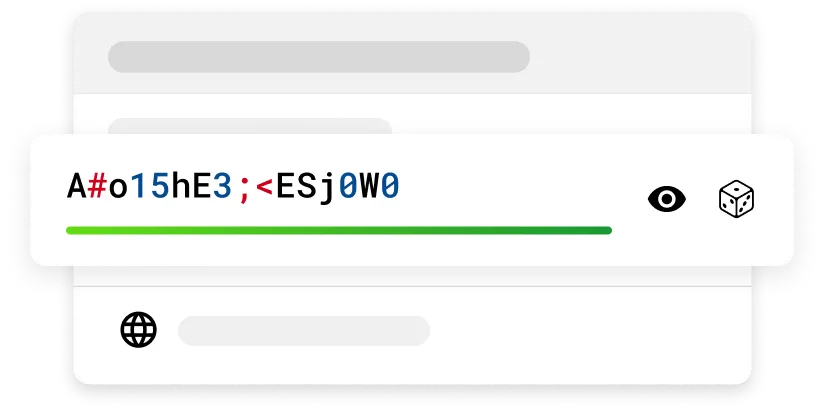
Use the built-in password generator to create strong and unique passwords.
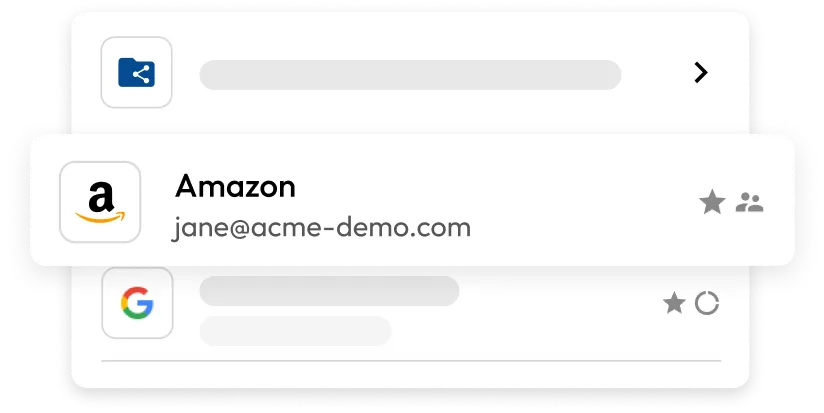
Once your passwords are created, store them in the Keeper Password Manager encrypted vault alongside your usernames and any other info. Create folders to keep them organized.
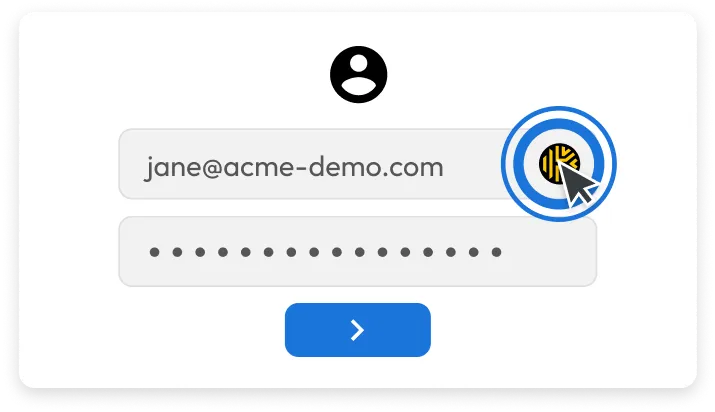
Use KeeperFill to autofill your credentials on any device the next time you log in to your account.
 Most Popular
Store more than just your passwords with the Secure File Storage add-on for images, passports, home deeds and other sensitive data.

Get notified in real-time if your stored credentials are found on the dark web with BreachWatch and take action immediately by changing your password.

Ensure maximum protection with unlimited one-on-one training and 24/7 support. Get guidance on installing and using Keeper, plus receive cybersecurity best practice tips.
You must accept cookies to use Live Chat.