
Cyber Threat: Password Spraying

What is password spraying?

Password spraying is a type of cyber attack in which a cybercriminal attempts to access multiple accounts by trying a small number of commonly used passwords across many usernames. Instead of repeatedly guessing passwords for a single online account, password spraying helps cybercriminals avoid account lockouts while exploiting weak, predictable or reused passwords.

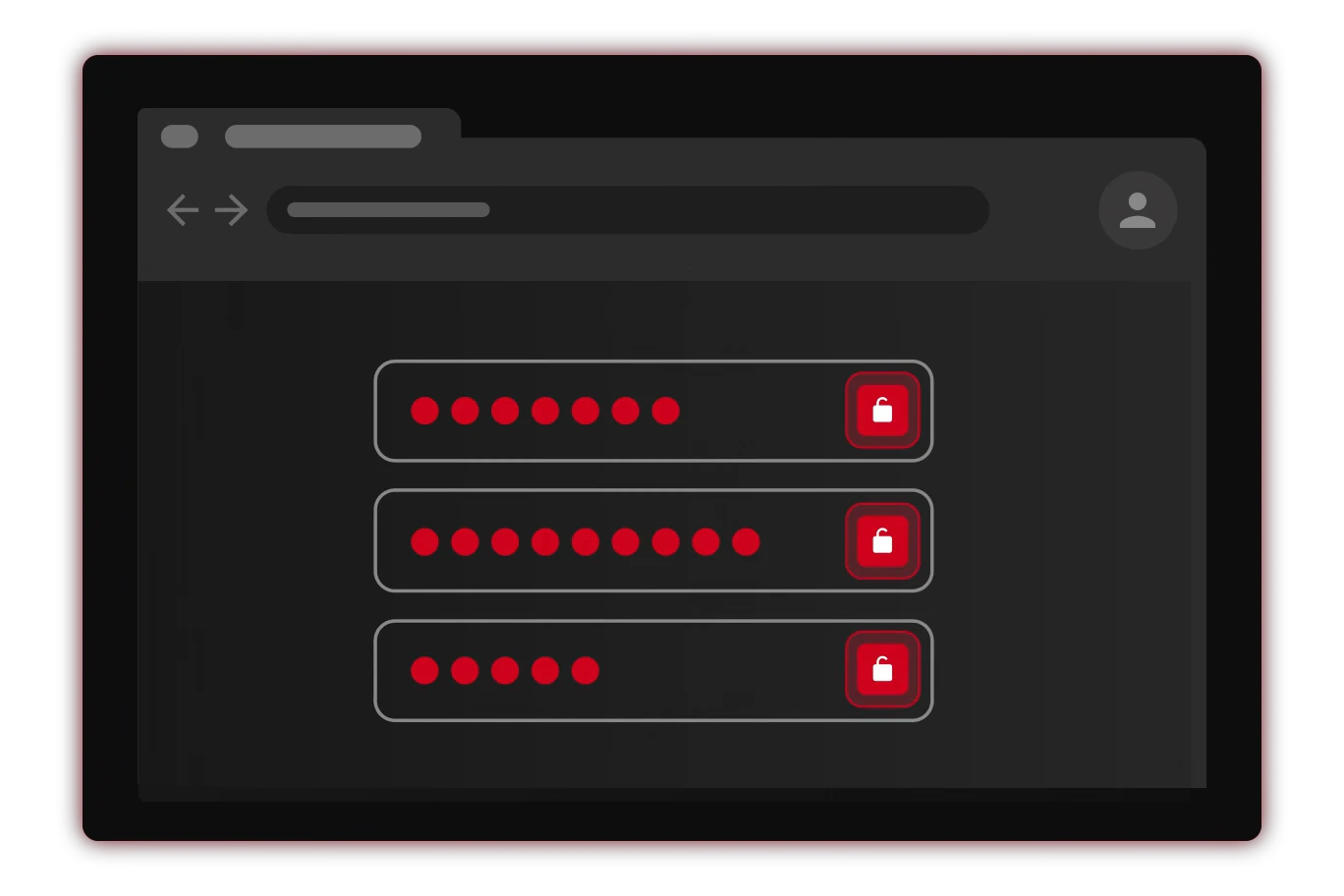
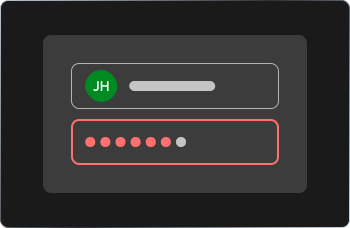
Keeper security graphic showing three password fields with red indicators and unlocked padlock icons.

How do password spraying attacks work?

1. Gather a list of usernames

Cybercriminals collect usernames from public sources, breached datasets or predictable naming conventions (such as firstname.lastname) to identify accounts worth targeting.

2. Gather a list of passwords

Cybercriminals compile a short list of popular or predictable passwords based on trends or prior data breaches to maximise success with minimal login attempts.

3. Attempt different combinations

Cybercriminals try one password at a time across various accounts to avoid detection and prevent accounts from being locked.

Why password spraying attacks are so effective

Password spraying attacks are effective because they take advantage of human behavior and security vulnerabilities instead of technical flaws. Since many people choose similar or predictable passwords, rely on weak passwords or lack enforced Multi-Factor Authentication (MFA), cybercriminals have easy ways to gain access with minimal effort and reduced risk of detection.

Signs of a password spraying attack

Suspicious login request patterns

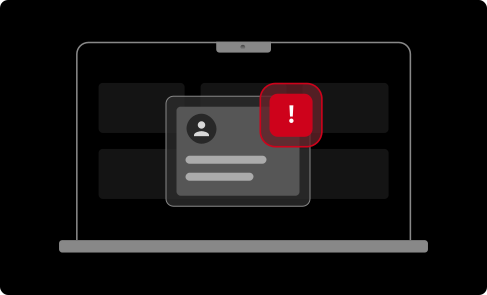
A low-and-slow pattern of login attempts across many accounts, typically using the same password, can indicate a password spraying attack.

Keeper security graphic showing a suspicious user profile pop-up with a red warning icon on a laptop. Keeper security graphic showing a suspicious user profile pop-up with a red warning icon on a laptop.

Repeated failed login attempts

Several failed login attempts across different accounts over an extended period are a common sign of password spraying.

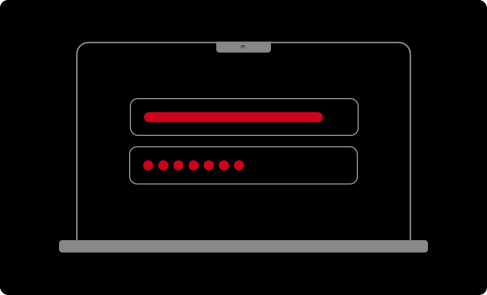
Keeper security graphic showing a login form with username and password fields highlighted in red on a laptop. Keeper security graphic showing a login form with username and password fields highlighted in red on a laptop.

Logins on inactive accounts

If a user receives successful login notifications for rarely used accounts, cybercriminals may have gained access using commonly chosen passwords.

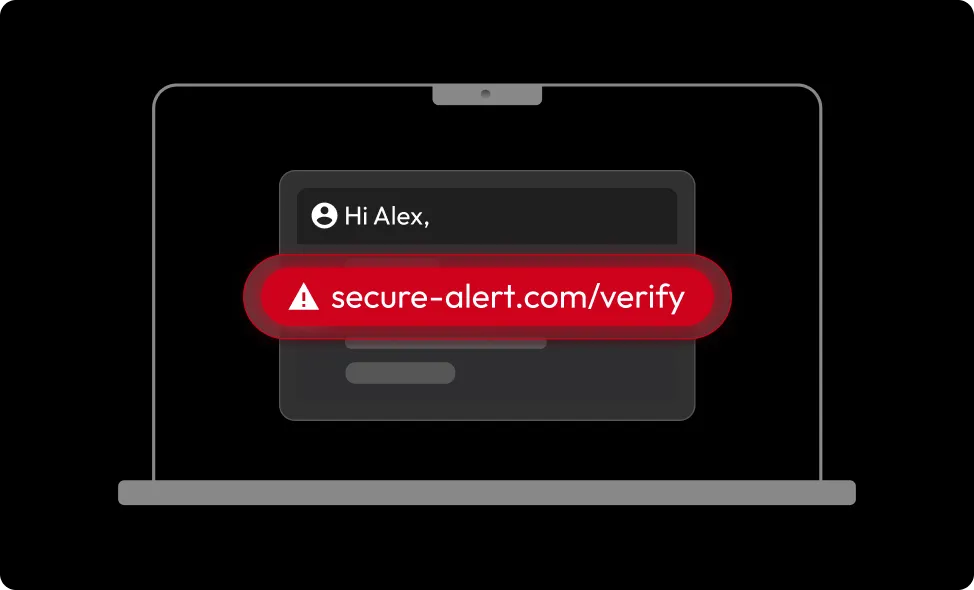
Keeper phishing protection graphic highlighting a suspicious verification link in a message on a laptop.

Password spraying attack examples

For individuals

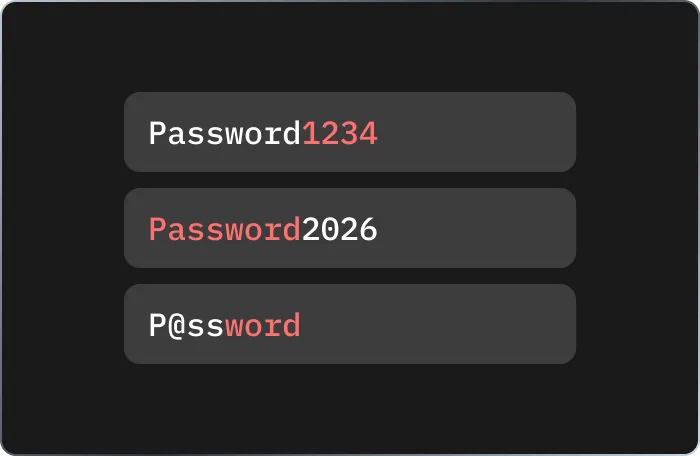
A cybercriminal may gather a list of email addresses from a public data breach or the dark web. With this list, they attempt to log in to online services using common passwords like "Password123" and successfully access accounts that use that weak password.

For organisations

A cybercriminal may target a company by testing a small set of commonly used passwords across employee email accounts. Once one works, the cybercriminal can gain access to an employee's inbox and use it to launch phishing attacks or attempt lateral movement within the organisation.

How to prevent password spraying

Use passkeys whenever possible

Eliminate the risks created by weak or reused passwords by using passkeys that are resistant to phishing and credential-based attacks when available.

Regularly monitor login activity

Review unusual login patterns, including distributed authentication failures across several accounts and logins from unfamiliar locations or devices.

Use a dark web monitoring tool

Dark web monitoring tools like BreachWatch® help detect exposed credentials linked to known breaches, allowing users to reset compromised passwords before they're exploited.

Throttle login attempts

Organisations should implement intelligent rate limiting and anomaly detection to slow down password spraying and increase the likelihood of detection without locking out the legitimate user.

Invest in a password manager

Password managers like Keeper® generate, store and manage strong, unique passwords, making it easy for individuals and businesses to avoid using weak or reused credentials.

Protect yourself and your employees from password spraying with Keeper

Withdraw Cookie ConsentWe value your privacy

We use cookies on our site to give you the best browsing experience, serve personalised ads about our products and content, and analyse website traffic. To learn more, please refer to our Privacy Policy.

Sign up for a Free Trial

Buy Now