
Feature: Keeper DNA
Secure your vault using smartwatch authentication with Keeper DNA
With Keeper DNA, verifying your identity is as simple as tapping your Apple or Android smartwatch — no codes, no app switching, no hassle.
Feature: Keeper DNA
With Keeper DNA, verifying your identity is as simple as tapping your Apple or Android smartwatch — no codes, no app switching, no hassle.
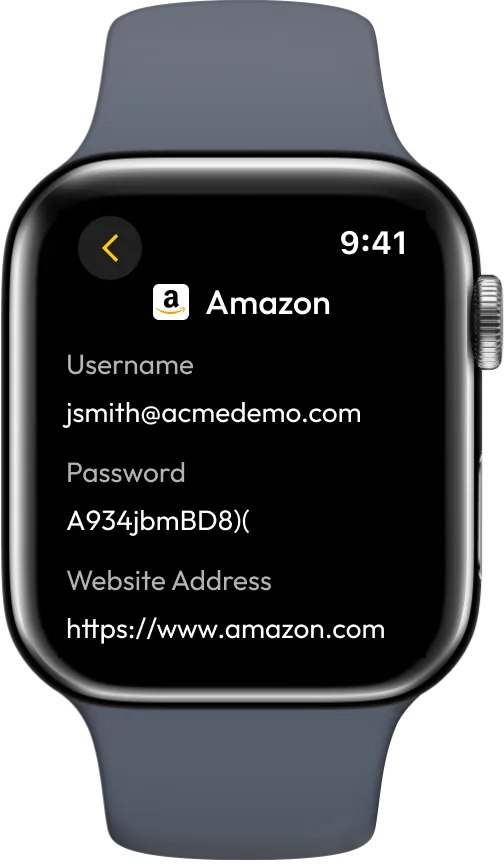
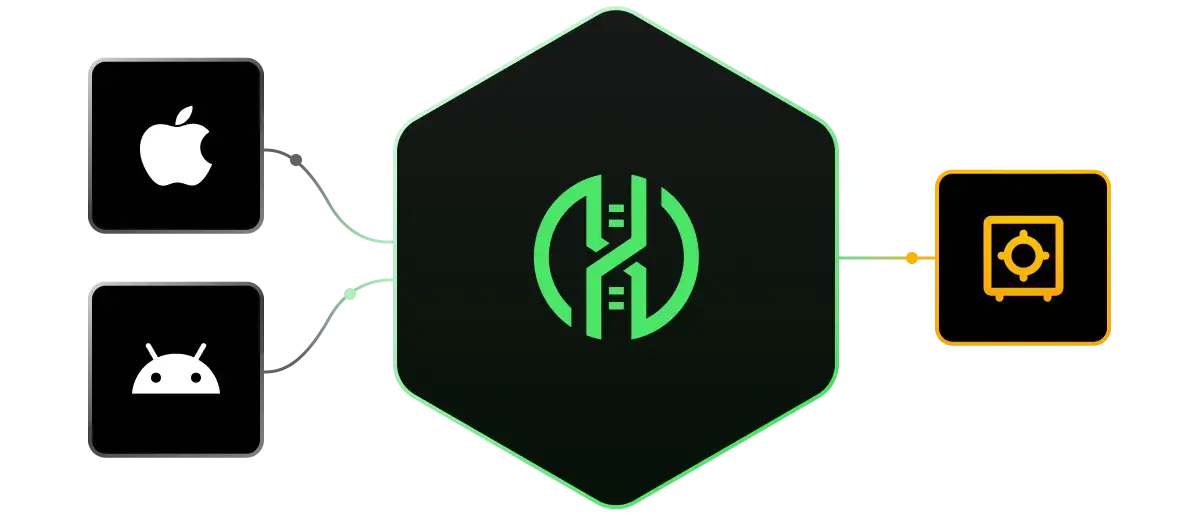
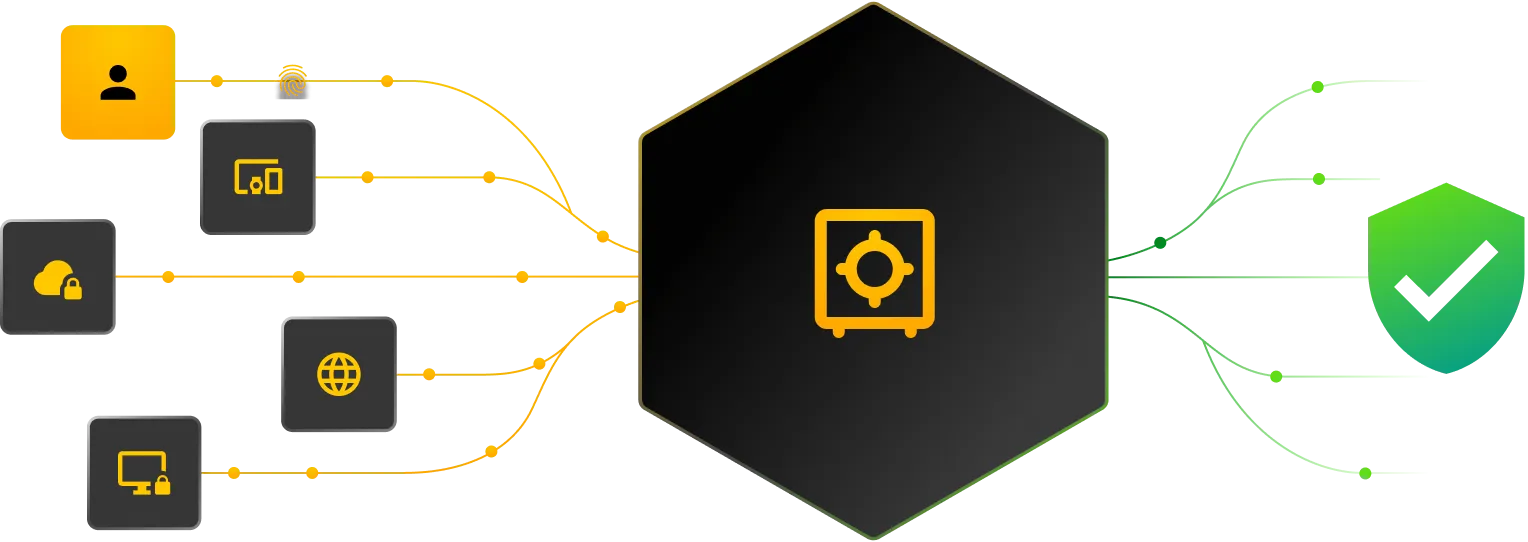
Keeper DNA is an advanced Two-Factor Authentication (2FA) method that leverages your smartwatch as a secure second factor. With support for Apple Watch and Android Wear, Keeper DNA delivers fast, seamless authentication for your Keeper Vault.
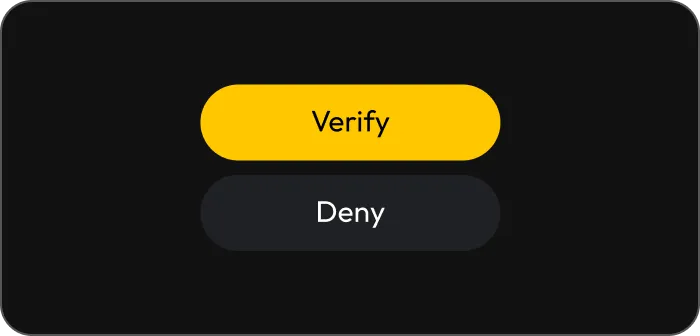
Keeper DNA replaces time-consuming 2FA codes with a quick tap on your smartwatch, making the login experience faster and more intuitive.
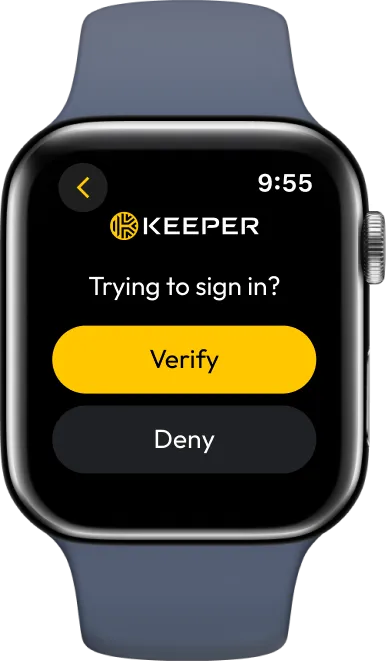
By requiring physical proximity and user interaction on a trusted device, Keeper DNA makes it significantly harder for attackers to bypass authentication.
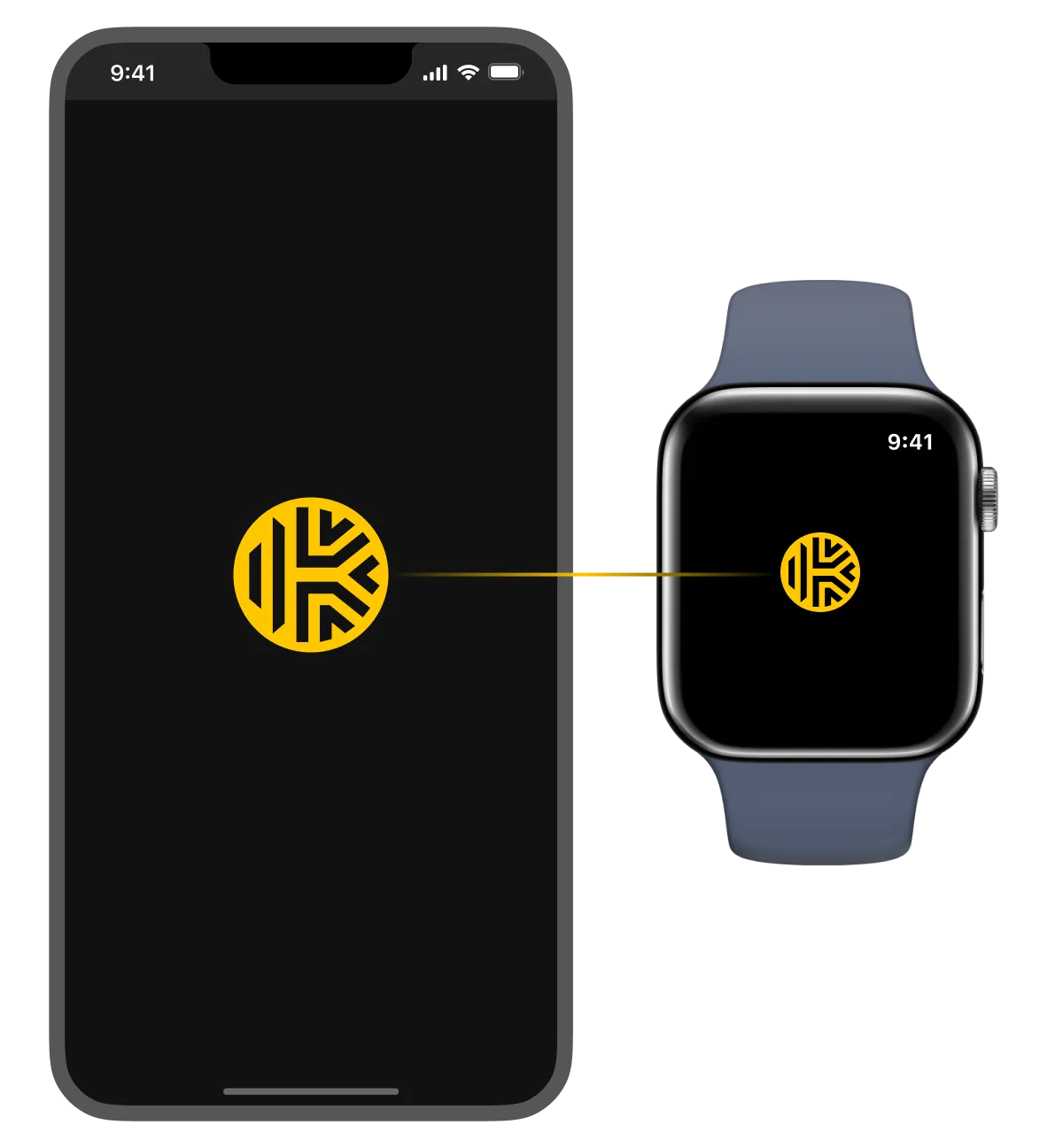
Keeper DNA eliminates push notifications and code fatigue by requiring users to actively verify logins from their smartwatch.
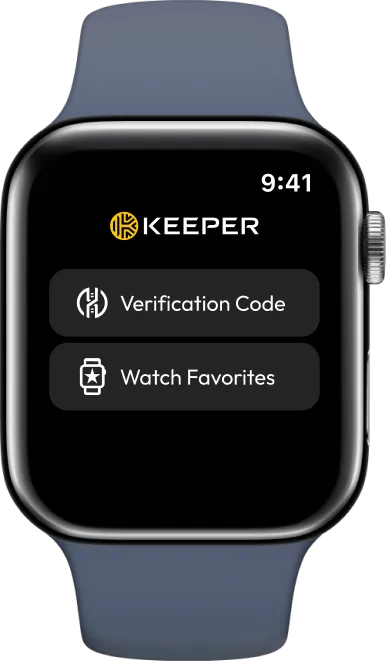
Like all Keeper features, Keeper DNA is powered by zero-knowledge encryption. Authentication data is stored and processed only on the user’s device, never by Keeper.
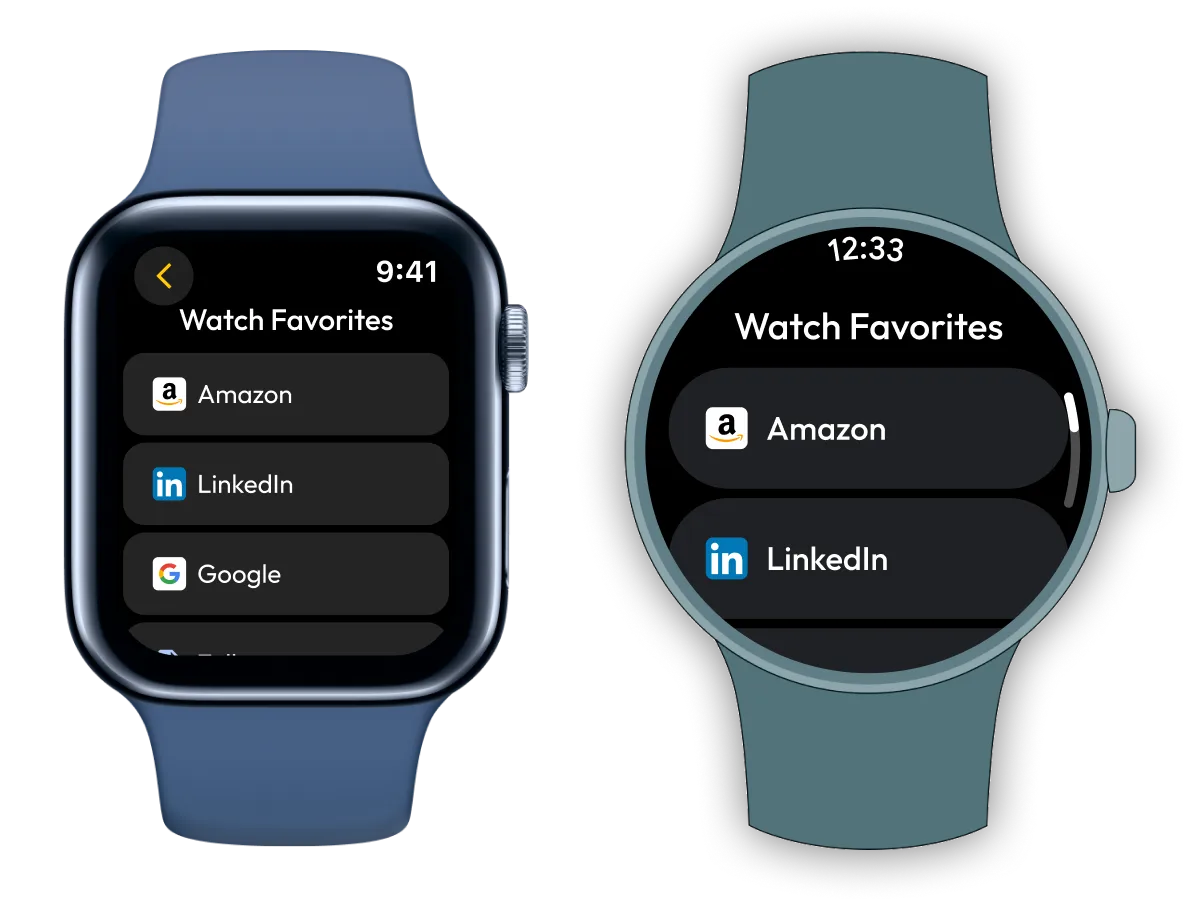
Watch Favorites gives you quick, secure access to selected vault records from your smartwatch. After setting up Keeper DNA, simply mark key items like logins or secure notes as favorites to view them on your Apple Watch or Android Wear device.
To set up Keeper DNA, log in to your Keeper Vault and go to Settings > Security, then select Edit under Two-Factor Authentication. Enable Keeper DNA as your 2FA method and follow the on-screen instructions to pair your Apple Watch or Android smartwatch. Once paired, you’ll be able to approve login requests with a tap on your watch.
Keeper DNA supports Apple Watch and Android smartwatches running Wear OS.
No, Keeper DNA is an optional 2FA method. You can use it alongside or instead of other methods like authenticator apps or hardware security keys.
Yes, you can configure multiple 2FA methods in your Keeper Vault and choose your preferred option at login.
If your smartwatch is unavailable, you can still access your vault using a backup 2FA method. We recommend setting up at least one alternative authentication method in advance. You can manage or revoke your paired smartwatch at any time from your Keeper settings.
You must accept cookies to use Live Chat.