
Feature: Personal dark web monitoring
Keeper BreachWatch® for personal use
BreachWatch continuously monitors the dark web for exposed credentials in your Keeper Vault while preserving Keeper's zero-knowledge architecture.
Feature: Personal dark web monitoring
BreachWatch continuously monitors the dark web for exposed credentials in your Keeper Vault while preserving Keeper's zero-knowledge architecture.
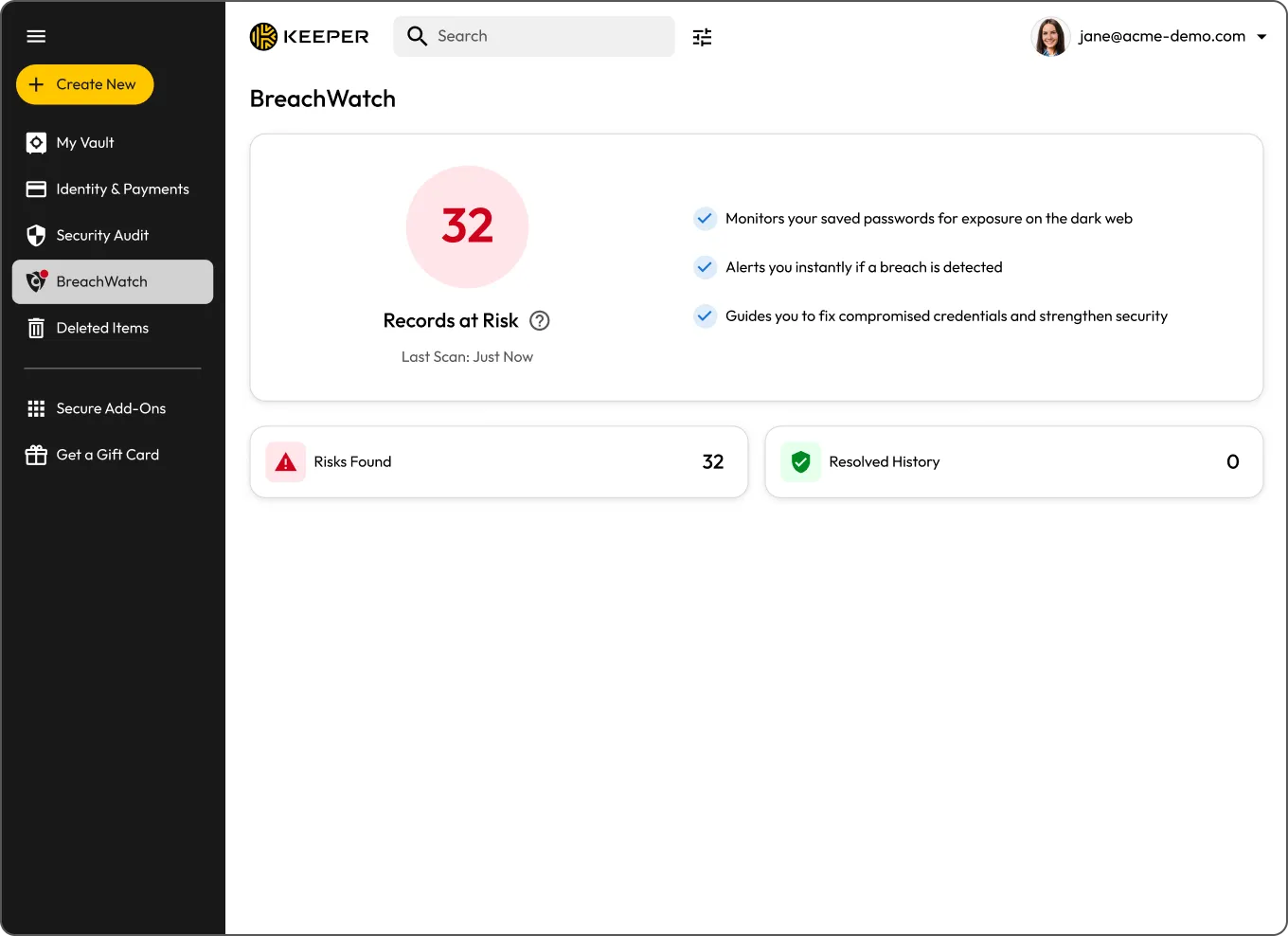
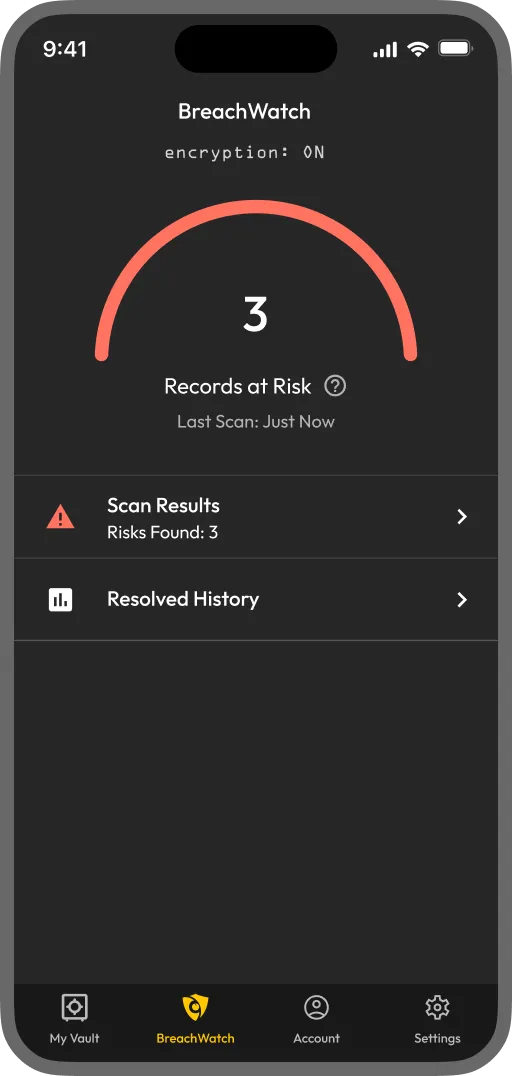
BreachWatch is an add-on that monitors the passwords stored in your Keeper Vault against known breach data and alerts you if one of your credentials is found in a breach. It runs continuously in the background, so you don't have to remember to check.

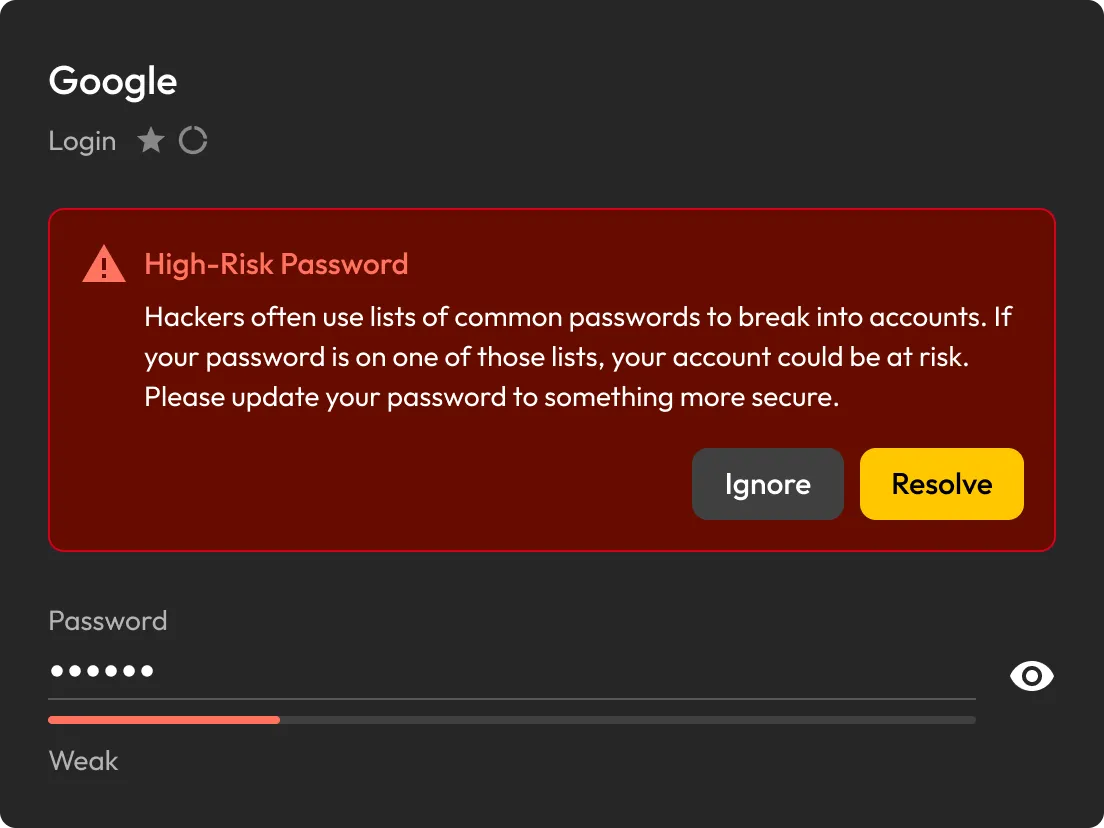
BreachWatch continuously scans the passwords stored in your Keeper Vault against known breach data and alerts you as soon as a match is detected.
If BreachWatch detects a compromised password, you can identify the affected record and review what needs to be updated.
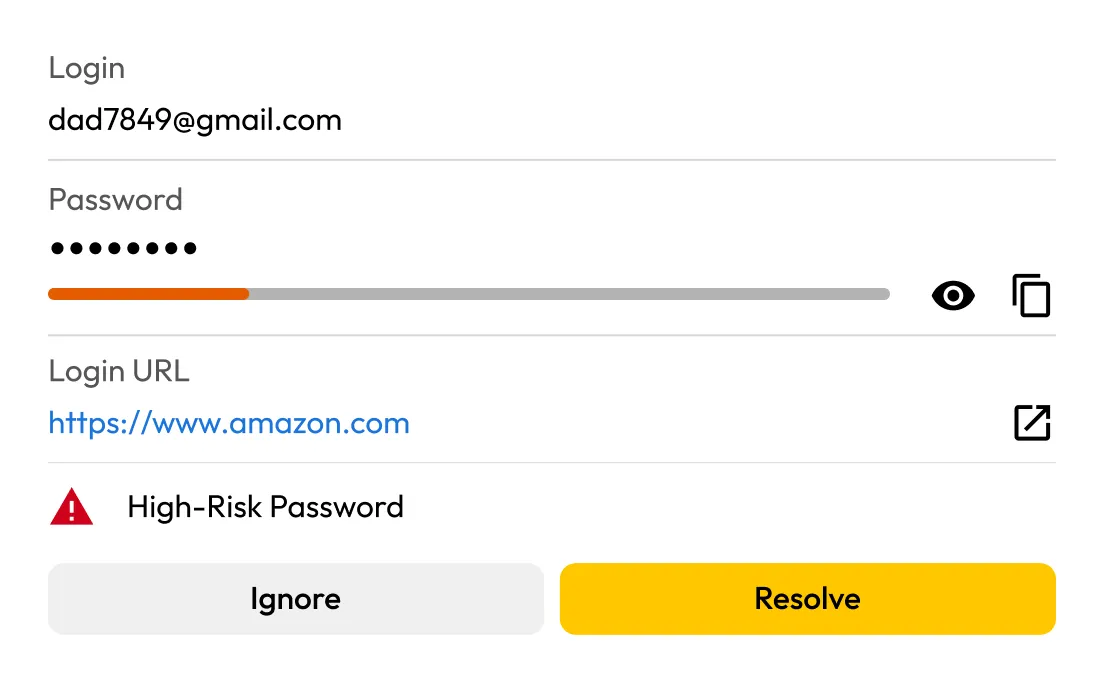
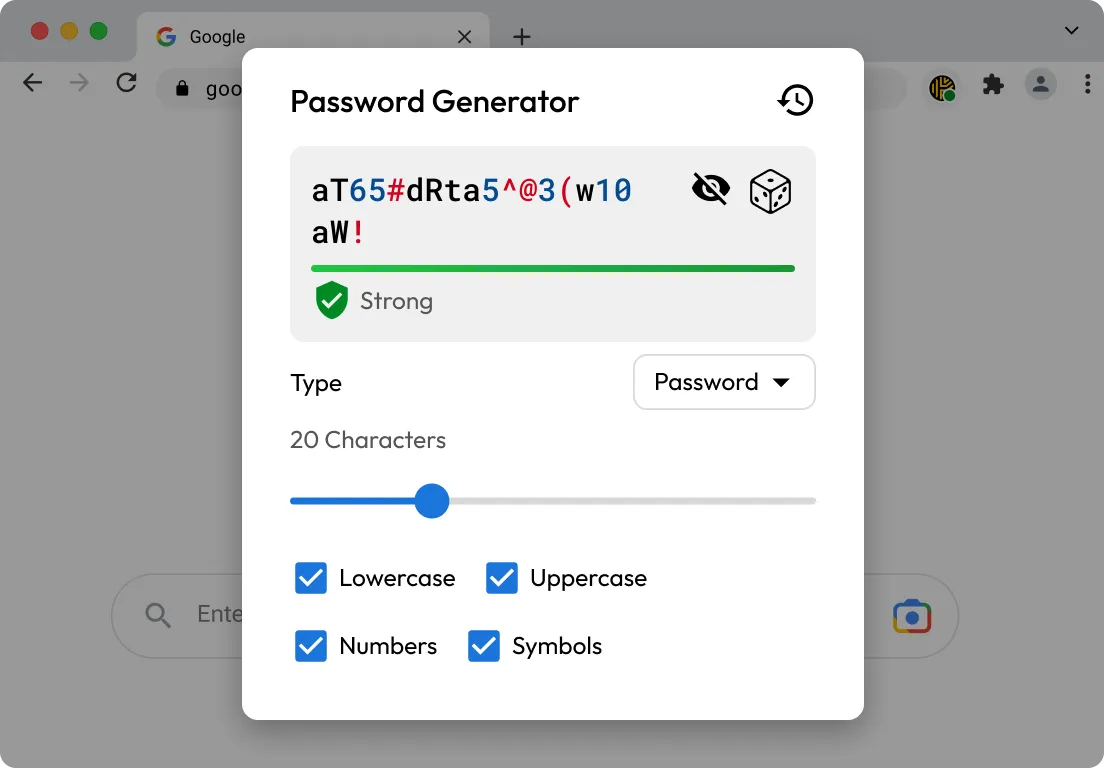
KeeperFill® helps you sign in to the affected account, generate a stronger password during the update process and save the new credential to your Keeper Vault.
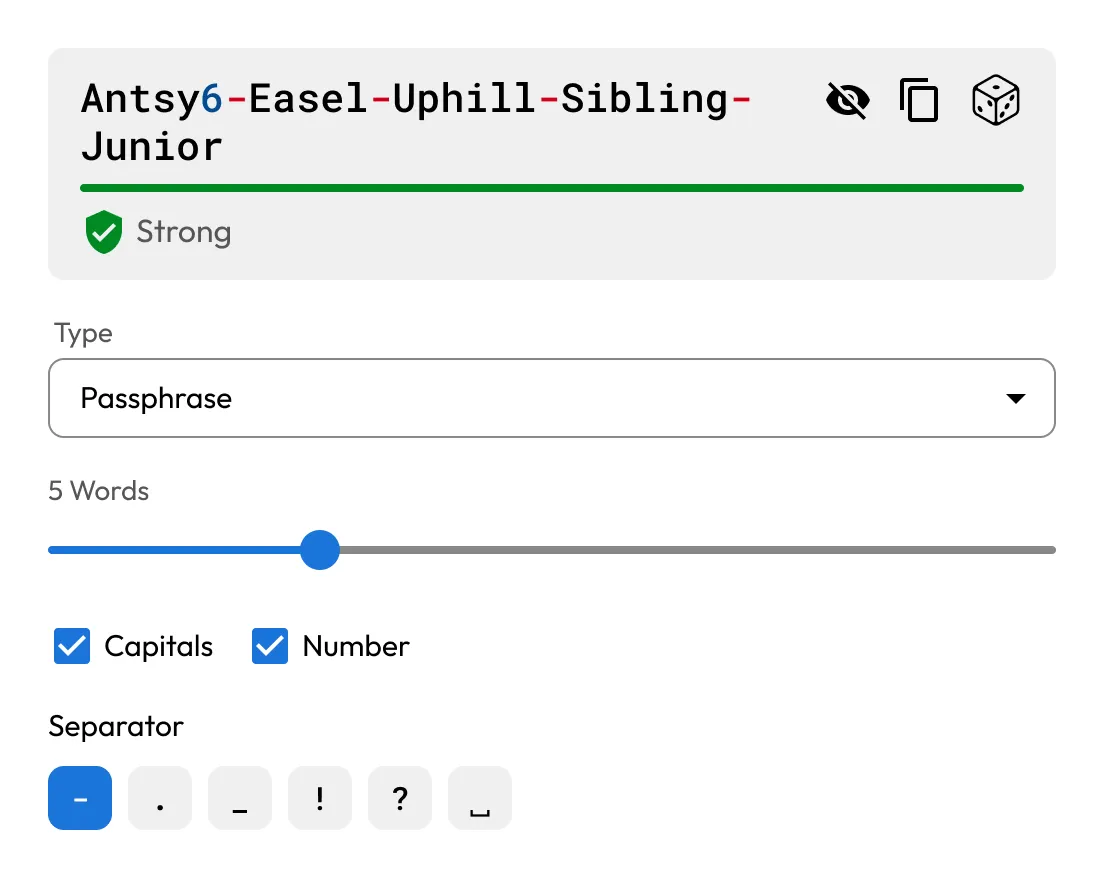
Use Keeper's built-in password and passphrase generator to create strong, unique credentials for your accounts.

BreachWatch doesn't just run a one-time scan. It continuously monitors the passwords stored in your Keeper Vault against known breach data, checking automatically across all your devices so you're alerted as soon as a match is found.

When a password is found in a breach, BreachWatch helps you identify the affected record. From there, KeeperFill can help you update the password and securely save the new credential to your vault.
For many people, yes. Credentials from past data breaches are actively bought and sold online, often long after the original breach occurs. If one of your saved passwords appears in a known breach, dark web monitoring helps you find out sooner so you can update it before your accounts are put at greater risk. BreachWatch continuously monitors for compromised credentials and alerts you when action is needed.
No, BreachWatch alerts you to passwords that may be at risk, but you still need to change the password on the affected website or app.
KeeperFill can help guide you through the password change process by autofilling your current password, generating a stronger replacement and helping you save the updated credential to your Keeper Vault.
After changing the password on the affected site, you should save the new password in your Keeper Vault to keep your record up to date.
BreachWatch monitors passwords stored in your Keeper Vault records. If a record does not contain a password, it won't be included in the scan.
Most dark web monitoring services work by sending your email address or a hashed version of your password to a third-party service for matching. This means your data leaves the service's security boundary and is processed externally.
BreachWatch works differently. Keeper uses a patented zero-knowledge matching method that performs breach analysis without exposing which websites you use or what your passwords are. Matching happens in a way that ensures neither Keeper nor any external party can see your credentials during the process. Your information stays protected throughout.
You must accept cookies to use Live Chat.