
Sync secrets from multiple folders at once
Pull from several Keeper folders into each cloud destination in a single sync. Each cloud provider runs with its own configuration.
Feature: Universal Secrets Sync
Universal Secrets Sync (USS) makes your Keeper Vault folders the source of truth across all native cloud secrets managers, including AWS, Azure and GCP.
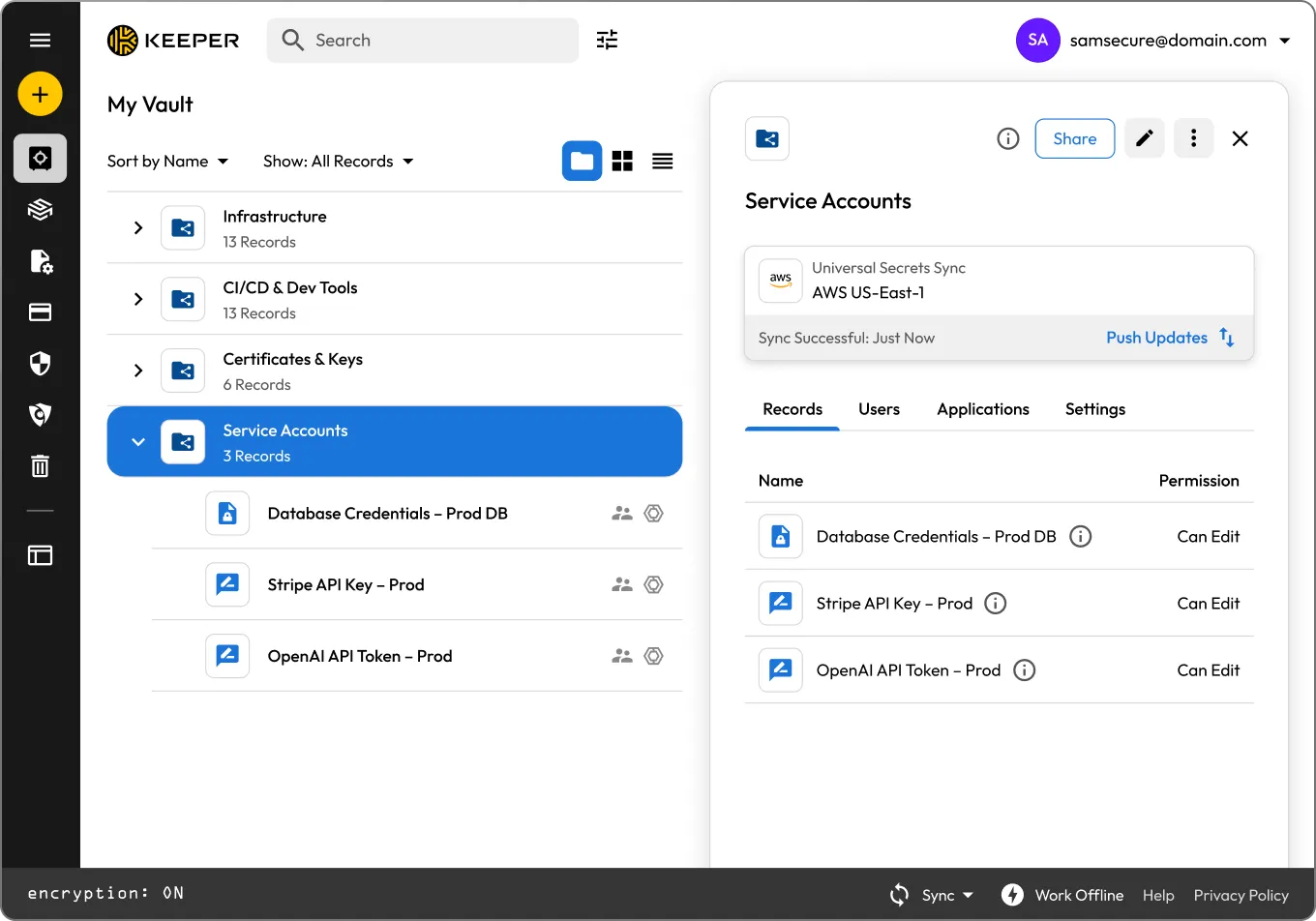
USS is configured through the Keeper Vault UI or the Keeper Commander® CLI. Once active, the customer's hosted KeeperPAM Gateway handles all sync operations with zero-knowledge encryption and full audit logs.
Install the KeeperPAM Gateway container on your network or VPC. The gateway acts as the bridge between Keeper and your cloud provider.
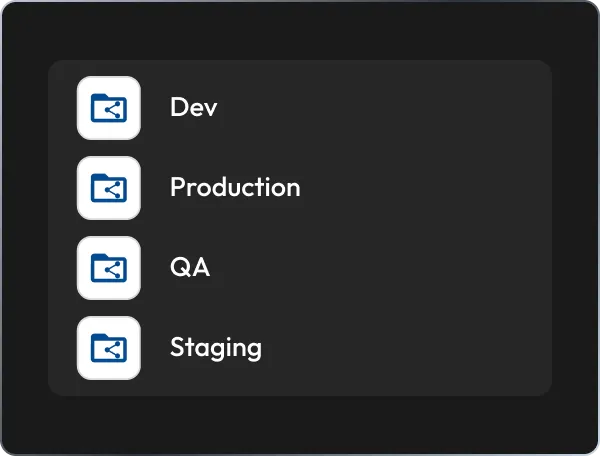
Choose Keeper Secrets Manager folders to sync and specify your target cloud provider and region. USS supports AWS, Azure and GCP.
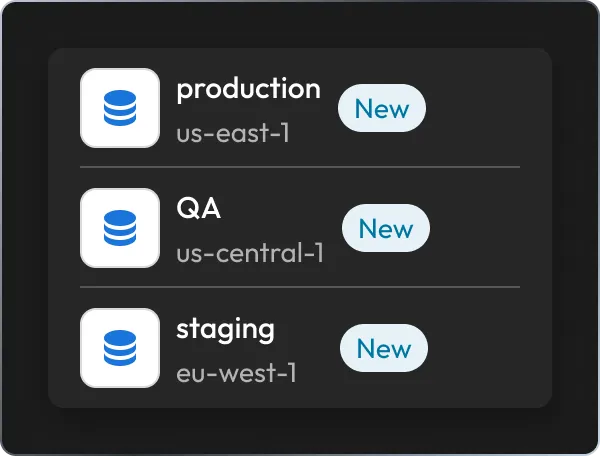
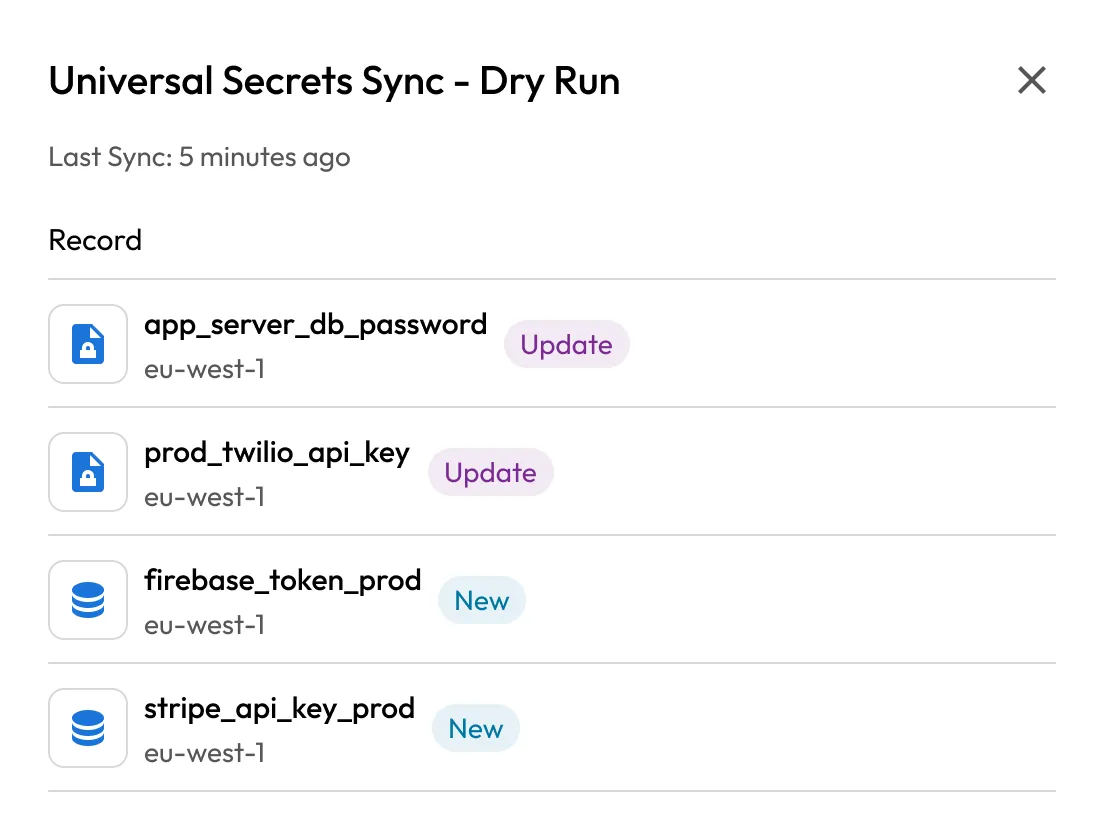
Before writing any secrets to the cloud provider, use Dry Run Mode to preview which secrets would be created or updated.
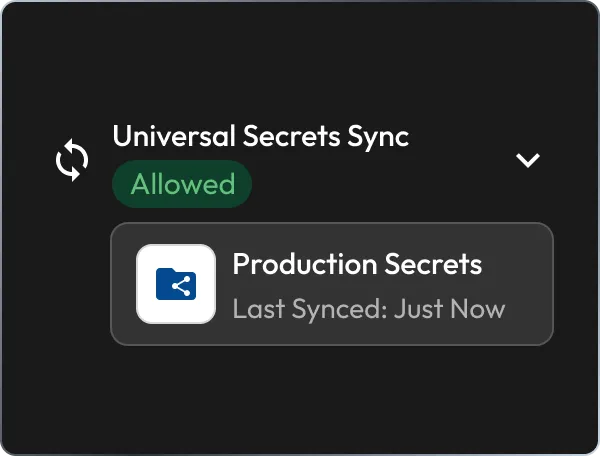
Activate Automatic Sync so that any change to your configured Keeper Secrets folders is immediately pushed to the cloud provider.
Pull from several Keeper folders into each cloud destination in a single sync. Each cloud provider runs with its own configuration.
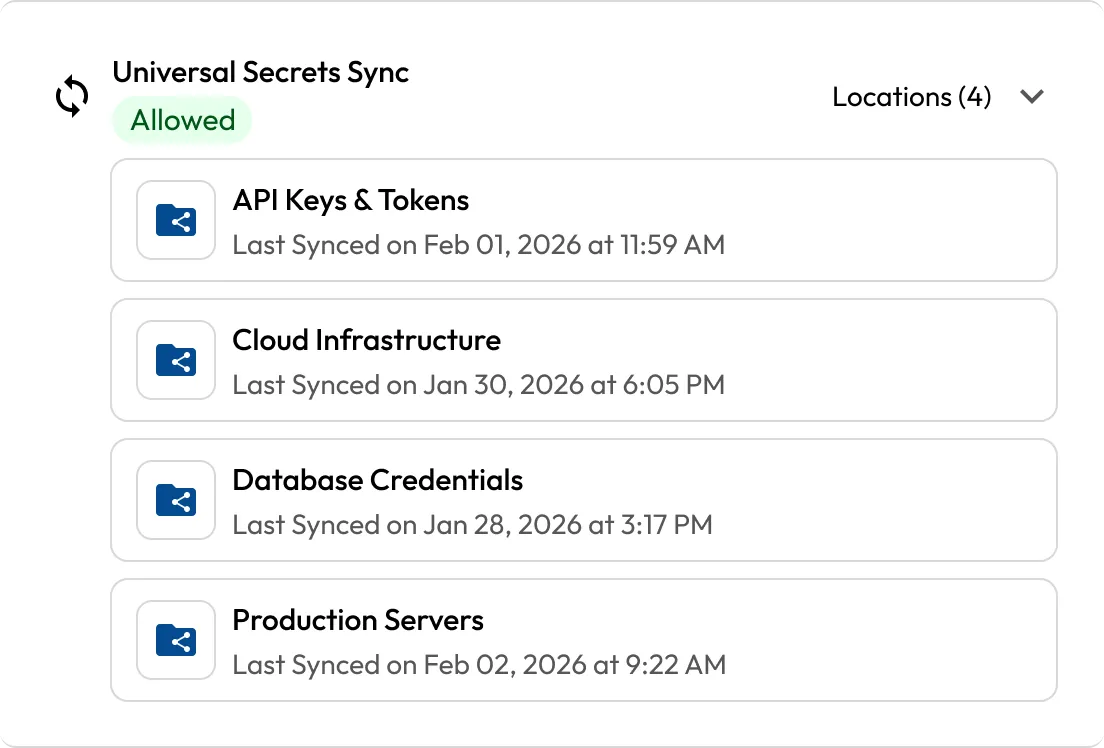
Any update to a record in a configured Keeper Secrets Manager folder instantly pushes to the target cloud provider without manual intervention.
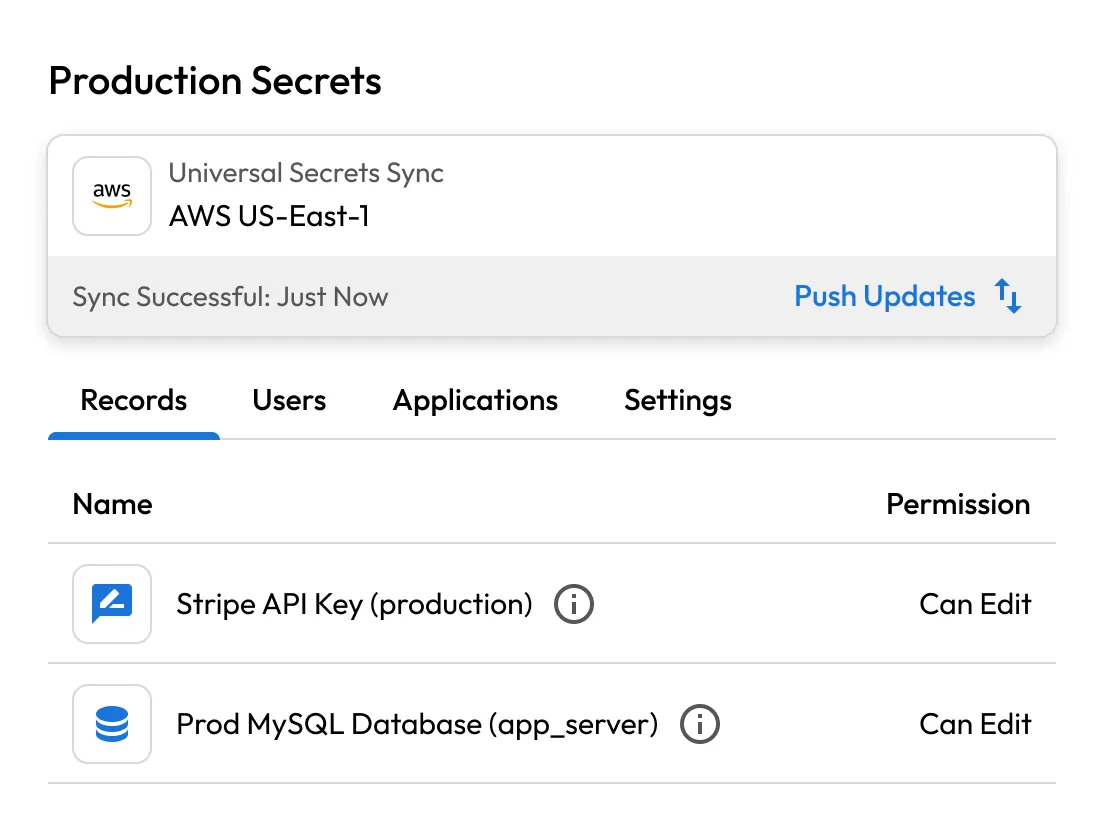
Use Dry Run Mode to see which secrets would be created or modified before any writes reach the cloud provider.
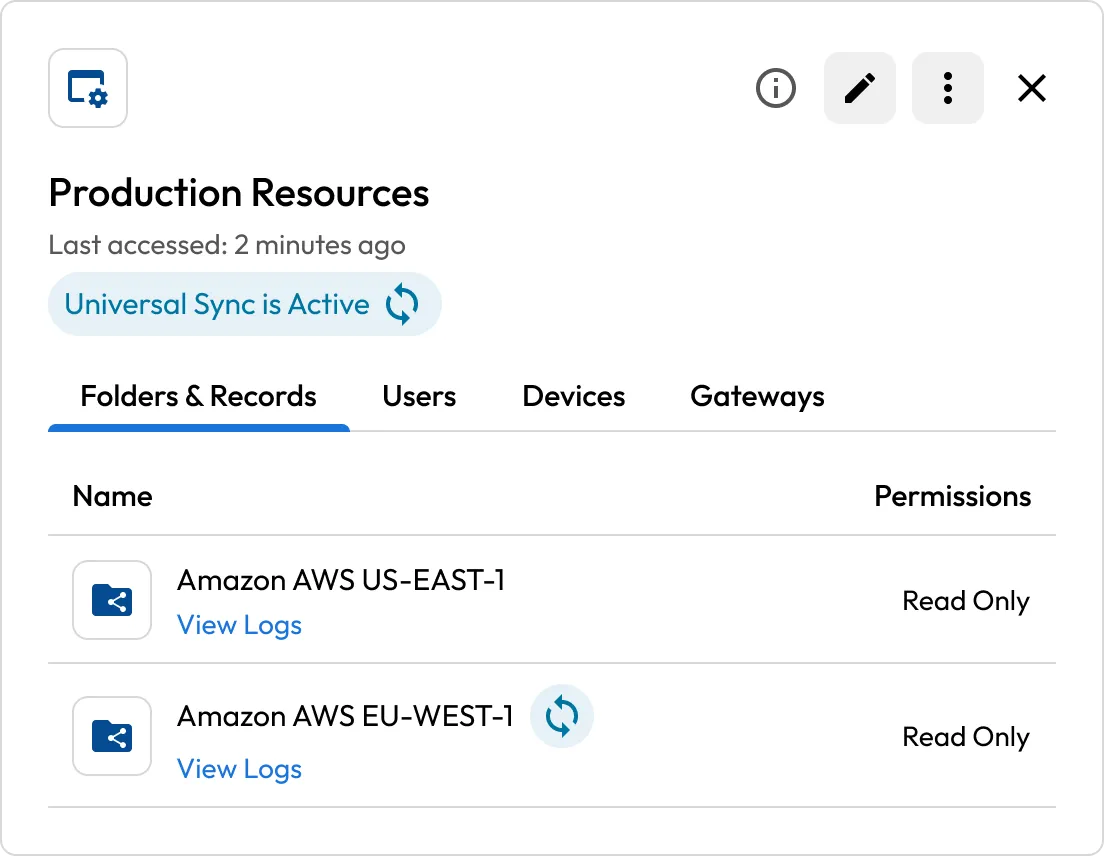
Keeper syncs to all your configured cloud provider regions in a single operation.
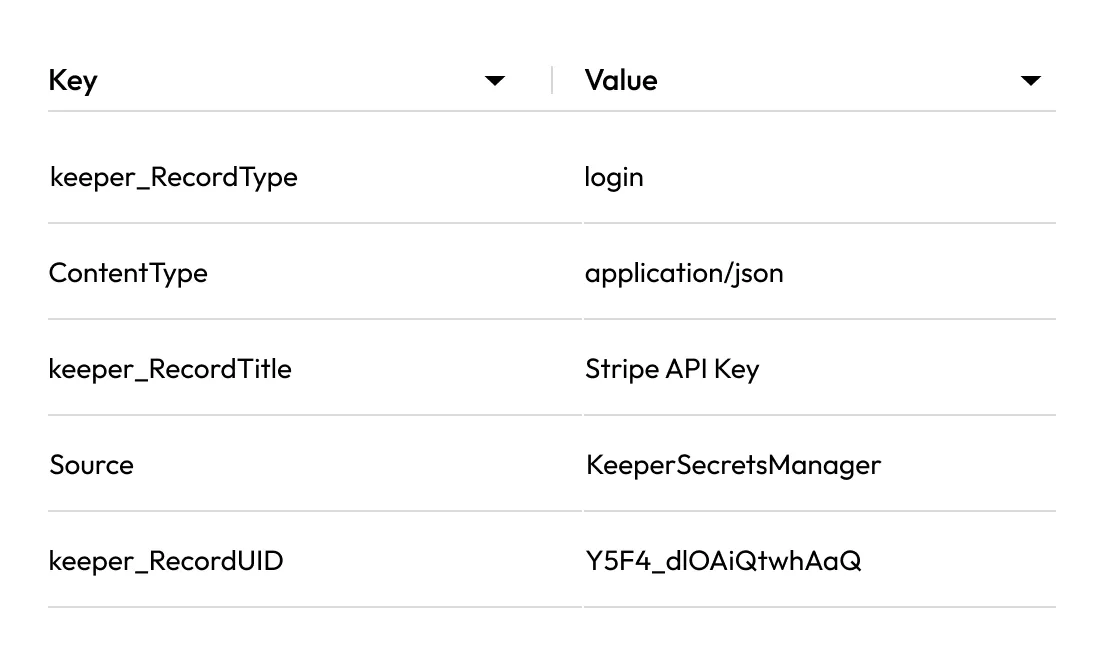
Secrets are automatically tagged with content type and source, making them traceable and auditable inside your cloud provider.
Missing secrets and permission issues are surfaced in detail without causing the entire run to fail, so partial failures don't ruin the rest of the sync.

Keep an authoritative copy of secrets in Keeper and let USS automate their propagation across all cloud environments, ensuring secrets stay current.

Automatic sync ensures that the contents of your Keeper Secrets Manager folders are what lives in AWS, Azure or Google Cloud — without relying on manual processes.

Push secrets to every configured AWS region in a single operation, reducing provisioning time for new deployments.

Source metadata tags on every synced secret provide a transparent record of where each secret originated, supporting your audits.
USS is part of KeeperPAM® and is managed through either the Keeper Vault UI or the Keeper Commander CLI. The KeeperPAM Gateway runs on your own network and handles the actual sync, authenticating to the cloud provider with your configured credentials. Secret values are processed inside your Gateway and written straight to the cloud provider — never stored on Keeper's servers.
USS currently supports AWS Secrets Manager, Azure Key Vault and Google Cloud Secret Manager, with additional providers being added soon.
Use our migration tools to import your existing secrets from AWS Secrets Manager, Azure Key Vault or Google Secret Manager into a Keeper folder. Review the imported records, then enable Universal Secrets Sync for that folder. From that point forward, Keeper automatically pushes any changes to the cloud.
No, USS is a one-way operation. The KeeperPAM Gateway reads secrets from specific Keeper Secrets Manager folders and pushes them to the cloud provider. Since data flows from Keeper outward only, the synchronisation process never writes back to your vault.
If a permission error or missing secret is encountered during a sync, Keeper handles it without failing the entire run and surfaces detailed error outputs. You can review the outputs to diagnose which secrets failed and why, then resolve and re-run without starting over.
You must accept cookies to use Live Chat.