
Secure File Sharing for Business
Secure file sharing for business teams
Give employees, vendors and external users a secure way to share files, protected by end-to-end encryption and backed by strong administrative controls.
Secure File Sharing for Business
Give employees, vendors and external users a secure way to share files, protected by end-to-end encryption and backed by strong administrative controls.
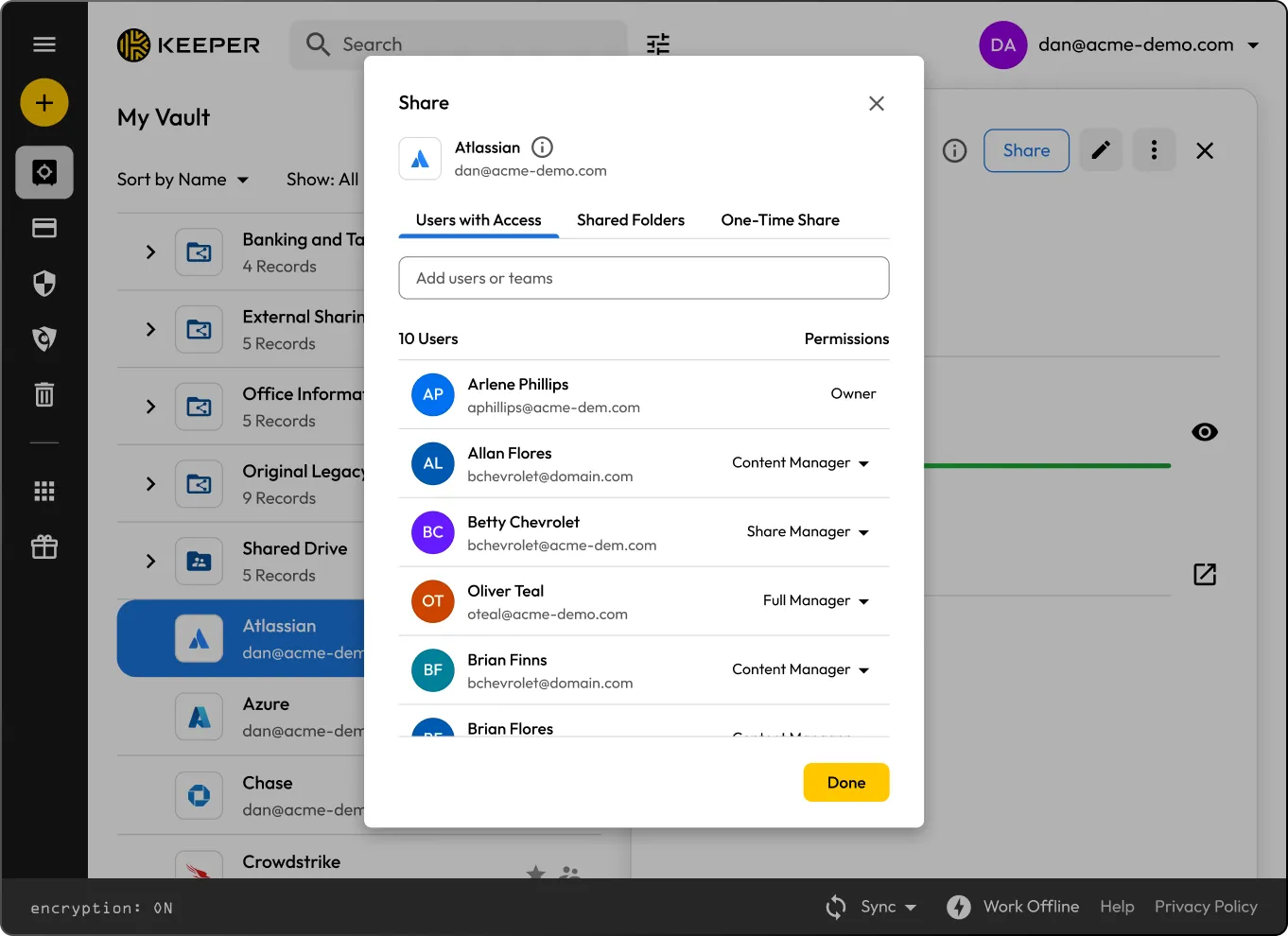

When approved tools are inconvenient, employees use whatever works. Personal Dropbox accounts, Gmail attachments and consumer file-sharing links are common workarounds, none of which IT can monitor, control or audit.

A file sent by email or a public link stays accessible indefinitely. When a contractor finishes a project or an employee leaves, there's no way to revoke access to files already shared through consumer tools.

HIPAA, CMMC and GDPR require documented proof of who accessed sensitive files and when. Most file-sharing tools don't produce audit trails that satisfy regulators, and none offer the zero-knowledge architecture that regulated environments require.
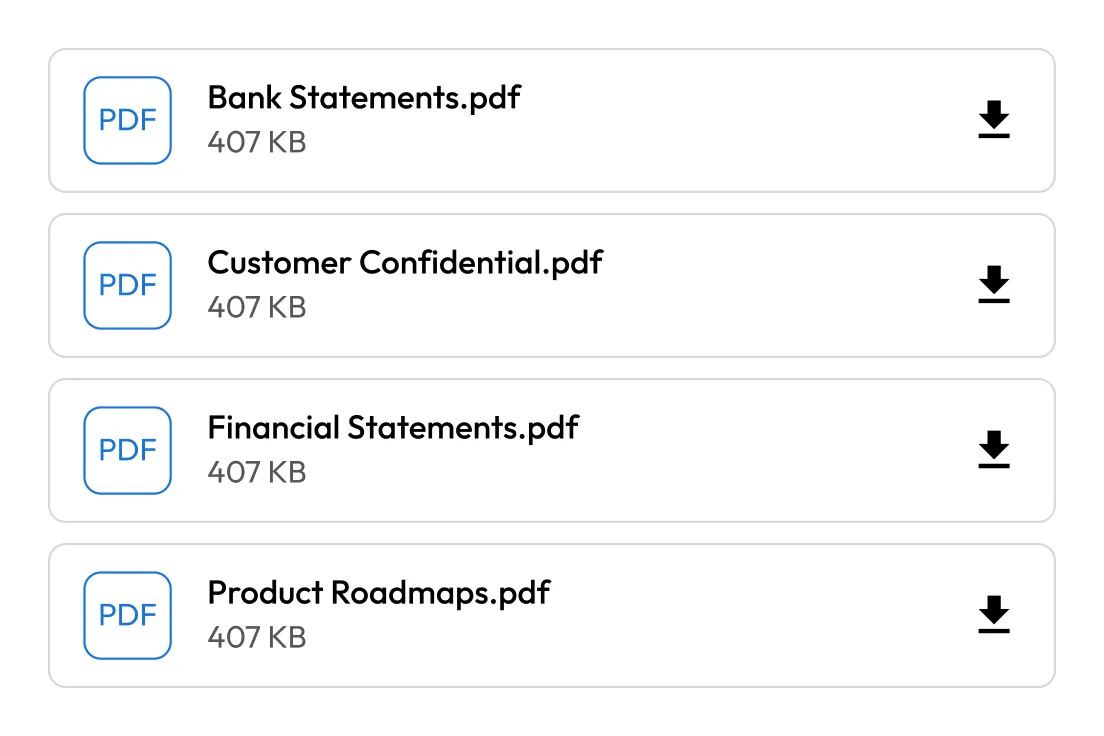
Files are encrypted at the record level with 256-bit AES keys. Keeper's zero-knowledge architecture means only the intended recipient can decrypt them — not Keeper, not a third party, not anyone who intercepts the file in transit.
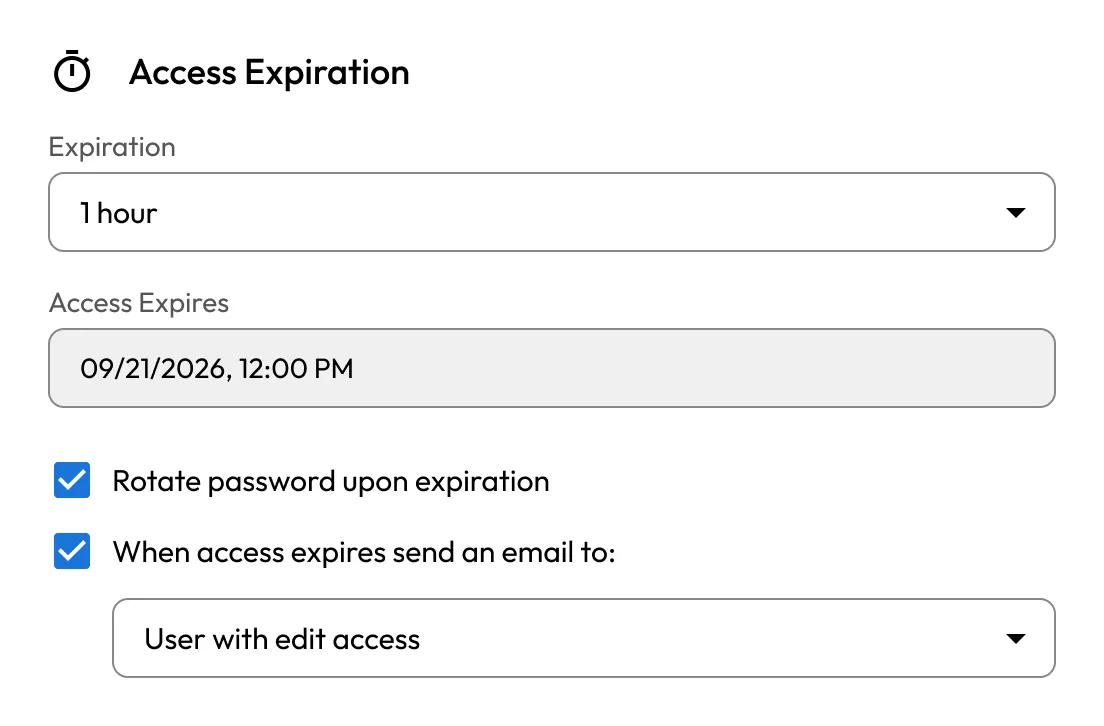
Grant access for as long as needed — a few hours, days or standing access for a team. When the window closes, access to the shared file is revoked automatically.
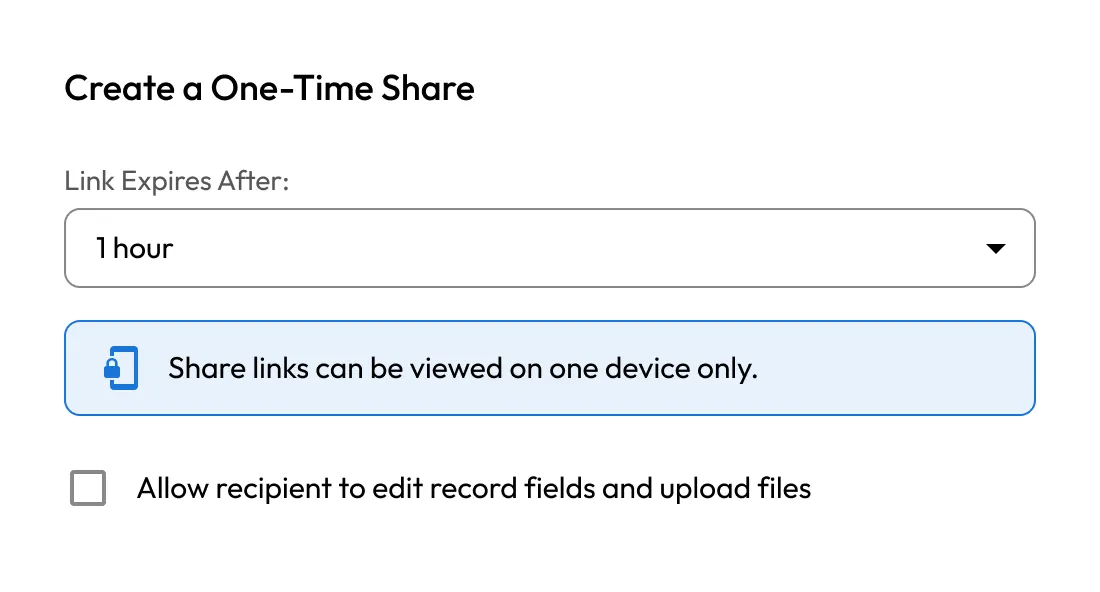
Share files with vendors, contractors and external partners through bi-directional sharing without requiring them to have a Keeper account. Recipients access files through a secure, encrypted One-Time Share link, and you can use the same mechanism to collect confidential information back from them.
Define exactly who within your organisation can share files, with whom and under what conditions. Role-Based Access Controls (RBAC) let you enforce sharing policies at the team or department level.
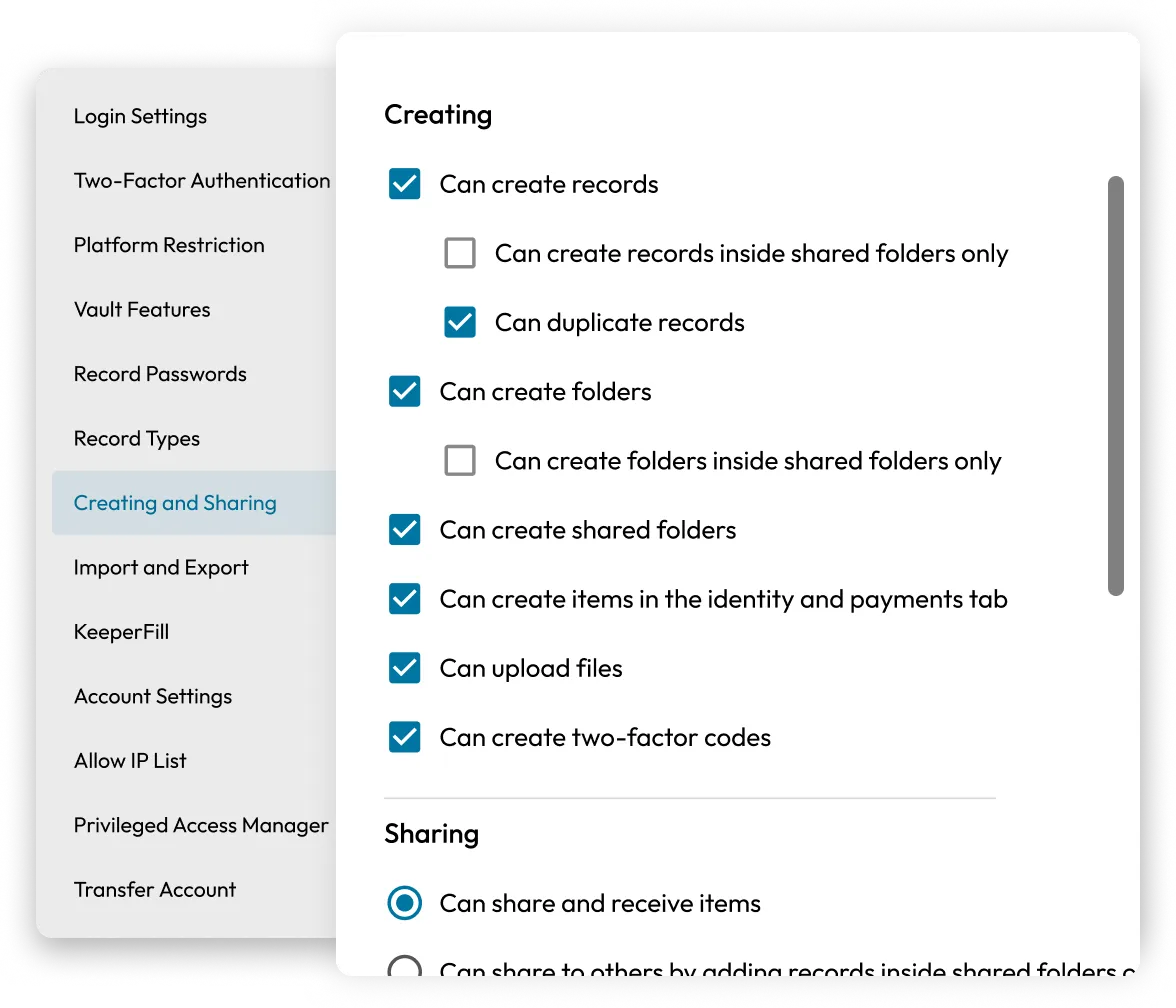
Every file access, share and permission change is logged. Run reports on demand, set alerts for unusual activity and export logs directly to your Security Information and Event Management (SIEM) or GRC platform.
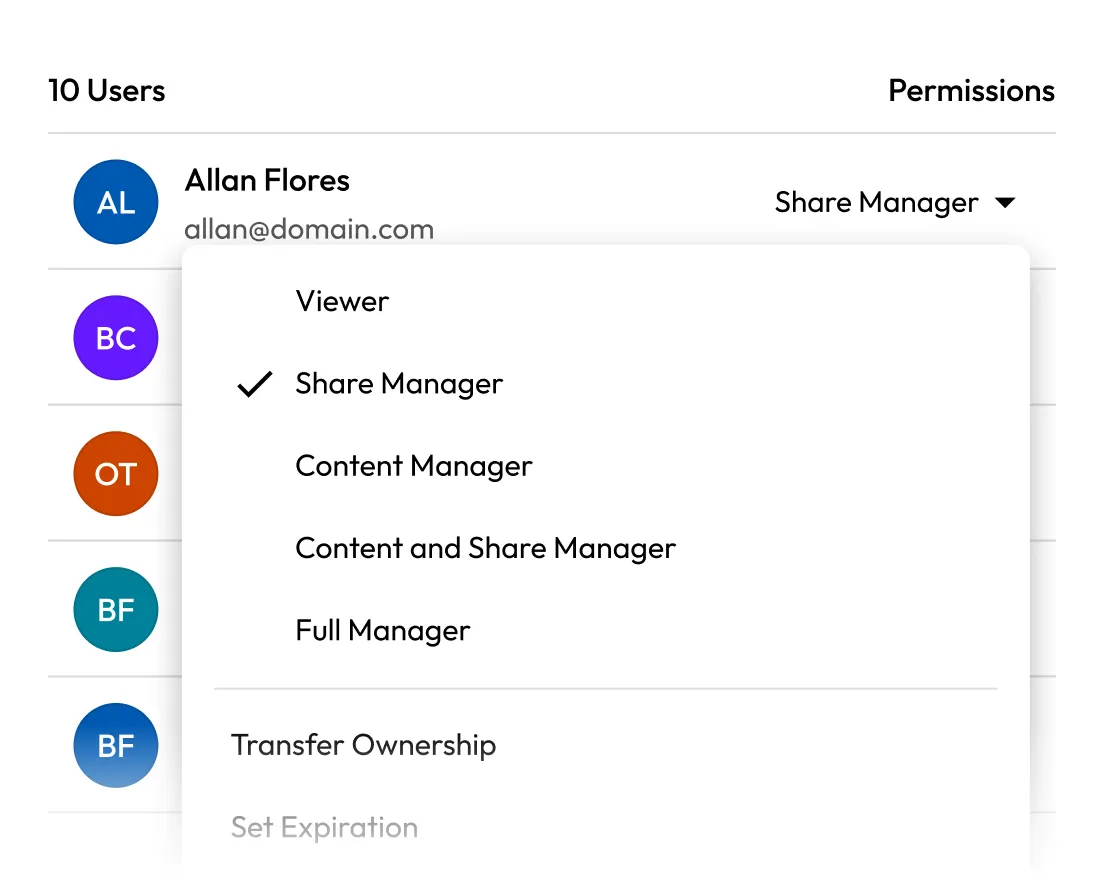
Give teams a dedicated, encrypted place to store and access shared files. Permissions are managed at the folder level, so adding or removing a team member instantly updates their access across everything in that folder.
Access and share files from iOS, Android, Windows, Mac, Linux or the web vault. Employees get a consistent experience across devices, so there's no friction pushing them toward less secure alternatives.

Keeper is FedRAMP High and GovRAMP High Authorised, meeting the security requirements for sharing files across federal agencies and with government partners.

Encrypt, store and share files containing Controlled Unclassified Information (CUI) with role-based access controls that satisfy CMMC requirements.

Every file interaction generates a log entry. Security alerts notify administrators of unusual sharing activity in real time, giving compliance teams the evidence they need without manual tracking.
When employees don't have a secure option they trust, they create one. Keeper gives IT the controls to prevent that and gives employees an experience simple enough that they'll actually use it.
The core difference is encryption architecture. Google Drive and Dropbox encrypt your files, but they hold the encryption keys, meaning they can access your data, and anyone who compromises their infrastructure can as well. Keeper uses zero-knowledge encryption, where keys are generated on your device and never leave your control. Keeper cannot decrypt your files. Keeper also provides granular admin policies, time-limited and device-locked sharing and a complete audit trail, controls that general-purpose tools don't offer at the same depth.
Yes, Keeper's One-Time Share feature lets you send encrypted files to external users without requiring them to create an account. Access expires automatically based on the parameters you set.
Keeper supports any file type, including documents, images, videos and more. Individual file upload limits are 100 MB in Web Vault, 5 GB in Keeper Desktop and up to 100 GB on iOS and Android. Files are stored in an encrypted vault and can be organised into shared folders with team-level permissions.
Every file access and sharing event is logged with a timestamp and user identity. Admins can run on-demand reports, set real-time alerts and export logs to external GRC or SIEM platforms to satisfy auditors without manual documentation.
Yes, files stored in Keeper are accessible and shareable from iOS, Android, web and desktop apps, with the same encryption and access controls across every platform.
You must accept cookies to use Live Chat.