Feature: Property File Record Type

Run local dev tools with access-controlled secrets and configurations

Property File records give developers and AI agents the secrets they need without leaving plaintext credentials on disk. Values stay encrypted in the Keeper Vault and released only when access is approved. Local workflows move fast without giving up control.
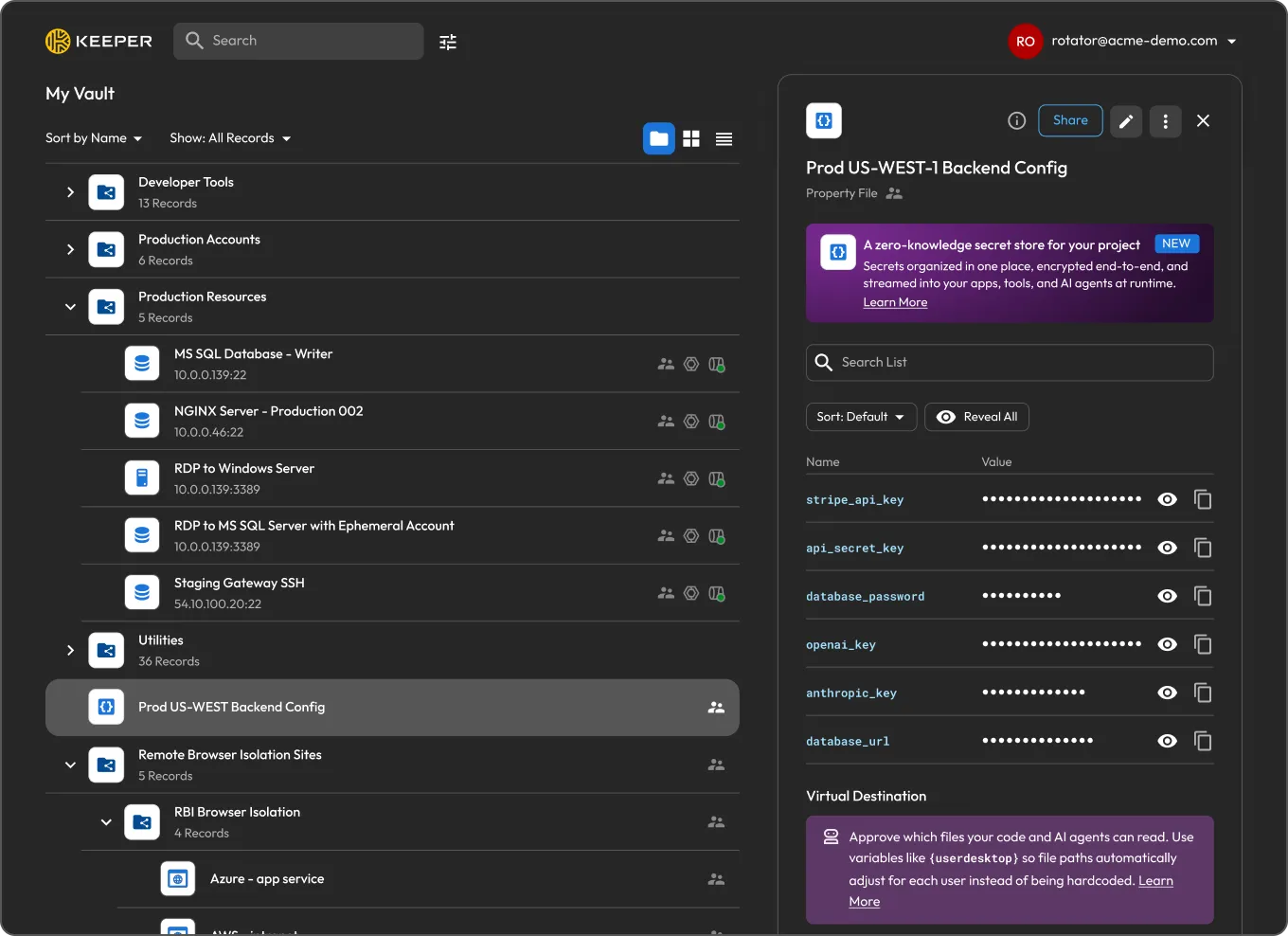
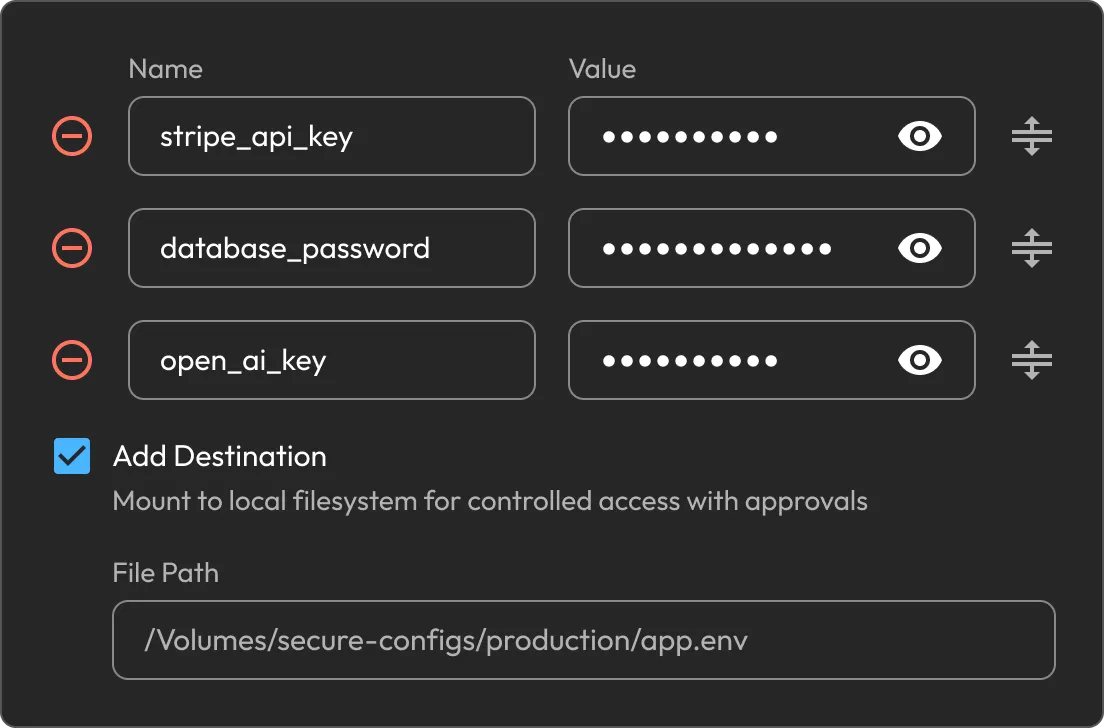
Keeper Vault showing a project-specific secrets store with encrypted API keys, database credentials and AI agent secrets.

What is a Property File in Keeper?

A Property File is a Keeper Vault record type built for developer and AI workflows. It stores secrets as name/value pairs and mounts them as a virtual file on the local machine. The file sits at a chosen path, but the values stay encrypted in the Keeper Vault until an approved process requests them.

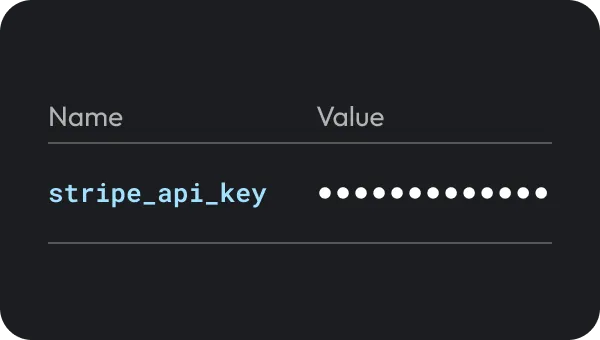
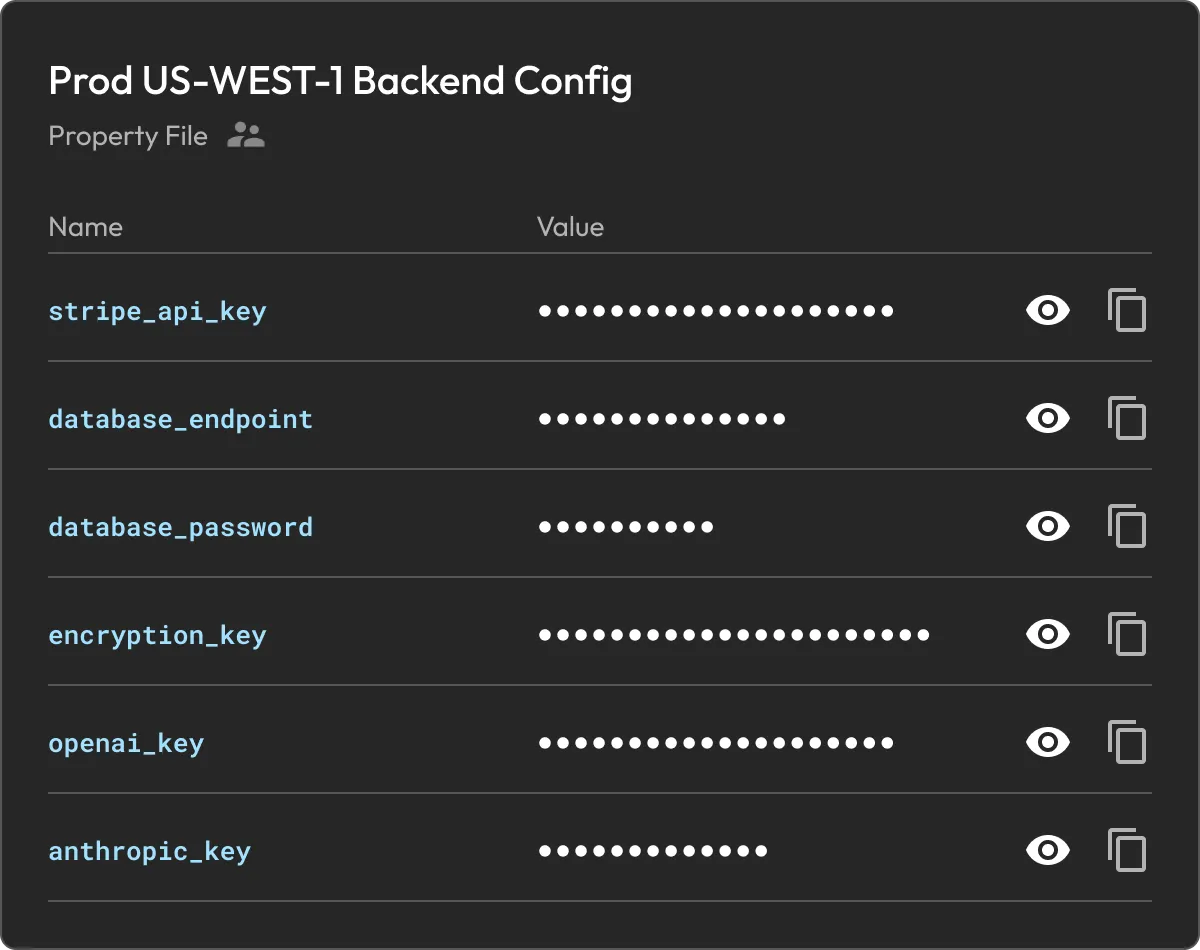
Keeper Vault property file showing protected API keys, database credentials and encryption keys with reveal and copy options.

How the Property File record type works in Keeper

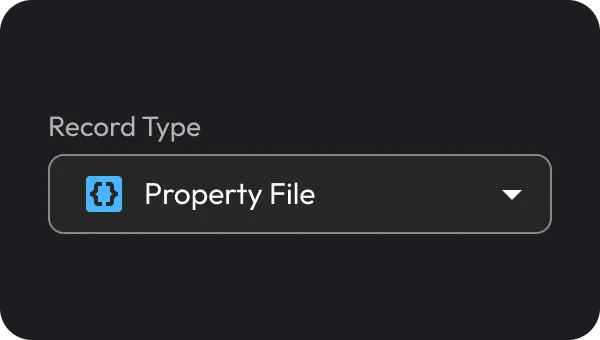
Keeper Desktop showing the creation of a Property File record to securely store secrets.

1. Create the record

Open the AI and Developer tab in Keeper Desktop and create a new Property File record. Add secrets as name/value pairs. There's no limit on how many pairs a single record can hold, so everything a project needs can stay in one place.

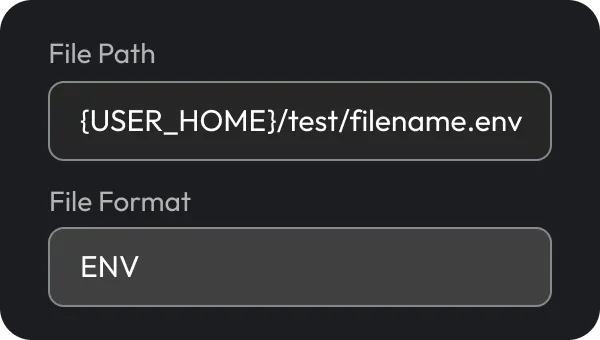
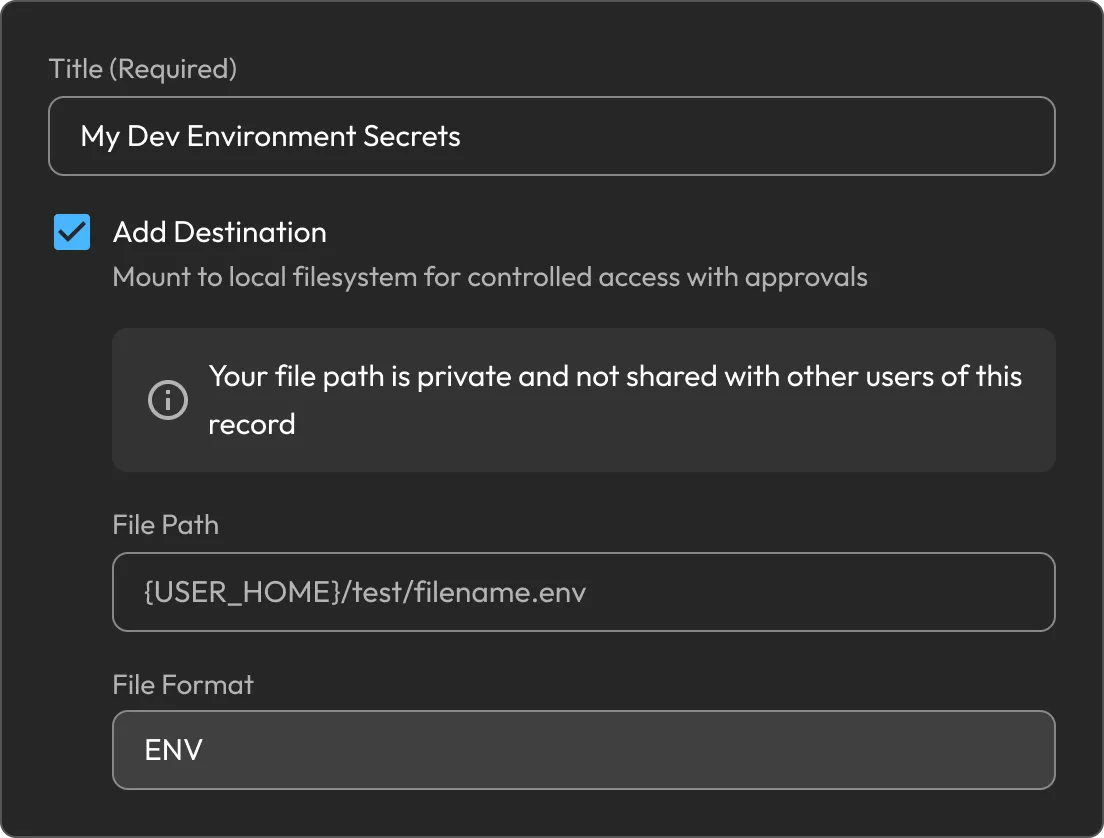
Keeper Property File settings showing an ENV file destination and local file path configuration.

2. Mount it as a file

Click Add Destination and pick where the virtual file should live on the machine. Keeper creates the file at that path. The file exists, but its contents stay encrypted until a process requests access.

Keeper Property File showing an AI agent accessing encrypted secrets through a mounted file.

3. Point a tool or agent at it

Configure local software or an AI agent to read the mounted destination file, exactly like any other config or env file. The tool's setup doesn't have to change.

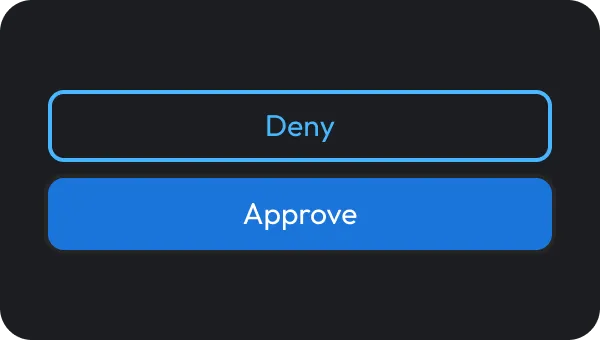
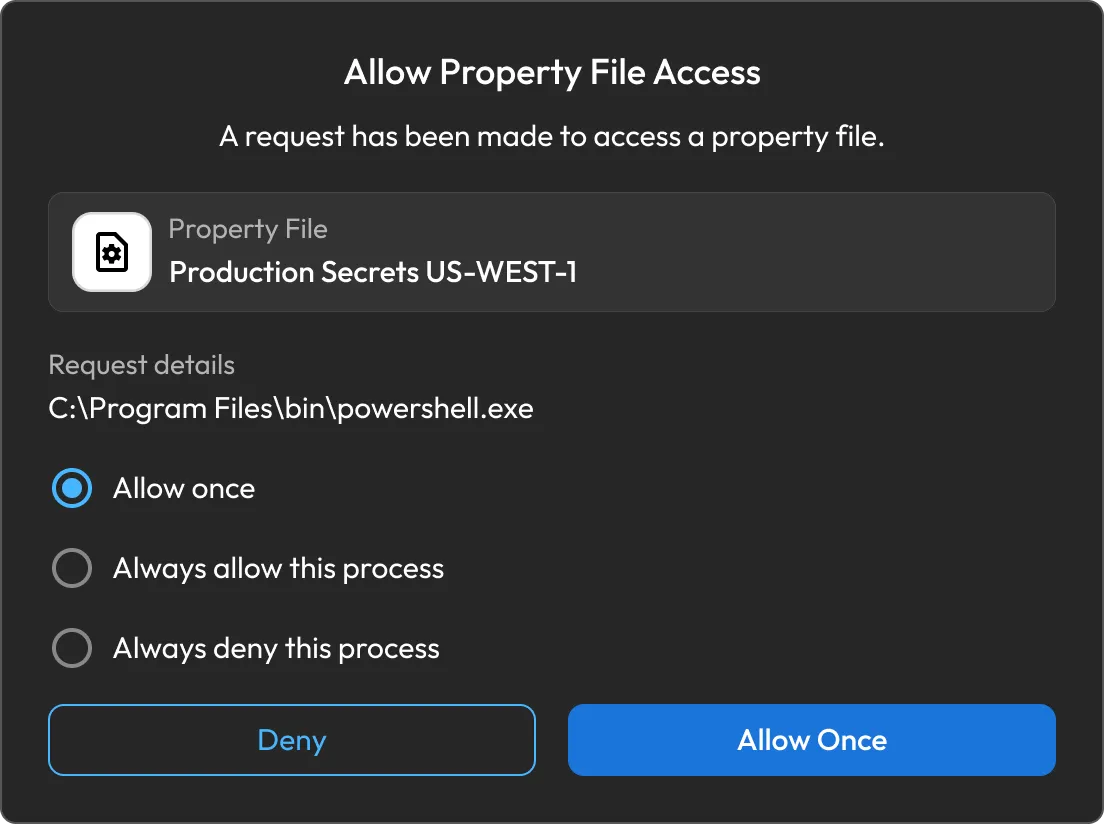
Keeper access approval prompt showing options to approve or deny a process requesting access to a Property File.

4. Approve access when it's requested

When a process tries to read the file, Keeper prompts you to approve or deny. Access can be granted once or reused for future requests.

Simplify how local tools and agents get secrets

Keeps secrets out of local files

Values stay encrypted in the Keeper Vault. Instead of copying credentials into a .env file or a config that lingers on disk, your tools reference a virtual file. Secrets are released only when an approved process requests access.

Keeper secrets configuration showing protected API keys and database passwords with a local file destination for controlled access.

Always serves the latest values

Approved local tools pull the current record on every request. A secret updated in the vault reaches those tools on the next read, so there are no stale copies or manual sync.

Keeper Secrets Manager icon with a green checkmark indicating successful verification.

Switches environments in one step

A separate Property File can hold dev, staging and production secrets. Moving between them means changing which record a tool references. Nothing else in the setup changes.

Keeper secrets configuration showing a local ENV file destination with controlled access and approvals.

Puts every request behind approval

Each access attempt runs through an approval prompt. Approval happens on demand and can be reused when it makes sense, keeping control over what reaches the machine.

Keeper property file access request showing PowerShell permissions with options to allow once, always allow or deny access.

Shares one workflow across the stack

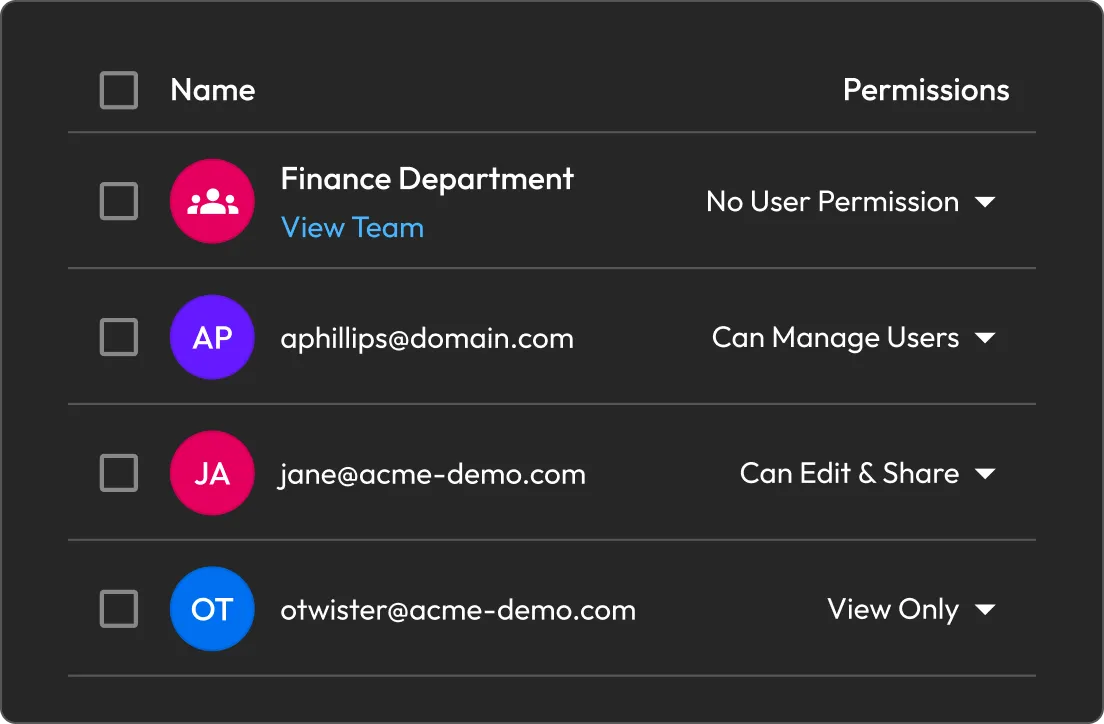
Property Files behave like standard vault records, so they can be shared with users and teams and used with the identical workflow across local development, CI/CD pipelines and Keeper Secrets Manager integrations.

Keeper sharing permissions showing team and user access levels, including managing users, editing, sharing and view-only access.

Bring secure secret delivery to every workstation


Property File records close the gap between the vault and the local machine, so developers and agents get what they need without loosening a single control.

Frequently asked questions

How many secrets can one Property File hold?

Property File can hold as many name/value pairs as needed. A single record can hold all of a project's secrets.

Where does the file actually live?

The file lives at whatever path is chosen through Add Destination. Keeper creates the file there, but the values are released only when a request is approved.

How is Property File different from putting secrets in a .env file?

A .env file keeps secrets in plaintext on disk. A Property File keeps them encrypted in the vault and releases them to approved processes on request, so no exposed copy sits on the machine.

Can Property File records work with AI agents?

Yes, a local AI agent reads the mounted destination file like any other tool. When the agent requests access, Keeper prompts for approval.

Can a Property File be shared with a team?

Yes, Property Files behave like other vault records, so they can be shared with users and teams and used in Keeper Secrets Manager workflows, CI/CD pipelines and infrastructure automation.

Is approval required on every access?

No, approval can be granted once or reused for future requests, similar to the Keeper SSH Agent workflow.

Withdraw Cookie ConsentWe value your privacy

We use cookies on our site to give you the best browsing experience, serve personalised ads about our products and content, and analyse website traffic. To learn more, please refer to our Privacy Policy.

Sign up for a Free Trial

Buy Now