Funkcja: Historia wpisów

Restore previously generated credentials

Keeper's Record History feature allows you to view, audit and restore prior versions of any record in your Keeper Vault. It enhances visibility, enables point-in-time recovery and ensures that no sensitive data is ever lost.

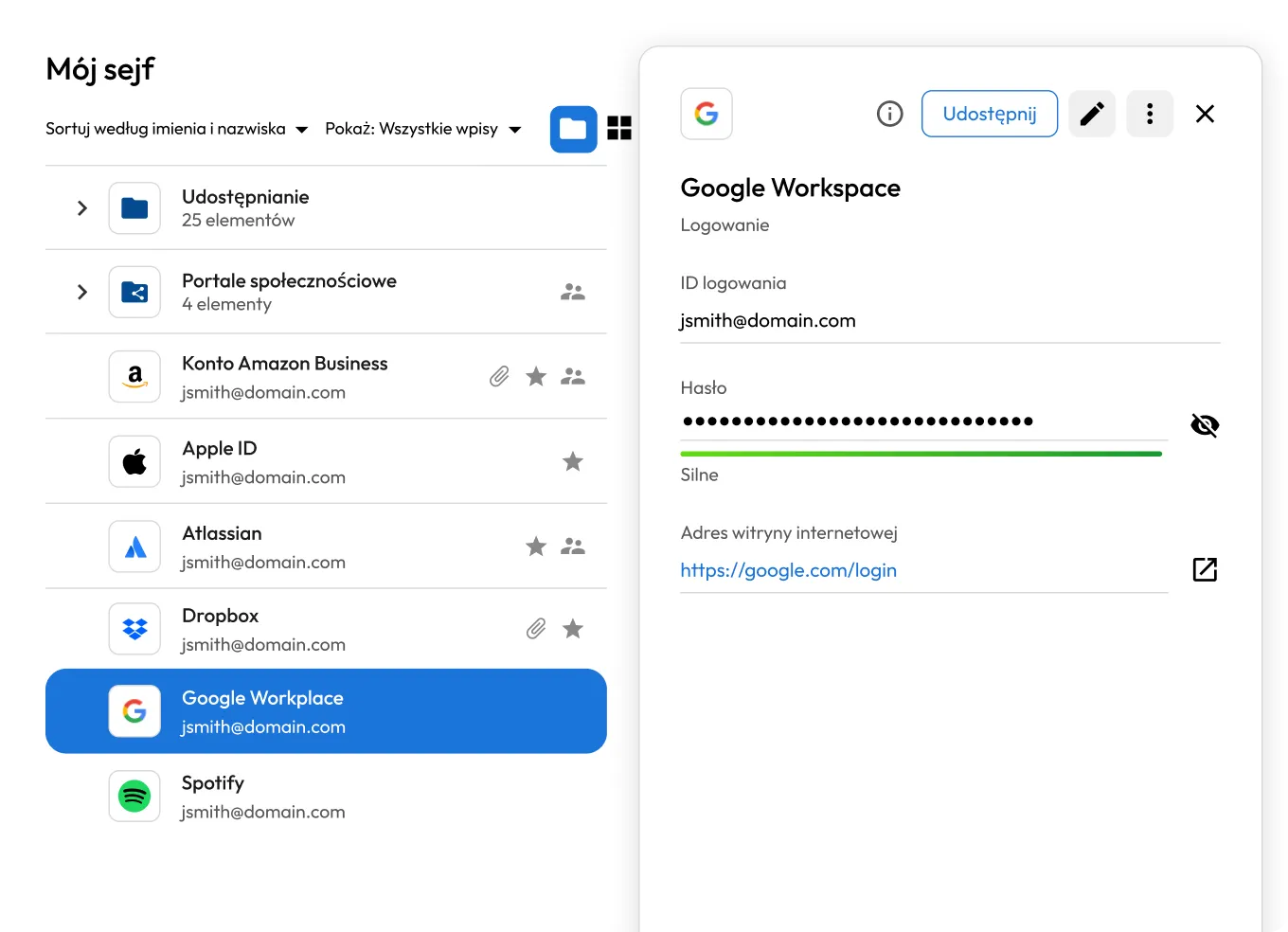
Keeper interface showing a user's vault with saved accounts and folders on the left, and detailed credentials for a Google Workspace login on the right. The entry displays a masked password with a strong rating and a website login link, illustrating secure password storage and management.

How to use Keeper's Record History

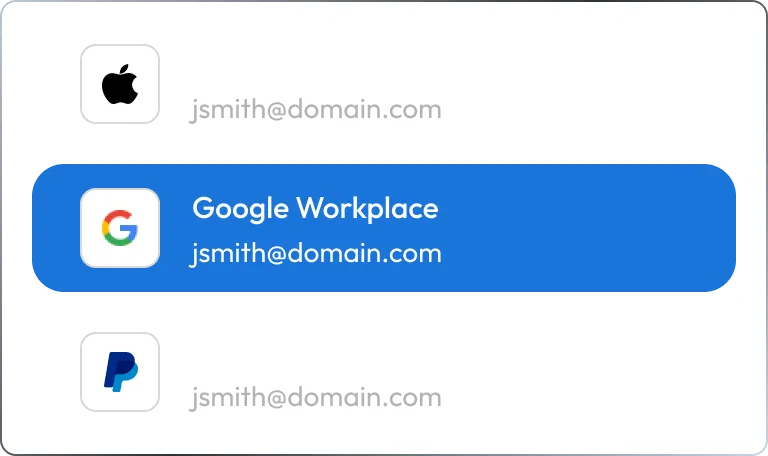
Keeper Vault interface showing a list of saved login records, with the Google Workspace account highlighted among entries like Apple ID and PayPal. The selected record displays the associated email, illustrating how users access and manage specific credentials within their vault.

1. Open any record

Navigate to the record you want to review in your Keeper Vault.

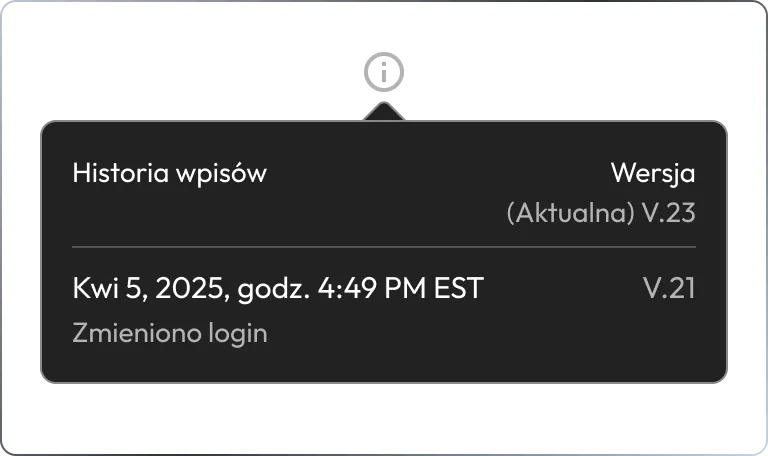
Keeper record history panel showing a previous version of a login record, including a timestamp of April 5, 2025 and a note indicating a login change. The interface displays version tracking to monitor updates and maintain audit history of stored credentials.

2. Select "Review Record History"

Tap the menu icon in the top-right corner, and select Review Record History.

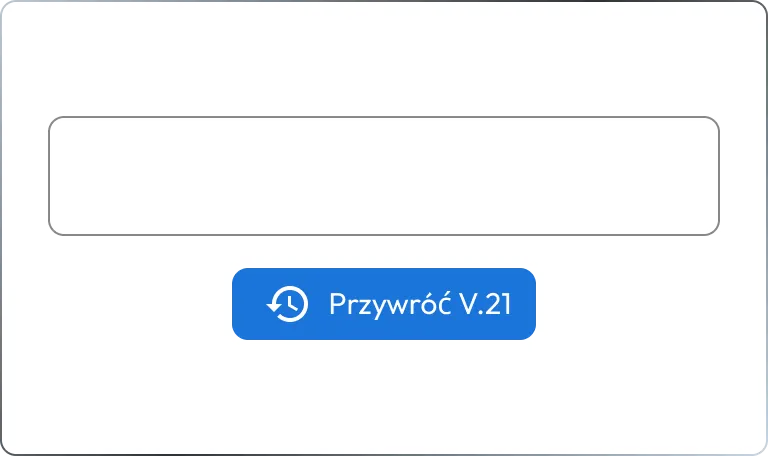
Keeper record history interface showing a previous version entry with a timestamp of April 5, 2025, noting a change to a custom field. A 'Restore V.21' button is displayed, allowing users to revert to that version of the record.

3. Bring back a previous version

Choose the version of the record you would like to restore, then tap Restore to recover it.

Track changes and recover records without disruption

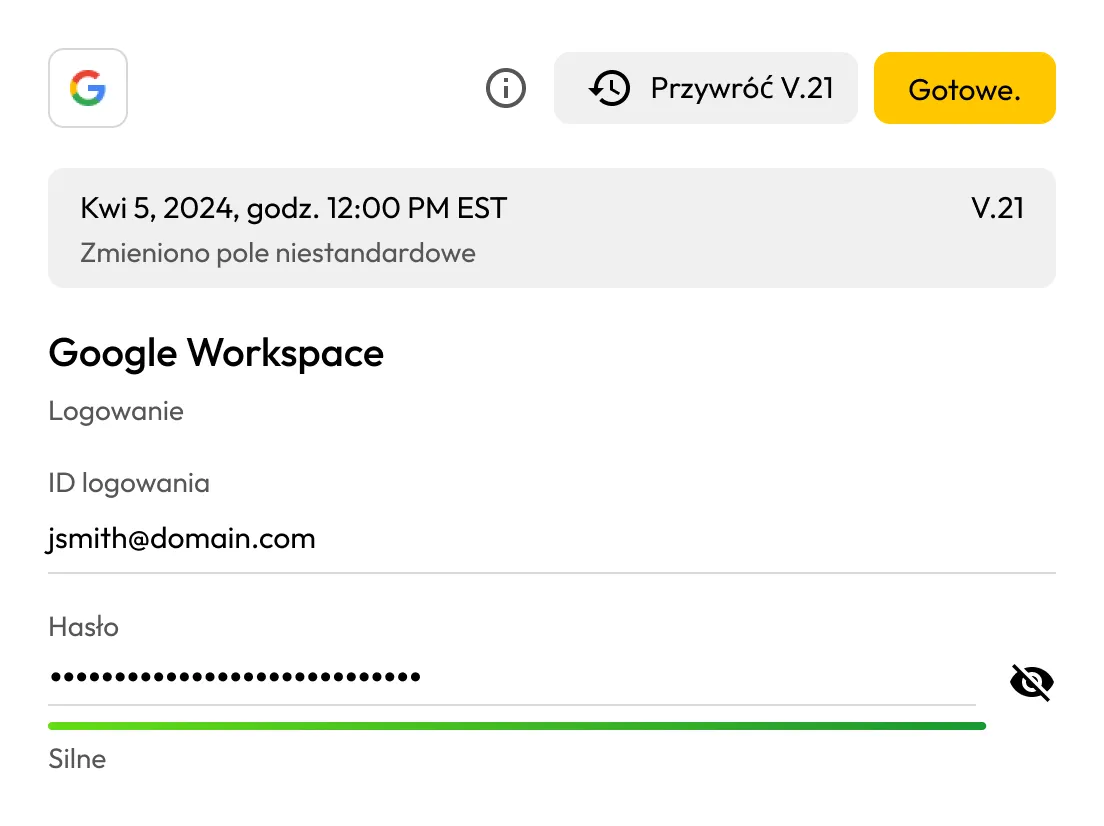
Keeper vault interface displaying a previous version of a Google Workspace login record, including login ID and masked password with a strong rating. The screen shows version details, a 'Restore V.21' option, and a 'Done' button, illustrating how users can review and restore earlier versions of stored credentials.

Restore any version of a record instantly

Review past versions of saved records, and recover the one you need with just a tap.

View record changes over time

Quickly audit which record changed and when, with metadata such as detailed timestamps and version numbers.

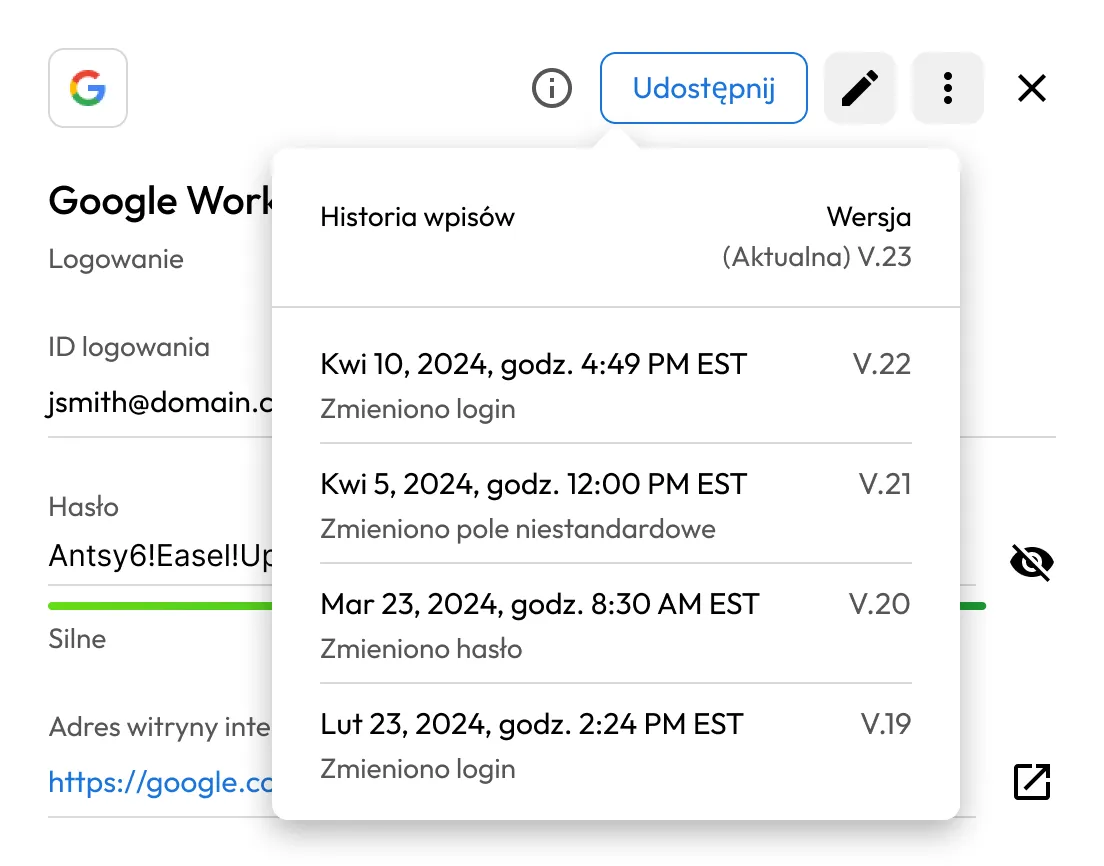
Keeper vault interface displaying the record history panel for a Google Workspace login. Multiple past versions are listed with timestamps and changes such as updated login, password, and custom fields, illustrating version tracking and audit history of stored credentials.
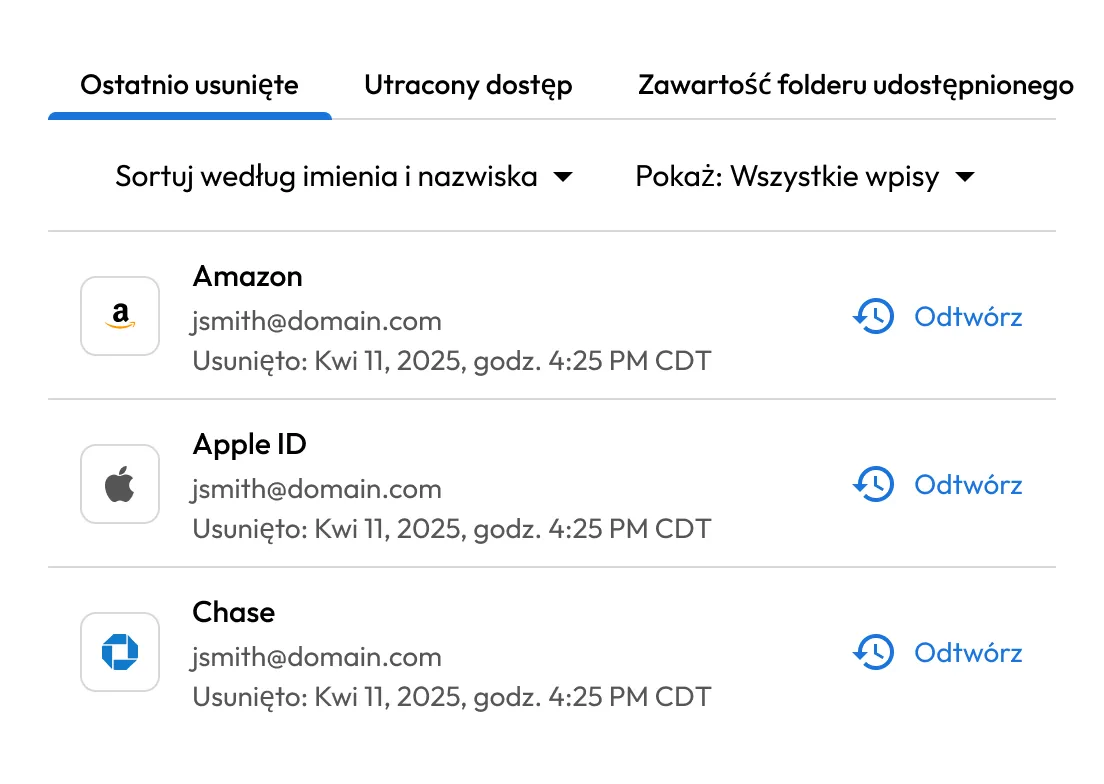
Keeper vault interface showing the 'Recently Deleted' tab with a list of deleted records, including Amazon, Apple ID, and Chase accounts. Each entry displays the associated email, deletion timestamp, and a 'Restore' option, illustrating how users can recover deleted credentials.

Retrieve deleted records with ease

Restore deleted items at any time by visiting Deleted Items in your Keeper Vault.

Use cases for Keeper's Record History

Undo accidental changes

Revert record edits quickly if someone with shared access changes a password or sensitive detail.

Track edits for auditing

Use versioning as part of your audit trail for compliance or security purposes.

Respond to security incidents

Quickly evaluate security incidents and restore past credentials after unauthorized changes.

Test record changes without risk

Make record updates with peace of mind, knowing you can restore any version as needed.

Często zadawane pytania (FAQ)

Is Record History included in all Keeper plans?

Record History is included in all paid consumer and business plans; it is not available to users on the free plan. If you are currently on a free plan and want to access this feature, learn more about which Keeper plan is right for you to upgrade to.

How many versions of a record are saved in Record History?

Keeper saves unlimited record versions, with every change automatically creating a new, encrypted version. This allows you to restore a record to any previous state at any time.

Does restoring a previous version affect users with shared access?

Yes, if a record is shared, restoring a previous version updates the shared content for every user with access to that record. However, restoring a version does not change the folder structure or sharing permissions.

Can I use Record History on mobile devices?

Yes, Record History is available across all Keeper platforms, including iOS and Android. You can view and restore previous record versions directly from the Keeper mobile app.

Kup teraz