Keeper® vs Island Browser:
The best Island Browser alternative

Island is an enterprise browser with built-in security controls. Keeper is a zero-knowledge identity security platform with Remote Browser Isolation (RBI) built in. Here's how they compare for organizations evaluating secure web access.

Iniziando da soli
 
 
per utente/mese *zzgl MwSt *Includes GST
Richiedi una dimostrazione

Bonus! Include un Piano Family Gratuito per ogni membro del team.
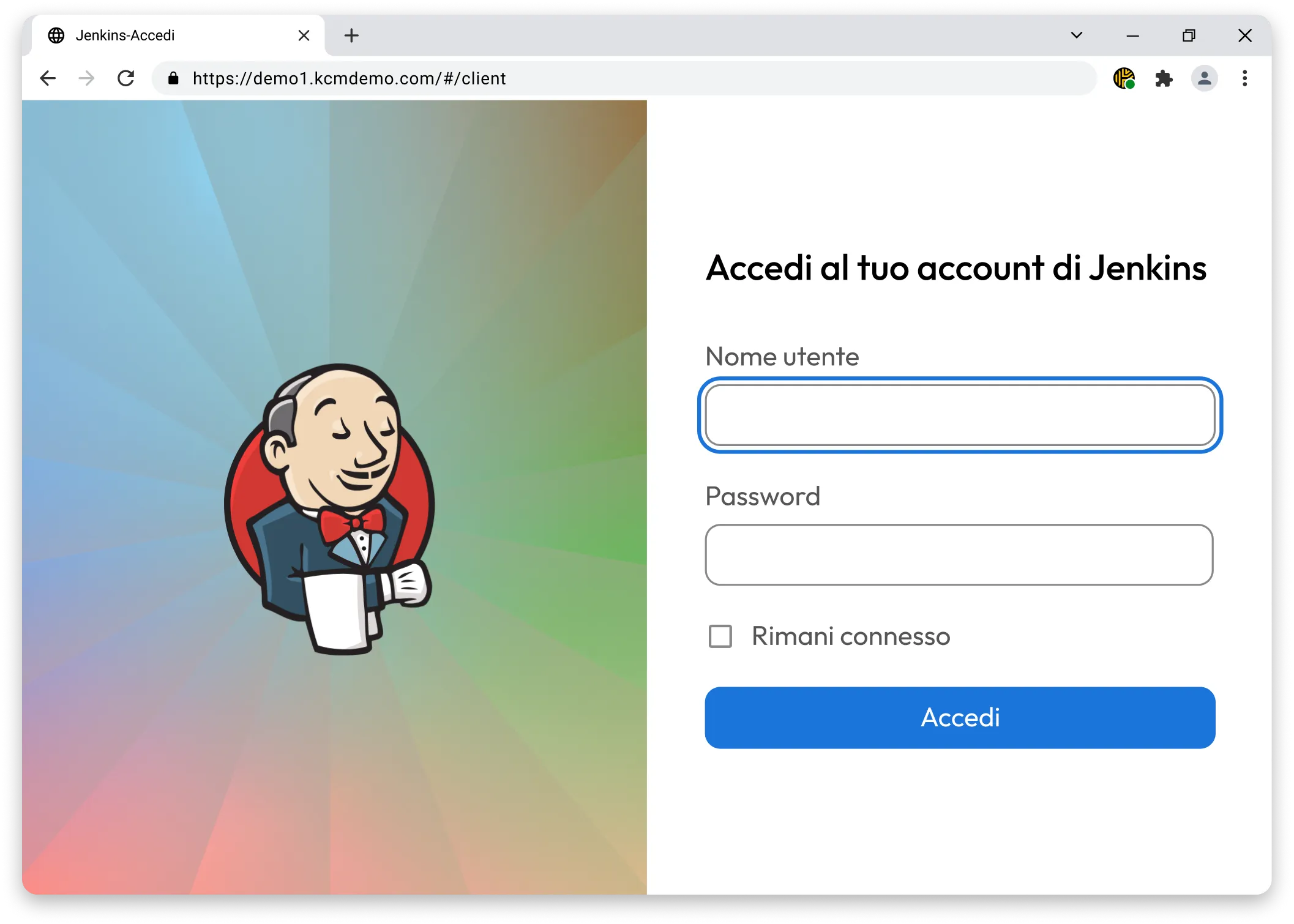
Bloccate e registrate l'accesso al Web con l'isolamento del browser remoto di Keeper.

What makes Keeper the best Island Browser alternative?

Keeper = Super sicurezza
Island Browser
Platform approach

KeeperPAM® is a cloud-native identity security platform that brings together password management, secrets management, privileged session management and Remote Browser Isolation in a single solution. Users access all of this through the Keeper Vault; there is no browser to install or replace. RBI is just one capability within a broader platform.

Island is an enterprise browser, a Chromium-based replacement for Chrome, Edge or Safari, that embeds security controls, access policies and monitoring directly into the browsing experience. Security is delivered through the browser itself rather than as a separate layer. All users must install Island on their devices to use it.

Deployment and agent requirements

Keeper Remote Browser Isolation is agentless. Users access isolated browser sessions from any existing web browser, such as Chrome, Safari, Firefox or Edge, without installing anything on their device. This makes it straightforward to extend to contractors, vendors and Bring Your Own Device (BYOD) users without endpoint management overhead. The Keeper Gateway requires only an outbound connection over port 443; no inbound firewall changes are needed.

Based on publicly available documentation, Island requires a dedicated application to be installed on every user's device. For managed endpoints, this is manageable via MDM, but it introduces friction for external users, contractors and BYOD scenarios where Island is not pre-installed. Rolling out a new browser across an organization involves change management and user adoption work that agentless solutions do not require.

How website content is rendered

Keeper Remote Browser Isolation executes web sessions on the customer's own infrastructure via the Keeper Gateway. The browser session runs remotely; only a visual rendering is streamed to the user's screen. No website code, DOM, scripts or data ever executes on the local device. This eliminates the risk of browser-based malware, drive-by downloads and local data exfiltration at the architectural level, rather than through policy enforcement.

Based on publicly available documentation, Island renders website content locally on the user's device within the Island browser. Security is enforced through controls built into the browser, such as DLP policies, copy/paste restrictions, download controls and screenshot prevention, rather than through remote execution. This means website code still runs on the endpoint; the risk surface is managed through policy rather than eliminated through isolation.

Registrazione delle sessioni e audit

Keeper records all RBI sessions end-to-end. Every interaction, keystroke and screen state is captured, encrypted and stored in the cloud. Session recordings are decrypted locally using unique per-session keys; Keeper never has access to unencrypted session data. Recordings are searchable and exportable for compliance and incident response, and events can be forwarded to any Security Information and Event Management (SIEM) platform.

Island records browser activity for privileged sessions, capturing screenshots, click tracking and keystroke logging within web application sessions. This data can be shared with SIEM and analytics platforms. Recording is scoped to web-based sessions within the Island browser and does not extend to SSH, RDP, VNC or database sessions, which fall outside the browser-based model.

Gestione password

Keeper Password Manager is a standalone, cross-platform capability available on every browser, desktop app and mobile device; it is not dependent on any single browser. The Keeper Vault stores passwords, passkeys, Time-based One-Time Password (TOTP) codes, secure files and custom record types under zero-knowledge encryption.

KeeperFill® autofills credentials in any browser. Credentials are never exposed to the endpoint during an RBI session because Keeper autofills directly into the isolated session without sharing the password with the user's device.

Island includes a built-in password manager with a zero-knowledge architecture. It stores passwords, API keys and secure notes and autofills credentials within the browser. The password manager also works as a standalone app outside the browser.

Credential access is tied to the Island browser. This means users on other browsers or devices need the standalone app to access stored passwords outside Island.

Gestione degli accessi con privilegi

Connection Manager is the underlying infrastructure that powers Keeper Remote Browser Isolation, and as part of KeeperPAM, it handles far more than browser sessions. SSH, RDP, VNC and database connections are all managed and recorded through the same platform, from the same Keeper Vault interface.

Administrators configure access at the connection level with role-based permissions, and every session is recorded end-to-end with the same zero-knowledge protections that apply to RBI. Just-In-Time (JIT) access and endpoint privilege management are also part of the same product.

Island's PAM capabilities are focused on web-based application access. Island provides privileged access controls at the browser layer, including Multi-Factor Authentication (MFA) step-up challenges, approval workflows, least-privilege UI controls and audit logging for web app sessions, without requiring legacy PAM infrastructure like jump servers.

Organizations managing privileged access to servers, databases or non-web infrastructure would need a separate PAM tool alongside Island.

Data Loss Prevention (DLP) and policy controls

Keeper Remote Browser Isolation controls are configured at the connection level; administrators set what users can do within each isolated session, including clipboard access, downloads and printing. Because the session runs remotely, data exfiltration through local device mechanisms is architecturally prevented rather than policy-blocked. Session data never reaches the endpoint, so there is nothing for a DLP policy to catch after the fact.

Island provides granular last-mile DLP controls, restricting copy/paste, downloads, uploads, screenshots and printing on a per-app and per-role basis. Policies can adapt in real time based on device posture, network conditions and location. Controls are enforced at the browser level; website code still runs locally, so DLP relies on policy enforcement rather than architectural isolation.

Gestione chiavi segrete per DevOps

Keeper Secrets Manager is a cloud-native solution for securing infrastructure secrets, API keys, certificates and environment variables. It integrates with CI/CD pipelines out of the box and works within the same zero-knowledge platform as the rest of KeeperPAM.

Island's built-in password manager supports the storage of API keys and secure notes. However, Island does not offer a dedicated secrets management product for DevOps workflows, CI/CD pipeline integration or infrastructure secrets rotation.

Accesso sicuro al database

KeeperDB provides passwordless, audited access to MySQL, PostgreSQL and Microsoft SQL Server directly from inside the Keeper Vault. Credentials are never shared with the end user; access is brokered through the Keeper Gateway and every query is captured as part of the session record. Administrators can enforce read-only sessions, grant time-limited access and control data exports. Teams using existing tools like MySQL Workbench or DBeaver can connect via KeeperPAM's Tunnel feature without sharing credentials or making firewall changes.

Island does not offer a dedicated database access product. Database credentials can be stored in Island's password manager and used to authenticate into web-based database interfaces, but there is no brokered session layer, query-level auditing or tunneling capability for native database clients.

Architettura zero-knowledge

Keeper is built on a zero-knowledge, zero-trust architecture across the entire platform. All encryption is performed client-side; Keeper's servers store only ciphertext. This applies to vault records, session recordings and secrets.

Island uses a zero-knowledge architecture for its password manager, meaning stored passwords and secrets cannot be accessed by Island. For browser session data, activity logs and telemetry captured by the enterprise browser, Island processes this data to deliver the product's visibility and policy enforcement features.

Compliance certifications

Keeper holds SOC 2 Type 2, ISO 27001/27017/27018, FedRAMP High Certification, GovRAMP High Authorization, HIPAA, GDPR, FIPS 140-3 and ITAR compliance.

Based on publicly available information, Island holds SOC 2 Type II and ISO 27001 certification. Island is currently listed in the FedRAMP Marketplace with "Agency Authorization In Process" status, pursuing Class D (High) certification, but has not yet received FedRAMP certification and holds zero ATOs. For a current and complete list of Island's certifications, verify directly at trust.island.io.

Keeper vs Island Browser: User rating and reviews

Keeper = Super sicurezza
Island Browser
App Store iOS

App Store iOS

App su Microsoft Store

App su Microsoft Store

Estensione di Chrome

Estensione di Chrome

Android

Android

Browser isolation without replacing the browser

If your team needs secure web app access without asking everyone to switch browsers or if you need RBI as part of a broader PAM strategy covering servers, databases and secrets, Keeper delivers it all from one platform, on any browser, with no endpoint agent required.

Domande frequenti

What is the difference between remote browser isolation and an enterprise browser?

Remote Browser Isolation executes web sessions on a remote server; only a visual stream reaches the user's device, so no website code, malware or data ever touches the endpoint. An enterprise browser like Island runs sessions locally but wraps them in policy controls, monitoring and DLP enforcement within a custom browser. RBI provides architectural isolation; an enterprise browser provides managed control. The right choice depends on the threat model and deployment context.

Can Keeper Remote Browser Isolation protect access for contractors and BYOD users?

Yes, because Keeper Remote Browser Isolation is agentless, any user with a web browser can access an isolated session. There is no software installation or device management required. Contractors, vendors and BYOD users can be granted time-limited, policy-controlled access to specific web applications without the organization needing to manage their endpoints. Island requires its browser to be installed on every device, which adds friction for third parties.

Does Island Browser replace a PAM solution?

Island provides PAM capabilities for web-based application access, such as MFA step-up, approval workflows, audit logging and session recording. For organizations whose privileged access is primarily web-based, Island may cover a significant portion of that scope. For organizations that also need privileged access to servers (SSH/RDP), databases, cloud infrastructure, and CI/CD secrets, a dedicated PAM platform like KeeperPAM covers these use cases in ways that Island's browser-based model does not.

How does KeeperAI factor into browser-based session security?

KeeperAI® monitors all KeeperPAM sessions, including RBI sessions, in real time and classifies user actions by risk level using large-language-model analysis. If a high-risk action is detected within an isolated browser session, KeeperAI can automatically terminate access. Island does not include AI-powered, real-time threat detection or automated session termination.

Nega il consenso sui cookieLa tua privacy è importante

Utilizziamo i cookie sul nostro sito per offrirti la migliore esperienza di navigazione, pubblicare annunci personalizzati sui nostri prodotti e contenuti e analizzare il traffico del sito web. Per ulteriori informazioni, consulta la nostra Informativa sulla privacy.

Registratevi per una prova gratuita

Acquista ora