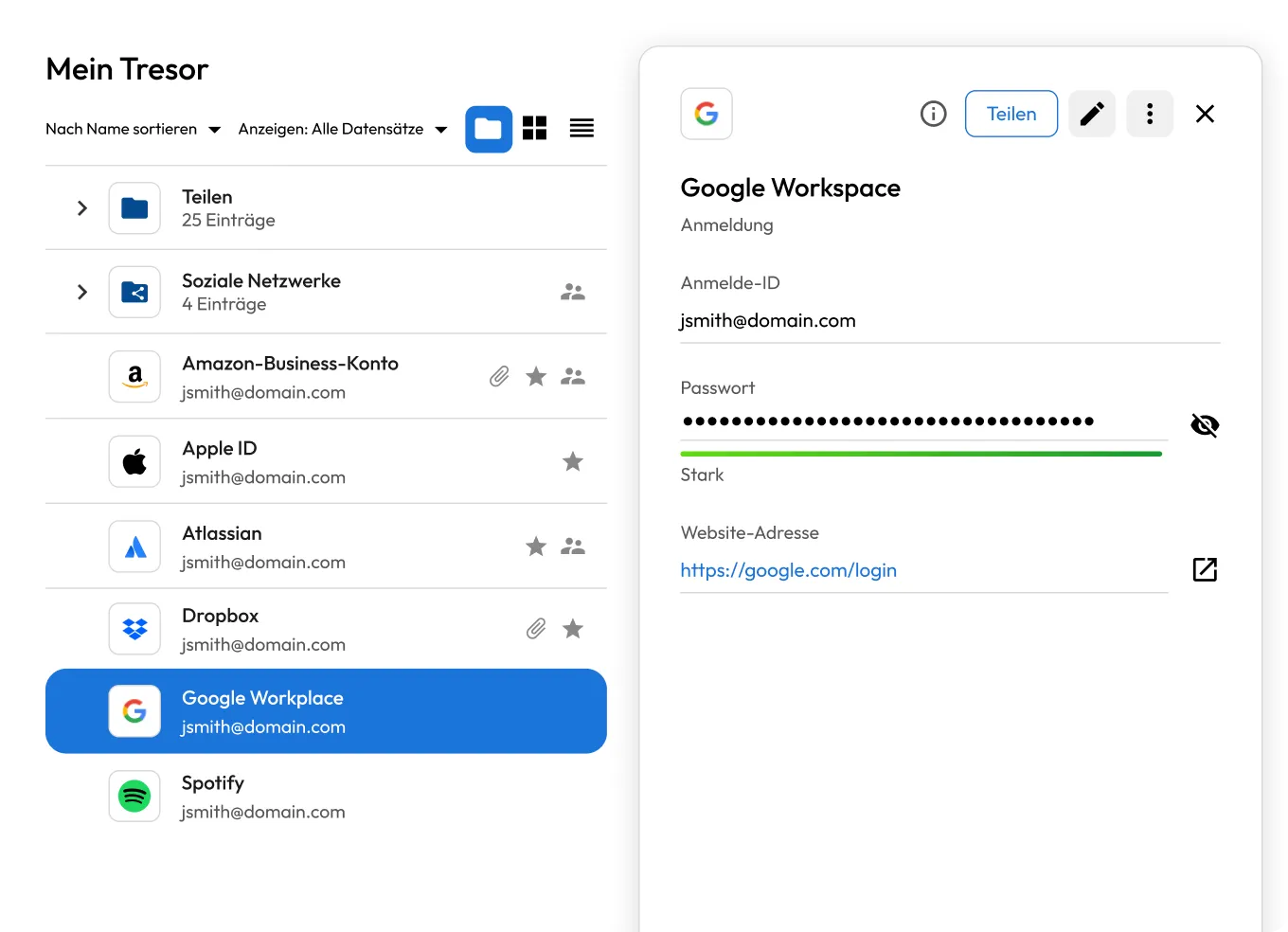
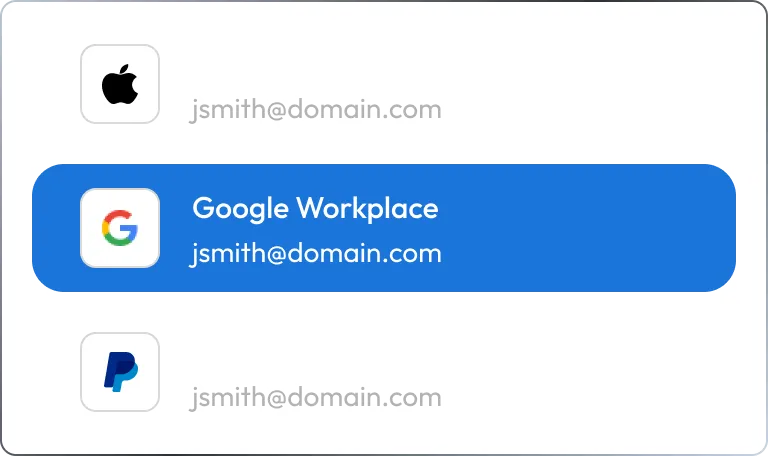
1. Öffnen Sie einen beliebigen Datensatz.
Navigieren Sie in Ihrem Keeper-Tresor zu dem Datensatz, den Sie überprüfen möchten.
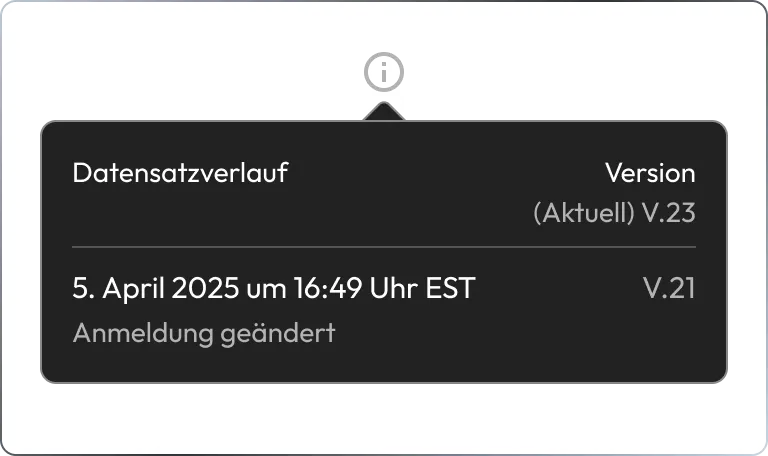
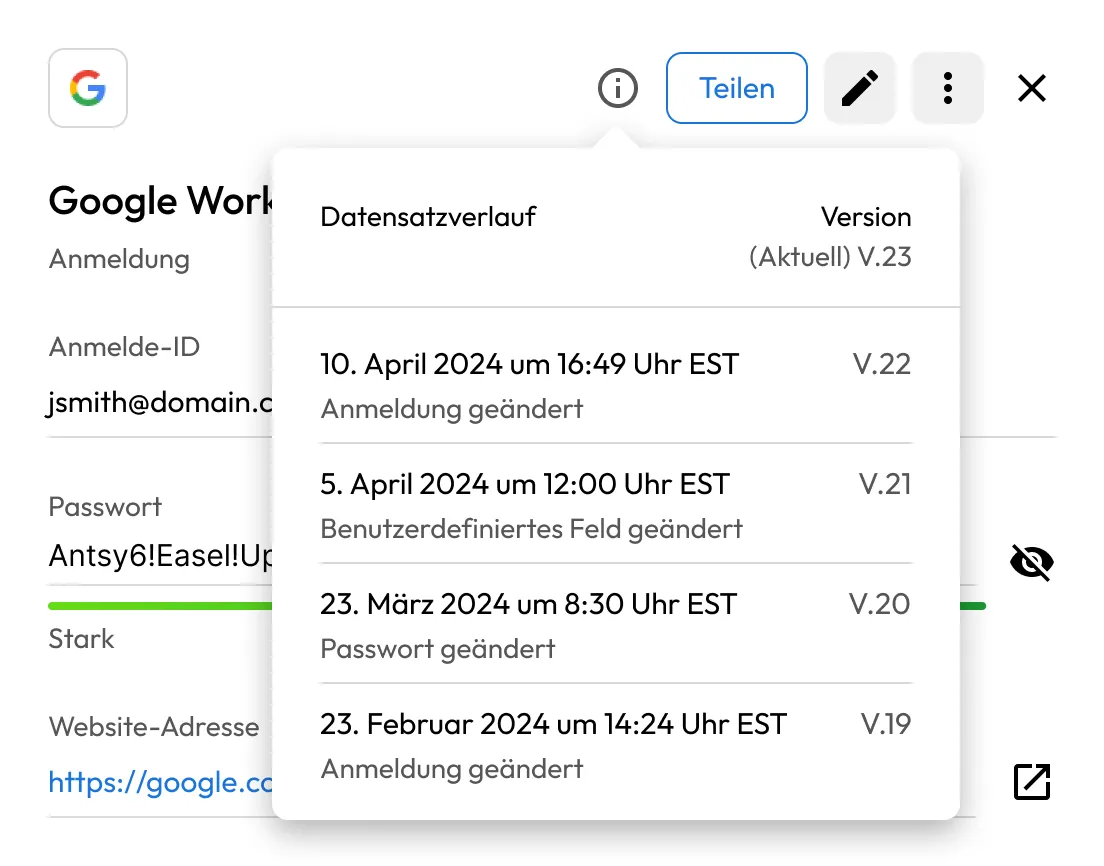
2. Wählen Sie „Datensatzverlauf überprüfen“.
Tippen Sie auf das Menüsymbol in der oberen rechten Ecke und wählen Sie „Datensatzverlauf überprüfen“.
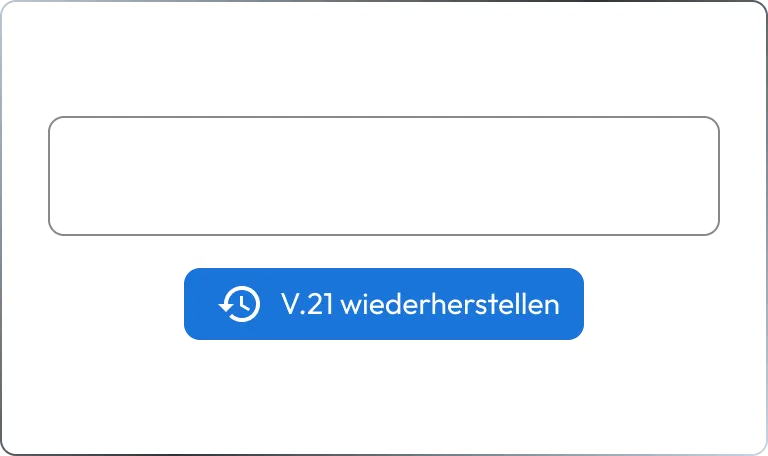
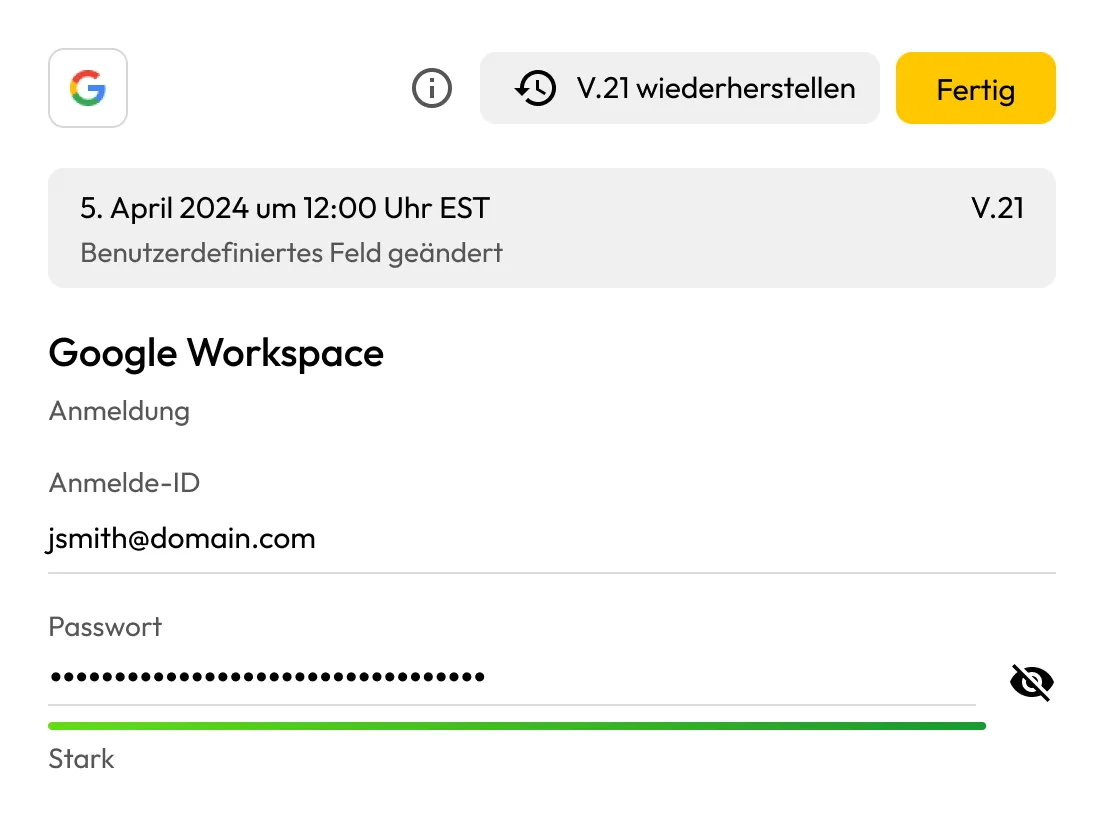
3. Stellen Sie eine frühere Version wieder her
Wählen Sie die Version des Datensatzes aus, die Sie wiederherstellen möchten, und tippen Sie anschließend auf „Wiederherstellen“, um ihn wiederherzustellen.