


+

Extend Ping SSO to secure passwords, secrets and files in Keeper

Teams sign in to Keeper with their Ping credentials while all passwords and secrets remain encrypted end-to-end. Built on SAML 2.0, with support for both PingOne and legacy Ping Identity.

Ping Identity and Keeper logos connected by lines, representing their integration.

How the Keeper + Ping integration works

Keeper connects to Ping over SAML 2.0. Users authenticate with their Ping identity, and Keeper enables an encrypted, zero-knowledge vault behind that login, without connectors or custom code. Setup runs through the Keeper Admin Console and the Ping Application Catalog, with the exact path depending on whether you run PingOne or Ping Identity.

Keeper logo surrounded by blue curved lines.

1. Connect Keeper and Ping

Set up an SSO Connect Cloud method in Keeper, then add the Keeper application in Ping. The two exchange SAML details so they trust each other. PingOne does this with a metadata and certificate exchange; older Ping Identity setups use a couple of values entered manually.

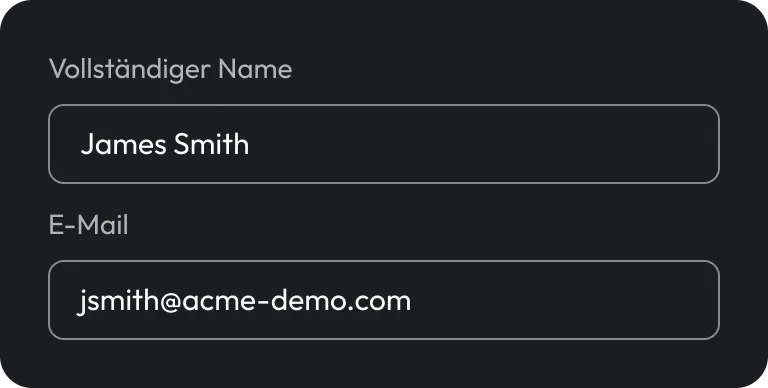
Keeper user interface showing Full name and Email fields.

2. Map identity and access

Keeper reads First, Last and Email from Ping, and access follows the Ping groups you assign. The people and permissions you already manage in Ping carry straight into Keeper.

Green checkmark icon.

3. Users sign in with Ping

Once live, users reach their vault through their Ping identity. After the first sign-in, a single email address routes them straight to Ping, with no separate password to manage.

What Keeper adds to your Ping setup

An encrypted vault behind every login

Ping gets users through the door, and Keeper gives them an encrypted vault for the passwords, secrets and connections that SSO alone doesn't cover. Anything not tied to the identity provider still lives in a secure location and is governed by the same login.
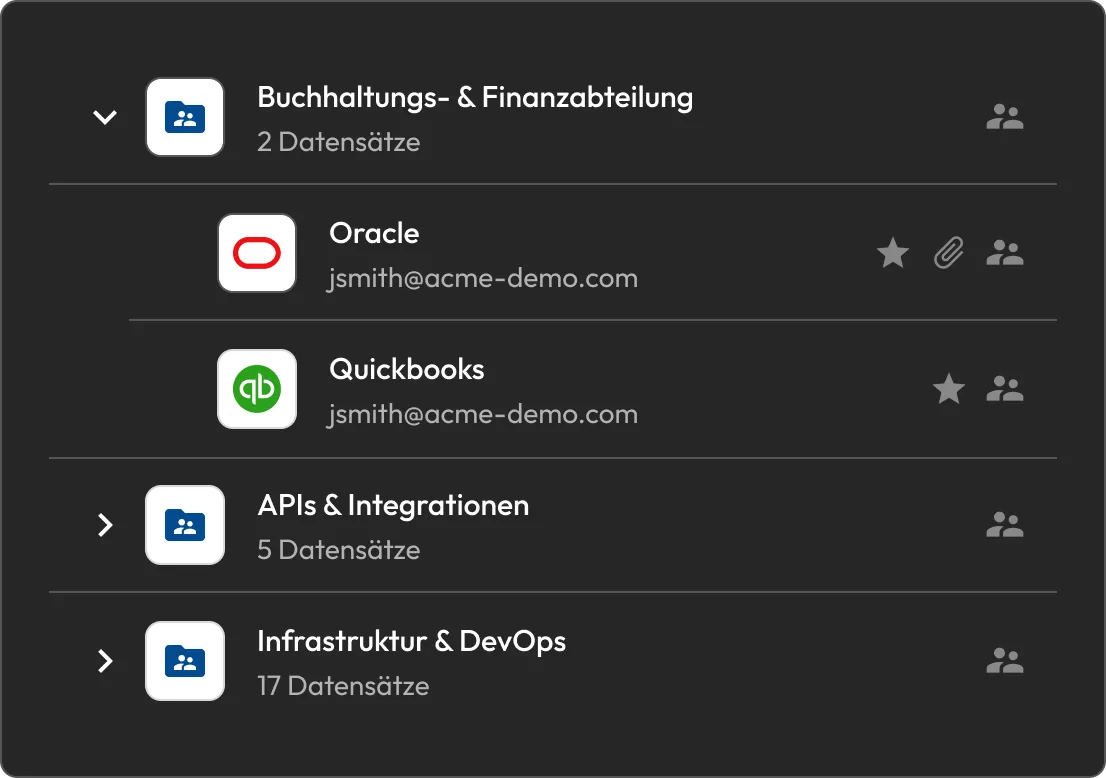
Keeper UI showing folders for Accounting & Finance, APIs & Integrations, and Infrastructure & DevOps, with Oracle and QuickBooks records.

Nothing to host or maintain

Keeper SSO Connect Cloud runs as a cloud service, so there's no application server to provision, secure or patch. Teams that prefer a self-hosted deployment can use SSO Connect On-Prem instead.

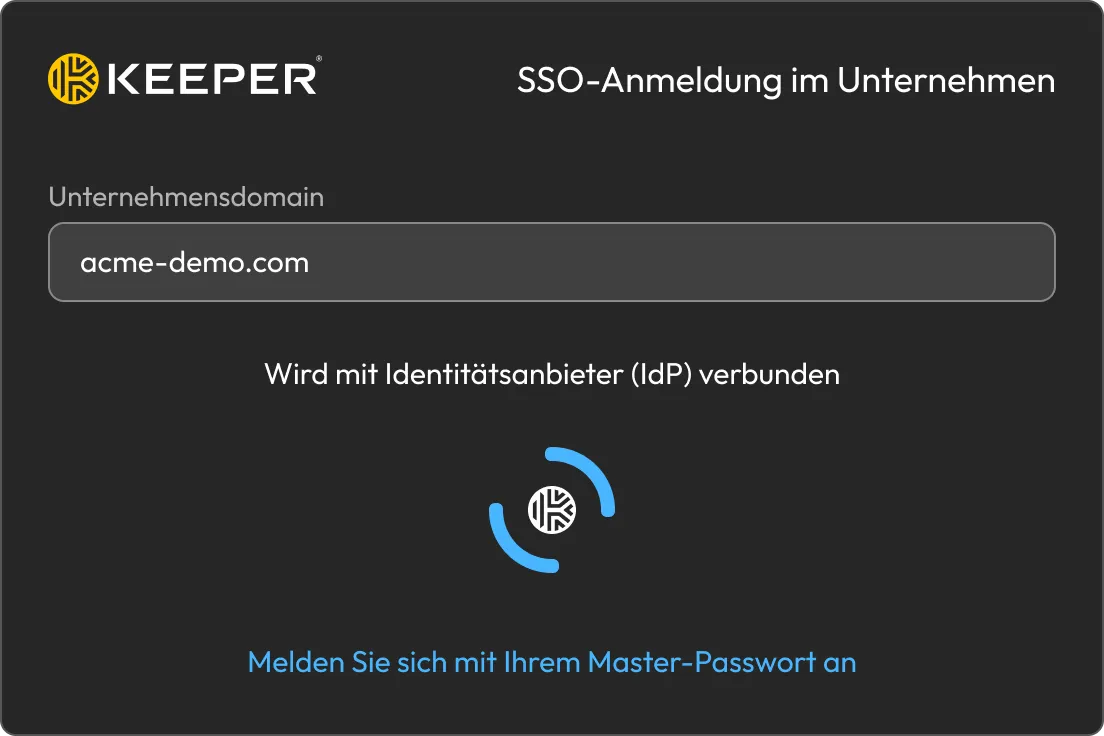
Keeper Enterprise SSO login screen connecting to an identity provider.

Accounts that provision themselves

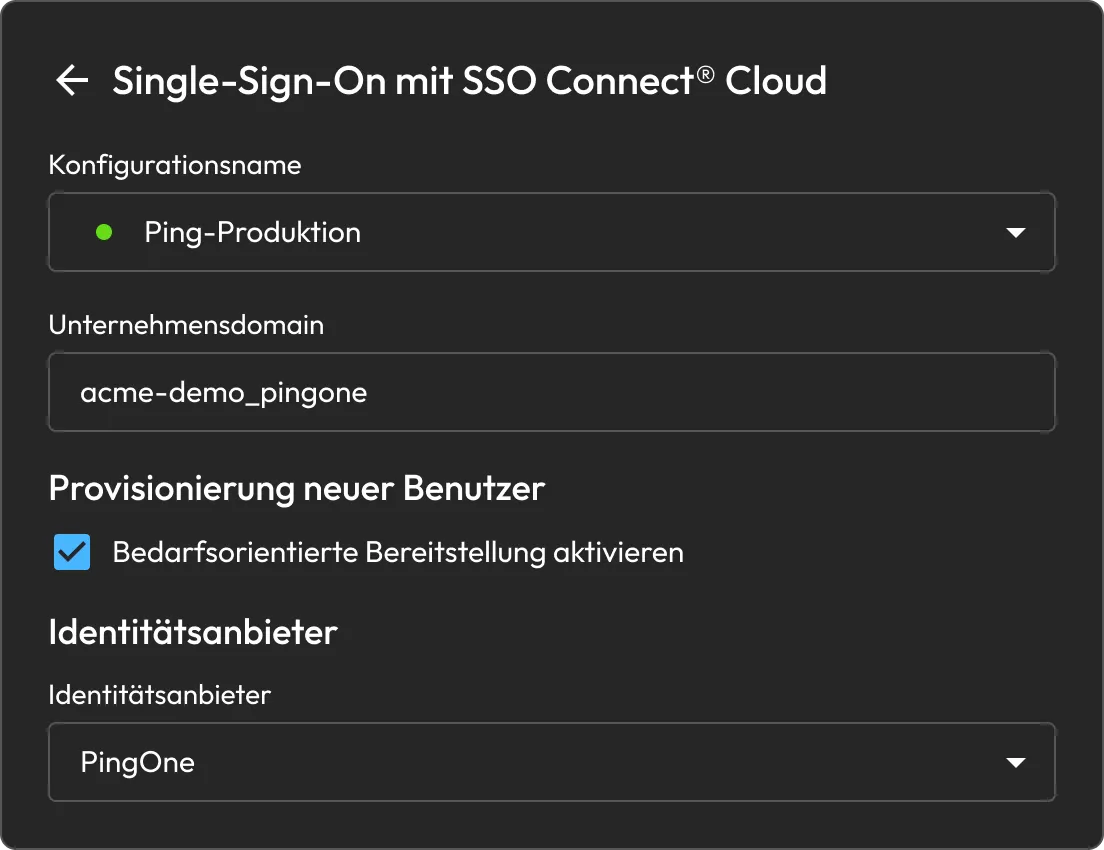
With just-in-time provisioning, Keeper creates a user's account the first time they authenticate through Ping, so there's no separate setup to run or keep in sync. New hires reach their vault as soon as they land in the right Ping group.

Keeper SSO Connect Cloud configuration screen for PingOne with just-in-time user provisioning enabled.

Access that follows your Ping groups

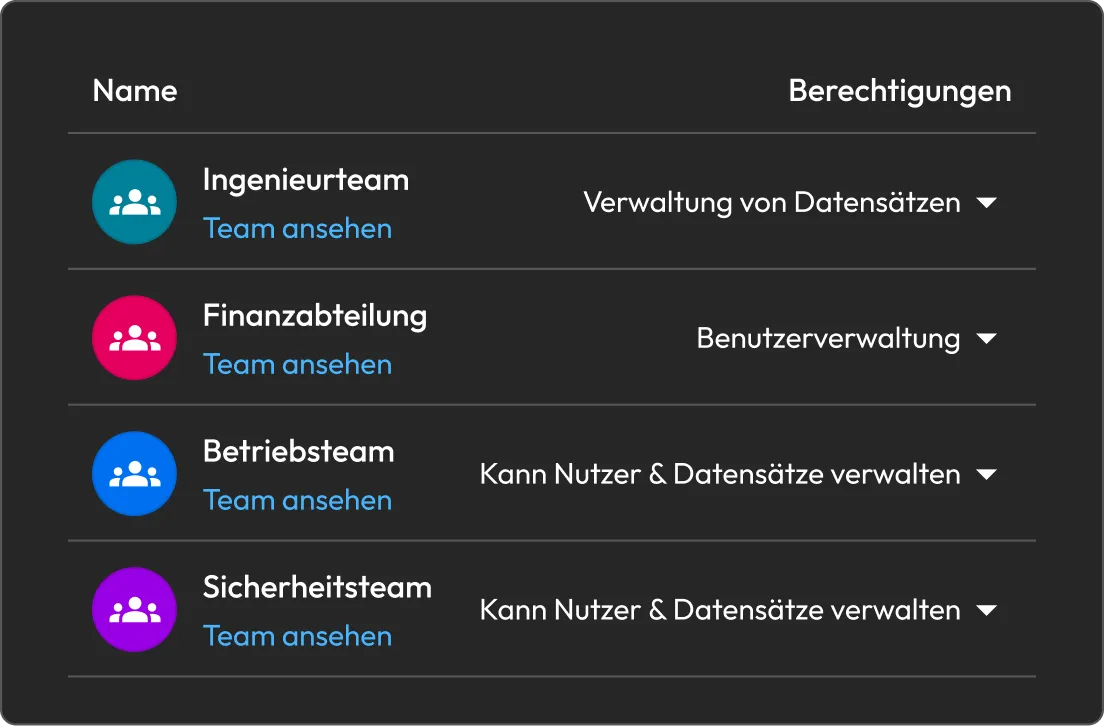
Keeper grants vault access based on the Ping groups assigned to the application. Leave it open to everyone, or scope it to specific groups, and keep access aligned with the structure admins already manage.

Keeper UI showing team permissions for Engineering, Finance, Operations and Security teams.

Email-only login for users

After the first sign-in, Keeper routes users straight to Ping from a single email address. There's no domain to remember and no master password to type.

Ping Identity success screen showing “Logging you in…”

Zero-Knowledge-Verschlüsselung

Ping verifies the user; Keeper encrypts what they store on the device, with keys that never leave it. Admin SSO changes how people log in, not who can see their data, so vault contents remain invisible to Keeper and Ping alike, and zero knowledge stays intact.

Zero-Trust. Zero-Knowledge. Keine Ausnahmen.

Put Keeper behind your Ping sign-on

With Keeper, give every employee a secure vault behind the login they already use and make strong password habits the default.

Häufig gestellte fragen

Which Ping products are supported, and does setup differ between them?

Both PingOne and legacy Ping Identity. In the Keeper Admin Console, set the IDP Type to PingOne for PingOne or Generic for legacy Ping Identity.

Can Keeper be self-hosted instead of running in the cloud?

Yes, SSO Connect Cloud is the recommended path for most organizations, but SSO Connect On-Prem is available for teams that need a self-hosted deployment on their own Windows or Linux server.

What happens to existing users during setup, and will they still need a master password?

Existing users move from the root node into the SSO-enabled sub-node. On their first login after the move, they may be prompted to confirm with their master password once, then authenticate through Ping from then on.

Which attributes need to be mapped in Ping?

Three: First, Last and Email. The names are case-sensitive and must start with a capital letter, since lowercase values cause parsing errors during setup.

A user's email isn't routing to Ping SSO. What should be checked?

Confirm that just-in-time provisioning is enabled in the Keeper SSO configuration and that the email domain is reserved with Keeper. Domain reservation is what routes an email to the correct SSO connection.

Einverständnis zur Cookie-Nutzung widerrufenWir schätzen Ihre Privatsphäre

Wir verwenden Cookies auf unserer Website, um Ihnen das beste Browser-Erlebnis zu bieten, personalisierte Anzeigen zu unseren Produkten und Inhalten zu bieten und den Website-Datenverkehr zu analysieren. Um mehr zu erfahren, lesen Sie bitte unsere Datenschutzrichtlinie.

Für die kostenlose Testversion anmelden

Jetzt kaufen