Extend Okta to every credential and privileged account

Keeper authenticates your team with your existing Okta deployment via zero-knowledge, passwordless SSO. Then, it secures everything Okta leaves behind: credentials for apps that don’t support SAML, shared logins and the Okta administrator accounts themselves.
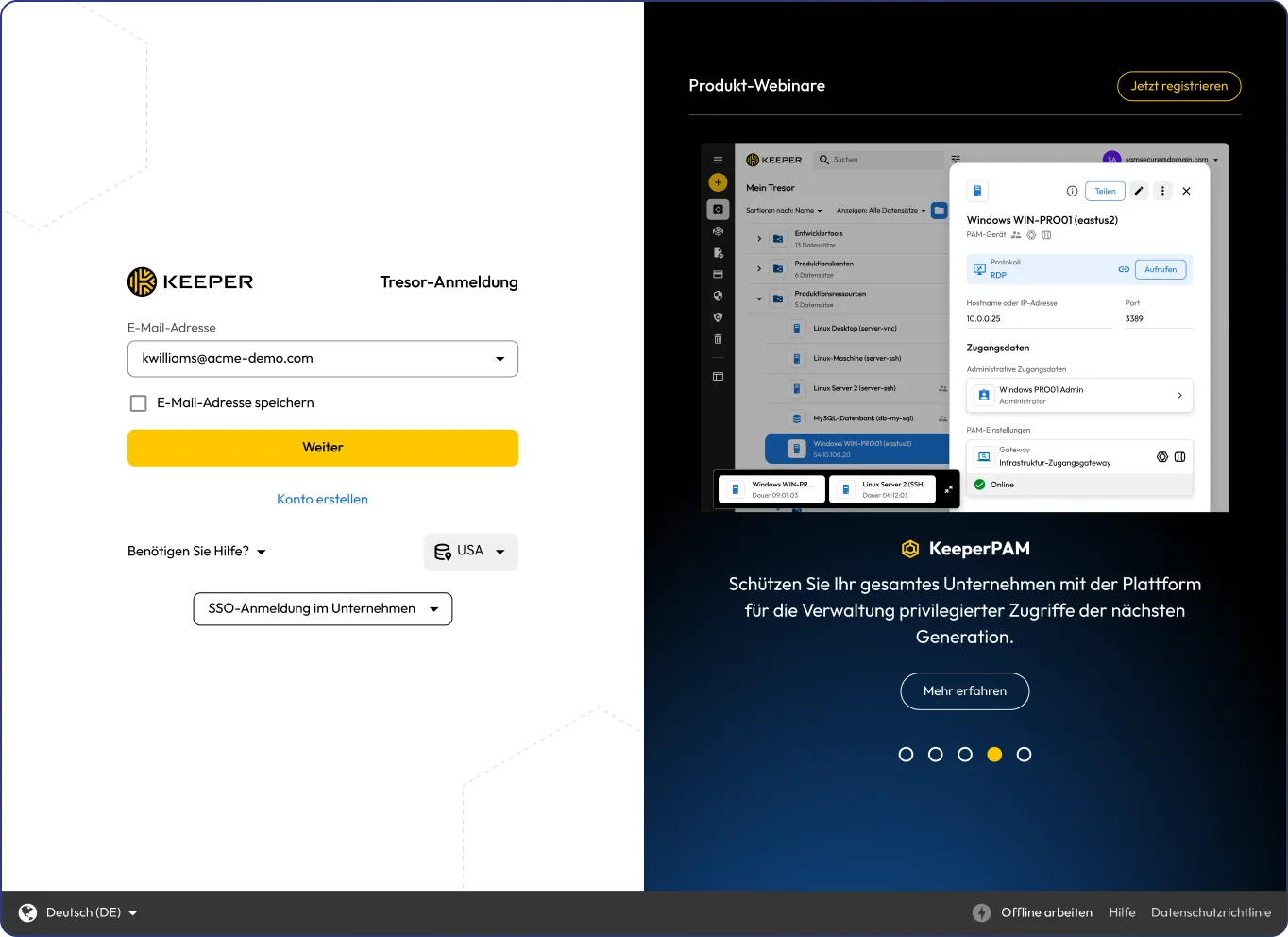
Keeper Vault login screen with an email sign-in form and KeeperPAM promotional panel.

Authenticate through Okta with zero-knowledge SSO

Your team signs in to the Keeper Vault with their Okta identity over SAML 2.0. Since Keeper is zero-knowledge, SSO enables the device to securely obtain the keys that decrypt the vault without requiring a master password. The keys are delivered to and used by the device, not held by Okta.

Sign in with no master password

SSO users never create or reset their Keeper master password. Okta authenticates the user, and the vault is decrypted locally on their device.

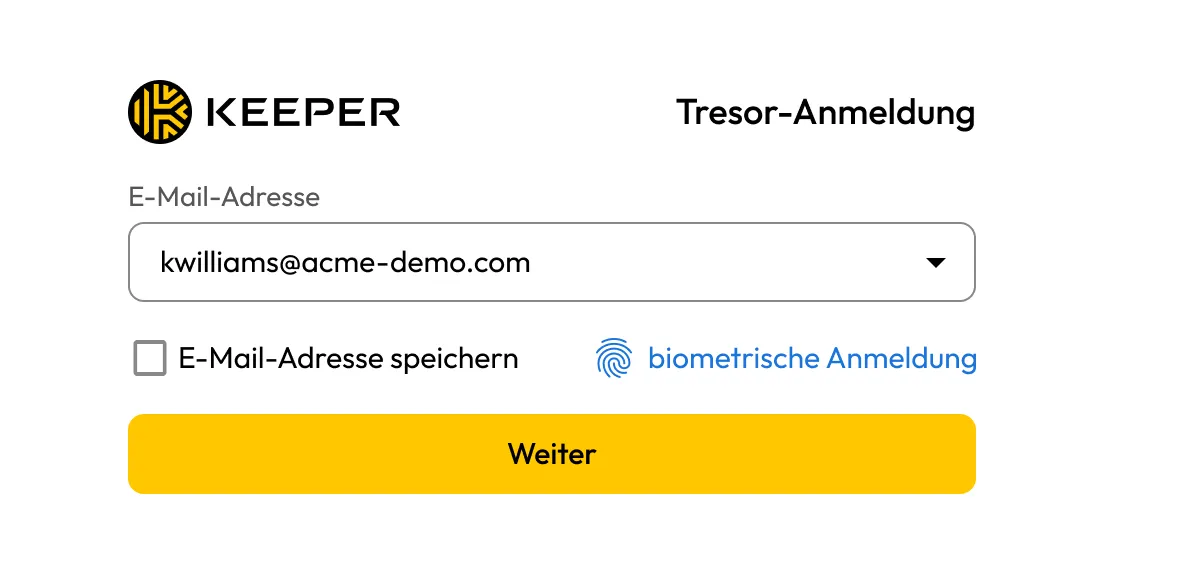
Keeper Vault login screen showing email address entry, biometric login and Remember Email option.

Maintain zero-knowledge encryption

Each device holds its own elliptic curve private key. The user’s data key is decrypted locally once Okta authenticates them. Neither Keeper nor Okta ever receives or holds the plaintext data key, preserving zero-knowledge encryption. Authentication and encryption remain separate, so using Okta never gives Keeper or Okta the ability to read vault data.

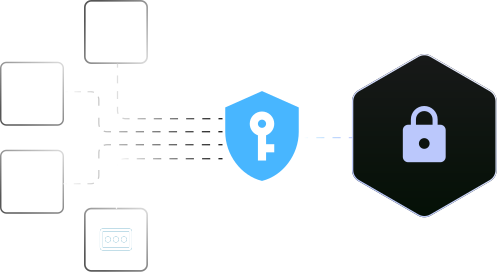
Keeper security graphic showing user access, files, attachments and passwords protected by a key shield and lock.

Deploy in the cloud or on-premises

For SSO and provisioning, Keeper SSO Connect Cloud connects directly to Okta with no infrastructure to maintain. To add credential rotation or just-in-time access, deploy the Keeper Gateway within your environment.

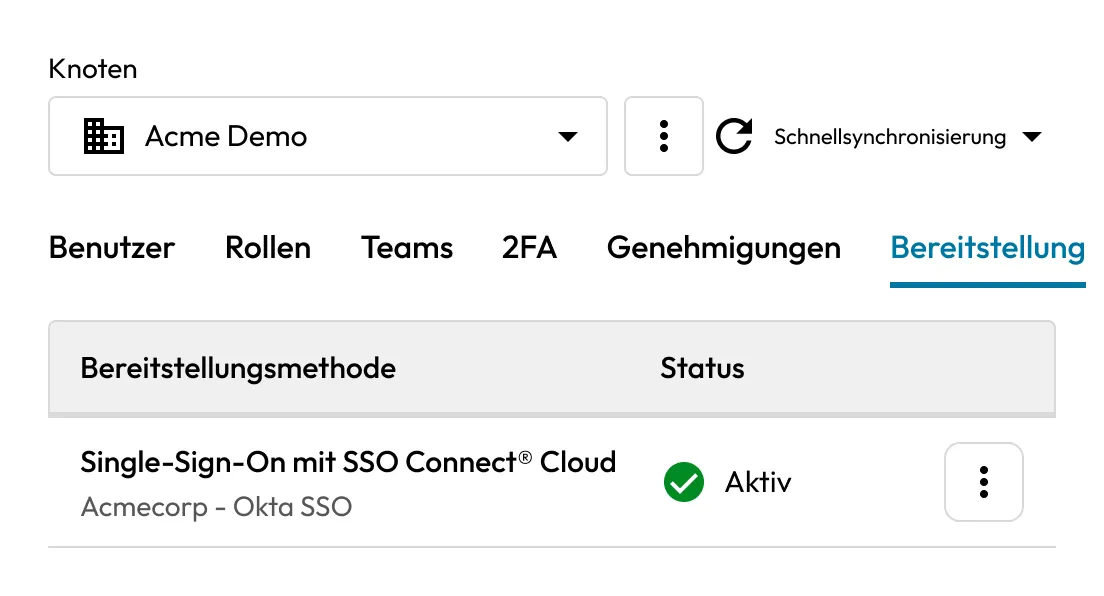
Keeper Admin Console showing active SSO Connect Cloud provisioning with Okta SSO.

Approve new devices seamlessly

Signing in on a new device requires a one-time key exchange to preserve zero knowledge. Users can approve a new device from an existing one, or the Automator service can approve it automatically. The Automator runs on your own infrastructure, so approvals never depend on Keeper holding the keys.

Keeper verification icon showing a blue checkmark inside a browser window.

Enforce your existing Okta policies

Okta applies its own sign-on and MFA policies before handing off to Keeper, so conditional access, MFA and device rules carry through to every Keeper application and browser extension.

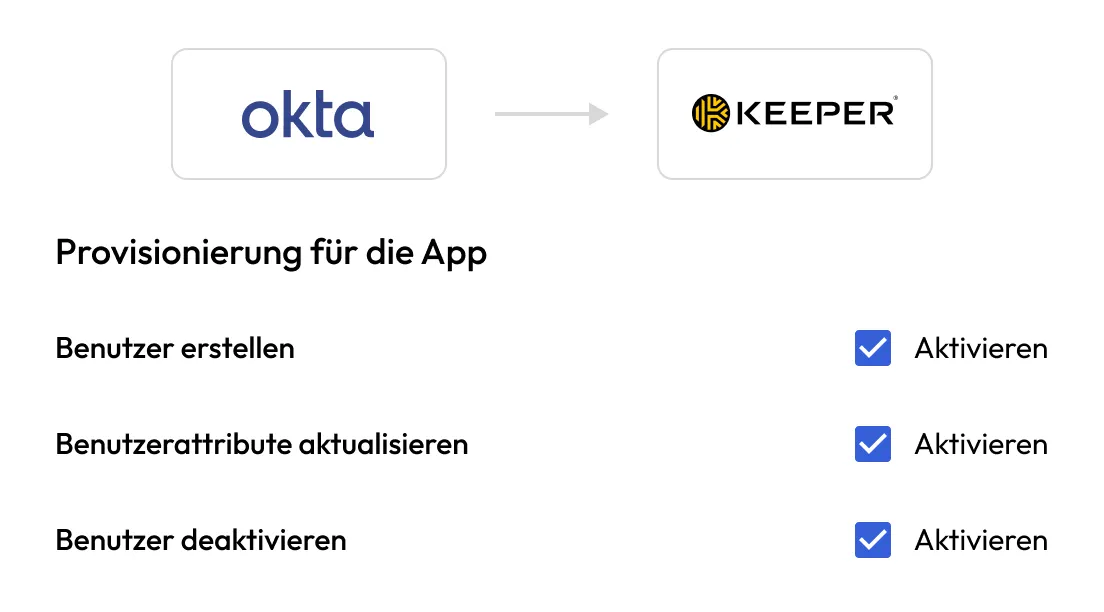
Keeper Okta provisioning settings showing user creation, attribute updates and deactivation enabled.

Terminate sessions with Single Logout

Enable Single Logout to end a user’s Keeper and Okta sessions simultaneously. Upload the Keeper service provider certificate to Okta, and session state stays synchronized across both.

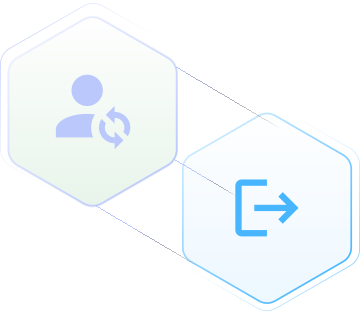
Keeper Single Logout graphic showing synchronized session termination across Keeper and Okta.

Close the gaps Okta SSO leaves

Okta federates the apps that support SAML. Legacy systems, native apps, shared logins and offline access sit outside that perimeter. Once your team authenticates through Okta, Keeper extends the same identity to all of it.

Reach apps that don’t support SAML

Keeper stores and autofills credentials for the legacy systems, native applications and websites Okta can’t federate, so those logins live behind the same Okta authentication as everything else.

Bring shared and privileged logins under policy

Shared accounts that would otherwise require users to share a password with others are stored in encrypted records and governed by RBAC and sharing controls, without exposing the credential to the user.

Work offline without losing access

Users can unlock an encrypted local copy of their vault without SSO or an internet connection, so access continues when the IdP or network is unavailable.

Enforce access independent of the IdP

Apply Keeper’s own role-based access, sharing permissions and record-level controls on top of Okta, giving you a second layer of authorization that Okta does not manage on its own.

Provision users and groups with SCIM

With SCIM provisioning enabled, Okta keeps Keeper automatically in sync from the moment a user is hired until the day they leave. SCIM runs in the cloud and requires no gateway.

Map Okta groups to Keeper teams

Okta groups map to Keeper teams and automatically follow membership changes, so shared-folder access always reflects the current group.

Deprovision users automatically

When a user is deactivated or removed in Okta, their Keeper Vault locks on the next sync, ending access without a manual step.

Assign teams to your Keeper roles

Assign provisioned teams to your own Keeper roles rather than the default role. Name and attribute updates made in Okta sync to Keeper automatically.

Secure privileged access with KeeperPAM®

Okta manages workforce identity. KeeperPAM adds control over your most sensitive Okta accounts and the access they hold.

Rotate privileged Okta credentials

KeeperPAM rotates passwords for Okta administrator and service accounts on a schedule or on demand, using the complexity rules you define. Keeper stores the current value, so credentials never need to be updated manually.

Manage users and groups through the Okta API

Add or remove users and group memberships directly from Keeper using a dedicated service account. Scope that account to a custom Okta role with only the Manage Users and Manage Groups permissions, tied to a resource set in your control, so it never holds more access than needed.

Grant Just-in-Time (JIT) access

Replace standing administrator access with access that expires. A user requests access, an approver grants it and Keeper assigns Okta group or role membership only for the duration of the request. When the window closes, Keeper revokes the membership automatically.

How Keeper's Okta integration works

What you deploy depends on what you need. Deploy vaults for unprivileged users quickly and entirely in the cloud. The Keeper Gateway can be deployed within minutes for all privileged users, protecting both human and non-human identities.

For SSO and provisioning

Keeper SSO Connect Cloud federates to Okta over SAML 2.0 for authentication and provisions accounts through SCIM, with no gateway required and no infrastructure to deploy.

Keeper Password Manager and Digital Vault integration screen showing the Add Integration button.

1. Add the Keeper application in Okta

Add the Keeper application from the Okta App Catalog and configure it using the Entity ID provided by the Keeper Admin Console.

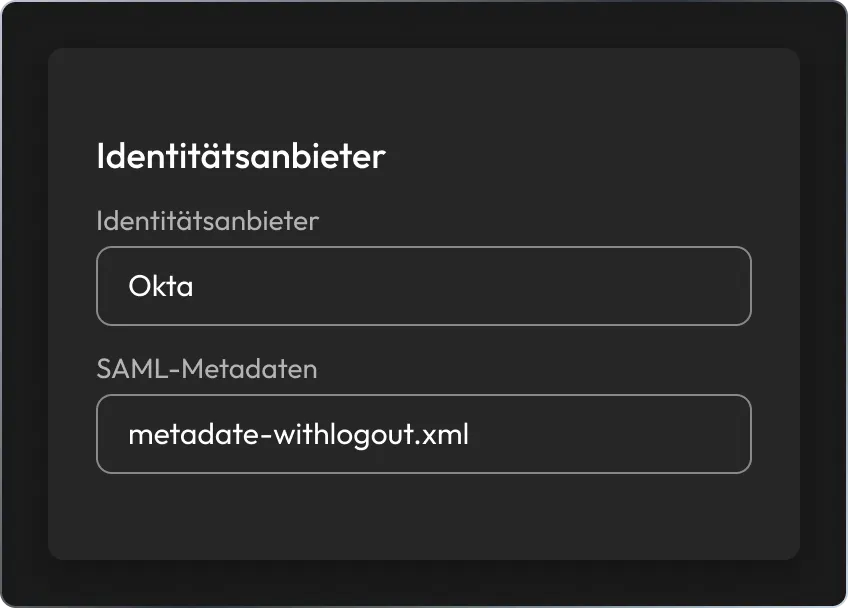
Keeper identity provider settings showing Okta selected with a SAML metadata file.

2. Exchange SAML metadata

Download the Okta IdP metadata file and upload it to Keeper to establish secure SAML 2.0 authentication. Enable Single Logout and SCIM provisioning as needed. Teams can sign in with their Okta identity and open their vault with no master password. SCIM keeps the account lifecycle connected to Okta, so offboarding a user ends their Keeper access at the same time.

For privileged access with KeeperPAM

To rotate Okta credentials or manage users and groups through the Okta API, install the Keeper Gateway inside your environment. Since it uses outbound-only connections, there are no inbound firewall rules to open, maintaining Keeper’s zero-knowledge architecture.

Keeper SSO integration graphic showing an identity provider connected to Keeper. Keeper SSO integration graphic showing an identity provider connected to Keeper.

1. Deploy the Keeper Gateway

Install the Keeper Gateway on a server or VM within your environment. It authenticates to Okta using a dedicated service account and API key, then acts as the bridge between KeeperPAM and your Okta tenant.

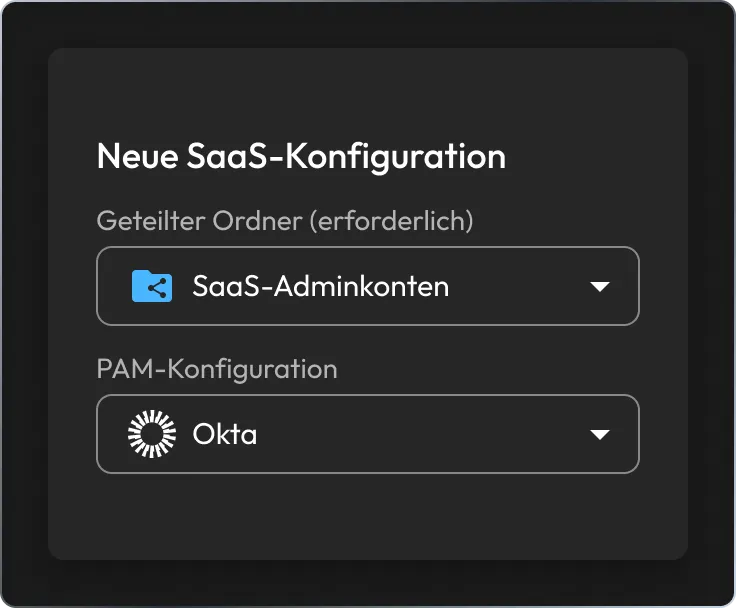
Keeper New SaaS Configuration screen showing SaaS Admin Accounts shared folder and Okta PAM configuration.

2. Set up an Okta PAM configuration

Create a PAM Configuration record containing your Okta tenant name, tenant URL, service account username and API key. This securely authorizes the Keeper Gateway to perform approved administrative actions within your Okta tenant.

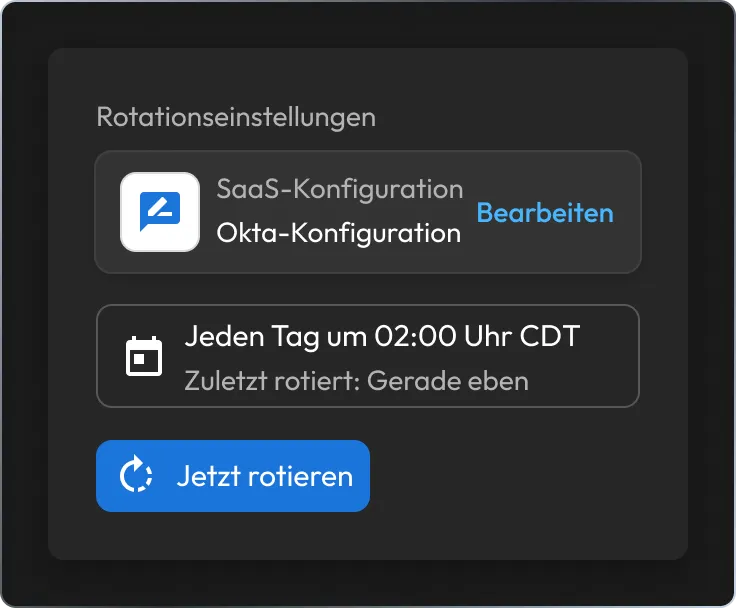
Keeper SaaS password rotation settings showing Okta configuration, daily rotation schedule and Rotate Now button.

3. Enable credential rotation and user management

Create SaaS Configuration and PAM User records linked to your Okta PAM configuration. Set password complexity requirements and rotation schedules to automate credential rotation and manage users, groups and JIT access through Keeper.

Why teams connect Keeper and Okta

Automate the identity lifecycle

SSO, SCIM and the Automator service work together so a new hire receives the right access from the beginning. Access is fully revoked as soon as an employee departs and the change is made in Okta, with no manual approvals in between.

Reduce standing privilege

Automated rotation and JIT access reduce the number of always-available privileged credentials, lowering exposure while helping you meet internal security policies and regulatory requirements.

Maintain a detailed audit trail

Every credential rotation, provisioning change and privileged action performed through Keeper is logged, giving security teams full visibility alongside your existing Okta logs.

Deploy without disrupting Okta

The integration fits into your existing Okta policies, groups and MFA, so adopting Keeper does not change how your team signs in or works.

Integrate Keeper with Okta

Häufig gestellte fragen

Does Keeper's Okta integration require changes to my existing Okta environment?

For SSO, add the Keeper application from the Okta App Catalog and exchange SAML metadata between Okta and Keeper SSO Connect Cloud. Your existing Okta policies, groups and application assignments remain unaffected. For user management and credential rotation, a dedicated service account and API key are required, but no structural changes to your Okta environment are necessary.

What Okta permissions does Keeper require?

Keeper authenticates using a dedicated Okta service account assigned to a custom administrative role with only the permissions necessary to manage users and groups. Since you define the resource set, the service account never holds broader access than your policy requires.

Does Keeper automatically rotate Okta credentials?

KeeperPAM supports automated password rotation for privileged Okta administrator and service accounts. You can configure password complexity requirements, define recurring rotation schedules or trigger password changes on demand.

How do I set up rotation for an existing Okta account?

Add your existing privileged Okta account credentials to a Keeper folder, then configure a SaaS Configuration record and link it to the relevant PAM User records. From then on, KeeperPAM manages all future credential changes.

Einverständnis zur Cookie-Nutzung widerrufenWir schätzen Ihre Privatsphäre

Wir verwenden Cookies auf unserer Website, um Ihnen das beste Browser-Erlebnis zu bieten, personalisierte Anzeigen zu unseren Produkten und Inhalten zu bieten und den Website-Datenverkehr zu analysieren. Um mehr zu erfahren, lesen Sie bitte unsere Datenschutzrichtlinie.

Für die kostenlose Testversion anmelden

Jetzt kaufen