
功能: 个人暗网监控
Keeper BreachWatch® for personal use
BreachWatch 会持续监控暗网,查找您 Keeper 保管库中暴露的登录凭据,同时保持 Keeper 的零知识架构。
功能: 个人暗网监控
BreachWatch 会持续监控暗网,查找您 Keeper 保管库中暴露的登录凭据,同时保持 Keeper 的零知识架构。
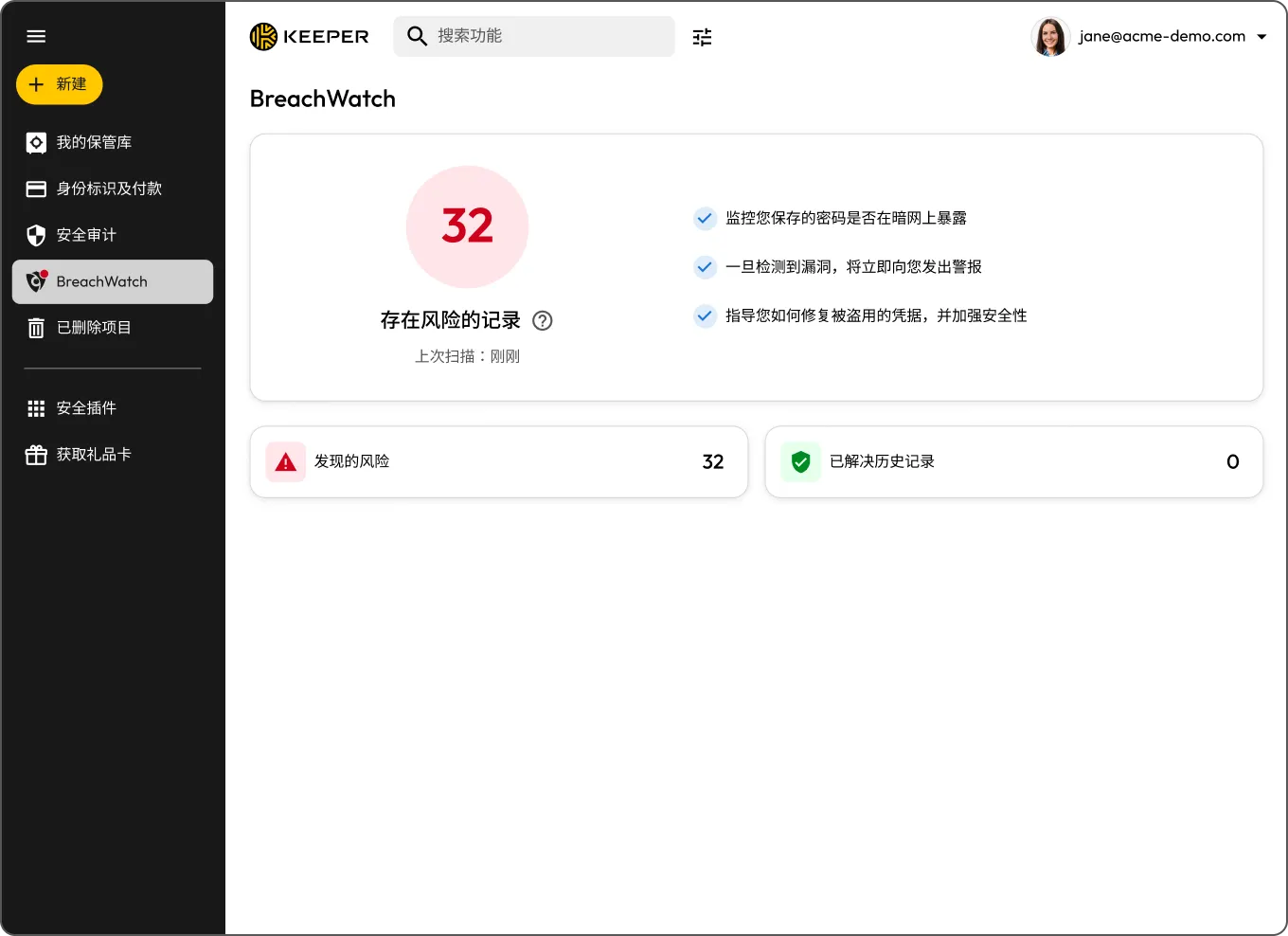
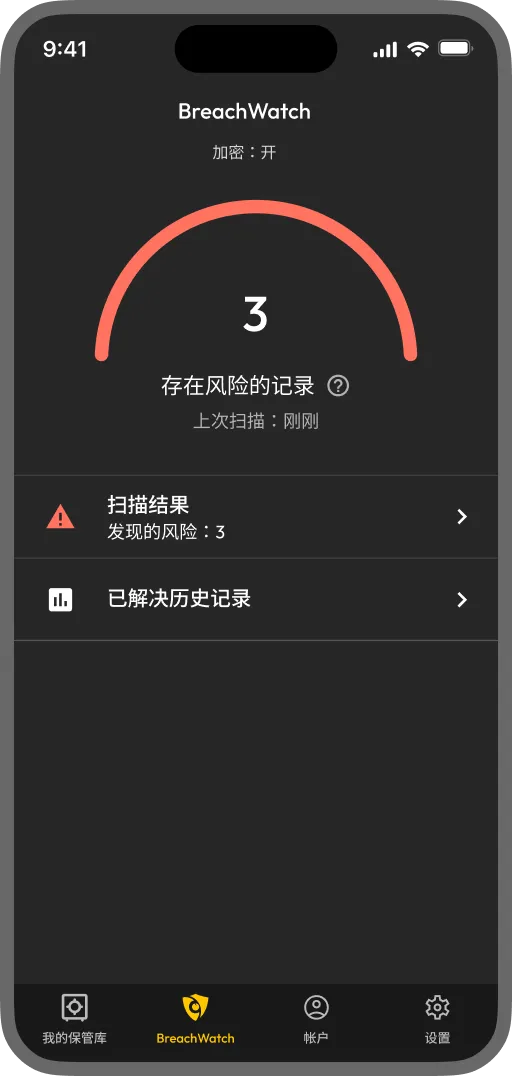
BreachWatch 是一款附加组件,可将您 Keeper 保管库中存储的密码与已知泄露数据进行比对,并在发现您的某项登录凭据出现在泄露事件中时向您发出警报。它会持续在后台运行,因此您无需主动记得定期检查。



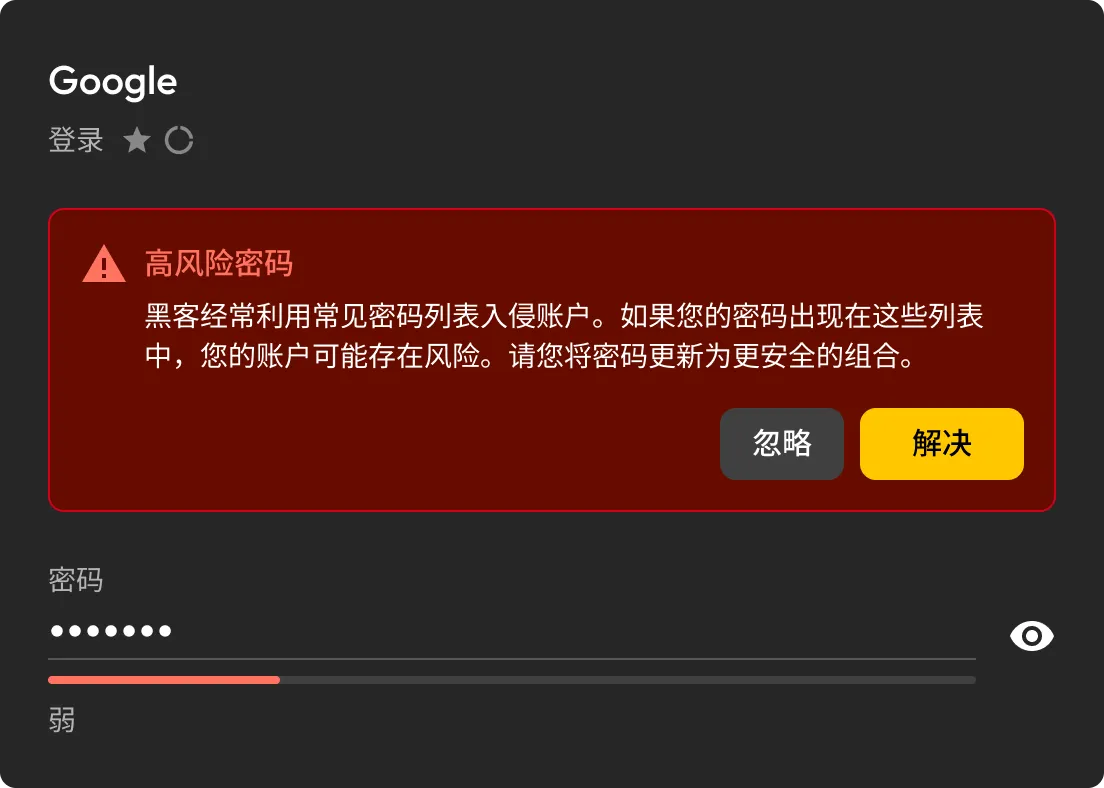
BreachWatch 会持续扫描您 Keeper 保管库中存储的密码,并与已知泄露数据进行比对,一旦发现匹配项,便会立即向您发出警报。
如果 BreachWatch 检测到遭泄露的密码,您可以定位受影响的记录,并查看需要更新的信息。
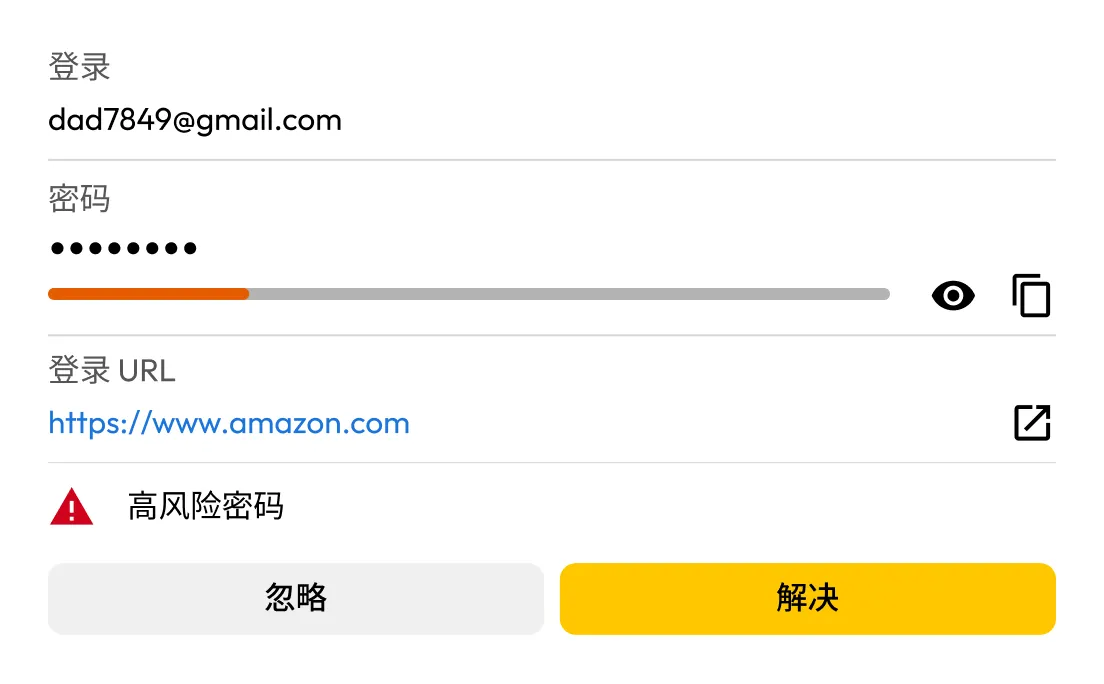
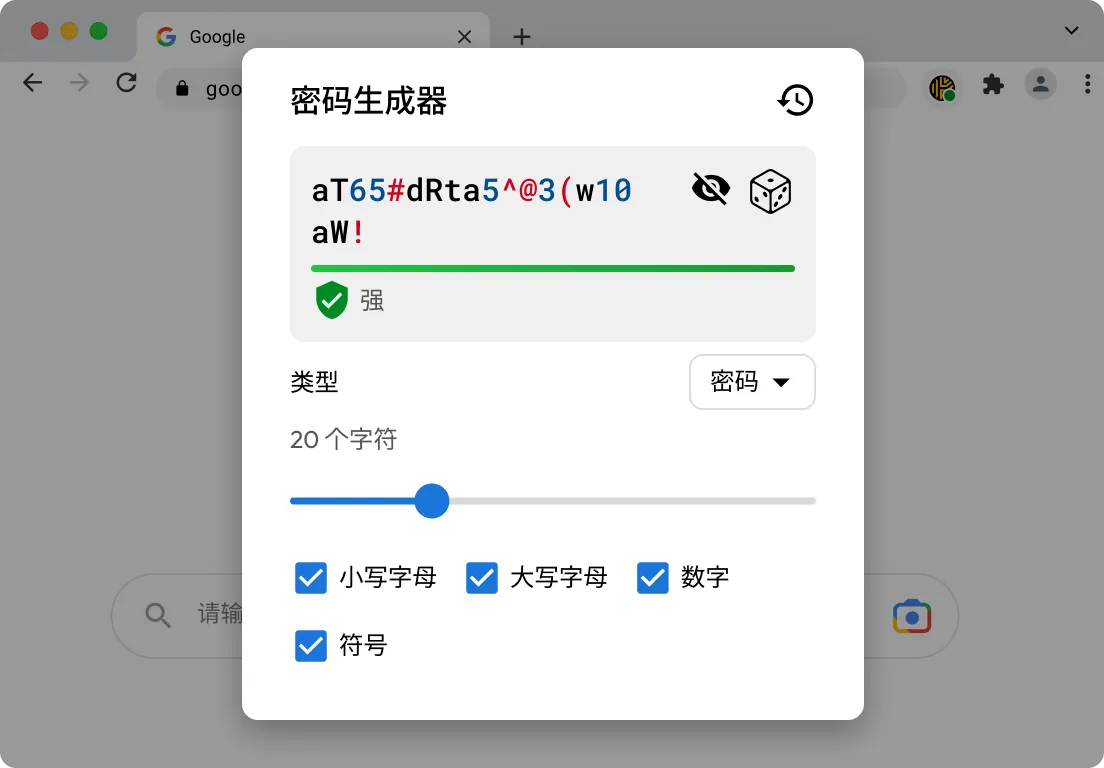
KeeperFill® 可帮助您登录受影响的账户,在更新过程中生成更强的密码,并将新的登录凭据保存至您的 Keeper 密码库。
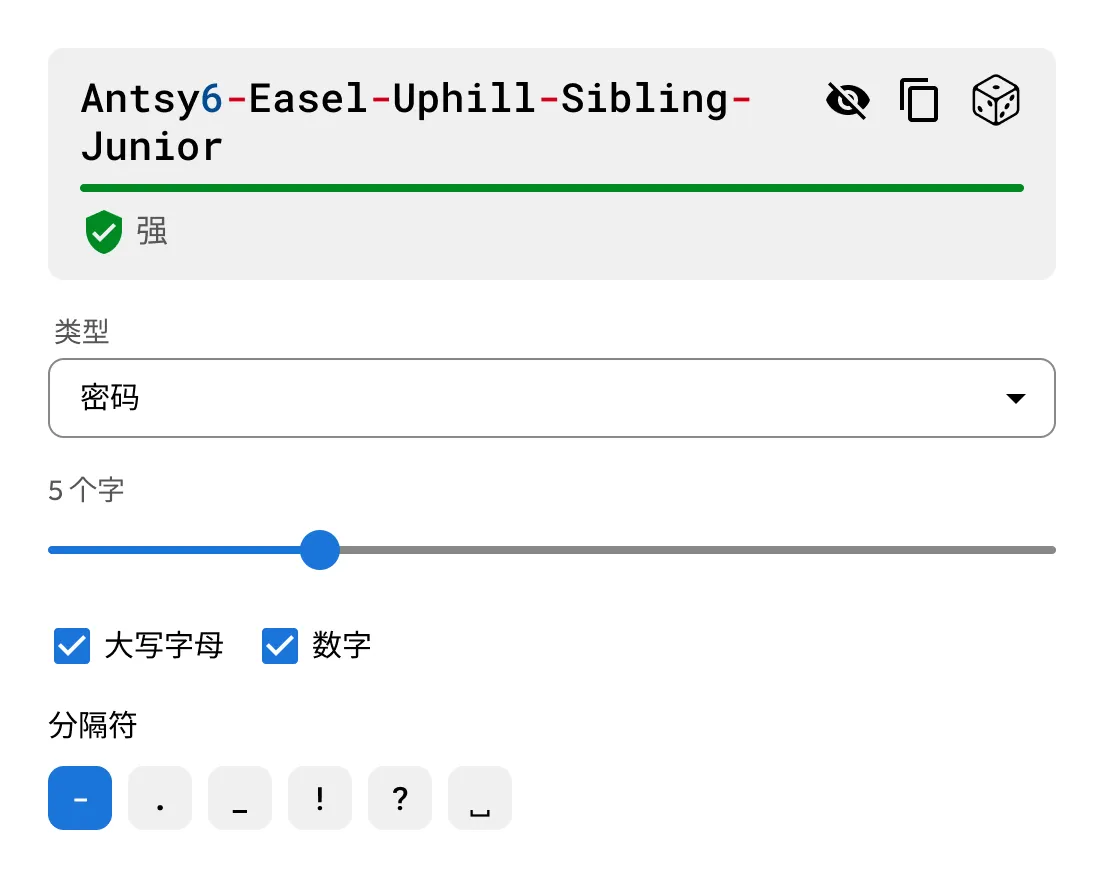
使用 Keeper 内置的密码和密码短语生成器,为您的账户创建强大且唯一的登录凭据。

BreachWatch 不只是执行一次性扫描。它会持续将您 Keeper 保管库中存储的密码与已知泄露数据进行比对,并自动检查您的所有设备,在发现匹配项后立即向您发出警报。

当某个密码出现在泄露事件中时,BreachWatch 可帮助您定位受影响的记录。随后,KeeperFill 可帮助您更新密码,并将新的登录凭据安全保存至您的保管库。
For many people, yes. Credentials from past data breaches are actively bought and sold online, often long after the original breach occurs. If one of your saved passwords appears in a known breach, dark web monitoring helps you find out sooner so you can update it before your accounts are put at greater risk. BreachWatch continuously monitors for compromised credentials and alerts you when action is needed.
No, BreachWatch alerts you to passwords that may be at risk, but you still need to change the password on the affected website or app.
KeeperFill can help guide you through the password change process by autofilling your current password, generating a stronger replacement and helping you save the updated credential to your Keeper Vault.
After changing the password on the affected site, you should save the new password in your Keeper Vault to keep your record up to date.
BreachWatch monitors passwords stored in your Keeper Vault records. If a record does not contain a password, it won't be included in the scan.
Most dark web monitoring services work by sending your email address or a hashed version of your password to a third-party service for matching. This means your data leaves the service's security boundary and is processed externally.
BreachWatch works differently. Keeper uses a patented zero-knowledge matching method that performs breach analysis without exposing which websites you use or what your passwords are. Matching happens in a way that ensures neither Keeper nor any external party can see your credentials during the process. Your information stays protected throughout.
您必须启用 Cookie 才能使用在线聊天。