Secure access requests and approvals in Microsoft Teams

Keeper® brings credential requests, approvals and privileged elevation into Microsoft Teams, allowing users and administrators to complete secure workflows without leaving Teams. Every action stays end-to-end encrypted and runs on infrastructure you control.

Extend access into Teams with zero-knowledge encryption

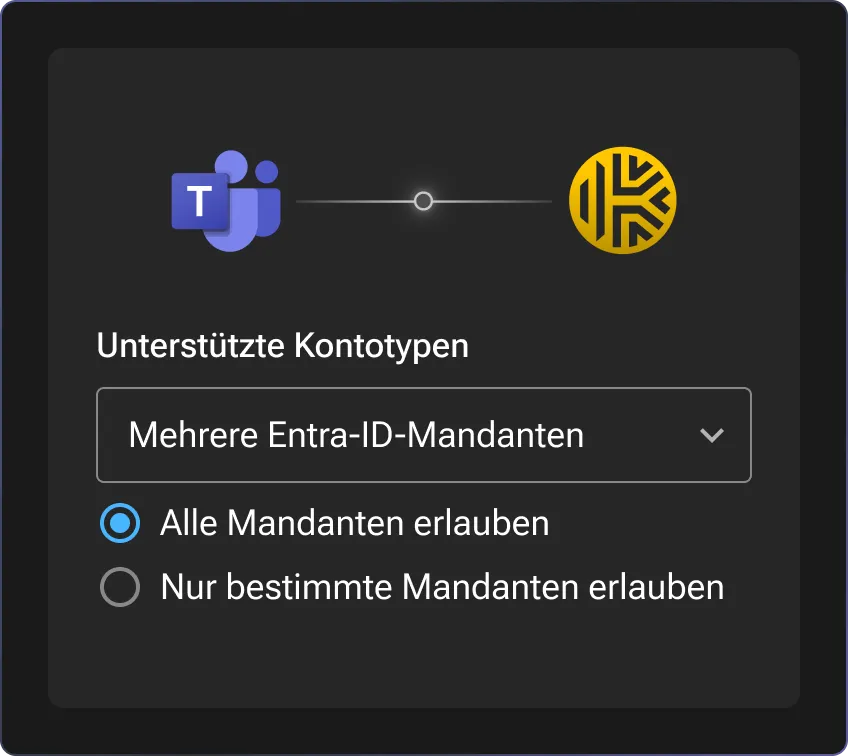
Keeper’s Teams workflow is deployed within your own environment, allowing organizations to extend secure access into Microsoft Teams while adhering to Keeper’s zero-knowledge architecture. The Teams agent and Keeper Commander® run in Docker containers hosted in your infrastructure and communicate with the Microsoft Teams cloud over an outbound connection you control.

Encryption keys remain under your control, ensuring secrets stay encrypted throughout the workflow and no one — not even Keeper — can access any data. The Teams workflow helps organizations implement Zero Standing Privilege (ZSP) by allowing users to request temporary access, receive approvals and automatically enforce time-limited permissions without exposing credentials. Since the Teams app is published only to your organization’s private app catalog, the app is not listed in the public Microsoft Teams store.

How Keeper's Teams workflow works

1. Deploy the Teams workflow

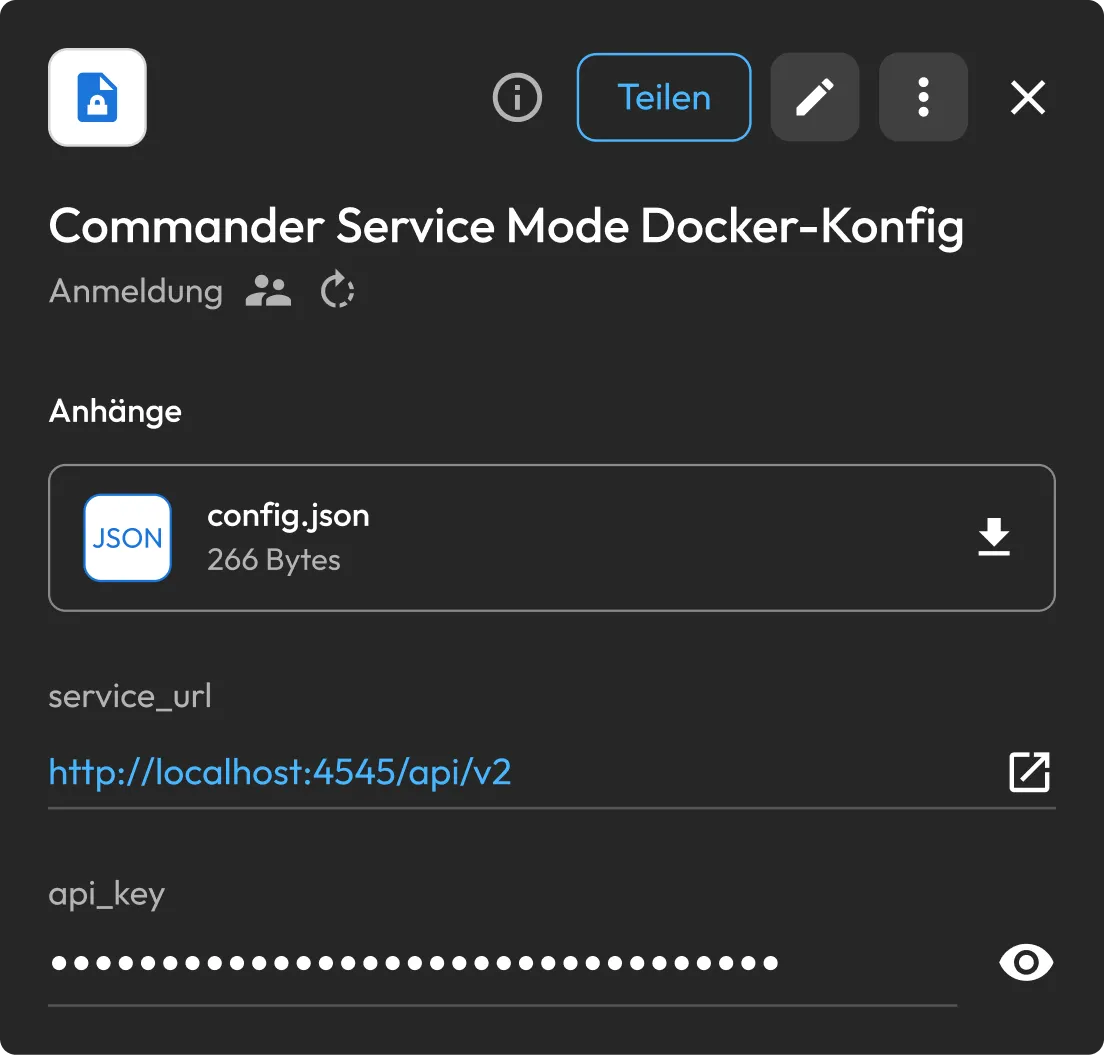
Set up the Teams app in your Microsoft Azure tenant, then launch the Keeper Commander service and Teams agent. Keeper Secrets Manager securely stores the service configuration, while a dedicated Commander service account provides the permissions needed to process access requests and approvals.

2. Request access from the Keeper bot

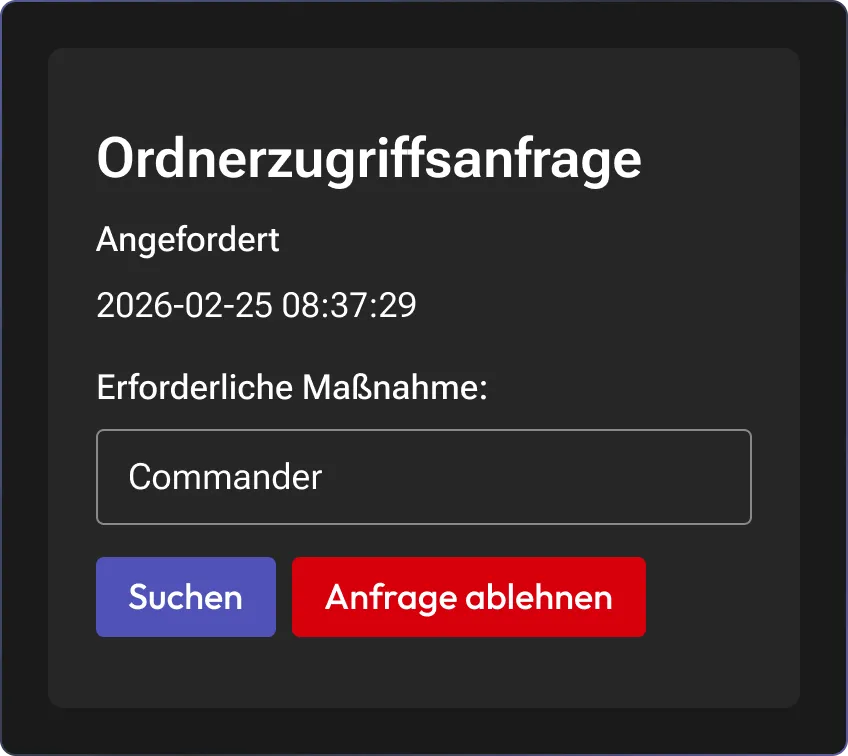
Users start a private chat with the Keeper bot to request access to records, shared folders or temporary share links directly from Microsoft Teams. Every access request includes a mandatory business justification and an optional time limit, allowing administrators to review requests without users leaving Teams.

3. Review and approve requests in one channel

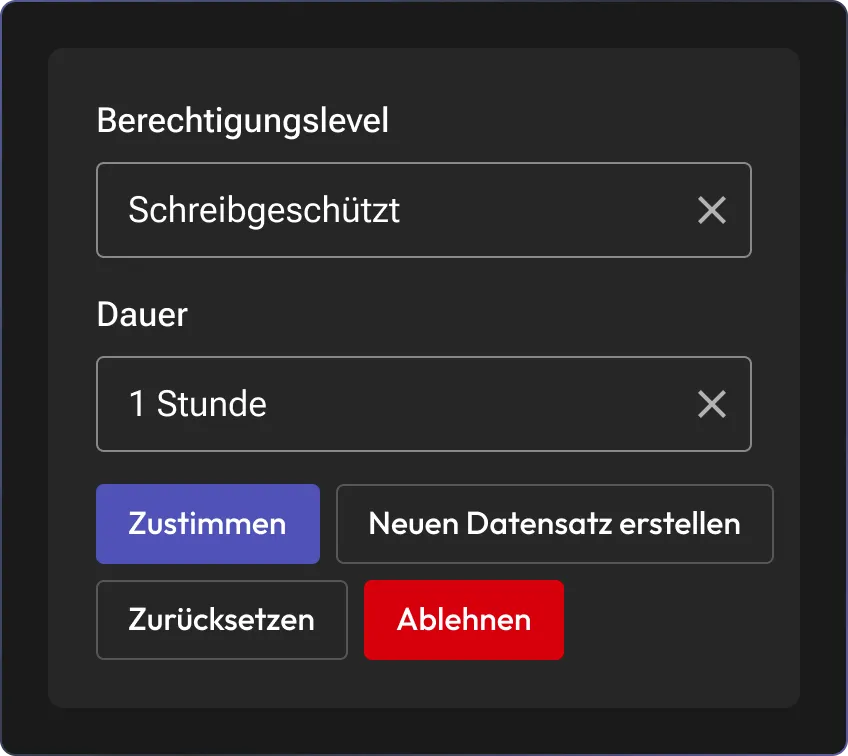
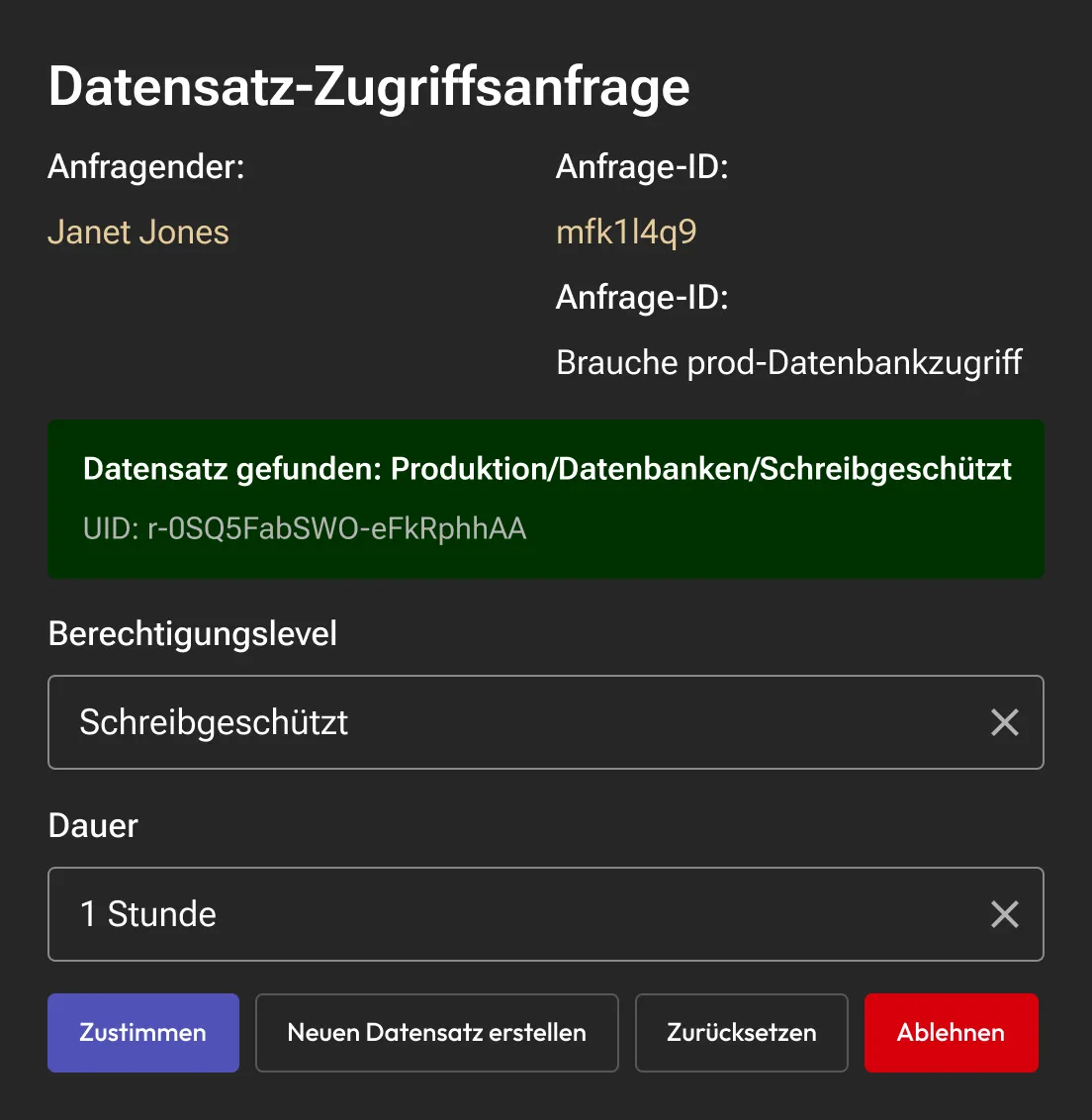
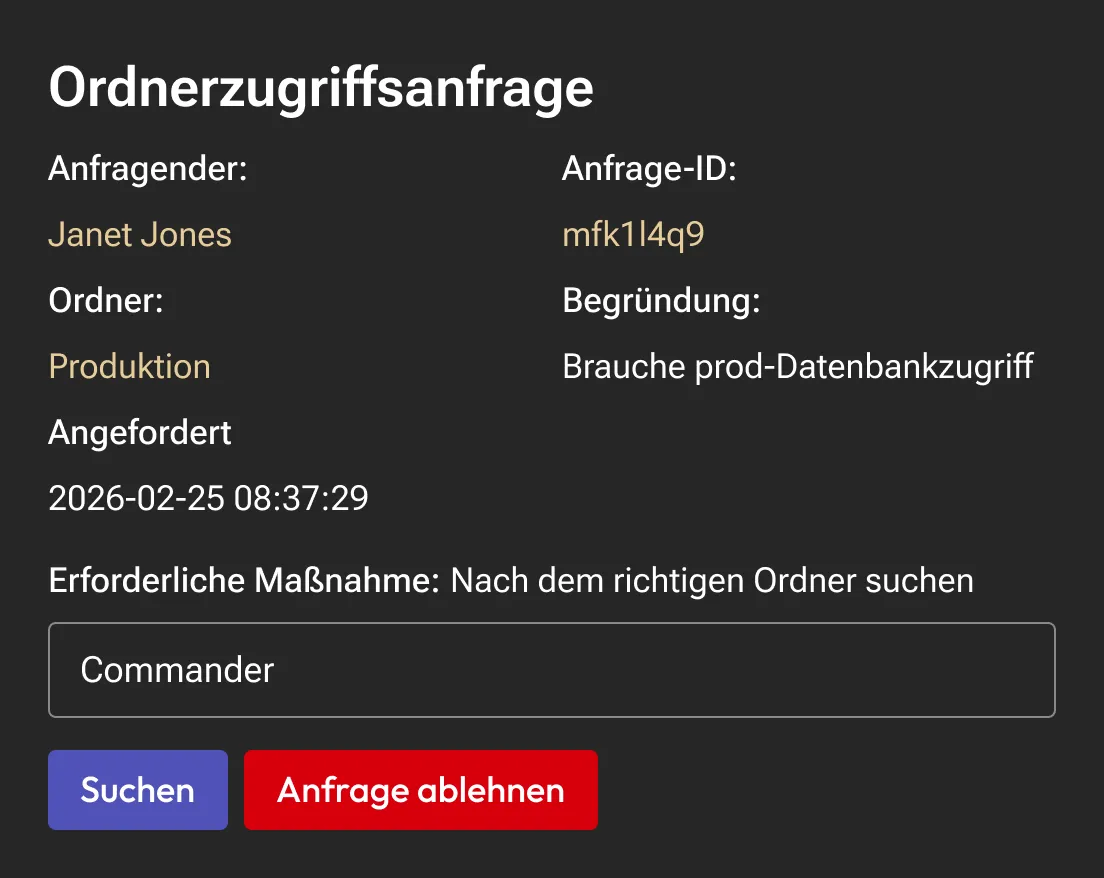
Requests appear in a private approvals channel, where designated administrators can review each request, configure permissions, apply time limits and approve or deny access in just a few clicks. Once approved, Keeper immediately enforces the assigned permissions and synchronizes the changes.

What Keeper's Teams workflow unlocks

Receive approval requests in real time

Access requests appear instantly in a dedicated Teams approvals channel, helping administrators respond quickly without relying on easily missed email notifications.

Approve access to records and folders without switching tools

Administrators can configure custom permissions, attach a time limit and grant only the necessary access within Microsoft Teams. Keeper automatically enforces every permission according to organizational policy behind the scenes.

Generate secure, self-destructing share links

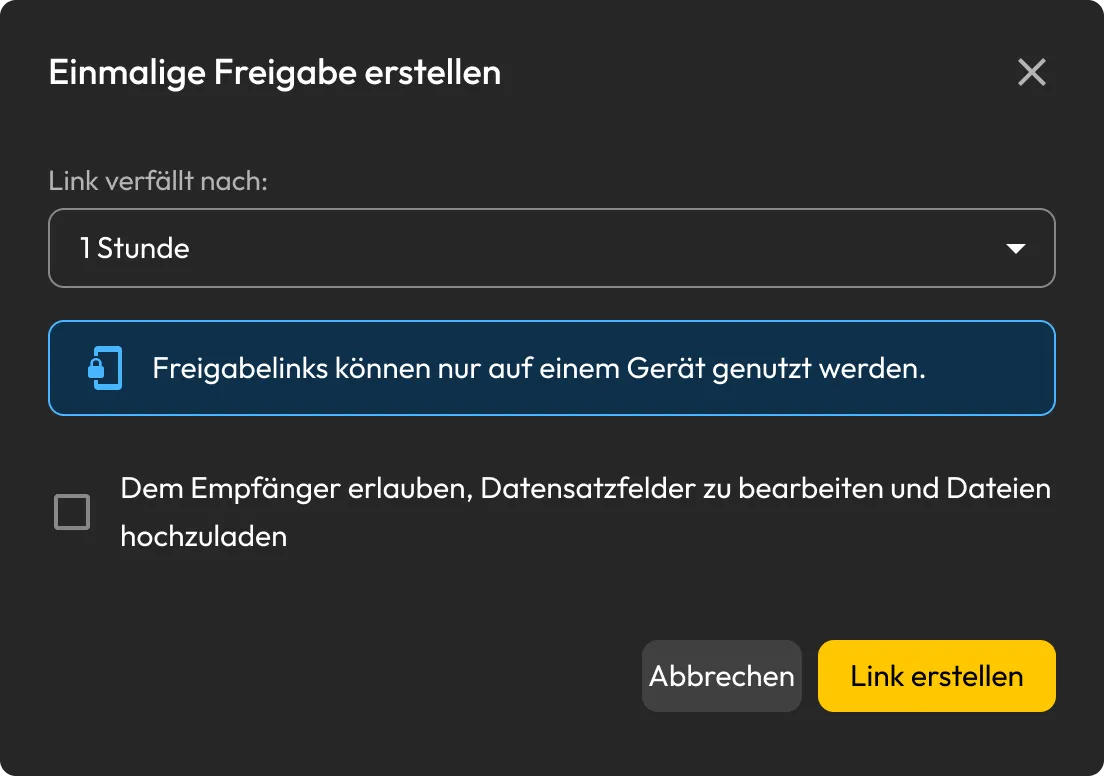
Create One-Time Share links directly from Microsoft Teams when temporary access is needed. Approvers can allow bidirectional sharing or restrict recipients to view-only access based on business requirements.

Create new secrets without leaving Teams

To securely store a new login, generate one in Microsoft Teams, save it to a shared folder and let Keeper auto-generate a strong password that is stored in the Keeper Vault.

Approve devices and Just-in-Time (JIT) privilege elevation

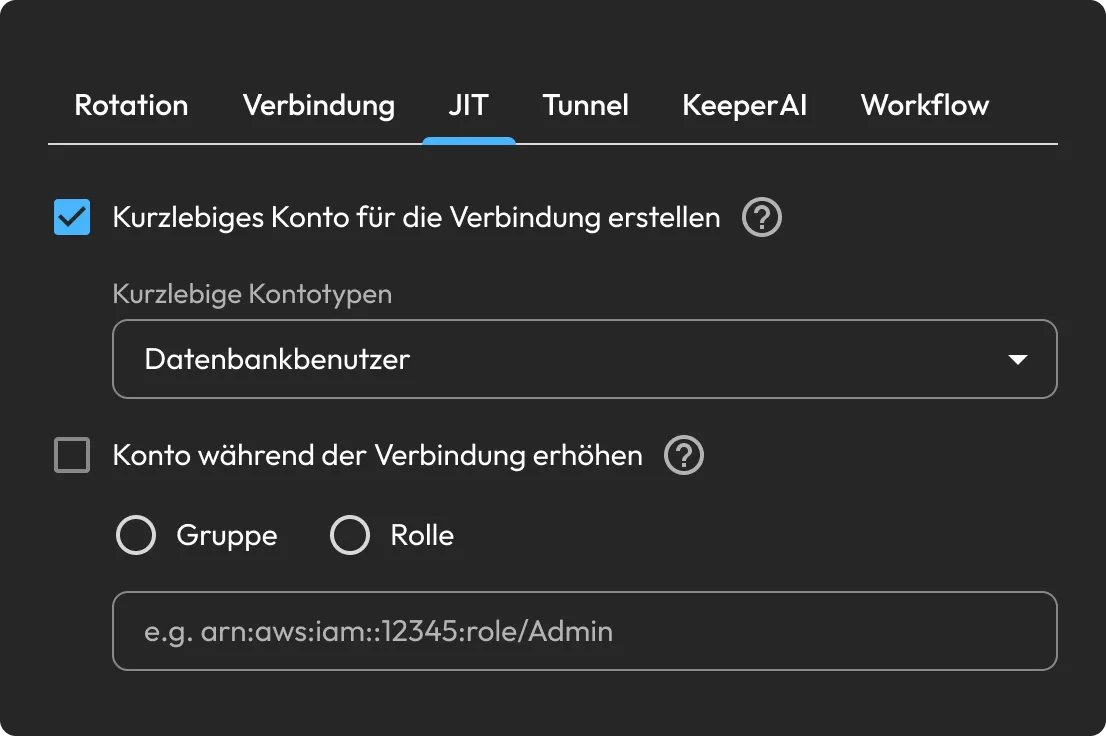
Perform approvals for SSO Cloud device registrations and Just-In-Time (JIT) privilege elevation requests from Keeper Endpoint Privilege Manager without opening another application.

Built for enterprise access workflows

Nothing sits in a queue

Centralizing requests and approvals within Microsoft Teams helps decisions happen much more quickly while reducing delays that can leave privileged access waiting unnecessarily.

No tab switching is required

Users and administrators can request, review and approve access without leaving Microsoft Teams, minimizing workflow interruptions and improving operational efficiency.

Passwords don't leak into chat

Every approval is time-limited, policy-enforced and auditable. The once-common habit of pasting a credential into a message has no reason to exist anymore.

Employees will actually use it

By integrating secure access workflows into Microsoft Teams, organizations encourage employees to follow approved access processes instead of relying on manual or insecure alternatives.

Häufig gestellte fragen

Which Keeper license is required to run Teams?

The Teams workflow requires either a Keeper Secrets Manager or KeeperPAM® license. The streamlined deployment uses Keeper Secrets Manager to securely store and retrieve the service configuration. If Keeper Secrets Manager is not enabled for your organization, your Keeper account manager can help activate it. KeeperPAM includes Keeper Secrets Manager, so organizations already on KeeperPAM do not need a separate license.

Where do users submit access requests?

Requests are sent in a one-on-one conversation with the Keeper bot. Commands sent in Microsoft Teams channels or group chats are not processed, keeping each request private and intentional.

Where can administrators review approvals?

Approvals appear in a private Microsoft Teams approvals channel that you designate during deployment. Only the administrators and approvers assigned to that channel can review and respond to requests.

What can users request through Microsoft Teams?

Users can request access to Keeper records, shared folders, One-Time Shares and brand-new login records directly from Microsoft Teams. Administrators can also approve SSO Cloud device registrations and Endpoint Privilege Manager elevation requests.

Einverständnis zur Cookie-Nutzung widerrufenWir schätzen Ihre Privatsphäre

Wir verwenden Cookies auf unserer Website, um Ihnen das beste Browser-Erlebnis zu bieten, personalisierte Anzeigen zu unseren Produkten und Inhalten zu bieten und den Website-Datenverkehr zu analysieren. Um mehr zu erfahren, lesen Sie bitte unsere Datenschutzrichtlinie.

Für die kostenlose Testversion anmelden

Jetzt kaufen