
Характеристика: Персональный мониторинг даркнета
Keeper BreachWatch® for personal use
BreachWatch непрерывно сканирует даркнет в поисках скомпрометированных данных из вашего хранилища, при этом сохраняя архитектуру нулевого разглашения Keeper.
Характеристика: Персональный мониторинг даркнета
BreachWatch непрерывно сканирует даркнет в поисках скомпрометированных данных из вашего хранилища, при этом сохраняя архитектуру нулевого разглашения Keeper.
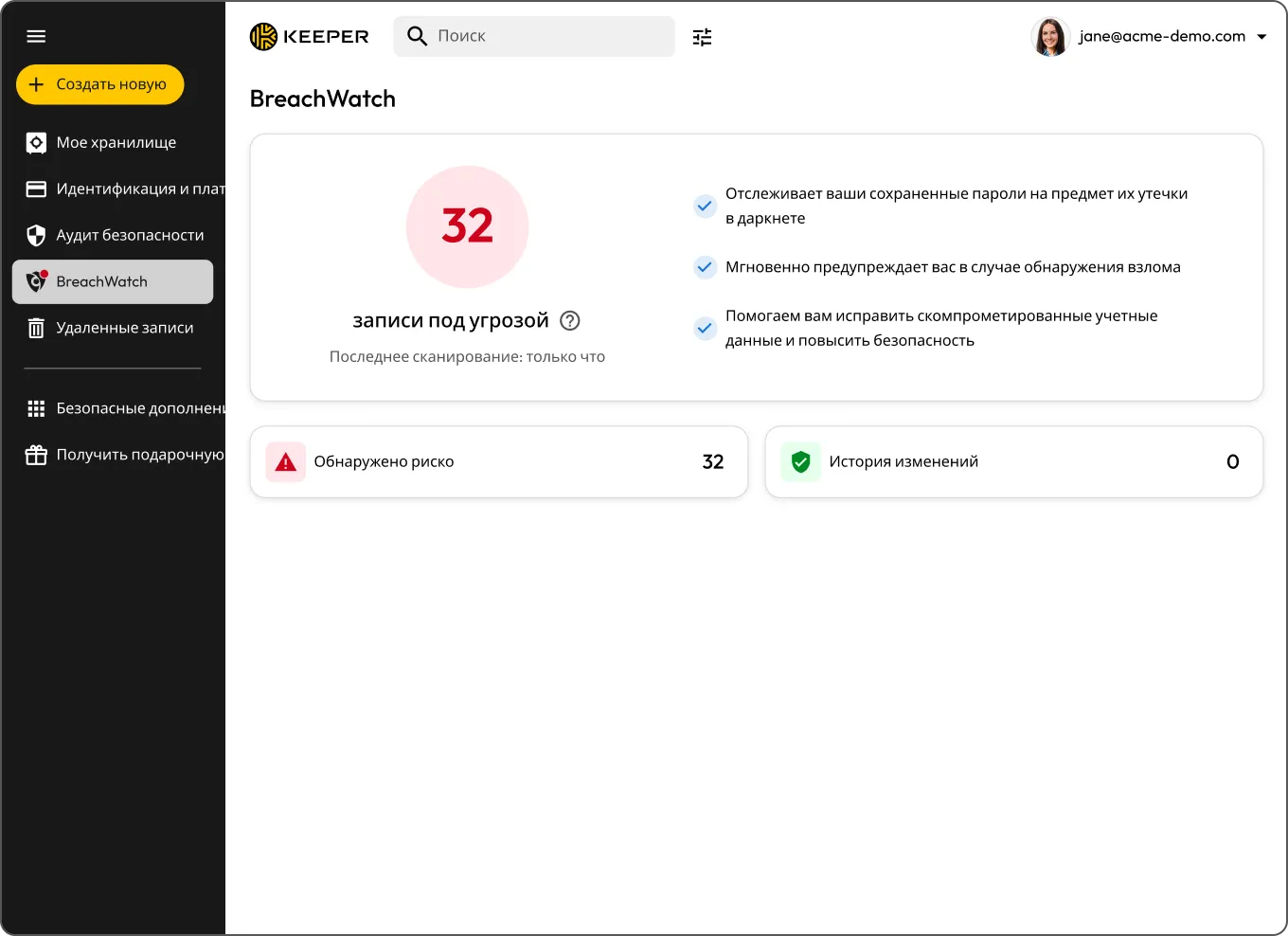
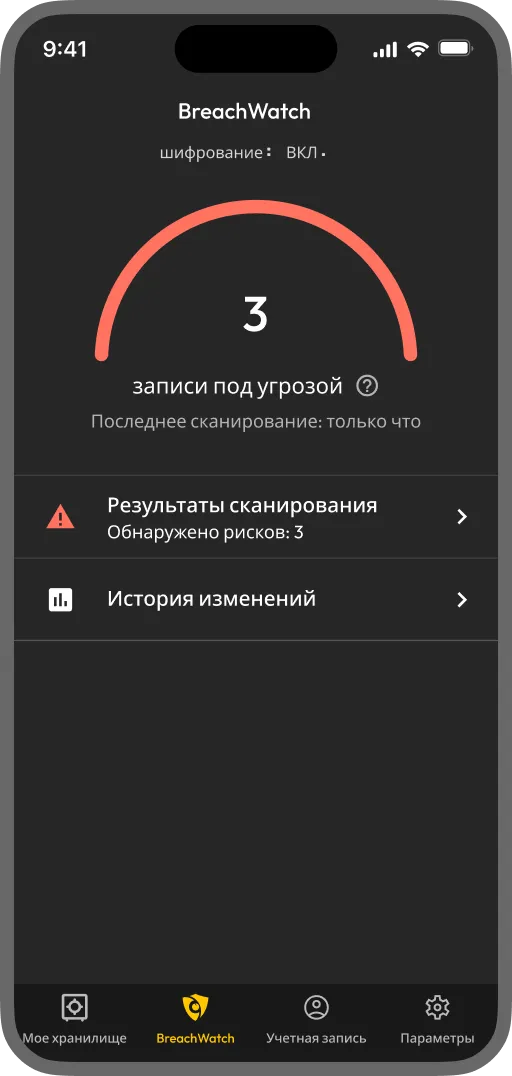
BreachWatch — это дополнение, которое сверяет сохраненные в Keeper пароли с базами известных утечек и мгновенно сообщает, если какие-либо из ваших данных скомпрометированы. Сервис работает в фоновом режиме, поэтому ничего не придется проверять вручную.
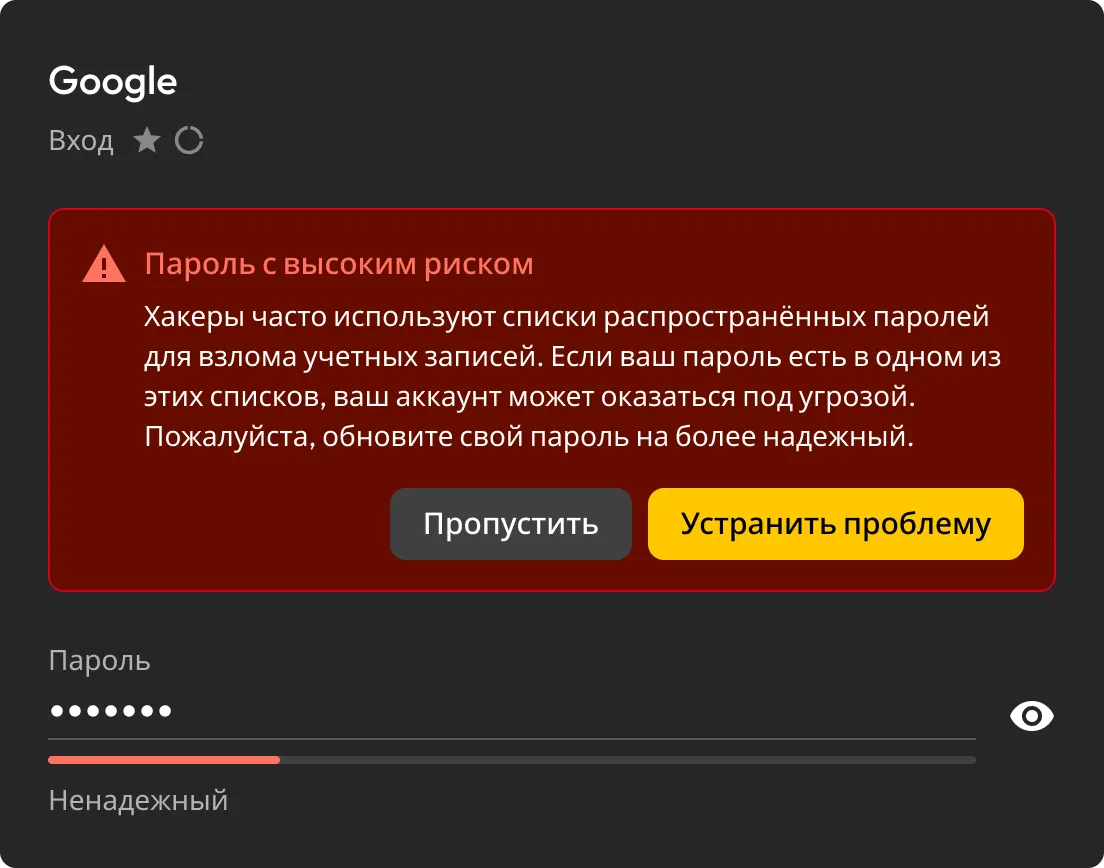
BreachWatch непрерывно сверяет пароли из хранилища Keeper с базами известных утечек и мгновенно оповещает, если находит совпадение.
Если BreachWatch обнаружит уязвимый пароль, вы сразу увидите скомпрометированную запись и поймете, что именно нужно обновить.
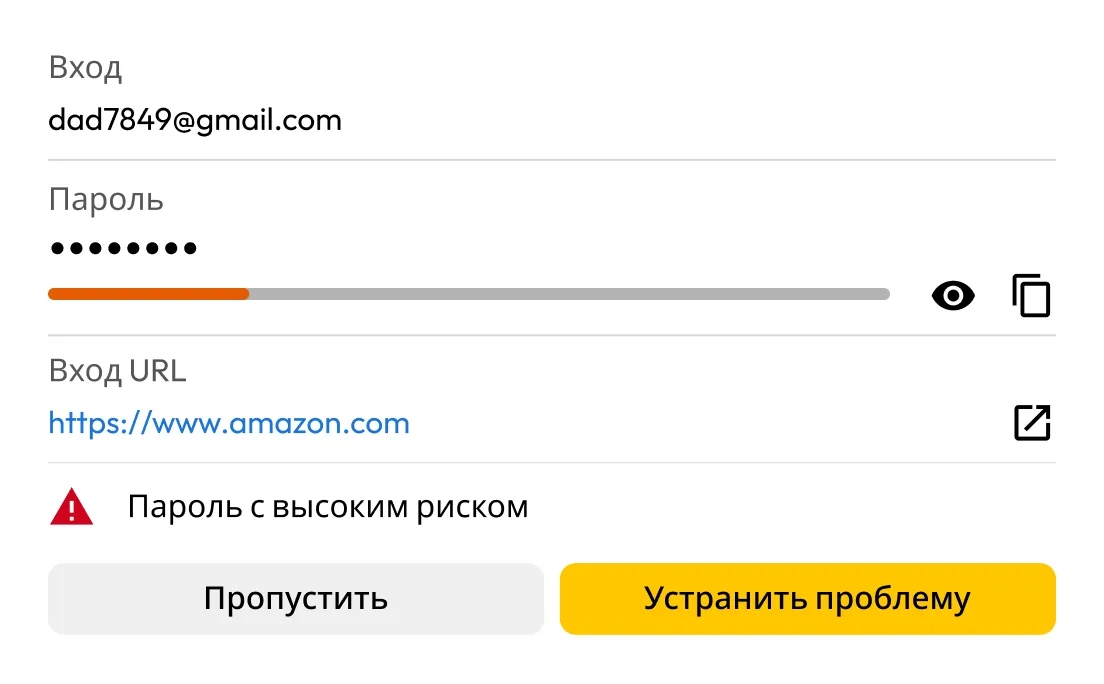
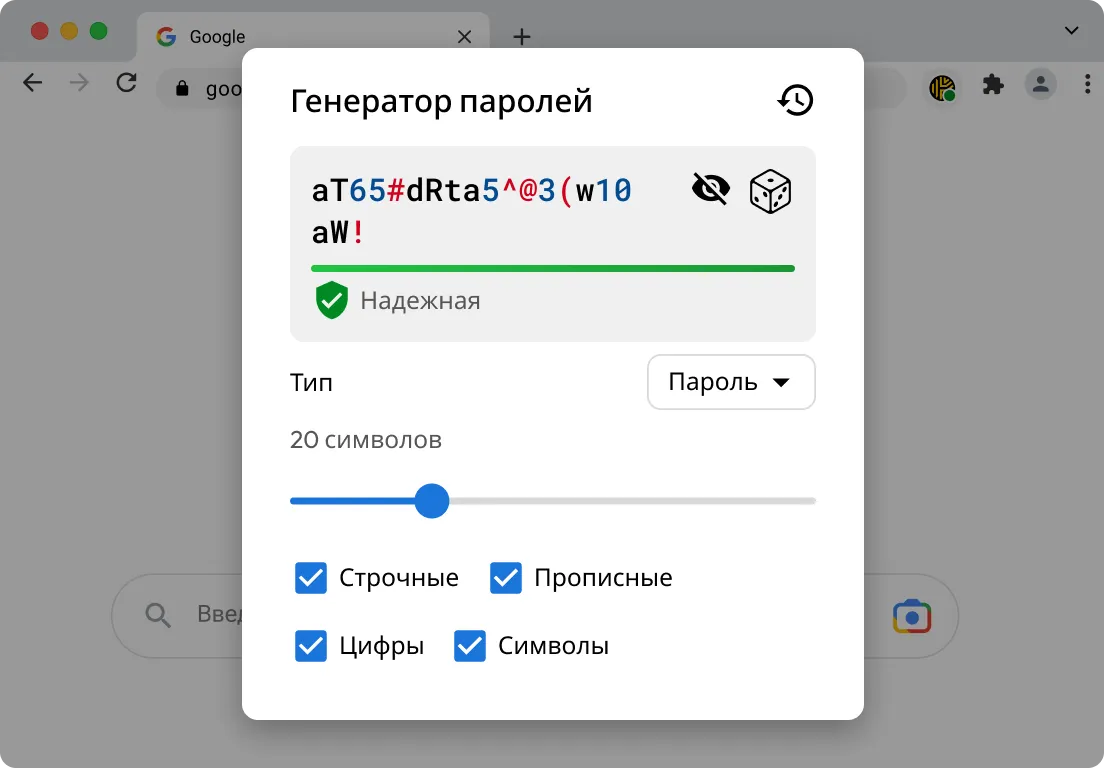
KeeperFill® поможет войти в скомпрометированную учетную запись, сгенерировать более надежный пароль и добавить новые учетные данные в хранилище Keeper.
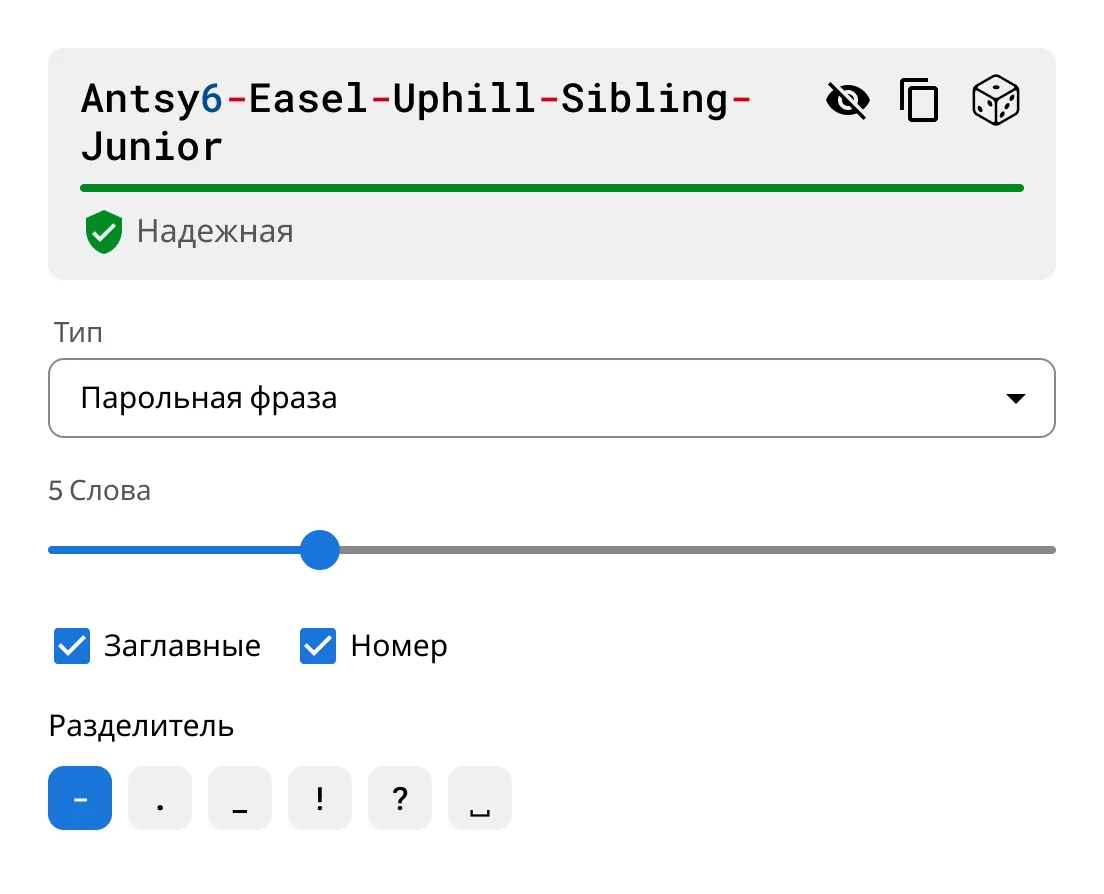
Используйте встроенный генератор паролей и кодовых фраз Keeper, чтобы создавать уникальные и надежные пароли для всех аккаунтов.

BreachWatch не ограничивается разовым сканированием. Дополнение непрерывно сверяет пароли из хранилища Keeper с базами известных утечек и автоматически проверяет их на всех ваших устройствах, чтобы вы мгновенно получали уведомления о совпадениях.

Если пароль обнаруживается в базах утечек, BreachWatch определяет уязвимую запись. После этого KeeperFill поможет обновить пароль и безопасно сохранить новые учетные данные в хранилище.
For many people, yes. Credentials from past data breaches are actively bought and sold online, often long after the original breach occurs. If one of your saved passwords appears in a known breach, dark web monitoring helps you find out sooner so you can update it before your accounts are put at greater risk. BreachWatch continuously monitors for compromised credentials and alerts you when action is needed.
No, BreachWatch alerts you to passwords that may be at risk, but you still need to change the password on the affected website or app.
KeeperFill can help guide you through the password change process by autofilling your current password, generating a stronger replacement and helping you save the updated credential to your Keeper Vault.
After changing the password on the affected site, you should save the new password in your Keeper Vault to keep your record up to date.
BreachWatch monitors passwords stored in your Keeper Vault records. If a record does not contain a password, it won't be included in the scan.
Most dark web monitoring services work by sending your email address or a hashed version of your password to a third-party service for matching. This means your data leaves the service's security boundary and is processed externally.
BreachWatch works differently. Keeper uses a patented zero-knowledge matching method that performs breach analysis without exposing which websites you use or what your passwords are. Matching happens in a way that ensures neither Keeper nor any external party can see your credentials during the process. Your information stays protected throughout.
Чтобы использовать онлайн-чат, необходимо разрешить использование cookie-файлов.