A modern, AI-powered database client

KeeperDB is a multi-protocol database client for engineers, DBAs, and data teams, serving as a secure replacement for legacy tools like DBeaver and pgAdmin.

Connect to every major enterprise database from one interface, write SQL with an AI agent on your own LLM, and log in with Face ID or Windows Hello instead of a stored password. Available as a free desktop app or as part of KeeperPAM.

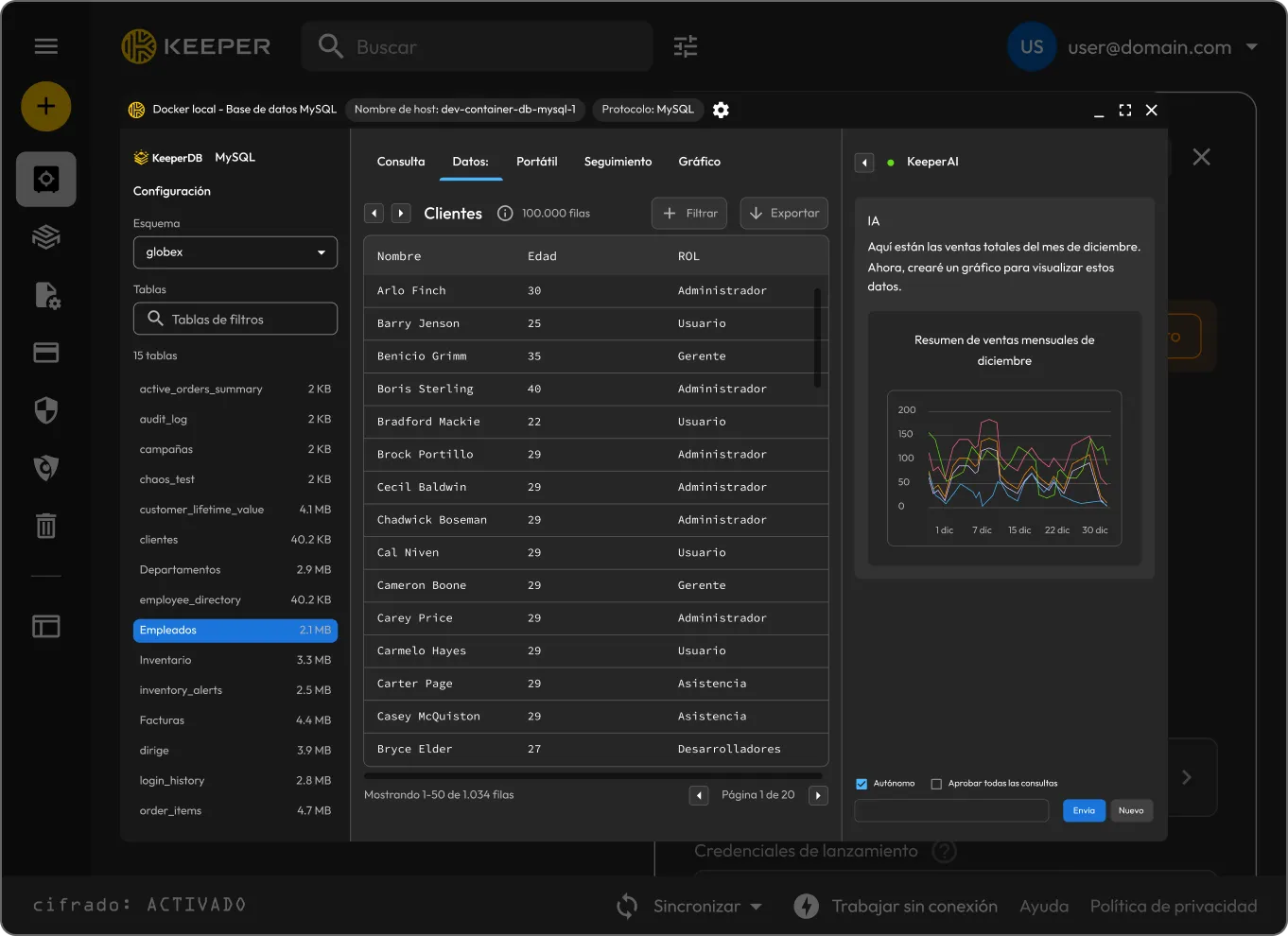
KeeperDB desktop app showing a query editor and results
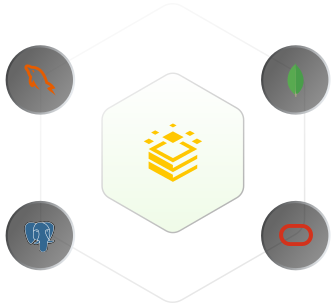
KeeperDB at the center of a hexagon connecting PostgreSQL, MySQL, MongoDB and Oracle

One client for every relational database

KeeperDB brings the query editor, SQL notebook, multi-tab sheets, schema explorer and ER diagrams into a single interface that works across PostgreSQL, MySQL, SQL Server, Oracle, Amazon Redshift and SQLite. Native drivers come bundled — no ODBC or JDBC bridge to manage.

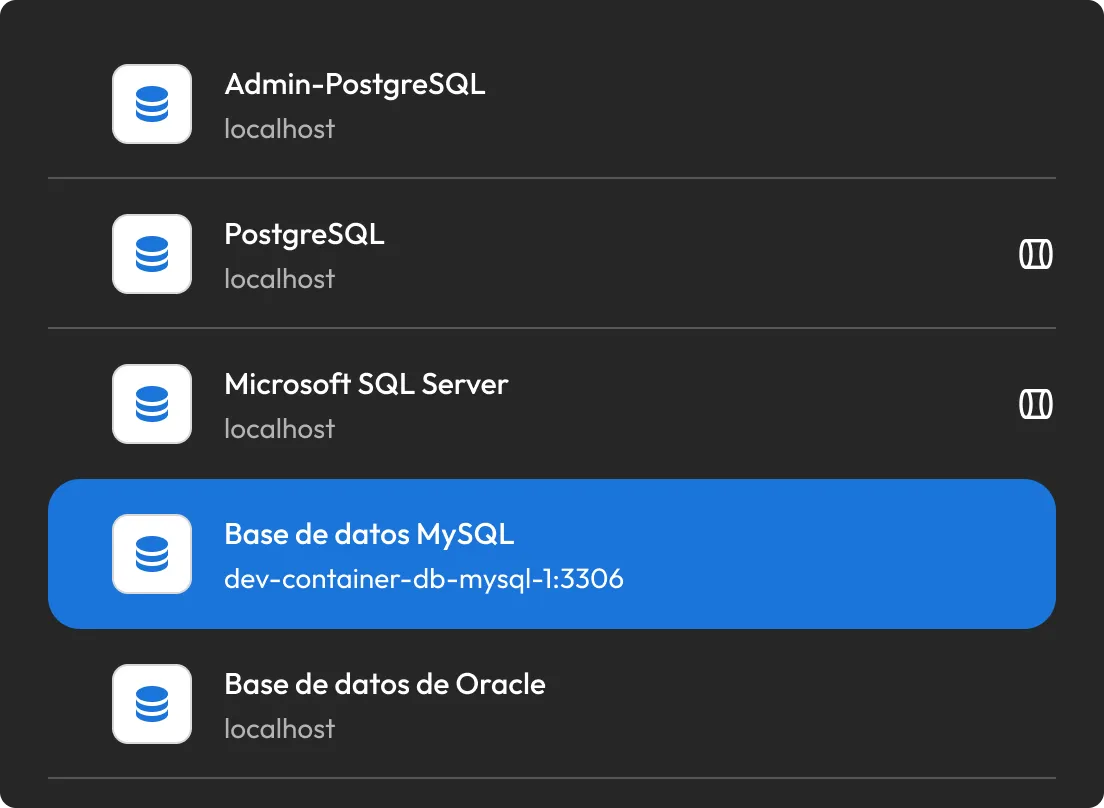
Currently supported databases: PostgreSQL, MySQL, SQL Server, Oracle, Amazon Redshift, SQLite, MongoDB, DynamoDB. More coming soon.

Key features to secure every database connection

KeeperAI® agent

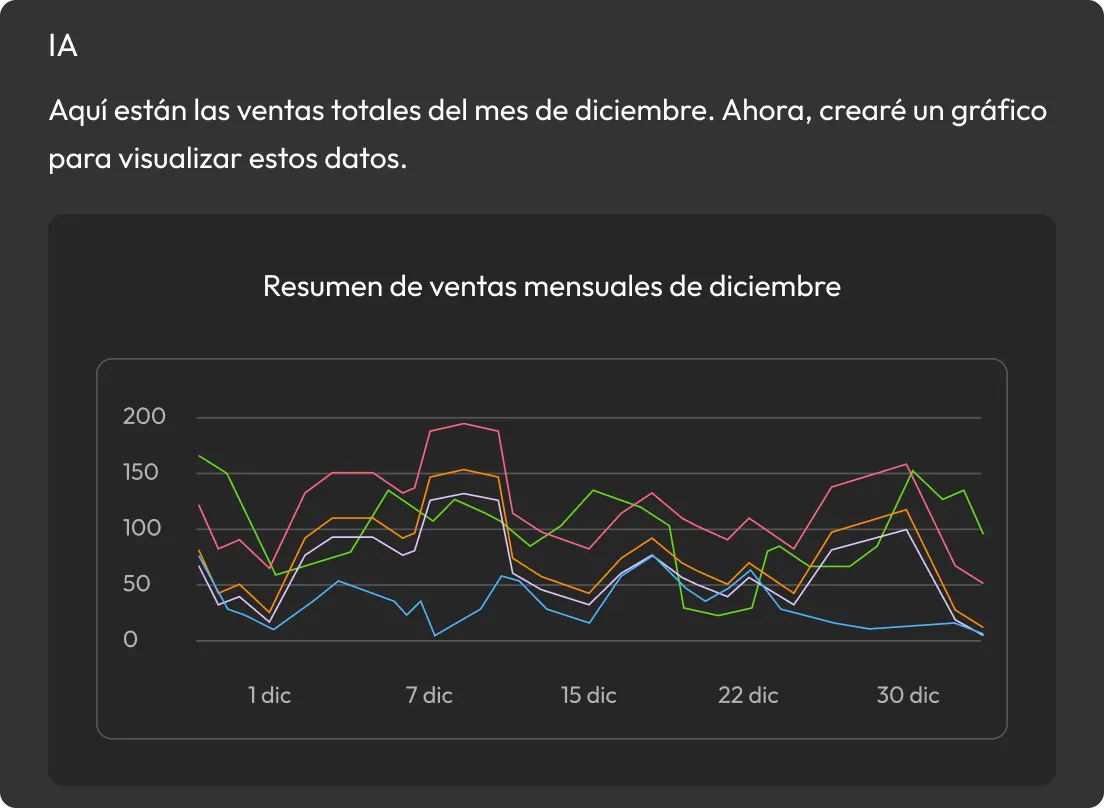
Ask in plain language and KeeperAI returns working SQL with full schema context. Chat answers questions, autonomous mode writes and runs queries to produce outcomes, and explain mode reads existing queries. Read-only queries run automatically; any write surfaces a confirmation showing the exact statement before it executes. It also builds charts from live result sets and triages slow databases from the monitor — running on whichever LLM you prefer, so your prompts and schema never leave your network.

KeeperAI generating SQL from a plain-language prompt and a sales chart
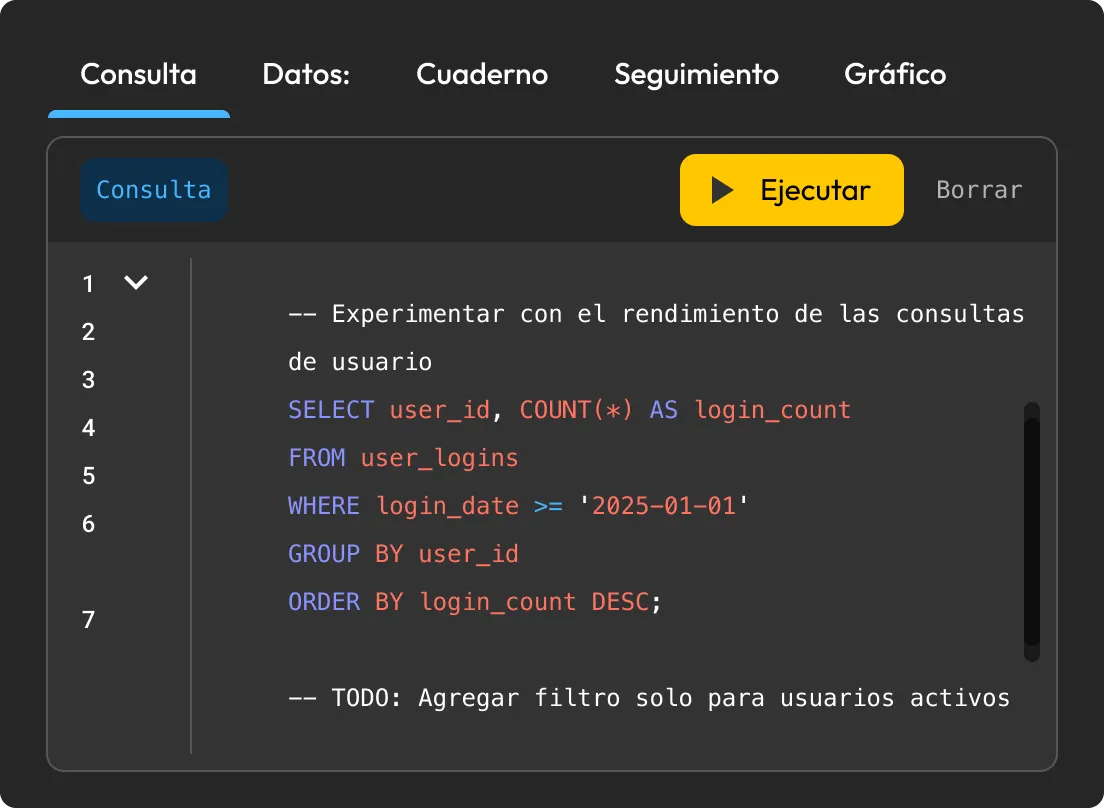
KeeperDB Query tab with a SQL editor and results grid

Full SQL workspace

The Query tab gives you syntax highlighting, autocomplete and multi-statement execution with per-statement status. Browse and edit rows in a paginated grid, save reusable queries in a persistent notebook and explore schemas as searchable ER diagrams. Before any data-modifying statement runs, KeeperDB shows you a confirmation with the exact SQL it will execute.

Real-time performance monitor

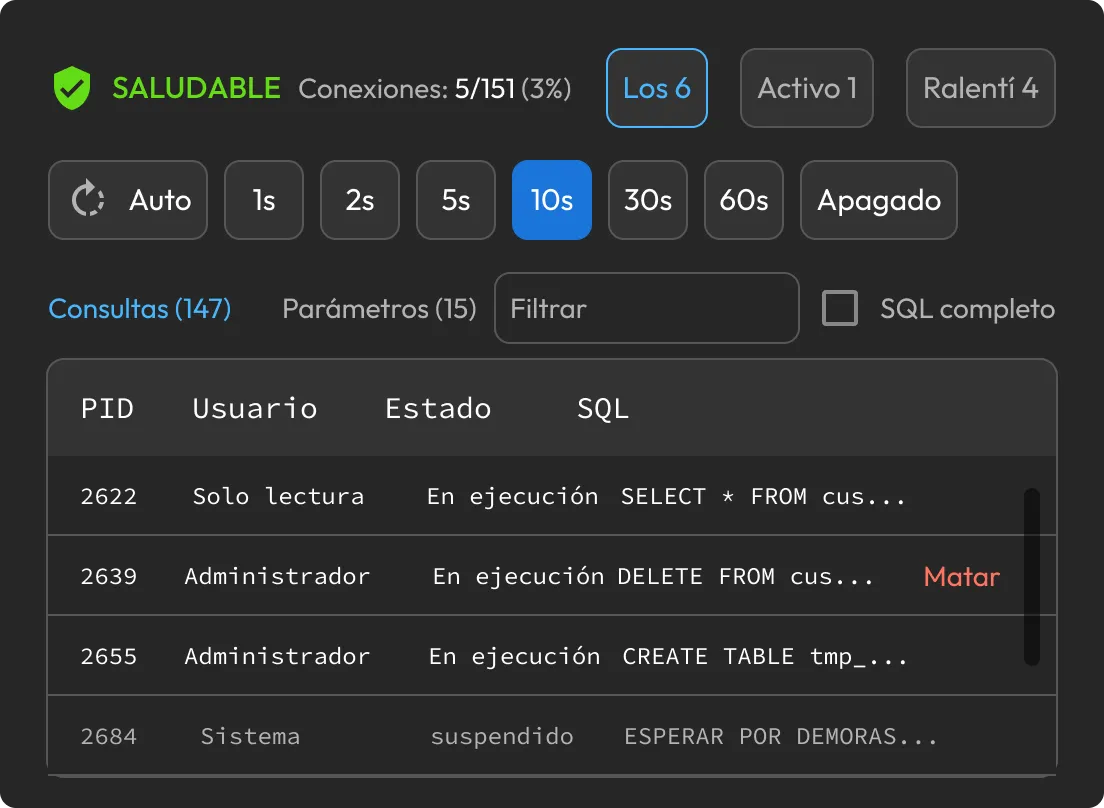
When the database slows down, the Monitor tab shows who's connected, what they're running and which sessions are blocking others. Terminate the offending session in one click. Process lists, blocking chains and lock analysis work across every supported engine, and KeeperAI can read the whole picture and tell you which session to terminate.

KeeperDB Monitor tab listing active database sessions and blocking queries
KeeperDB vault-managed connections retrieving credentials from Keeper Secrets Manager

Vault-managed credentials

Protect access to saved credentials with native biometric login on macOS and Windows. When you connect through Keeper Secrets Manager, KeeperDB pulls credentials from the vault at connection time — nothing sits in plaintext config files. Rotate a password in Keeper and everyone connects with the new value. Offboard a contractor by simply revoking their vault share.

Why teams choose KeeperDB

Modern, usable interface

KeeperDB pairs biometric authentication, an embedded AI agent and a built-in performance monitor with a modern interface — so your team gets full functional parity without the friction or dated UI of legacy tools.

Unified multi-database access

KeeperDB puts all your database protocols behind one consistent interface with bundled native drivers. A DBA managing a mixed fleet no longer needs to switch between separate tools and per-database driver installs.

Off-endpoint credential management

Keeper Secrets Manager integration keeps database passwords out of plaintext config files and keychains. Pull them from the vault at connection time, rotate once and revoke access by removing a share — not by resetting a database password.

Free download with room to scale

Download KeeperDB free and use it as your everyday client. When you need more, using KeeperDB within KeeperPAM adds power-user capabilities to the same client — so there's nothing new to learn.

Already using KeeperPAM? KeeperDB is built in.

For KeeperPAM customers, KeeperDB is included as a fully governed connection launched straight from the vault. The same client you'd download becomes a privileged session: Ephemeral or static credentials are decrypted in the Keeper Gateway and never reach the endpoint, every query and result is recorded into a tamper-evident audit trail and KeeperAI flags anomalous queries and data exfiltration attempts in real time. Grant Just-in-Time (JIT) access through ephemeral accounts that users can request from Slack, Jira, Teams and ServiceNow.

For regulated teams, this provides a centralized record of who ran what, against which database, when and who approved any change.

Acceso seguro a bases de datos con KeeperDB

Preguntas frecuentes

How is KeeperDB different from DBeaver or MySQL Workbench?

Legacy clients store credentials locally and offer no native vault integration, biometric login or built-in AI. KeeperDB authenticates with Face ID or Windows Hello, retrieves credentials from Keeper Secrets Manager at connection time and includes an AI agent that runs on your own LLM provider — all in a modern interface across major database protocols with native drivers bundled.

Is KeeperDB free?

Yes, KeeperDB is free to download and use as a standalone database client. An advanced paid subscription is coming soon for power users and teams. KeeperDB is also included for KeeperPAM customers as an embedded, governed vault connection.

How does KeeperDB's built-in AI agent work?

KeeperAI is an embedded co-pilot with full schema context. In chat mode, it answers questions in plain language and SQL. In autonomous mode, it writes and runs queries to reach an outcome you describe. In explain mode, it walks through an existing query. Read-only statements run automatically, but any write surfaces a confirmation showing the exact SQL before it executes, so you're always the approver. It also generates charts from live data and triages performance issues from the monitor. Administrators choose the model provider so that prompts and schema stay within your network, and server-side guardrails keep it scoped to database work, even against prompt injection.

What databases does KeeperDB support?

PostgreSQL, MySQL, MongoDB, DynamoDB, SQL Server, Oracle, Amazon Redshift and SQLite, all from one interface with native drivers and no ODBC or JDBC setup.

What do I get if I use KeeperDB with KeeperPAM?

When deployed from within KeeperPAM, the same client becomes a fully governed privileged session. Ephemeral or static credentials are decrypted in the Keeper Gateway and never reach the endpoint. Every session is recorded into a tamper-evident audit trail with an AI-generated summary, JIT access is granted, KeeperAI analyzes activity for threats and events stream to your SIEM. The interface is identical to the standalone app — KeeperPAM simply adds the governance layer on top.

Retirar el consentimiento de cookiesValoramos su privacidad

Utilizamos cookies en nuestro sitio web para ofrecerle la mejor experiencia de navegación, brindar anuncios personalizados sobre nuestros productos y contenido, y analizar el tráfico del sitio web. Para obtener más información, consulte nuestra Política de privacidad.

Regístrese para una prueba gratuita

Comprar Ahora