Характеристика: Workflow

Privileged access requests with built-in approvals and time limits

Keeper Workflow provides administrators with full control over how privileged access is granted, including approvals, time limits, MFA enforcement and single-user checkout.

What is Workflow in Keeper?

Workflow is a KeeperPAM feature that gives administrators control over how privileged access is requested, granted and revoked. Instead of relying on informal processes, access follows defined policies with audit trails that log every request, approval, denial and revocation event.

Four ways to govern access

Limit access time

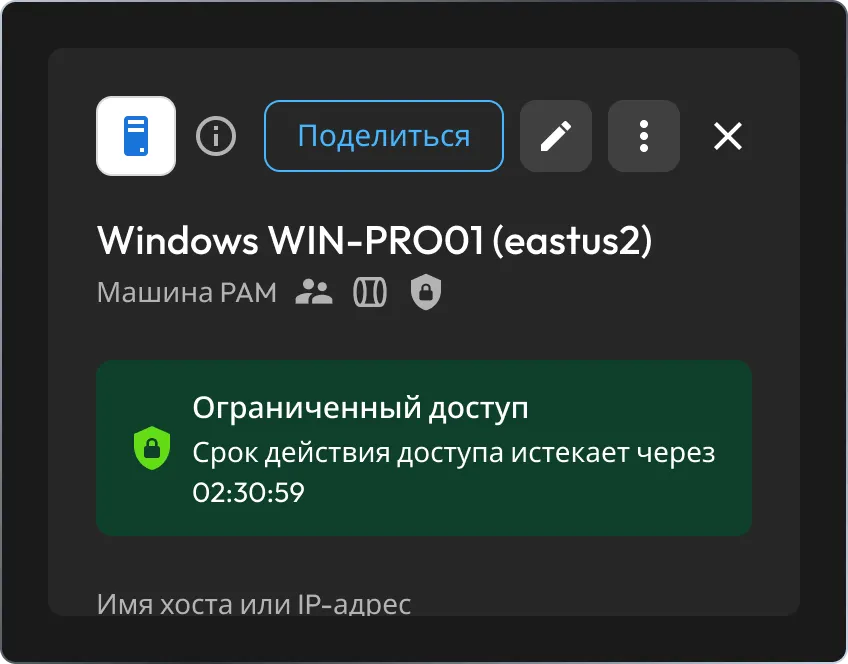
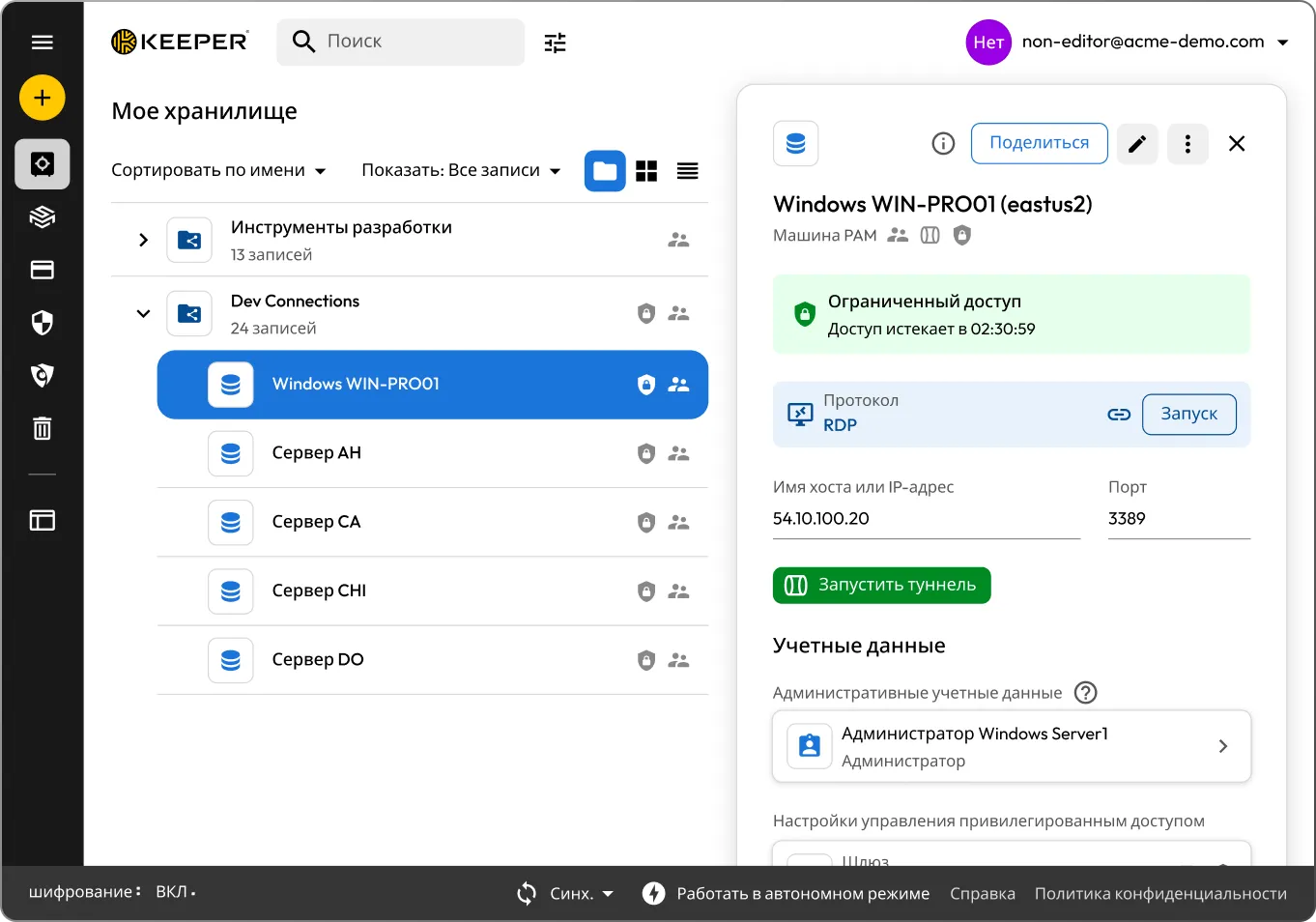
Define when a resource can be accessed by setting specific days and hours, along with a maximum session duration. Access outside the defined window is automatically blocked or revoked. This setting is required when enabling any of the other three controls.

Require approval

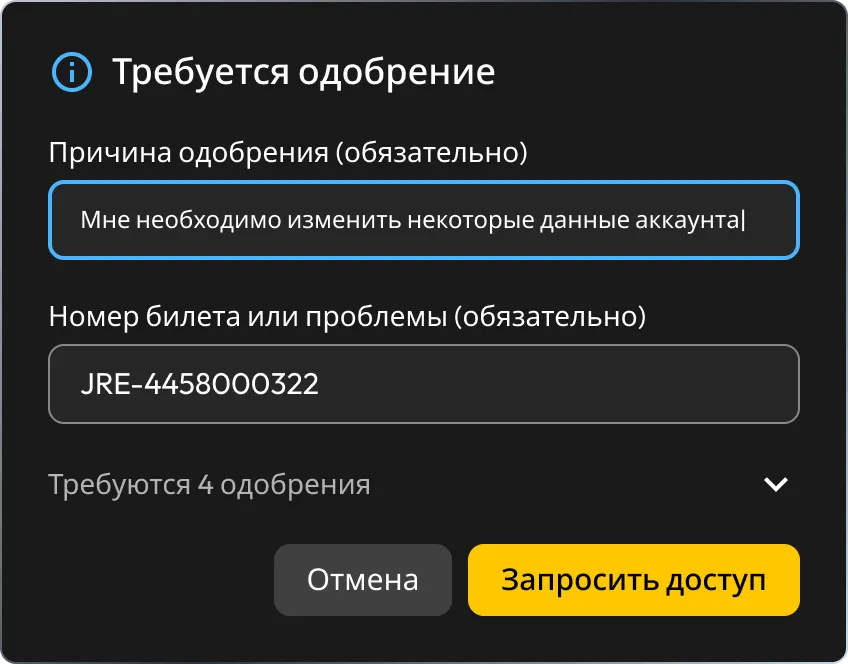
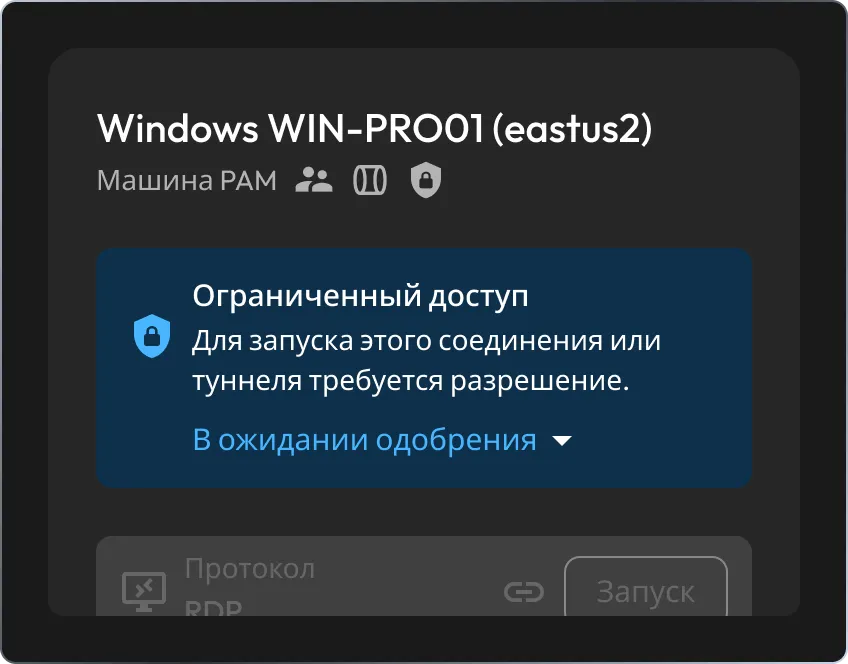
Users must submit a request before accessing the resource. The record owner is an approver by default. You can add more approvers, require all of them to approve or just one and optionally require a justification reason or ticket number with each request.

Single-User Mode

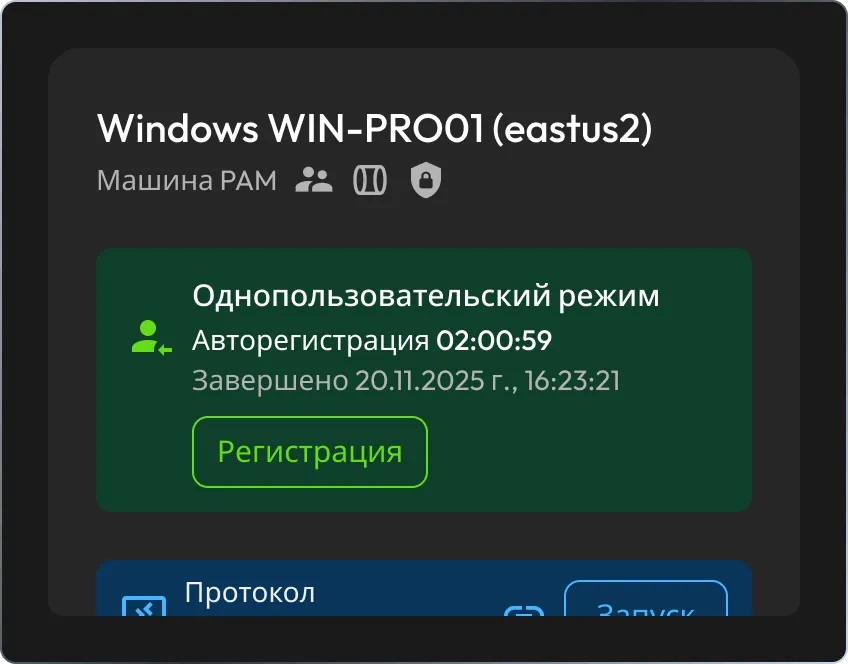
Option to enforce that one user can hold access to the resource at a time. Once checked out, the resource is locked to that user until they check it back in or their time expires. Approvers can force a check-in at any time to immediately revoke access.

Multi-Factor Authentication (MFA)

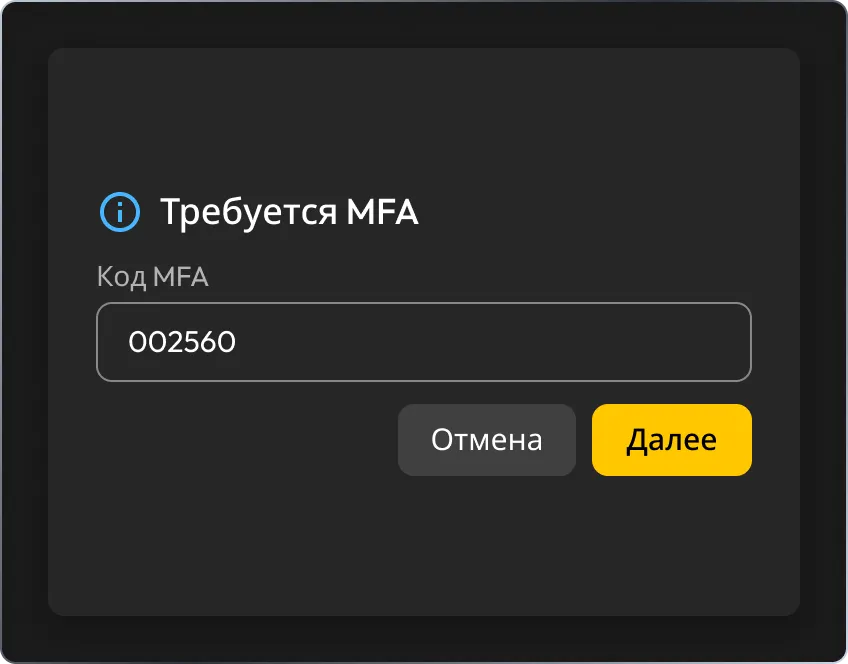
Requires users to re-authenticate before launching a connection or starting a tunnel. Uses whichever MFA method is already configured on the user's Keeper account without requiring additional setup.

How Keeper Workflow works

1. User requests access

The user clicks Request Access on the record. If configured, they must provide a reason and/or ticket number before the request is submitted.

2. Approver is notified

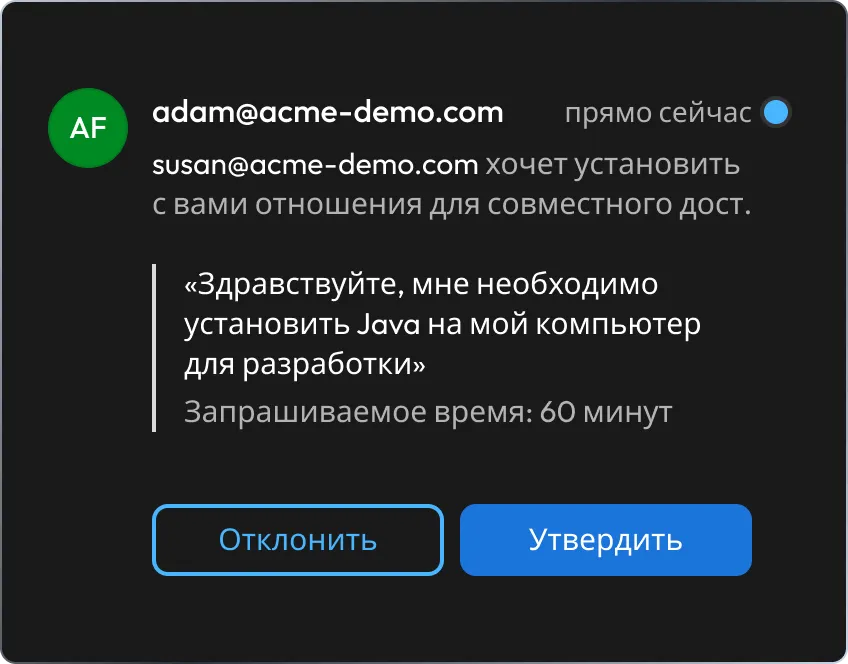
Approvers receive a real-time notification across all Keeper clients — desktop, web and mobile — and can approve or deny from any of them.

3. Access is granted

Once approved, the record unlocks for the user and the access timer starts, either immediately upon approval or when they launch their first connection, depending on your configuration.

4. MFA check (if enabled)

Before the user can launch a connection or start a tunnel, they must complete multi-factor authentication using their Keeper account's MFA method.

5. Session runs

The user works within their approved access window. If Single-User Mode is on, no other user can check out the resource while it's in use.

6. Access is revoked

When the time limit is reached, access is automatically revoked. The user can also check in manually when finished. Approvers can force a check-in at any point.

Pair with ephemeral accounts for zero standing privilege

Workflow controls when and how users access resources. Ephemeral accounts and privilege elevation ensure the credentials themselves are temporary and removed when the session ends. Together, they deliver full just-in-time access with no persistent footprint.

Ready to control privileged access?

Configure Workflow on your first PAM record and put access requests, approvals and automatic revocation to work.

Вопросы и ответы

Which PAM record types support Workflow?

Workflow can be configured on PAM Machine, PAM Database, PAM Directory and PAM Browser record types. This covers Windows, macOS and Linux machines; major databases (MySQL, PostgreSQL, SQL Server, MongoDB and others); Active Directory and OpenLDAP; and web-based applications via Remote Browser Isolation.

Can I require approval from multiple people?

Yes, when configuring Require Approval, you can add multiple approvers and define whether access requires sign-off from just one of them or all of them before the request is granted.

What happens when the access window expires?

Access is automatically revoked when the time limit is reached. If Single-User Mode is enabled, the resource becomes available for other users to check out. No manual action is required from administrators.

Can an approver revoke access that's already been granted?

Yes, when Single-User Mode is active, approvers can force a check-in at any time, immediately revoking the current user's access to the resource.

Is a special license required to use Workflow?

Workflow is available to KeeperPAM customers. An active KeeperPAM license is required and is available for both business and enterprise customers. Contact your Keeper account team for licensing details.

How do I enable the Workflow settings for my users?

Administrators must enable the "Can manage workflow settings" enforcement policy under Admin > Roles > Enforcement Policies > Privileged Access Manager in the Keeper Admin Console. Once enabled, users with that policy can configure Workflow on any supported PAM record type.

Отказаться от согласия с использованием cookie-файловМы ценим вашу конфиденциальность

Мы используем файлы cookie на нашем веб-сайте, чтобы предоставить вам наилучшие возможности при просмотре веб-страниц, предоставлять персонализированную рекламу наших продуктов и контента, а также анализировать трафик веб-сайта. Чтобы узнать больше, ознакомьтесь с нашей Политикой конфиденциальности.

Подпишитесь на бесплатный пробный период

Купить сейчас