

Bring your Keeper Vault into ServiceNow

Keeper and ServiceNow work together so your secrets stay in the vault and still get used where your team works. Keeper resolves credentials for ServiceNow jobs at runtime, sends security alerts as incident tickets and grants vault access through ServiceNow requests and approvals. Turn on what you need.

Keeper ServiceNow integration graphic showing the ServiceNow logo connected to the Keeper logo.

Resolve credentials at runtime

ServiceNow Discovery, Orchestration and Service Mapping authenticate using secrets from your Keeper Vault, pulled through Keeper Secrets Manager the moment a job runs. The instance never stores a credential. It holds only a reference, and the MID Server resolves that reference against your vault when the credential is needed.

No credentials on the instance

ServiceNow stores a credential ID and type. The usable secret stays in Keeper.

Изначальное нулевое разглашение

The resolver searches and decrypts your records locally, pulling only what the job needs.

Flexible matching and mapping

Match a record by UID or by type:title, and map any Keeper record to any credential type using mid_ labeled fields.

Manage vault access from ServiceNow

Keeper Commander®, a command-line tool, runs in service mode on the MID Server, handling vault operations through ServiceNow's IntegrationHub, Flow Designer and a service catalog portal. Users request access, and approvers grant or deny it, and records move without anyone leaving ServiceNow.

Self-service requests and approvals

Request access to a record or folder, or a one-time share, then route it through an approval group before access is granted or revoked.

Store and search from ServiceNow

Add logins, database and server credentials, SSH keys, software licenses, secure notes and more to the vault and search existing records and folders.

EPM approvals and PAM rotation

Approve or deny Endpoint Privilege Manager requests, and auto-rotate the password on a PAM record when the granted access expires.

Why teams connect Keeper and ServiceNow

Less credential sprawl

Manage one set of secrets in Keeper instead of copying them into ServiceNow credential records, which drift out of date. Rotate or update a secret once, and the next job resolves the current value at runtime, so there's no second copy to chase down.

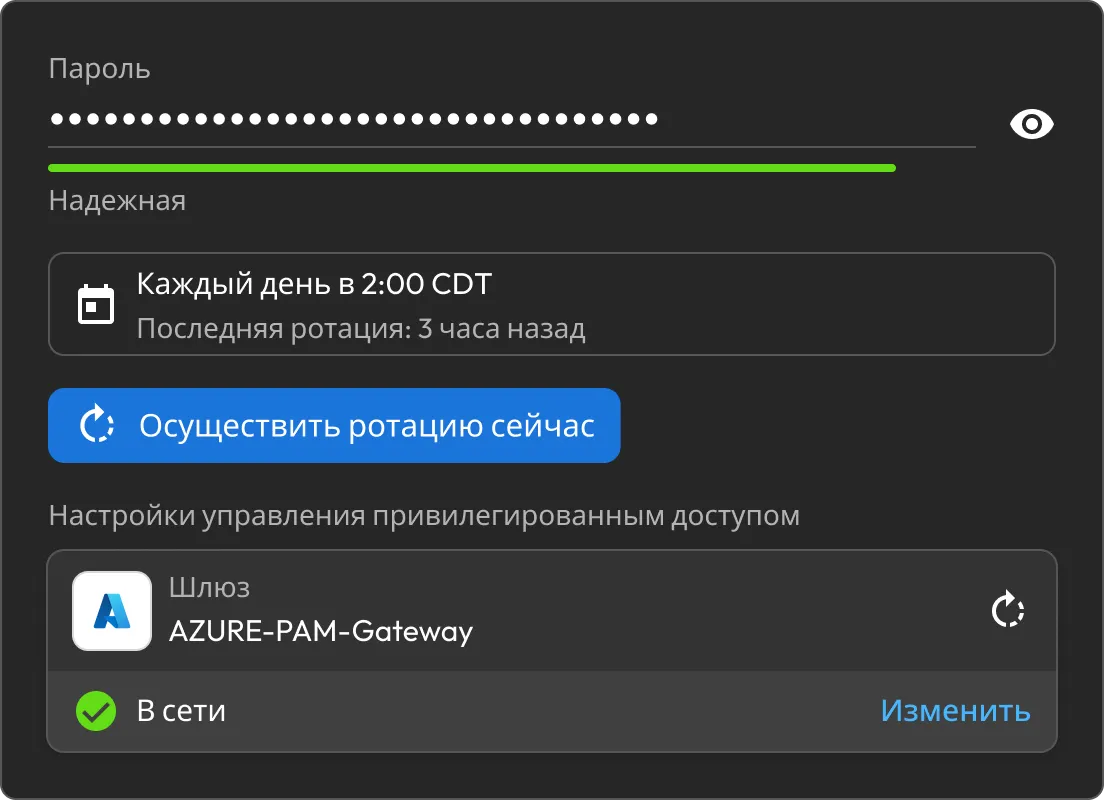
Keeper password rotation settings showing a strong password, daily rotation schedule and online Azure PAM Gateway.

Faster security response

Keeper alerts arrive in ServiceNow as Security Incident Response tickets automatically, so nothing waits on manual intake or a copy-paste from one system to another. Priority mapping sends the most urgent event types to the front of the queue, so your team works the incidents that matter first.

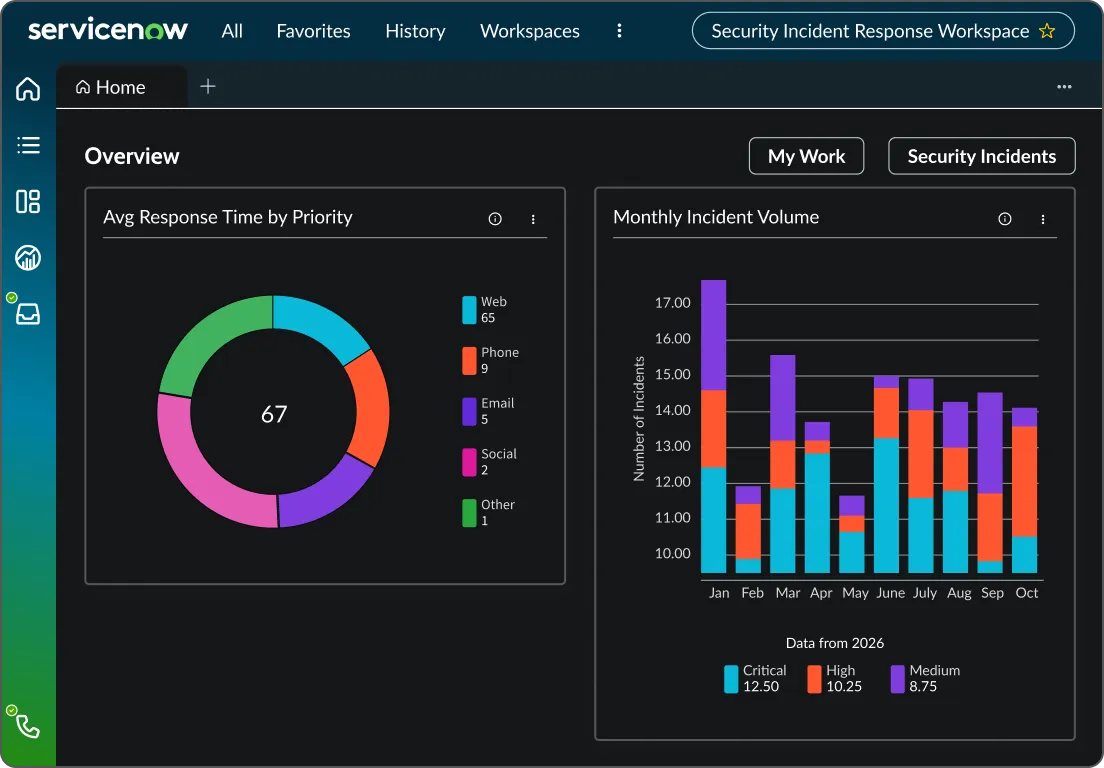
ServiceNow Security Incident Response dashboard showing incident volume and response time charts.

Everything on record

Credential lookups, access requests and approvals are all logged, so you can trace who asked for what, what was accessed and who signed off. That gives you a clean audit trail across every way Keeper and ServiceNow touch each other.

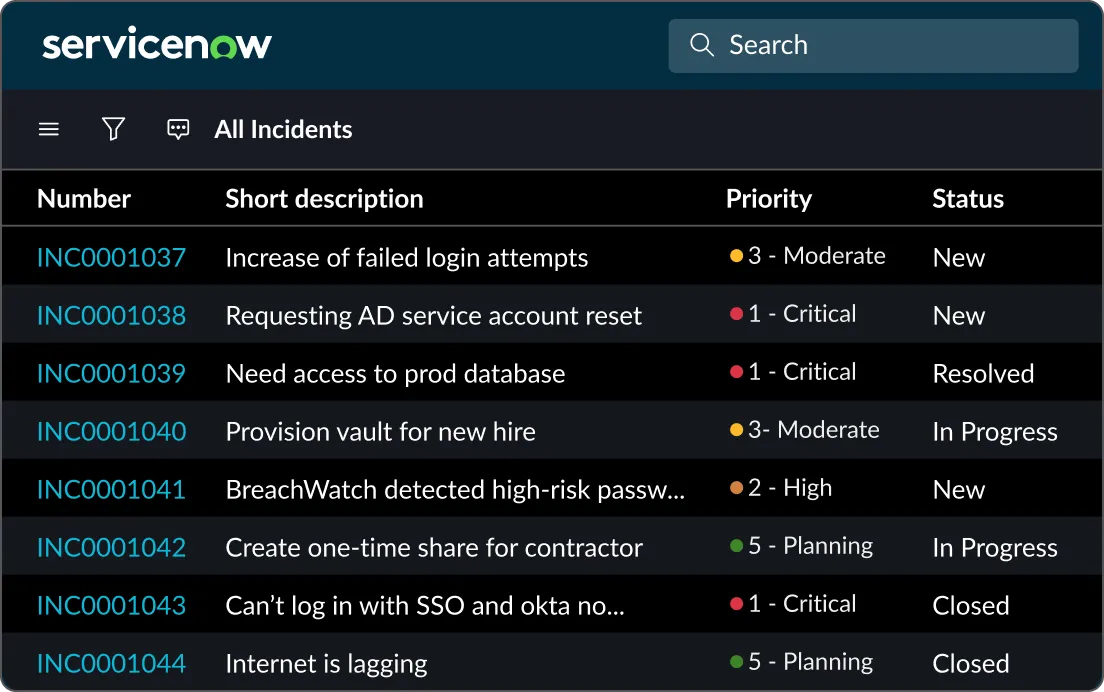
ServiceNow incident list showing priorities and statuses for security and access-related incidents.

Works with what you already run

The integration slots into the ServiceNow workflows your team already uses, from Discovery scans to SIR queues to the service catalog, rather than asking them to learn something new. Keeper works in the background of tools people are already in, so adoption doesn't hinge on changing how anyone does their job.

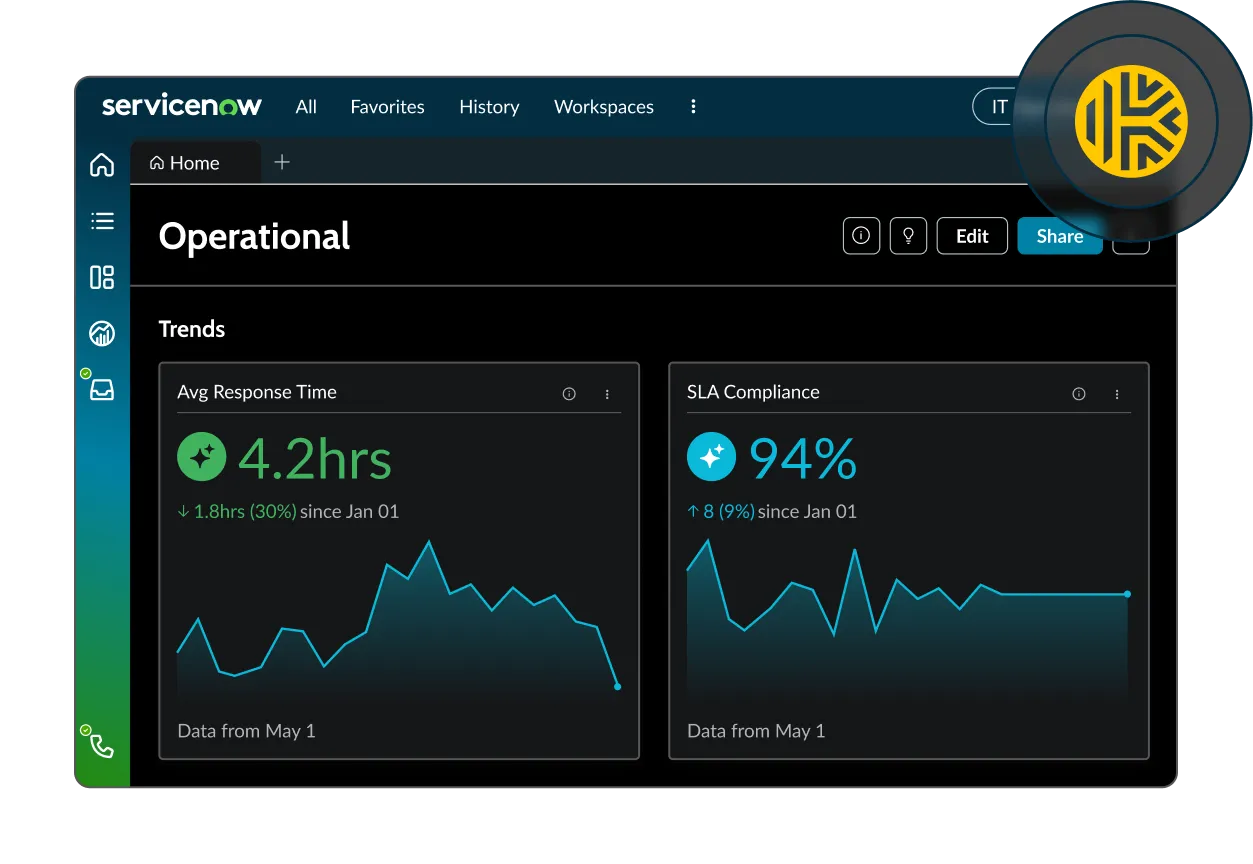
Keeper ServiceNow integration dashboard showing operational response time and SLA compliance trends.

Secrets stay in Keeper

Whether Keeper is resolving a credential, sending an alert or fulfilling an access request, the vault remains the source of truth, and every secret remains under zero-knowledge encryption. Zero knowledge means your data is encrypted and decrypted only on your side, so no one else can read it, not even Keeper.

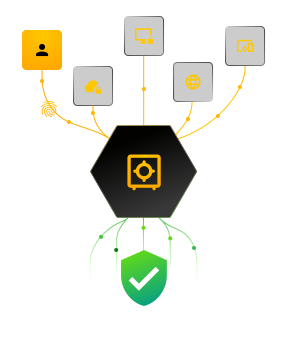
Keeper vault graphic showing identities, devices and web access flowing into secure, verified protection.

Turn Keeper alerts into incidents

Keeper sends security alerts straight into ServiceNow's Security Incident Response (SIR) module, where they become tickets your team triages inside existing SIR workflows. Alerts arrive via a webhook, are stored and automatically transformed into incident records.

Secure webhook intake

An OAuth 2.0-protected endpoint accepts alerts only from authorized sources, using bearer tokens you manage in the app.

Automatic ticket creation

Incoming alerts land in an import set table and become SIR records through predefined mapping rules.

Priority mapping across 300+ event types

Map each Keeper event type to a ServiceNow priority so teams handle the most urgent incidents first.

Connect Keeper to ServiceNow

Вопросы и ответы

Can I use just one capability of the ServiceNow integration?

Yes, each capability works independently, so you can start with one and add the others whenever you need them. The one exception is Endpoint Privilege Manager approvals in the Workflow app, which rely on the ITSM app to create the incident.

Where are my credentials stored?

Only in your Keeper Vault. ServiceNow never becomes the system of record for secrets. The Credential Resolver maintains a reference to the instance and resolves the secret at runtime, while the Workflow app moves records in and out of the vault without storing them in ServiceNow.

Which ServiceNow modules does it work with?

Credential resolution covers Discovery, Orchestration and Service Mapping. Alert ticketing uses Security Incident Response. The Workflow app uses IntegrationHub, Flow Designer and the service catalog.

What do I need to get started?

Credential resolution requires Keeper Secrets Manager, a configured MID Server and the ServiceNow External Credential Storage plugin to be enabled. The ITSM app requires the Security Incident Response module and alerts to be configured in the Keeper Admin Console. The Workflow app needs a MID Server running Keeper Commander in service mode. Each app has its own setup guide: Credential Resolver, ITSM and Workflow.

Отказаться от согласия с использованием cookie-файловМы ценим вашу конфиденциальность

Мы используем файлы cookie на нашем веб-сайте, чтобы предоставить вам наилучшие возможности при просмотре веб-страниц, предоставлять персонализированную рекламу наших продуктов и контента, а также анализировать трафик веб-сайта. Чтобы узнать больше, ознакомьтесь с нашей Политикой конфиденциальности.

Подпишитесь на бесплатный пробный период

Купить сейчас